
Planner 5D Alternatives: 10 Free and Paid Options (2026)
The best alternatives to Planner 5D: Sweet Home 3D and OpenPlan3D (free), Floorplanner, RoomSketcher, Homestyler and AI tools, with pricing checked Nov 7.
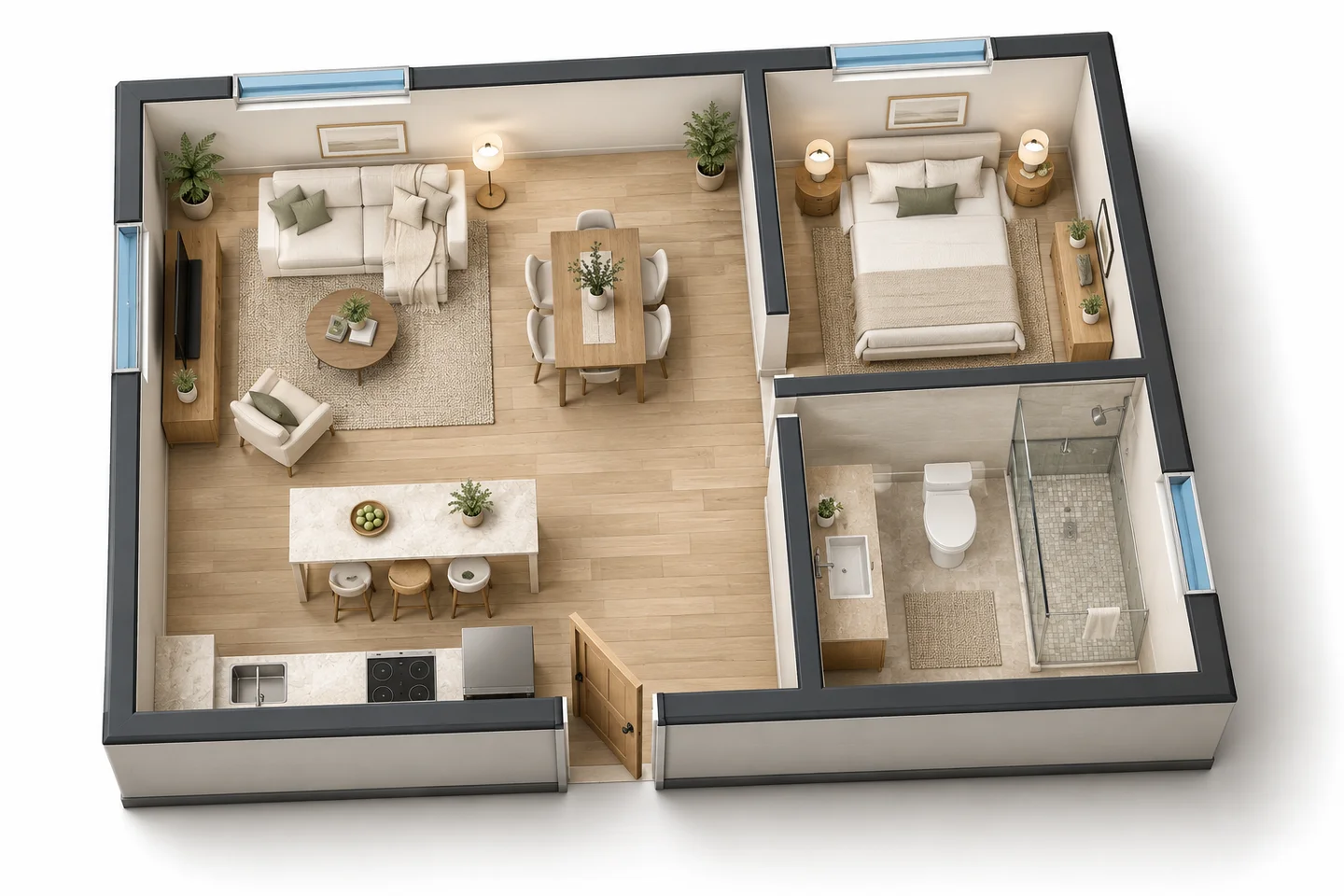
The best alternatives to Planner 5D are Sweet Home 3D for a completely free, open-source home planner on your computer or in a browser, OpenPlan3D for free browser plans with DXF and PDF exports and no signup, Floorplanner for simple 2D and 3D plans in a browser, RoomSketcher for polished, measured floor plans, Homestyler, HomeByMe or Coohom for realistic decorated 3D rooms, and an AI floor plan generator such as Floor Plan Maker (this site) or Maket if you would rather describe the layout than draw it.
We checked Planner 5D and every alternative on each company's own site on November 7, 2026. Floor Plan Maker is our product and is described by the same criteria. Free plans change often, so check again before you start a big project.
Why People Look for a Planner 5D Alternative
Planner 5D is a 2D and 3D home design app on the web, iOS, Android, macOS and Windows. Its free plan has no time limit and unlimited projects, but on November 7, 2026 it included only half of the furniture catalog and no renders, floor plan upload or AI. The main reasons people look elsewhere:
- Price. The full catalog, AI floor plan recognition and renders need Premium ($59.99 a year or $19.99 a month). CAD export and 4K renders are on Professional ($399.99 a year or $49.99 a month).
- Completely free. Sweet Home 3D and OpenPlan3D have no paid tier at all.
- Precise 2D plans and exports. If you need a measured plan or a DXF file rather than a decorated room, a drafting-style planner fits better.
- Speed. Placing every wall takes time. An AI generator turns a description or a sketch into a plan in seconds.
- Open source or offline. Sweet Home 3D is open source and installs on your computer; OpenPlan3D keeps plans on your device.
Planner 5D Alternatives at a Glance
左右滑动查看完整表格 →
| Tool | Best for | Free option | Cheapest paid option |
|---|---|---|---|
| Sweet Home 3D | A completely free planner, offline or online | Free and open source (GPL) | None needed |
| OpenPlan3D | Free browser plans with CAD-friendly exports | Free and open source; no signup, no watermark | No paid tier |
| Floorplanner | Simple 2D and 3D plans in a browser | Basic account: 5 projects, SD exports with a watermark | Credits from $8.15 for 5 |
| RoomSketcher | Polished, measured 2D and 3D plans | 10 projects, 2 starter credits, 1 free AI conversion | Pro $12/month billed yearly ($144) |
| Homestyler | Decorated 3D rooms and renders | Unlimited projects and 1K renders; 3 AI credits in total | Pro+ listed from $6.80/month |
| HomeByMe | Furnished 3D interiors from a large catalog | 2 projects and 5 Full HD images | Essentials (price not shown on the public page) |
| Coohom | Detailed 3D interiors and renders | Up to 3 projects; 1K renders with a watermark | Pro $25/month billed yearly ($300), or $29/month |
| SketchUp Free | Custom 3D modeling | Free in the browser for non-commercial use | Go $10.75/month billed yearly |
| Floor Plan Maker (this site) | A plan from a description or sketch, no drawing | 1 free trial design with no watermark (many countries); 100 bonus credits unlock with the first purchase | $9.90 for 150 credits (15 designs) |
| Maket | AI design of a new house, editable and exportable | 30 one-time credits: one plan and one render, no downloads | Homeowner $20/month |
The 10 Alternatives, Reviewed
Sweet Home 3D
Sweet Home 3D is a free, open-source interior design program under the GNU General Public License. You draw the floor plan in 2D, arrange furniture and view the result in 3D, and you can import a plan image to draw walls over and create photo and video renderings. It can print and export PDFs, images, videos and 3D files. Downloads are listed for Windows, macOS and Linux, and an online version runs in any browser that supports WebGL. It has no AI features.
Best for: a free, precise plan without a subscription. Check first: that the dated interface does not slow you down.
OpenPlan3D
OpenPlan3D is a free, open-source floor plan editor that runs in the browser with no account, no premium tier and no watermarks; plans stay on your device. You draw in 2D, view in 3D and furnish with 140+ models, then export PNG, SVG, DXF, PDF, JSON or USDZ. A free iPhone app, OpenPlan3D Capture, uses LiDAR to detect walls, doors and windows. There is no AI or image-to-plan conversion.
Best for: free plans with DXF and PDF exports. Check first: that its smaller model library covers your rooms.
Floorplanner
Floorplanner is a floor planner that works without installing any software. You draw rooms in 2D, furnish them and view them in 3D. The free Basic account allows up to 5 projects (3 floors and 3 designs) and exports SD images (960 × 540) with a watermark. Better exports are bought per project with credits, from $8.15 for 5 credits; an HD export upgrade costs 5 credits. Plus and Pro subscriptions add monthly credits and remove the export cooldown, but their prices were not shown on the public pricing page when we checked. Our Floorplanner alternatives guide covers it in depth.
Best for: quick 2D and 3D plans in a browser. Check first: whether watermarked SD images are enough.
RoomSketcher
RoomSketcher makes clean 2D and 3D floor plans in apps for computers and tablets. The free plan includes 10 projects, 2 starter credits and 1 free AI conversion of a floor plan image, but 3D snapshots are watermarked, measurements and print to scale are Pro features, and 2D or 3D floor plan outputs cost $4 each. Pro costs $12 a month billed yearly ($144), or $24 month to month. See RoomSketcher alternatives if it is not the right fit either.
Best for: presentation-quality, measured plans. Check first: the cost of the outputs you need.
Homestyler
Homestyler is the closest match to Planner 5D's decorating side: a 3D home design platform on the web, desktop, iOS and Android with a large model library. Its homepage says AI converts an uploaded 2D floor plan or sketch into an editable 3D house model. The free Basic plan includes unlimited projects and unlimited 1K renders, with 3 AI credits in total; Pro+ is listed from $6.80 a month and adds 180 AI credits a month and watermark removal.
Best for: decorated 3D rooms and renders. Check first: whether 1K renders are enough.
HomeByMe
HomeByMe is a 3D home planner on the web, iOS and Android with a catalog of 90,000+ products. The free Starter plan gives 2 projects, 5 Full HD images and unlimited 2D and 3D screenshots; floor plan exports on the free plan are watermarked. Essentials and Pro add unlimited projects and more images, but their prices were not shown on the public offers page.
Best for: furnishing rooms in 3D from a large product catalog. Check first: that 2 projects are enough.
Coohom
Coohom is a cloud-based 3D interior design platform that runs in the browser, with Windows and Mac apps and AI-suggested layouts. The free Basic plan allows up to 3 design projects with low-resolution, watermarked 1K renders. Pro costs $29 a month, or $25 a month billed yearly ($300), and adds unlimited projects and 4K renders without a watermark.
Best for: detailed interiors and renders for clients. Check first: the project limit on the free plan.
SketchUp Free
SketchUp Free is the browser version of SketchUp's 3D modeler, with 10 GB of cloud storage. It is a general modeling tool, not a floor planner: you draw walls, openings and furniture yourself, which takes longer to learn but gives full control. SketchUp's help center says the free version is not for commercial use. The cheapest paid plan, Go, costs $10.75 a month billed yearly.
Best for: custom 3D models of additions and exteriors. Check first: the license if the project is for work.
Floor Plan Maker (This Site)
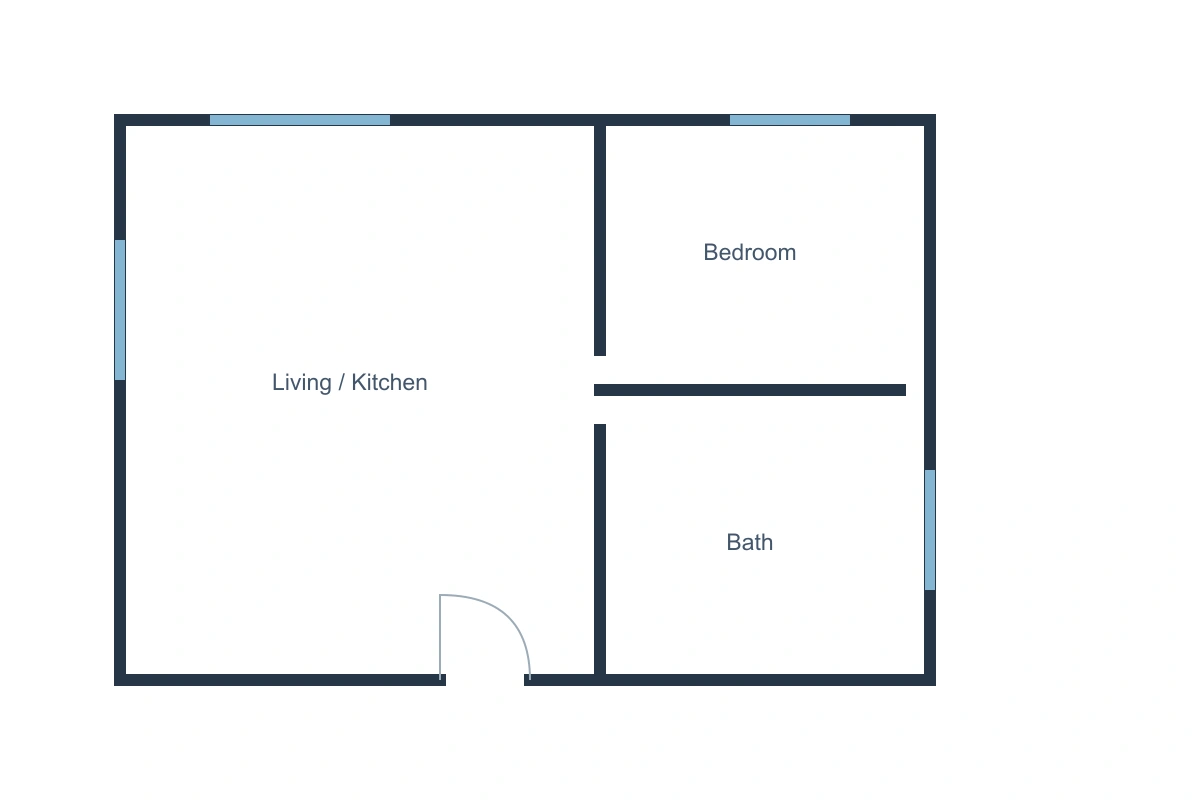
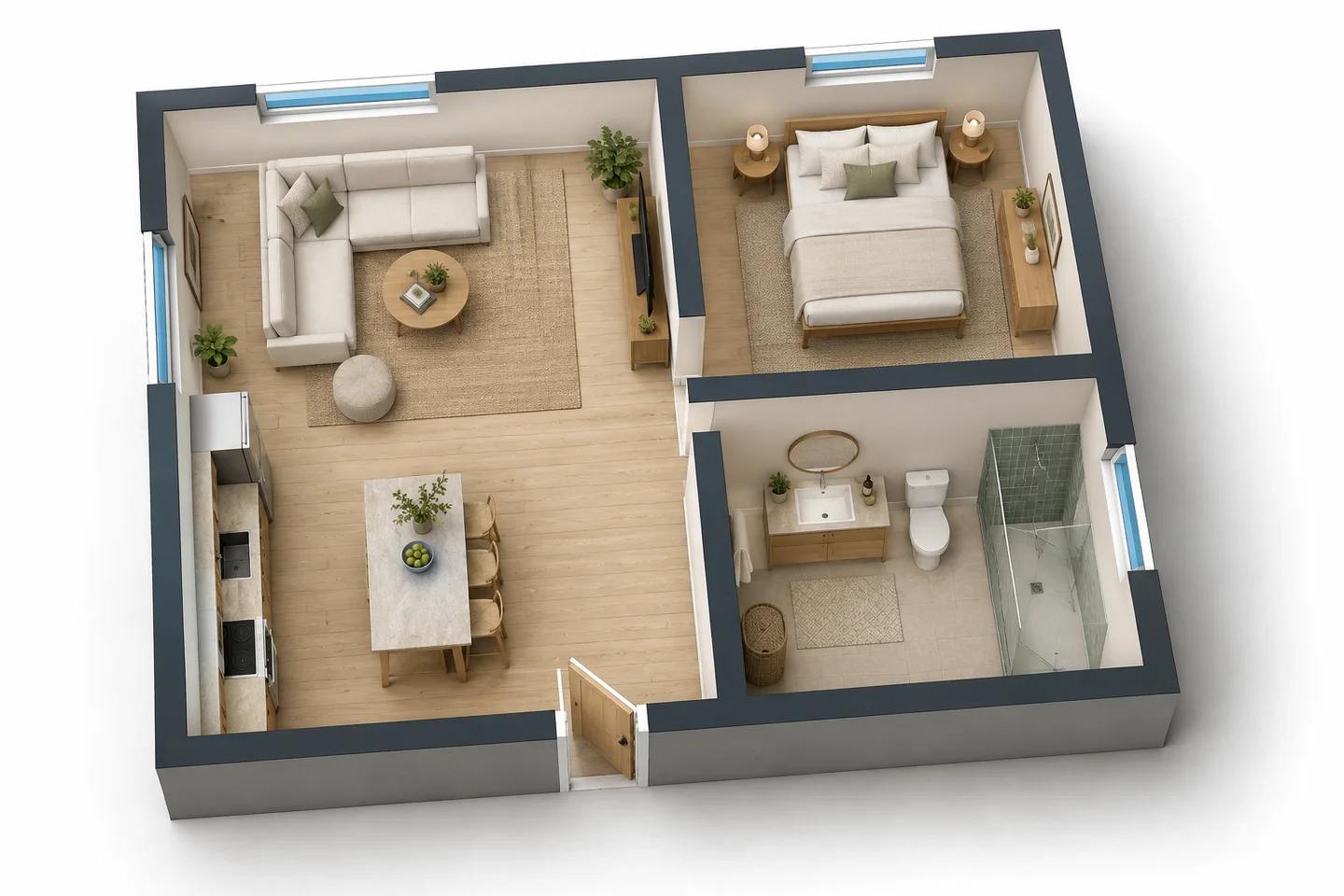
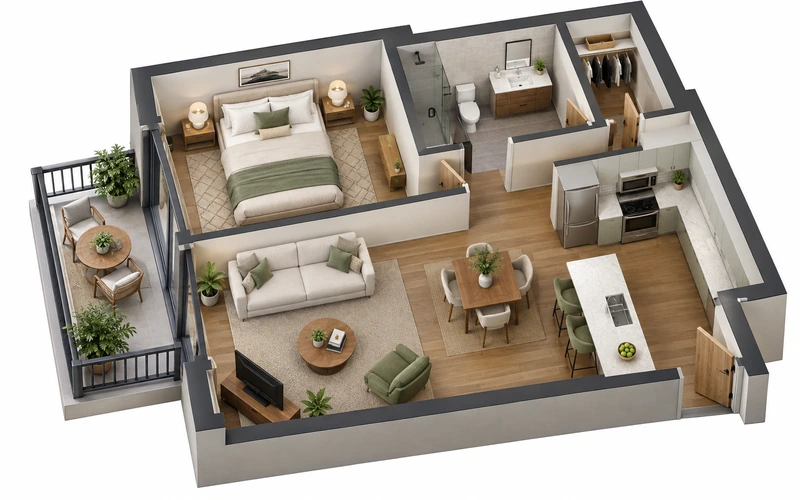
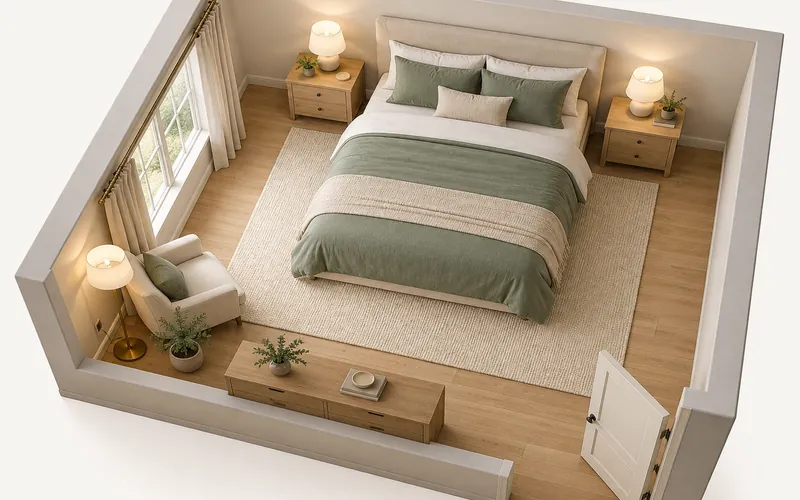
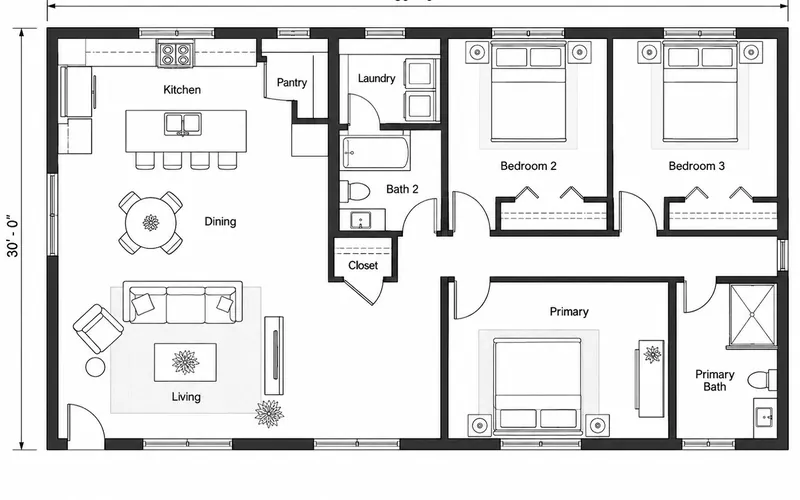
Our floor plan maker skips the drawing. Choose a plan type, enter the total area, describe the rooms or upload a photo of a sketch, and pick one of seven styles from Technical 2D to 3D Isometric. You get a labeled plan image (PNG) in your browser in seconds. To see an existing 2D plan in 3D, floor plan to 3D turns it into a furnished 3D view, and the 3D room planner shows a single room, furnished in 3D, from its size and your furniture list.
New accounts get one free trial design with no watermark in many countries, plus 100 bonus credits that unlock with the first purchase. Each design costs 10 credits; the smallest pack is $9.90 for 150 credits. Unlike Planner 5D, there is no drag-and-drop editor and no furniture catalog: dimensions are approximate, and the PNG is not a CAD file, though our free Image to DXF converter traces it into DXF lines.
Best for: a fast first layout and a 3D view without learning an app. Check first: that a plan image, not an editable model, is what you need.
 AfterBefore
Maket
Maket is an AI home design platform built for residential projects. You describe the rooms, square footage, house shape and priorities in plain language and get several layouts to compare, which you can edit by typing or on the canvas and view as 3D renders. Paid plans export PDF, DXF and images. The free tier is 30 one-time credits (one single-floor plan and one render, no downloads); Homeowner costs $20 a month.
Best for: designing a new house you will keep refining. Check first: that one free plan is enough to judge it.
Free Alternatives to Planner 5D
If the goal is to pay nothing at all, two tools stand out:
- Sweet Home 3D: free and open source, on Windows, macOS and Linux or online in a WebGL browser, with PDF, image, video and 3D exports.
- OpenPlan3D: free and open source in the browser, no account, no watermark, with PNG, SVG, DXF and PDF exports.
Floorplanner, RoomSketcher, Homestyler, HomeByMe and Coohom are free to start but limit projects, renders or export quality. For a wider list, see our guide to the best free floor plan software.
AI Alternatives to Planner 5D
Planner 5D's AI reads a floor plan you upload, on Premium. Other AI tools work from different starting points:
- From a description: Floor Plan Maker, Maket, FloorDrafter and Roommie generate a new plan from text. Our AI floor plan generator is built for this.
- From a sketch: Floor Plan Maker and FloorDrafter redraw a photo of a hand drawing; see sketch to floor plan.
- From an existing plan: RoomSketcher AI Convert (1 free conversion), Homestyler and Ritn3D turn a plan image into an editable or 3D model.
Our comparison of the best AI floor plan generators covers each one's free option, exports and price.
How to Choose a Planner 5D Alternative
| If you want | Try |
|---|---|
| Everything free, with no account | OpenPlan3D |
| Everything free, on your computer | Sweet Home 3D |
| The same drag-and-drop feel in a browser | Floorplanner |
| Measured plans for a contractor or listing | RoomSketcher |
| Realistic decorated rooms | Homestyler, HomeByMe or Coohom |
| Full control in 3D | SketchUp Free |
| A plan from a description or sketch | Floor Plan Maker or Maket |
| A DXF file for CAD | OpenPlan3D, or Maket on a paid plan |
Whichever you pick, measure the space first: every tool here is only as accurate as the dimensions you give it. Our guide on floor plans for real estate listings covers what buyers expect to see if the plan is for a sale.
Questions About Planner 5D Alternatives
Yes. Sweet Home 3D (desktop or online) and OpenPlan3D (browser, no account) are free and open source with no paid tier. Floorplanner, RoomSketcher, Homestyler, HomeByMe and Coohom also have free plans with limits on projects, renders or exports.
It depends on what you need. Sweet Home 3D is better if you want everything free, RoomSketcher for measured presentation plans, Homestyler or Coohom for realistic renders, SketchUp Free for custom 3D modeling, and an AI floor plan generator if you want a plan without drawing it.
Partly. The free plan has no time limit and unlimited projects but only half of the furniture catalog, with no renders, floor plan upload or AI. Premium costs $59.99 a year or $19.99 a month (checked November 7, 2026).
Homestyler is the closest match for 3D decorating, with web, desktop and mobile apps. Floorplanner and RoomSketcher are similar for drawing floor plans, and HomeByMe is similar for furnishing rooms from a large product catalog.
For a free, precise plan, often yes: Sweet Home 3D is open source with no paid tier and exports PDF, images and 3D files. Planner 5D is easier for decorating, with a larger catalog and mobile apps, but its full catalog and AI need Premium.
Yes, on paid plans. Premium includes AI floor plan recognition, which turns an uploaded plan into a 3D project, and AI Studio credits for image tools. The free plan does not include AI.
To generate a plan from a description, try Floor Plan Maker, Maket or FloorDrafter. To turn an existing plan into an editable or 3D model, try RoomSketcher AI Convert, Homestyler or Ritn3D.
试试这些工具
参考资料
- Planner 5D pricing — Planner 5D
- Sweet Home 3D — Sweet Home 3D
- Sweet Home 3D features — Sweet Home 3D
- OpenPlan3D — OpenPlan3D
- Floorplanner pricing — Floorplanner
- Floorplanner credits — Floorplanner
- RoomSketcher pricing — RoomSketcher
- Homestyler — Homestyler
- Homestyler pricing — Homestyler
- HomeByMe offers — HomeByMe
- Coohom pricing — Coohom
- Coohom — Coohom
- SketchUp Free — Trimble
- SketchUp Free (help center) — Trimble
- SketchUp plans and pricing — Trimble
- Maket pricing — Maket