
Free AI Floor Plan Maker
Describe your space or upload a sketch, and Floor Plan Maker draws a labeled 2D or 3D floor plan in seconds.
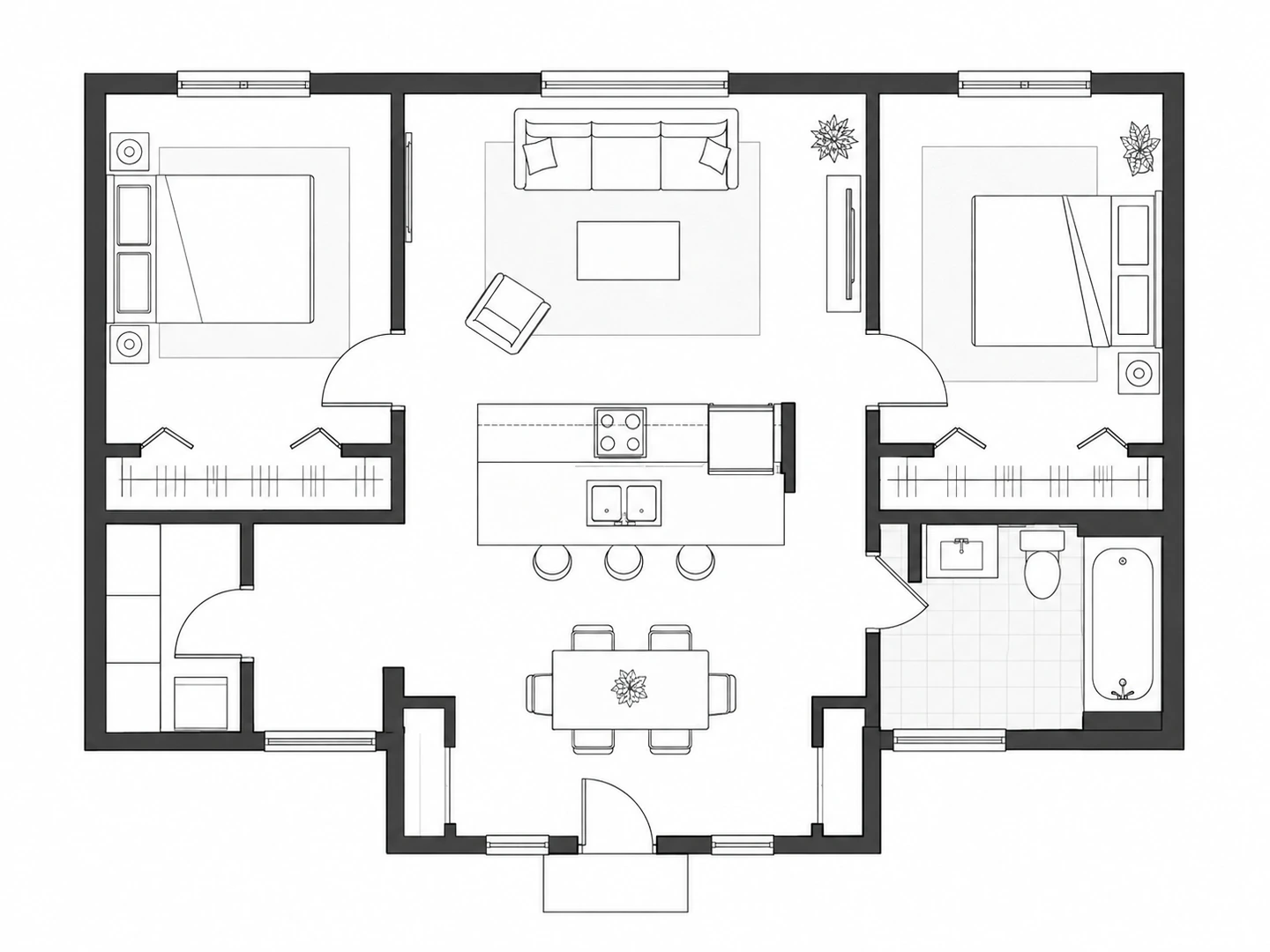
Make Your Floor Plan Online
Pick what you are planning, describe the layout, set the size and choose a drawing style.
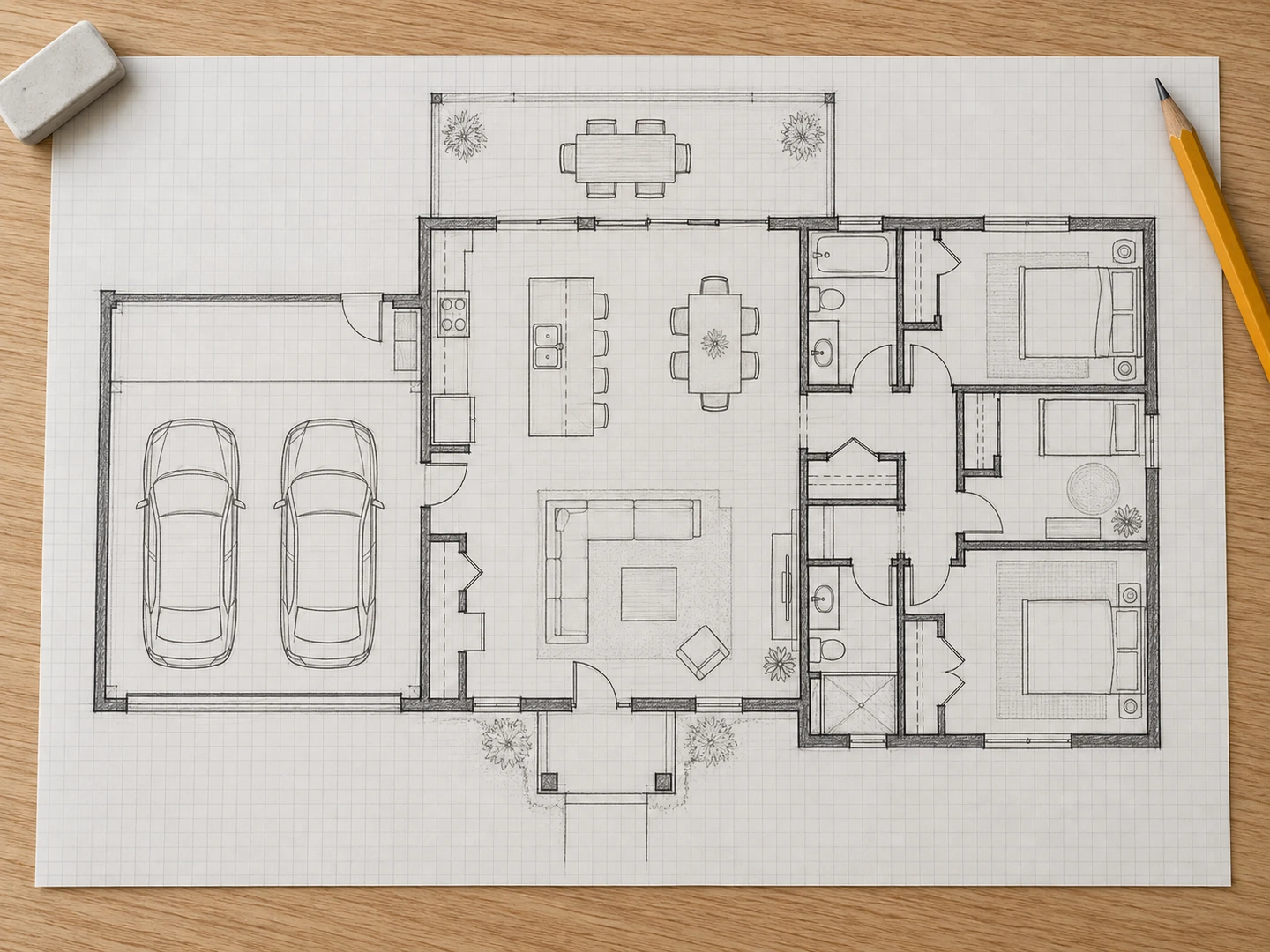
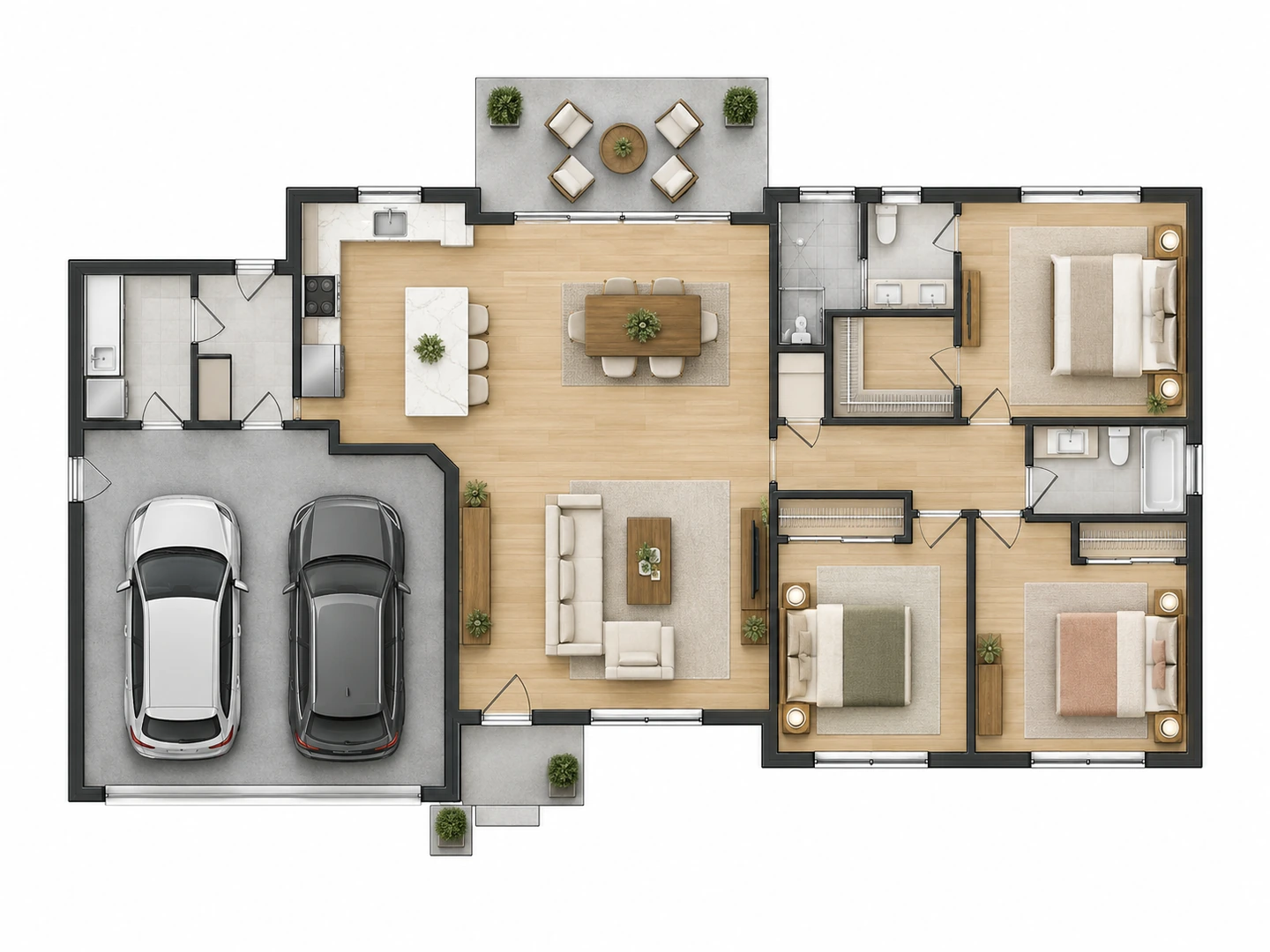
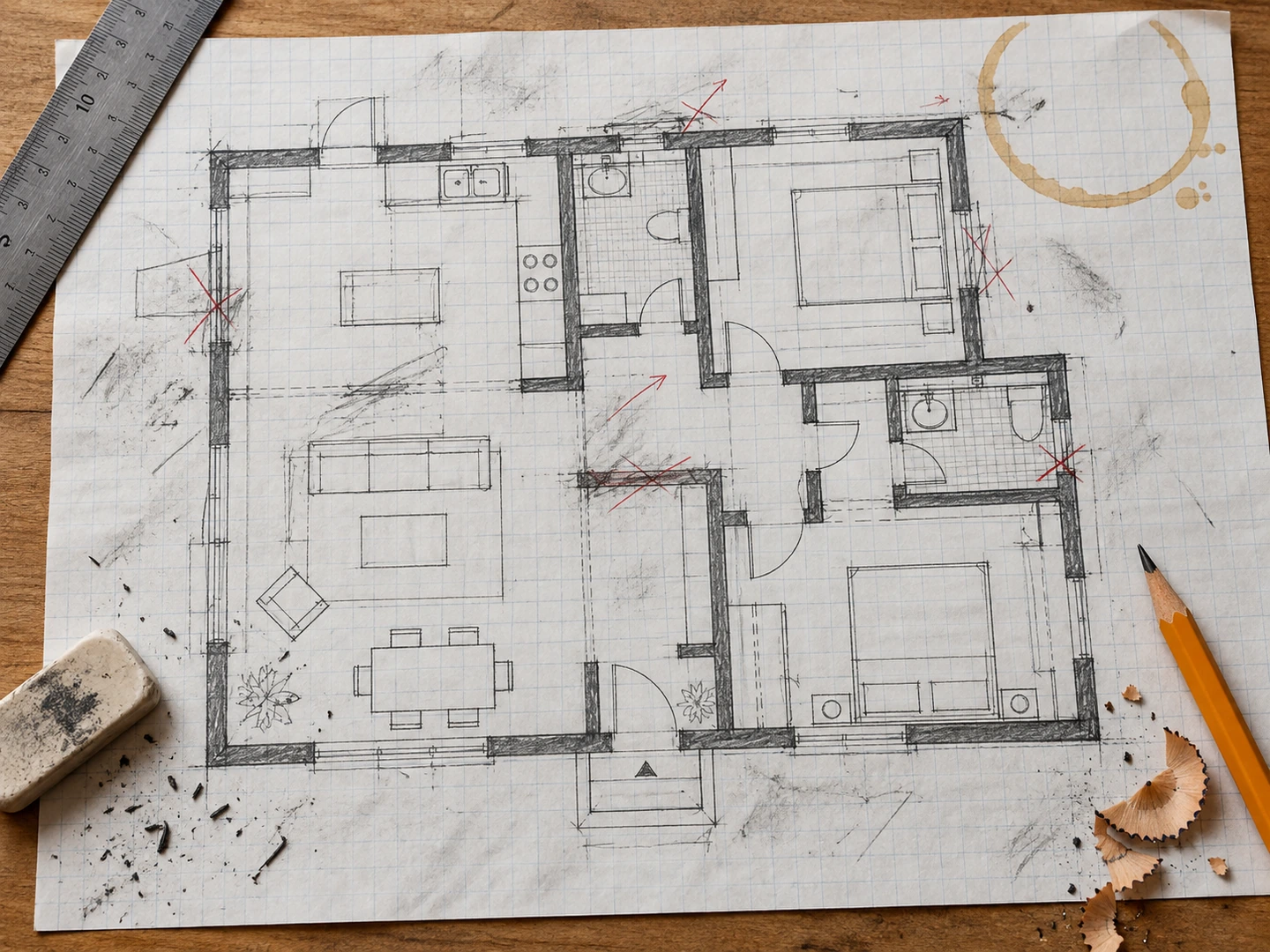
AfterBeforeSketch to floor plan
Pencil sketch redrawn as a clean 2D plan
Floor plans without CAD
What Is Floor Plan Maker?
Floor Plan Maker is an online floor plan generator powered by AI. Tell it what you are planning — a house, an apartment, a single room, an office or a café — describe the rooms you need and the total size, and it draws a complete floor plan you can download in seconds.
It is built for the early, fast part of planning: comparing layouts before a renovation, explaining an idea to a contractor or client, or seeing how a home could fit on a budget. There is nothing to install, and no drafting skills are needed.
- 36 plan types, from tiny houses to offices
- 7 drawing styles: 2D, 2.5D, 3D, blueprint and sketch
- Start from a written brief or your own sketch
- Runs in any browser on desktop, tablet or phone
Everything You Need to Create a Floor Plan
From a first sketch to a plan you can share: one account, one credit balance, every format.
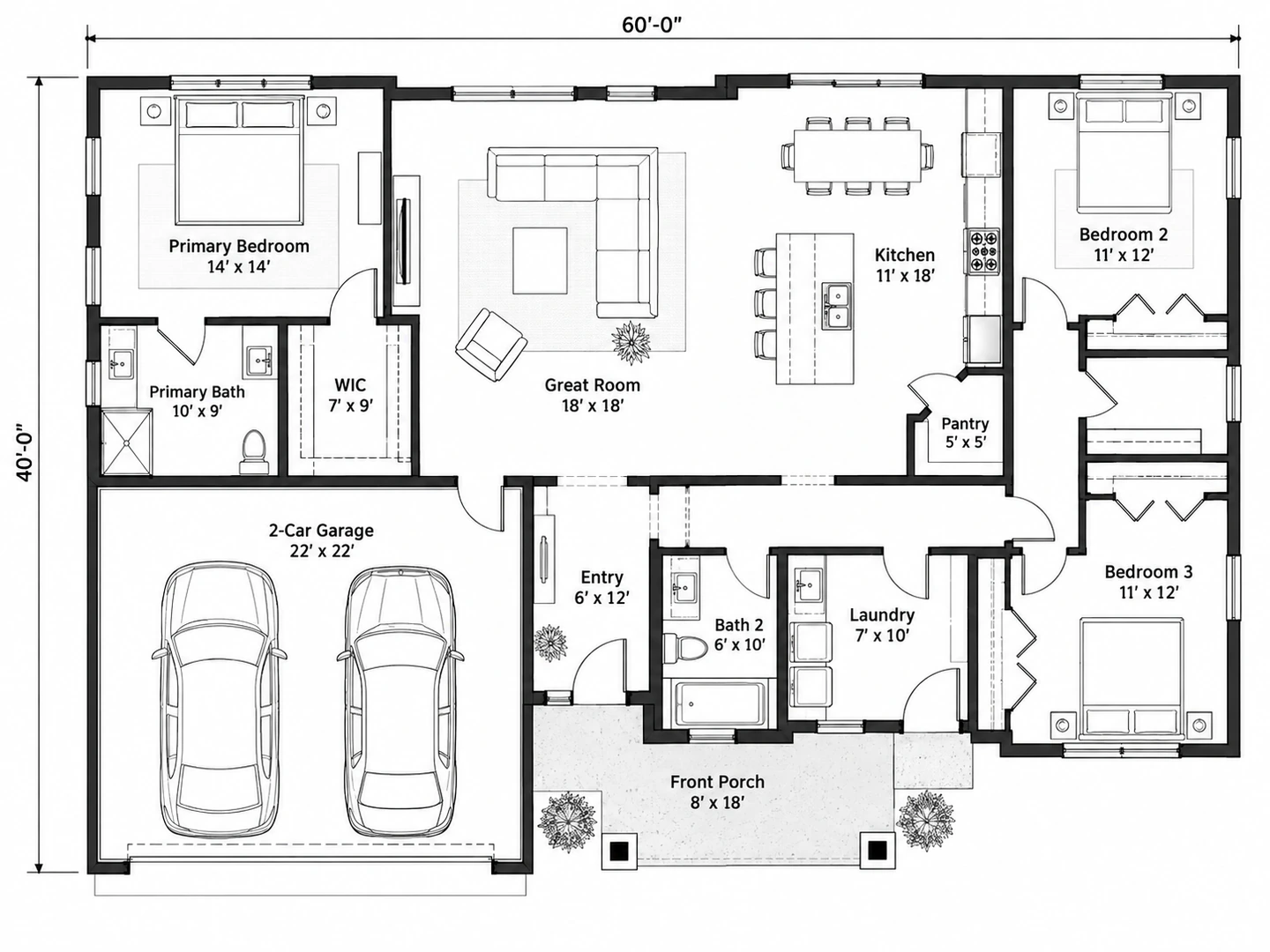
Clean 2D Floor Plans with Room Labels
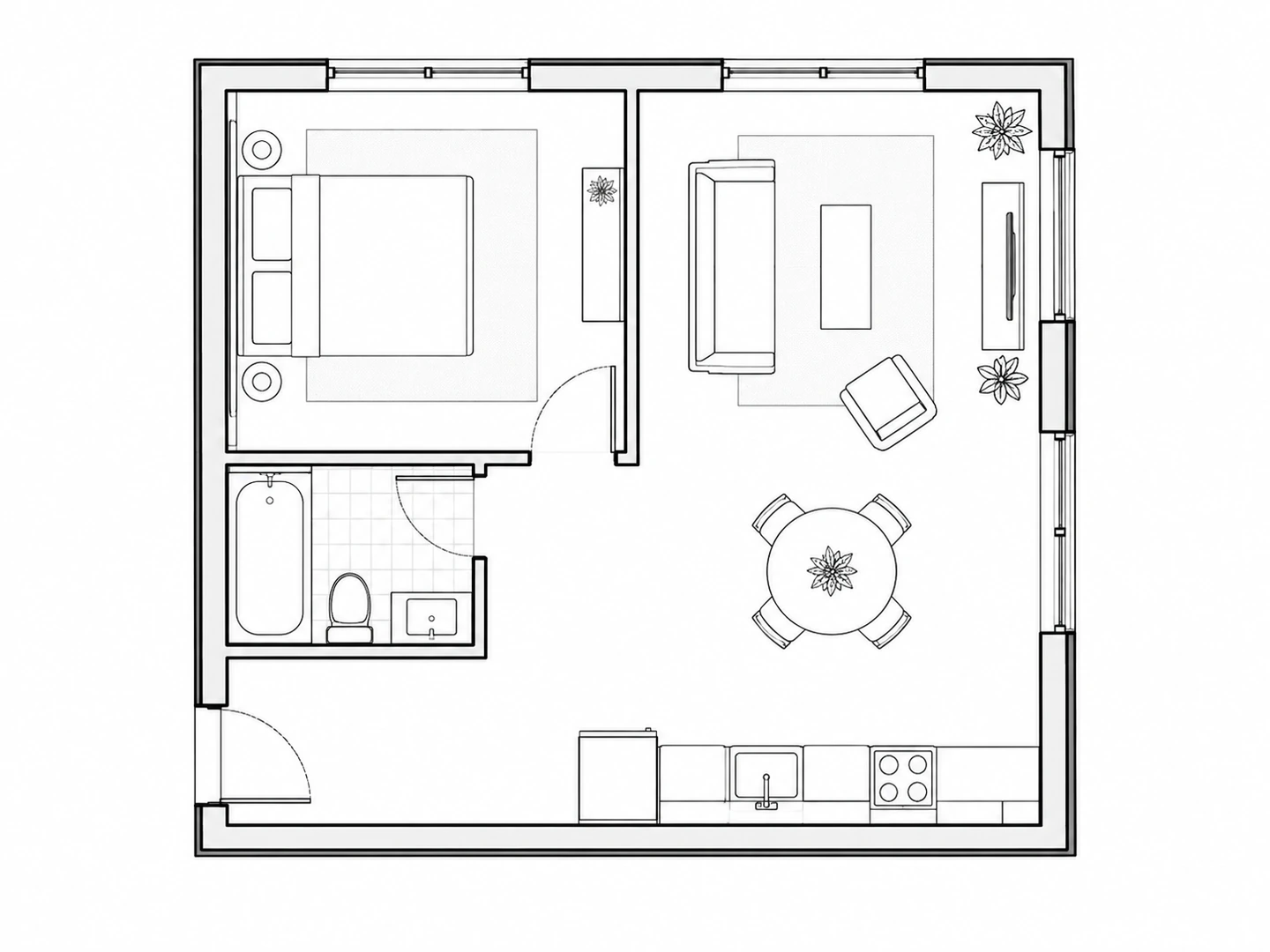
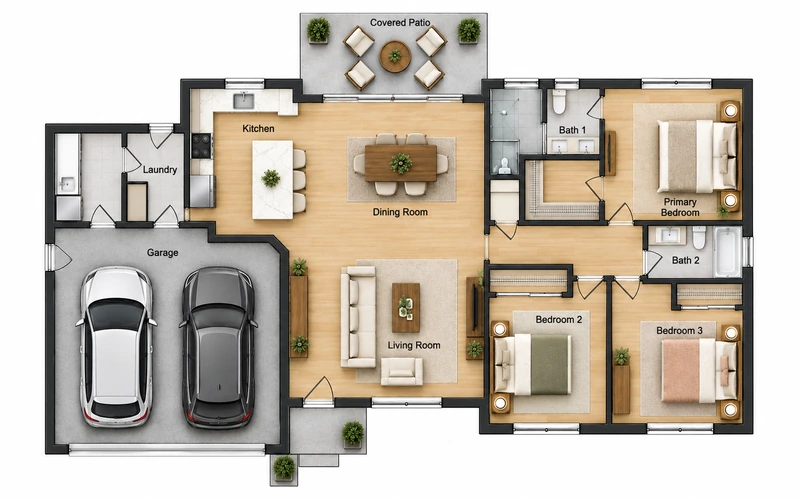
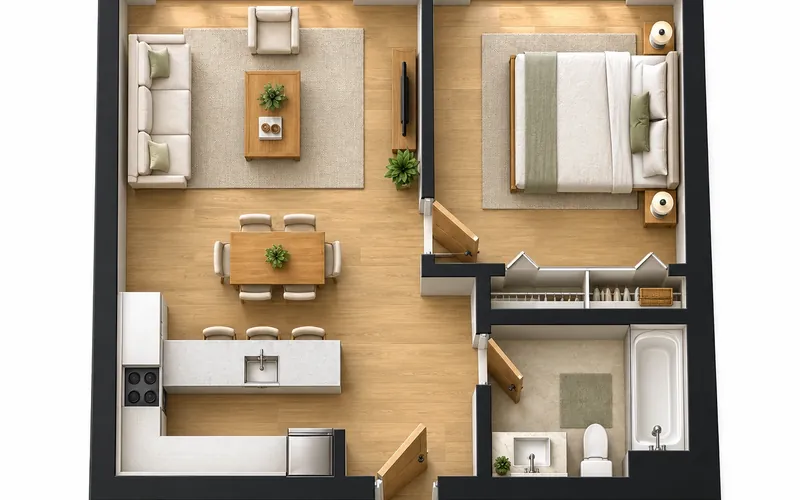
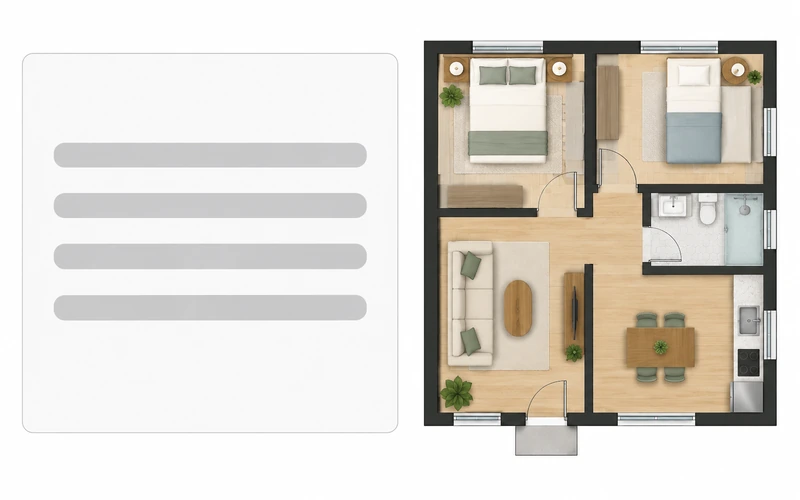
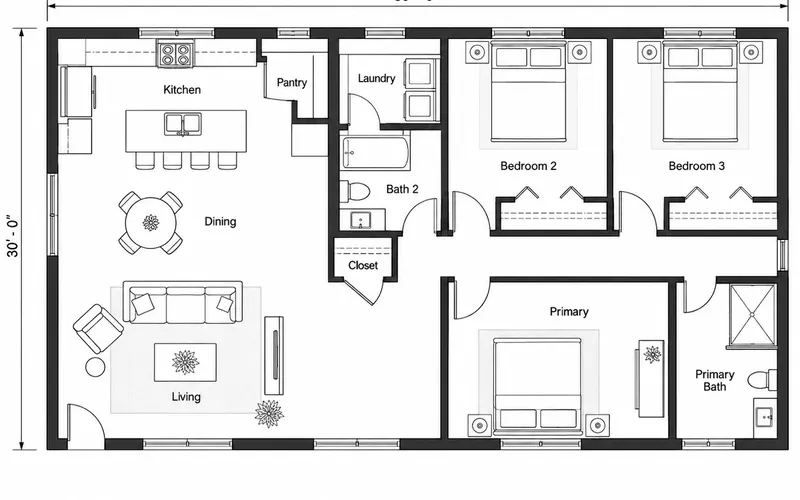
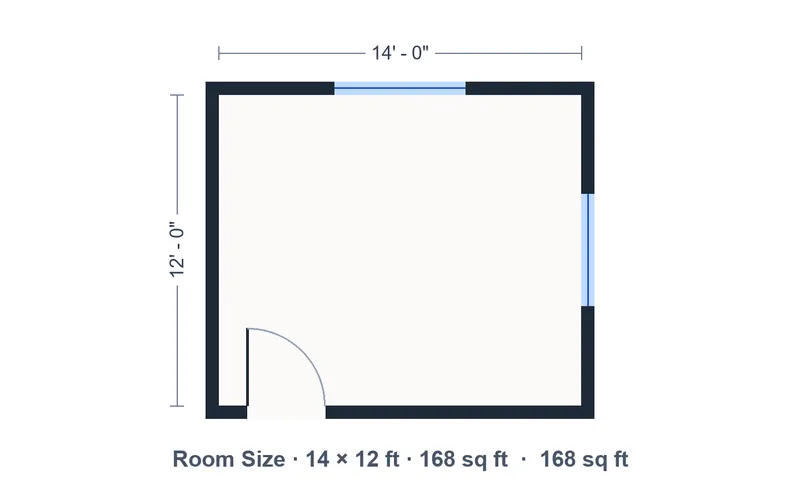
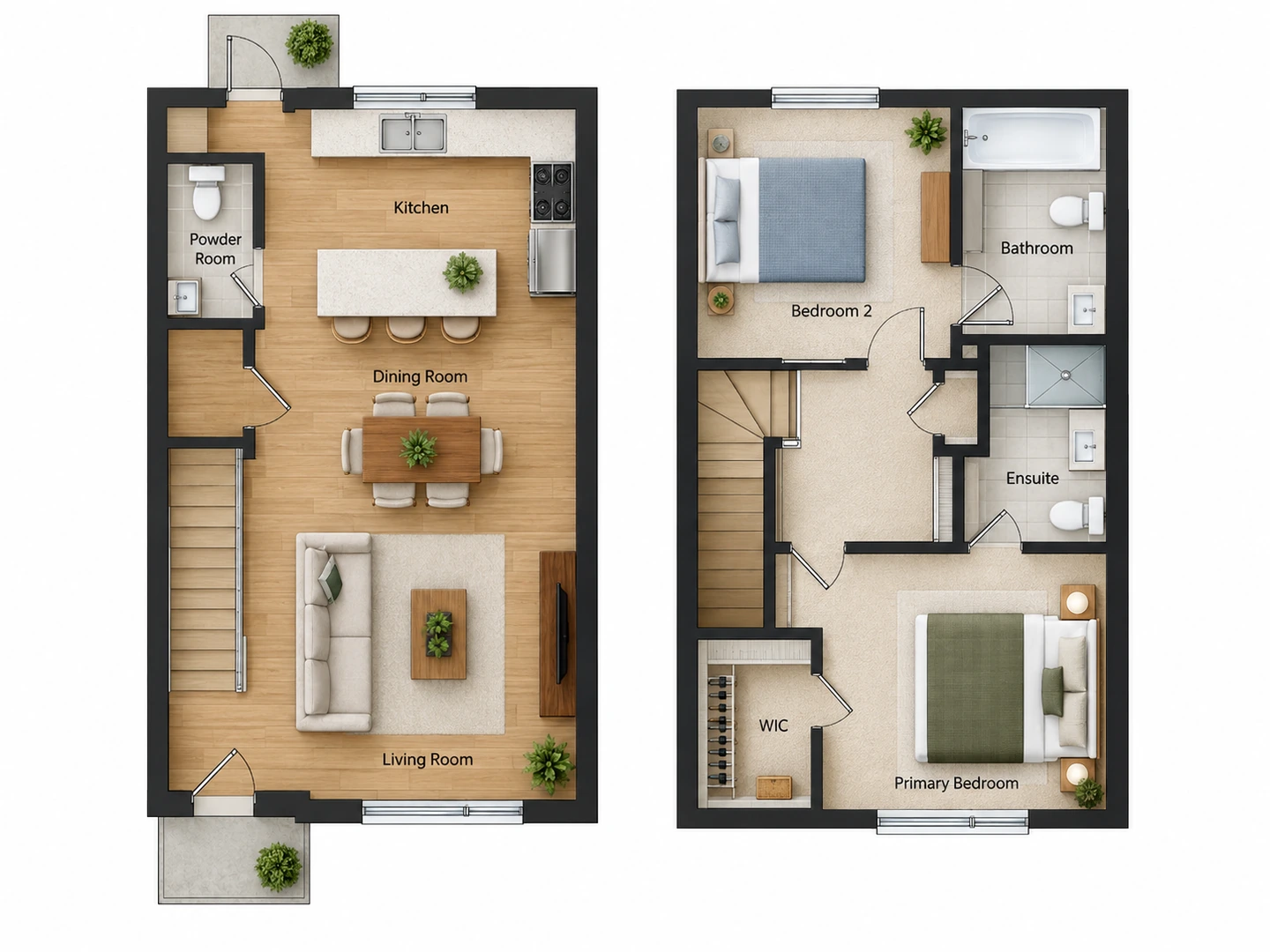
Get a readable 2D floor plan with walls, doors, windows, furniture and room names. Choose Technical 2D for crisp black linework, Colored 2D for presentations, or Furnished 2D for a realistic top-down view. Set the total floor area in square feet or square meters and the plan is drawn to that size.
2D floor plan maker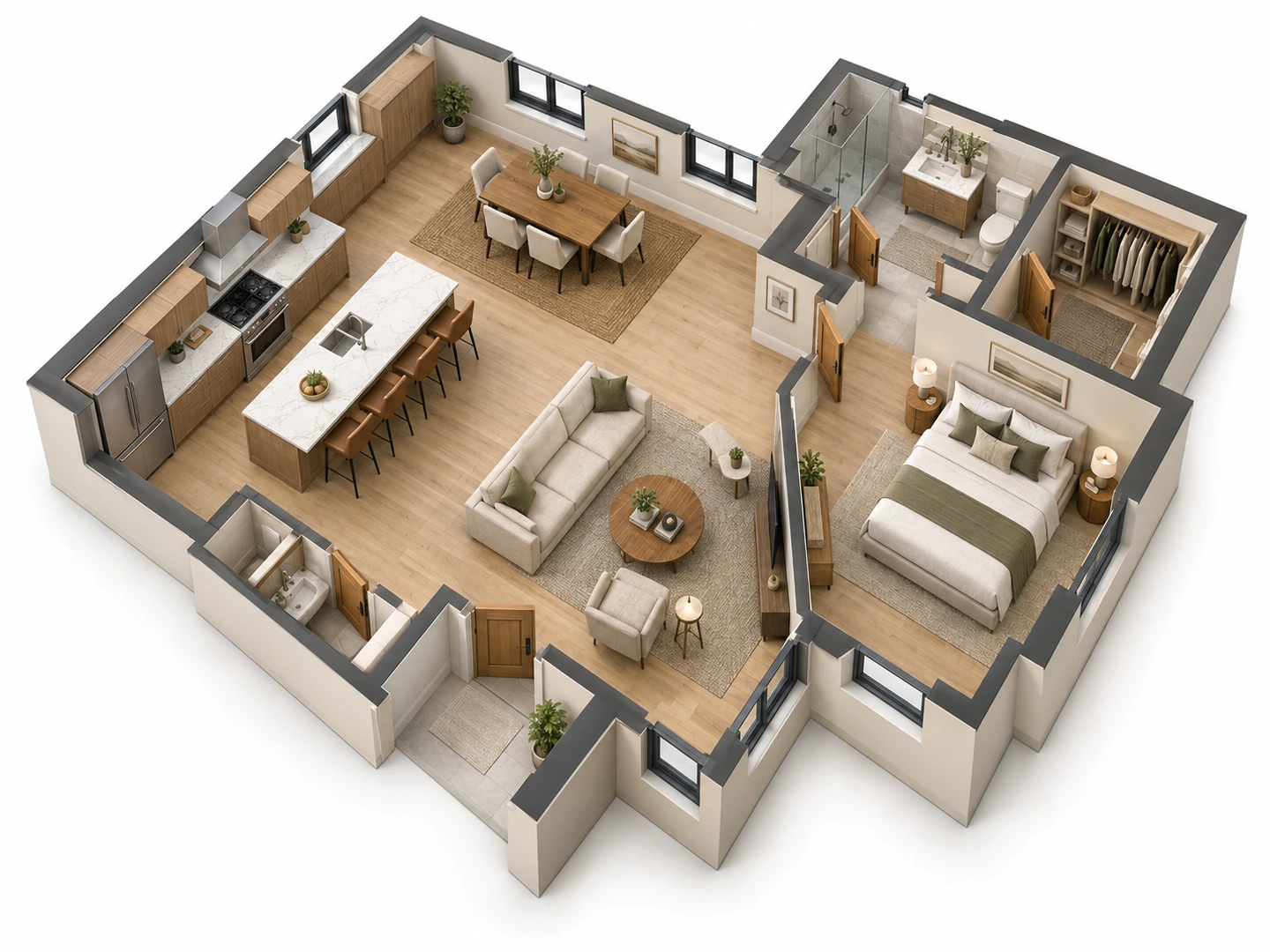
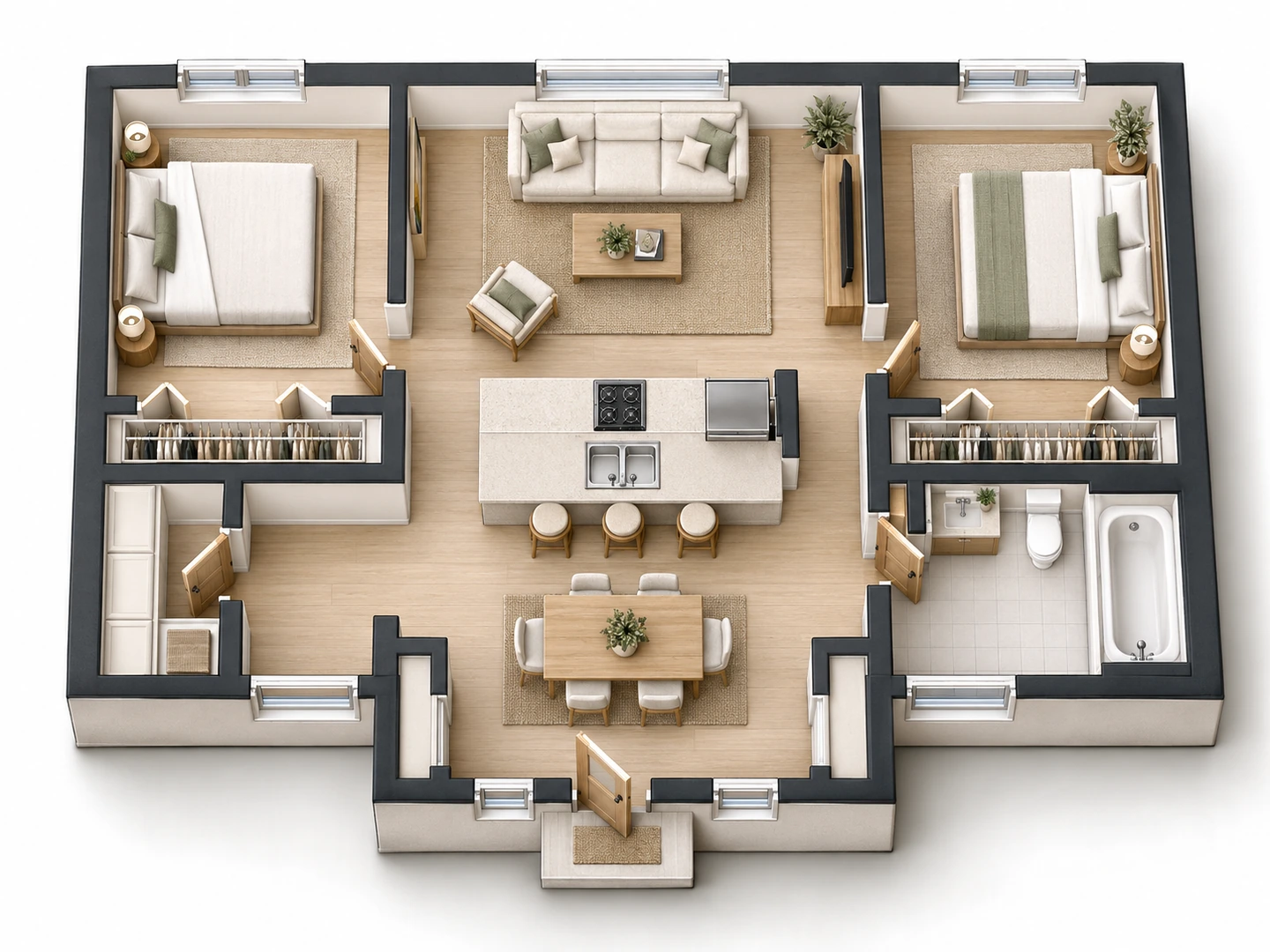
See the Layout in 3D
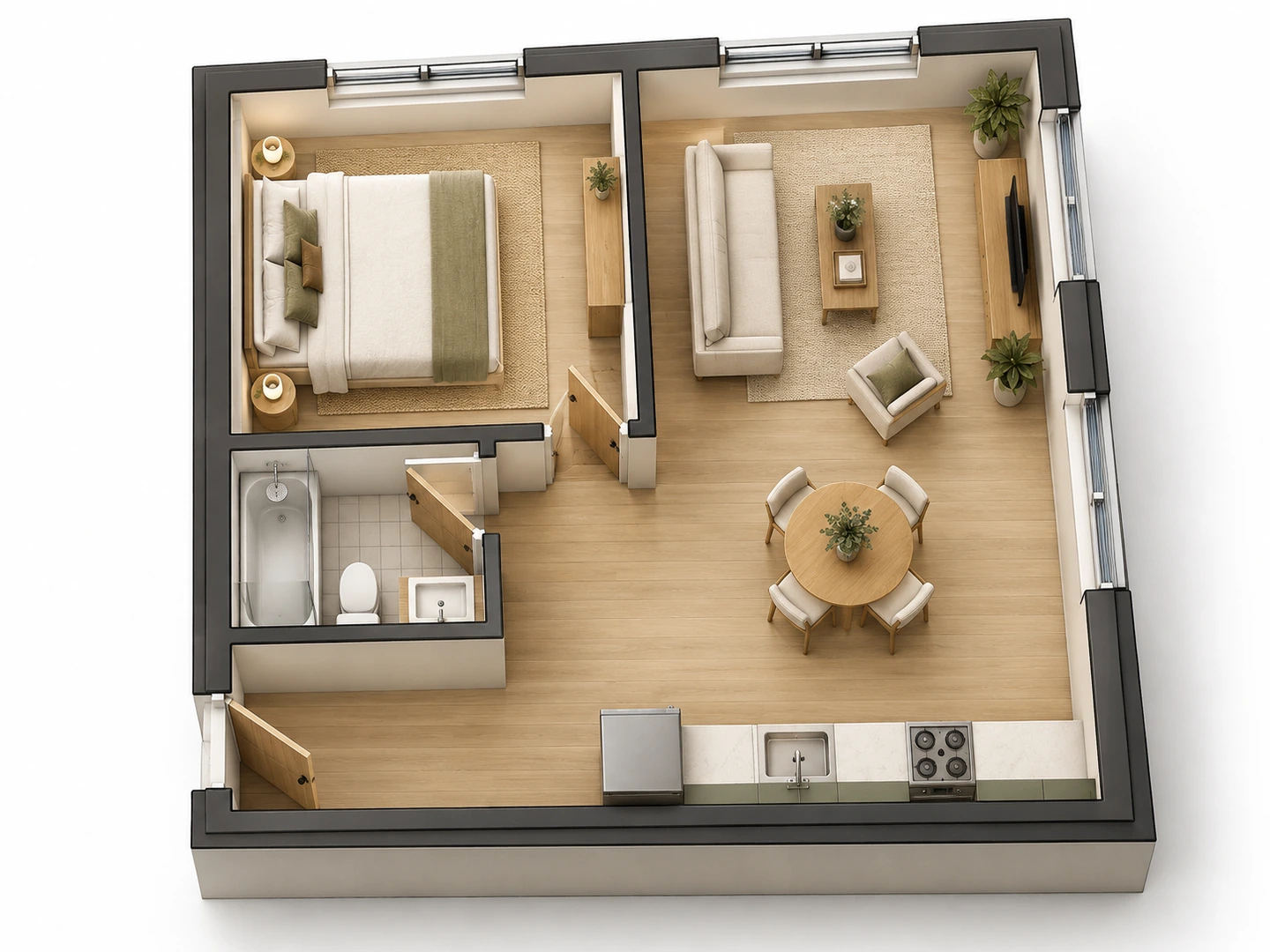
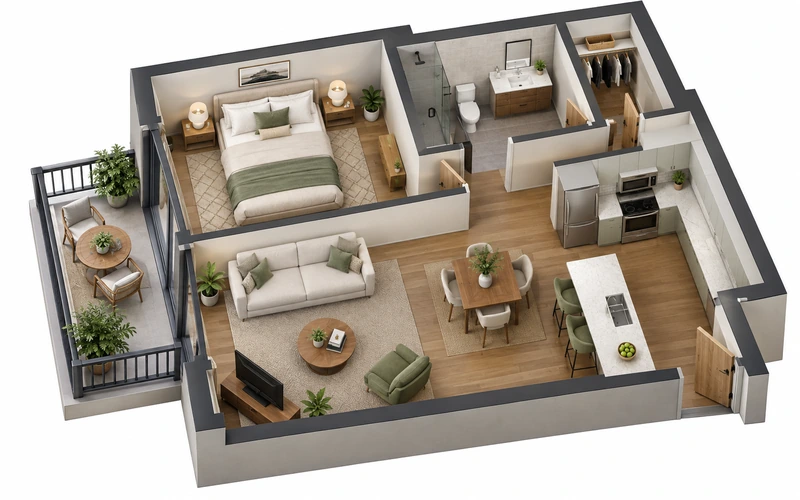
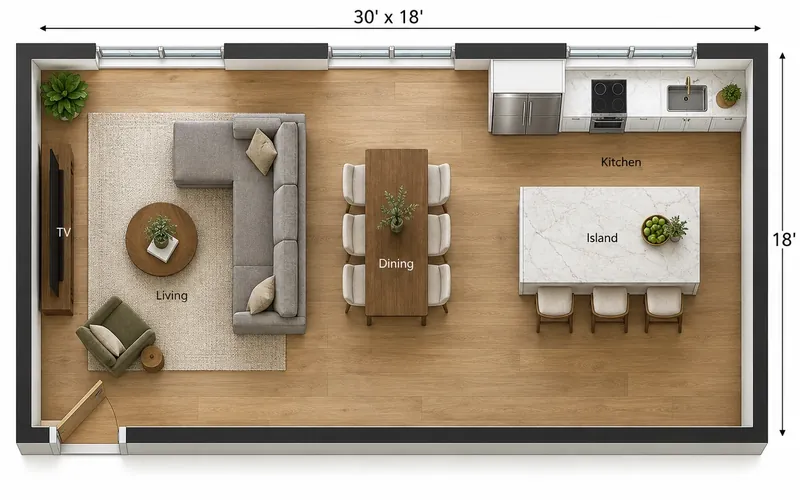
Switch the output style to 2.5D or 3D Isometric to see the same kind of plan with walls raised and every room furnished. It is the quickest way to understand how rooms connect, where furniture fits and how a home will feel before anything is built.
Floor Plan to 3D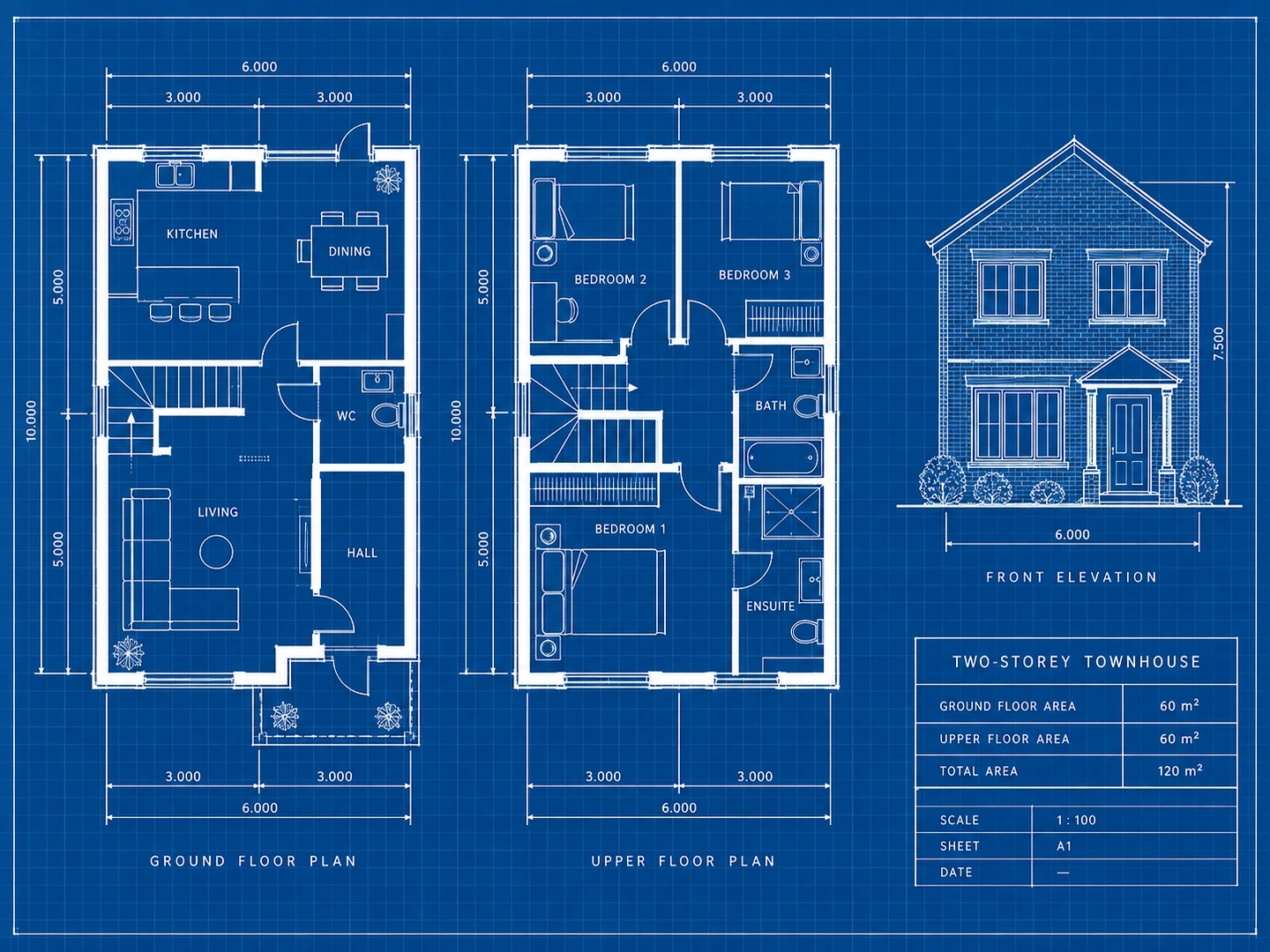
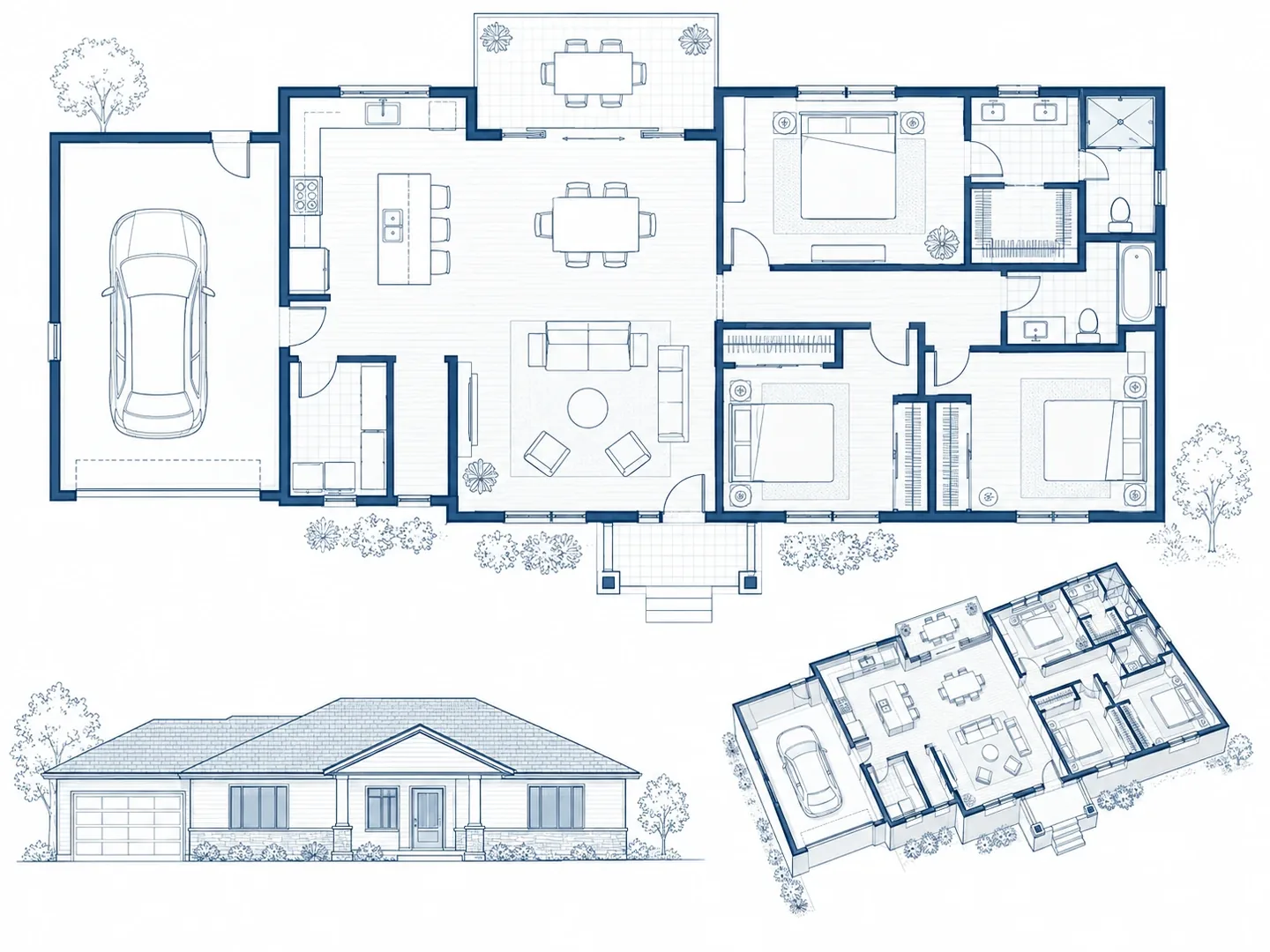
Turn a Sketch into a Blueprint
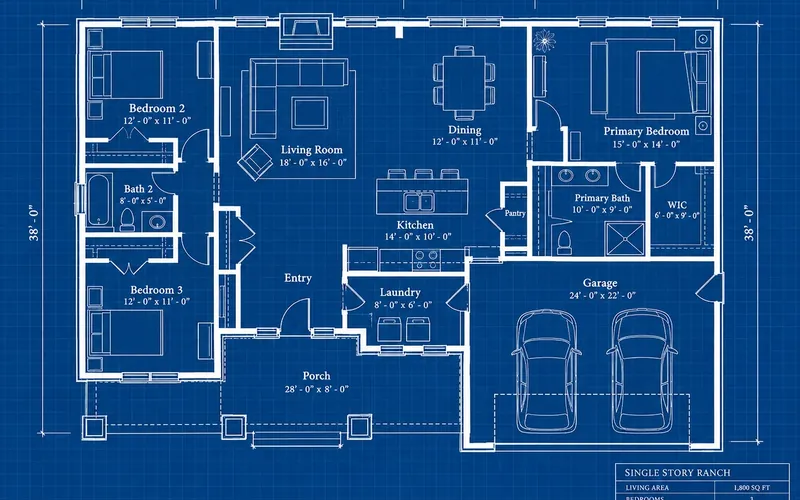
Already drew something on paper? Upload a photo of your sketch and Floor Plan Maker redraws it as a clean plan or a classic white-on-blue blueprint, keeping your room arrangement. Add notes to fix what the sketch gets wrong.
Blueprint Maker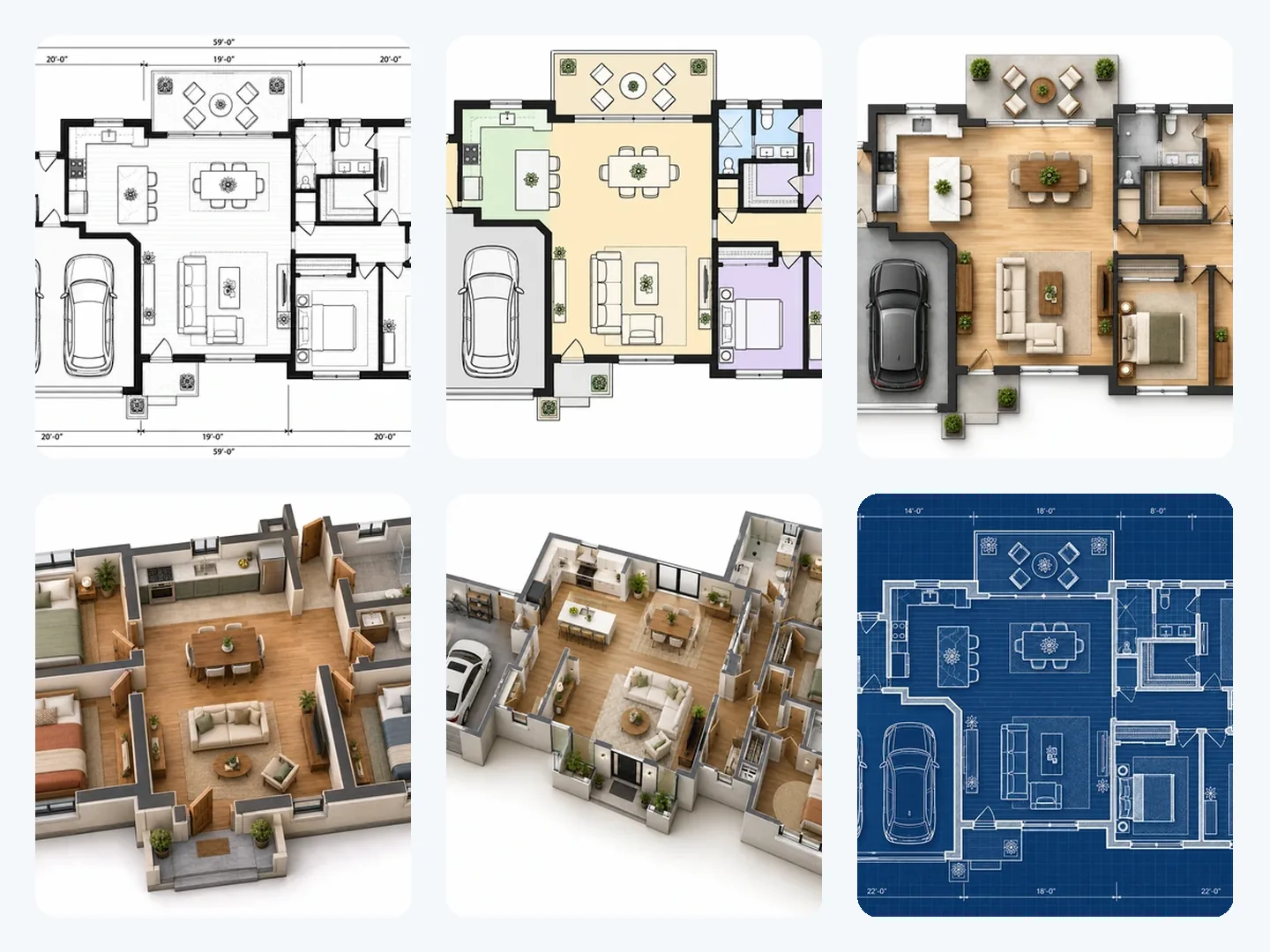
7 Styles for Every Audience
A builder wants clean lines, a buyer wants color, a client wants to see furniture. Pick Technical 2D, Colored 2D, Furnished 2D, 2.5D, 3D Isometric, Blueprint or Hand-Drawn Sketch — or describe a custom style — and generate as many versions as you need.
Try a styleThe floor plan toolkit
All-in-One Floor Plan Tools
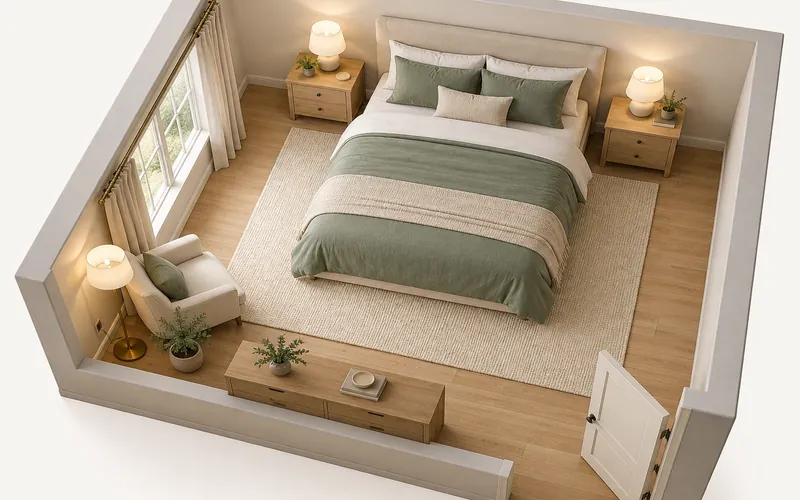
House plans, room layouts, blueprints and 3D floor plans with one account and a shared credit balance.
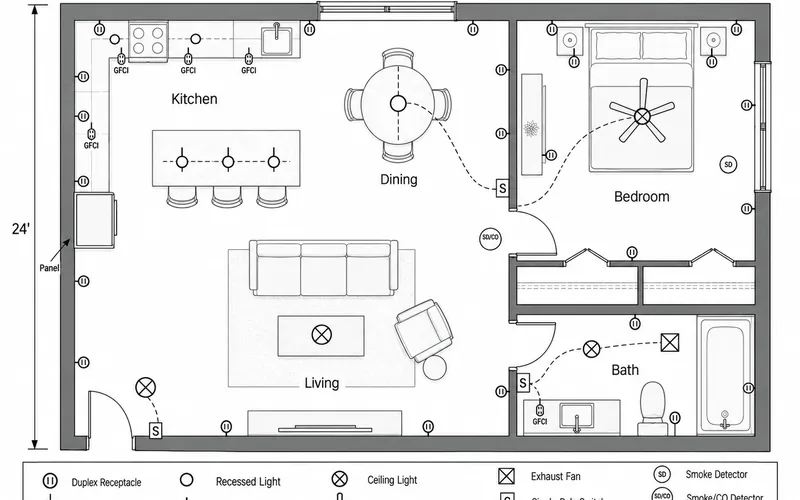
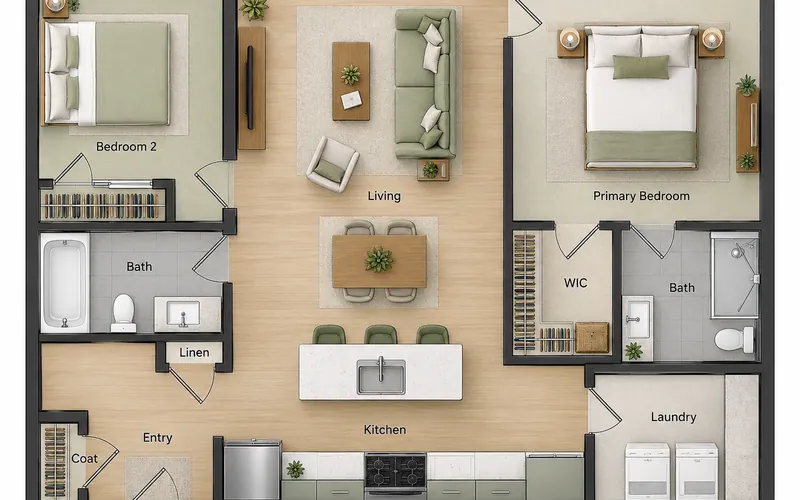
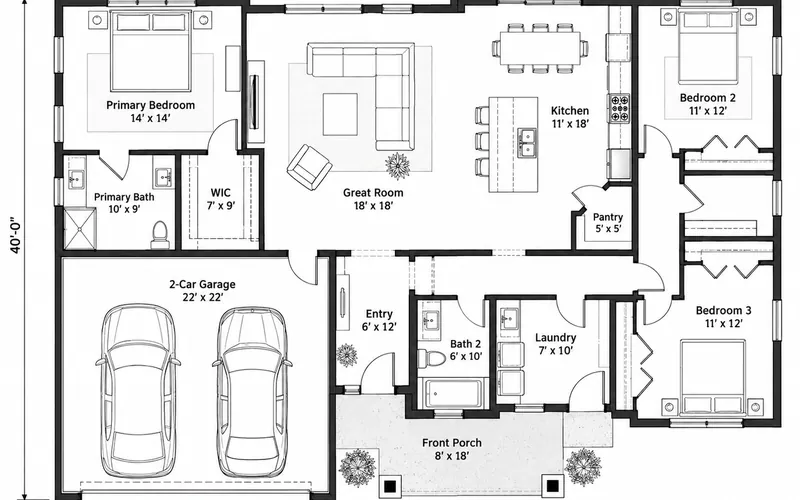
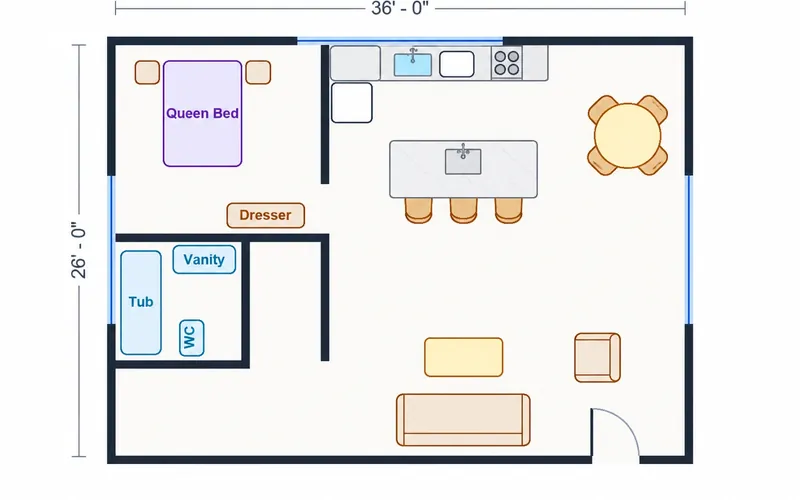
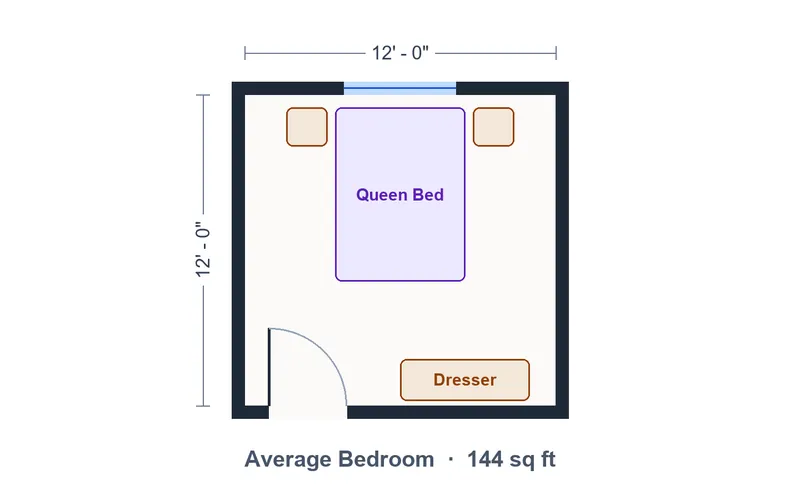
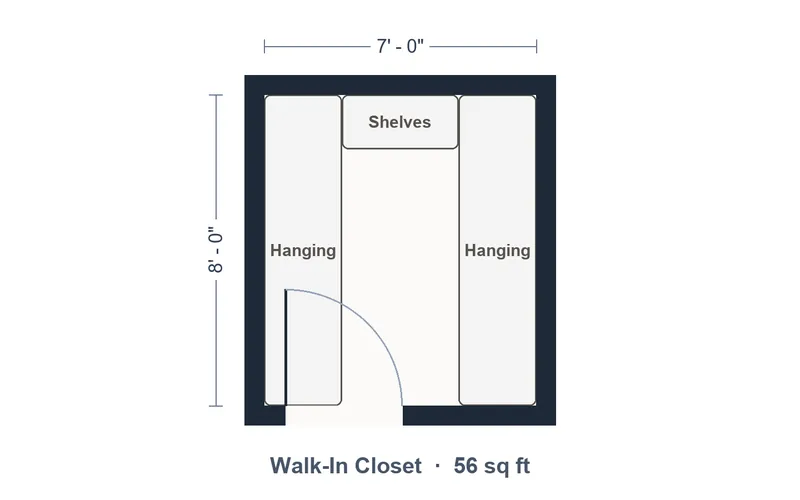
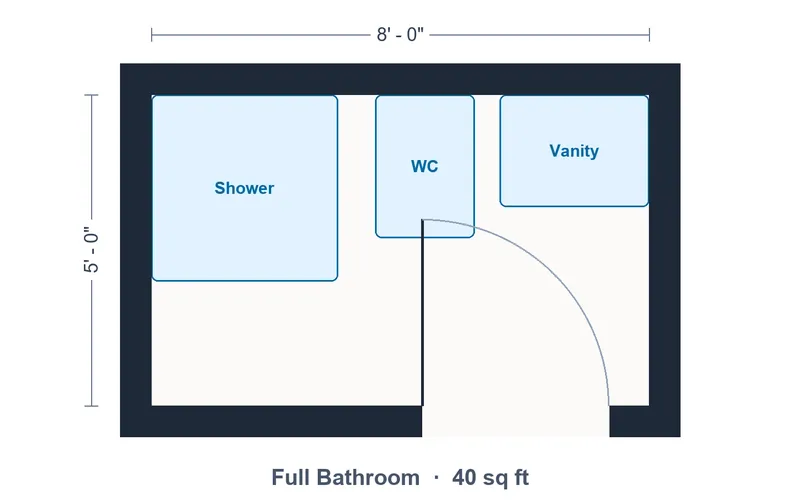
HOW IT WORKS
How to Make a Floor Plan in 3 Steps
No drafting experience needed. A few words about your space are enough to start.
1. Describe Your Space
Choose a plan type such as House, Apartment or Office, then list the rooms you need and anything important: "3 bedrooms, open kitchen, primary suite away from the living room".
2. Set the Size and Style
Enter the total floor area in sq ft or m², pick an output style from Technical 2D to 3D Isometric, and optionally upload a sketch to follow.
3. Generate and Download
Click Generate, compare the result with your brief and download the plan. Change one detail and generate again to explore another layout.
Made for planning
Why People Use an AI Floor Plan Generator
Fast enough for a first idea, clear enough to share with the people who will build it.
1. Plans in Seconds
Skip the learning curve of CAD software. Describe the layout in plain English and see a complete floor plan almost immediately.
2. Any Kind of Space
36 plan types cover houses, apartments, tiny homes, villas, offices, cafés, classrooms, garages and single rooms.
3. Imperial or Metric
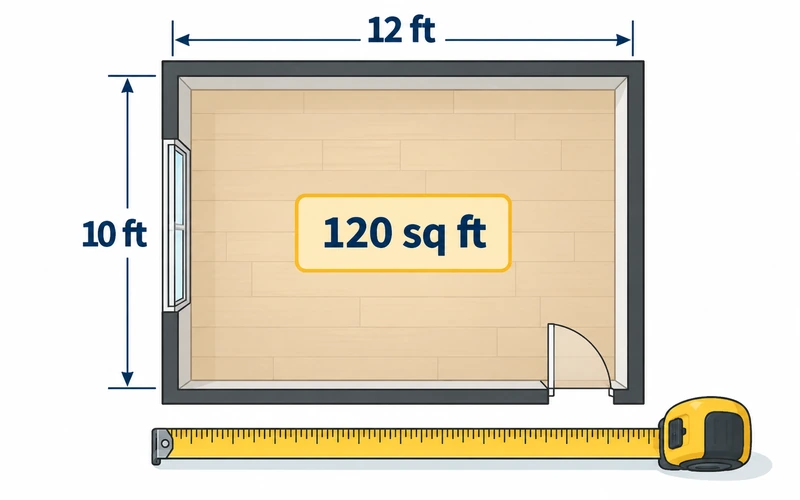
Work in square feet or square meters. The area you enter guides room sizes, and labels follow the unit you pick.
4. Start from a Sketch
Upload a photo of a hand drawing or an old plan and get it back as a clean, consistent drawing.
5. 2D, 2.5D and 3D
The same brief can become a technical plan for a builder or a furnished 3D view for a client.
6. Your Plans, Saved
Every floor plan you generate is kept in My Projects, so you can download it again or compare versions later.
AI vs. drawing by hand
Why Use AI Instead of Traditional Floor Planning?
Traditional drafting still matters for permits and construction. For early planning, AI is simply faster.
Planning by hand or in CAD
- Limitation: Hours of drawing before you see a first layout
- Limitation: CAD software takes weeks to learn
- Limitation: Every alternative layout means starting over
- Limitation: Rough sketches are hard for others to read
- Limitation: Paying a designer just to explore ideas
- Limitation: One drawing style for every audience
Planning with Floor Plan Maker
- Benefit: A complete floor plan in seconds
- Benefit: Plain-English briefs, no software to learn
- Benefit: Compare layouts by changing one detail
- Benefit: Clean, labeled plans anyone can read
- Benefit: Try your first plans with free credits
- Benefit: 2D, 3D or blueprint for each audience
Make Your First Floor Plan Free
Describe your space, choose a style and get a floor plan in seconds. New accounts get free credits to start.
Make a Floor PlanFAQ
Floor Plan Maker FAQ
Questions about making your first floor plan with AI.
It is free to try. New accounts get free credits and each floor plan uses 10 credits, so you can make your first plans without paying. Free generations may wait in a short queue; subscribers skip it. When your credits run out, you can buy a credit pack or subscribe.
Choose a plan type, describe the rooms you need, enter the total floor area and pick an output style, then click Generate Floor Plan. You can also upload a photo of a sketch to follow. Download the result, or change a detail and generate again.
Yes, for concept planning. The AI produces a complete, labeled layout that follows your brief, which is ideal for comparing ideas and explaining them. It does not check building codes, structure or services, so a professional should review any plan you intend to build from.
The total floor area you enter guides the size of the plan, and room labels follow your unit. The result is still an AI-generated image, not a measured CAD drawing, so treat individual dimensions as approximate and confirm them before ordering materials or applying for permits.
Houses, apartments, studios, tiny houses, townhouses, villas, cabins, offices, restaurants and cafés, retail stores, classrooms, garages and single rooms such as bedrooms, kitchens and bathrooms — 36 plan types in all. Dedicated pages cover house plans, room layouts, blueprints and converting a floor plan to 3D.
Yes. Upload a clear photo or scan in the last step and the generator follows its outline and room arrangement while redrawing it in the style you choose. Use the notes box to correct anything the sketch gets wrong.
There is nothing to download: Floor Plan Maker runs in your browser on desktop, tablet and phone. You can set up a plan without an account, but you need to sign in with email or Google to generate. Your account keeps your credits and your floor plan history.
Please check our Terms of Service for the current usage terms before using plans in client work, listings or marketing. Never present an AI-generated plan as a surveyed or approved drawing of a real property.