
Virtual Staging for Real Estate
Virtual staging turns an empty room photo into a furnished listing image, so buyers can picture the space before a showing.
Stage a Room Free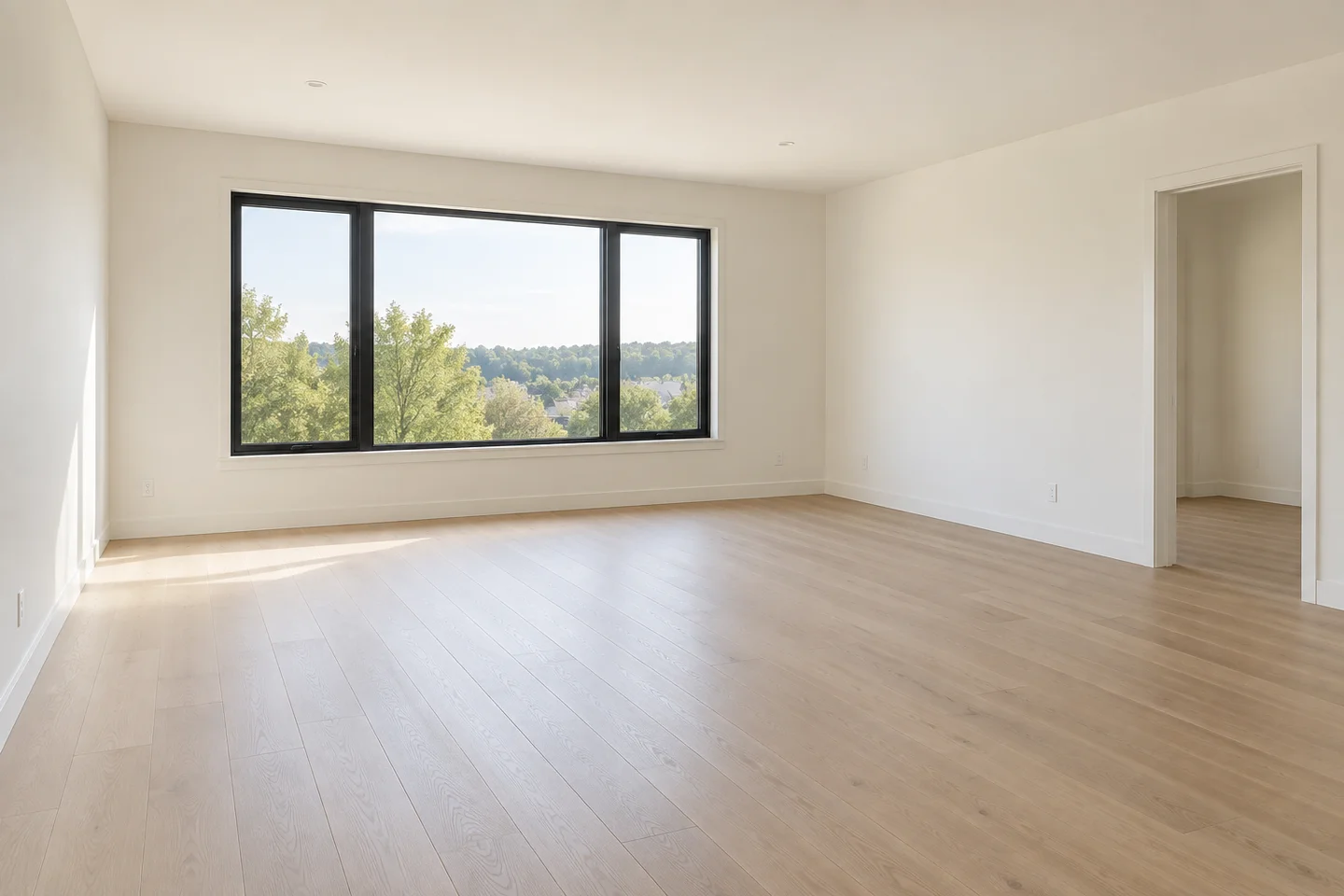
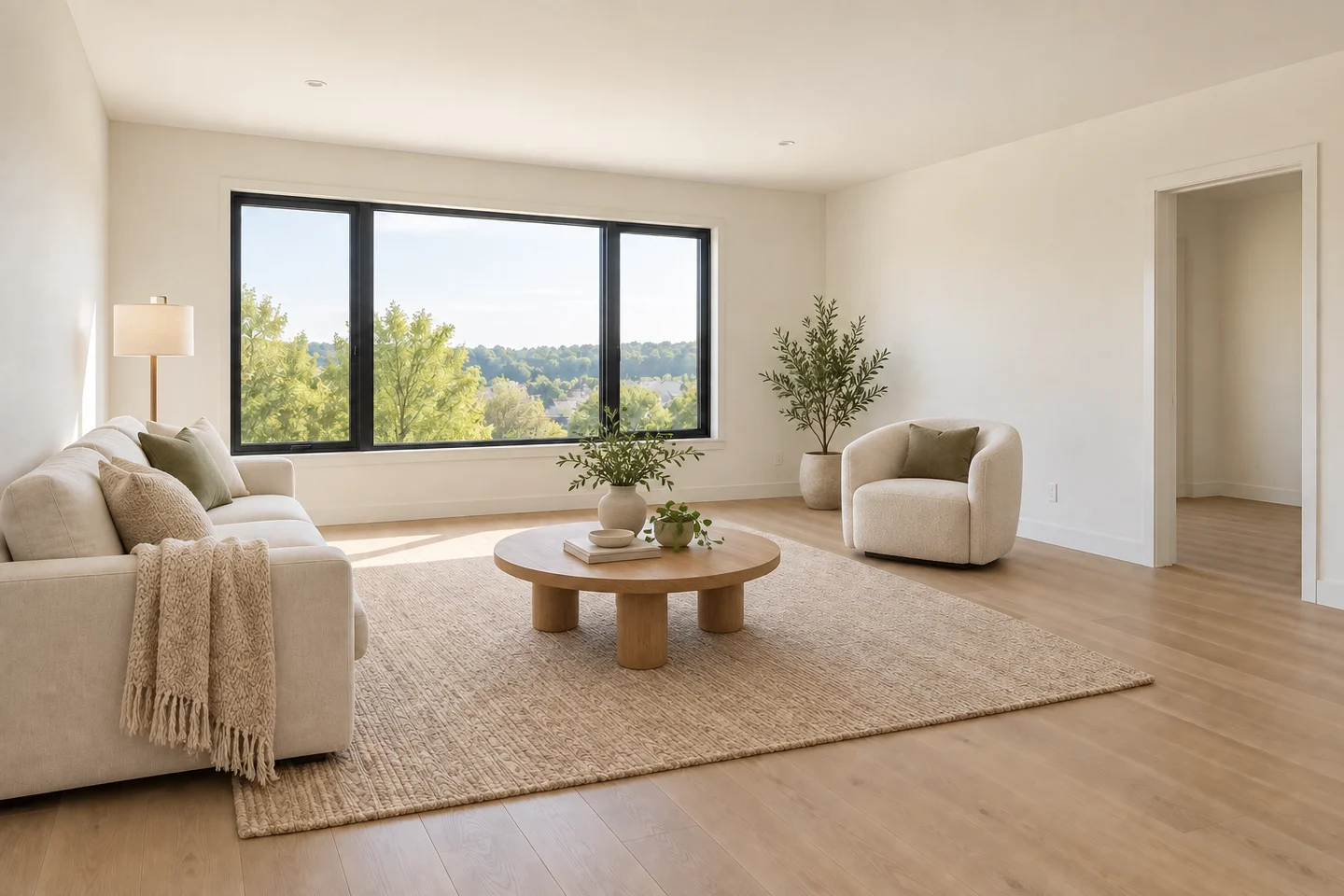 AfterBefore
Turn an Empty Room Photo into a Staged Listing Image
Choose the room and style, then describe the furniture or atmosphere you want to test.
AfterBeforeStaged living room
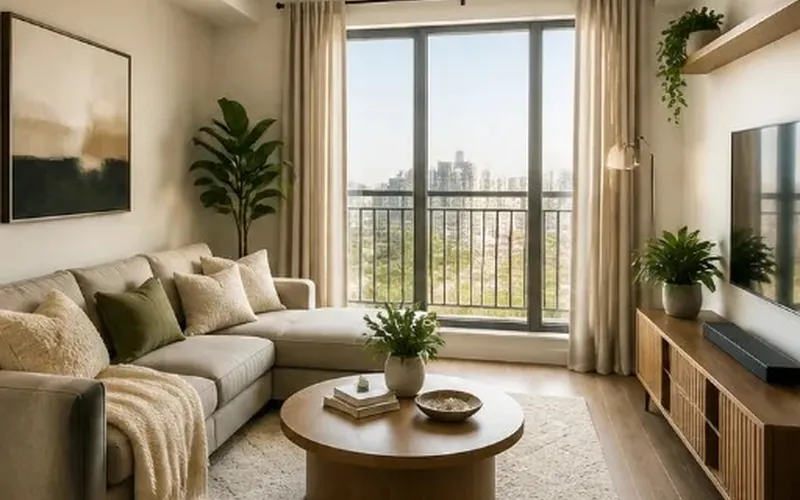
An empty room with a clear, welcoming furniture layout
Explore Virtual Staging Examples
Compare empty rooms with illustrative furnishing concepts for common listing photos.
- AfterBefore
Living Room Staging
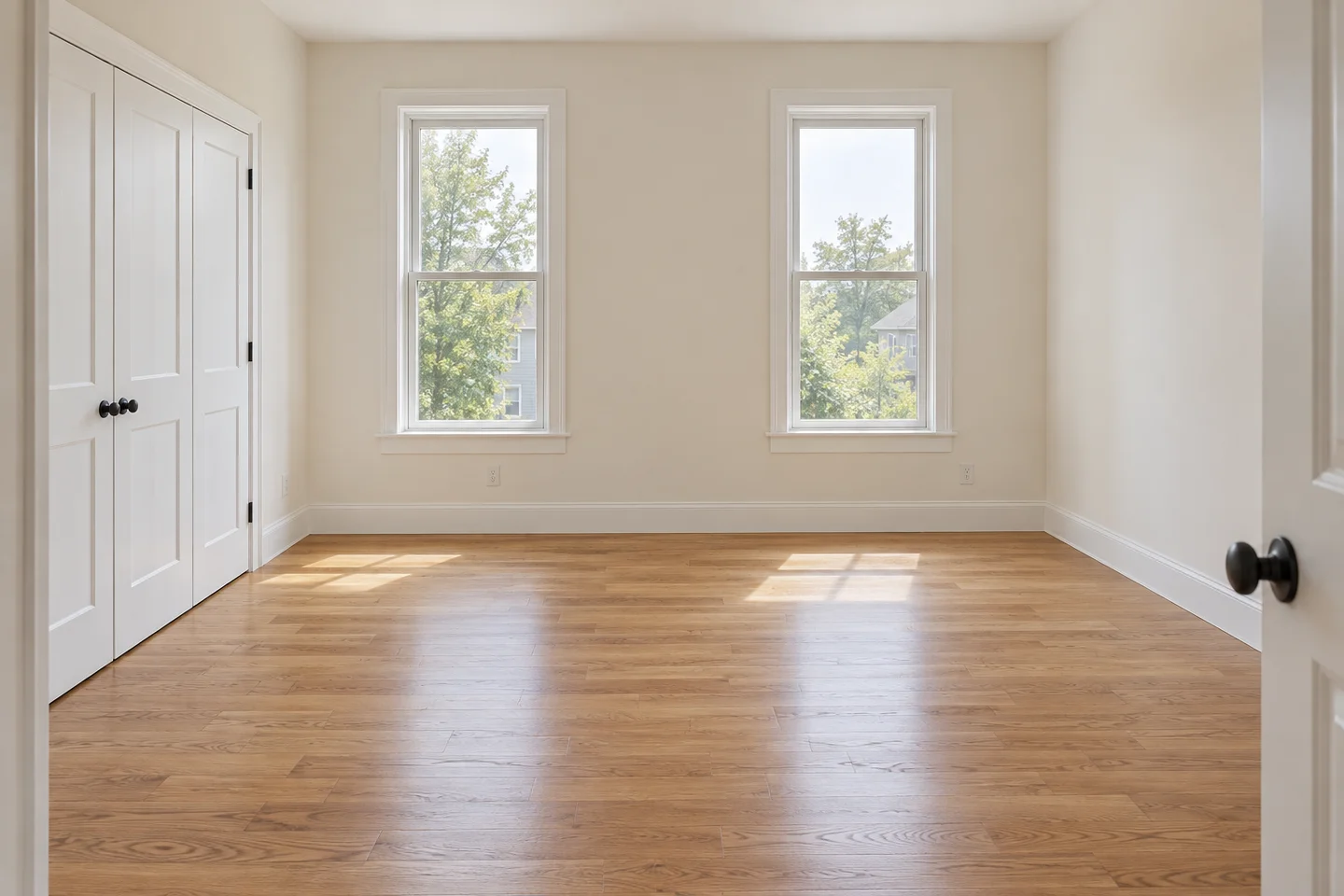
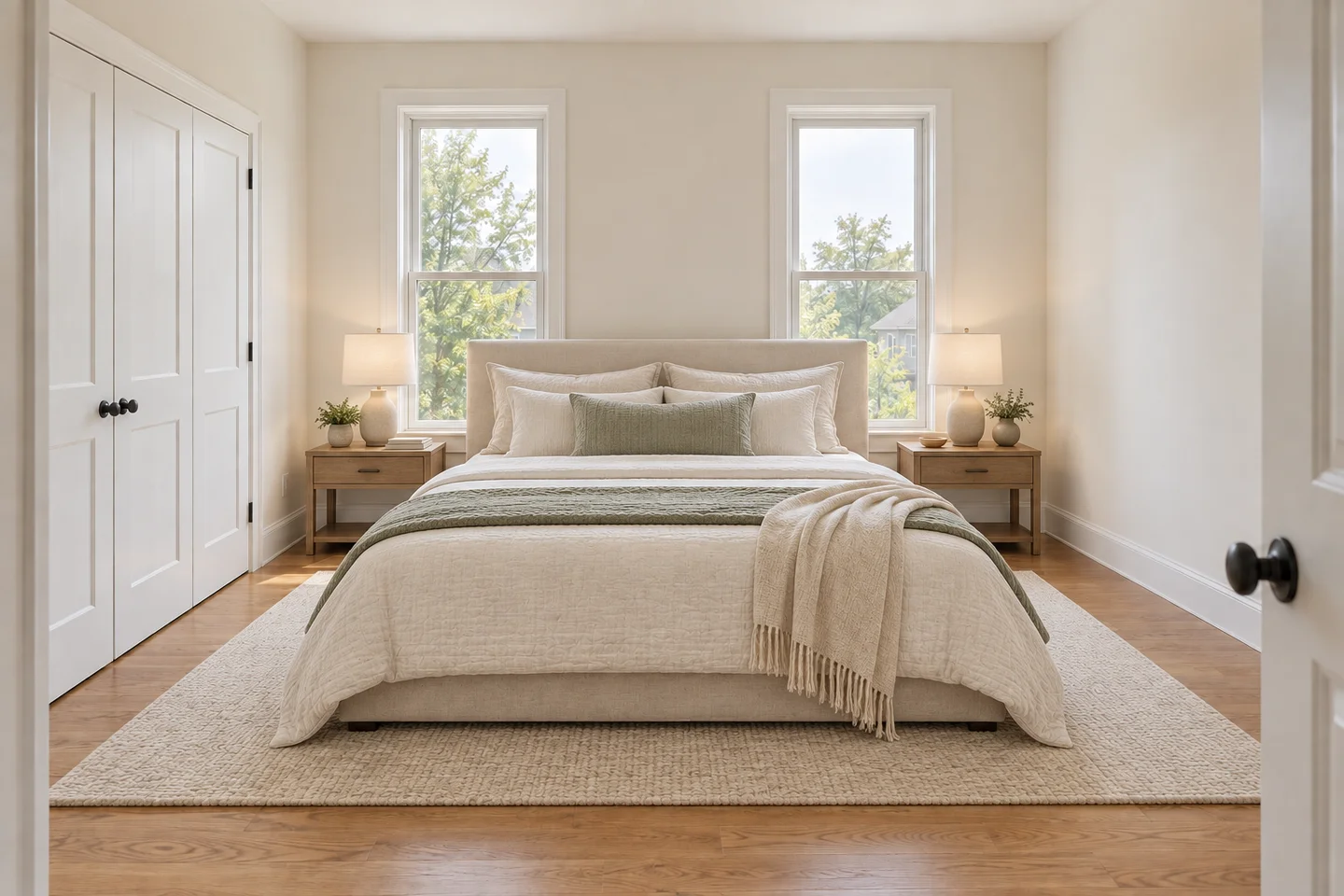 AfterBefore
Bedroom Staging
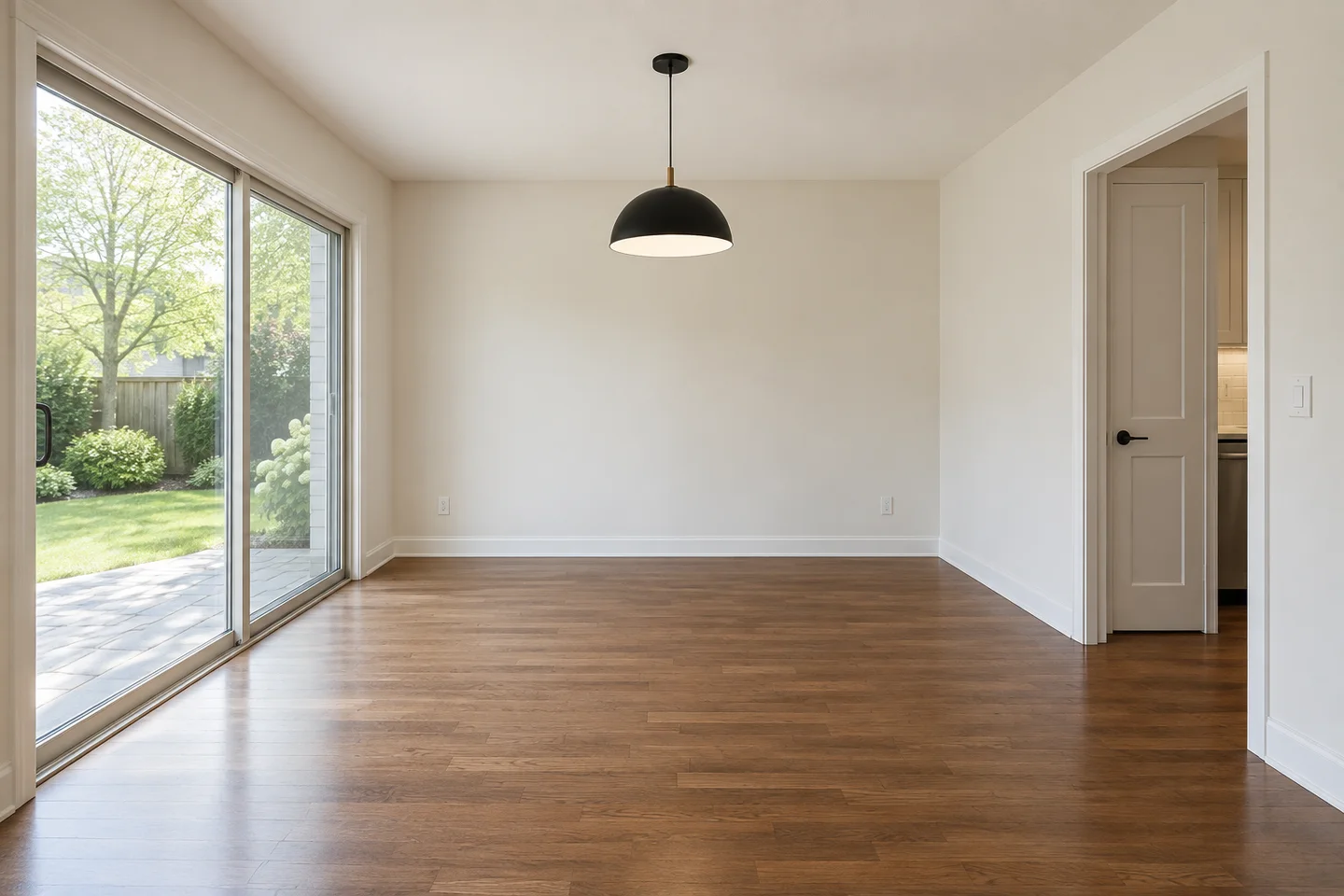
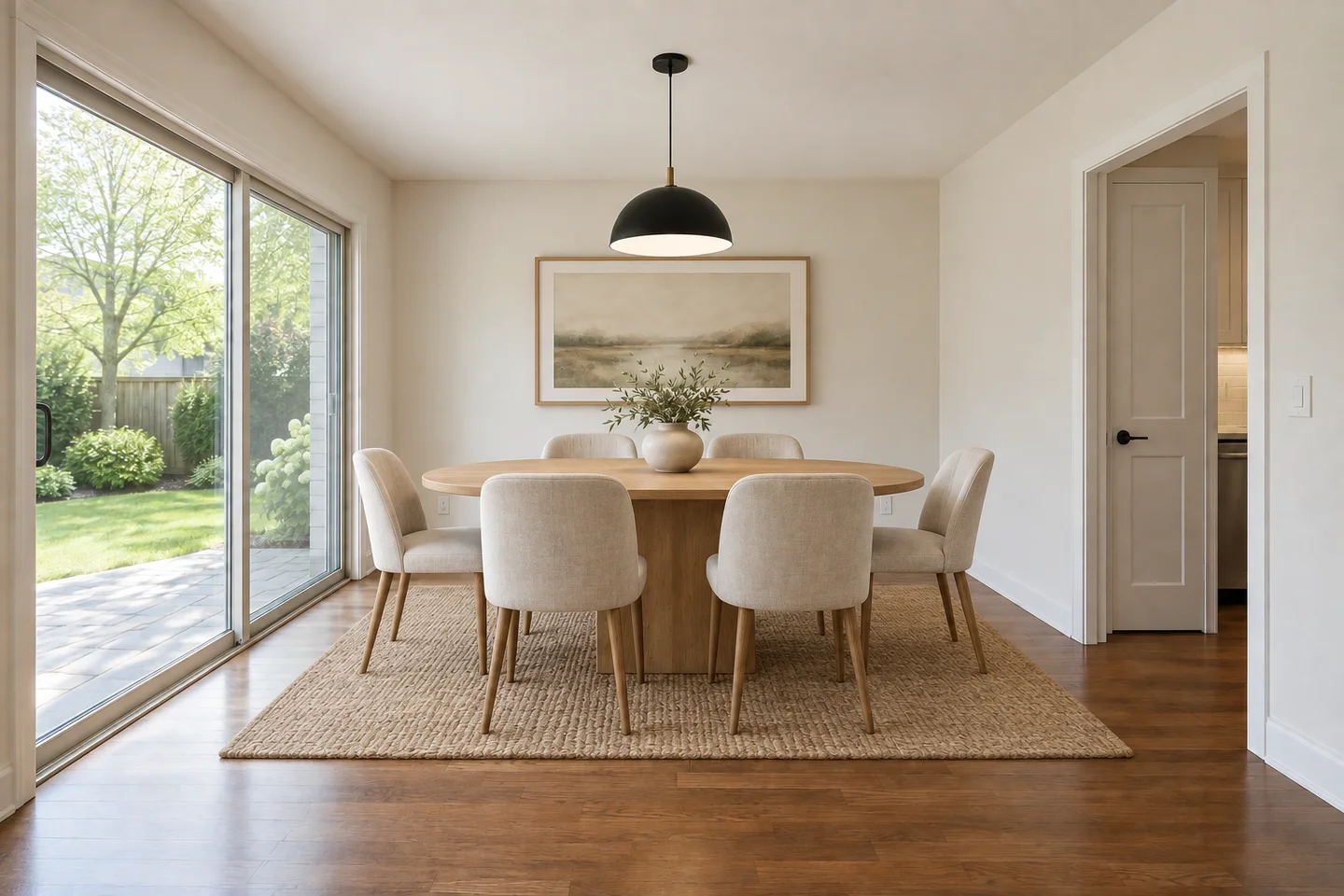 AfterBefore
Dining Room Staging
Virtual Staging for Empty Real Estate Photos
Virtual staging adds a furnishing concept to an empty or lightly furnished room photo. Choose the room type and style, then describe a sofa group, bed or dining setup. The AI is instructed to add movable furniture and accessories while preserving walls, flooring, paint, windows, built-ins and fixed lights.
Use it to help viewers picture a use for the room, not to show renovations that have not happened. Check each result for changed finishes, blocked doorways and unrealistic furniture scale. Keep the original photo available and label the staged version clearly. The preview cannot verify that particular furniture will fit.
How to Virtually Stage a Room
Upload an Empty Room Photo
Choose a clear, well-lit photo that shows the floor, walls, windows and entry points.
Choose the Room and Style
Select a room type and style. Describe movable pieces, such as a sofa, rug and floor lamp, and ask for a clear route to the doorway.
Review and Disclose the Preview
Compare the staged image with the original, check scale and circulation, and label the image as virtually staged when you publish it.
What You Can Do with AI Virtual Staging
Create a clearer visual brief for listings, rentals and early furnishing decisions.
Help Buyers Picture an Empty Room
Use a seating group, bed or dining table to explain how an empty room could be used. Ask for an open route to doors and windows. Check furniture scale against the original photo; virtual staging illustrates a possible setup without proving that specific products fit.
Stage a Living RoomStage the Photo, Not the Property
Virtual staging adds furniture to a photograph; physical staging places real furniture in the property. Use a staged bedroom to communicate a furnishing direction without arranging a delivery. The result is a marketing concept, not evidence that the furniture is included or the space has been renovated.
Try a Bedroom SetupPrepare a Rental or Pre-Sale Concept
Before publishing, compare windows, floor condition, built-ins and fixed lights with the original. Reject results that disguise damage or invent permanent improvements. Keep the unedited photo available and label the staged image clearly, following the rules of the listing service you use.
Create a Property PreviewStart with a Clear Room Photo
Photograph the room from a corner so the floor, windows and doorways are visible. A clear empty-room view gives you a useful reference for checking furniture scale, open walking routes and changes in each staged concept.
Compare Staging Ideas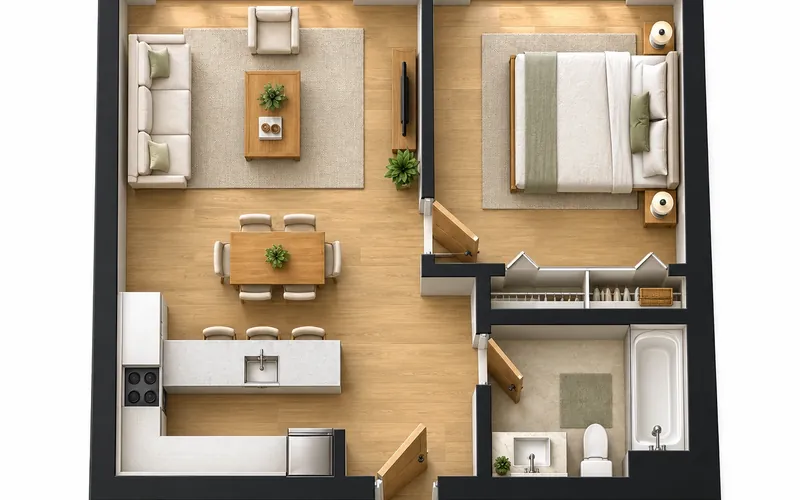
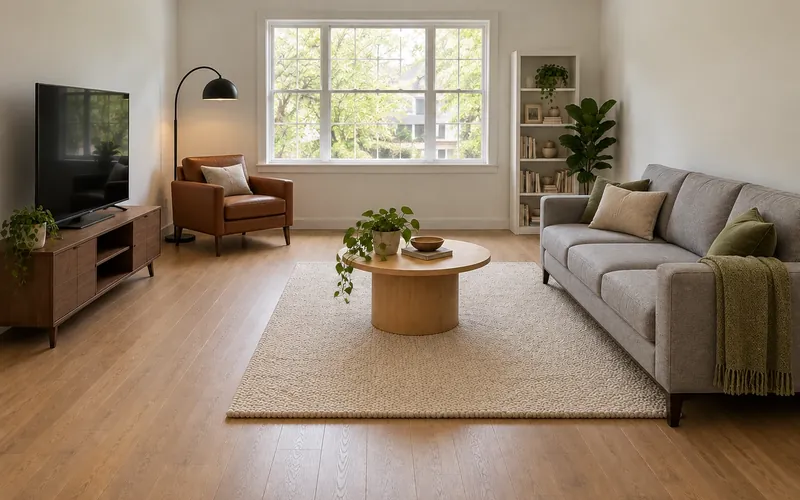
Make an Empty Room Easier to Picture
Upload a listing photo and explore a furnished direction before you publish, rent or buy.
Try Virtual Staging Free- Free signup credits
- Listing-friendly previews
- Download your designs
Virtual Staging Questions
Virtual staging adds digital furniture and decor to a property photo. This tool uses AI to create that furnishing concept from your empty-room image. Unlike physical staging, it does not bring furniture into the property; unlike a measured plan, it cannot verify furniture dimensions.
You can use it as a marketing concept when it follows your listing platform and local rules. Keep the original photo available and clearly disclose that the image has been virtually staged.
Use staging to furnish a property photo while aiming to preserve existing finishes and fixed features. If you want different wall finishes, flooring or fixtures, choose AI Room Design or AI Living Room Design from the related tools. Neither workflow guarantees that every detail stays unchanged; review the result against your original.
Start with an empty or lightly furnished room. You can request decluttering in the notes, but this page is not a dedicated furniture-removal tool and cannot guarantee a clean empty-room result. Choose the closest room type and describe the furniture you want to add.
New accounts receive free credits to start. Each generation uses 10 credits, and free generations may wait in a queue. No credit card is needed for the signup credits.