
Free AI Landscape Design
AI landscape design from your own yard photo: new planting, paths and lighting in one of 7 styles, before you call a landscaper.
Design My Backyard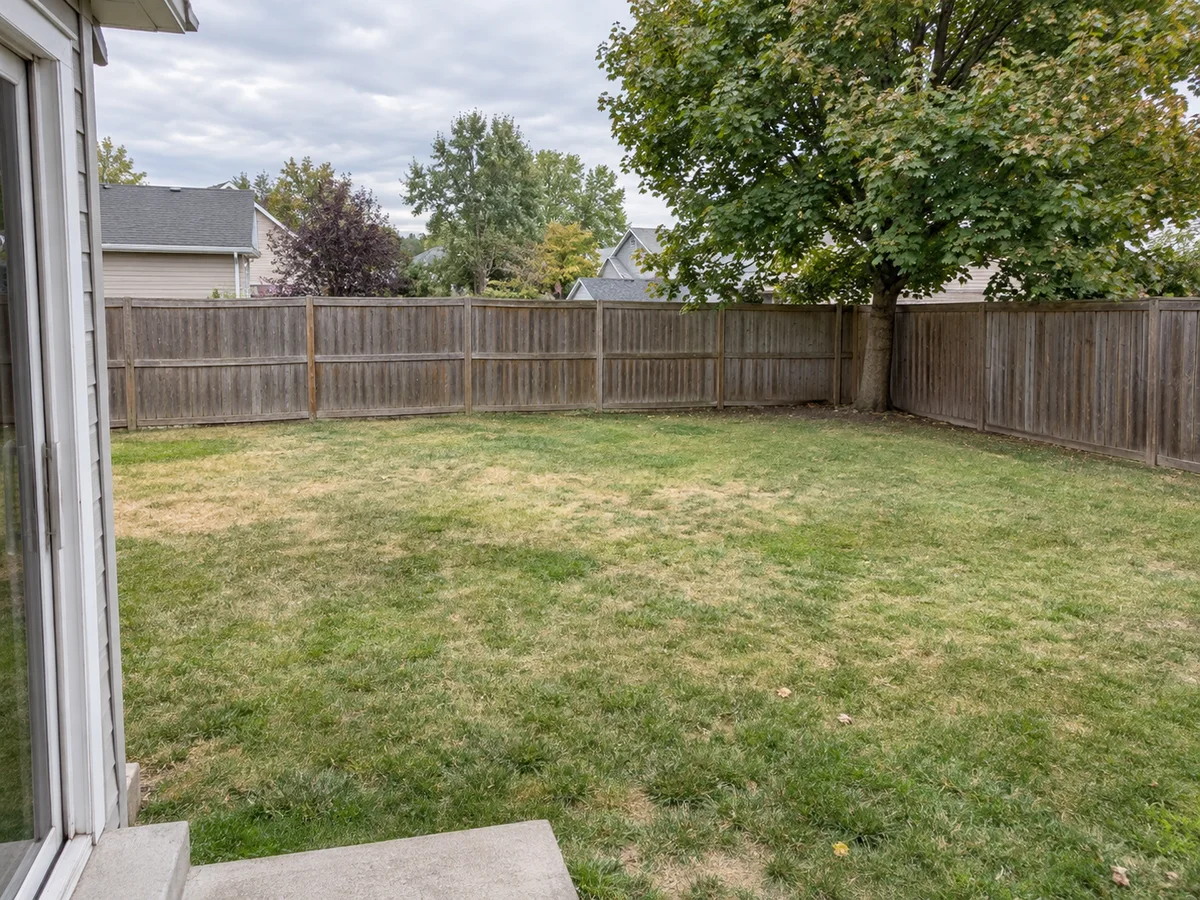
 AfterBefore
Free AI Landscape Generator from Photo: Start with Your Yard
Upload a photo of your yard, pick one of 7 styles and list what you want: a patio, a path, low-water planting, lights. New accounts get free credits.
AfterBeforeModern Backyard
Illustrative landscape concept
AI Landscaping Design Examples: Before & After
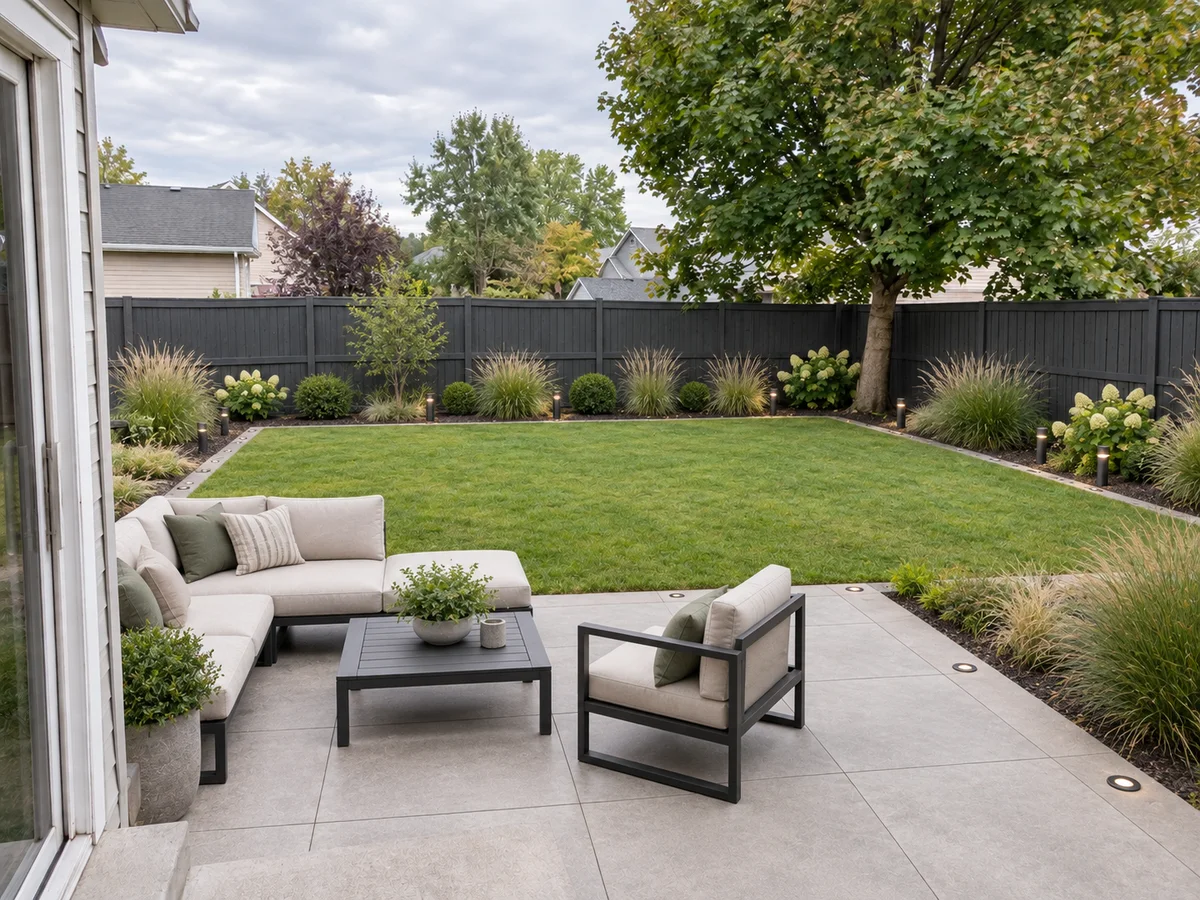
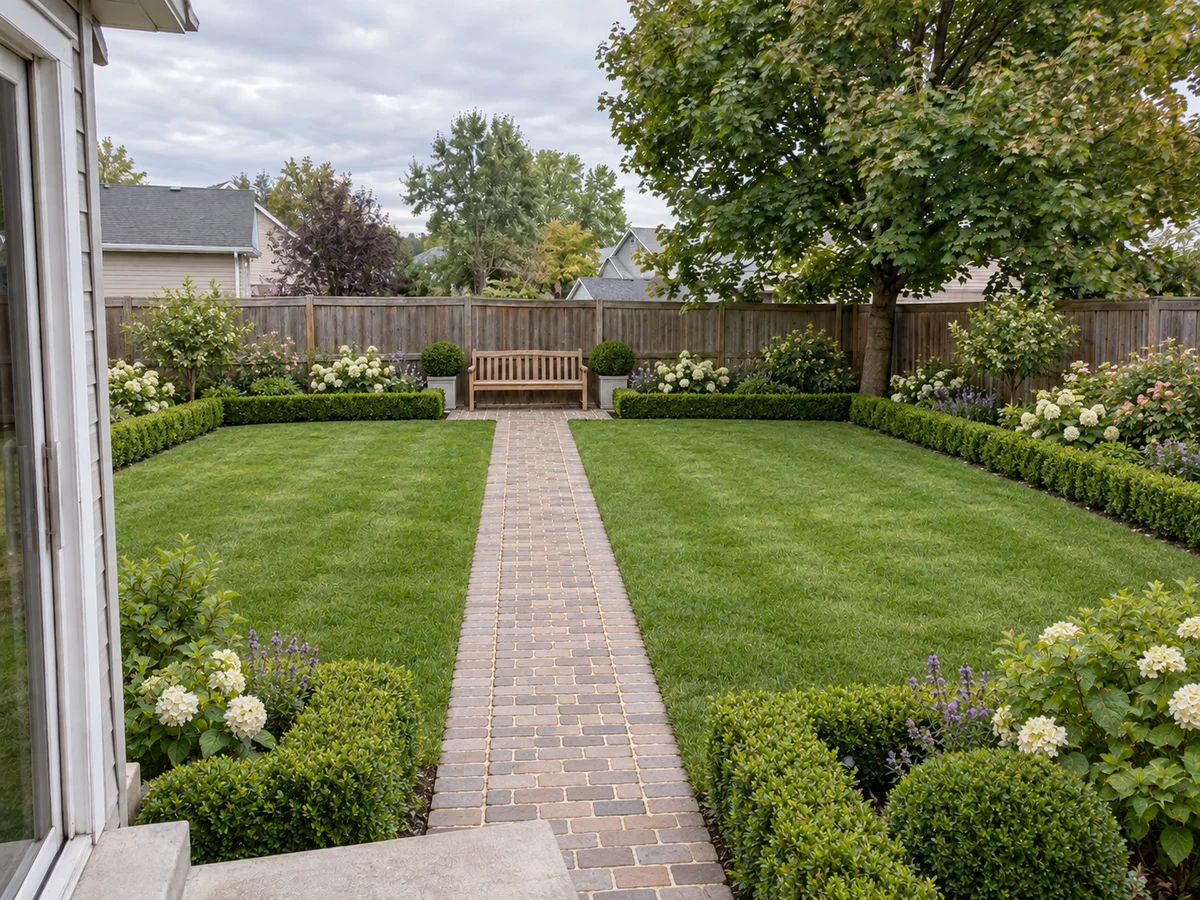
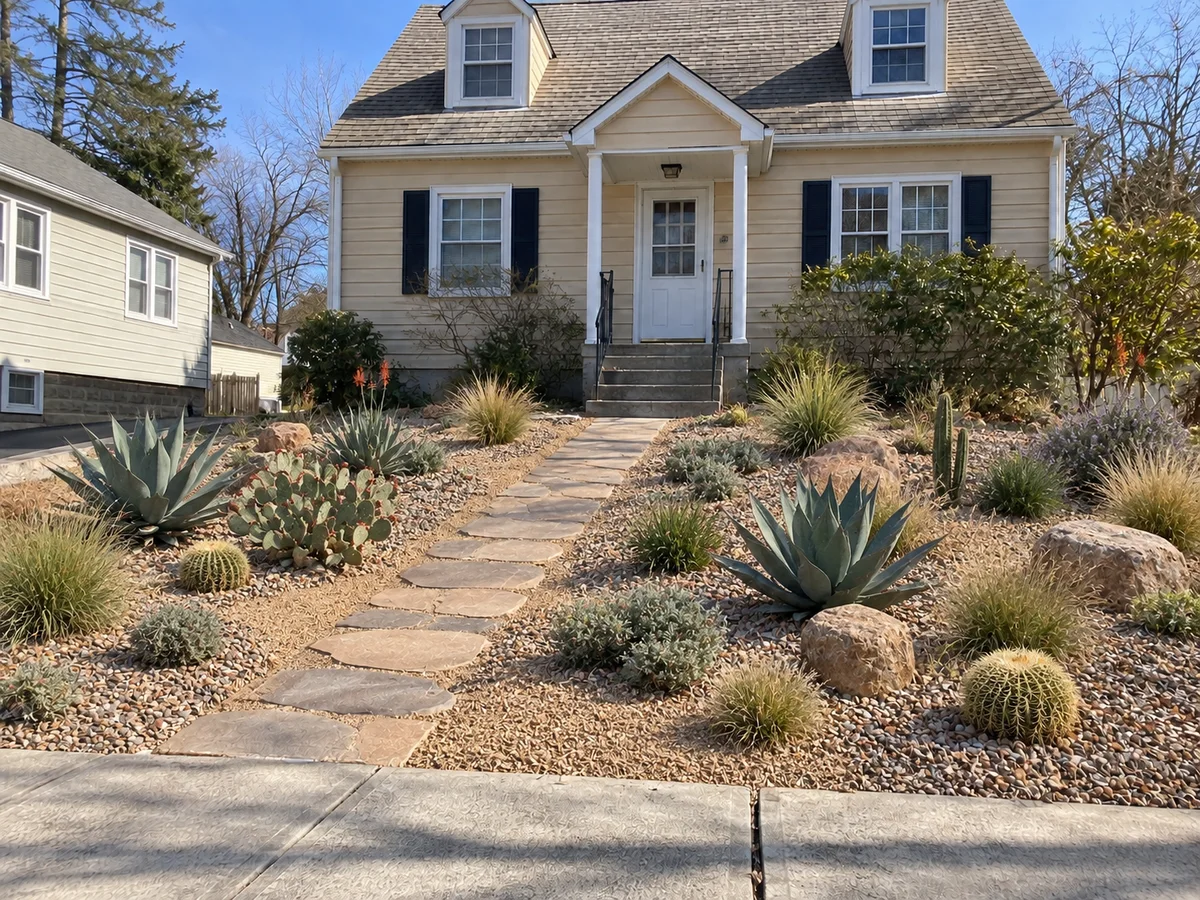
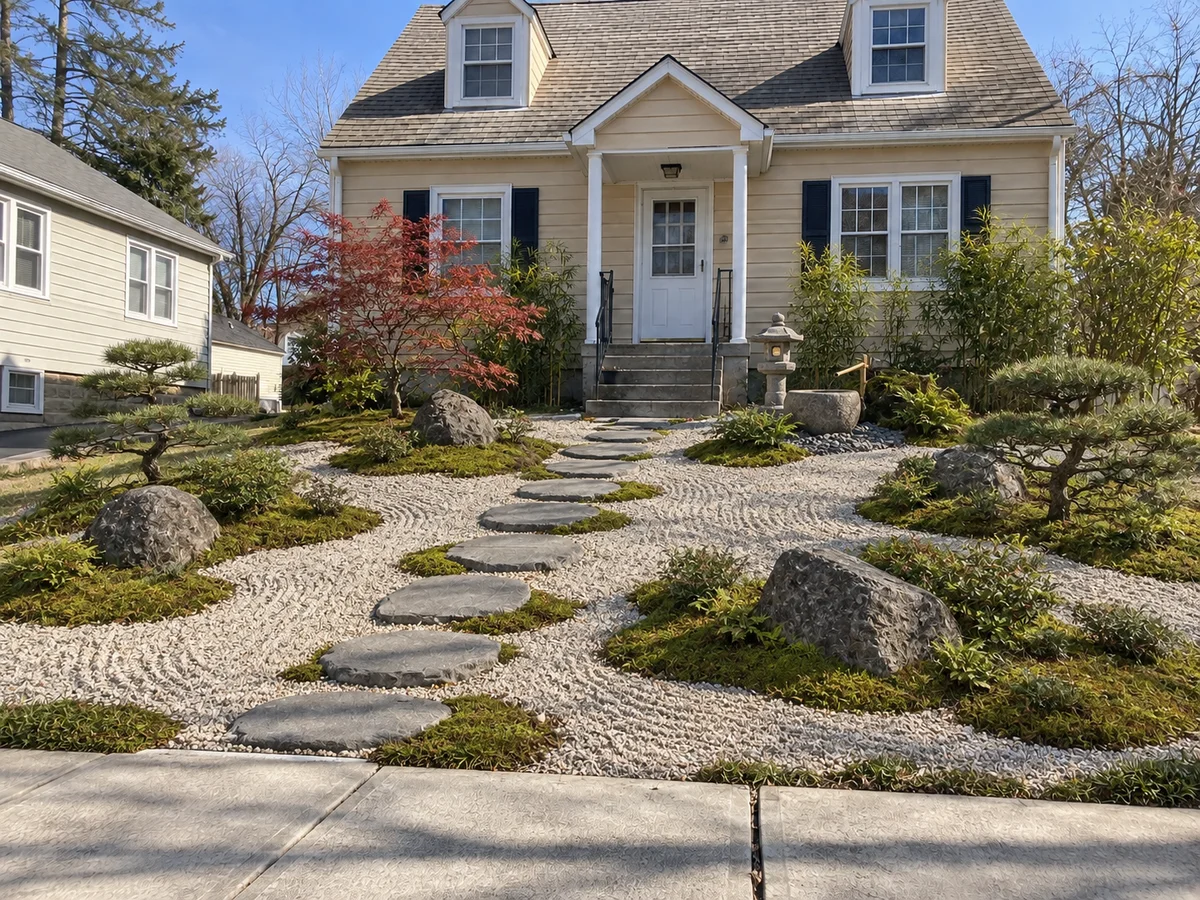
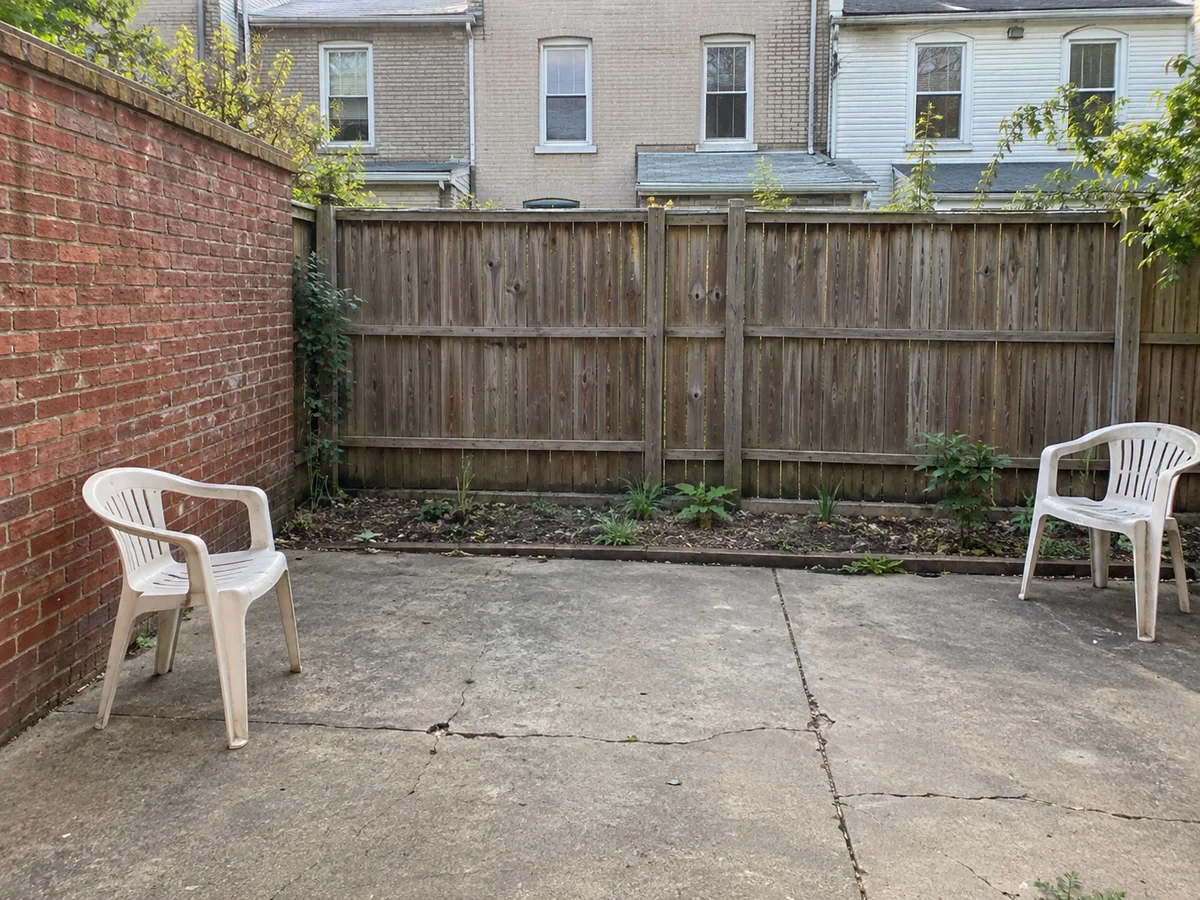
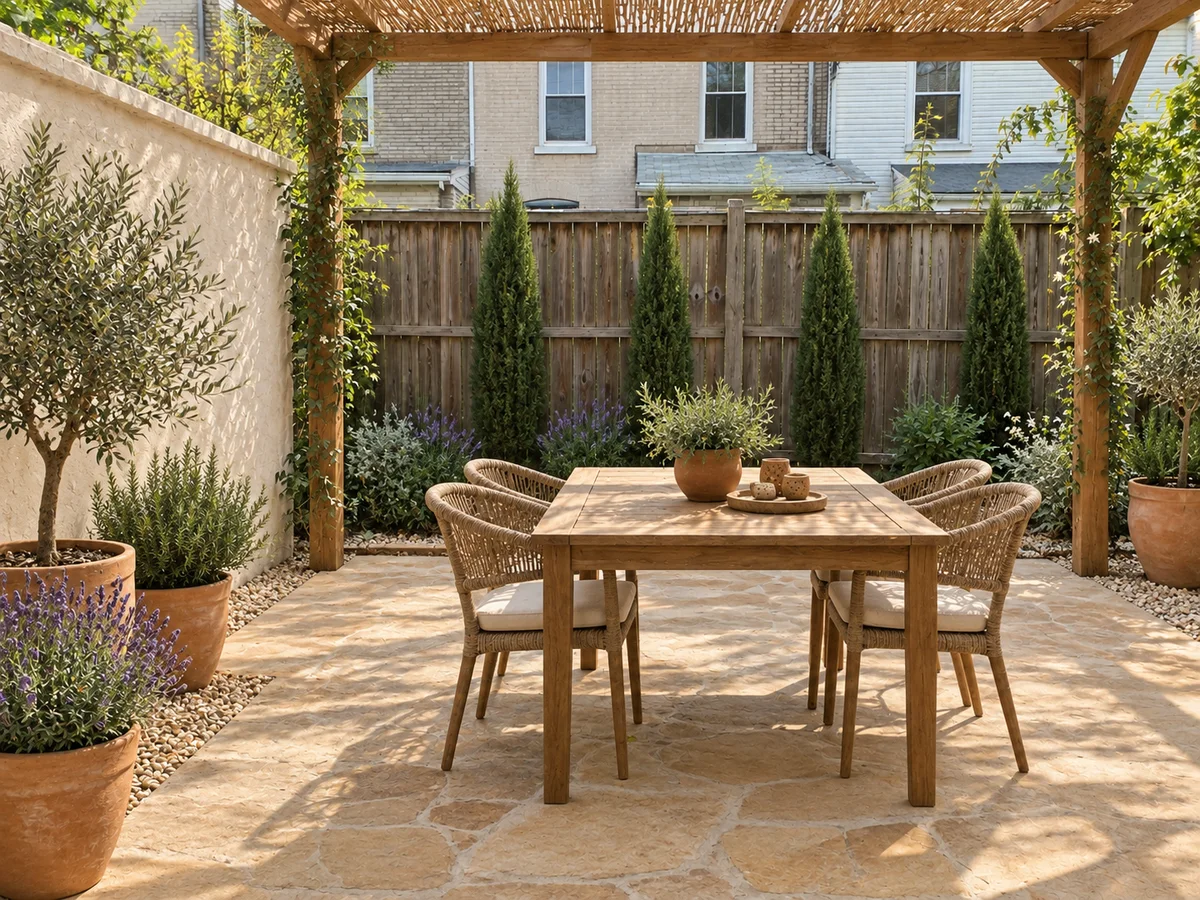
A bare backyard, a sloped front yard and a small patio, each shown in two styles generated from the same photo. Like all AI landscape designs, they are illustrative concepts, so small details can shift.
- AfterBefore
Modern Backyard Landscape with a Paver Patio
 AfterBefore
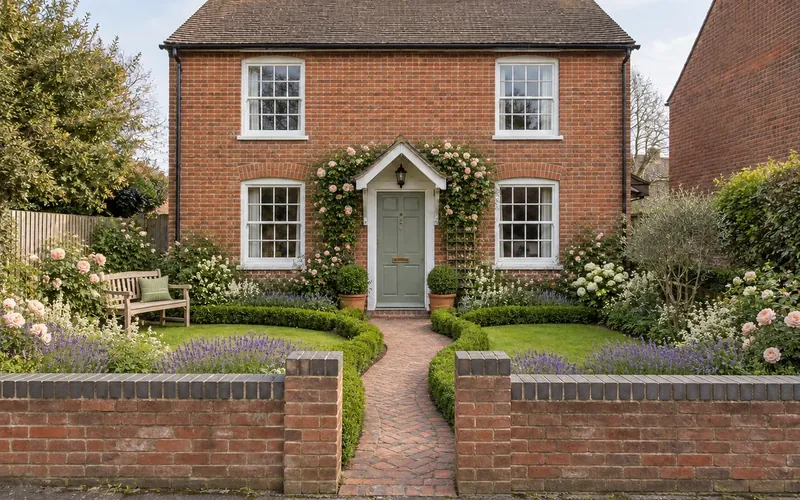
English Lawn Backyard with Boxwood Hedges
 AfterBefore
Desert Xeriscape Front Yard on a Slope
 AfterBefore
Japanese Front Yard with Stepping Stones
 AfterBefore
Small Mediterranean Patio with a Pergola
 AfterBefore
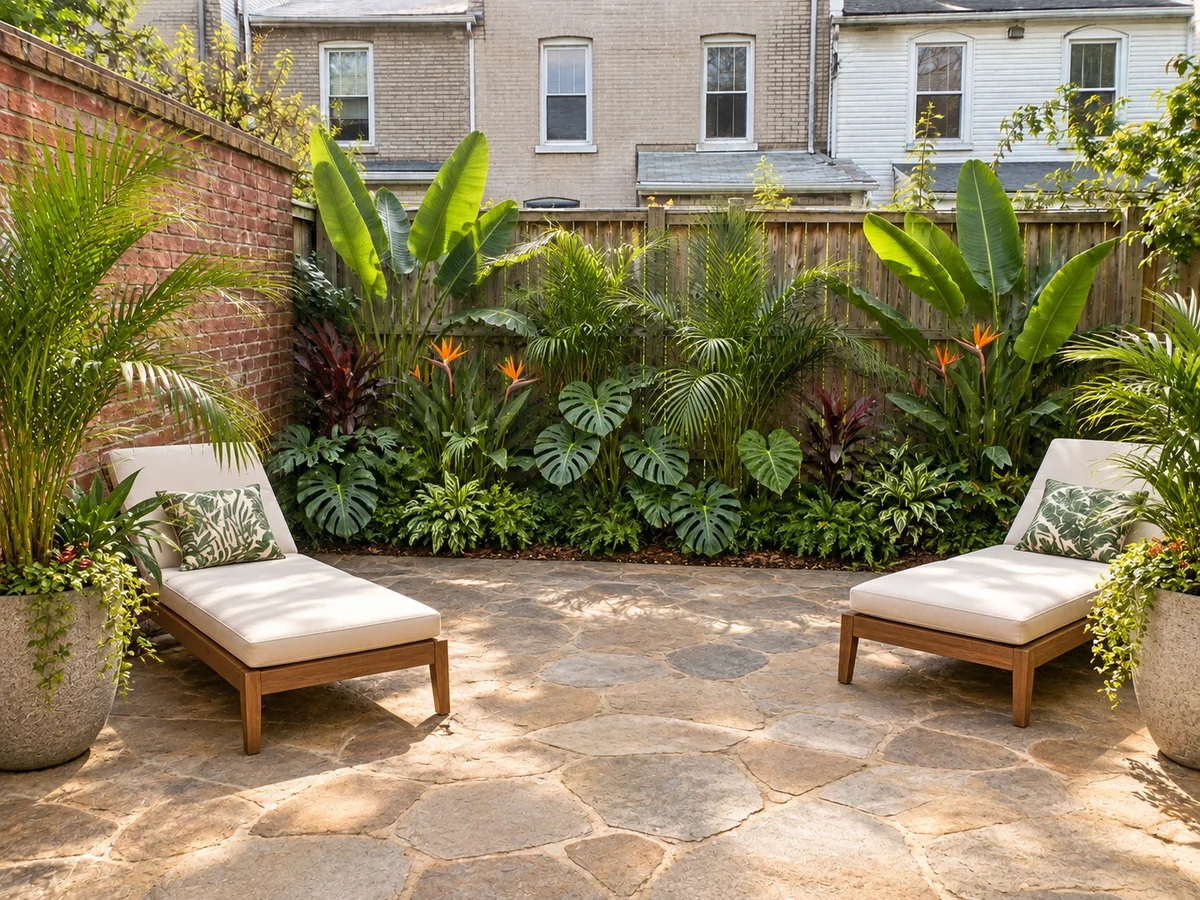
Small Tropical Patio with Layered Foliage
Landscape AI basics
What Is AI Landscape Design?
AI landscape design redraws the outdoor space in a photo you upload. Pick a style, add notes, and landscape AI proposes new planting, lawn, paths, patio paving, outdoor furniture, shade structures, water features and lighting, while it is instructed to keep your house, property lines, fence and wall positions, slope and large trees. Think of it as virtual landscape design: free to try with signup credits, and quick enough to compare several directions before you spend money on any of them.
Treat AI-generated landscapes as a sketchbook, not a contractor. Each result is a photorealistic concept image: plants are style cues rather than a species list, sizes are visual and nothing is measured. Use it for a backyard, front yard, side yard or patio; if you mainly want new beds and borders rather than a whole-yard layout, AI Garden Design is built for that.
- Works on a photo of your own backyard, front yard or patio
- 7 landscape styles, or describe your own with Custom
- Changes planting, lawn, paths, paving, furniture, shade and lighting
- Designed to keep the house, boundaries, slope and large trees
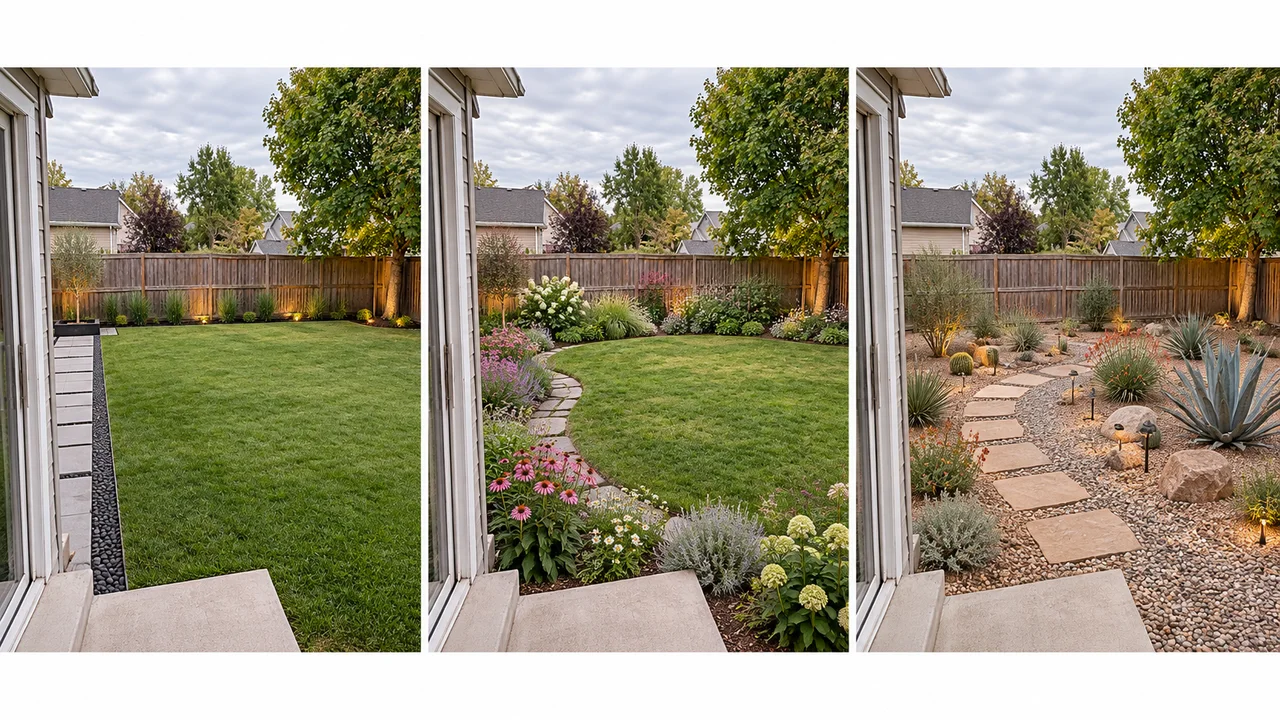
Why Use AI for Landscape Design?
What this landscaping AI tool changes in a yard photo, and what it leaves alone.
1. Starts from your own yard
Upload a backyard, front yard or patio photo. The AI landscape designer draws on your lot, with the house and fence line still in frame.
2. Choose from 7 landscape styles
From Modern to English Lawn, or switch to Custom to describe a look in words or upload a reference photo.
3. Hardscape and plants together
Lawn, paths, patio paving and planting change in one preview, so you judge the whole yard instead of one bed at a time.
4. House and boundaries stay put
The AI is instructed to keep the house, fence and wall positions, the slope and large trees. Fences and walls may get a new finish.
5. Seating, shade and lighting
Ask for outdoor furniture, a pergola or shade sail, a water feature or path lights in the notes, alongside the plants and paving.
6. Free credits to start
Try AI backyard design free with the signup credits new accounts receive. Each design uses 10 credits; your balance is shown in the workspace.
Style options
AI Landscape Ideas: Styles You Can Try
Each generation applies one of 7 landscape styles to your photo. Switch the picker to Custom to describe a look of your own.
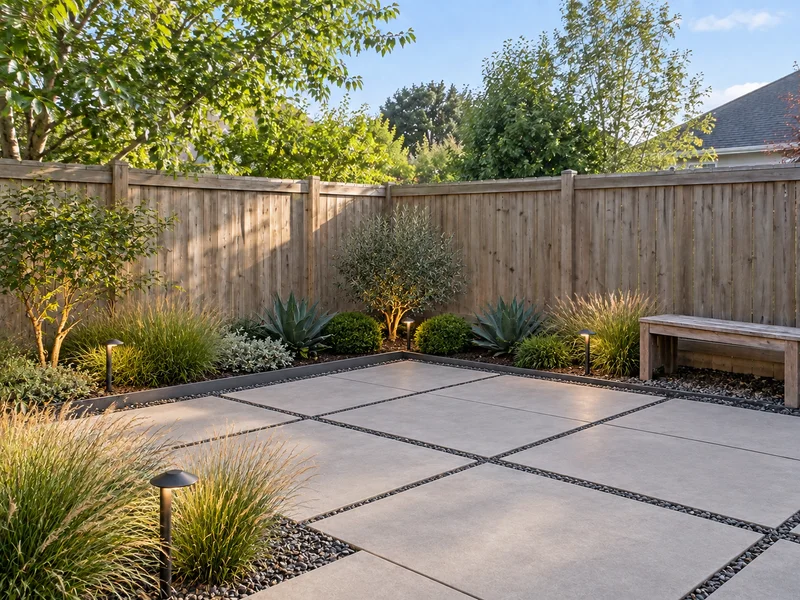
Modern
Geometric beds, large pavers, ornamental grasses and low-voltage lights.
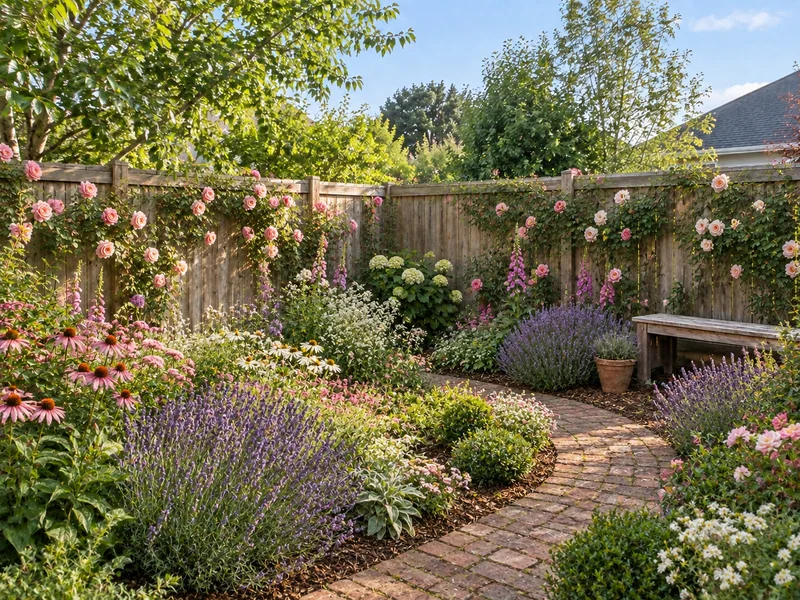
Cottage Garden
Informal flower borders, climbing roses and winding gravel or brick paths.
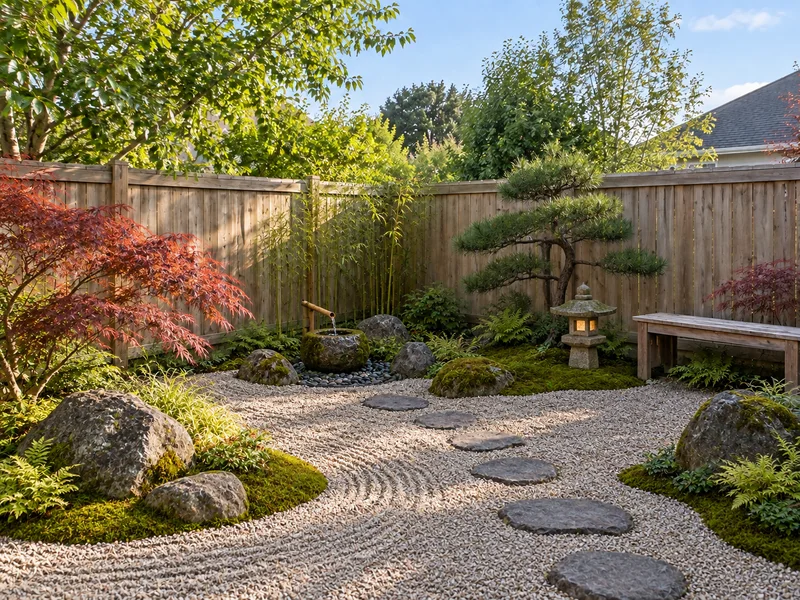
Japanese
Raked gravel, moss, placed boulders, maples and a calm water feature.
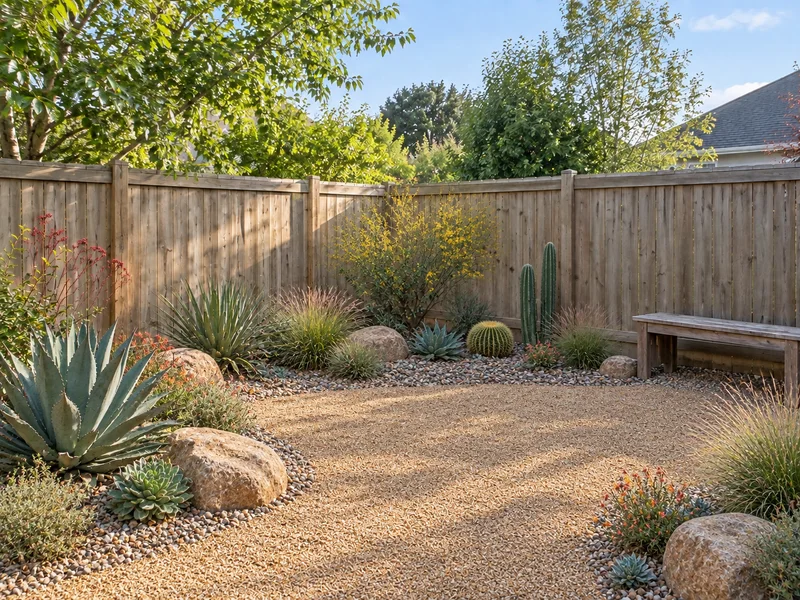
Desert Xeriscape
An arid landscape of gravel, succulents, agaves and native grasses.
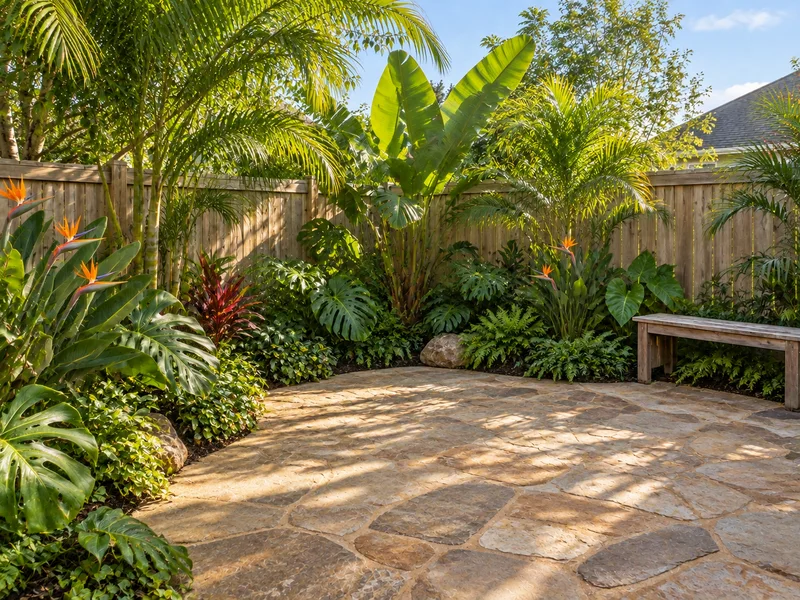
Tropical
Palms, banana plants and dense foliage around natural stone paving.
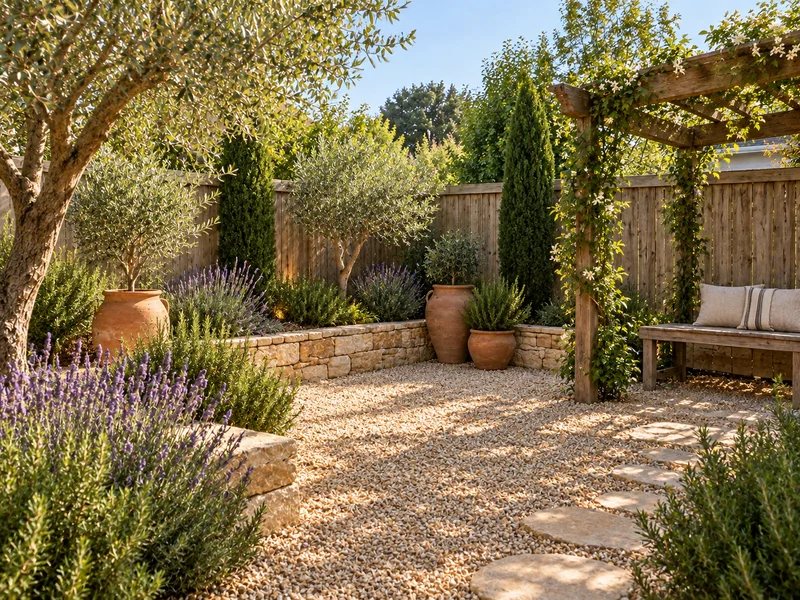
Mediterranean
Olive trees, lavender, terracotta pots, gravel and a shaded pergola.
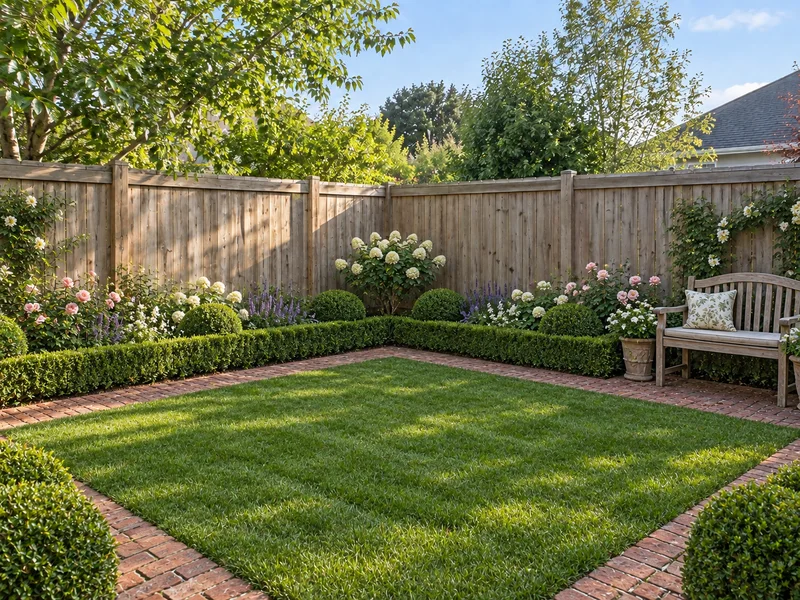
English Lawn
A manicured lawn, clipped boxwood hedges and brick or stone paths.
Thumbnails are illustrative. Plants in a preview are style cues, not a planting list; check what suits your climate and soil with a local nursery.
How to Use AI for Landscape Design
Photograph your yard
Shoot in daylight from the back door, a deck or an upstairs window, so the lawn, the boundaries and the edge of the house are in frame. PNG, JPG or WebP up to 10MB.
Pick a style and add notes
Choose a landscape style, then list what you want: a paver patio, a gravel path to the side gate, low-water planting, string lights. If a large tree should go, say so in the notes; otherwise it stays.
Compare, then brief a pro
Run another style on the same photo and compare the results in History or download them. Bring your favorite to a landscaper, a nursery, or a free landscape design consultation if one is offered near you.
Plan Patios, Paths and Planting with AI Backyard Design
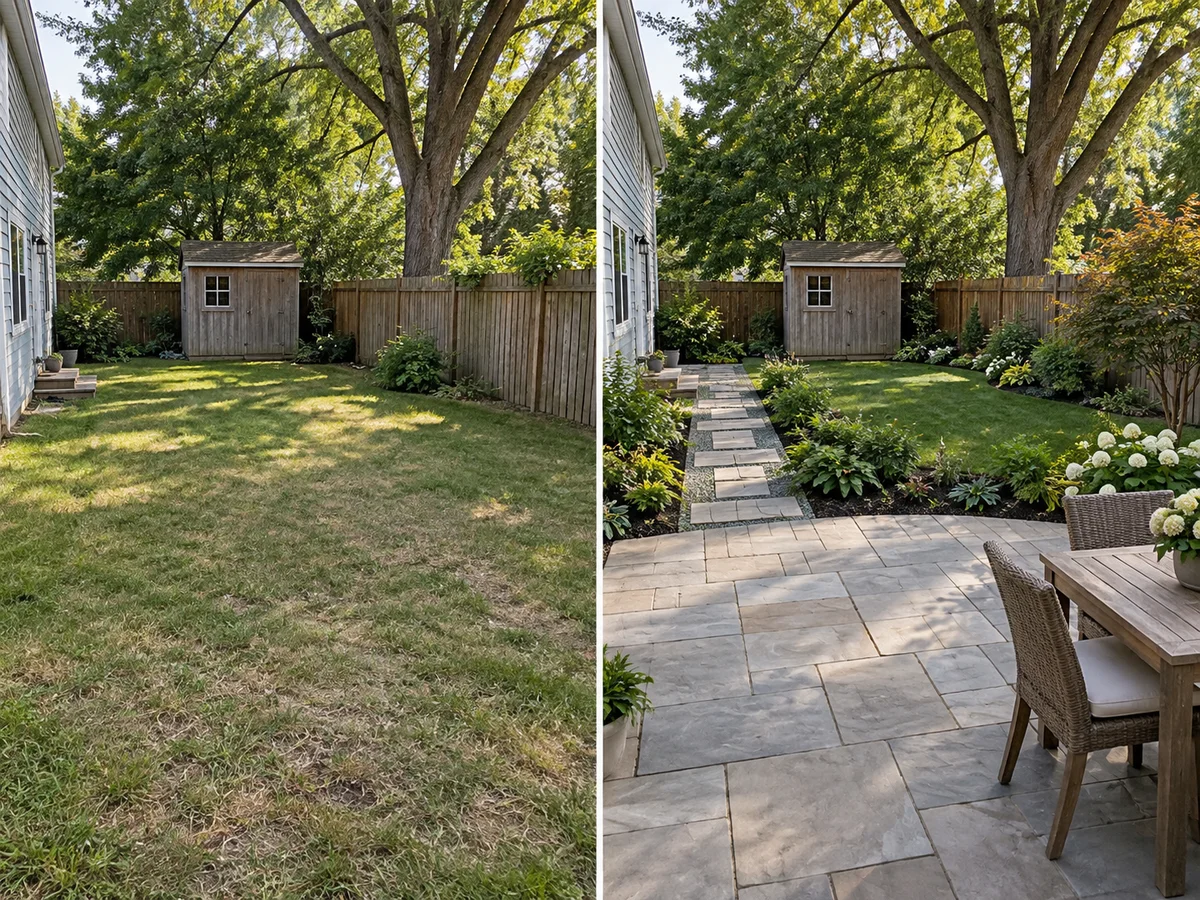
An AI Yard Designer That Starts from Your Lot
Inspiration photos show someone else's lot, light and fence line. Here the concept starts from a photo of your own backyard or front yard, and the AI is instructed to keep the house, boundaries, fence and wall positions and large trees in place. Compare each result with your original photo, since AI can shift small details.
Upload Your Yard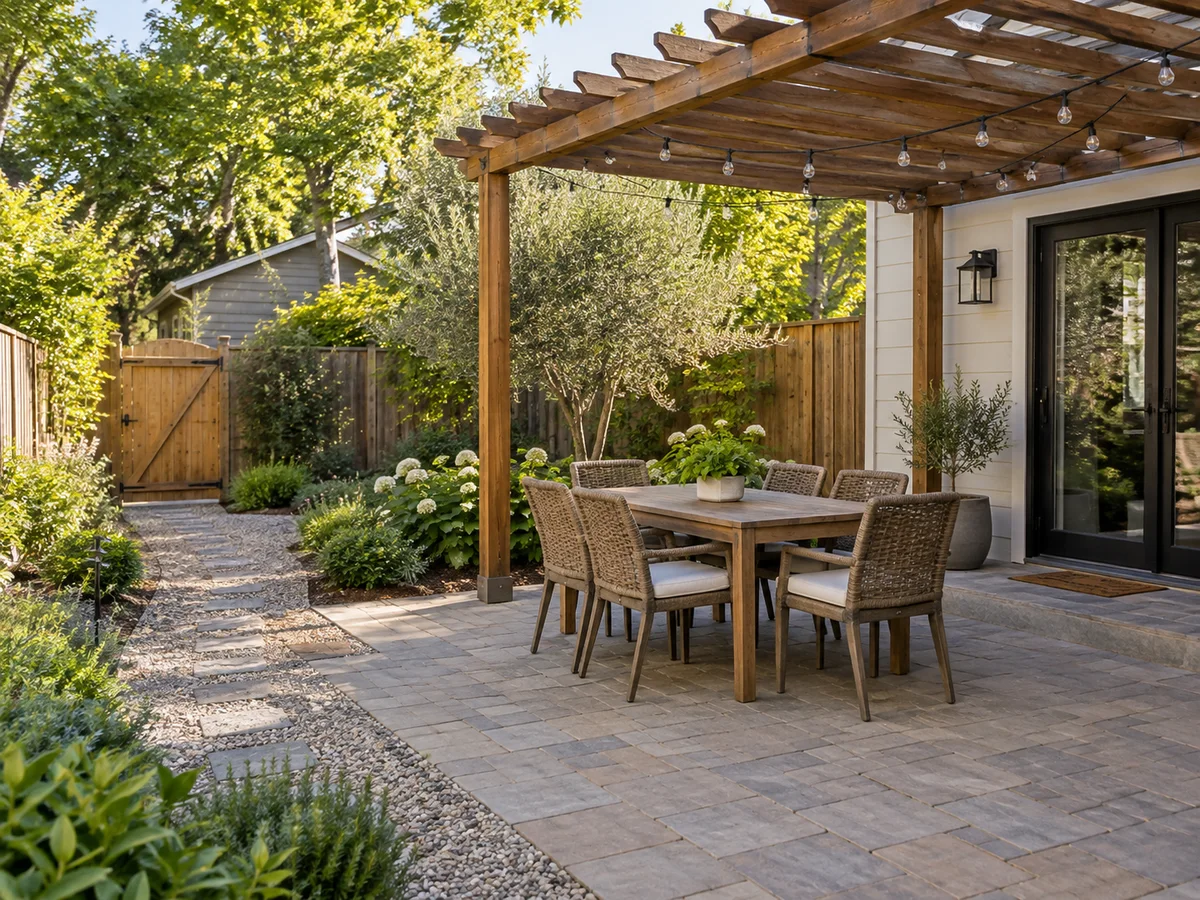
Lay Out a Patio, Paths and Seating
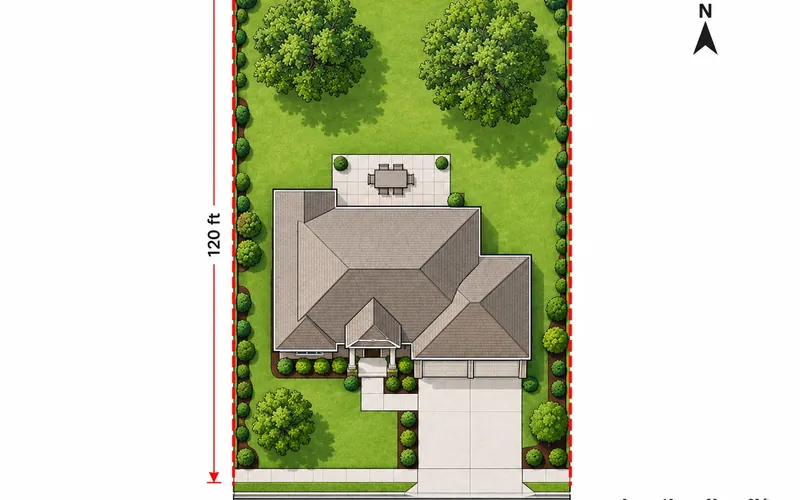
Work out where a patio belongs and how people will move through the yard. A note like 'paver patio off the back door, gravel path to the side gate, dining table under a pergola' gets paving, paths, furniture and shade proposed together. It is a picture, not a measured plan; to fix sizes and setbacks, sketch the lot from above.
Sketch a Site Plan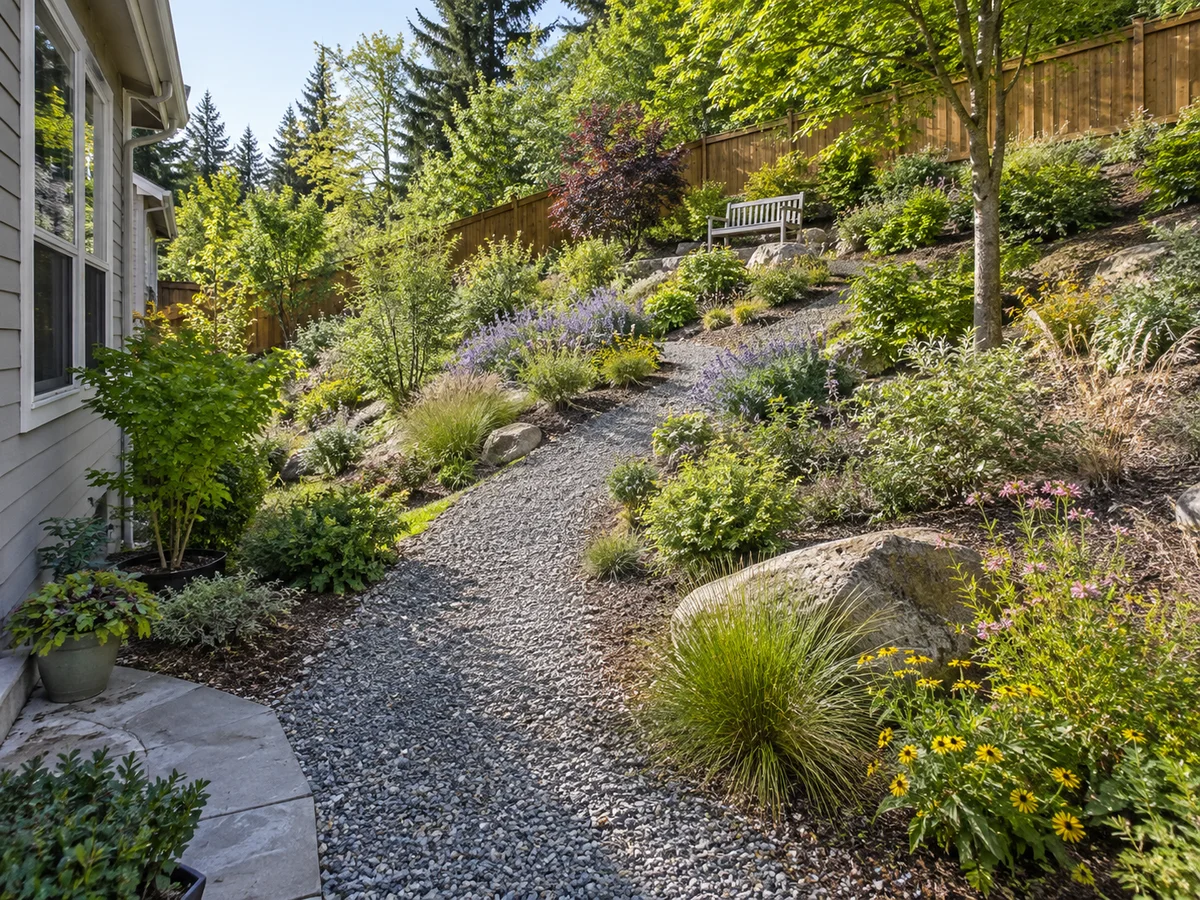
Work With a Slope, Not Against It
Describe how you want to use a sloped or narrow yard, such as a path that follows the grade or seating close to the house. The AI is told to keep the terrain as it is, so it is not asked to regrade the lot or add retaining walls. Check that the preview has not flattened the slope; levels and drainage need an on-site look.
Try a Sloped Yard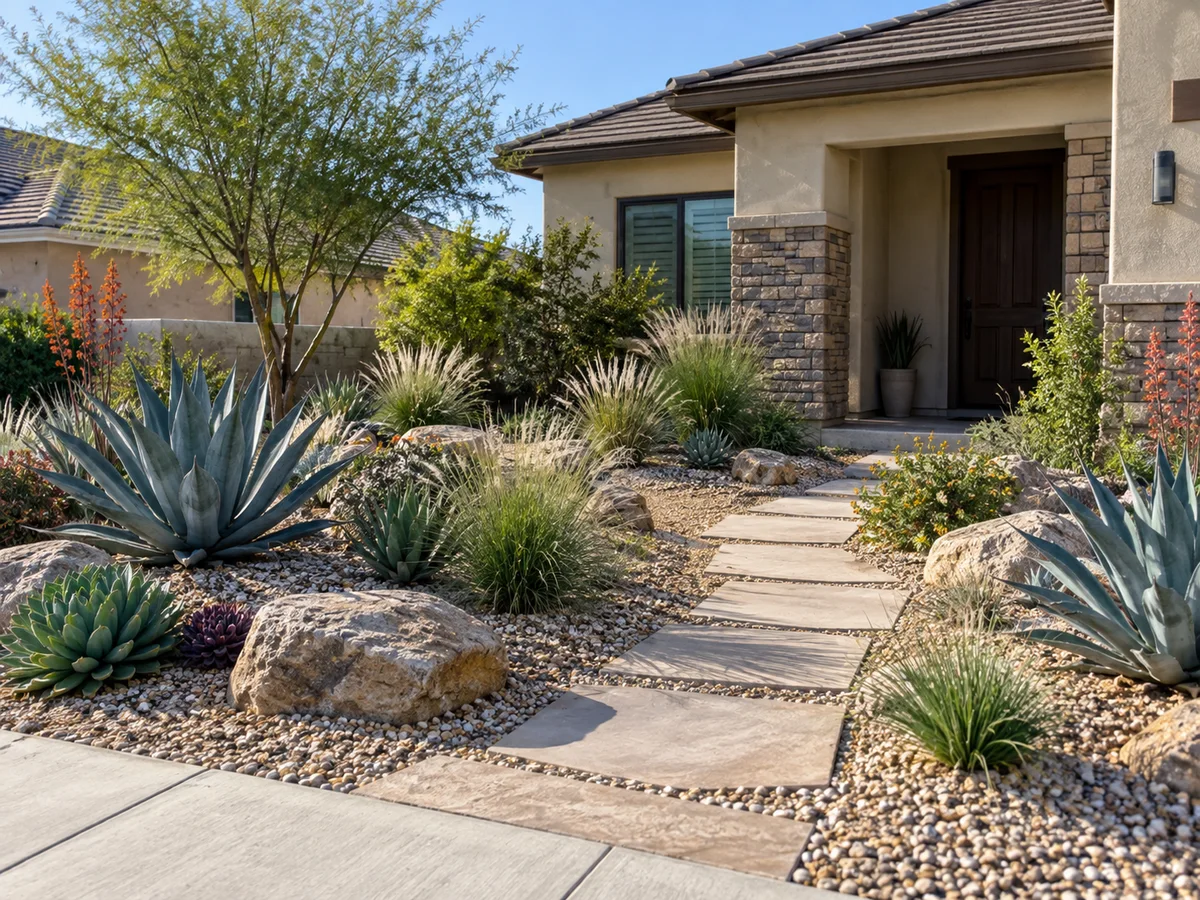
Swap a Thirsty Lawn for an Arid Landscape
Pick Desert Xeriscape, or add a note like 'replace the lawn with gravel and drought-tolerant plants', to see an arid landscape on your own lot. Plants in the preview are style cues, not a species list, so confirm what suits your climate, soil and local watering rules with a nursery.
Try Desert XeriscapeLayout guide
Backyard and Side Yard Design: Typical Sizes
Rules of thumb for paths, beds and patios, so the concept you like fits the yard you have. Check them against your own measurements.
| Zone | Typical size | Metric | Why |
|---|---|---|---|
| Main path or front walk | 4–5 ft wide | 1.2–1.5 m | Two people can walk side by side |
| Secondary path or stepping stones | 2–3 ft wide | 0.6–0.9 m | Single file through planting |
| Side yard passage | at least 3 ft clear | 0.9 m | Room for bins, a wheelbarrow or a mower |
| Planting bed along a fence | 3–6 ft deep | 0.9–1.8 m | Deep enough for two or three layers of plants |
| Patio for a table of four | about 10 × 10 ft (12 × 12 ft comfortable) | 3 × 3 m (3.7 × 3.7 m) | Chairs pull back without dropping off the edge |
| Patio for a table of six | about 12 × 12 ft (12 × 14 ft comfortable) | 3.7 × 3.7 m (3.7 × 4.3 m) | Leaves a walkway around the table |
| Lounge group: sofa, two chairs, coffee table | about 12 × 12 ft | 3.7 × 3.7 m | Seats face each other with legroom |
Typical planning figures, not a design standard or code. Narrow backyards often work best with one main path, beds along one side and a small patio at the wider end. Measure your lot (the Square Footage Calculator helps with paving and gravel areas) before you order materials.
Style planner
Arid Landscape or Lush Lawn? Water Use and Upkeep by Style
General tendencies of each style in the picker, to match a look to your climate and to the time you want to spend on the yard.
| Style | Water once established | Upkeep | Typical fit |
|---|---|---|---|
| Desert Xeriscape | Low | Low: weeding, topping up gravel | Hot, dry climates and watering limits |
| Mediterranean | Low to moderate | Moderate: seasonal pruning | Hot, dry summers and mild winters |
| Modern | Varies with the plants | Low to moderate | Small yards, patios, clean lines |
| Japanese | Moderate | High: raking gravel, careful pruning | Small or shaded yards and courtyards |
| Tropical | High | Moderate to high | Warm, frost-free areas |
| Cottage Garden | Moderate to high | High: deadheading, dividing perennials | Sunny beds and informal houses |
| English Lawn | High (lawn) | High: mowing, edging, hedge clipping | Cool, moist climates; a lawn for play |
General guidance only, not a planting plan. Water needs depend on the plants you choose, the soil, sun and local climate; check with a local nursery and your local watering rules before planting.
What People Use AI Landscape Design For
AI front yard design
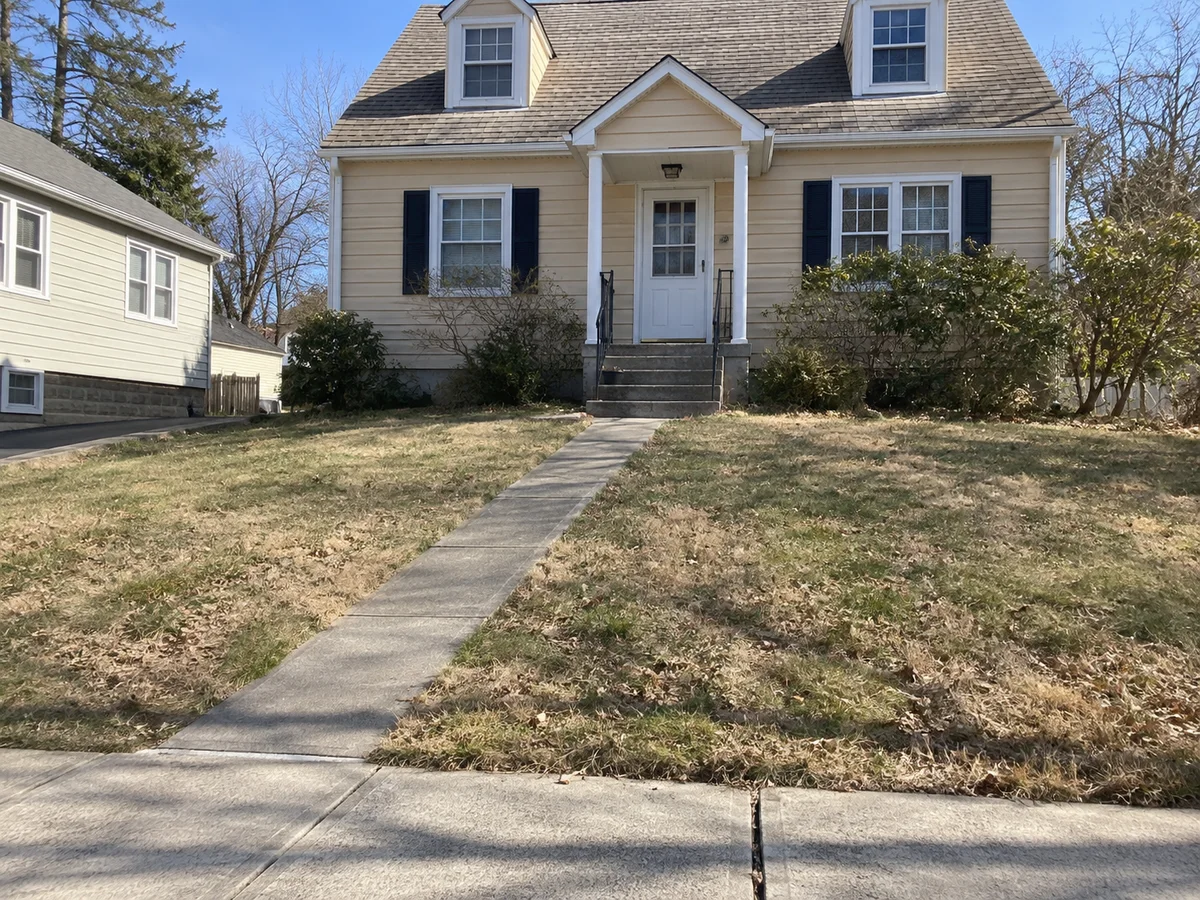
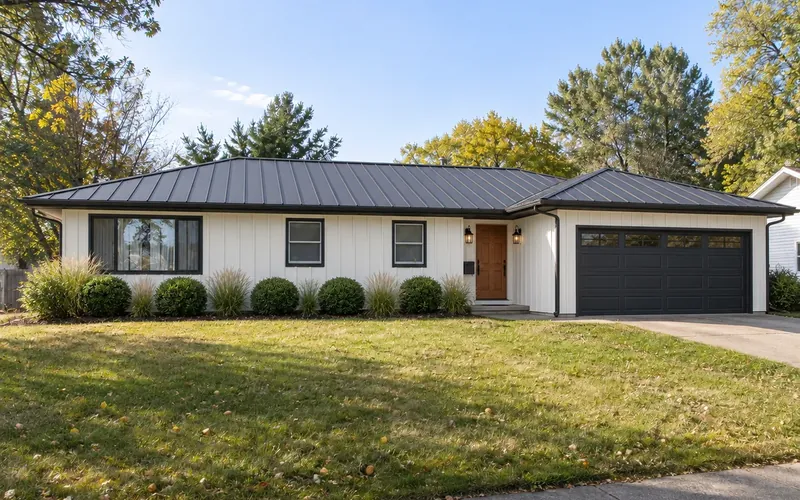
Try a low-water front yard, a new walk to the door or tidier beds under the windows, with the house left as it is. When the facade needs work too, restyle the house itself or test new siding and trim colors on the same photo.
A backyard for outdoor living
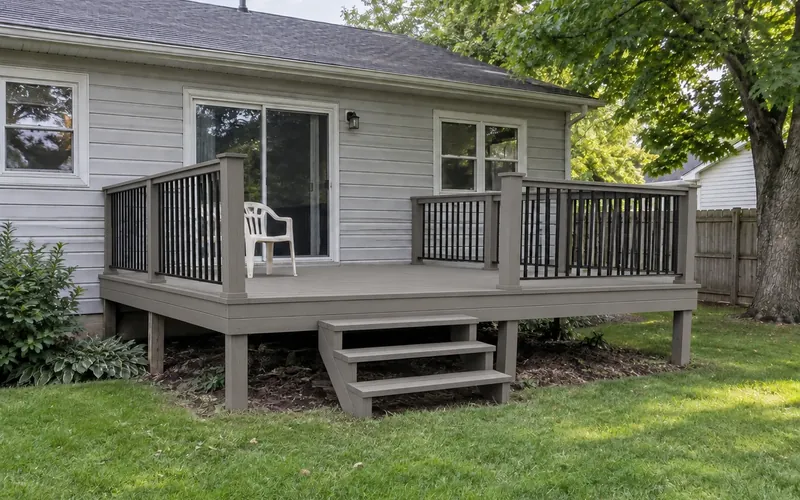
Backyard design AI is most useful before anything is poured: place a patio, a pergola and seating where you actually spend summer evenings, then check the zone sizes in the table above. A deck is a separate job, and the Deck Designer draws one into the same yard photo. For lot lines and setbacks, sketch the yard from above.
Narrow backyard design
Long, thin yards and side passages are where a concept helps most: one clear path, beds along one fence and a small sitting spot at the wide end. Planting-first projects, such as borders, containers or a cottage look, get more detail in AI Garden Design.
AI Landscape Design Questions
New accounts receive free signup credits, so you can try AI backyard design and AI yard design free before you pay anything. Each generation costs 10 credits, and how many designs you can make depends on your balance. Sign in to generate; free requests may wait in a queue.
Yes. Upload a PNG, JPG or WebP of your backyard, front yard or patio up to 10MB, pick a style and add notes; the AI landscape design generator redesigns the space in that photo instead of inventing a new one. With no photo, it creates a backyard concept from your written description, which is good for ideas but is not an edit of your real layout.
You get a realistic AI landscape: a photorealistic image in the same daylight and camera angle as your photo, so it reads like a real yard. Realistic is not the same as accurate: plant sizes, spacing and paving dimensions are visual, and young plants take years to look as full as they do in a preview. Treat it as a concept and compare it with your original photo.
Yes. Any outdoor space in a photo works: a front yard seen from the street, a narrow backyard, a side yard passage or a small patio. For a narrow space, shoot along its length and ask for one clear path; the sizing table above shows typical path and bed widths.
It is instructed to. The house and other buildings, property boundaries, fence and wall positions, the slope and large trees are meant to stay; fences and walls may get a new finish. To have a large tree removed, ask in the notes. To change the house itself, use AI Exterior Design.
Yes. Choose Desert Xeriscape for gravel, succulents, agaves, cacti and native grasses, or add low-water notes to another style such as Mediterranean. Treat the plants as style cues and check what suits your climate, soil and local watering rules.
It depends on the job, because landscaping apps and AI landscape design tools differ in what they start from. To see ideas on your own yard, look for one that starts from your photo and keeps the house, boundaries and slope; this one does that in the browser, so there is no AI landscape design app to install. For measured planting plans and construction drawings, the best landscape software is still a dedicated design program, or a professional. General chat assistants such as ChatGPT are handy for brainstorming a backyard design in words; paste that brief into the notes here to see it on your yard.
No. Each result is a concept image, not a measured drawing, planting schedule, cost estimate or permit plan. Agree on a direction with it, then have a landscaper check levels, drainage, plant choices and local rules. For a top-down layout of the lot, the Site Plan Maker draws one from a description.
Try Free AI Landscape Design on Your Own Yard
Upload one photo of your backyard, front yard or patio and see a new landscape before you call a landscaper. New accounts get free credits to start.
Design My Backyard- 10 credits per generation
- PNG, JPG or WebP up to 10MB