
Building Layout Maker
A free building layout maker for commercial space: describe the business, enter the square footage, and AI returns a labeled building plan.
Create a Building LayoutOnline Building Layout Planner
Choose the building type, describe the business, set the floor area and pick a drawing style.
Retail store
2,400 sq ft · Colored 2D
Building Layout Examples
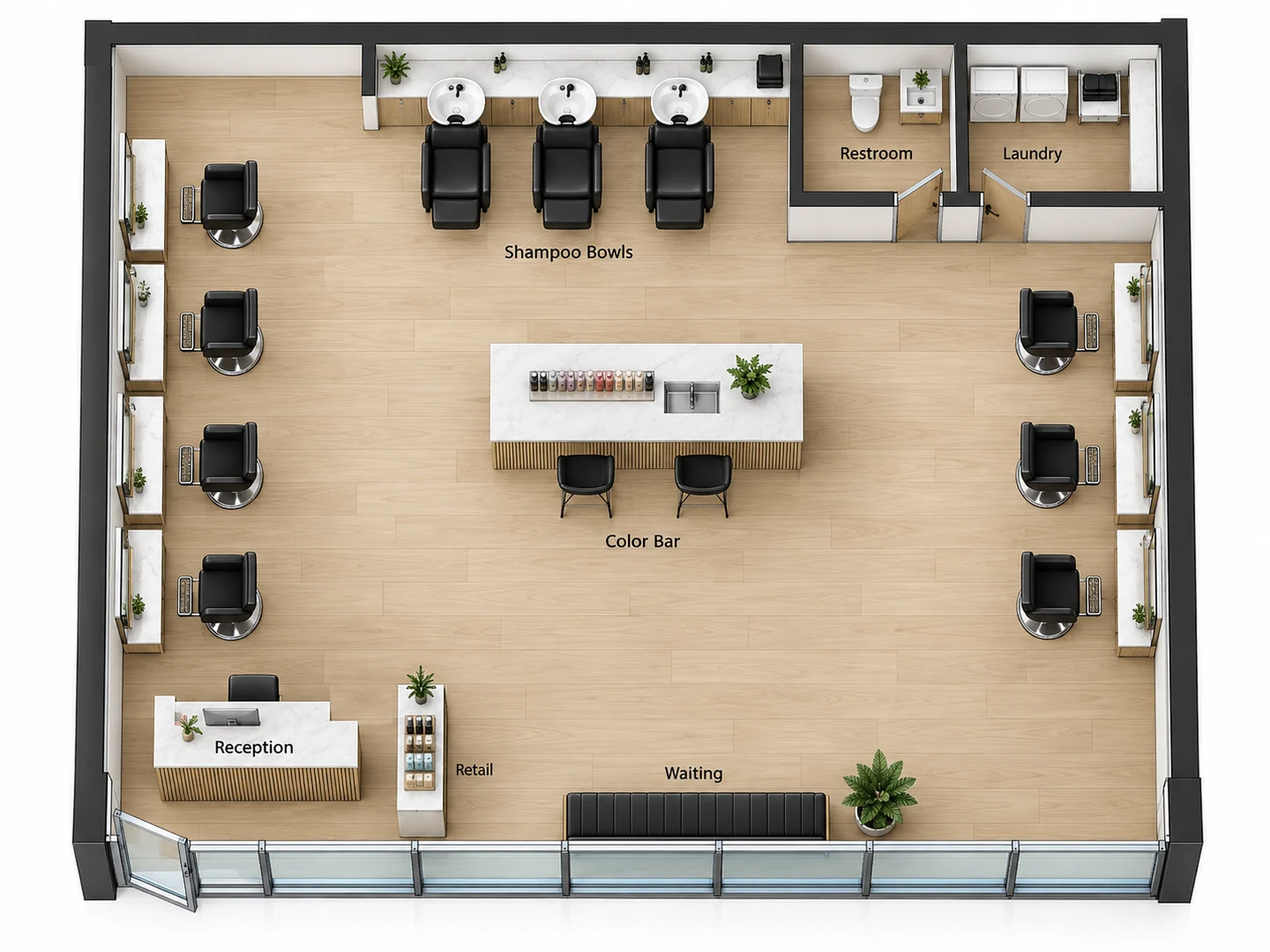
A shop, a clinic and a gym: three commercial programs, each generated from a short brief or an empty shell.
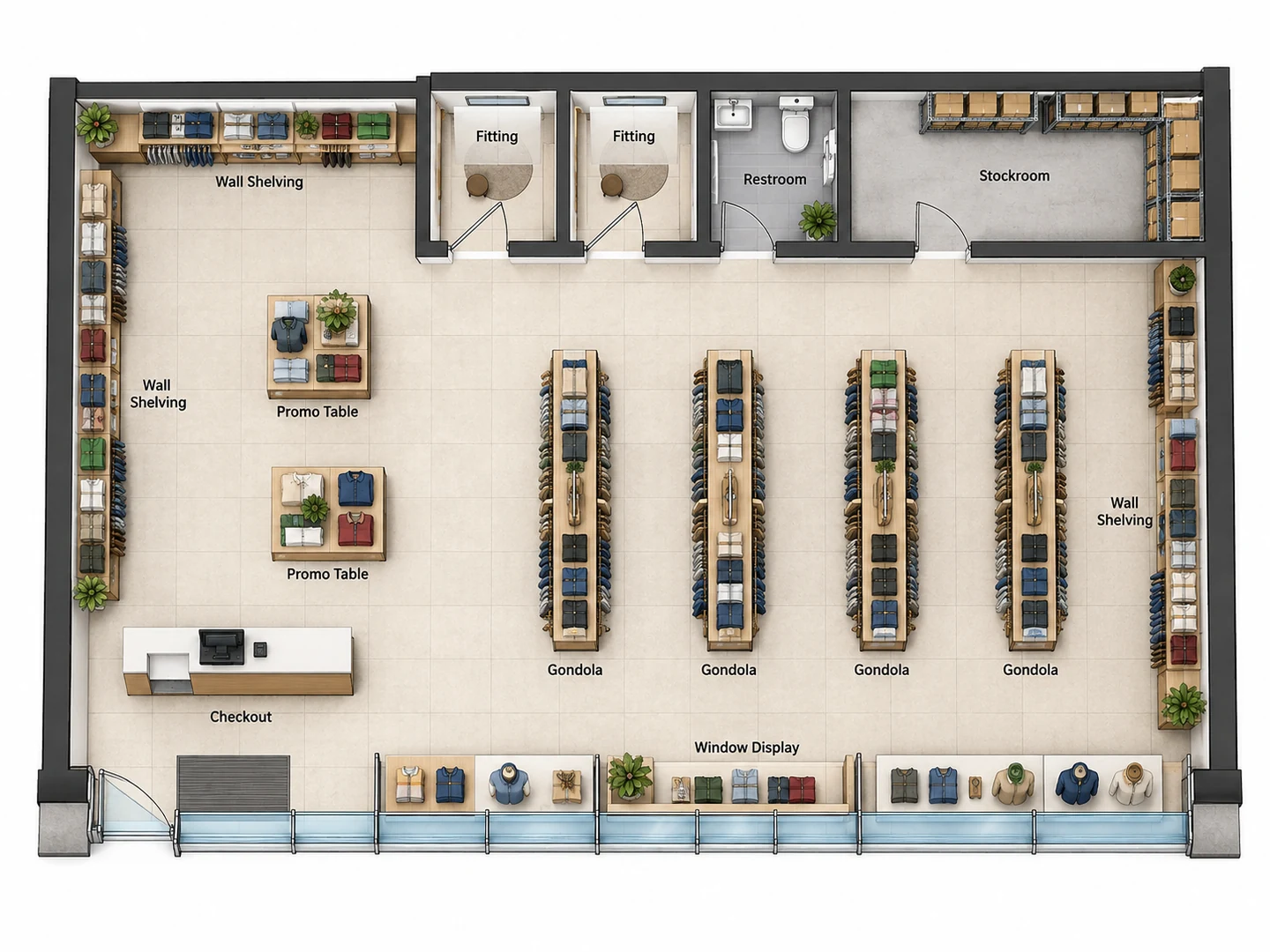
Before After 2,400 sq ft retail store with checkout, four gondola aisles and a stockroom
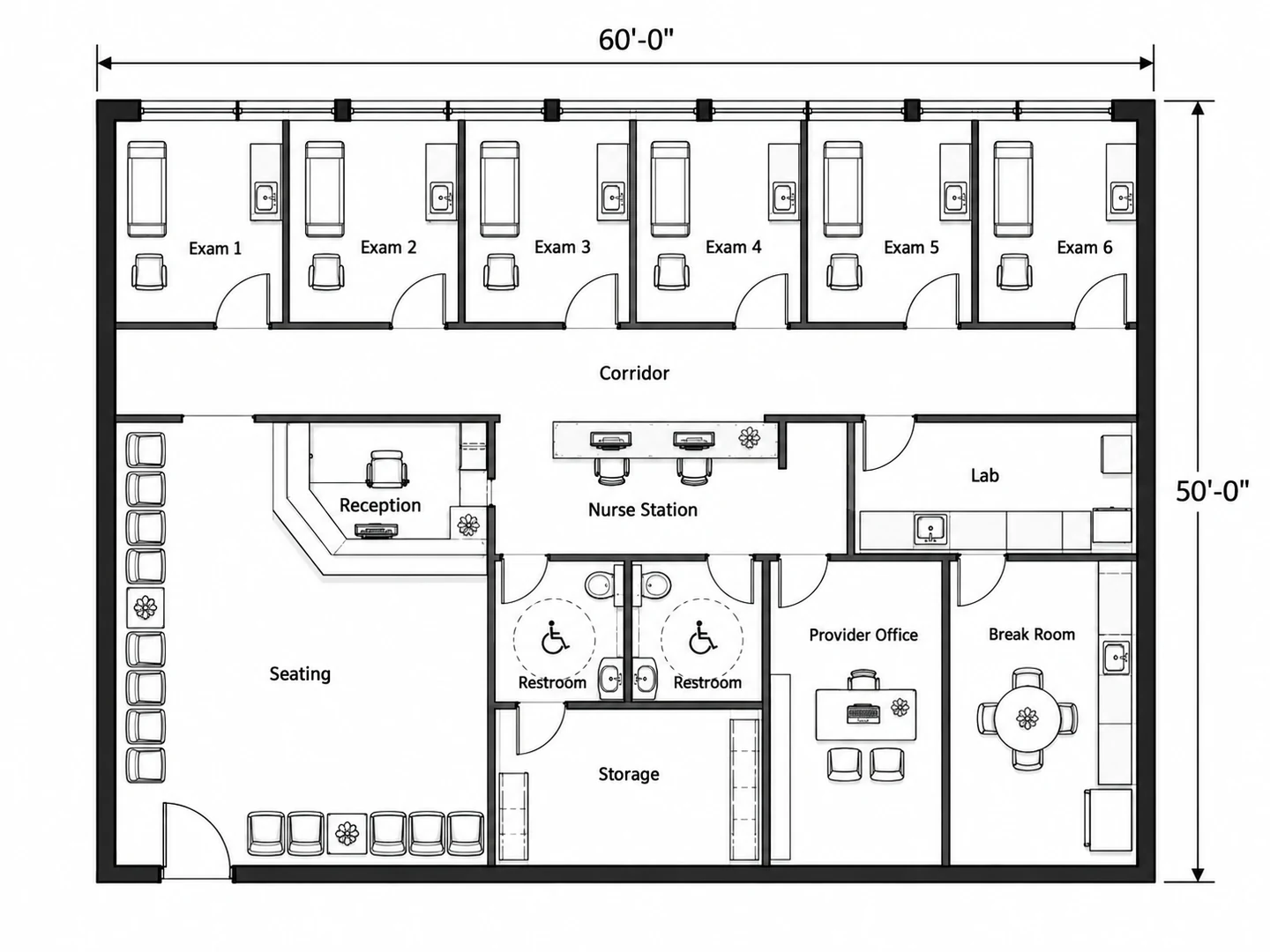
Before After 3,000 sq ft medical clinic with six exam rooms off a 5 ft corridor
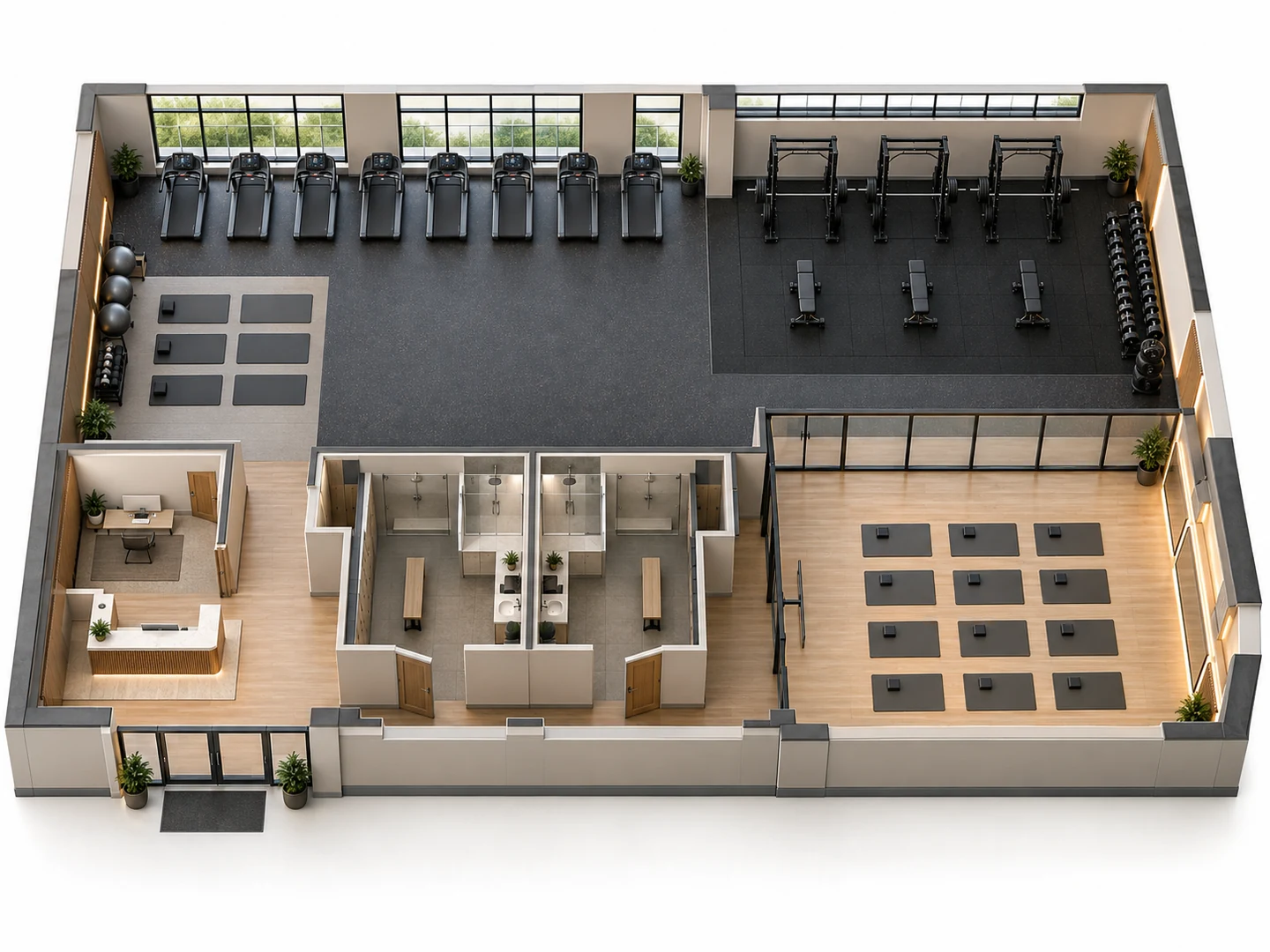
Before After Fitness studio with cardio, free weights, a class studio and locker rooms, in 3D
Commercial space, test-fitted
What Is a Building Layout Designer?
A building layout designer works out how a business fits inside a building: where customers come in, how they move through the space, which rooms need walls, and where staff areas, storage and restrooms go. Each use has its own logic. A shop needs aisles and a checkout by the door, a clinic needs exam rooms off a corridor, and a warehouse needs racking with room for a forklift to turn. This one is an AI building layout generator and planner, so you describe the business and it draws the whole floor instead of you placing walls and fixtures one at a time.
Use it for a test fit, the quick plan tenants, landlords and brokers make to see whether a space suits a use before anyone signs. The result is a planning image with approximate dimensions, not a CAD file or a construction drawing. Commercial projects need a licensed architect and a code review covering occupancy, exits (egress), fire separation and ADA accessibility before anything is built or submitted for a permit.
- Offices, retail, warehouses, clinics, gyms, salons and event spaces
- Rooms, fixtures and counts taken from your brief
- Floor area in square feet or square meters
- Seven styles, from Technical 2D to 3D Isometric
How to Draw a Building Layout
Describe the shell
Pick the building type and enter the floor area. Then note what is already fixed: the entry and storefront, loading doors, windows, columns, stairs and any existing restrooms or plumbing.
List the program
Name every room and every count: exam rooms, styling stations, pallet racks, guests, desks. Add the support spaces that are easy to forget, such as restrooms, storage, a staff room, a janitor closet and a delivery area.
Generate and test alternatives
Generate the layout and check it against the space figures below. Change one thing at a time, for example the checkout at the front or the back, or one more exam room, and compare the versions in My Projects before you brief an architect.
A Building Layout Generator for Real Businesses
Sized for the use, not just the floor area
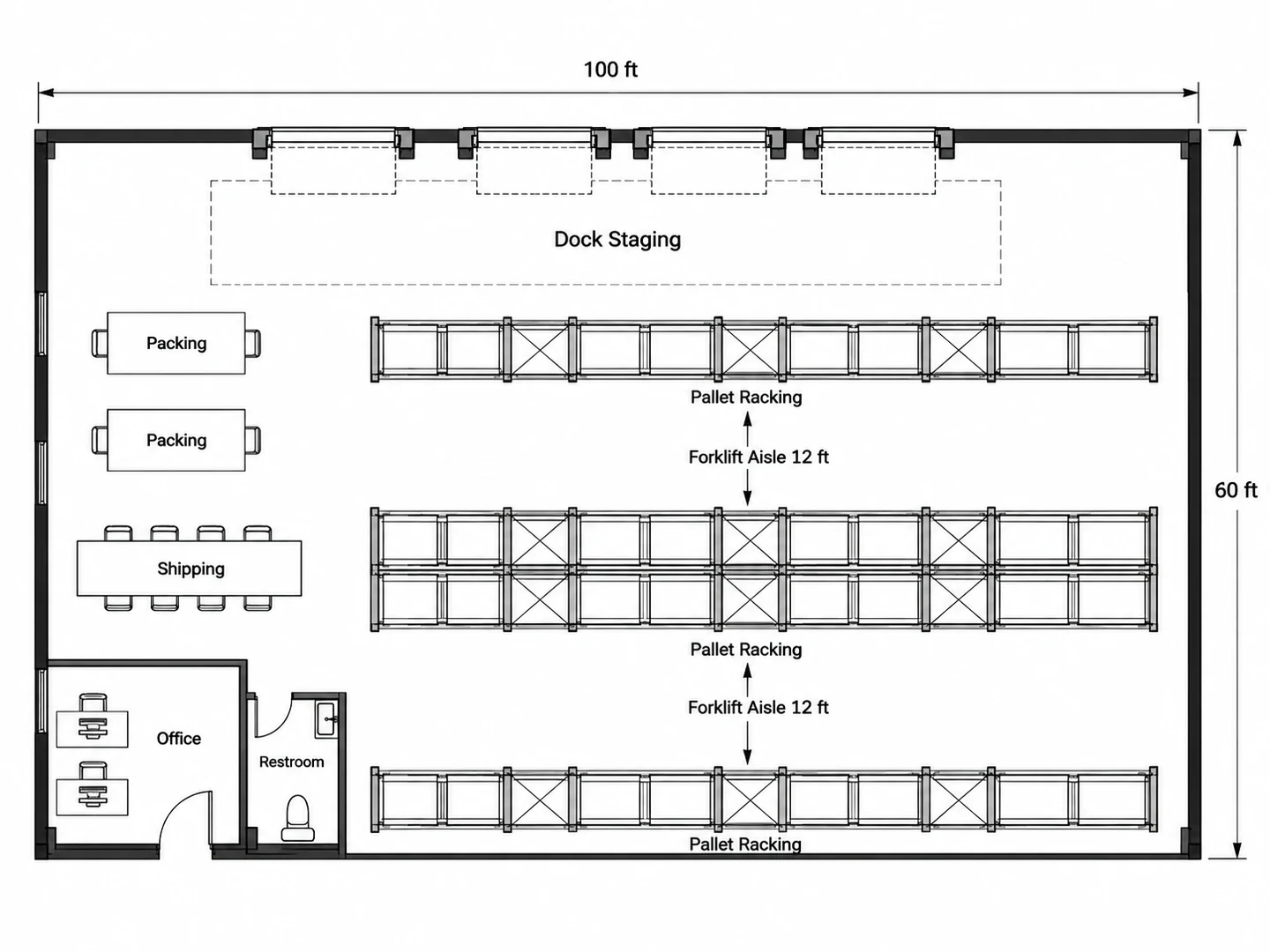
Each building type is planned by its own rules. A warehouse gets pallet racking with forklift aisles of about 12 ft and a clear staging lane in front of the dock doors. A shop gets a checkout by the entry and aisles wide enough for carts. A clinic gets exam rooms of roughly 80–120 sq ft off a corridor.
Plan a warehouse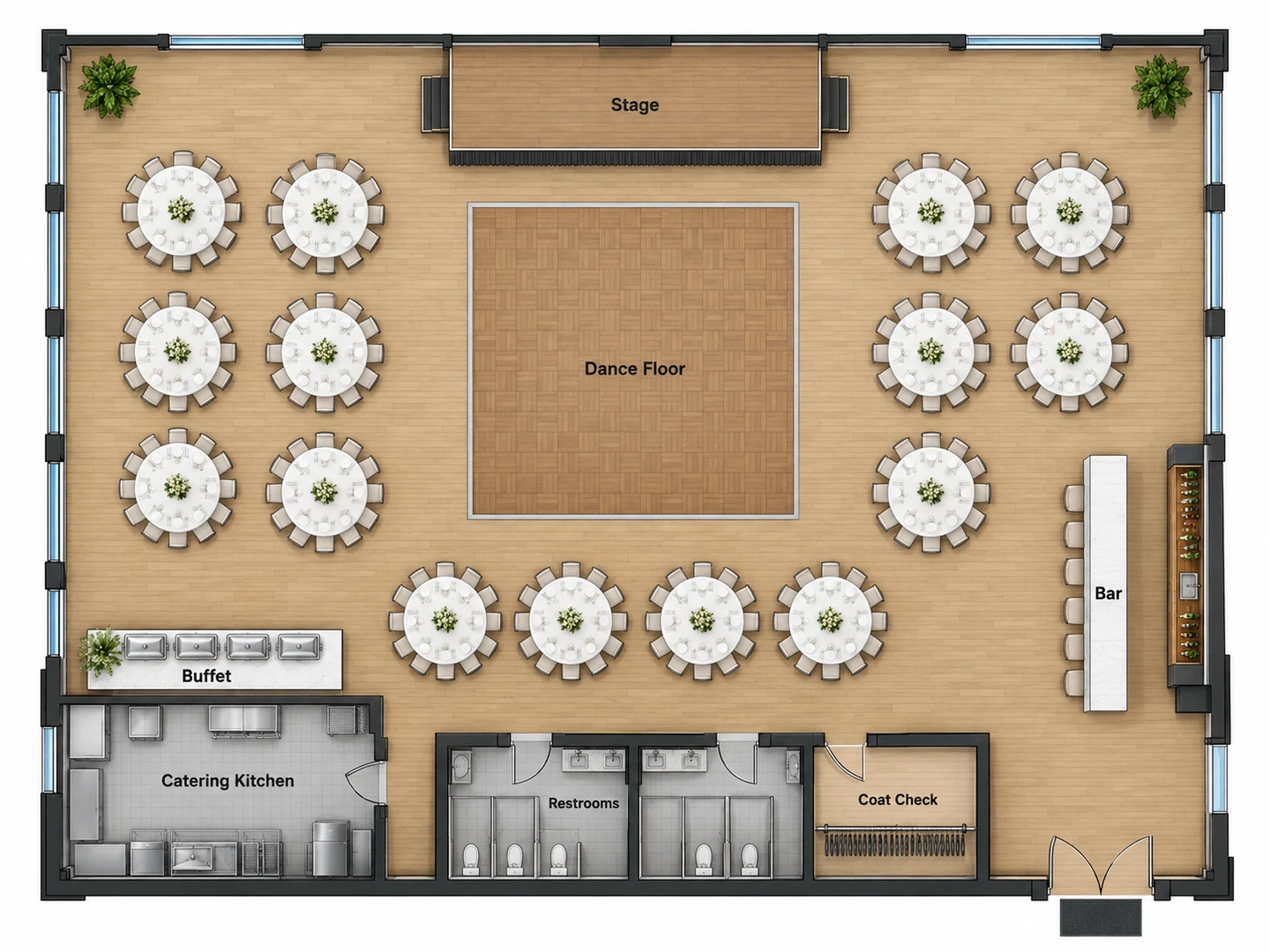
Event halls and banquet venues
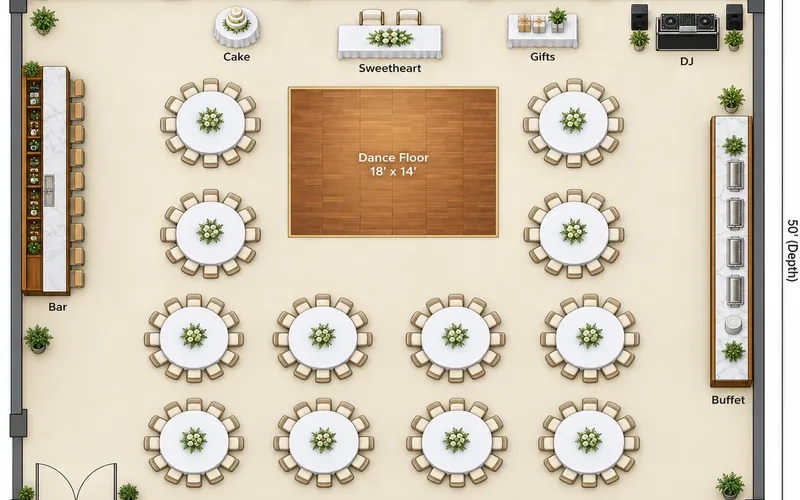
Choose Event Space and give the guest count. Round tables, a dance floor in front of the stage, the bar, the buffet line, restrooms and a catering kitchen are laid out with room for servers to pass. For weddings, conferences and trade shows, the dedicated Event Floor Plan Maker has its own venue types and seating guides.
Event floor plan maker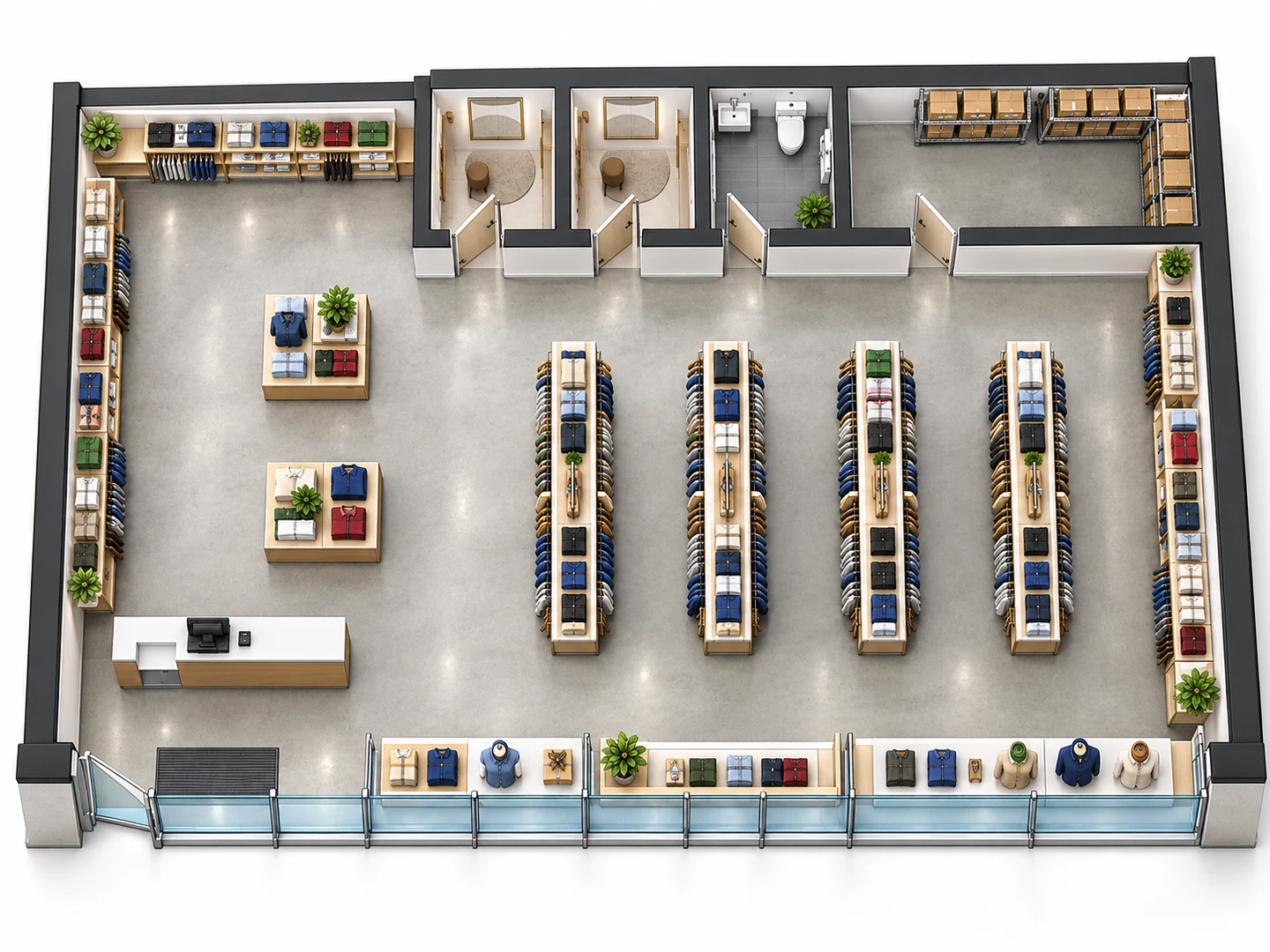
Turn the building plan into 3D
Switch the style to 3D Isometric or 2.5D and the same building is drawn with walls raised and fixtures in place. A 3D building plan is the version clients, partners and lenders understand at a glance. To raise an existing flat plan, open Floor Plan to 3D.
Floor Plan to 3D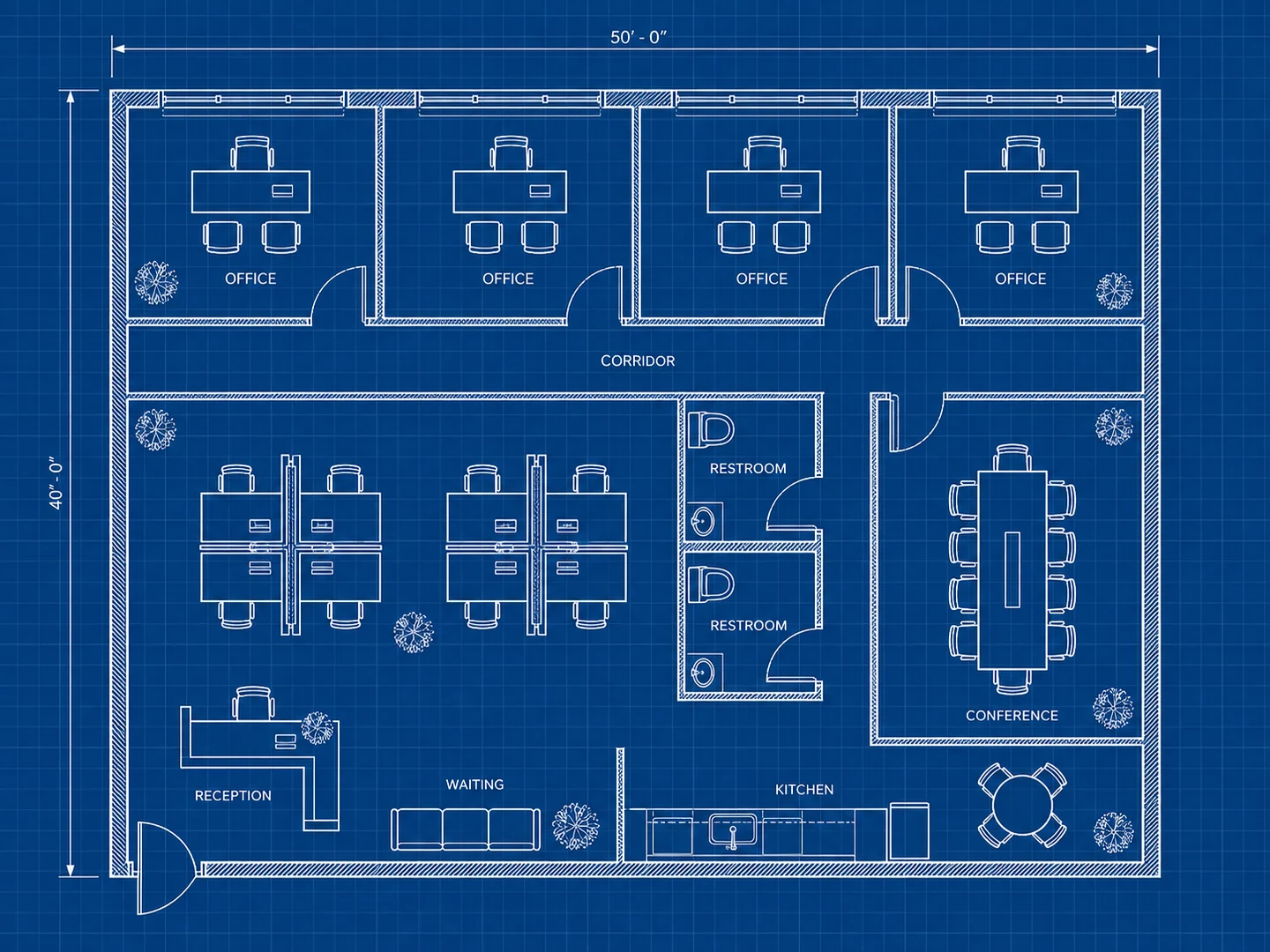
Clean linework with standard plan symbols
Plans use the symbols on building plans that contractors expect: door swings, windows set into the walls, restroom fixtures, room labels and dimension lines. Choose Blueprint for white-on-blue sheets. Have a hand sketch or an old landlord plan? Upload it and the new layout follows its outline.
Floor plan symbolsPlanning guide
Typical Space per Use for Building Layout Design
Early planning allowances for common commercial uses. Use them to check a floor area before you generate.
| Use | Typical allowance | Metric | Notes |
|---|---|---|---|
| Office, overall | 125–200 sq ft per person | 12–19 m² | Includes meeting rooms, kitchen and circulation |
| Medical exam room | 80–120 sq ft each | 7.5–11 m² | Often 8 × 10 ft to 10 × 12 ft: table, sink counter, chair |
| Salon styling station | 40–60 sq ft each | 3.7–5.5 m² | Chair, mirror counter and working room around the chair |
| Cardio machine | 30–50 sq ft each | 2.8–4.6 m² | Includes clearance; treadmills need clear space behind |
| Group fitness studio | 40–60 sq ft per participant | 3.7–5.5 m² | Room to lie on a mat and move freely |
| Banquet, round tables | 10–12 sq ft per guest | 0.9–1.1 m² | Seating only; add the stage, dance floor, bar and buffet |
| Theater-style rows | 6–8 sq ft per guest | 0.55–0.75 m² | Chairs in rows with aisles, for talks and ceremonies |
| Casual restaurant | 12–15 sq ft per seat | 1.1–1.4 m² | Dining area only; the kitchen comes on top |
Guidelines for early space planning only. Occupant load, the number of exits and accessible routes are set by your local building and fire codes, and they can cap a room below these figures.
Clearances
Aisle and Corridor Widths for Commercial Building Layouts
Typical widths used when laying out shops, clinics and warehouses. Codes set the minimums; these are planning figures.
| Where | Typical width | Metric | Notes |
|---|---|---|---|
| Accessible route (US) | At least 36 in | 91 cm | Plus a 60 in (152 cm) turning space where a wheelchair turns |
| Door clear opening (US) | At least 32 in | 81 cm | Measured with the door open 90° |
| Retail aisle between fixtures | 4–5 ft | 1.2–1.5 m | A cart and a shopper can pass |
| Retail main aisle | 6–8 ft | 1.8–2.4 m | The loop that leads customers through the store |
| Office or clinic corridor | 5–6 ft | 1.5–1.8 m | A wheelchair and a person can pass |
| Warehouse aisle, counterbalance forklift | 11–13 ft | 3.4–4.0 m | Standard wide-aisle racking |
| Warehouse aisle, reach truck | 8–10 ft | 2.4–3.0 m | Narrow-aisle racking; check your truck’s spec sheet |
Exit and corridor minimums depend on occupant load and your local code, and forklift aisles depend on the exact truck and pallet size. Have a licensed architect confirm the final plan.
Who Uses the Building Planner
Business owners testing a lease
Before you sign, check whether 3,000 sq ft really holds six exam rooms, or whether a 2,400 sq ft unit fits four aisles, fitting rooms and a stockroom. Measure the unit, then plan it two or three ways and compare.
Event planners and venue managers
Lay out a wedding, gala or conference by guest count: rounds or theater rows, stage, dance floor, bar and buffet. Start from a ready-made template, and plan tents, parking or a drop-off lane outside with the Site Plan Maker.
Brokers, landlords and designers
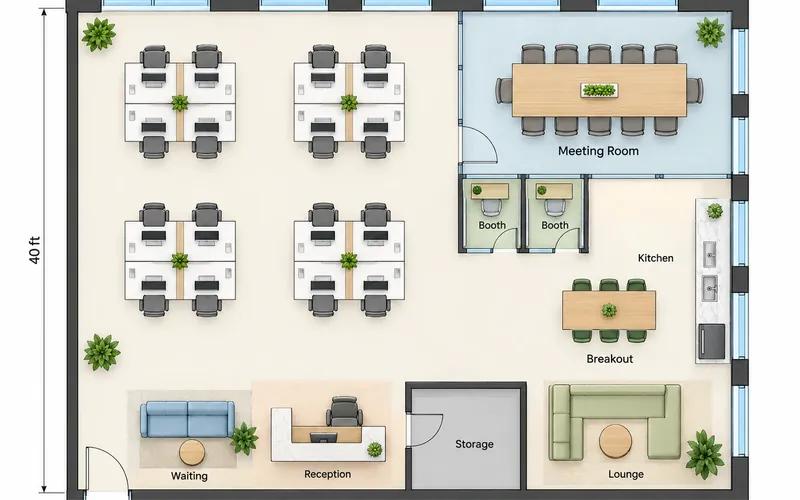
Show a vacant shell as a gym, a salon or a clinic so prospects see the use, not an empty box. Designers use it as a quick commercial floor plan creator for first meetings, then turn the chosen plan into a photoreal render or edit marked areas of it.
Building Layout Maker FAQ
It is free to try: new accounts get free credits, and each building layout uses 10 credits. Credit packs and subscriptions cover more plans, and every plan stays in My Projects.
Start with the shell: floor area, entry, windows, loading doors and anything fixed. Then list the rooms and counts the business needs, plus restrooms, storage and staff space. Enter that here and the AI draws the layout; check it against typical space figures and try one change at a time.
You can create a building layout with the free starter credits, but not a permit set. The result is a PNG image with approximate dimensions. Commercial work needs a licensed architect or engineer, who checks occupancy, exits, fire separation and ADA access and prepares the scaled drawings a permit requires.
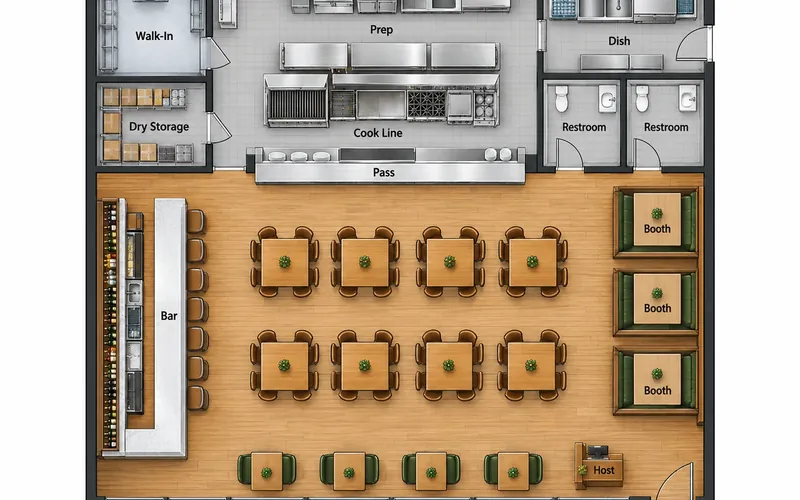
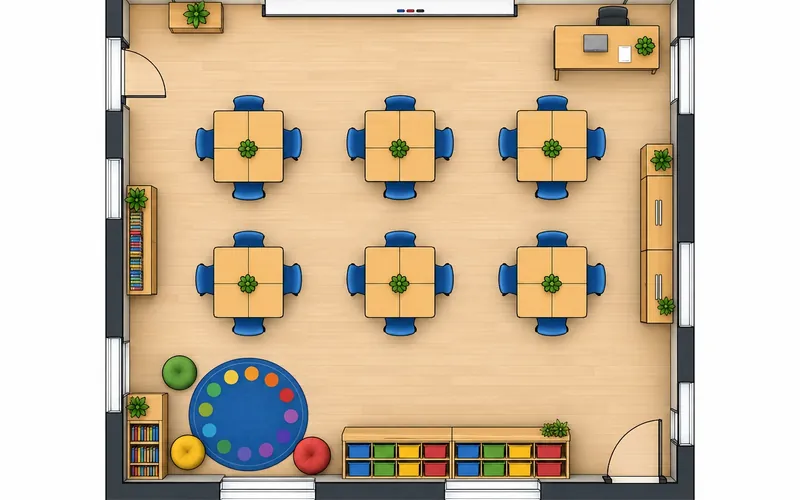
Offices, retail stores, warehouses, clinics and medical offices, gyms and fitness studios, salons and spas, restaurants, bars, classrooms and event spaces. Offices, restaurants and classrooms also have their own planners, and homes are covered by the House Floor Plan Maker and the 2D Floor Plan Maker.
Yes — choose Event Space for a hall with banquet rounds, a stage, dance floor, bar and catering kitchen. For weddings, conferences and trade shows, the Event Floor Plan Maker adds venue-specific layouts and seating guides. Each layout uses 10 credits, and new accounts get free credits.
Thick lines are walls. A gap with a quarter-circle arc is a door, and the arc shows which way it swings. Thin parallel lines set into a wall are windows, stairs appear as a row of treads with an arrow, and restrooms show toilets and sinks. The Floor Plan Symbols guide on this site covers the rest.
Yes. Pick the 3D Isometric or 2.5D style before you generate and the building is drawn with walls raised and fixtures in place. To turn an existing 2D plan into a 3D view, use Floor Plan to 3D.
Plan one floor at a time. Generate each level with its own brief and the same footprint, and say where the stairs and elevator sit so they line up between floors. Coordinating the floors into one building is the architect’s job.
Test-Fit the Space Before You Sign
Describe the business and the building, and get a layout in seconds. New accounts get free credits to try it.
Create a Building Layout