
Free AI Interior Design from Photos
Free AI interior design from your photos: upload a room, pick a preset or reference style, and preview the new furniture and finishes.
Start Designing Free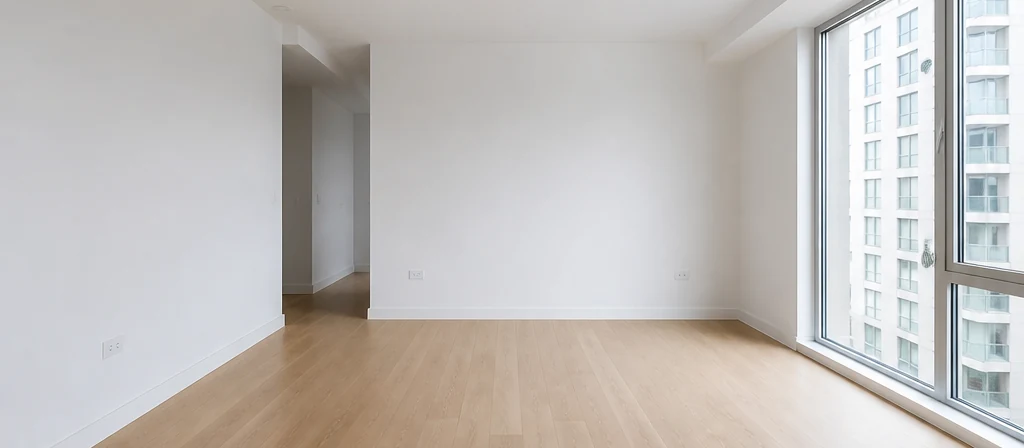
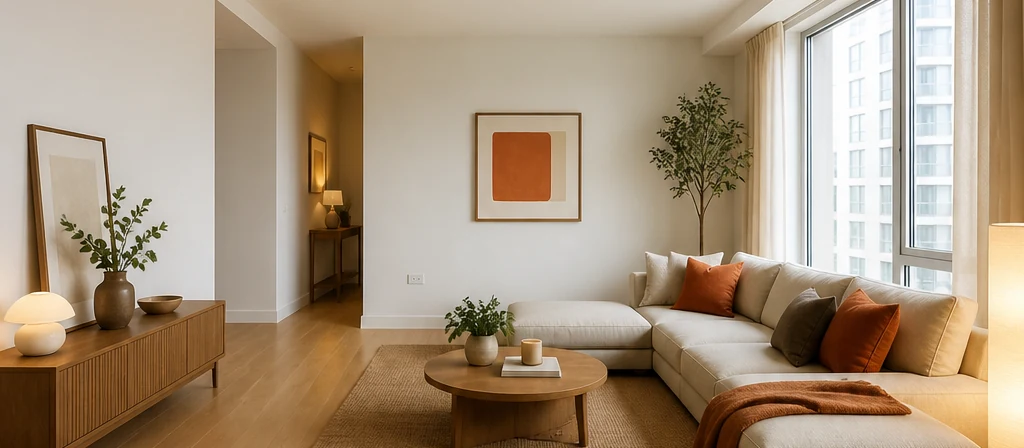 AfterBefore
Free AI Interior Design from Photos
Upload your space, choose a style and preview a fresh look.
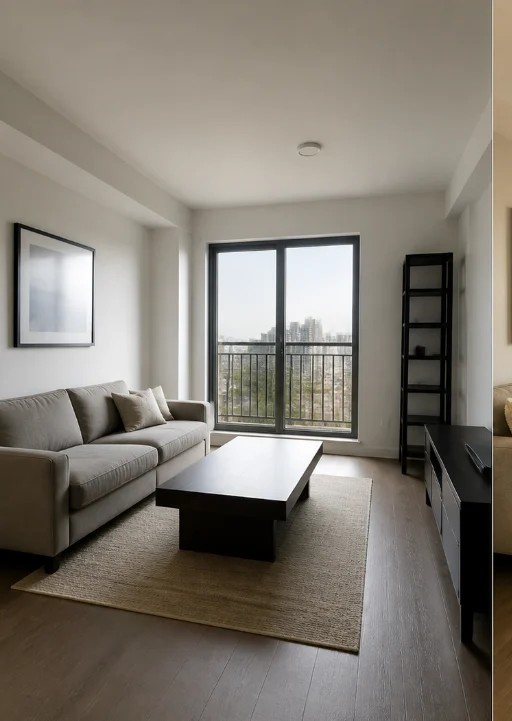
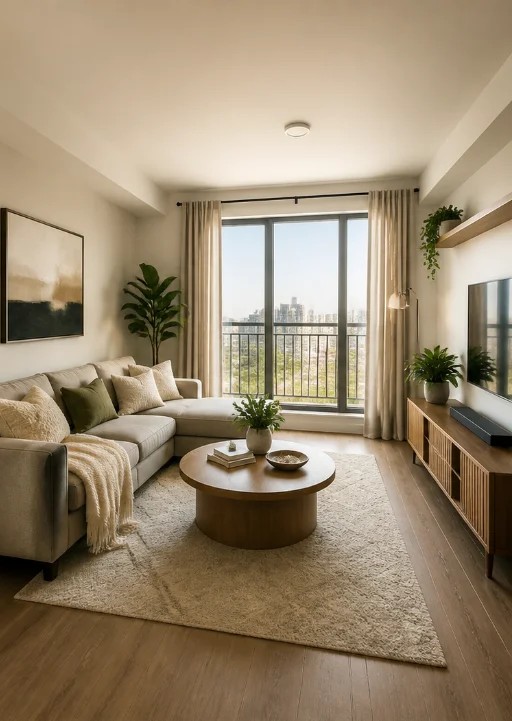 AfterBefore
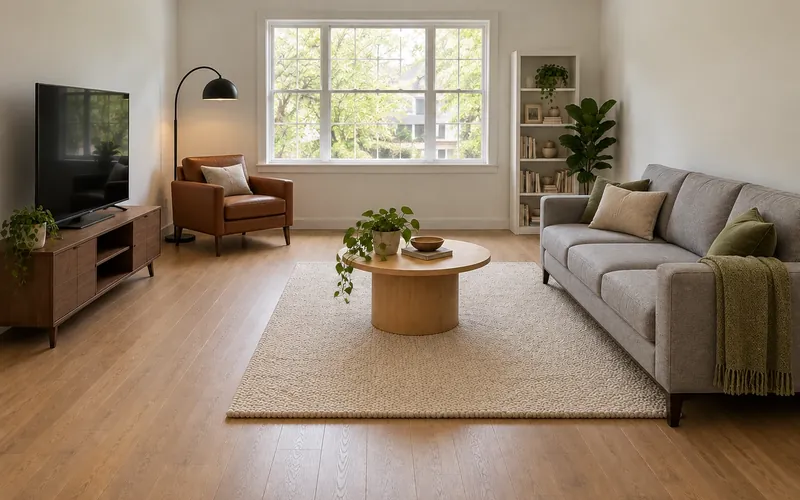
Living room
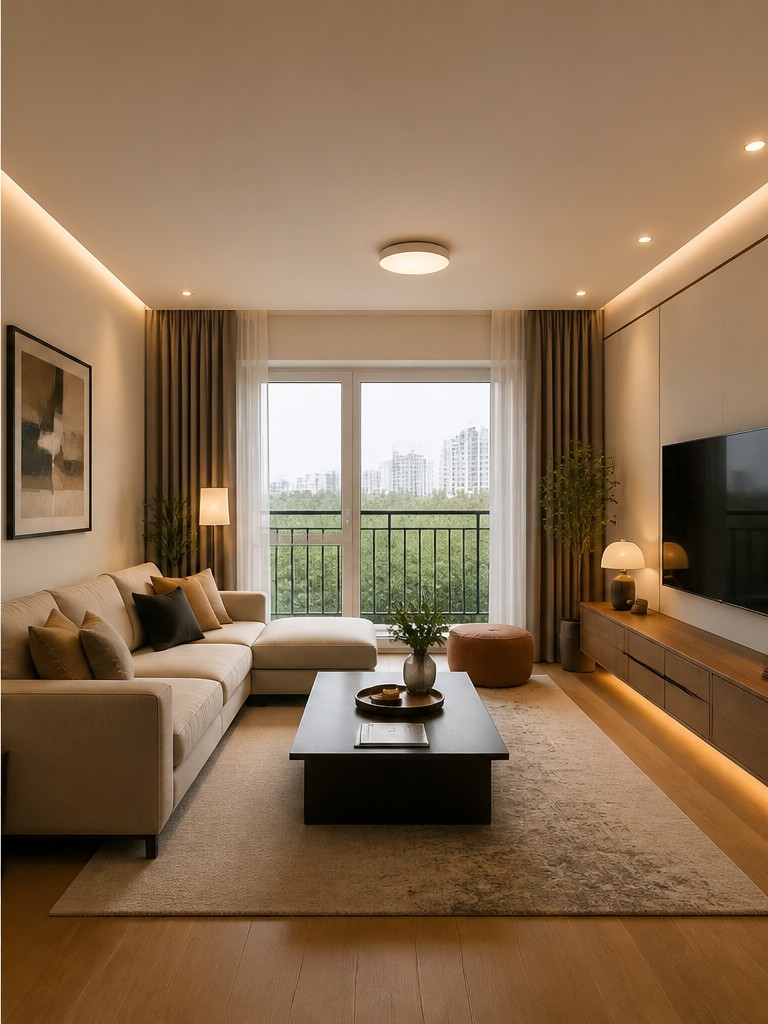
Warm neutral style with layered lighting
Explore AI Interior Design Ideas
Illustrative design previews for everyday spaces. Explore furniture, colors and finishes to find a direction for your interior.
 AfterBefore
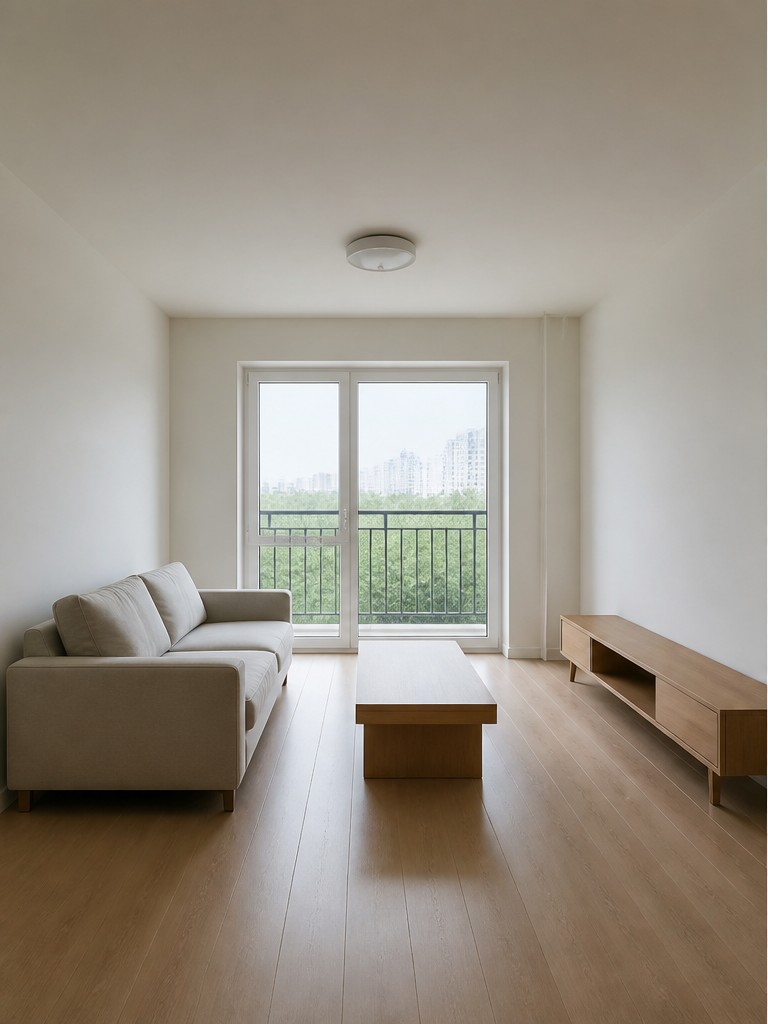
Living Room Design Ideas
 AfterBefore
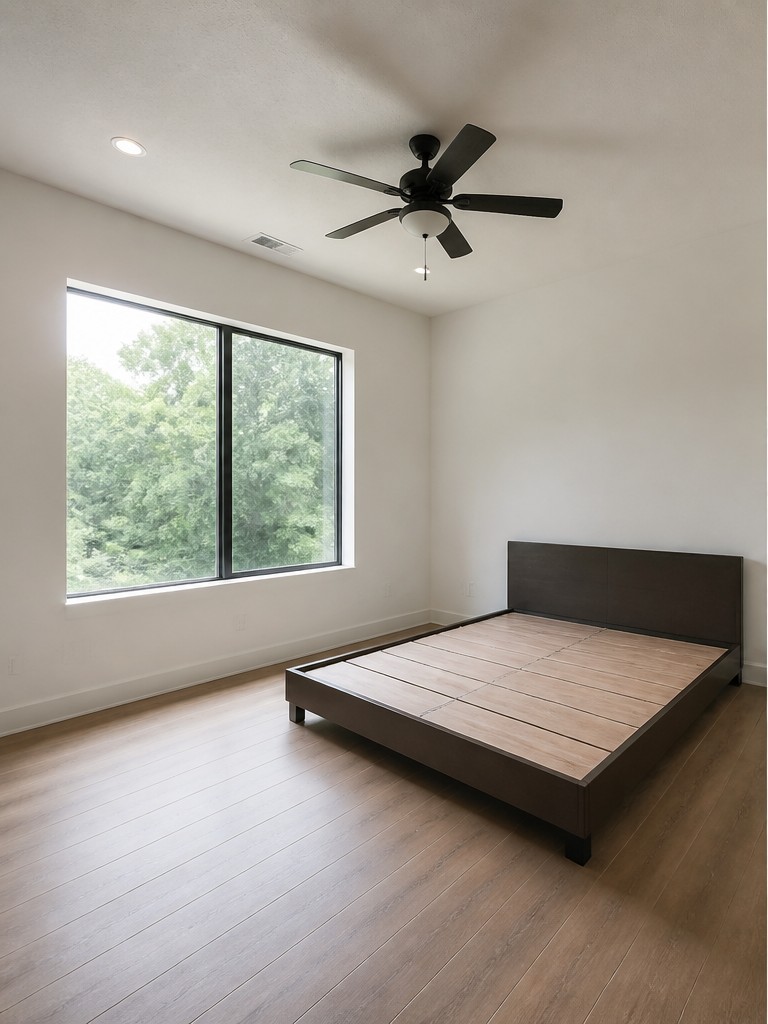
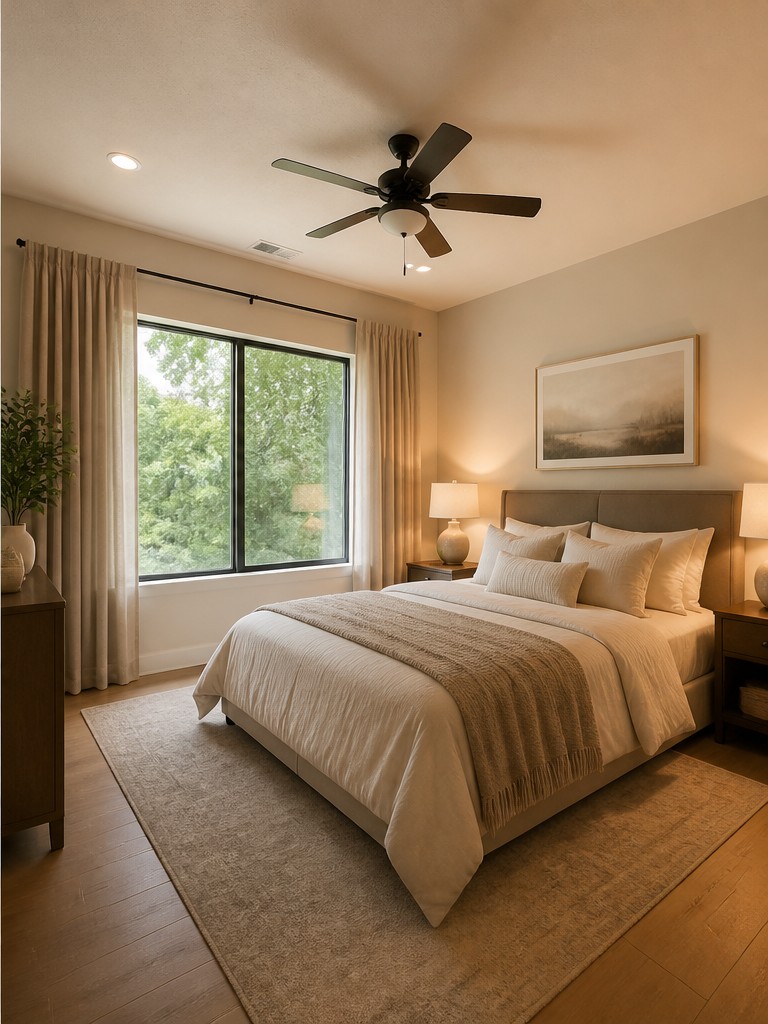
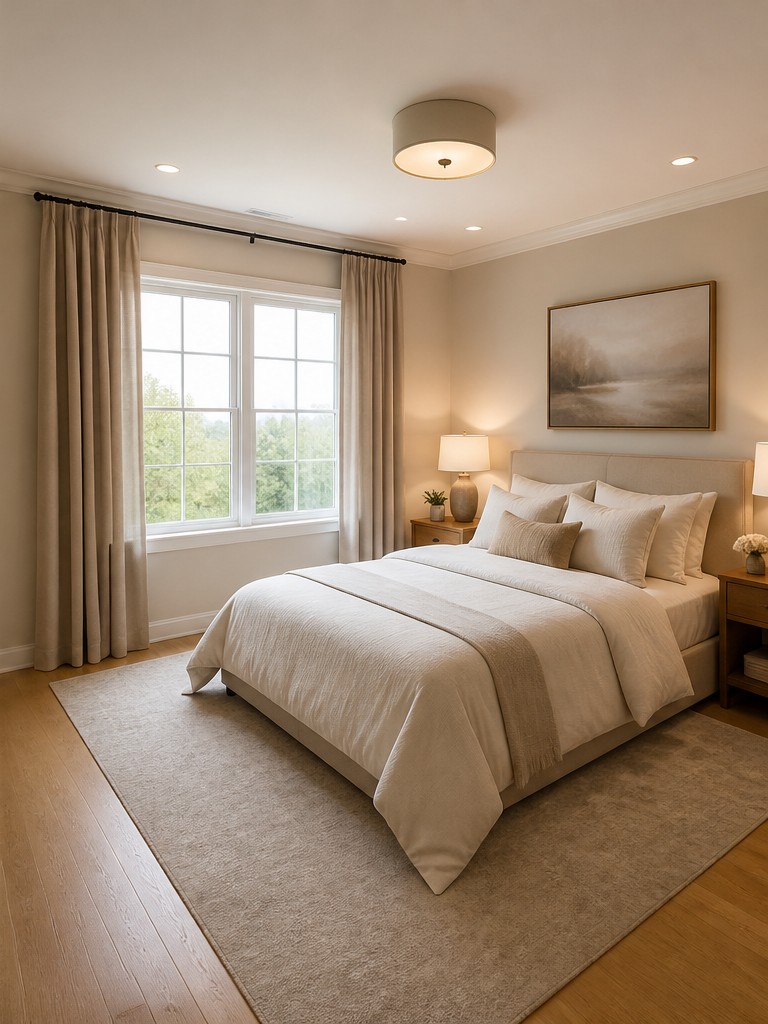
Bedroom Design Ideas
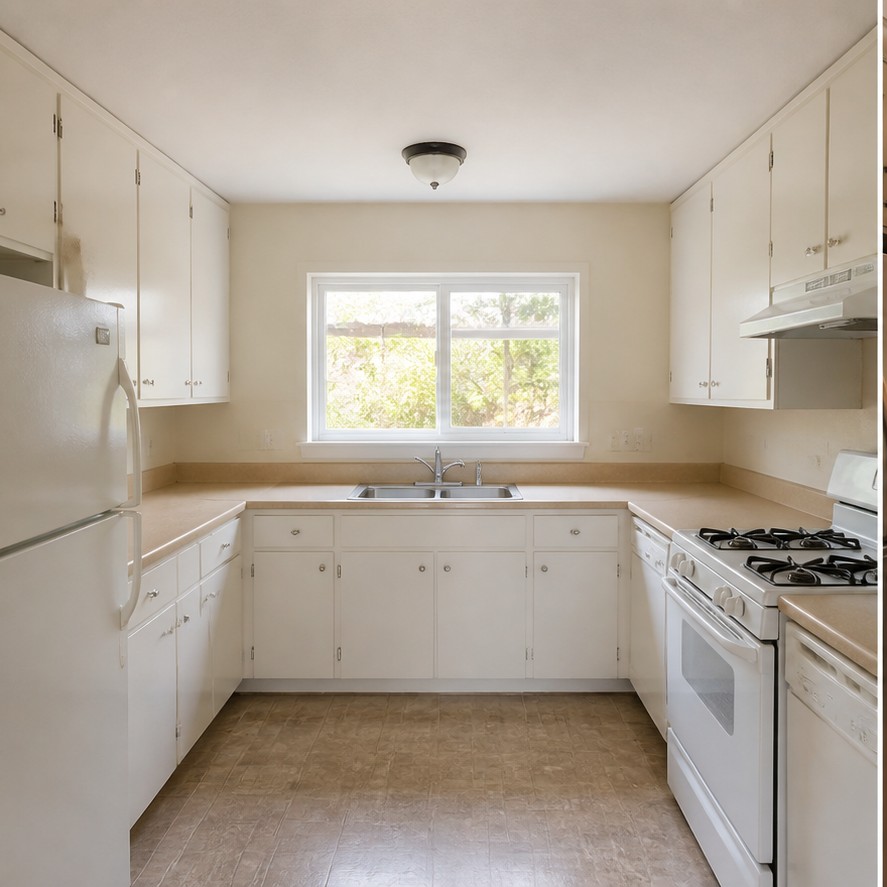
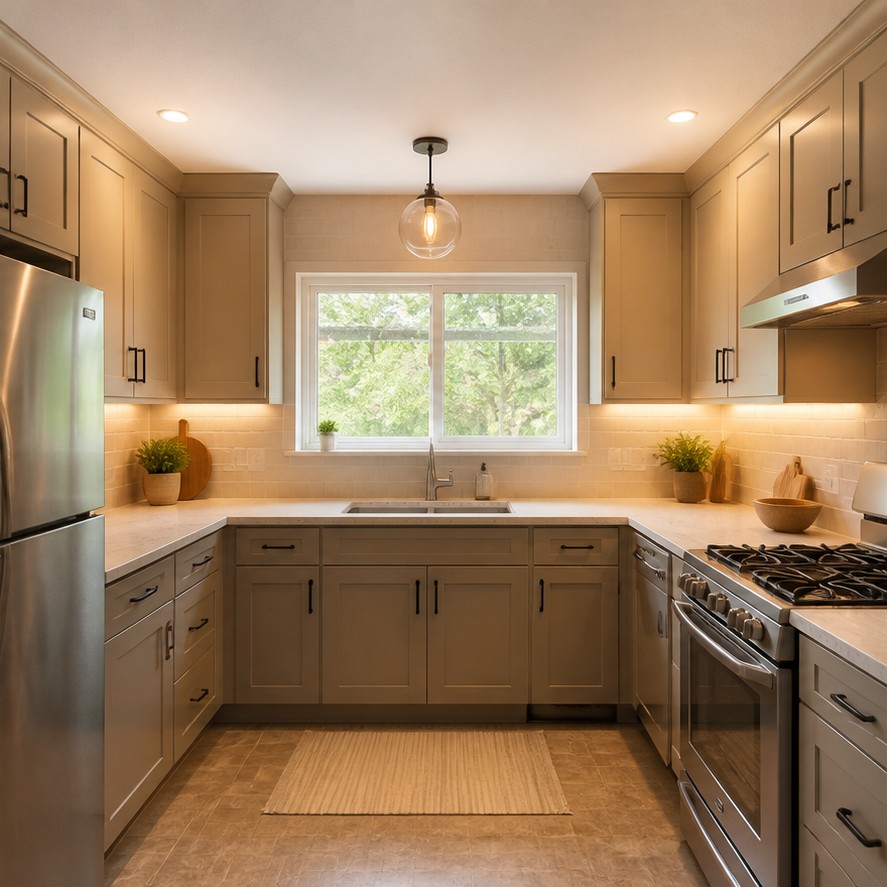 AfterBefore
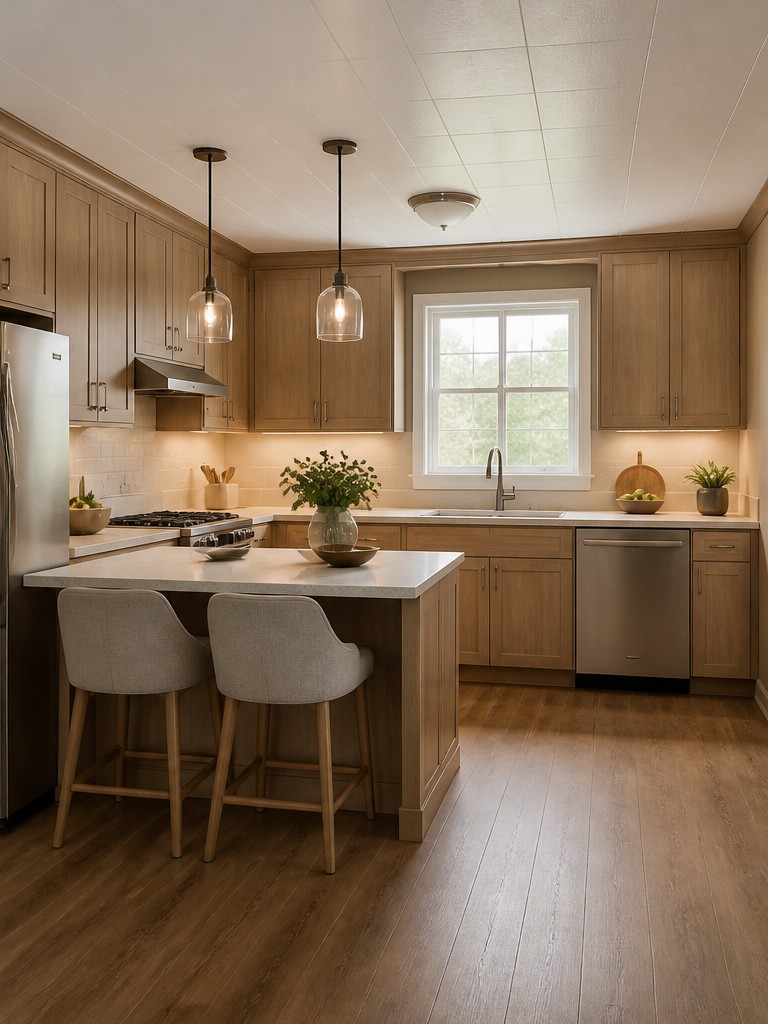
Kitchen Remodel Ideas
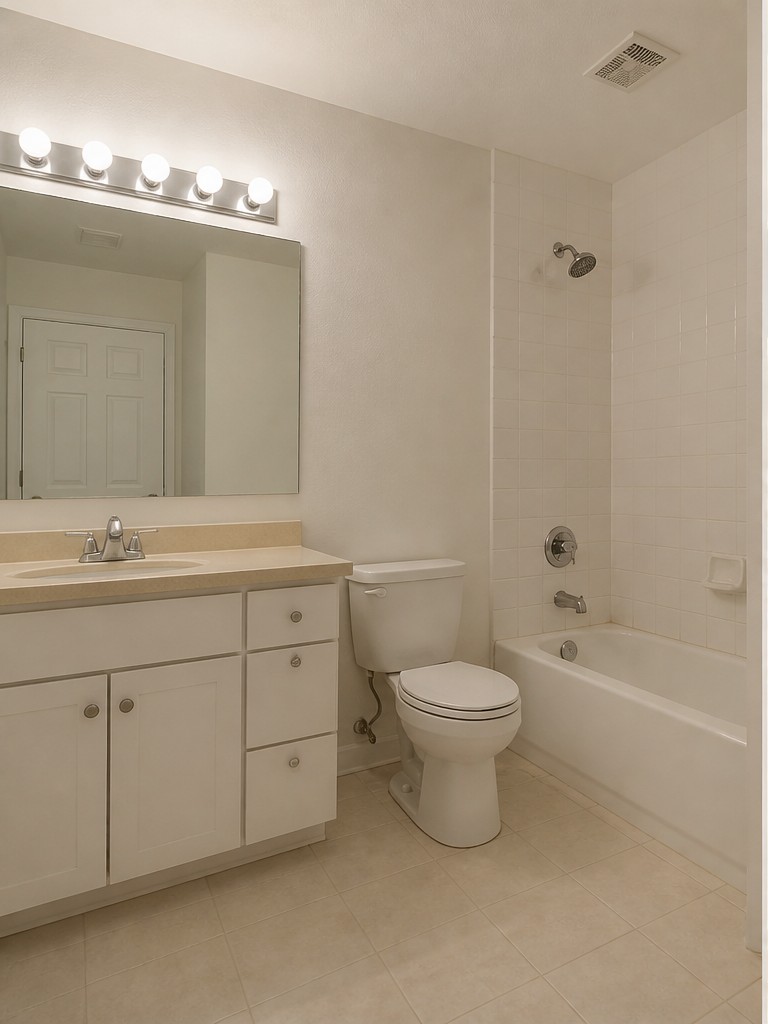
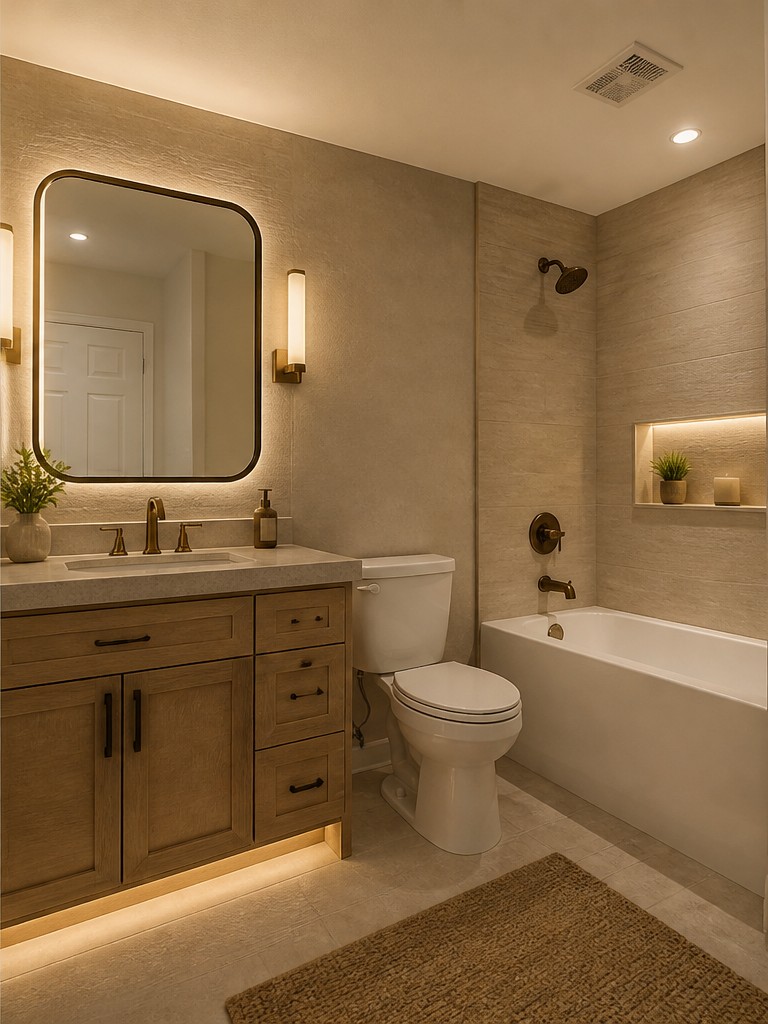 AfterBefore
Bathroom Style Ideas
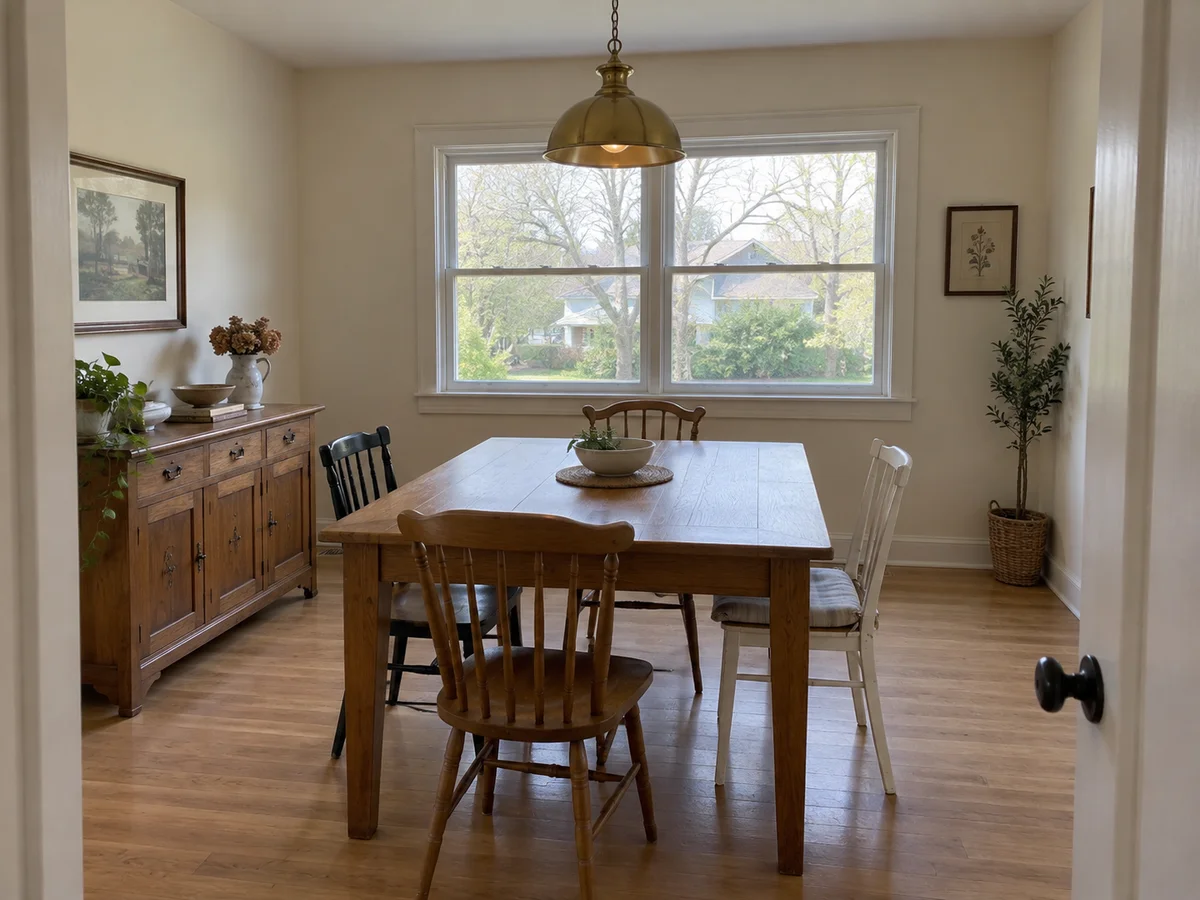
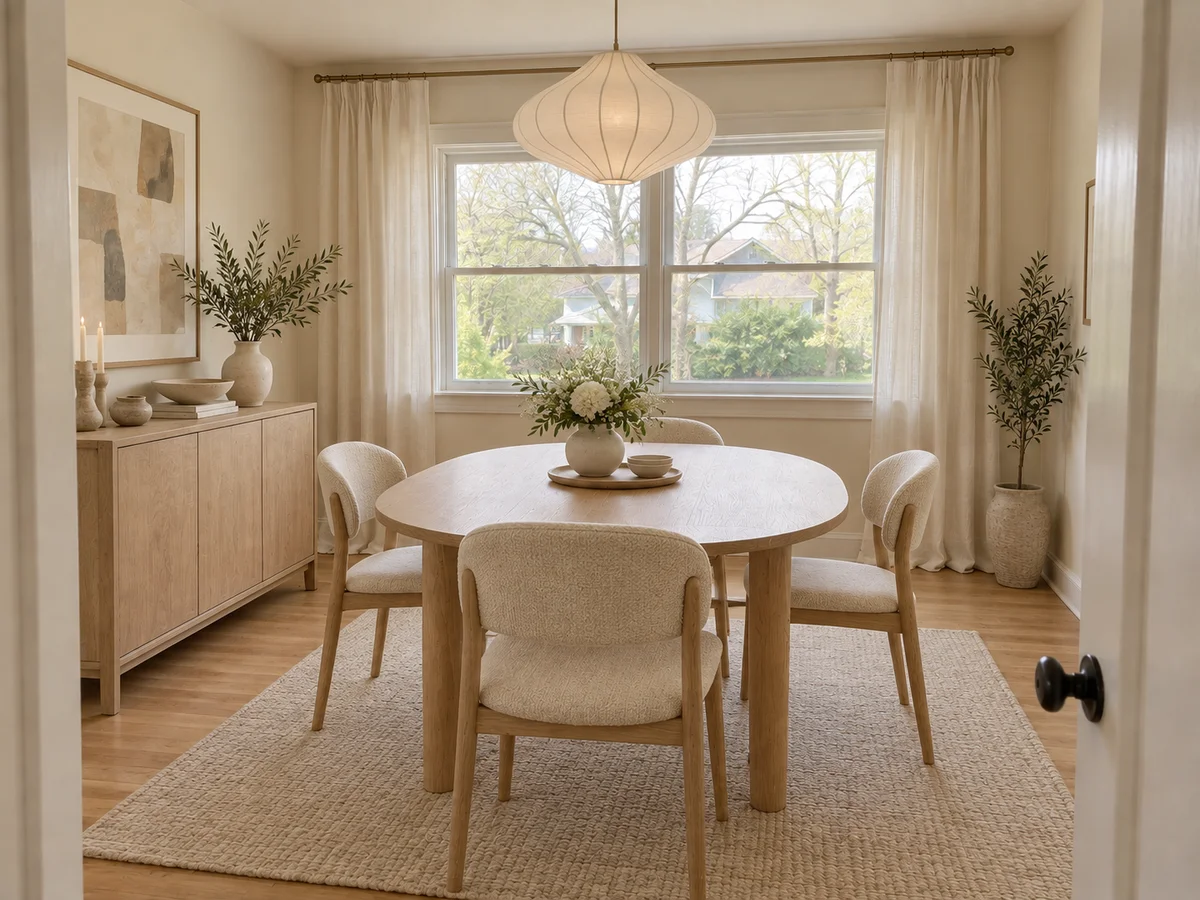 AfterBefore
Dining Room Ideas
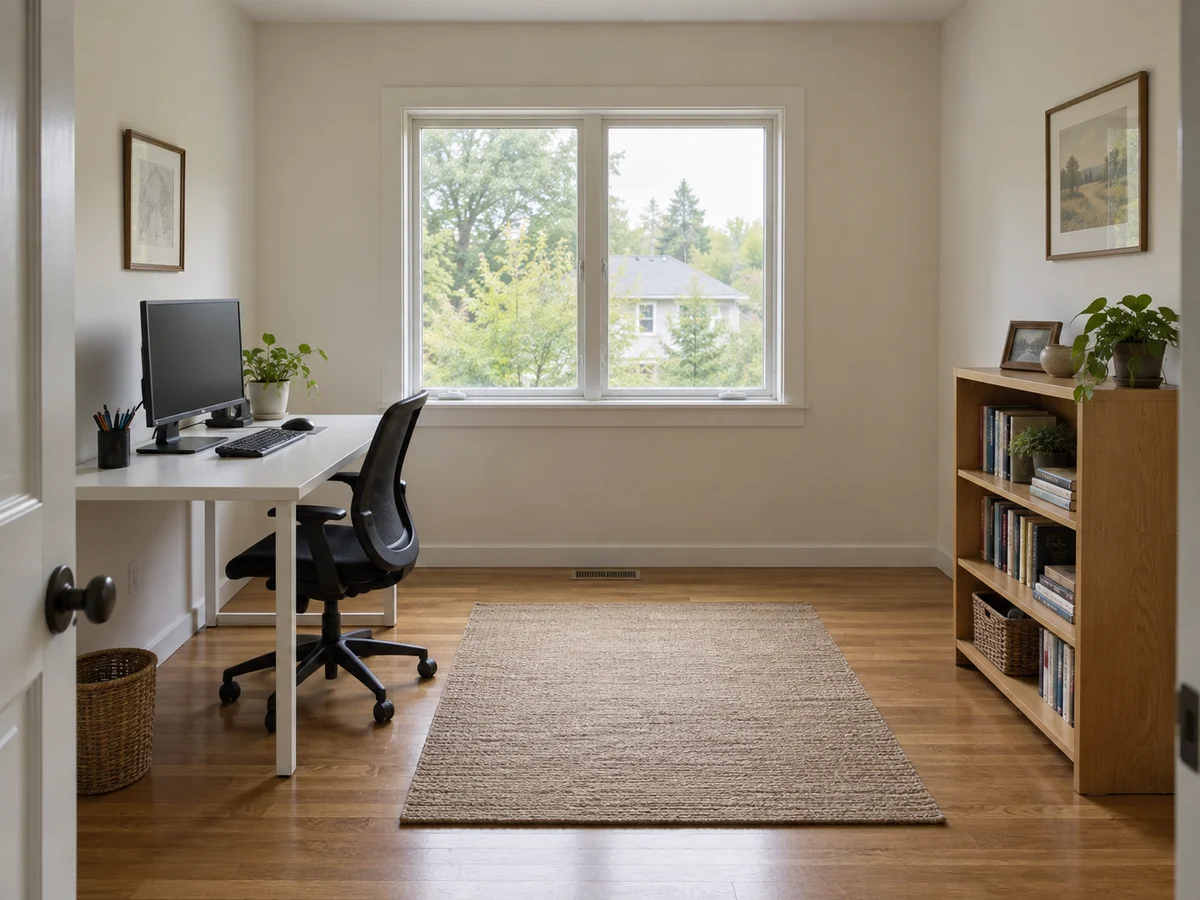
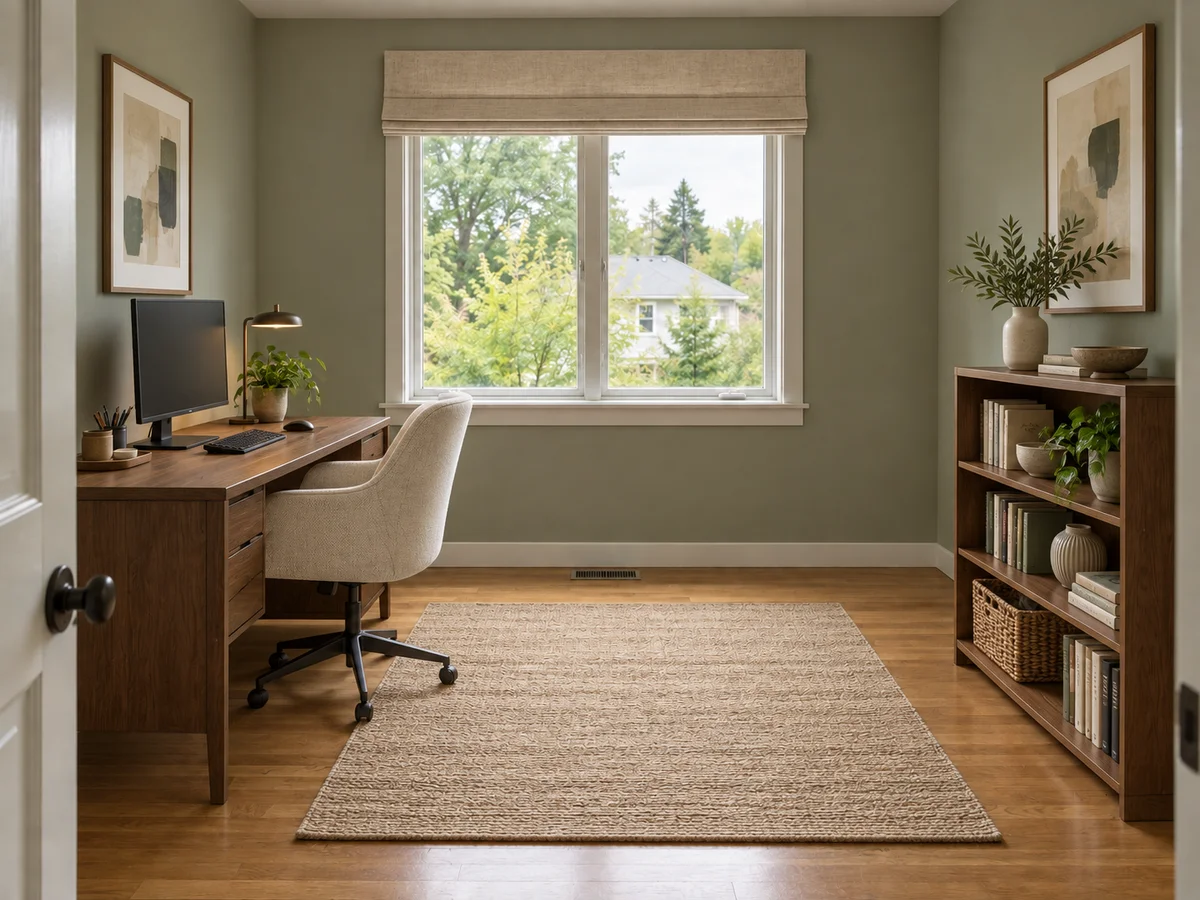 AfterBefore
Home Office Ideas
How to Use Our AI Interior Design Generator
Upload Your Room Photo
Choose a clear, well-lit photo showing the walls, floor and windows. Select the room type to get started.
Choose Your Interior Style
Pick a preset style, or add a reference image and describe the colors, materials and mood you like.
Generate and Compare Your Design
Sign in to generate a preview. Compare it with your original, then download your favorite or try another direction.
What You Can Do with AI Interior Design
Use interior design AI to explore new styles, compare ideas and explain your vision before making changes.
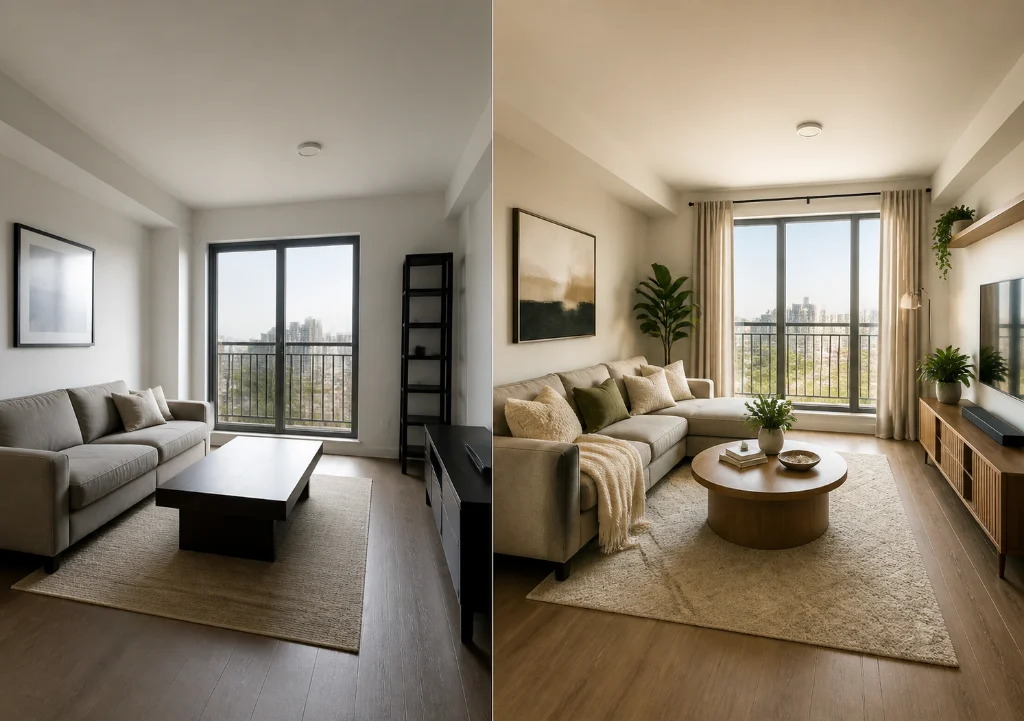
Refresh Your Style Around the Space You Have
Use your photo to explore furniture, flooring, wall finishes and lighting together. Choose Quick refresh for lighter styling or describe materials for a fuller change. Both aim to retain walls, windows, doors and the ceiling. If you want to keep existing furniture and finishes, use AI Room Decorator for textiles and accessories.
Try a Room Refresh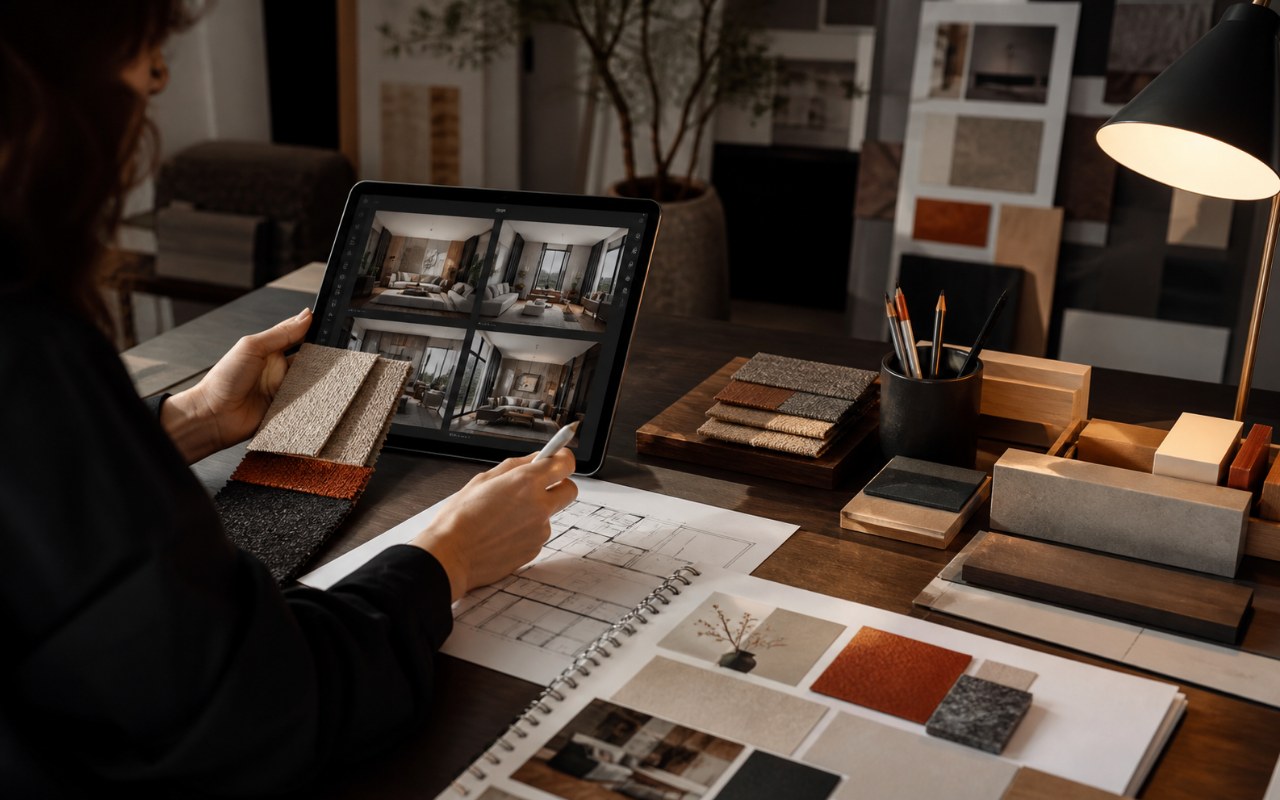
Compare Interior Styles Before Choosing a Direction
A saved mood board can be hard to imagine in your own space. Try different presets on the same photo, or use a reference image to guide the materials and mood. Keep the versions you like in your history and compare the options before settling on a visual direction.
Explore Design IdeasPreview Room Changes Before You Start Spending
See how a different palette or furniture arrangement could change the feel of your room. Use a preview to discuss ideas with your household or designer before buying materials. Download your favorite as a visual brief, then confirm dimensions, material choices and practical costs before taking the next step.
Preview Your Space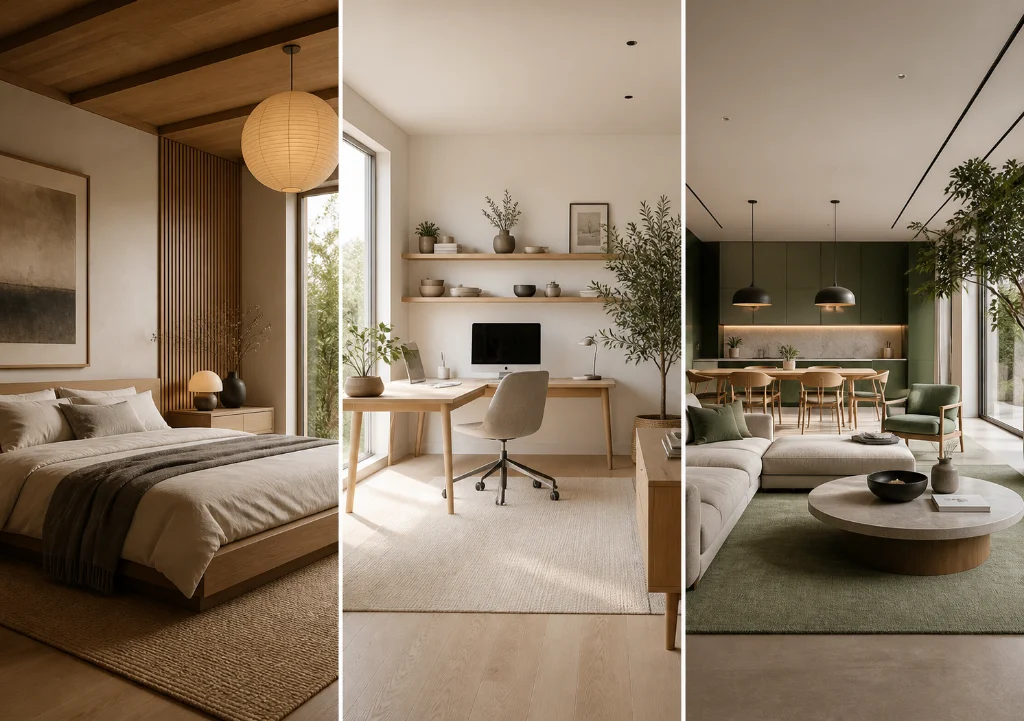
Bring a Shared Style to Different Rooms
Give a bedroom, dining area or home office a direction that feels connected. Reuse a favorite style or brief when working on each photo, then adjust the details for that room. Explore warm wood, softer colors or layered textures across your interior, one space and one preview at a time.
Start Redesigning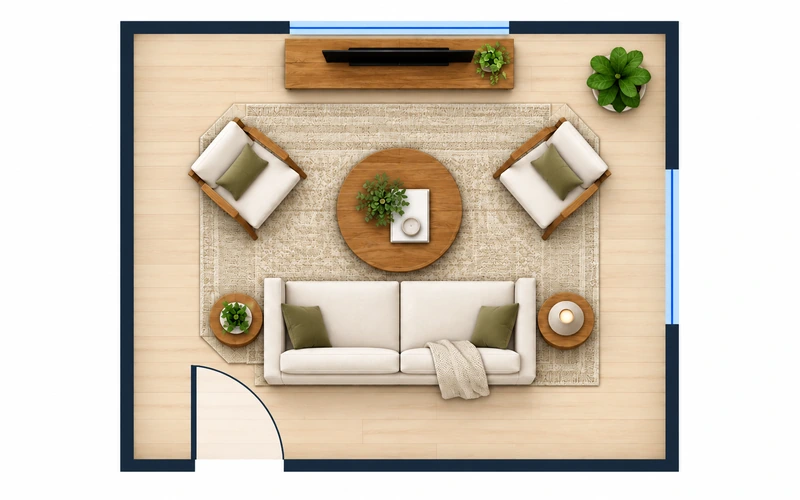
Ready to Explore a New Interior Style?
Upload your photo and turn an idea into a design preview. New accounts get free credits to start, with no credit card needed.
Try AI Interior Design Free- Free signup credits
- Photo-based previews
- Download your designs
FAQ About AI Interior Design
Have questions about your first design? Here are some quick answers.
Use a sharp, well-lit photo of one room, taken from a corner or doorway. Include the floor, walls and windows so the AI has a clear starting point. Avoid heavy filters, blurry images and extreme wide-angle distortion.
Yes. Choose a preset for a quick starting point, or switch to Custom and upload a reference image. Describe the colors, finishes, furniture or atmosphere you want to borrow. You can reuse the same brief on another room photo.
The time depends on the generation service and current demand. Free generations may wait in a queue; subscribers skip that queue. The workspace shows progress while your design is being created, and completed results are available in your history.
The tool uses your photo as a starting point and aims to retain the room structure, but exact geometry is not guaranteed. Choose Quick refresh for lighter changes and add notes about features you want to keep. Check windows, doors and proportions against the original.
New accounts receive free credits to try the tool. Sign in to generate; each design uses 10 credits. After your free credits run out, you can buy a credit pack or choose a subscription. The free trial does not require a credit card.
Use the images to explore a style and share your ideas with a designer or contractor. They are visual previews without accurate measurements, construction details or cost estimates. Have a professional check dimensions, structural changes and materials before work begins.