
Rearrange My Room with AI
Rearrange my room without lifting a sofa: upload one photo and the AI moves the pieces you already own into a layout that works better.
Rearrange My Room FreeRearrange the Room in Your Photo
Upload a wide shot, choose the room type and add a goal if you have one. Only furniture already in the picture gets moved.
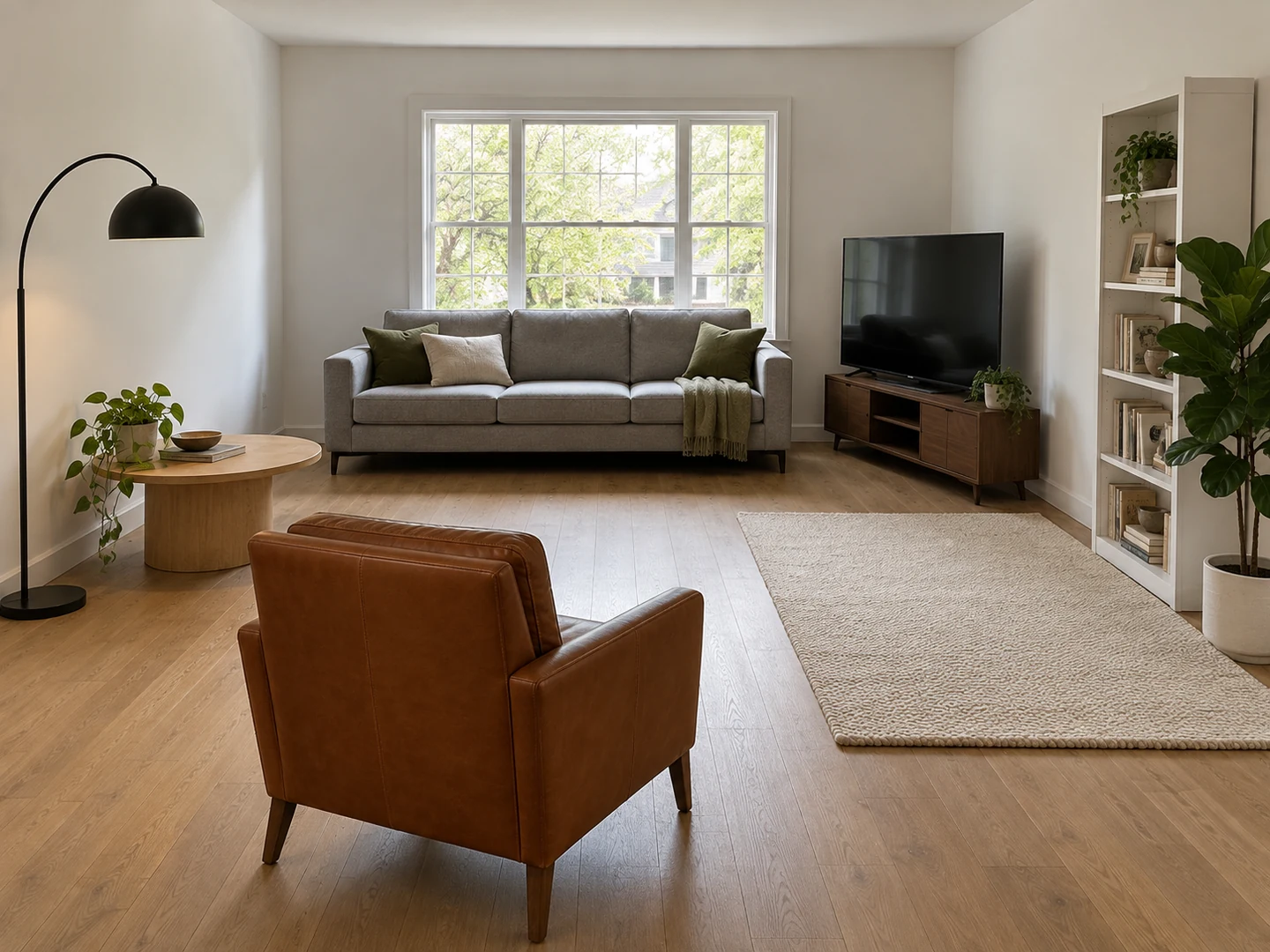
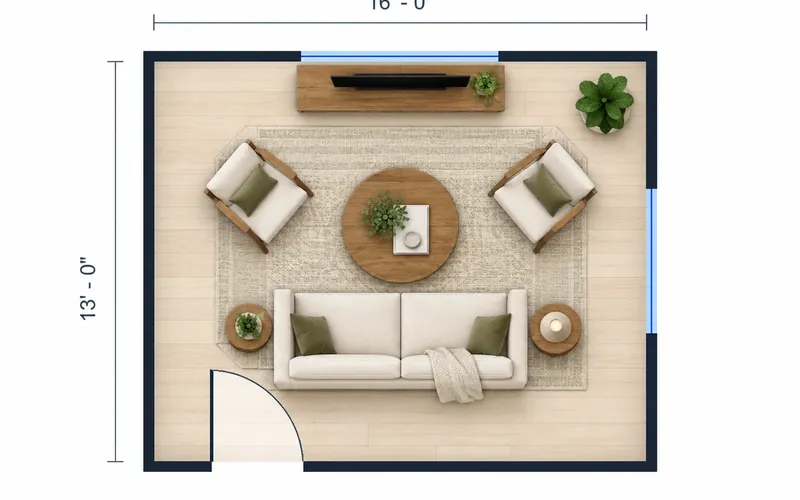
Living room rearranged
15 × 13 ft · same furniture
Room Rearrangement Examples: Before & After
Before: how the room was arranged. After: the same pieces in new places. Nothing was bought, removed or restyled.
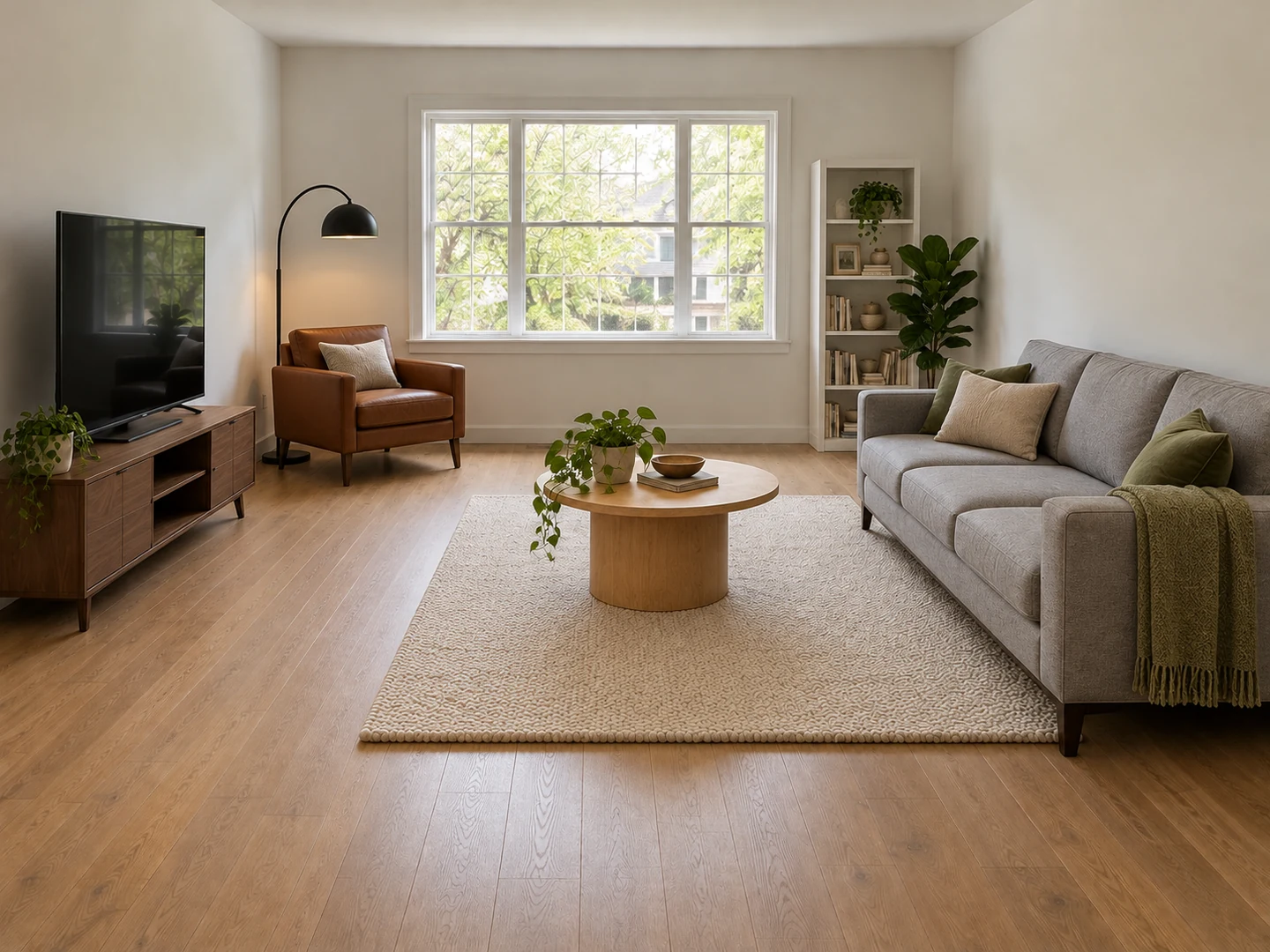
Before After Living room: sofa faces the TV, window cleared
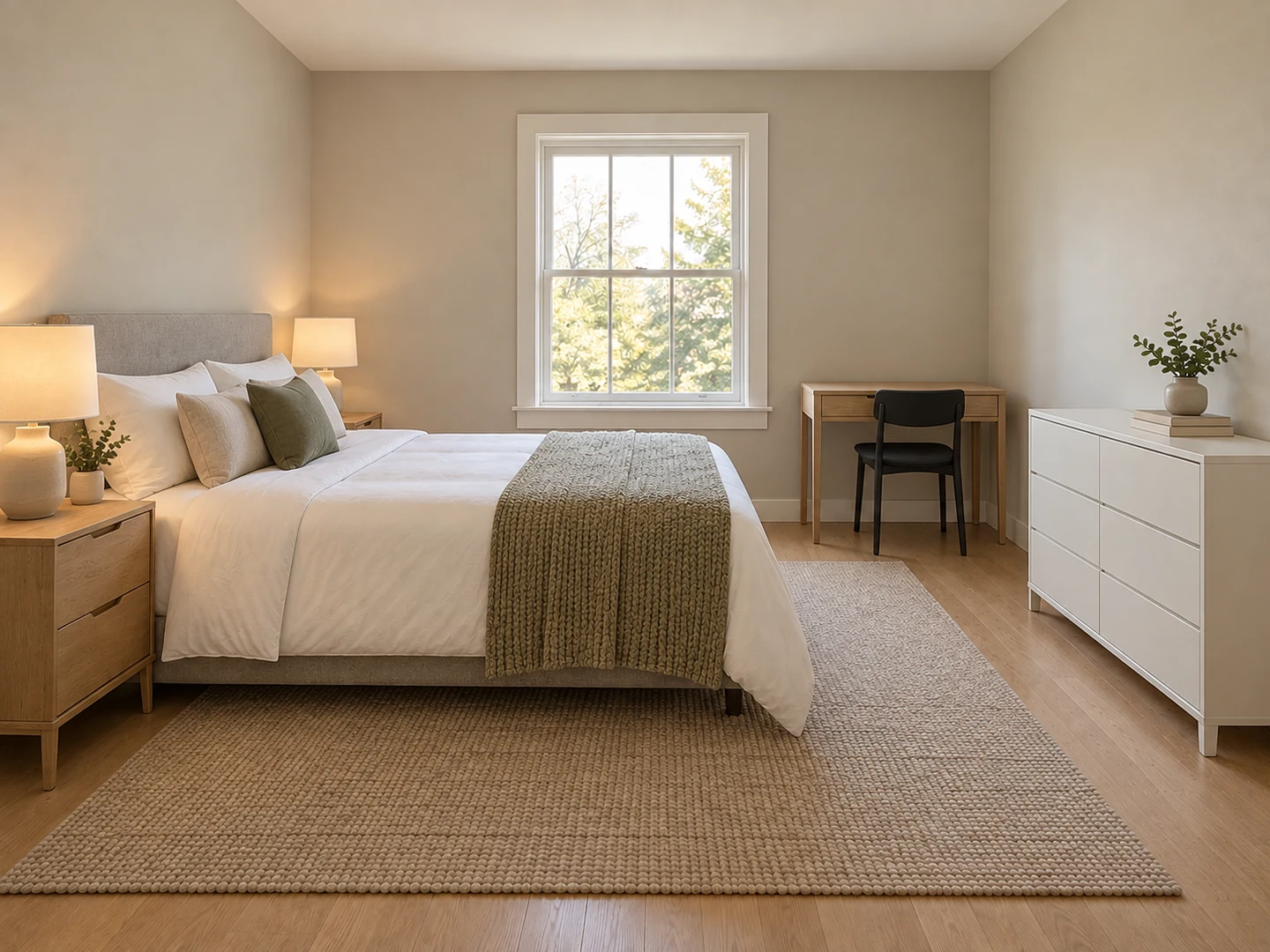
Before After Bedroom: bed off the door line, desk beside the window
Before After Home office: desk side-on to the window, bookcase off the glass
Same furniture, new layout
What Is AI Room Rearranging?
AI room rearranging takes a photo of a furnished room and shows the same pieces in different positions. The sofa, bed, desk, rugs, lamps and plants keep their size, color and finish; they are only moved or rotated. Walls, paint, flooring, windows, doors, ceiling lights and built-ins stay as they are, and the camera does not move, so the before and after are easy to compare.
The AI follows the habits designers use for furniture placement: about 3 ft (90 cm) for main walkways, doors and windows left clear, seating grouped around one focal point and a bed you can reach from both sides where the room allows. The result is a visual suggestion, not a measured plan. It works best on a wide photo where most of the furniture is visible; a piece hidden behind the camera or cut off at the edge cannot be placed accurately. For a measured top-down layout, use the Room Layout Planner.
- Uses only the furniture already in your photo
- Nothing added, removed or restyled
- Same walls, floor, windows and camera angle
- Living rooms, bedrooms, offices, dorms and more
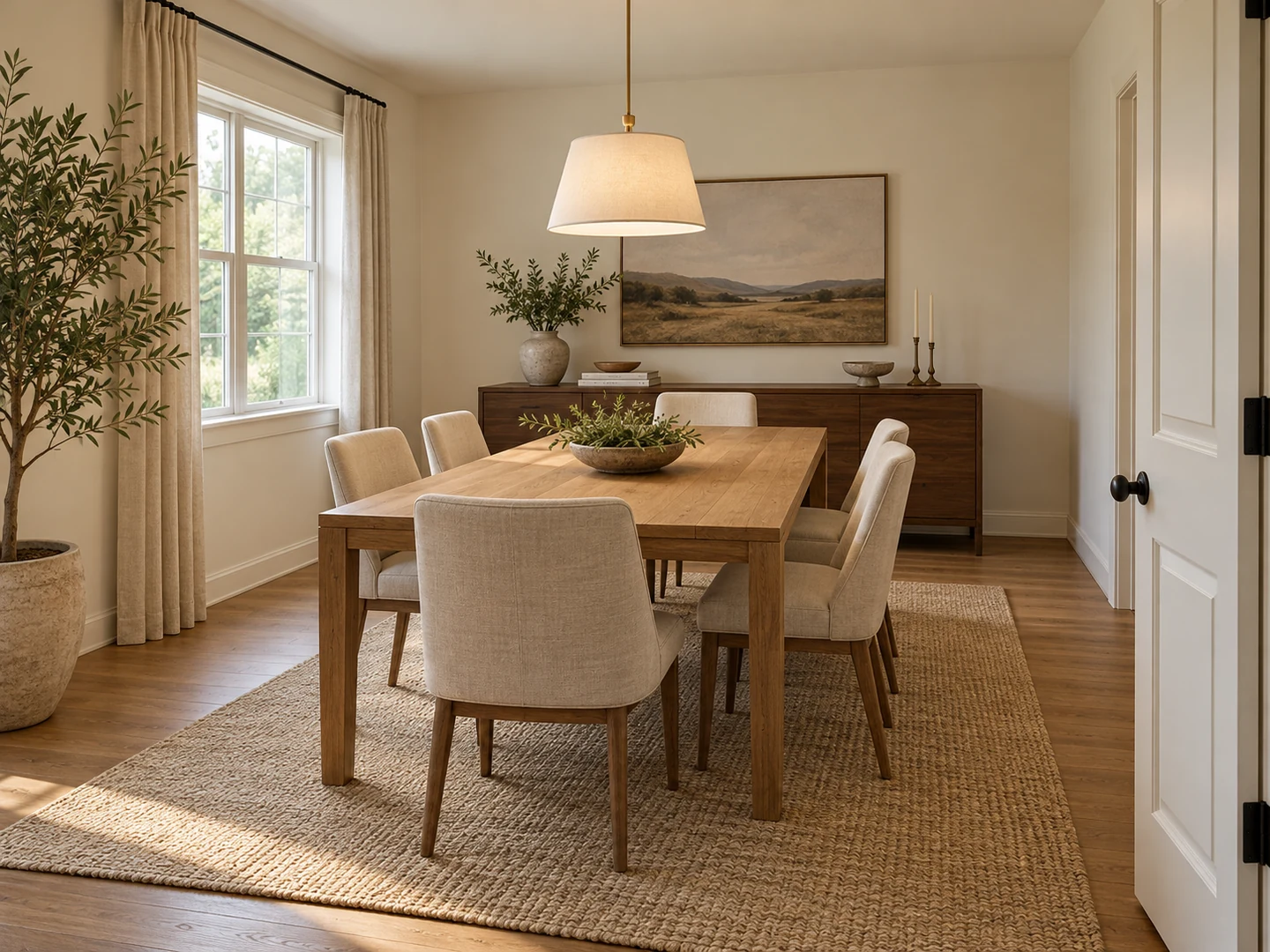
How to Rearrange a Room with AI
Take one wide photo
Stand in a doorway or corner at chest height and fit as much of the room as you can, floor included. Daylight helps. Every piece you want moved should be at least partly in the frame. PNG, JPG or WebP up to 10MB.
Pick the room and a goal
Choose the room type, then tap a goal such as "Bed Away from the Door" or write your own. Mention anything that must stay put, like a heavy wardrobe or a wall-mounted TV.
Compare, then move it once
Check the result against your photo: walkway widths, door swings, outlets for lamps and the TV. Generate again for a second option, then measure and move the real furniture.
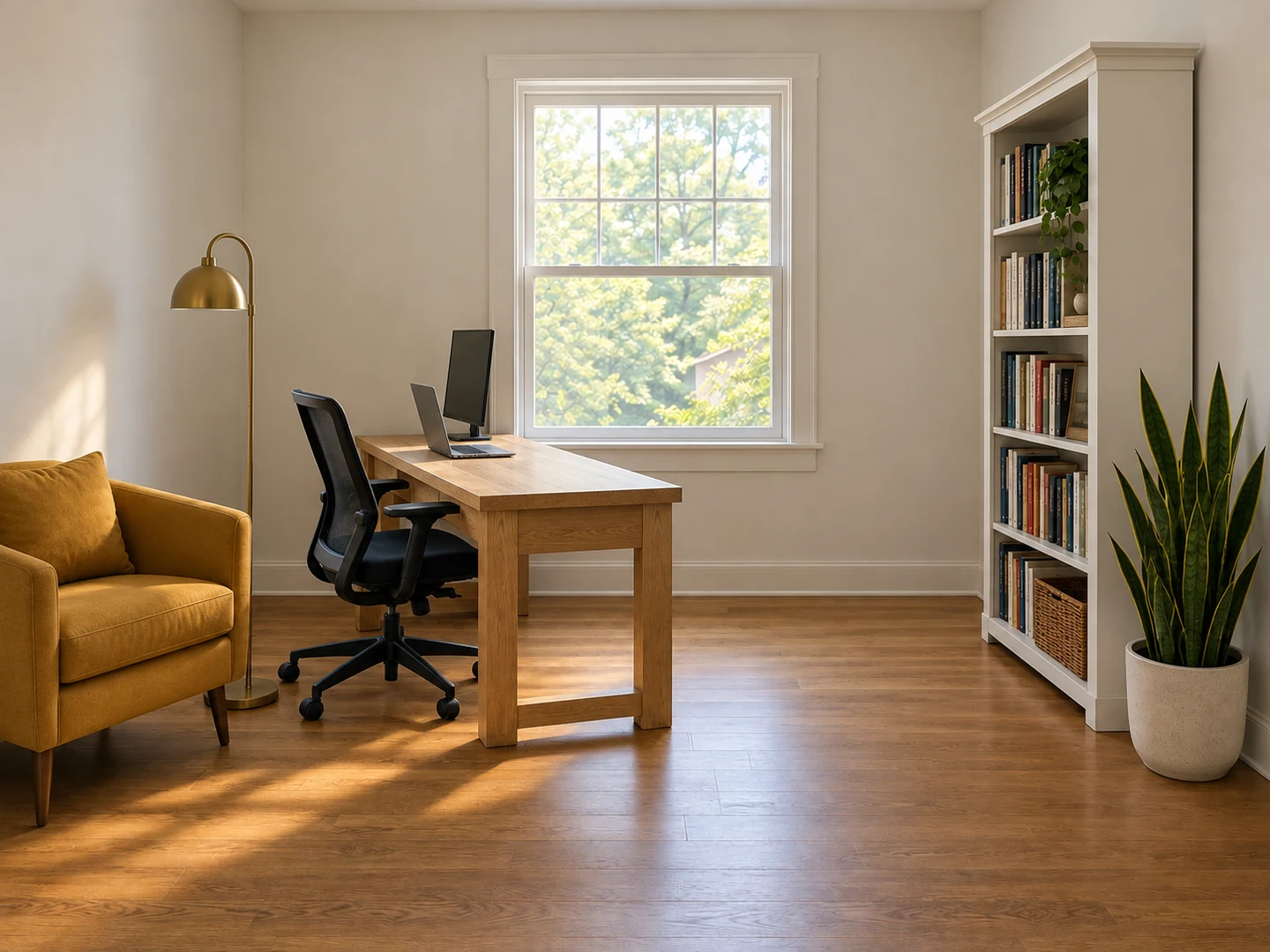
AI Furniture Placement Using What You Own
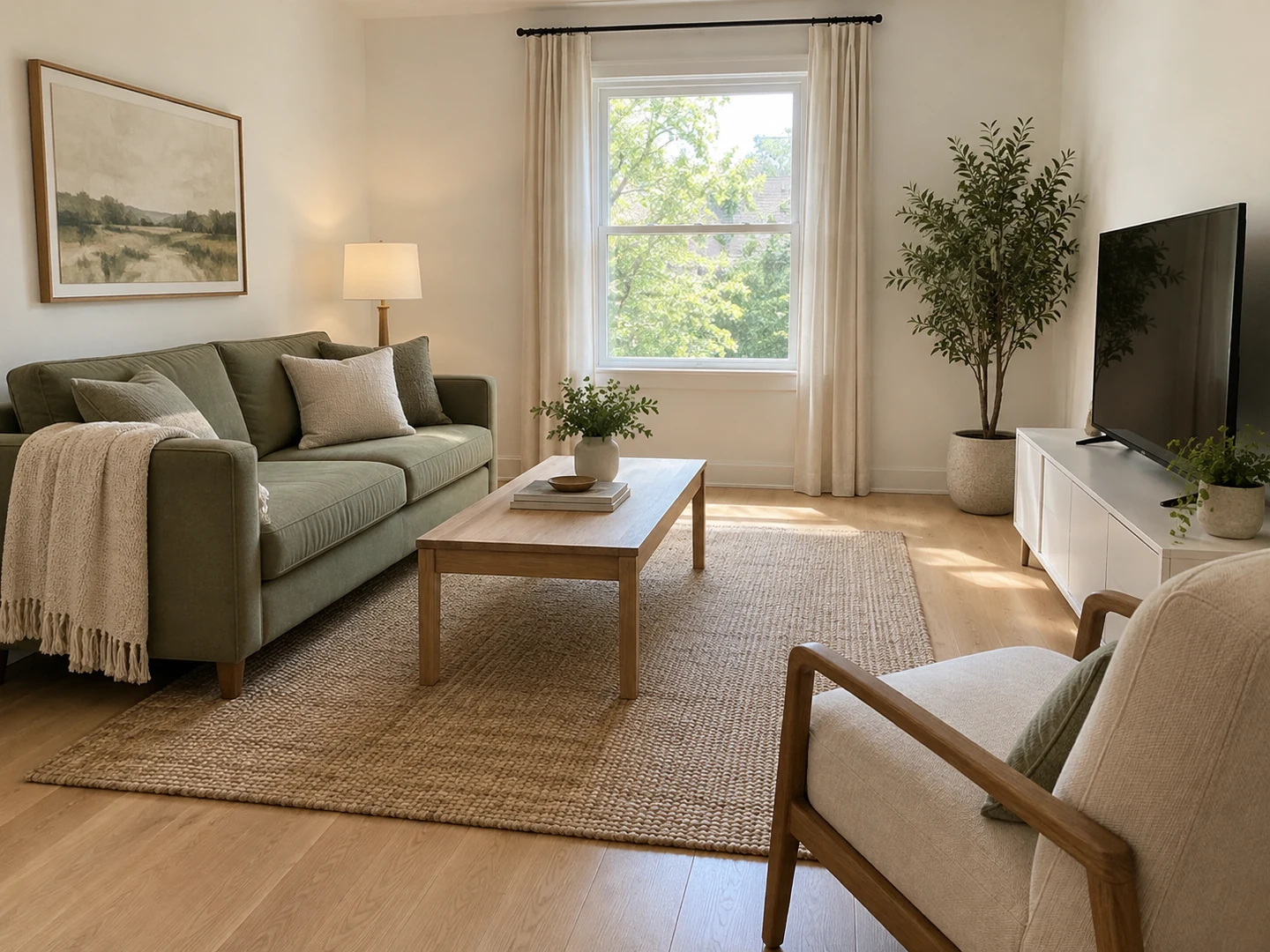
Your Furniture, Moved and Never Replaced
Most AI room tools restyle the whole space and leave you with a shopping list. Here the sofa stays your sofa, the rug stays your rug, and small decor travels with the table it sits on. If the new layout works, it costs an afternoon of lifting rather than a delivery. Want new furniture or a new style instead? That is what AI Interior Design is for.
Rearrange My Living Room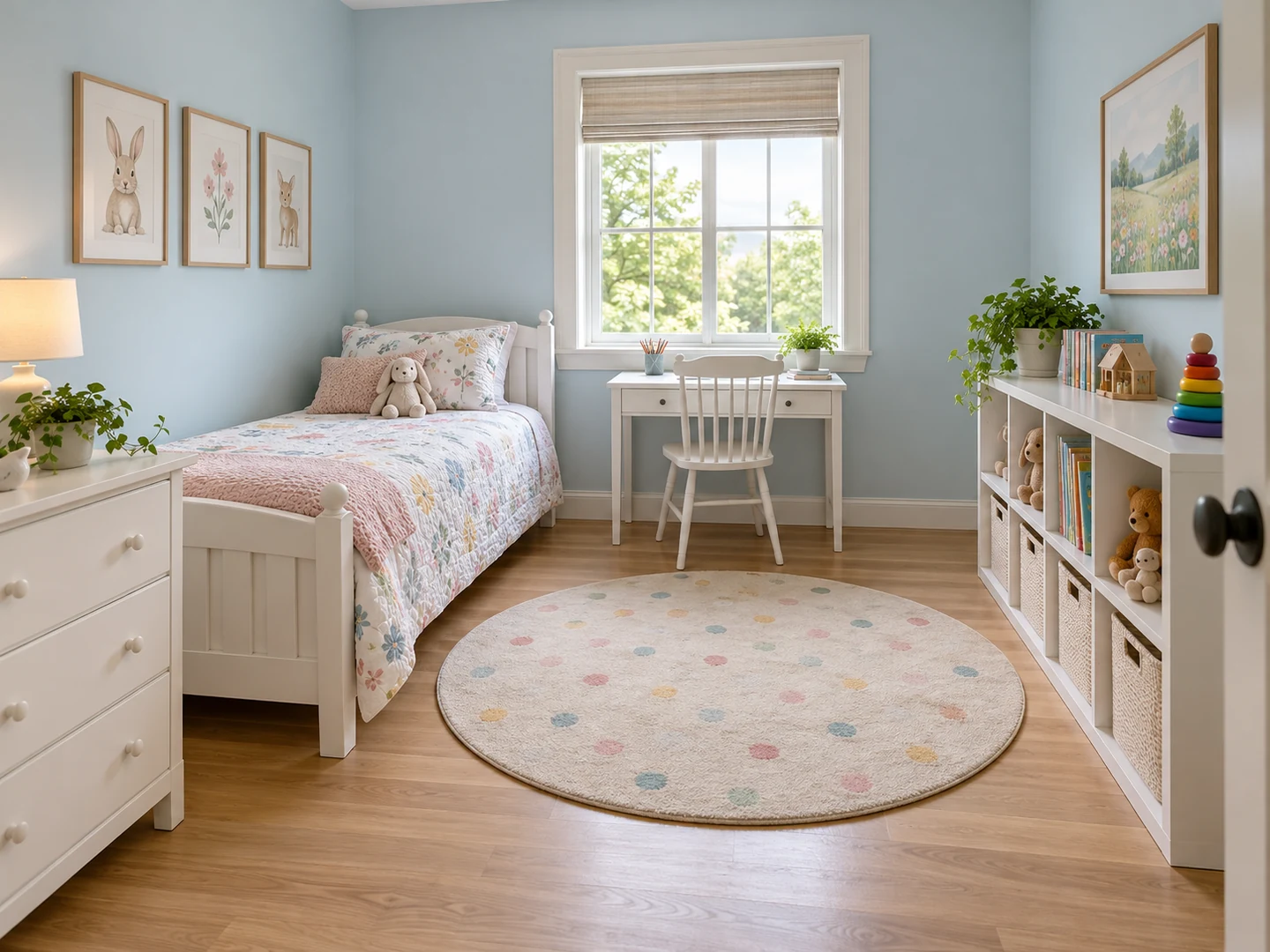
Walkways and Doors Kept Clear
A room usually feels cramped because of the path through it, not the amount of furniture. The AI aims for main walkways of about 3 ft, keeps doors, windows and radiators unblocked and pushes storage toward the walls, so the middle of the room opens up. Measure the gaps before you move anything heavy.
Free Up Floor Space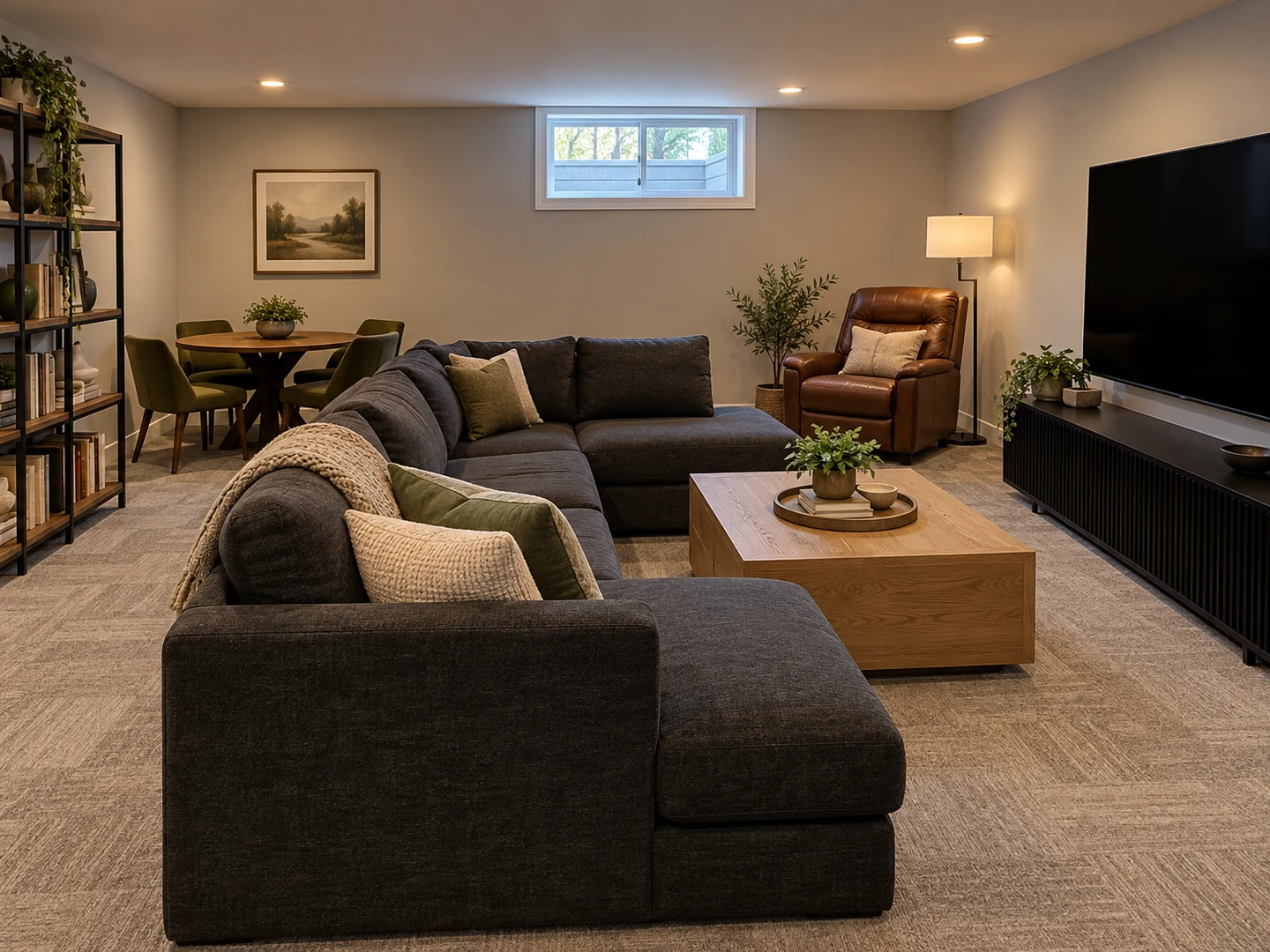
Seating Around One Focal Point
Chairs scattered along every wall make conversation hard and TV viewing awkward. Pick the "Better TV Viewing" or "Conversation Area" goal and the seating is pulled into one group facing the TV, fireplace or view. To check the viewing distance for your screen, run the numbers through the TV Size Calculator.
Check TV Distance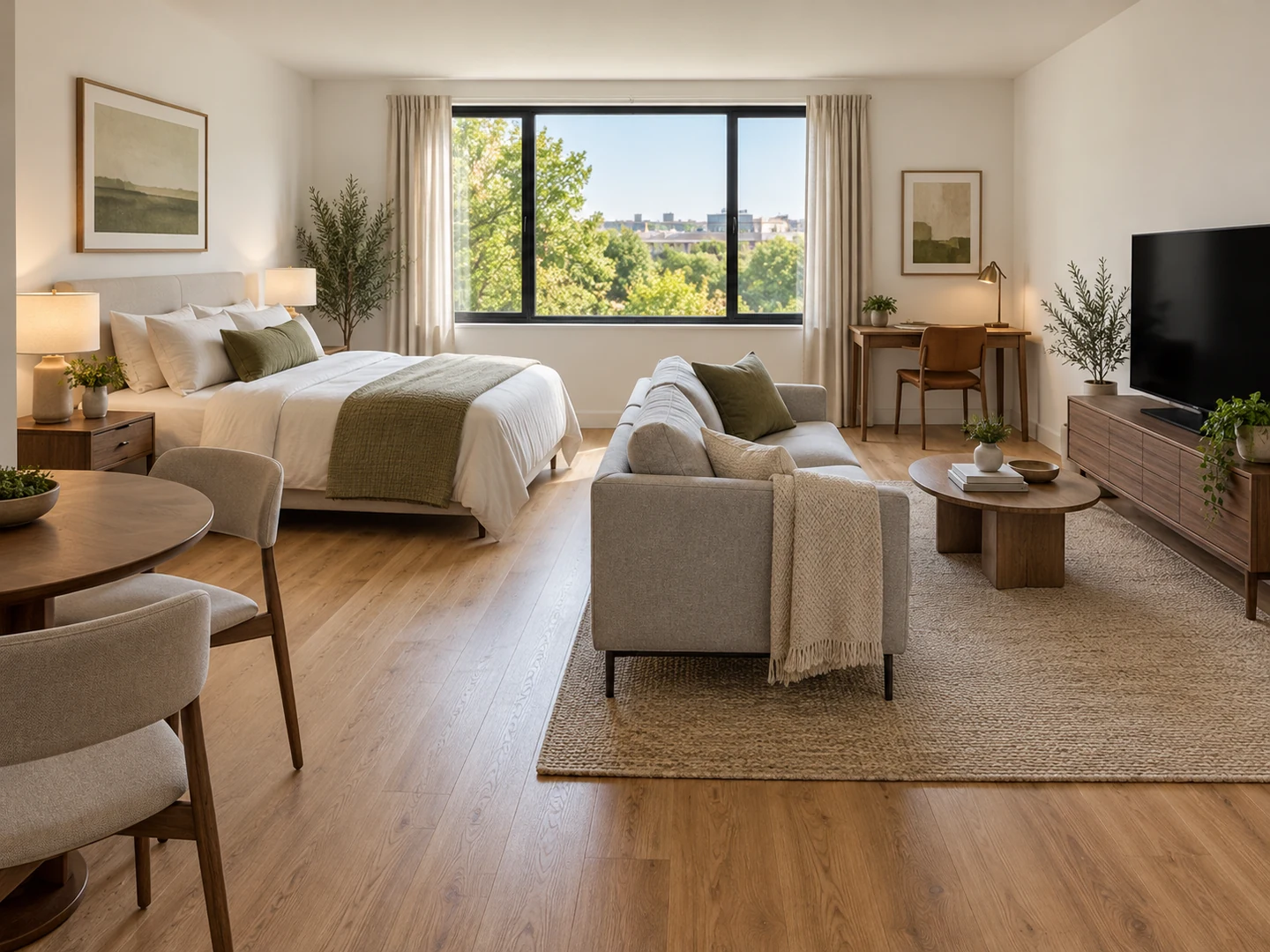
Studio and Open-Plan Furniture Layouts
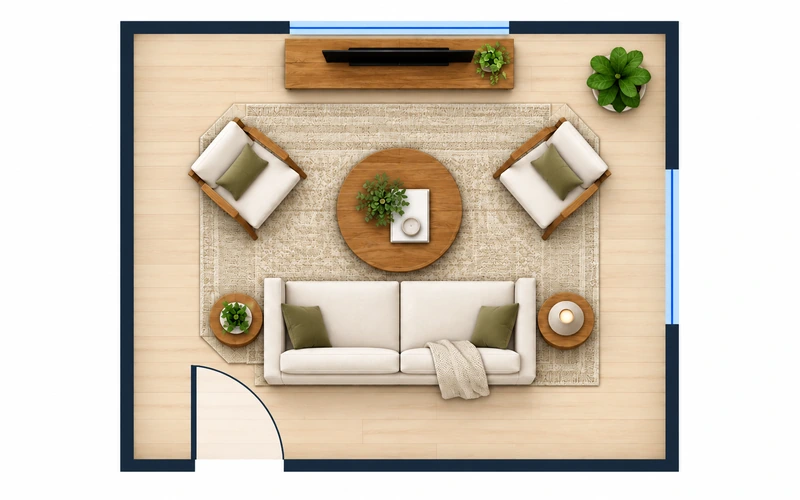
In one-room living the arrangement does the job of walls. A bookcase or the back of a sofa can separate the bed from the living area, and a rug marks each zone. Photograph the zone you want to change here; for a measured top-down plan of a whole studio or open floor plan, switch to the Room Layout Planner.
Plan a Measured LayoutPlacement guide
Furniture Placement Clearances (Typical)
Common rules of thumb. Check any new arrangement against them before you move heavy pieces.
| Where | Typical clearance | Metric |
|---|---|---|
| Main walkway through the room | 30–36 in | 76–91 cm |
| Minor path around a piece | 24 in min. | 60 cm |
| Sofa edge to coffee table | 14–18 in | 35–45 cm |
| Beside a bed, on each side you use | 24–30 in | 60–76 cm |
| In front of a dresser | 36 in | 91 cm |
| Behind a desk chair | 30–36 in | 76–91 cm |
| Sofa to a 55 in TV (1.5–2.5 × diagonal) | about 7–11 ft | 2.1–3.5 m |
| Seats in one conversation group | within about 8 ft | 2.4 m |
Rules of thumb, not code requirements. Wheelchair routes need more room: about 36 in paths and a 60 in (152 cm) turning circle. Moving a sofa to another room? Check typical sofa sizes against the door width first.
Who Uses a Room Rearranger
Renters and new movers
Moved in and nothing sits right? Photograph each room once the boxes are out of the way and try a few arrangements before you drag the sofa across the floor. If a piece looks too big for its new spot, compare it with typical sofa sizes. Still facing an empty room? Virtual Staging furnishes the photo instead.
Studios, dorms and efficiency apartments
In a small space every foot counts. Test dorm room arrangement ideas on your own photo, such as beds along the long walls and desks sharing the window, or find a studio furniture layout that gives the bed its own corner. The same goes for an efficiency apartment furniture layout where the sofa doubles as a divider.
Open floor plans
Big open rooms tempt people to push everything against the walls. Float the sofa to mark the living zone, keep a clear route between the kitchen and the dining table, and try open plan furniture layout ideas on one zone at a time. For new furniture and finishes, move on to a full redesign.
Rearrange My Room: Questions
Yes. Upload a photo, pick the room type and, if you like, a goal such as "Make It Feel Bigger". The AI returns a photo of the same room with your own furniture in new positions and the walkways and doors kept clear. Treat it as an idea to test, then measure before you move heavy pieces.
New accounts get free credits, and each rearrangement uses 10 credits, so you can try a few layouts before deciding whether you need more. Results take seconds; free requests may wait briefly in a queue.
No. The AI is instructed to keep every movable piece at the same size, shape, color and finish and only move or rotate it. Nothing new is added, nothing is taken away, and the walls, flooring, windows and ceiling lights stay as photographed. If you want new furniture or a new style, AI Interior Design does that.
Clear the main path from the door to the window, move tall storage to the wall you see least from the doorway, and float the sofa instead of lining every piece up against the walls. Keep furniture out of the light from the window. The "Make It Feel Bigger" goal applies these ideas to your photo.
A chat assistant can suggest layout ideas from a description, and some can comment on a photo, but you still have to picture the result yourself. This tool returns an image of your own room with the furniture already moved, so you can judge the arrangement at a glance and compare two versions.
Split the space into zones (living, dining, kitchen) and give each one a clear edge: a floated sofa with its back to the dining area, a rug under the seating group, a light over the table. Keep about 36 in between zones for walking. Photograph one zone at a time here, or plan the whole space top-down with the Open Floor Plan Layout tool.
Put the bed in the corner farthest from the door, screen it with a bookcase or the back of the sofa, and face the seating toward the window or TV. A small table can serve as both desk and dining spot. In an efficiency apartment, keep the path from the entry to the kitchen clear.
There is nothing to install. The tool runs in a phone or desktop browser, so you can take a photo and upload it on the spot. Results stay in My Projects while you are signed in, and each image can be downloaded.
See Your Room Rearranged Before You Lift Anything
Upload one photo and try a new arrangement of the furniture you already own. New accounts get free credits to start.
Rearrange My Room Free- 10 credits per rearrangement
- PNG, JPG or WebP up to 10MB