
Classroom Layout Maker
A classroom layout maker for the week before students arrive: enter the room size and desk count, and AI returns a classroom floor plan.
Create a Classroom LayoutCreate a Classroom Floor Plan Online
A classroom floor plan creator that starts from your room: choose Classroom or Preschool, enter the floor area, describe the seating and pick a drawing style.
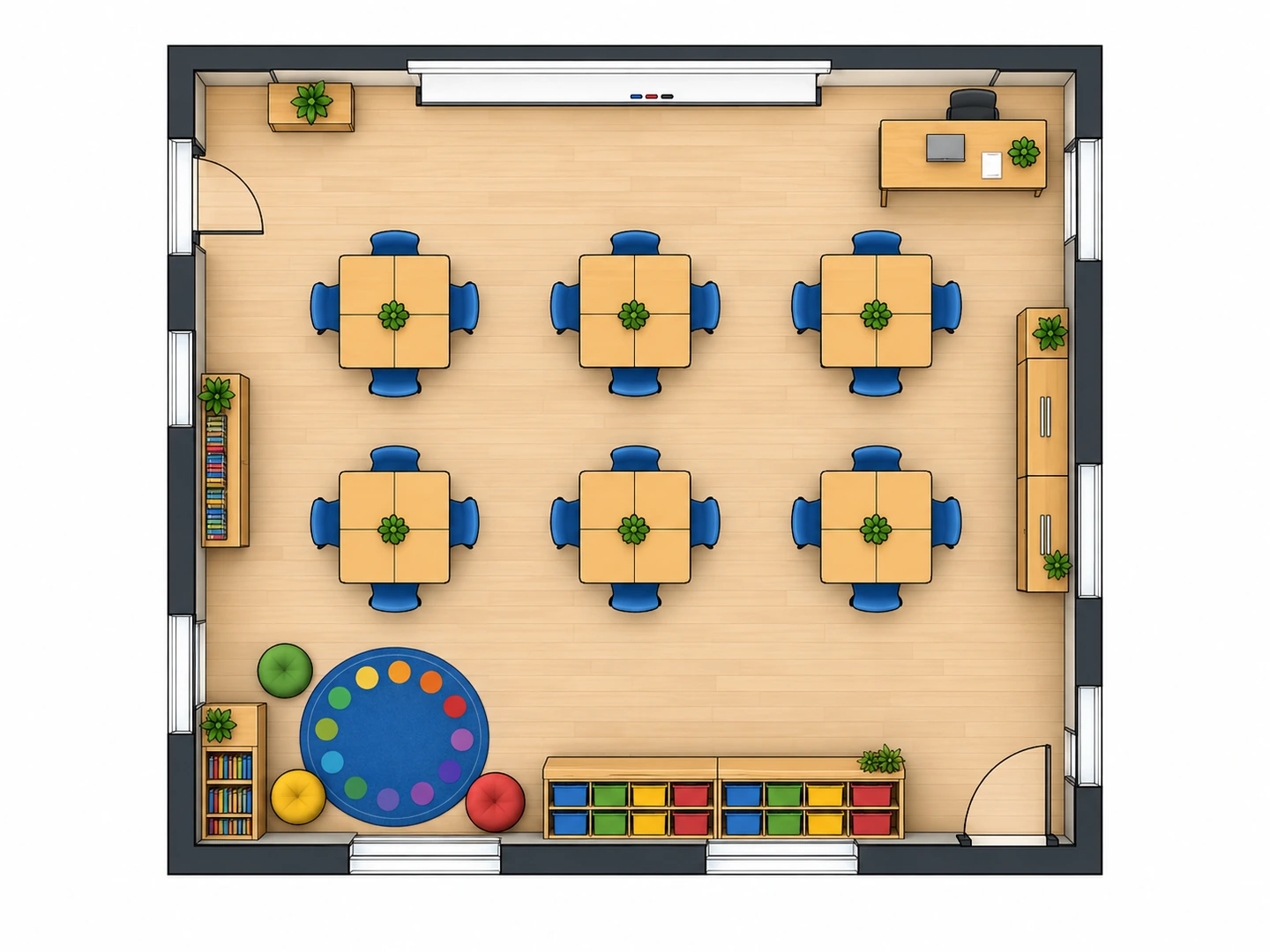
Groups of four
900 sq ft · Colored 2D
Classroom Layout Examples
Three common setups from the classroom layout creator. Start from one and change the desk count, the room size or the arrangement.
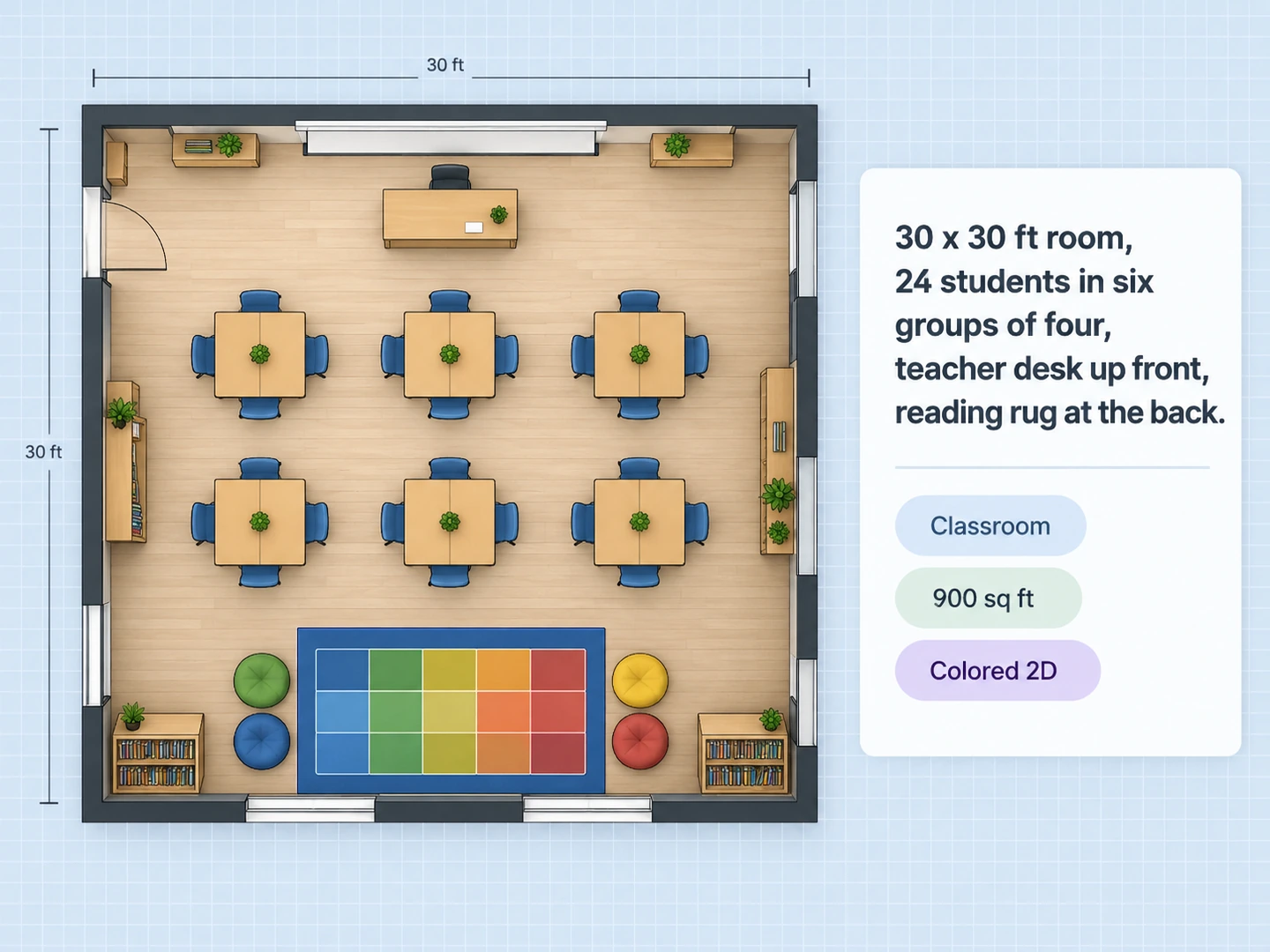
Before After Rows of pairs: 24 desks facing the board in a 30×30 ft room
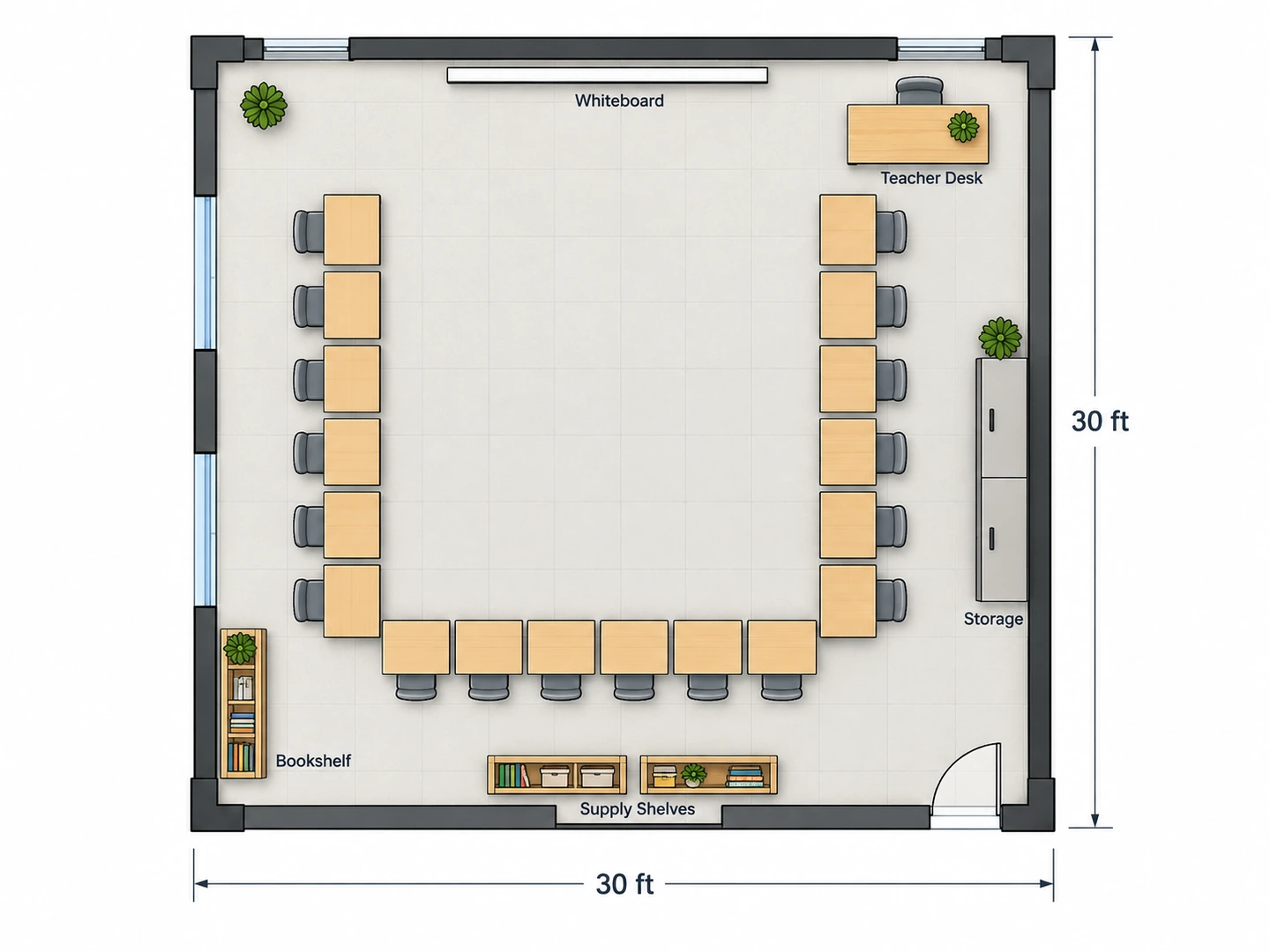
Before After U-shape: 24 desks around open floor for discussion
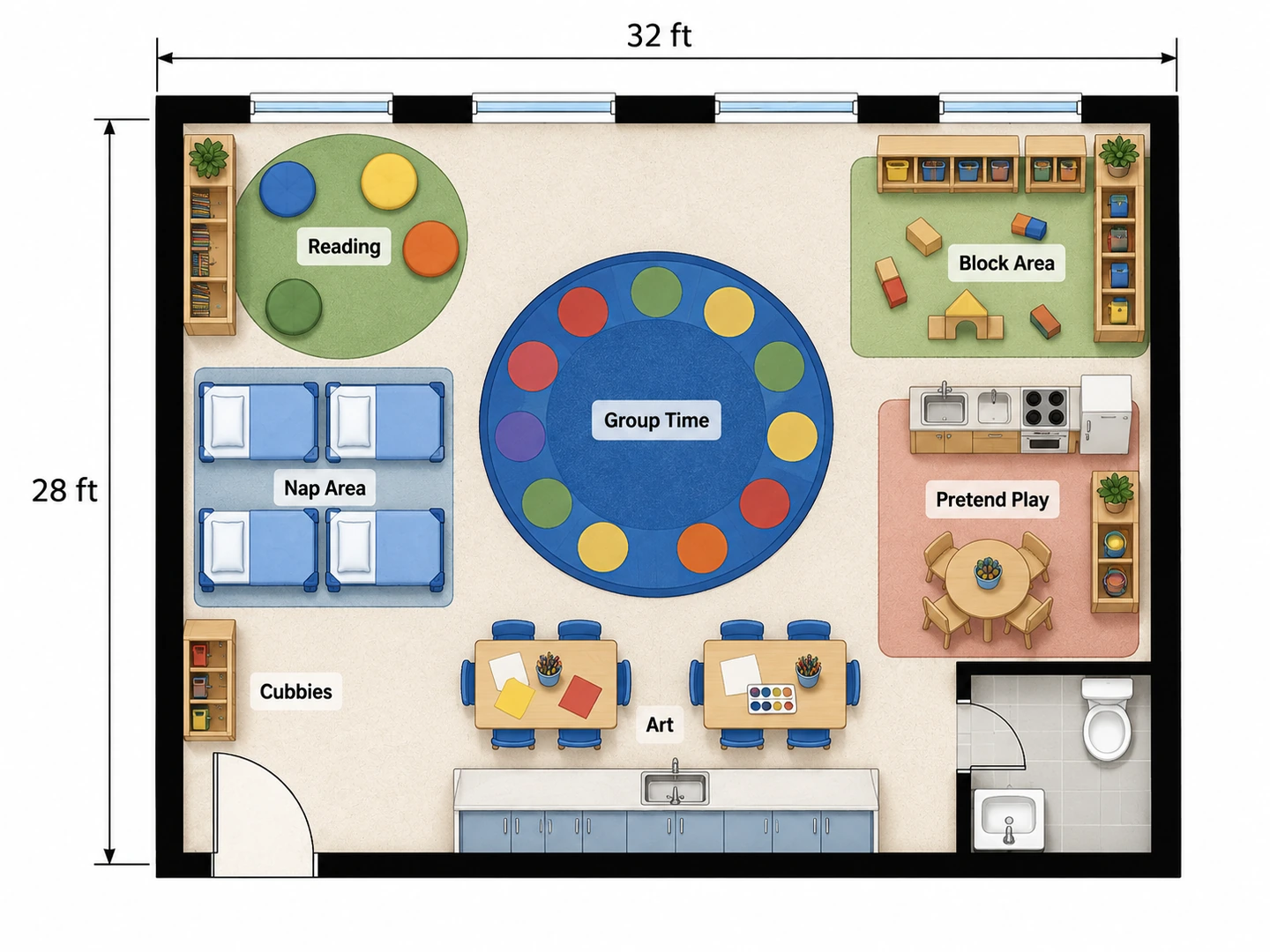
Before After Pre-K room with learning centers, cubbies and a nap area
Plan the room, not just the seats
What Is a Classroom Design Tool?
A classroom design tool helps you decide where everything in a teaching space goes: student desks, the teacher station, the board, storage, a reading corner and the paths between them. Most classroom maker and classroom builder apps hand you a grid and a pile of desk icons to drag around. With AI classroom design it works the other way: you describe the class and the room, and the whole floor plan comes back, so you can compare three arrangements in less time than it takes to move one row of real desks.
Each plan is an AI-generated image for planning and discussion. Desk counts and room proportions follow your brief, but dimensions are approximate, and it is not a CAD file or a construction drawing. For a renovation or a new school wing, give your favorite layout to the architect or facilities team as the starting point.
- Classrooms, preschool and daycare rooms, training rooms
- Rows, pairs, pods, U-shape, stations or a seminar table
- Floor area in square feet or square meters
- 2D, 2.5D, 3D isometric and blueprint styles
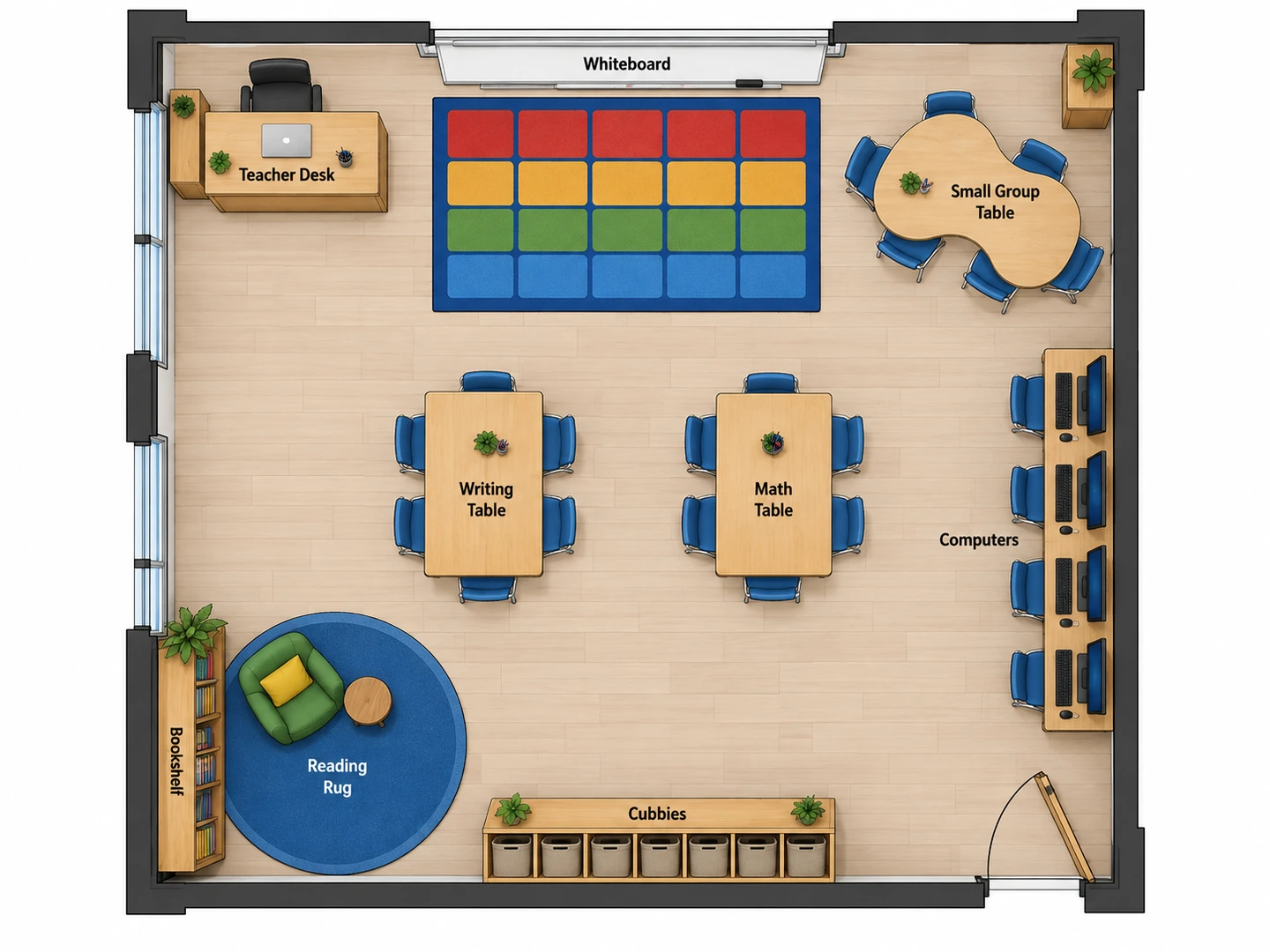
How to Create a Classroom Layout
Measure the room
Pick Classroom or Preschool / Daycare and enter the floor area. Put the wall lengths, the door and the window wall in the notes, e.g. "30 x 30 ft, door back right, windows on the left".
Describe how you teach
Give the student count and the arrangement: rows for testing, pods for group work, a U for discussion, stations for rotations. Mention fixed items such as the board, a sink or the outlets a computer station needs.
Generate, compare and print
Generate the plan, then run the same brief with a different arrangement. Both stay in My Projects; download the one you pick as a PNG to print or send to your team.
A Classroom Floor Plan Maker for Real Rooms
An AI classroom layout generator that knows the setups
Ask for pairs, groups of four, a double horseshoe or a Harkness table by name. Desks are drawn at a believable size — about 24 x 18 in each, with room to pull out the chair — and the teacher station goes where it can see every seat. It makes a quick classroom arrangement maker for testing ideas before anyone lifts a desk.
Try a seminar layout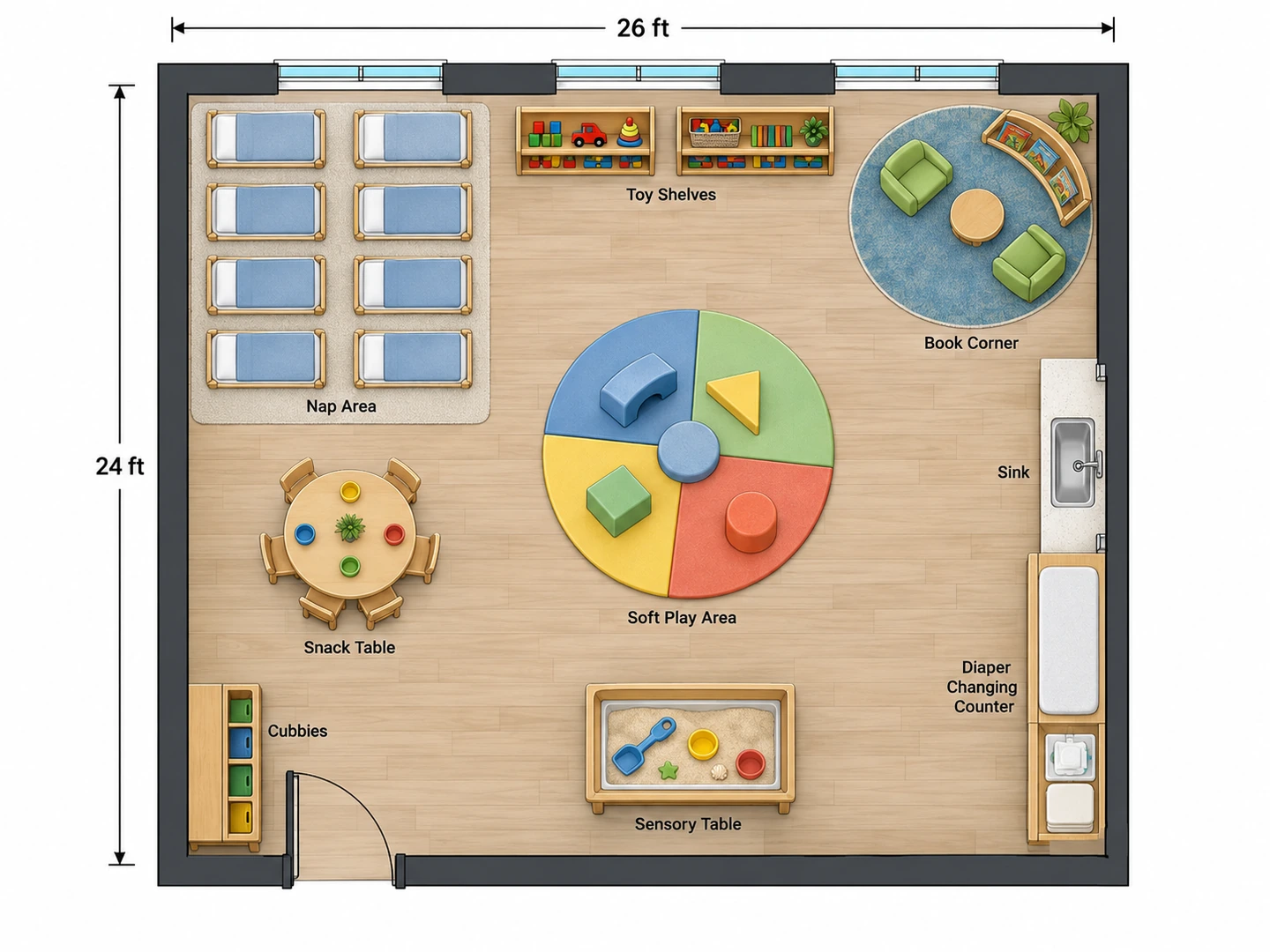
A preschool classroom layout maker with real centers
Switch the plan type to Preschool / Daycare and the room is planned as activity zones: cubbies at the entrance, a circle-time rug, a reading nook kept away from the block area, art tables near the sink, a quiet nap space and child-size furniture. It doubles as a daycare floor plan creator for toddler and infant rooms.
Plan a preschool room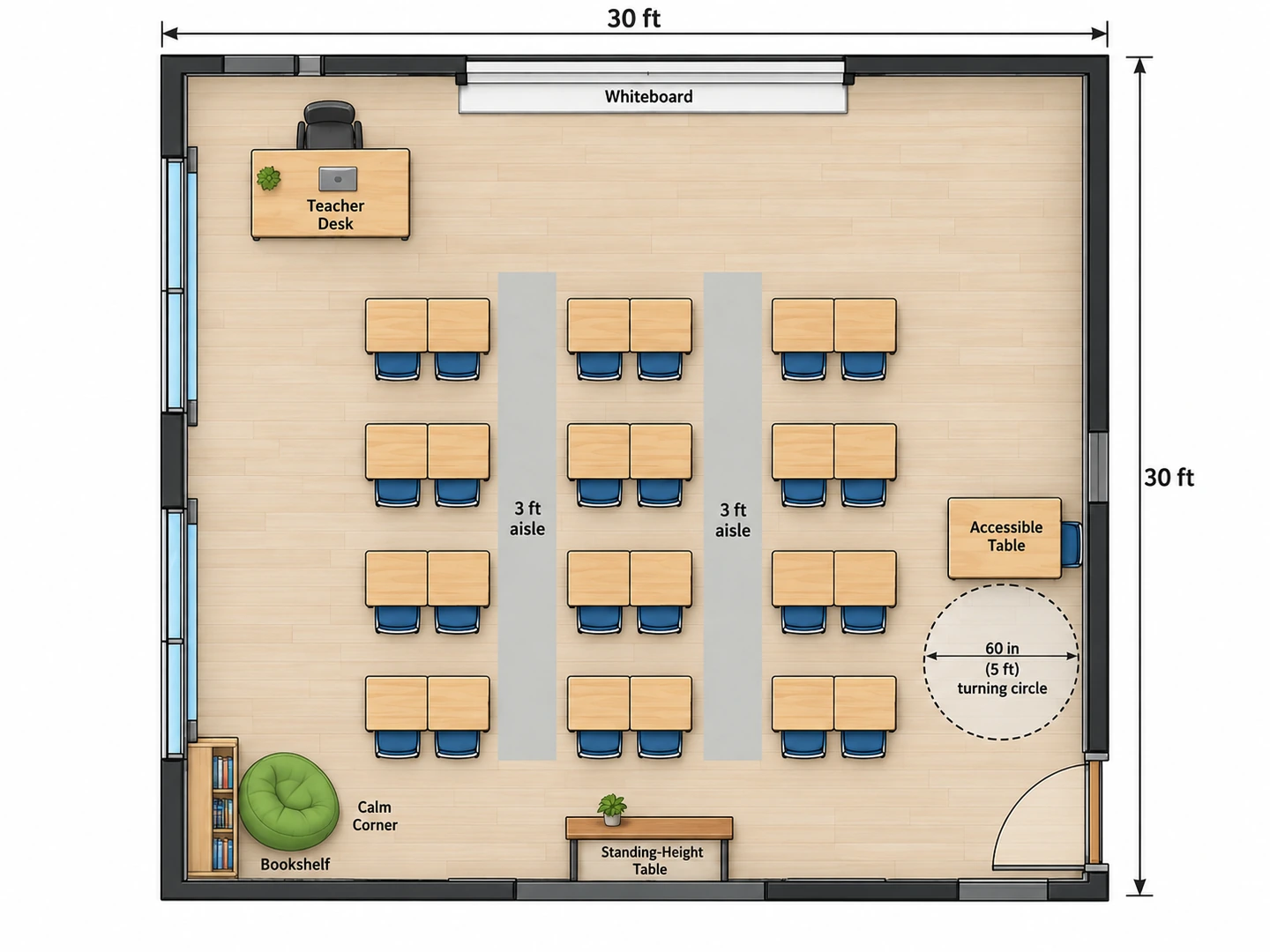
A classroom floor planner that checks aisles and sightlines
Plans keep main aisles near 3 ft (90 cm), leave clear paths to the door, put the board where every chair can see it and keep one route wide enough for a wheelchair. Add specific needs to the notes: a standing table, a calm-down corner, a seat near the door for a student who takes breaks.
Set your class size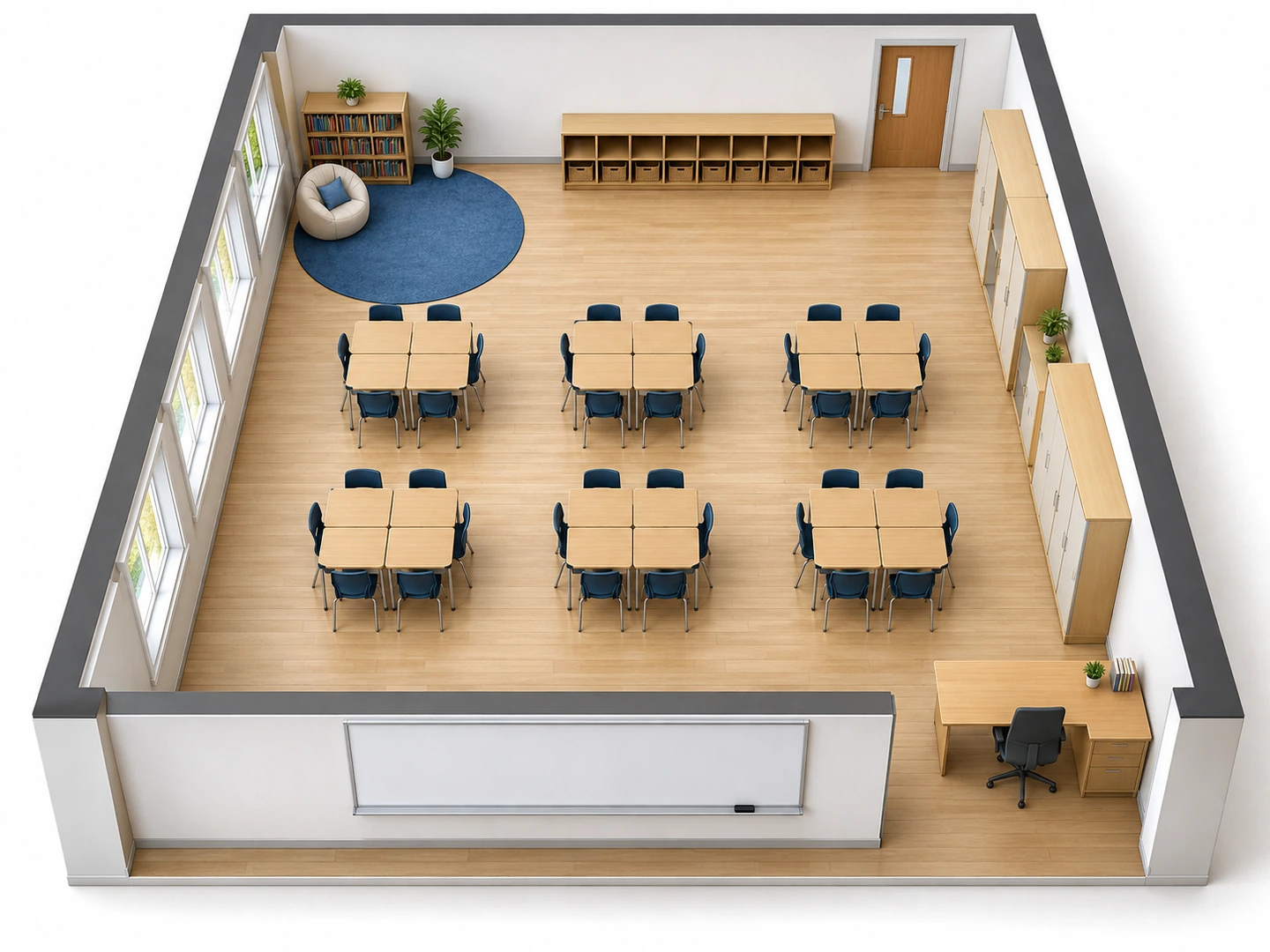
Virtual classroom design in 3D
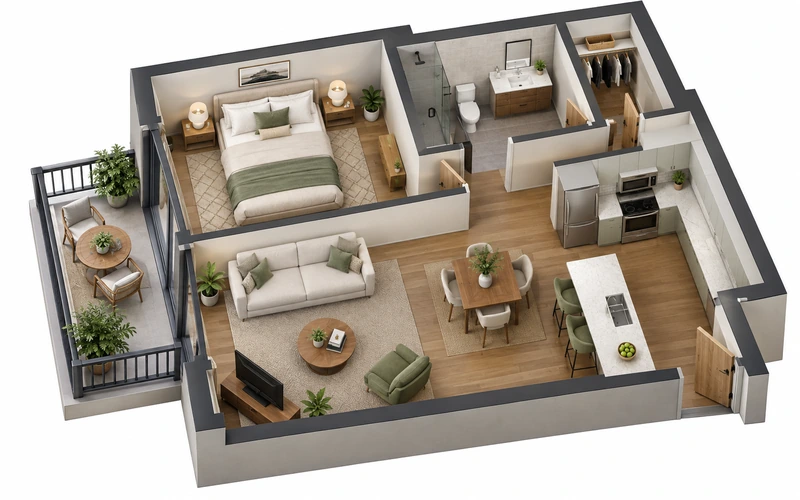
Switch the output style to 3D Isometric to see the same room with walls up and furniture in place. It reads better than a flat plan at an open house or in a meeting with a principal, and Floor Plan to 3D can take any plan further.
Floor Plan to 3DPlanning guide
Typical Classroom Sizes and Space per Student
Starting points for the floor area field. District standards and local licensing rules always take priority.
| Room | Typical class size | Typical floor area | Metric | Space per student |
|---|---|---|---|---|
| Preschool / pre-K room | 15–20 children | 700–1,000 sq ft | 65–93 m² | About 35 sq ft (3.3 m²) usable |
| Kindergarten | 20–24 | 1,000–1,200 sq ft | 93–111 m² | 45–50 sq ft |
| Elementary (grades 1–5) | 25 | 900–1,000 sq ft | 84–93 m² | 30–35 sq ft (2.8–3.3 m²) |
| Middle or high school | 25–30 | 800–1,000 sq ft | 74–93 m² | 25–35 sq ft |
| Science lab | 24 | 1,200–1,450 sq ft | 111–135 m² | 50–60 sq ft |
| Small-group or resource room | 6–12 | 300–500 sq ft | 28–46 m² | 40–50 sq ft |
The preschool row uses a common guideline of about 35 sq ft (3.3 m²) of usable floor per child, which excludes cubbies, restrooms and fixed storage. Licensing rules differ by state and country, so check yours before you set a capacity.
Seating plans
Classroom Seating Arrangements Compared
Choose the arrangement that matches the lesson, not the one the room had last year.
| Arrangement | Best for | Pros | Watch-outs |
|---|---|---|---|
| Rows | Tests, lectures, large classes | Fits the most desks; every chair faces the board | Little peer talk; keep it to five or six rows deep |
| Pairs | Partner work alongside direct teaching | Easy turn-and-talk; still faces the front | Needs an aisle beside every pair column |
| Groups / pods of 4–6 | Projects and cooperative learning | Shared supplies; natural group discussion | Some students sit sideways to the board; more noise |
| U-shape / horseshoe | Discussion and demos, up to about 24 students | Everyone sees everyone; teacher can walk inside the U | Uses a lot of wall length; larger classes need a double U |
| Stations / centers | Rotations, small-group teaching, preschool | Each activity keeps its own space and supplies | Needs clear paths between stations and room to queue |
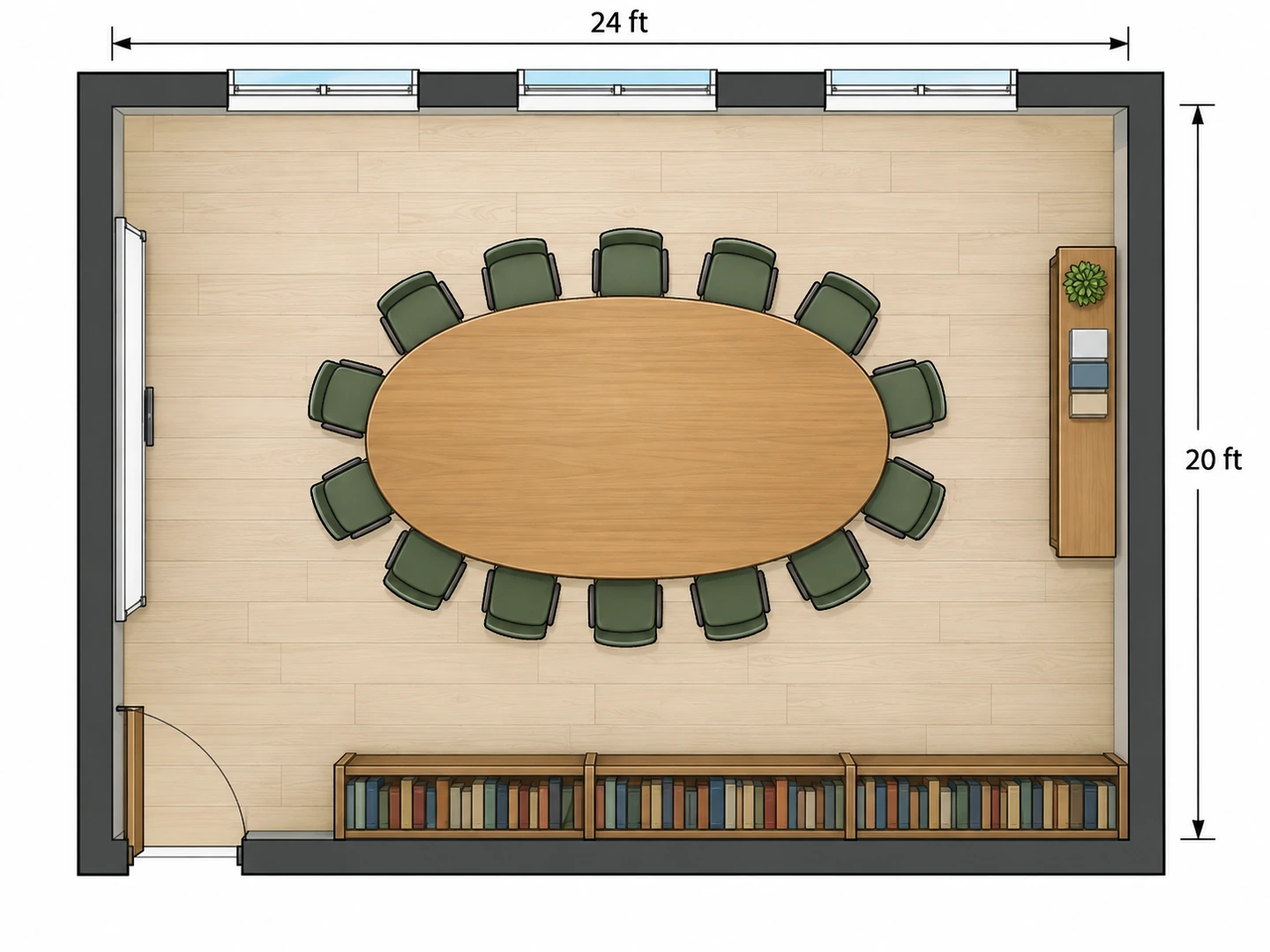
| Harkness / seminar table | Discussion classes of about 12–15 | Equal seats; student-led conversation | One big table; does not scale to large classes |
Many teachers keep two layouts, a daily setup and a testing setup. Generate both from the same room so the switch is planned in advance.
Who Uses This Classroom Setup Tool
Teachers setting up a new room
Moved rooms over the summer? Enter the new dimensions, list the furniture you inherited and try rows, pods and a U before the first day. Then print the winner for whoever helps you move the desks.
Preschool and daycare directors
Plan centers, cubbies and nap space for a new room or a bigger site, and check each zone against your licensed square footage before ordering furniture. A rendered view helps families picture the room at enrollment.
Schools, tutors and training rooms
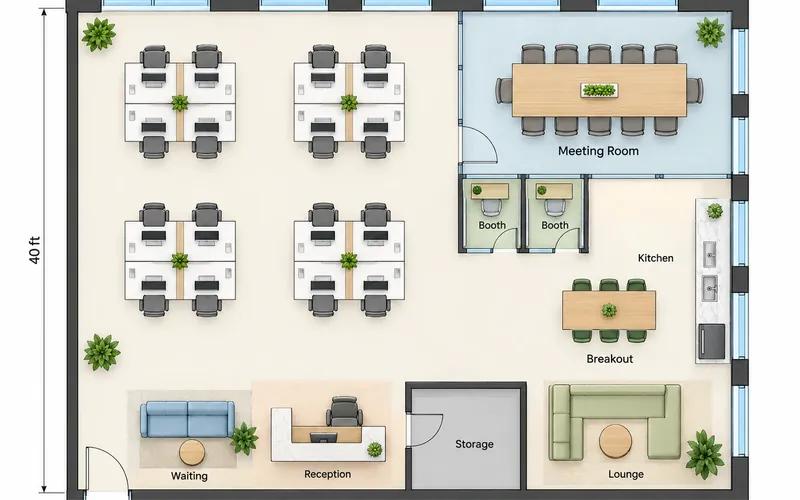
Facility teams use it as a quick classroom floor plan designer for a new wing, tutoring centers fit tables into a storefront, and homeschool families plan a learning corner at home. Offices and training suites have their own floor plan maker.
Classroom Layout Maker FAQ
This classroom floor plan creator is free to try: new accounts get free credits, so you can design a classroom floor plan free before you buy anything. Each plan uses 10 credits, and a credit pack or a subscription covers more.
Measure the walls and note the door, windows, board and fixed items such as a sink or built-in shelves. Decide how many desks you need and the arrangement you use most. Enter that in the classroom layout planner above, generate, and check that aisles stay around 3 ft wide and every seat can see the board.
There is no single best one. Rows suit tests and direct instruction, pods suit group projects, a U-shape suits discussion, and stations suit rotations and preschool. Many teachers switch between two layouts, so it is worth generating both.
A common planning figure is about 30–35 sq ft (2.8–3.3 m²) per student in an elementary classroom, so 25 students need roughly 900 sq ft. For preschool, about 35 sq ft of usable floor per child is a common licensing guideline, but the exact number depends on your state or country.
Yes. Choose Preschool / Daycare as the plan type and list the centers you want: reading, blocks, art, dramatic play, a nap area, cubbies and a restroom. For a whole daycare with several rooms, choose Custom Space and describe each room in the notes.
Plan main aisles of about 3 ft (36 in, 90 cm) so students and the teacher can pass with bags on the floor and chairs pulled out. An accessible route needs at least 36 in of clear width, and a wheelchair user needs an open 5 ft (60 in) circle somewhere in the room to turn around.
It is accurate enough to choose a layout, not to build from. The output is an AI-generated image with approximate dimensions, not a CAD file. Measure your furniture before moving it, and for renovations hand the plan to your architect or facilities team.
Yes. Upload a photo of a hand sketch or the school floor plan, and the new layout follows its outline, door and windows. Add the change you want in the notes, such as "switch from rows to groups of four".
Try Three Classroom Layouts Before Moving One Desk
Describe your room and your class, and get a floor plan in seconds. New accounts get free credits, so you can create a classroom layout free before deciding whether you need more.
Create a Classroom Layout