
3D Room Planner
A 3D room planner for one room at a time: pick the bedroom or kitchen, enter its size, and get a furnished 3D view with the walls cut away.
Design My Room in 3DFree 3D Room Design Online
Choose the room, set its size, list the furniture and pick 3D Isometric, 2.5D or Furnished 2D.
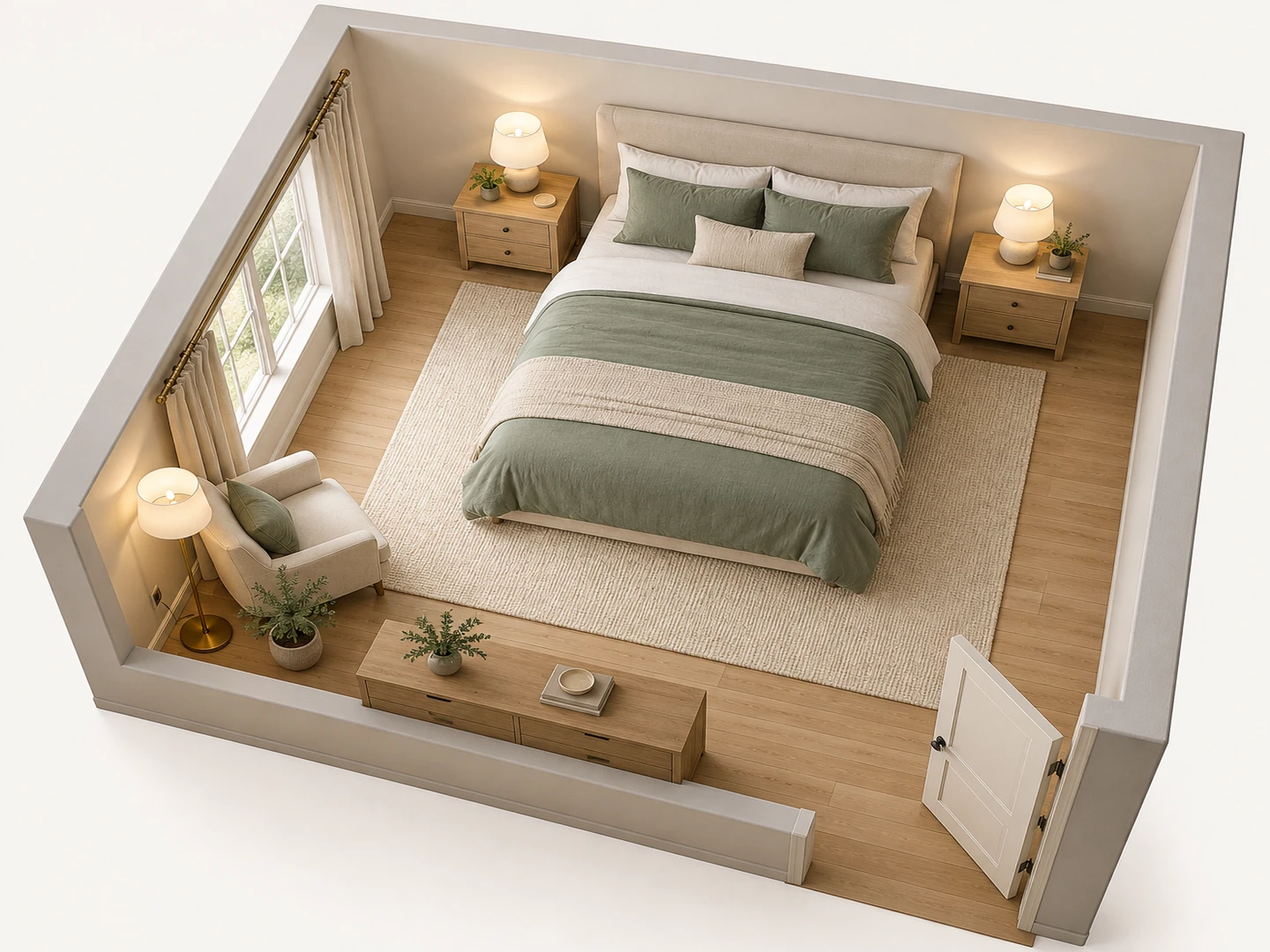
Primary bedroom
12×14 ft · 3D Isometric
3D Room Design Examples
Three rooms drawn in 3D from a short brief or an empty outline. Tap a preset in the planner to start from one.
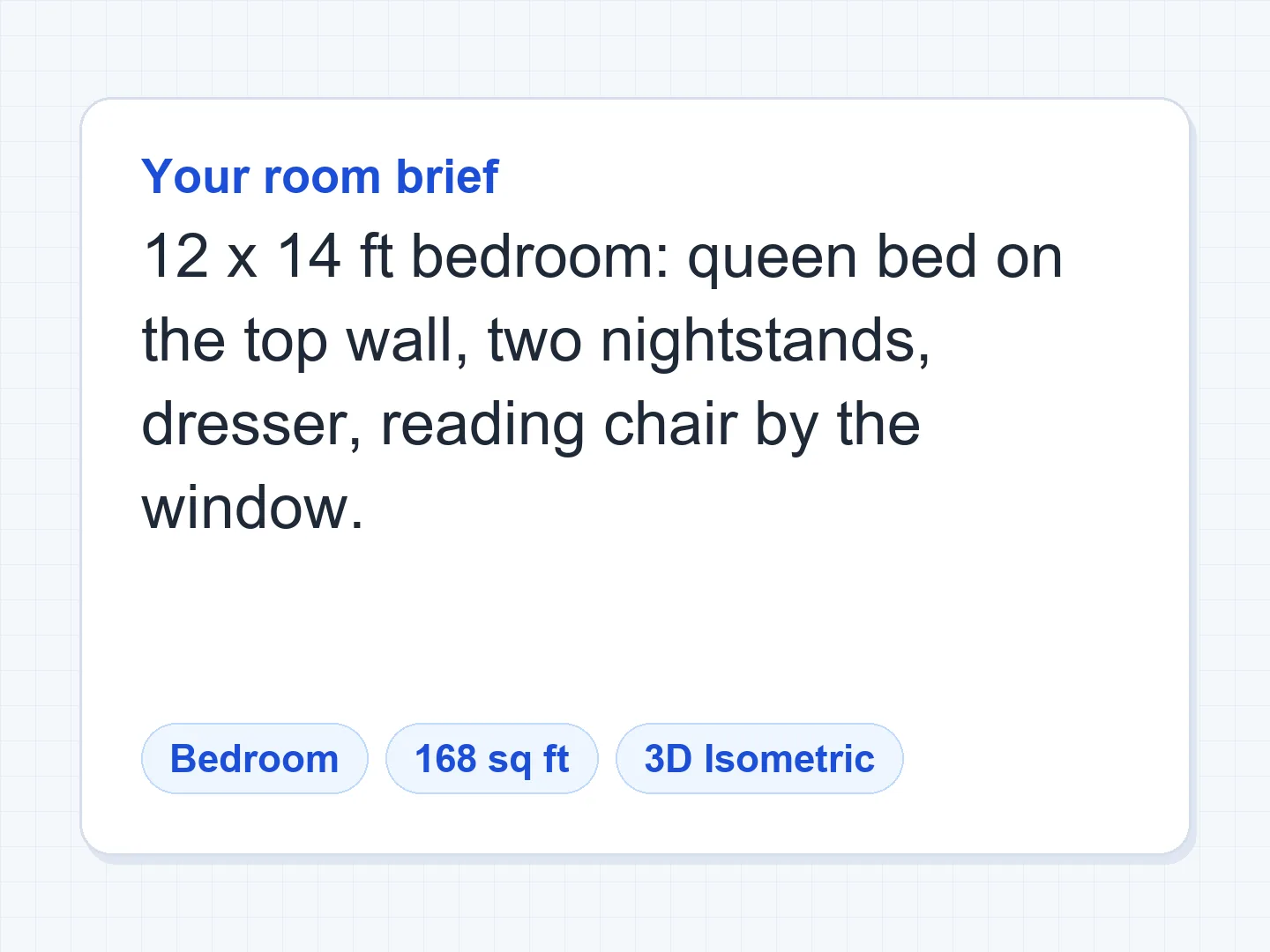
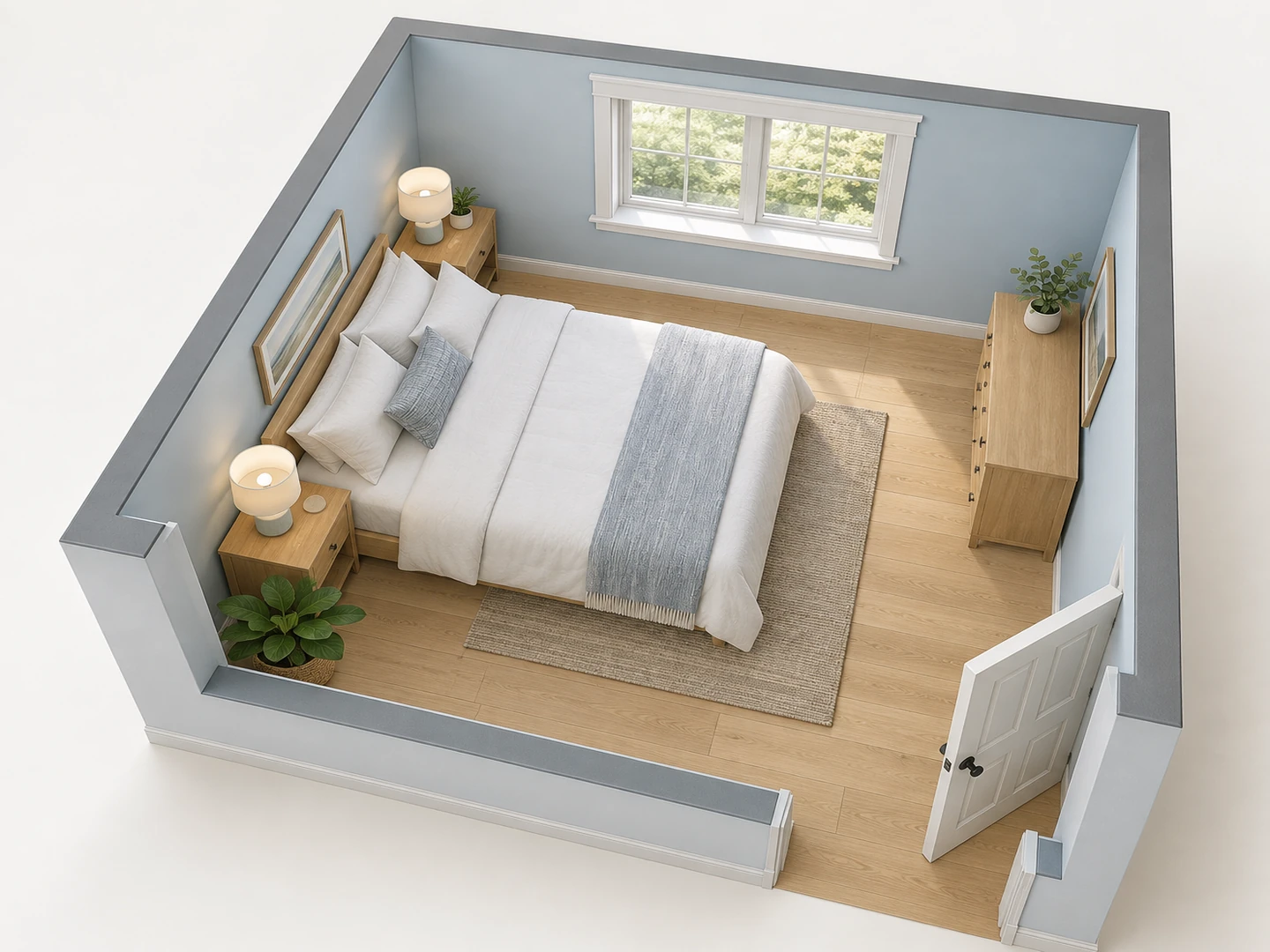
Before After 12×14 ft bedroom: queen bed on the top wall, reading chair by the window
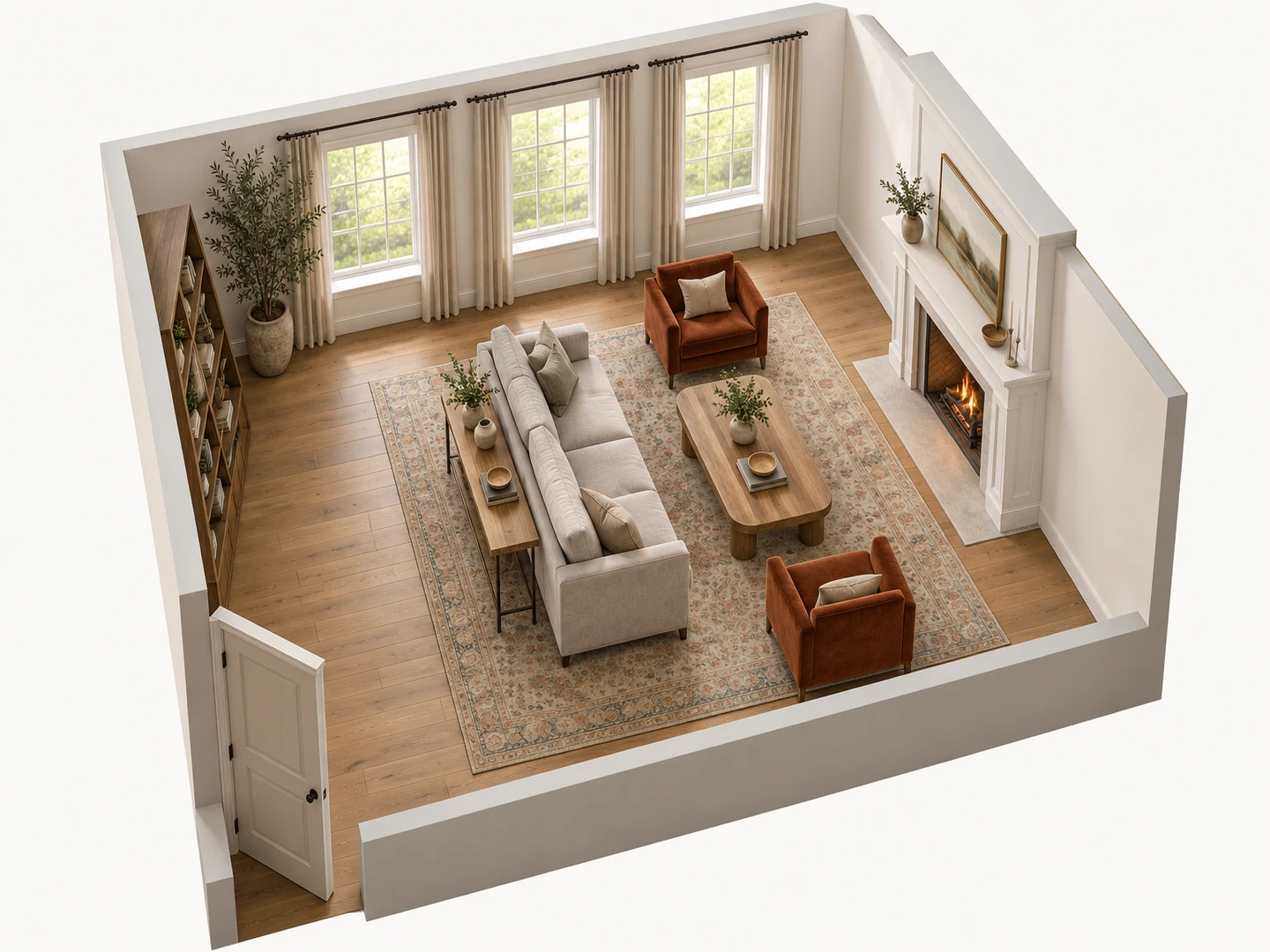
Before After 18×14 ft living room arranged around the fireplace
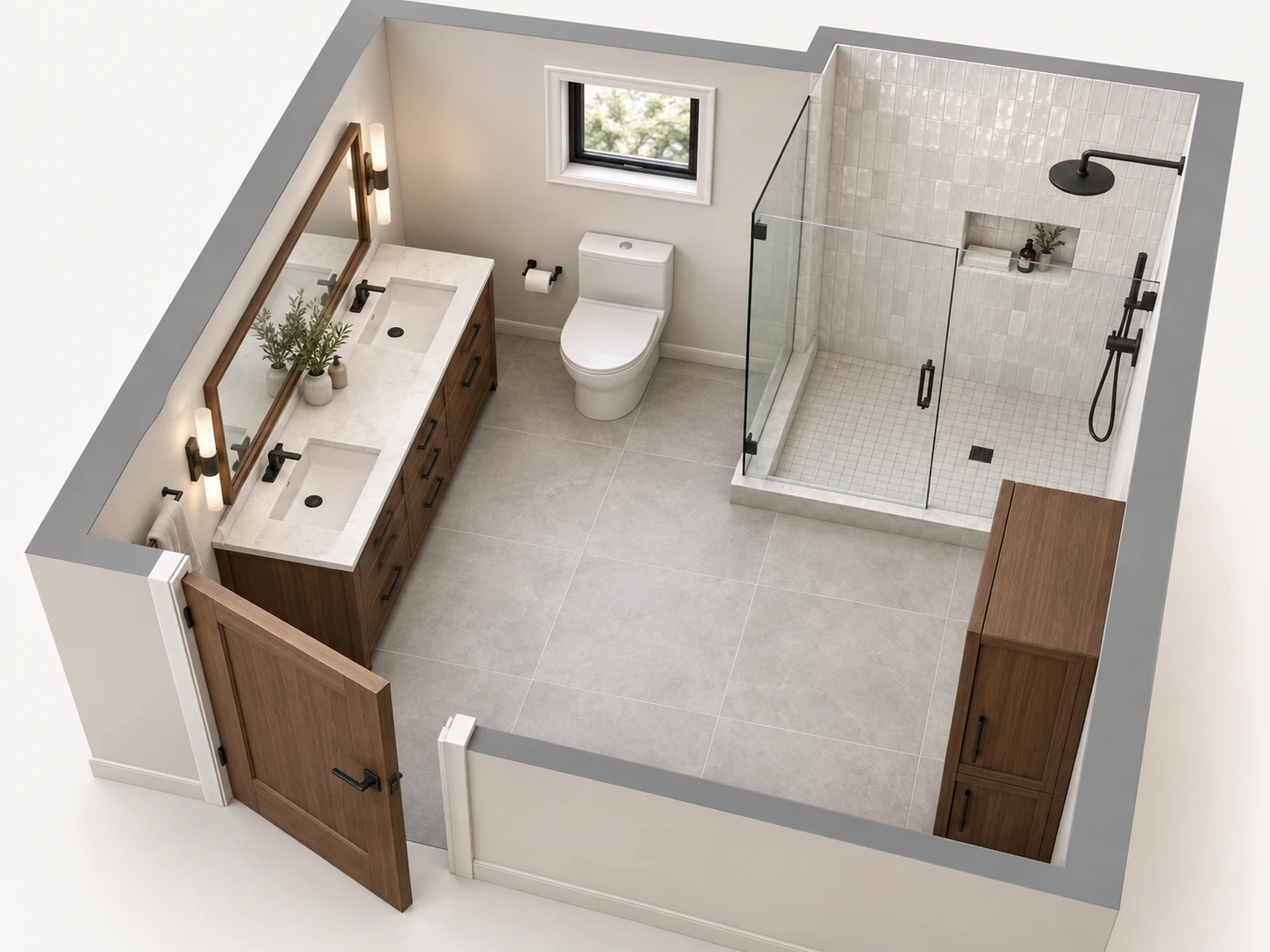
Before After 8×10 ft bathroom with a double vanity and a walk-in shower
See it before you buy it
What Is a 3D Room Planner?
A 3D room planner shows a room the way you will experience it: walls up, furniture standing, with height and depth instead of flat outlines. Most 3D room design software asks you to build the shell wall by wall and then drag furniture in from a catalog. This 3D room creator starts from a description instead. Type the room size, the door and window positions and what goes in the room, and the AI draws the furnished room for you.
What you get is a 3D-style picture of the planned room, either an isometric cutaway or a 2.5D view, downloaded as a PNG. It is not an editable 3D model: you cannot orbit around it, walk through it or export a model file. To see a change, edit one line of the brief and generate again. Sizes follow the floor area and dimensions you give, but they are approximate, so measure before you buy.
- Bedrooms, living rooms, kitchens, baths and home offices
- Kids rooms, dorm rooms, studios, laundry rooms and closets
- Floor area in square feet or square meters
- 3D Isometric, 2.5D or Furnished 2D views of the same brief
How to Design a 3D Room Free
Measure and pick the room
Choose the room type and enter the floor area. Put the wall lengths, the door and the windows in the notes, for example "12 x 14 ft, door at the bottom-right, window on the left wall".
List the furniture and the look
Name each piece, with its size if you know it (queen bed, 84 in sofa, 60 in vanity), and say what the room should face. Add finishes too: oak floor, white walls, a green velvet sofa.
Generate, then change one thing
Generate the 3D view, then edit one detail, such as the bed on another wall or a sectional instead of a sofa, and compare both versions in My Projects.
A 3D Room Designer That Does the Modeling
Room design in 3D with real furniture sizes and real clearances. New accounts get free credits to try every view.
A 3D Room Maker Sized to Your Room
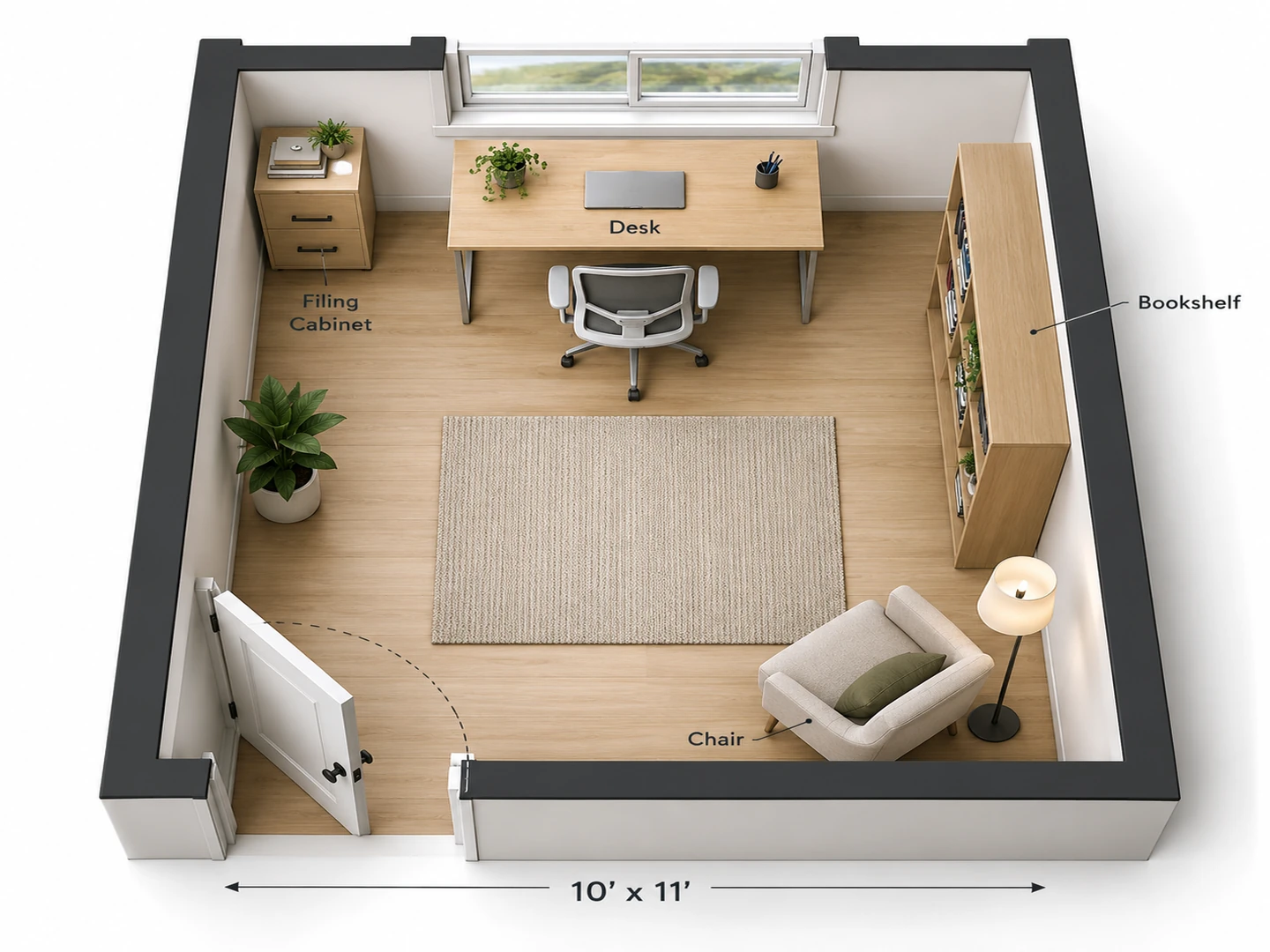
Furniture is scaled to the floor area you enter, so the room you see is the room you have. A 10 × 11 ft guest room gets a full bed (54 × 75 in) with about 24 in to walk past it, not a king that would run wall to wall. Give exact pieces in the notes and they are drawn at that size.
Size my room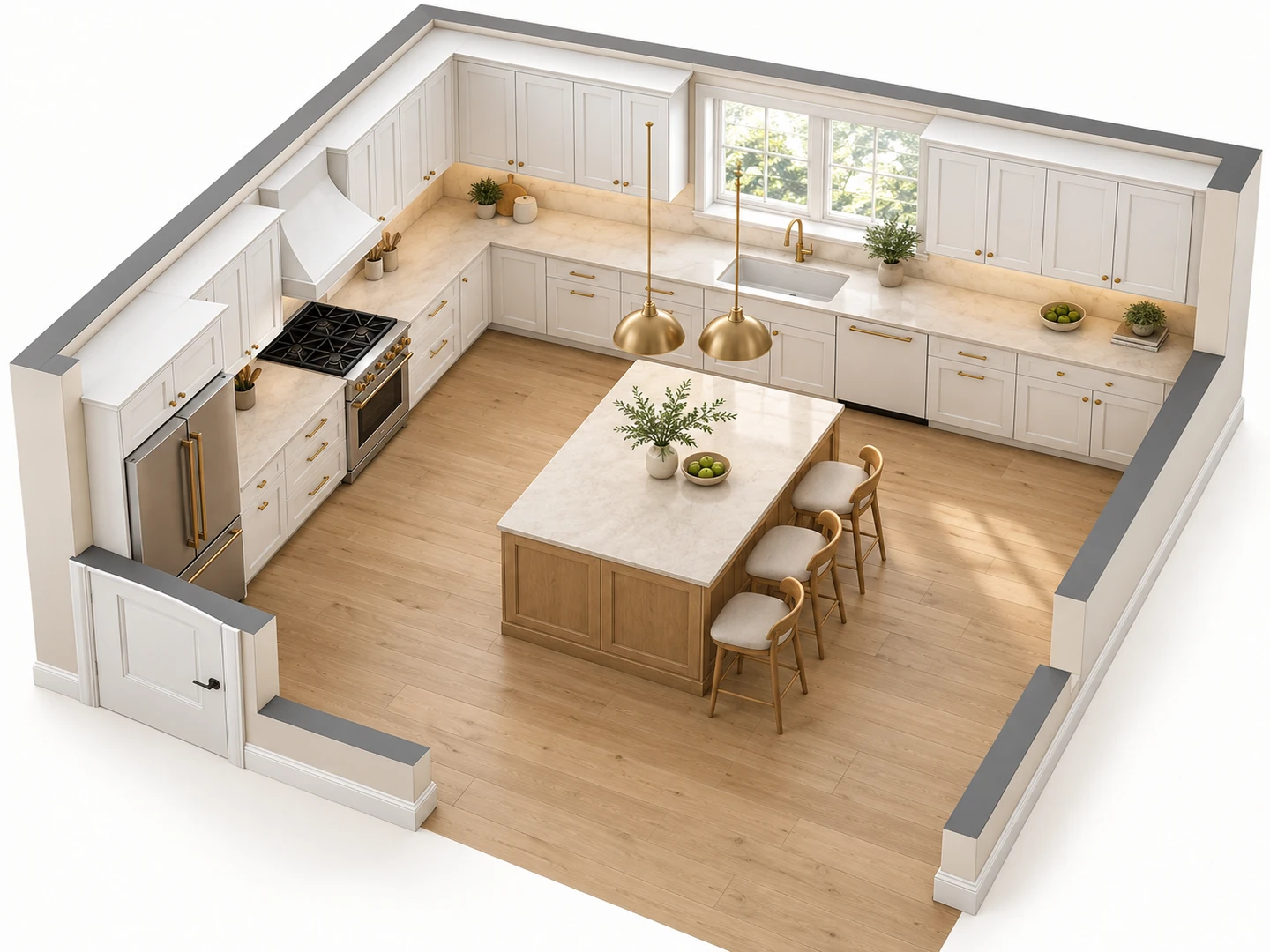
A Free Online 3D Kitchen and Bathroom Planner
Kitchens and baths are where a few inches matter most. In a kitchen the planner keeps the sink, range and fridge in a working triangle with about 42 in aisles around the island. As a 3D bathroom design planner it gives the toilet at least 15 in from its center to the side wall and 21 in of clear floor in front, so you can see whether a double vanity and a walk-in shower really fit before you call a contractor.
Plan a kitchen in 3D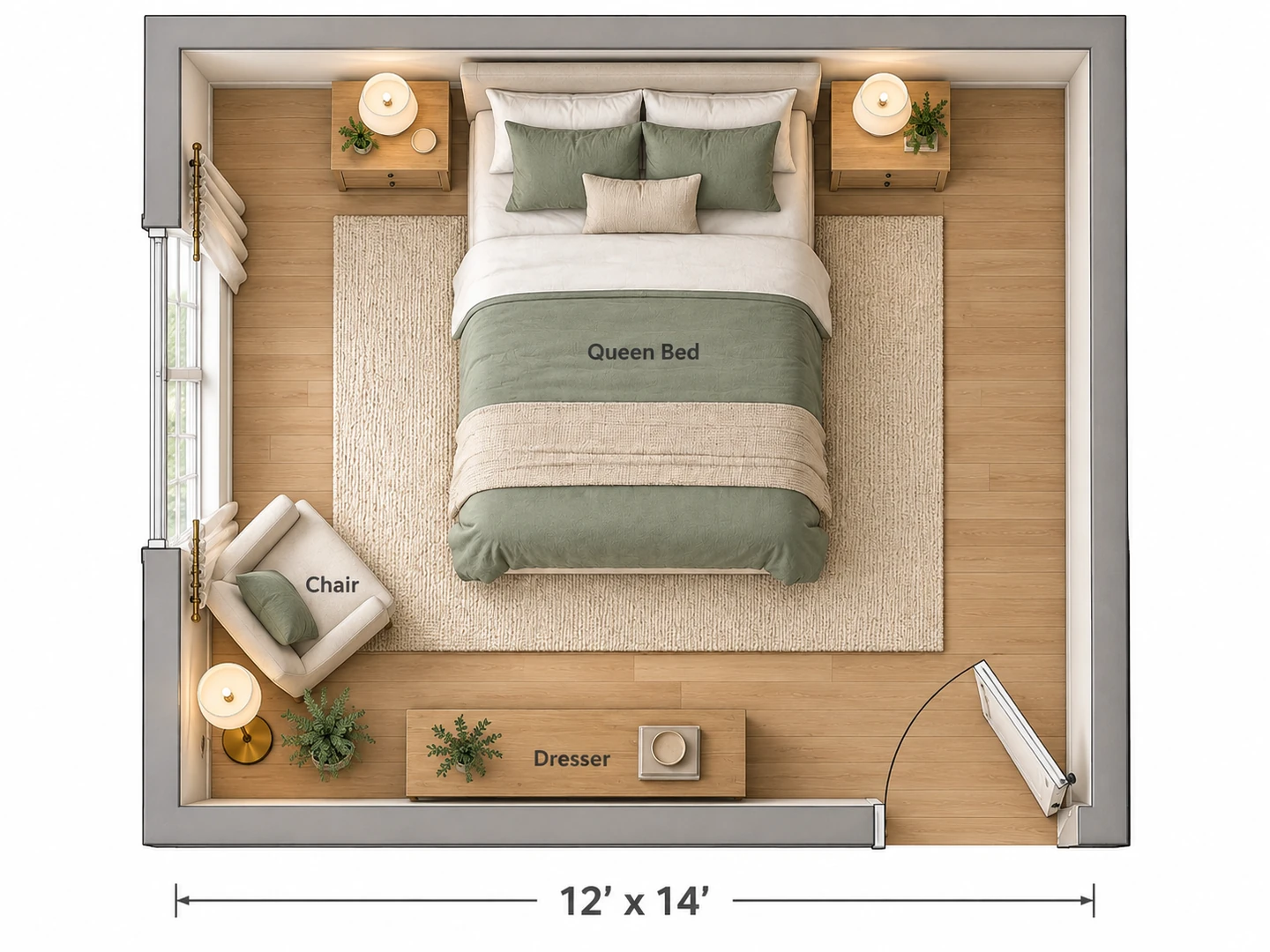
Room Designer 3D, 2.5D or Flat 2D
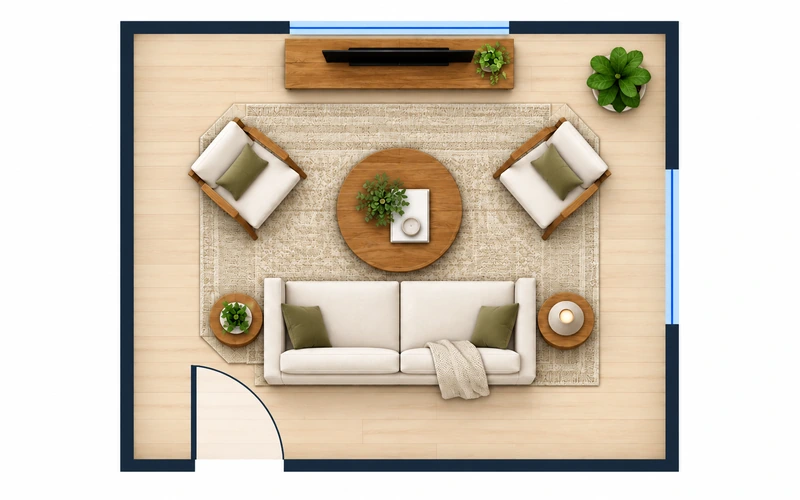
The same brief can come back three ways. 3D Isometric is the one to share. 2.5D keeps the walls low, so you can read the whole floor. Furnished 2D is the top-down plan to check with a tape measure. For a measured, top-down furniture layout with clearances, the Room Layout Planner is the 2D-first version of this tool.
Room Layout Planner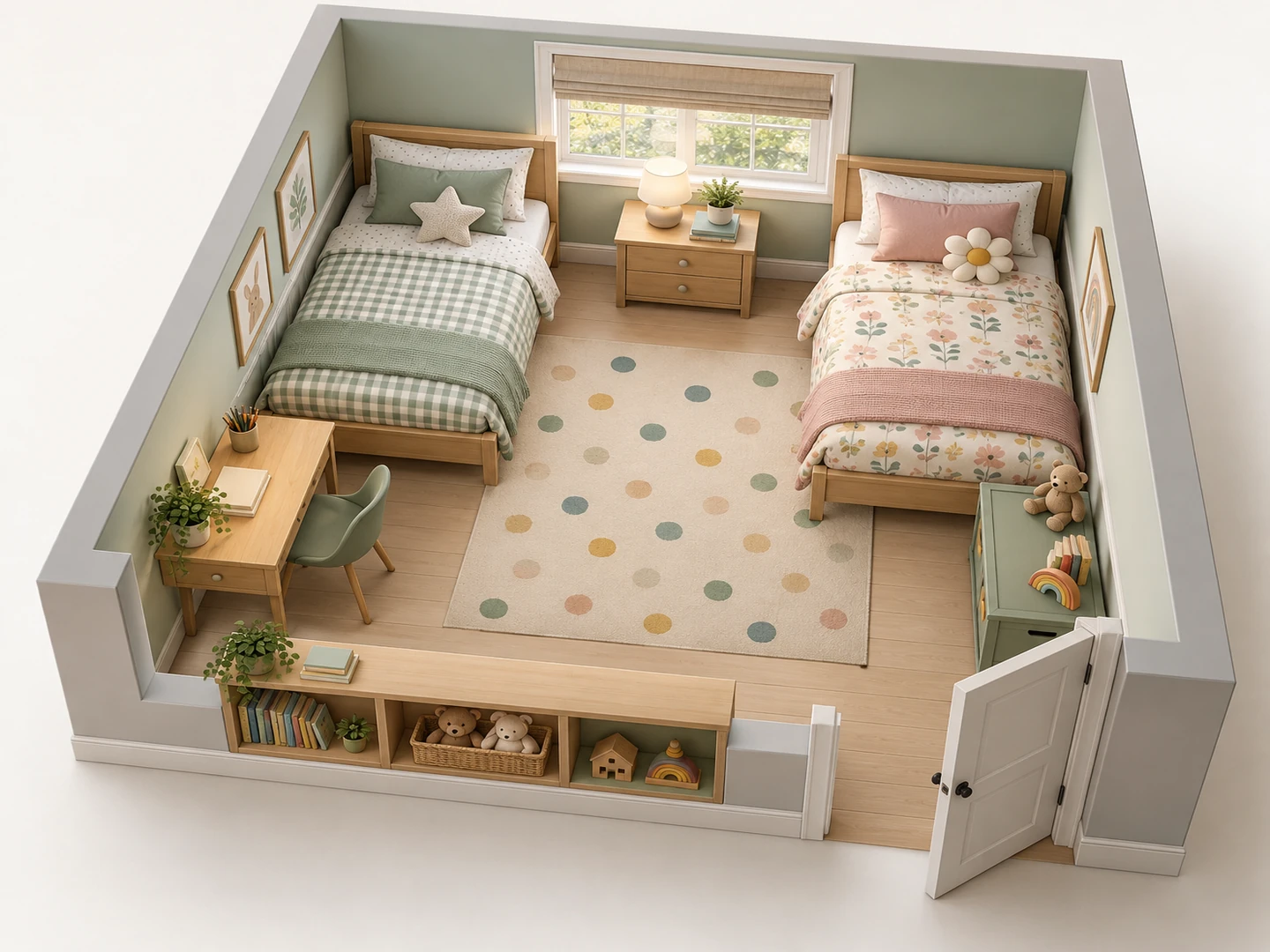
3D Bedroom Design for Kids, Guests and Dorms
Shared kids rooms, guest rooms, dorm rooms and walk-in closets are hard to picture from a flat plan because so much of them is vertical: bunk beds, tall shelves, hanging rods. A 3D bedroom design shows whether two twin beds, a desk and a toy chest still leave a play area in an 11 × 12 ft room.
Dorm room layoutRoom sizes
Typical Room Sizes for 3D Room Design
A starting point for the floor area field. Ranges run from small to large typical US rooms; they are not code minimums.
| Room | Typical size | Range (sq ft) | Range (m²) |
|---|---|---|---|
| Primary bedroom | 14 × 16 ft | 168–256 | 15.6–23.8 |
| Secondary or kids bedroom | 11 × 12 ft | 100–144 | 9.3–13.4 |
| Living room | 14 × 18 ft | 168–396 | 15.6–36.8 |
| Kitchen | 12 × 14 ft | 100–300 | 9.3–27.9 |
| Dining room | 12 × 14 ft | 120–252 | 11.1–23.4 |
| Full bathroom | 8 × 10 ft | 40–108 | 3.7–10.0 |
| Home office | 10 × 12 ft | 80–168 | 7.4–15.6 |
| Dorm room | 12 × 16 ft (double) | 120–228 | 11.1–21.2 |
| Studio apartment | About 18 × 25 ft | 300–600 | 27.9–55.7 |
| Laundry room | 6 × 10 ft | 35–80 | 3.3–7.4 |
| Walk-in closet | 6 × 8 ft | 25–100 | 2.3–9.3 |
Typical ranges; sizes vary by region, age of the house and budget. Measure wall to wall and note doors, radiators and deep window sills.
Clearances
Furniture Clearances to Check in Any 3D Room Plan
Common residential guidelines. Check them in the 3D view before you order furniture or move a wall.
| Where | Guideline | Metric |
|---|---|---|
| Main walkway through a room | 36 in | 90 cm |
| Beside a bed, on each side you get in from | 24–36 in | 60–90 cm |
| Sofa to coffee table | 14–18 in | 35–45 cm |
| Behind a dining chair / to walk past it | 36 / 44 in | 90 / 112 cm |
| Kitchen work aisle, one cook / two cooks | 42 / 48 in | 107 / 122 cm |
| Toilet center to a side wall or fixture | 15 in minimum, 18 in comfortable | 38 / 46 cm |
| Clear floor in front of a toilet | 21 in minimum, 30 in comfortable | 53 / 76 cm |
| Shower interior | 30 × 30 in minimum, 36 × 36 in comfortable | 76 × 76 / 91 × 91 cm |
| In front of a washer and dryer | 36 in | 90 cm |
| Walk-in closet aisle | 36 in | 90 cm |
| Desk chair pull-back | 30–36 in | 75–90 cm |
Minimums follow common US residential practice; the comfortable figures are designer guidelines. Wheelchair access needs more, including a 60 in (150 cm) turning circle.
Who Uses the 3D Room Planner
Buying furniture online
Order the sofa after you have seen it in the room at its real size. Describe the exact piece, say "an 84 × 38 in sofa", check the clearances in the 3D view, and confirm it will fit through the door before checkout.
Rethinking a room you live in
If the furniture is already in place, start from a photo: Rearrange My Room moves your own pieces into a better arrangement. Use the 3D planner when you want to test a new layout with new pieces, or start a room from scratch.
Showing a room to clients or family
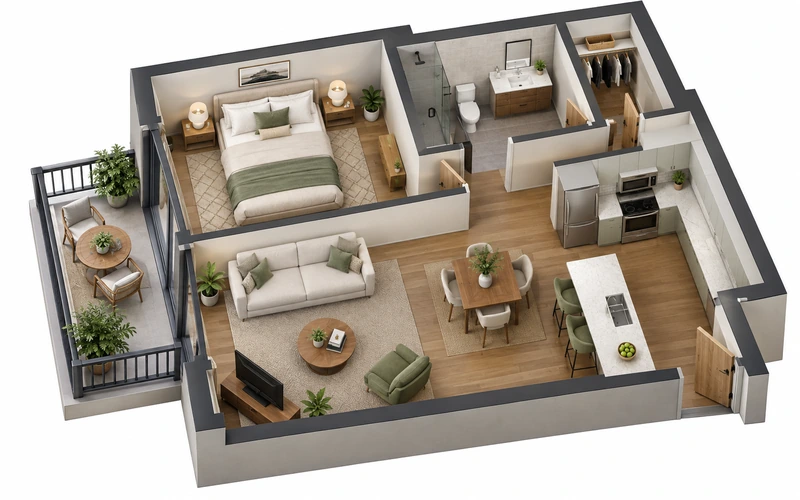
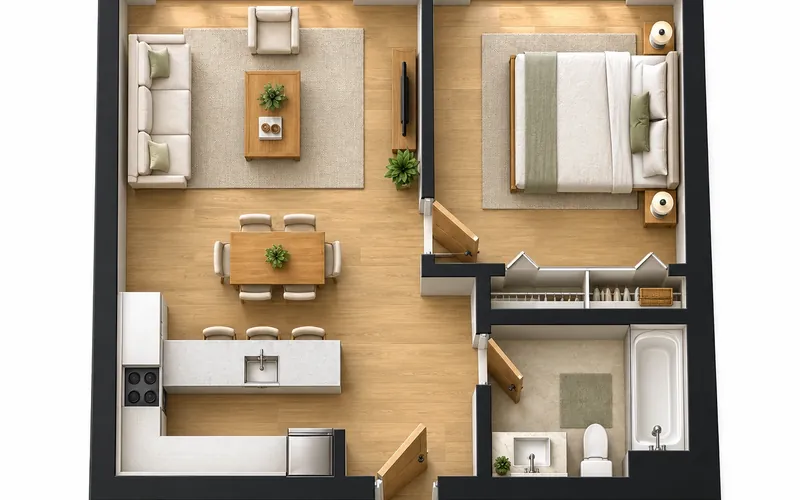
Designers, stagers and landlords use the 3D view as a quick concept that anyone can read. For a whole apartment in 3D, start from the 2D plan; for a photoreal presentation of a finished plan, render it.
3D Room Planner FAQ
You can try it free: new accounts get free credits, and each 3D room uses 10 credits. For more rooms, buy a credit pack or subscribe.
Yes. It works as a free online 3D room planner: it runs in your browser with nothing to download and no 3D modeling to learn, and new accounts get free credits. Type the room size and the furniture, choose a 3D style and download the result as a PNG; every version is also saved in My Projects.
No. The result is a 3D-style image (an isometric cutaway or a 2.5D view), not an interactive 3D model or a model file. For another angle or a change, edit the notes, for example "view from the window side", and generate a new version.
Bedrooms, living rooms, kitchens, bathrooms, home offices, dining rooms, kids rooms, dorm rooms, studio apartments, laundry rooms and walk-in closets, one room at a time. For a whole apartment or house, Floor Plan to 3D turns a complete 2D plan into a 3D floor plan view.
Choose Bedroom, enter the floor area, and note the wall lengths, door and windows. Name the bed size (a queen is 60 × 80 in, a king 76 × 80 in), the nightstands, dresser and any chair or desk, and say which wall the bed should face from. Generate it in 3D Isometric, then try the bed on another wall to compare. The starter credits make it a free 3D bedroom planner for your first few versions.
Yes. Choose Bathroom and it becomes a 3D bathroom designer: list the fixtures, such as vanity width, shower or tub size, toilet and storage. The planner keeps the usual toilet and shower clearances and draws the room in 3D. New accounts get free credits, so you can try a 3D bathroom design free; after that, each bathroom uses 10 credits.
The room follows the floor area you enter and any dimensions in your notes, and furniture is drawn at believable real-world sizes. It is still an AI-generated planning image with approximate dimensions, not a construction drawing, so measure the room and each piece before you buy.
Yes. Upload a sketch, a room outline or a plan of the room, and the 3D view follows its shape, door and window positions. Add the measurements in the notes so the proportions come out right.
See Your Room in 3D Before You Buy
Use it as a free 3D room designer: describe the room and what goes in it, and get a furnished 3D view in seconds. New accounts get free credits.
Design My Room in 3D