
Event Floor Plan Maker
Draft an event floor plan for a wedding or conference: enter the guest count and this venue floor plan creator lays out tables and aisles.
Plan My Event LayoutFree Event Floor Plan Creator
Choose the event type, describe the guests and the seating, set the room size and pick a drawing style.
Wedding reception
120 guests · Colored 2D
Event Floor Plan Examples
A wedding, a conference and a banquet, each drawn from a short brief or the empty room. Tap a preset in the planner to start from one.
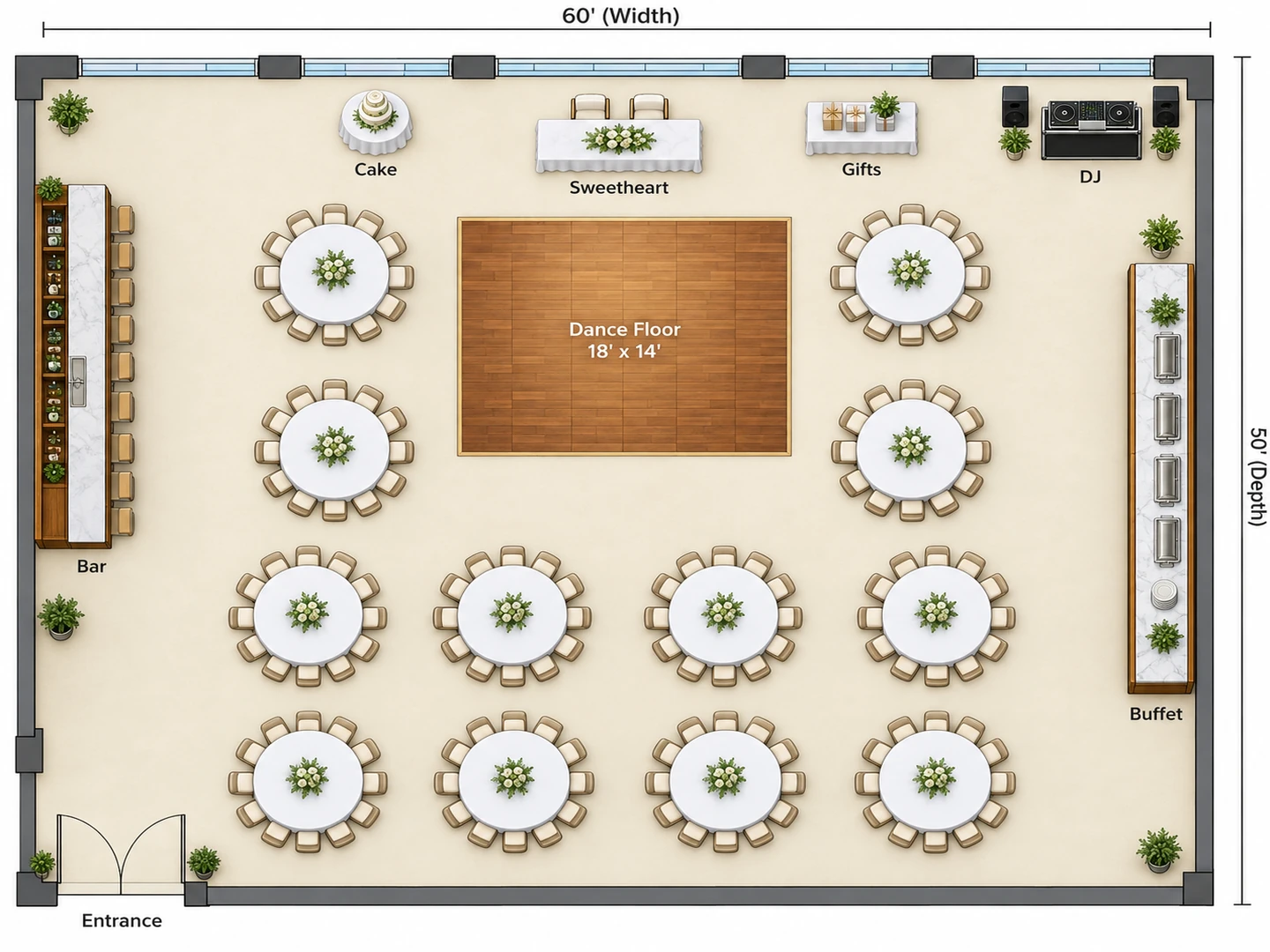
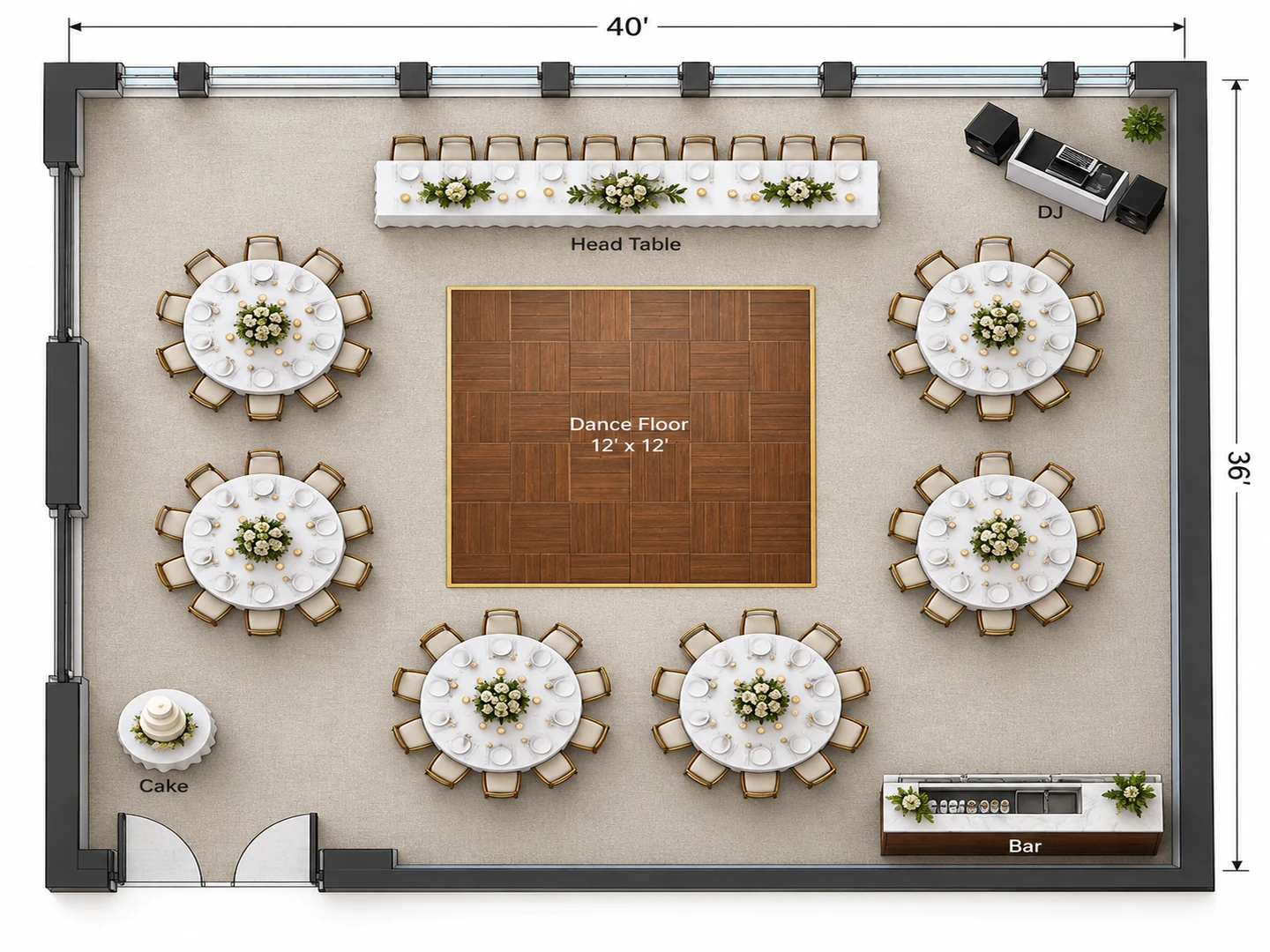
Before After Wedding reception for 120 in a 60×50 ft hall: twelve rounds, sweetheart table, dance floor
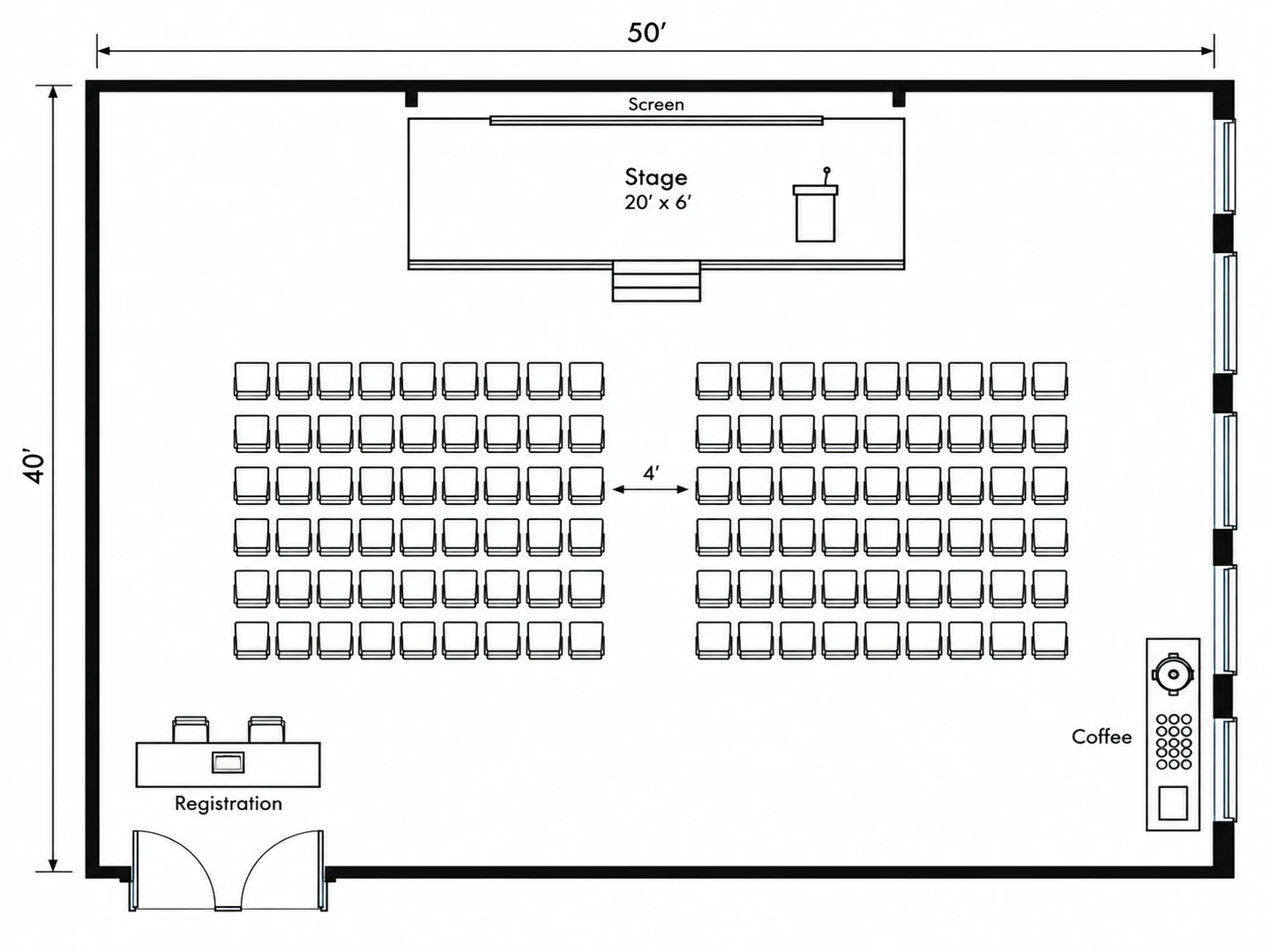
Before After Conference for 120 in theater rows with a center aisle, stage and registration
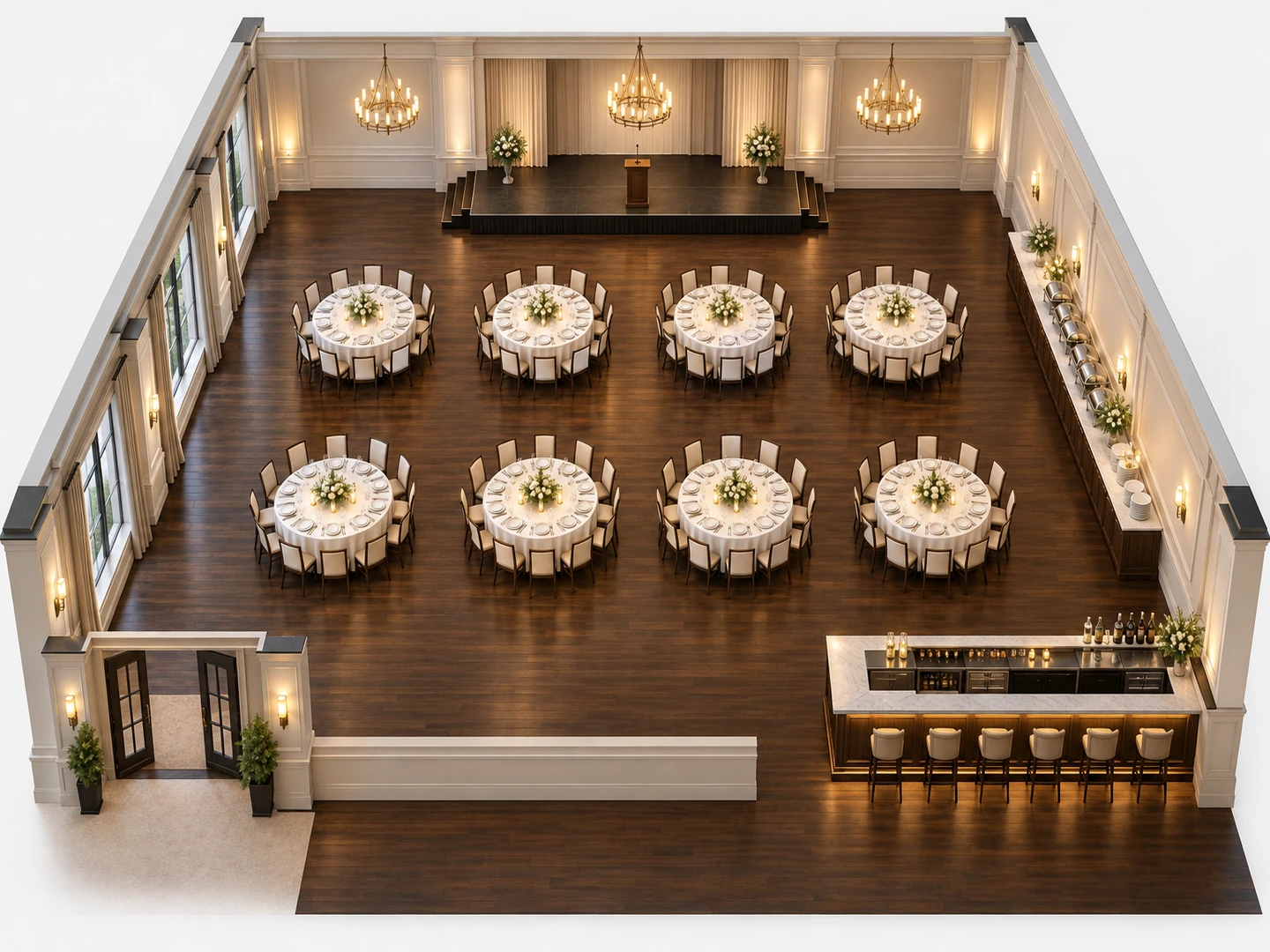
Before After Banquet hall layout for 96 at eight 72 in rounds, with a stage and buffet, in 3D
Before the venue walkthrough
What Is an Event Floor Plan?
An event floor plan is a drawing of the venue that shows where everything goes on the day: guest tables and chairs, the head table, stage and dance floor, the bar and buffet, registration, entrances and exits. Caterers use it to plan service, rental companies to count tables and linens, and venue coordinators to confirm the room really holds the guest count with room to move.
Most venue floor plan software gives you a blank room and a library of tables to drag around. This event floor plan designer works from a description: tell it the event, the guests and the seating style, and it draws the table layout for you. It draws tables and seats; it does not keep a guest list or put names on seats, and it does not check fire code. The result is a planning image (PNG) with approximate sizes, so confirm counts and capacity with the venue.
- Weddings, banquets, galas, conferences and cocktail parties
- Round, long, theater, classroom and U-shape seating
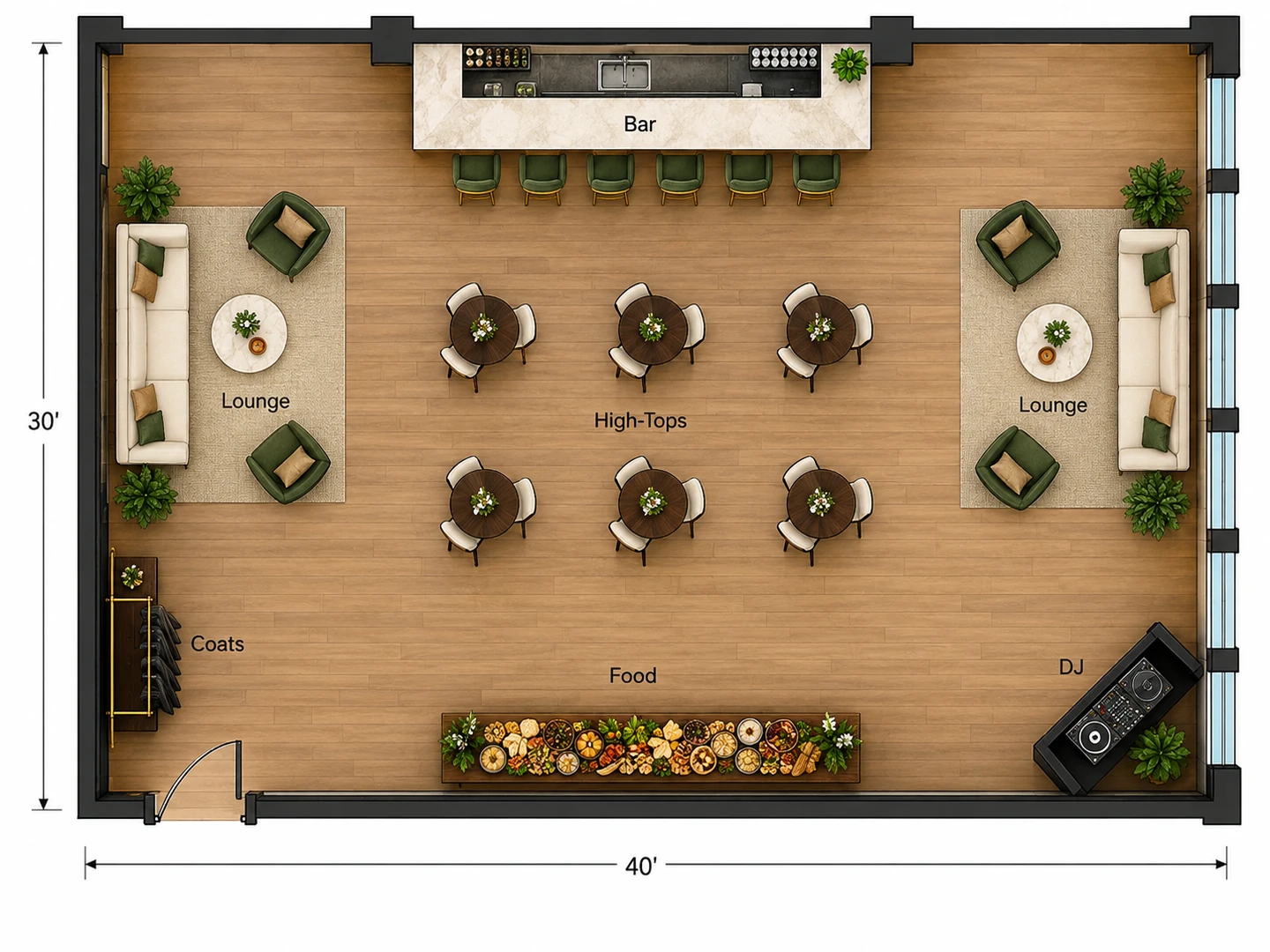
- Stage, dance floor, bar, buffet, registration and coat check
- Upload the venue’s plan to follow its walls and doors
How to Make an Event Floor Plan
Get the room and the count
Ask the venue for its floor plan or at least the room dimensions, and confirm the guest count. Choose the event type, enter the floor area, and note fixed features in the brief: doors, columns, a built-in bar or stage.
Choose the seating style
Banquet rounds for dinner, theater rows for talks and ceremonies, classroom tables for workshops, high-tops for a cocktail hour. Then add what else needs floor space: head table, dance floor, DJ, buffet, cake and gift tables, registration.
Generate, count and adjust
Generate the layout and count the tables and seats in the drawing. Change one thing at a time, such as 72 in rounds instead of 60 in or the bar on the other wall, and compare the versions in My Projects.
Event Floor Plan Software for Real Venues
Floor plan software for event planners: seating, service and flow, drawn to scale from a short brief. New accounts get free credits to try it.
A Wedding Floor Plan Creator for the Reception
A good wedding reception layout puts the head or sweetheart table where every guest can see it, the dance floor directly in front, and the guest tables of 8–10 around both. The DJ sits next to the dance floor, the bar goes away from the entrance so its line does not block arrivals, and the cake and gift tables stay near the couple. Say what the couple wants and the wedding floor plan creator draws it.
Plan a wedding reception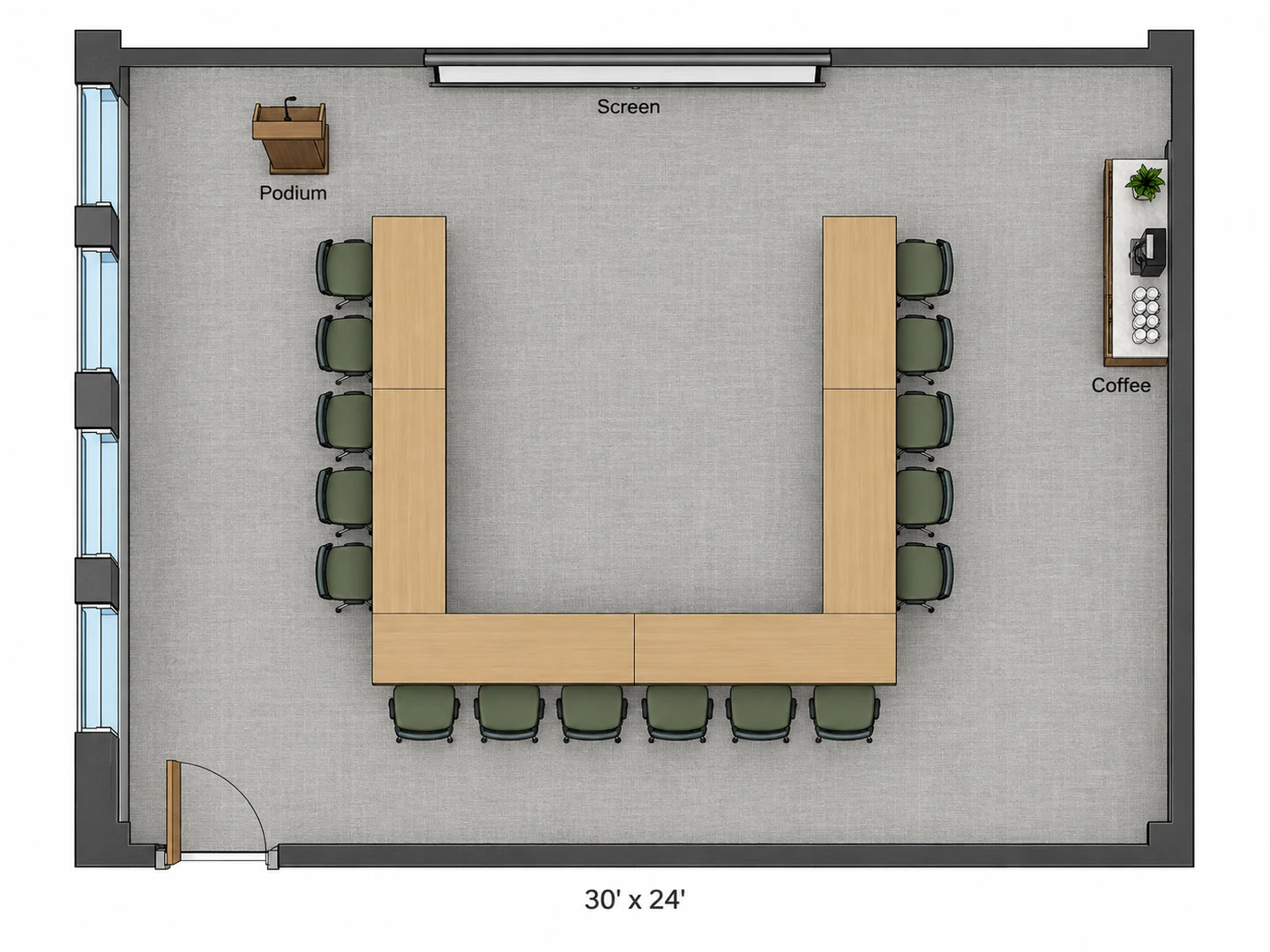
A Conference Room Layout Planner: Theater, Classroom or U-Shape
Theater rows fit the most people per square foot for keynotes. Classroom tables suit workshops where people write or use laptops. A U-shape or boardroom setup works for 12 to 25 people who need to talk to each other and see the screen. Pick Conference / Meeting, give the head count and the setup, and the layout keeps a center aisle, side aisles of about 4 ft, registration at the door and coffee at the back.
Plan a meeting room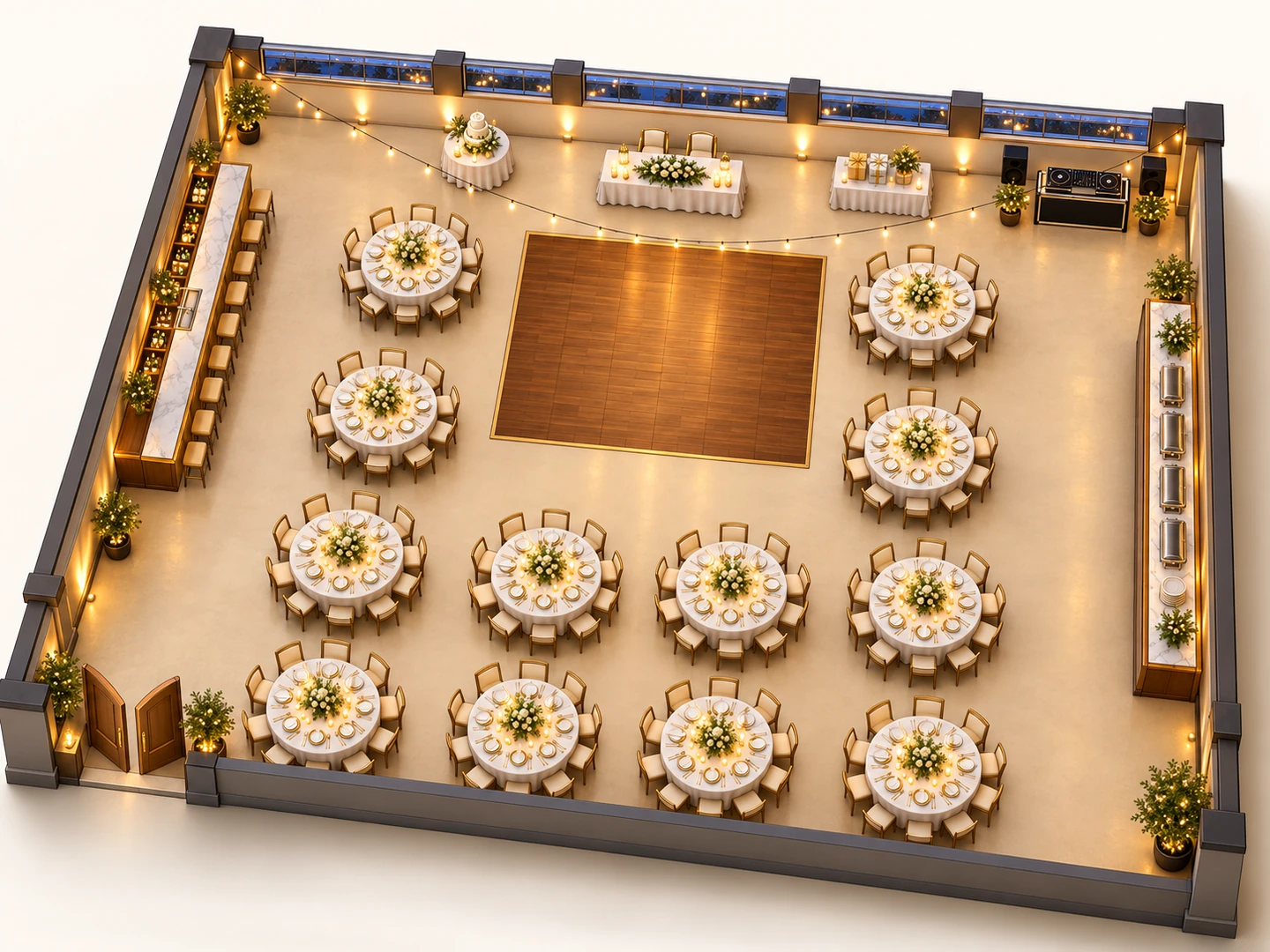
See the Venue Floor Plan in 3D
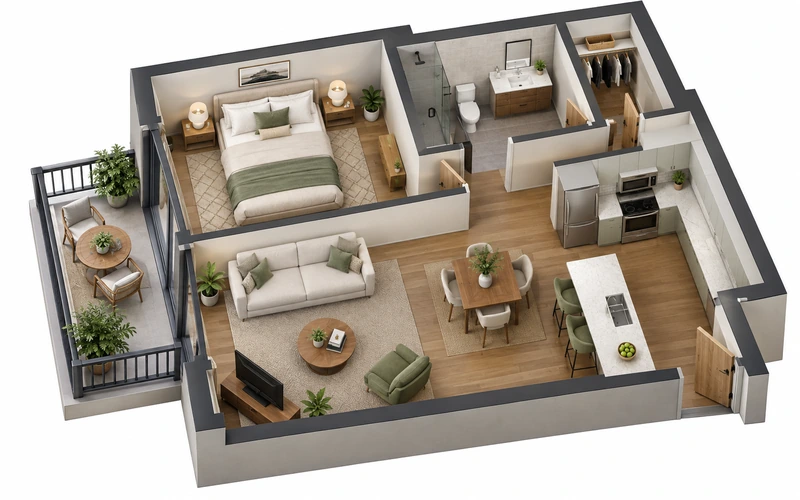
Switch to 3D Isometric or 2.5D and the same layout comes back with the tables set and the walls up. It is the easiest version to send to a couple or a client who cannot read a flat plan. If the venue has already sent you a 2D floor plan, Floor Plan to 3D turns that drawing into a 3D view.
Floor Plan to 3D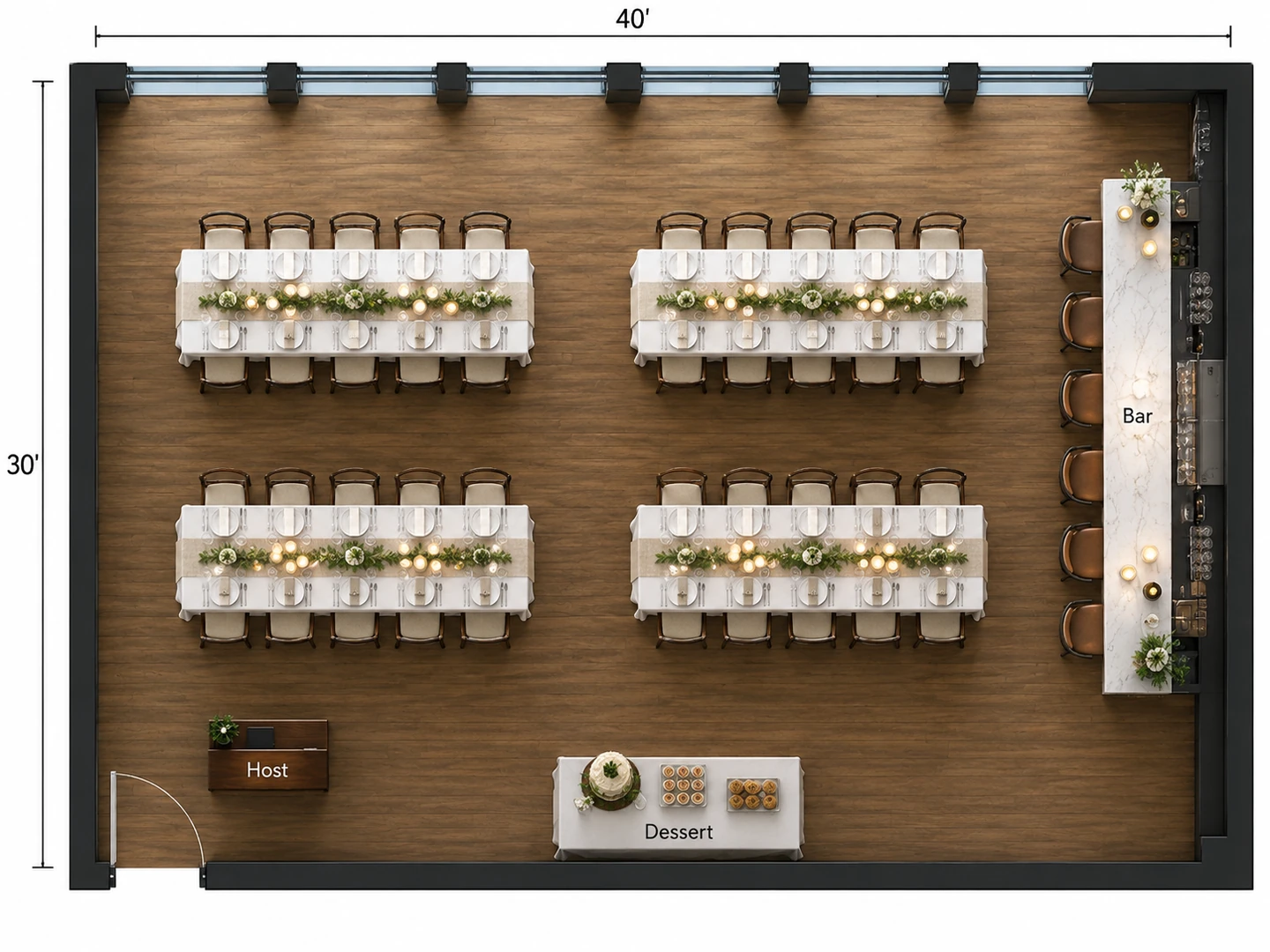
Restaurant and Bar Buyouts, Too
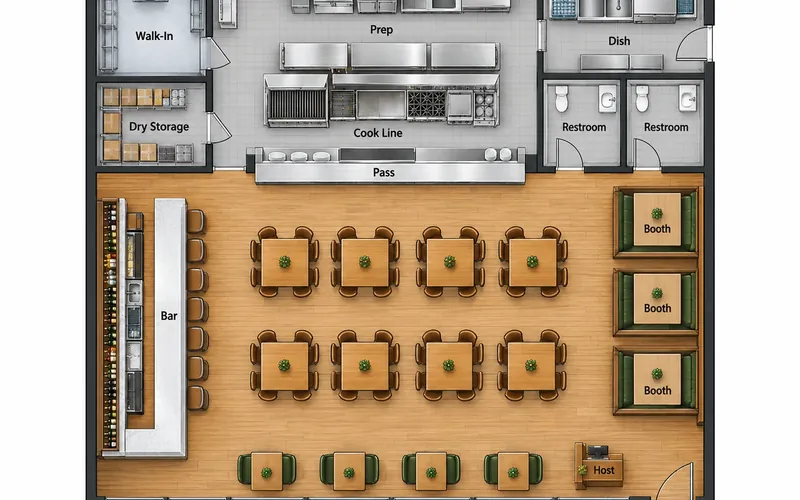
Rehearsal dinners, holiday parties and launch nights often happen in a restaurant or bar rather than a hall. Choose Restaurant / Café or Bar / Lounge and describe the setup: long tables of 10, combined four-tops, a dessert table, the host stand. For a restaurant’s everyday dining room, kitchen and service paths, use the Restaurant Floor Plan maker.
Restaurant floor planCapacity planning
Event Floor Planning: Space per Guest by Setup
Typical planning figures for the seating area. Add the stage, dance floor, bar, buffet and service paths on top.
| Setup | Floor area per guest | Metric | Best for | How guests sit |
|---|---|---|---|---|
| Banquet, round tables | 10–12 sq ft | 0.9–1.1 m² | Weddings, galas, seated dinners | 60 in rounds of 8–10 or 72 in rounds of 10–12 |
| Theater | 6–8 sq ft | 0.55–0.75 m² | Ceremonies, keynotes, talks | Chairs in rows facing the front, no tables |
| Classroom | 15–20 sq ft | 1.4–1.9 m² | Workshops, training, exams | 2–3 per 6 or 8 ft table, all facing the front |
| Cocktail reception | 6–10 sq ft | 0.55–0.9 m² | Mixers, cocktail hours, launches | Mostly standing, with high-tops and a few lounge seats |
| Dance floor | 3–4.5 sq ft per dancer | 0.3–0.4 m² | Weddings and galas | Plan for about a third to half of guests dancing at once |
Typical planning figures, not limits. The venue’s posted occupancy and your local fire code set the legal capacity, and they can be lower than these numbers suggest.
Table sizes
Banquet Table Sizes and Seating Arrangement
How many guests fit at common rental tables. "Comfortable" leaves room for place settings and a centerpiece.
| Table | Size | Metric | Seats comfortably | Seats at most |
|---|---|---|---|---|
| Round | 48 in | 122 cm | 4–5 | 6 |
| Round | 60 in | 152 cm | 8 | 10 |
| Round | 72 in | 183 cm | 10 | 12 |
| Rectangular | 6 ft × 30 in | 183 × 76 cm | 6 | 8 (one at each end) |
| Rectangular | 8 ft × 30 in | 244 × 76 cm | 8 | 10 (one at each end) |
| Cocktail high-top | 30 in round, about 42 in tall | 76 cm, about 107 cm tall | 3–4 standing | — |
Plan about 24 in (60 cm) of table edge per guest, and about 5 ft (150 cm) between table edges so seated guests and servers can both pass. Main aisles and exit routes need more.
Who Uses the Event Floor Planner
Couples and wedding planners
Share one picture with the venue, the caterer and the rental company instead of a long email, and count the rounds before you place the rental order. Names on seats stay in your seating chart app or spreadsheet; the plan shows where the tables are. Read the venue’s own drawing with the symbols guide, and render the final layout for the couple.
Venue managers and caterers
Use it as an event space planner: keep a set of standard setups (banquet, theater, classroom, cocktail) for the sales kit, and test a new one when an odd guest count comes in. For the whole building, including the kitchen, storage and restrooms, lay it out as a commercial plan.
Corporate and school events
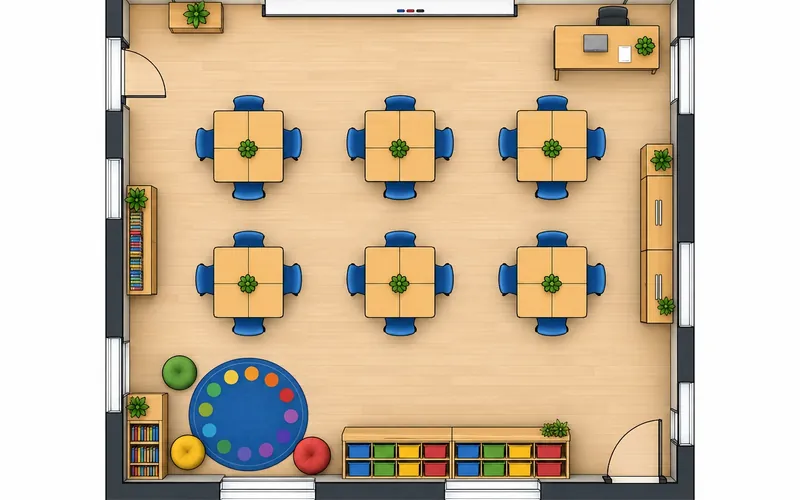
Training days, all-hands meetings, award nights, graduations and school fairs all start with the same question: how many people, seated how? For a permanent classroom setup rather than a one-day event, plan the desks in the classroom planner.
Event Floor Plan FAQ
Yes, to start: new accounts get free credits, so the event floor plan maker is free to try, and each event layout uses 10 credits. It runs in the browser, so there is no event floor plan program or app to install; buy a credit pack or subscribe when you need more layouts.
Eight comfortably, ten if guests sit close. A 72 in round seats 10 comfortably and 12 at most, and a 48 in round suits 4 to 6. Most wedding and banquet layouts use 60 in rounds of 8 to 10.
Plan about 10–12 sq ft per guest for a seated dinner at round tables. A 120-guest reception needs roughly 1,200–1,440 sq ft for the tables alone, and closer to 2,500–3,000 sq ft once you add a dance floor, head table, bar and buffet.
No. It draws the tables and seats, but it does not keep a guest list or assign names to seats. You can ask for numbered tables in the notes and check the numbers on the image, then do the name assignments in a spreadsheet or a seating chart app.
Start with the head or sweetheart table where everyone can see it, put the dance floor in front of it and the DJ beside the dance floor, then fill the room with rounds of 8–10 and keep 5 ft aisles. Place the bar and buffet where their lines will not block the entrance, and keep the cake and gift tables near the couple.
Yes. Upload the plan the venue sent you, or a photo of it, and the layout follows its walls, doors and columns. Add the room dimensions in the notes so the table sizes come out right.
For the layout, yes. Choose Trade Show / Expo and describe the hall: the booth count and sizes (10 × 10 ft is the common standard booth), island booths, registration, the food court and a seminar stage, and the plan draws a booth grid with main and cross aisles. It does not sell booths or manage exhibitor lists, which dedicated trade show floor plan creation tools handle.
It is not checked against any code. The generator keeps clear routes to the exits as a planning habit, but the legal capacity, number of exits and aisle widths come from the venue’s posted occupancy and the local fire marshal. Confirm the final layout with the venue.
Lay Out Your Event Before the Walkthrough
Enter the guest count, the room and the seating style, and see the event floor plan in seconds. New accounts get free credits, so the venue floor plan creator is free to try.
Plan My Event Layout