
AI Blueprint Generator
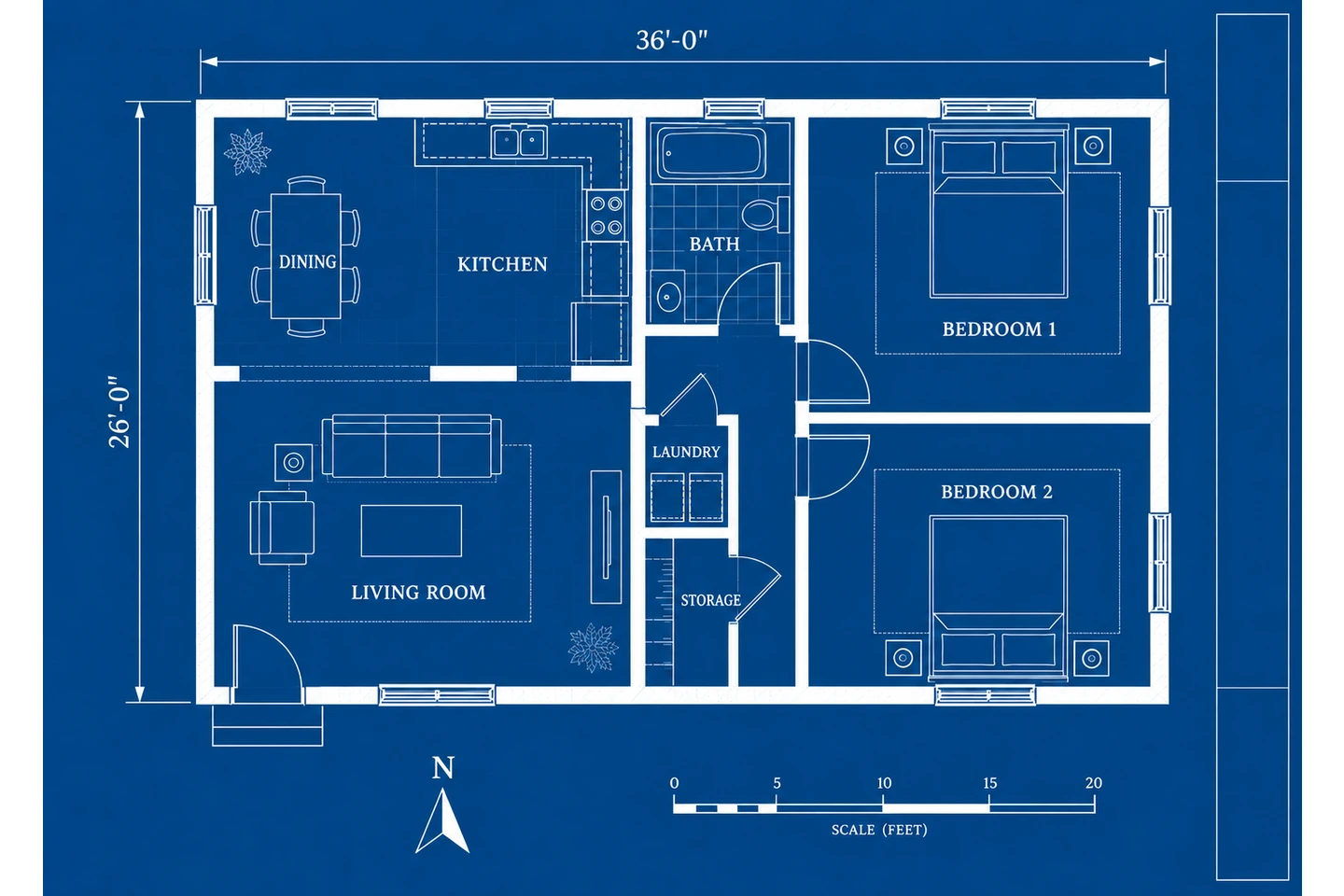
This AI blueprint generator turns a short description — "3-bedroom ranch, 1,800 sq ft, 2-car garage" — into a white-on-blue blueprint.
Generate a Blueprint with AIGenerate a Blueprint with AI
Describe the building, set the size and keep the Blueprint style — or switch styles anytime.
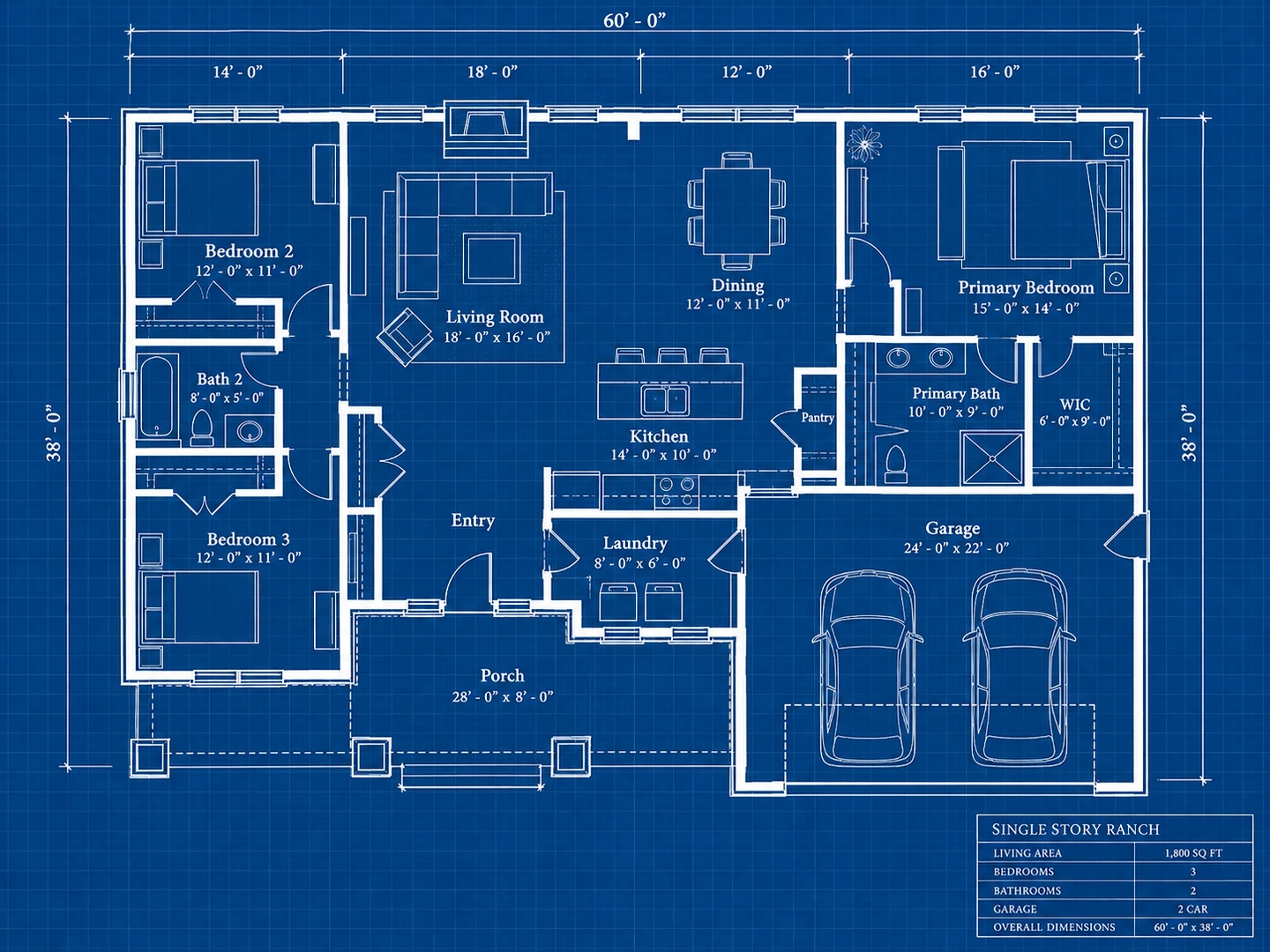
Ranch house
1,800 sq ft · Blueprint
Blueprint AI Examples
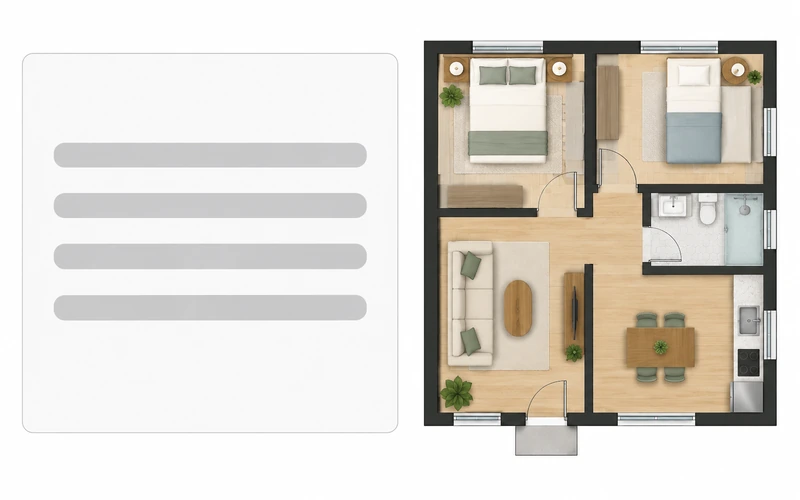
Two-line descriptions on the left, AI blueprints on the right.
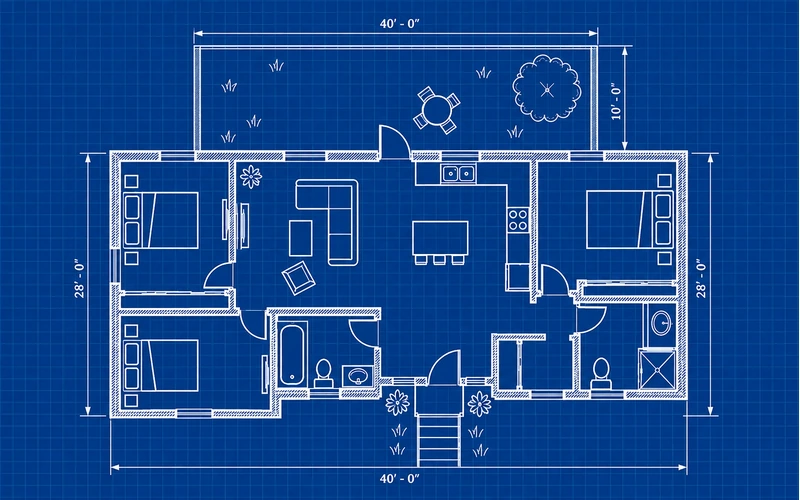
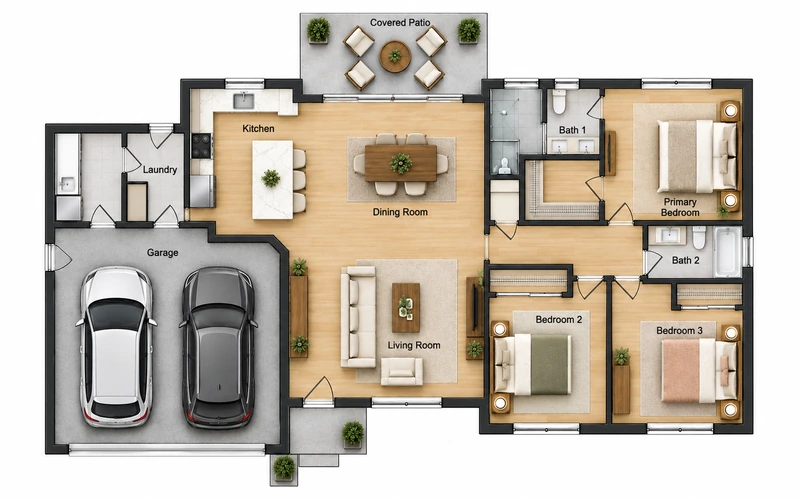
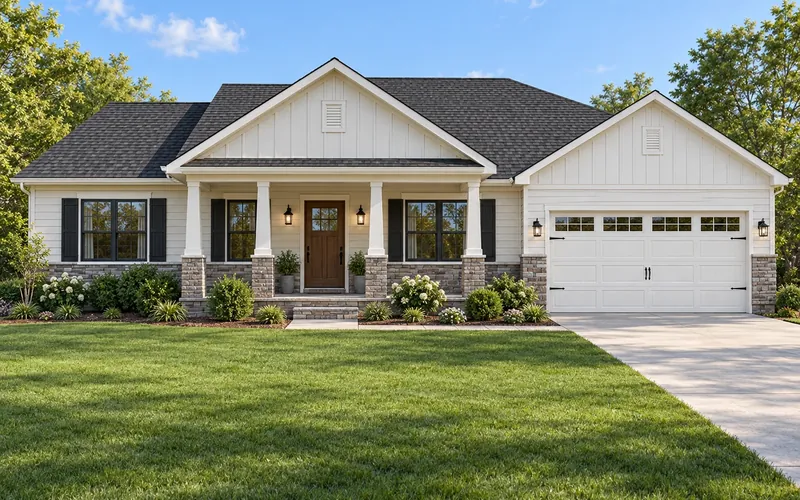
Before After Ranch house blueprint from a written brief
Before After Two-story townhouse blueprint
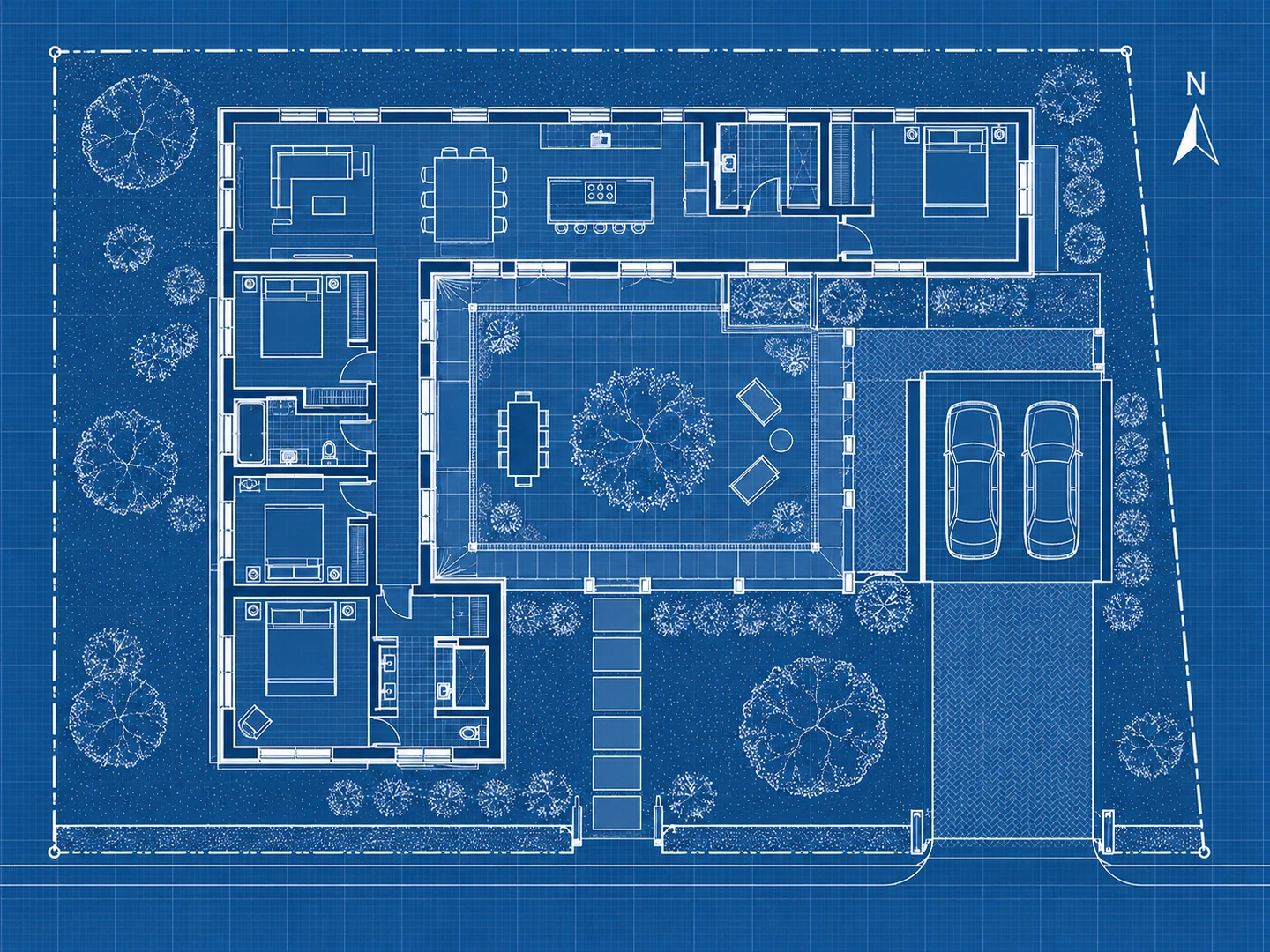
Before After Courtyard home blueprint with site outline
Text to blueprint
What Is Blueprint AI?
Blueprint AI is software that drafts a building plan for you from a description. Instead of drawing walls, you tell an AI blueprint generator what you need — room counts, size, which rooms belong together — and it produces a blueprint-style drawing with labeled rooms, doors, windows and dimension strings.
It is the fastest way to turn a wish list into something concrete you can compare and discuss. AI blueprints are concept drawings: a licensed designer turns the version you like into permit-ready construction documents.
- From a plain-English description
- Sized in sq ft or m²
- Classic white-on-blue or six other styles
- Optional sketch to follow
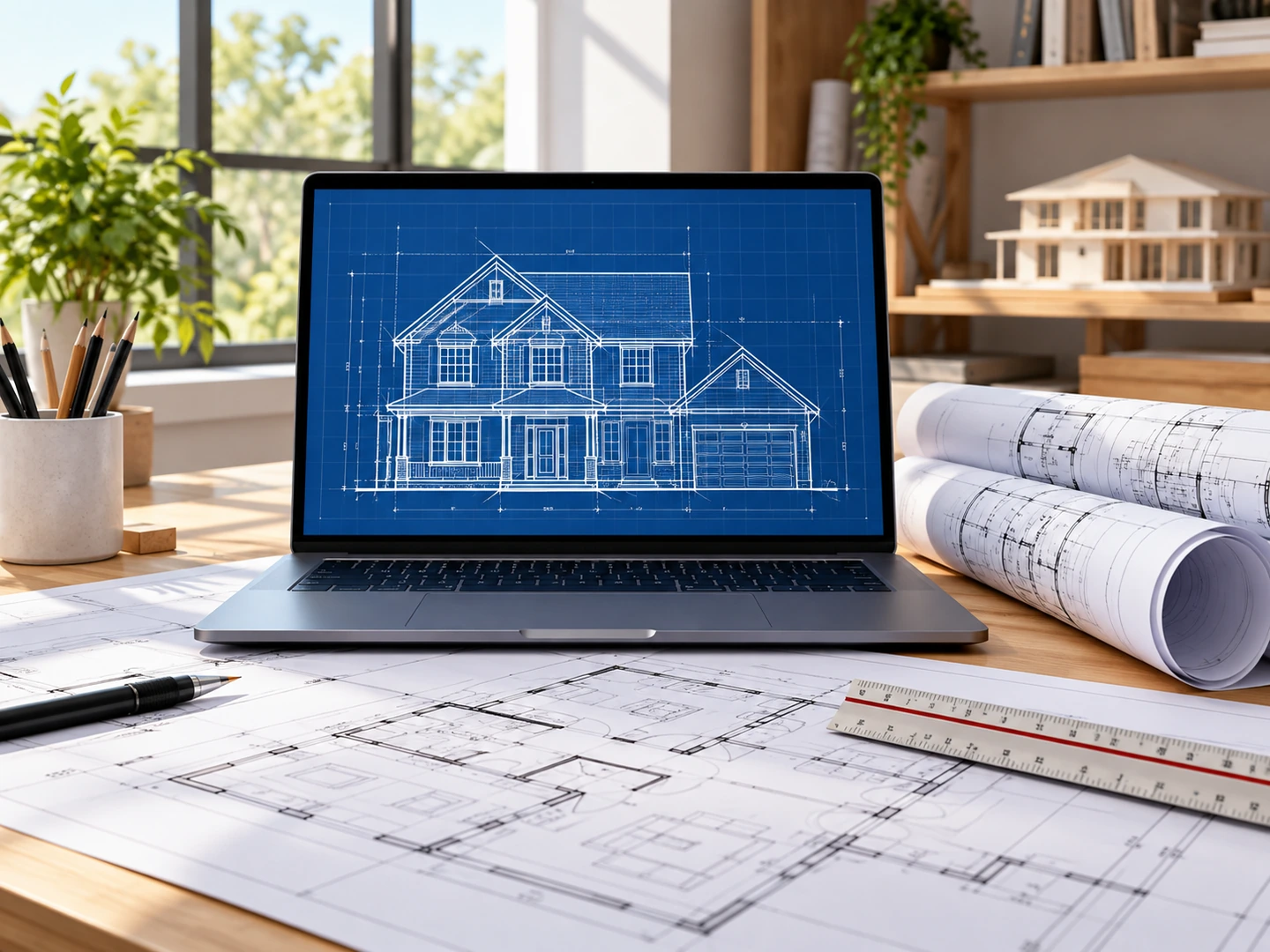
How to Make a Blueprint with AI
Describe the building
Choose House, Townhouse, Cabin or another type and list the rooms and priorities in one or two sentences.
Set size and style
Enter the square footage. Blueprint is preselected; switch to Technical 2D or 3D Isometric if you prefer.
Generate and iterate
Review the AI blueprint, change one sentence — "move the garage to the left" — and generate the next version.
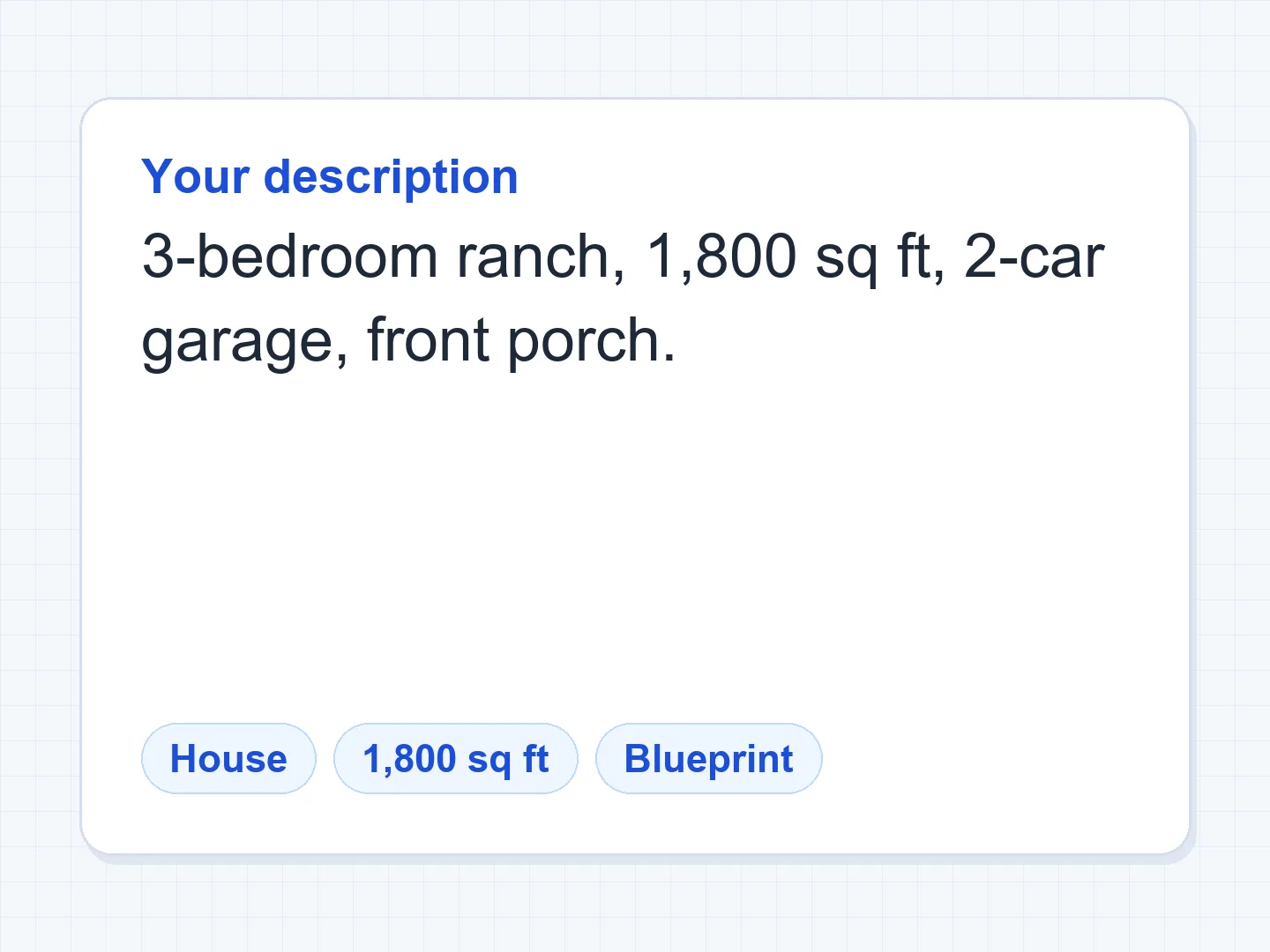
A Free AI Blueprint Generator That Listens
Blueprints from descriptions
The AI keeps every room you list, groups bedrooms away from living areas, connects the garage to a mudroom or laundry and gives every room a door — then draws it in blueprint style.
Describe a house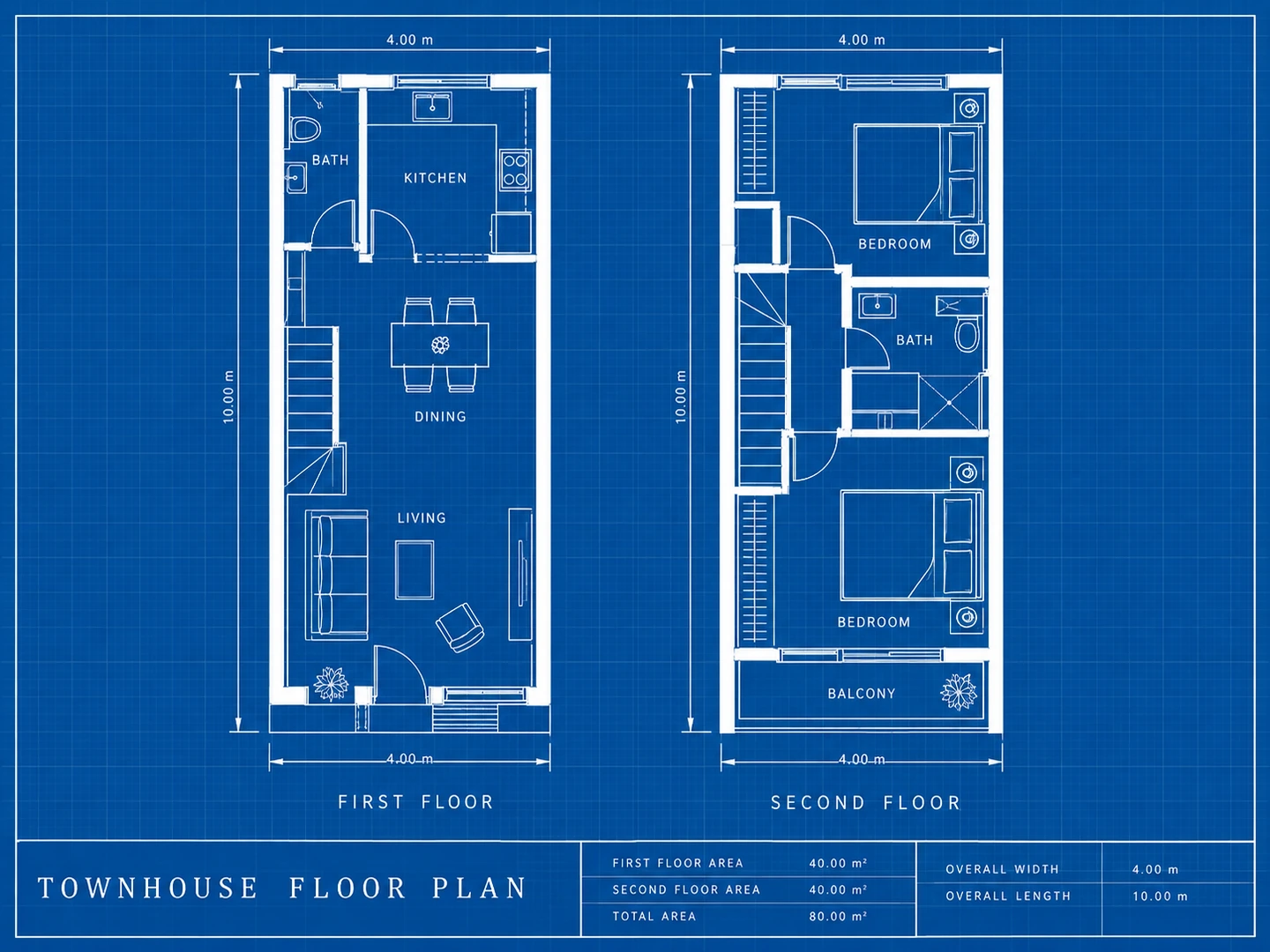
Multi-story blueprints
Say what goes on each floor and both levels are drawn side by side on one sheet, with the stair in the same place.
House floor plans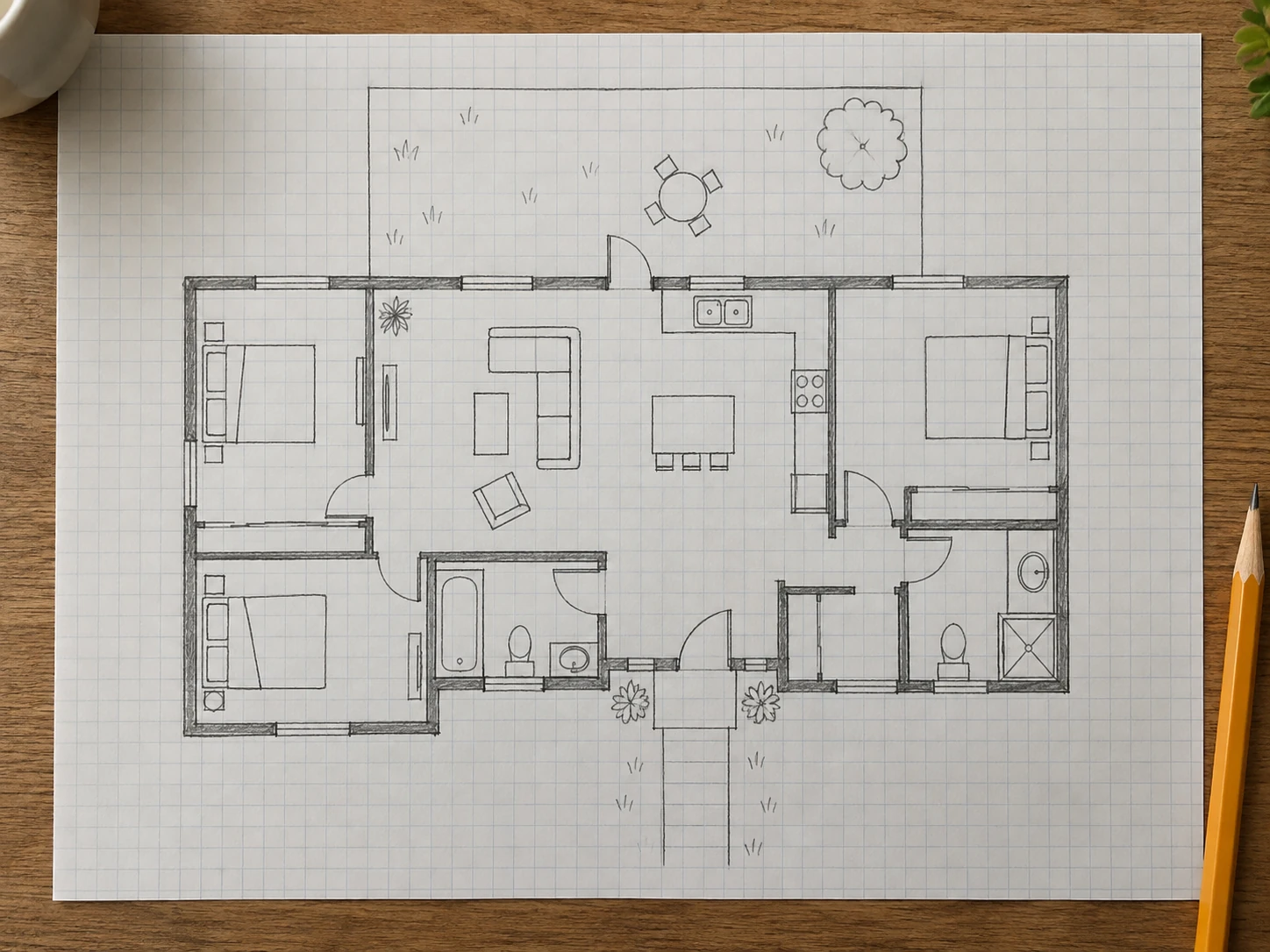
Have a sketch? Use the Blueprint Maker
If you already drew the layout, the Blueprint Maker redraws a photo of your sketch as a clean blueprint while keeping your room arrangement.
Blueprint MakerWhat AI Blueprints Are Good For
1. Comparing layouts
Generate three versions of a house in minutes and pick a direction.
2. Briefing a designer
Arrive at the first meeting with a concrete plan, not a wish list.
3. Class projects
Quick blueprint sheets for studies and assignments.
4. Sizing a budget
See what fits in 1,200 vs. 1,800 sq ft before pricing a build.
5. Presentation sheets
Ask for an elevation or title block in the notes.
6. Not for permits
Construction blueprints need a licensed professional.
AI Blueprint Generator FAQ
Yes — new accounts here get free credits, and each AI blueprint uses 10 credits. More credits are available as packs or plans.
AI can draft concept blueprints that follow your room list and size. It does not engineer structure or check local code, so a professional must prepare the construction set.
Number of floors, bedrooms and bathrooms, the rooms you must have, which rooms belong together, the garage and entrance side, and the total square footage.
Both draw blueprints. The AI Blueprint Generator starts from a written description; the Blueprint Maker is built around redrawing your own sketch.
You download a high-resolution PNG image. It is not a CAD, DWG or DXF file.
Let AI Draft Your Blueprint
Describe the house and get a blueprint in seconds. New accounts get free credits.
Generate a Blueprint