
AI Home Exterior Design from a Photo
Preview an AI home exterior design on your own house photo, and compare cladding, roofing and doors before you commit.
Design My Exterior Free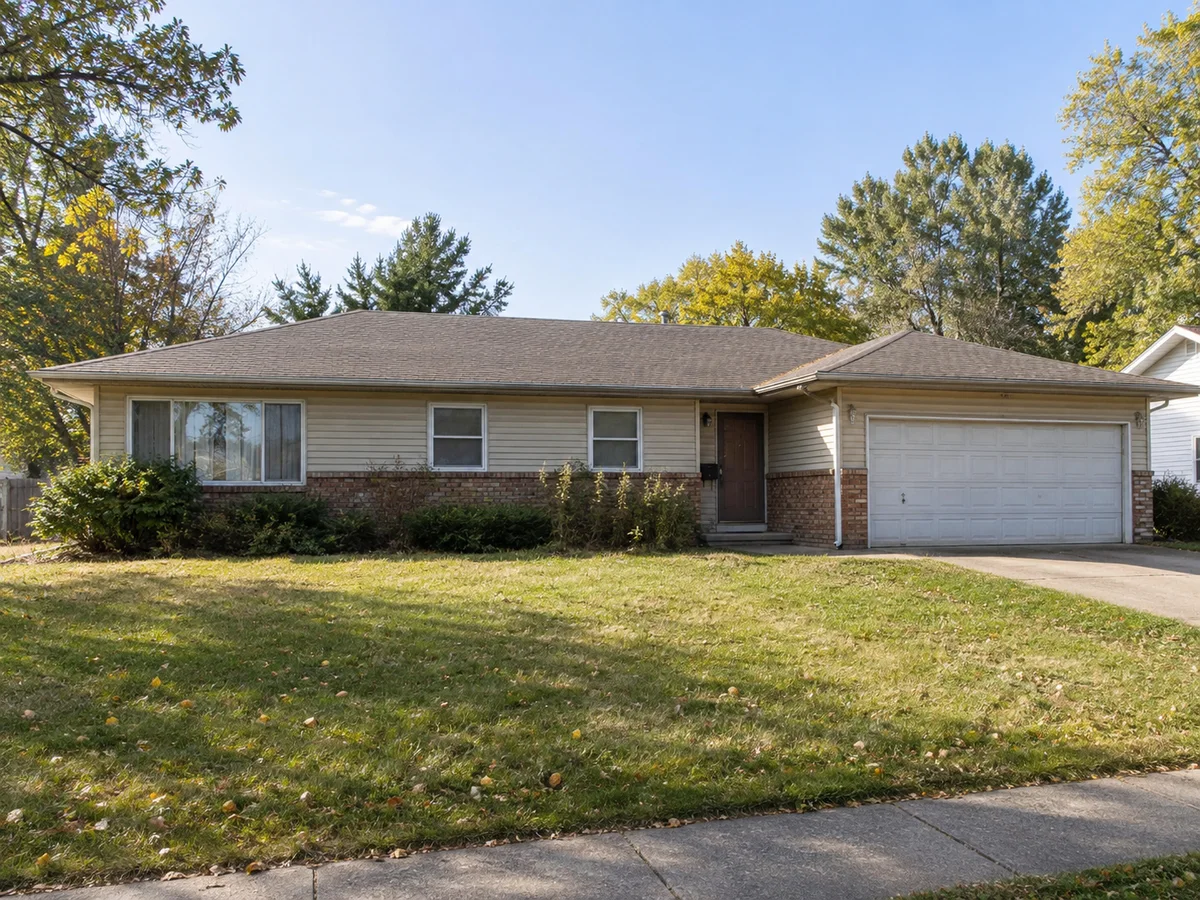
 AfterBefore
Design the Exterior of Your Home from a Photo
Upload a house photo, pick one exterior style and name the materials you want in the notes.
AfterBeforeModern Farmhouse Ranch
Illustrative exterior concept
AI House Exterior Design Ideas: Before & After
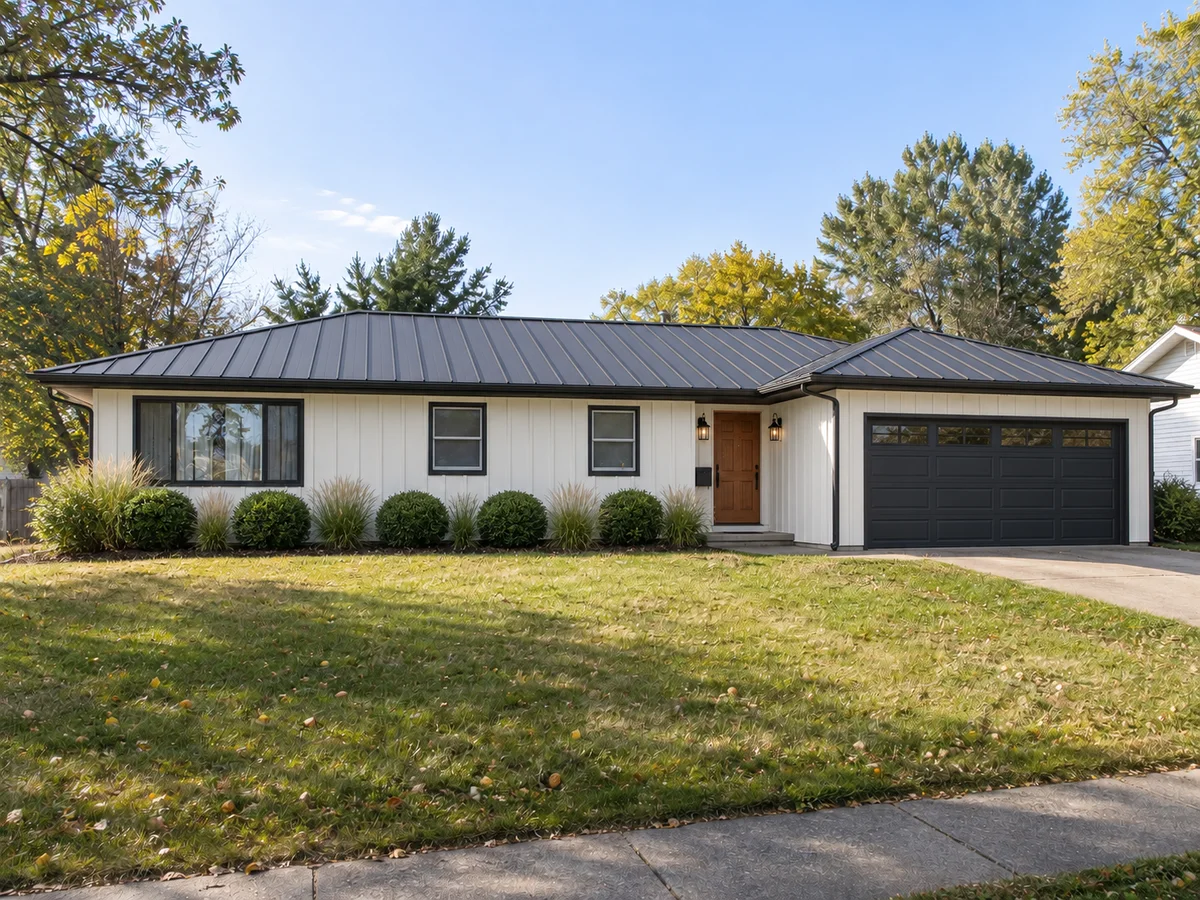
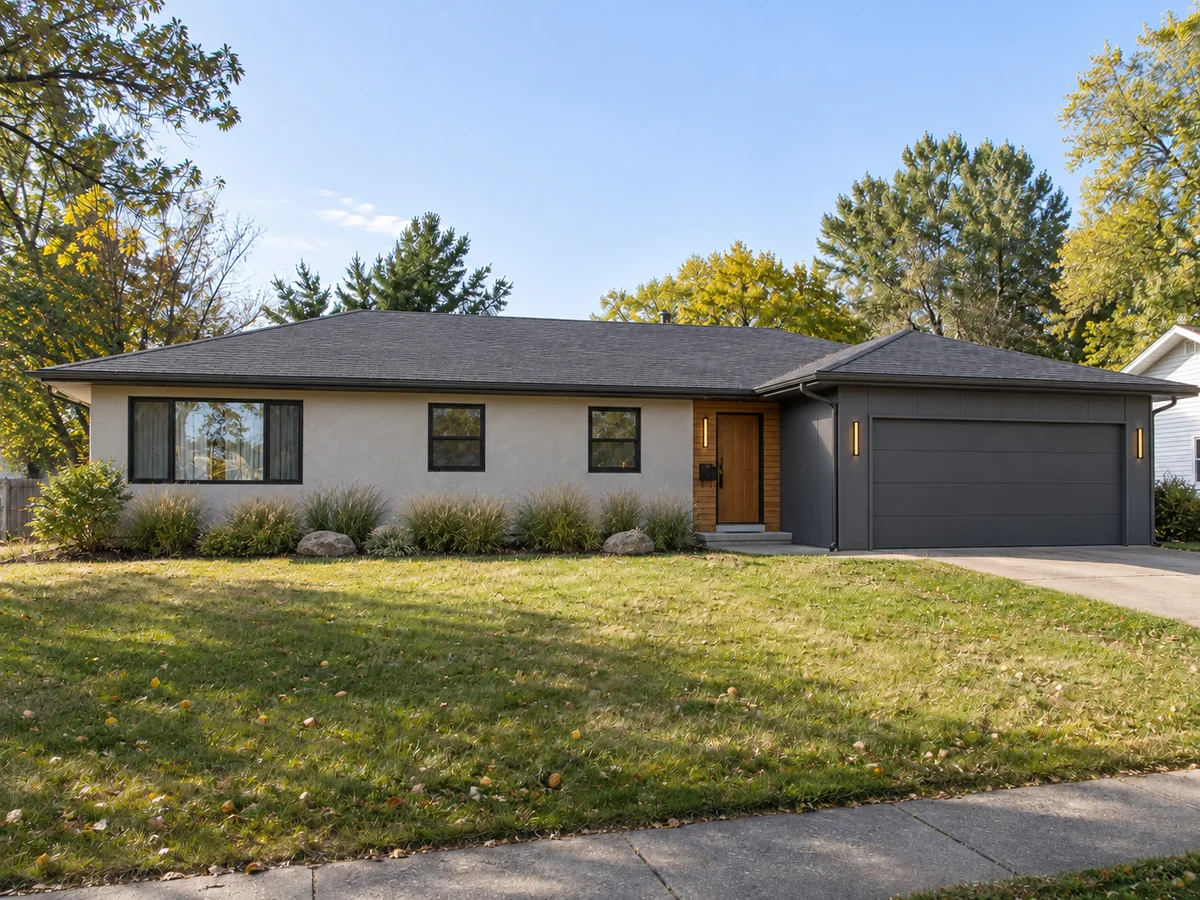
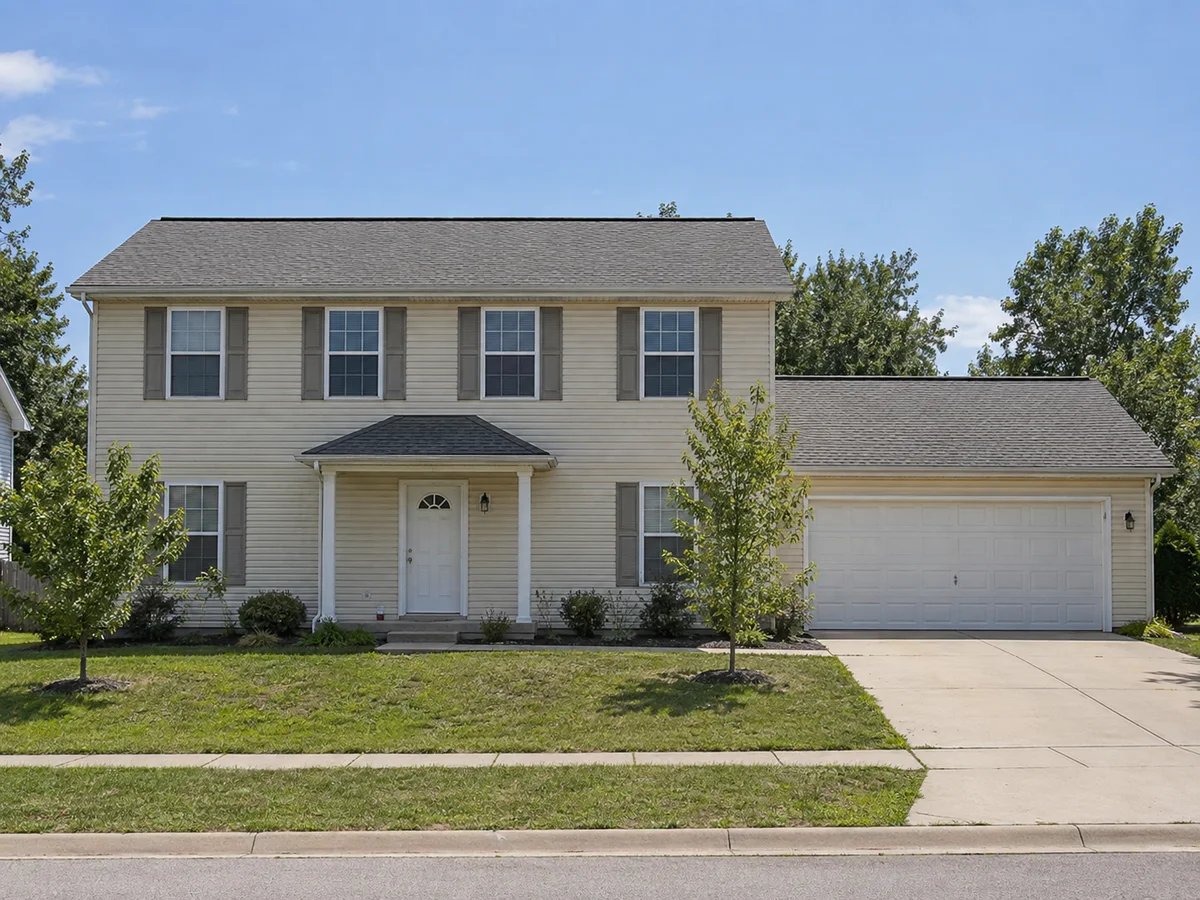
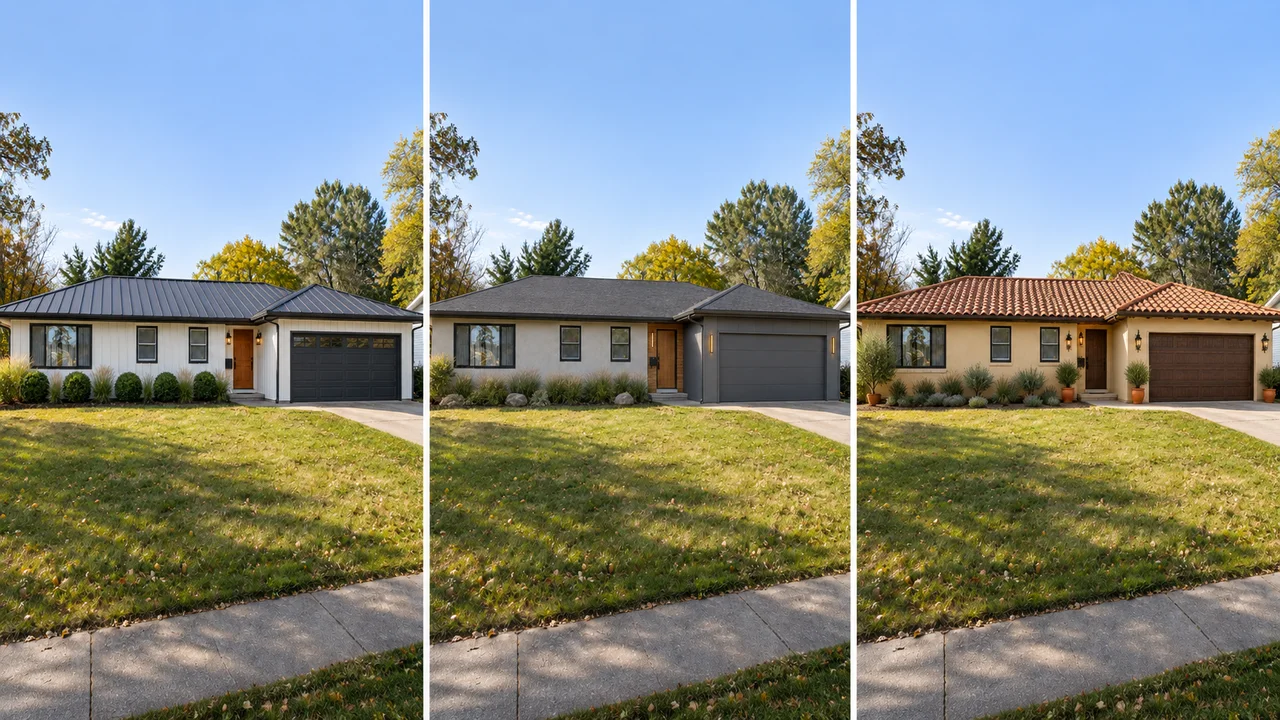
Three houses, two styles each. Both designs in a pair start from the same photo. These are illustrative AI concepts, so small details can shift.
- AfterBefore
Modern Farmhouse Exterior on a Ranch House
 AfterBefore
Contemporary Facade for a Ranch House
 AfterBefore
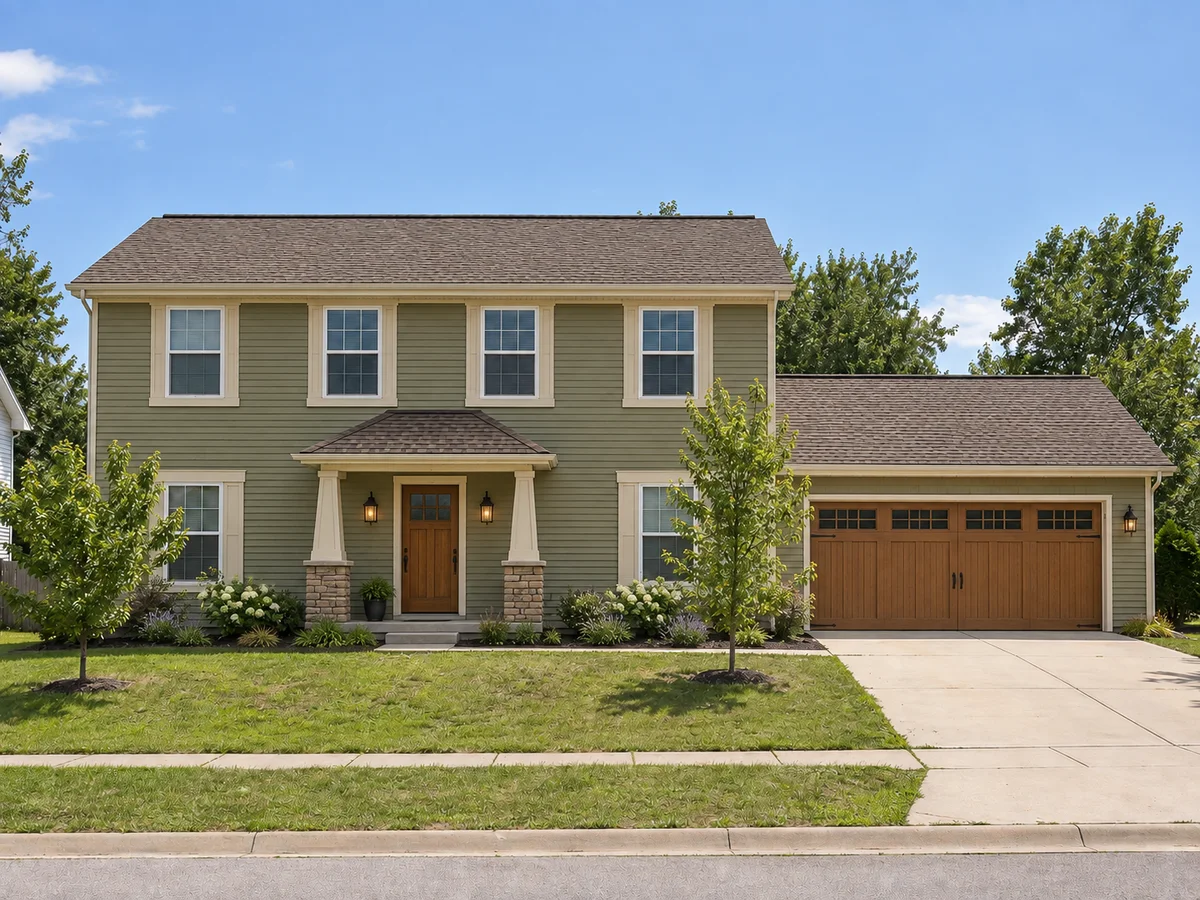
Craftsman Exterior for a Two-Story Home
 AfterBefore
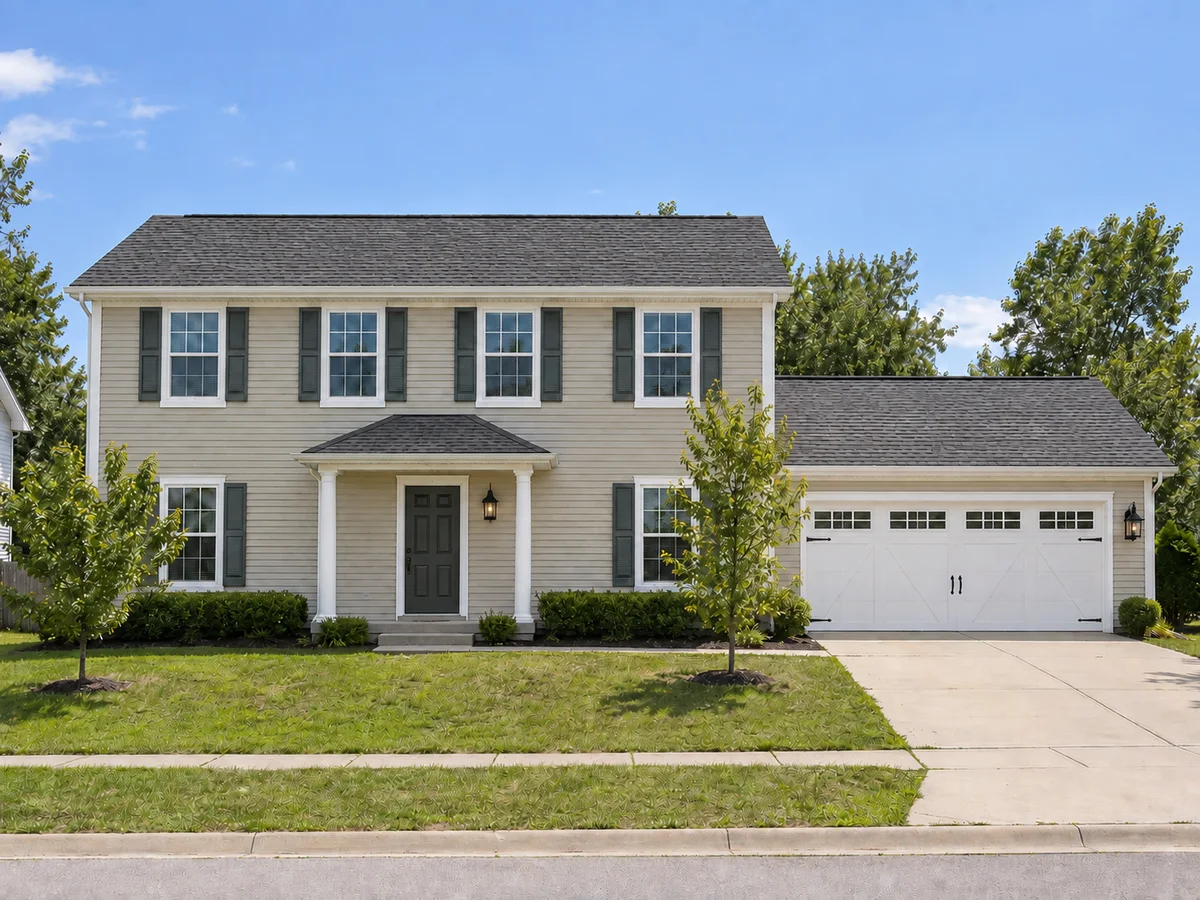
Colonial Facade on a Two-Story Home
 AfterBefore
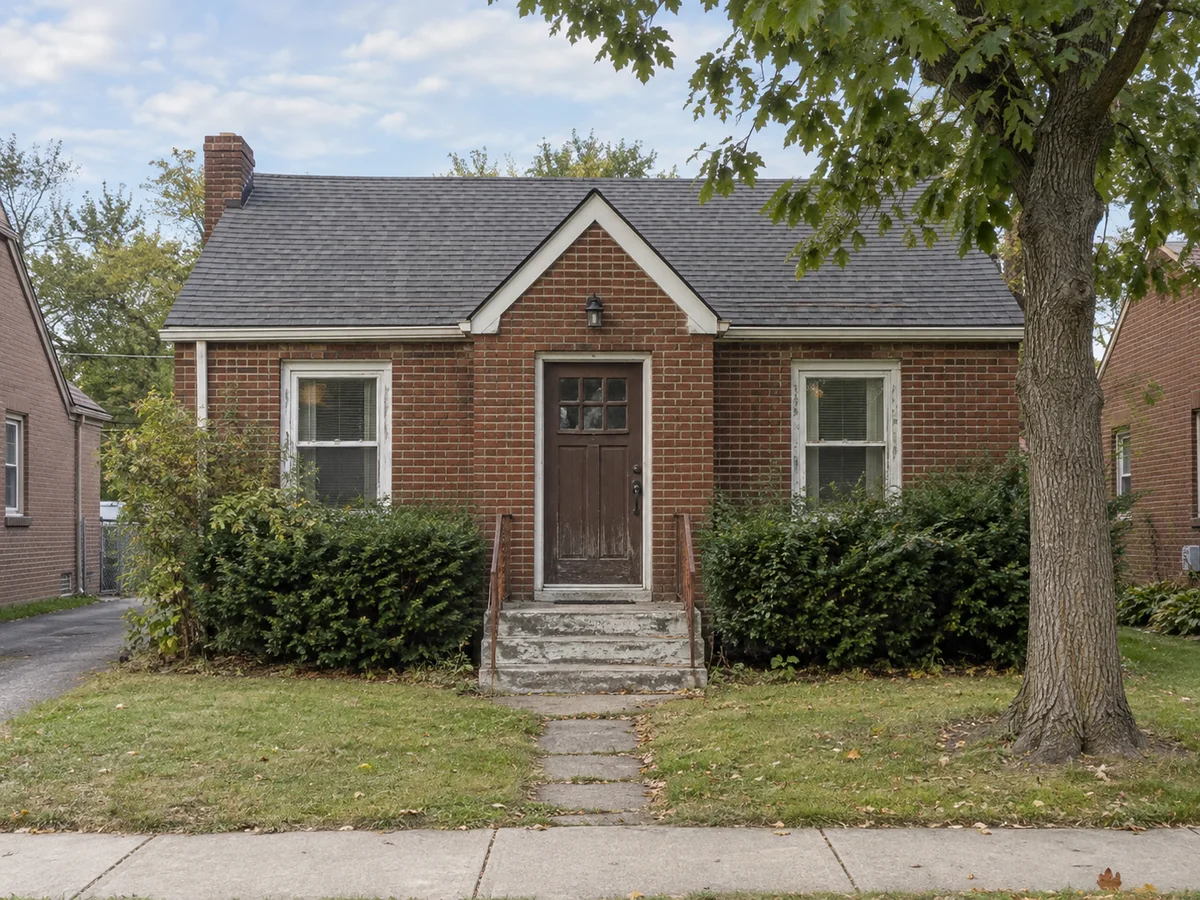
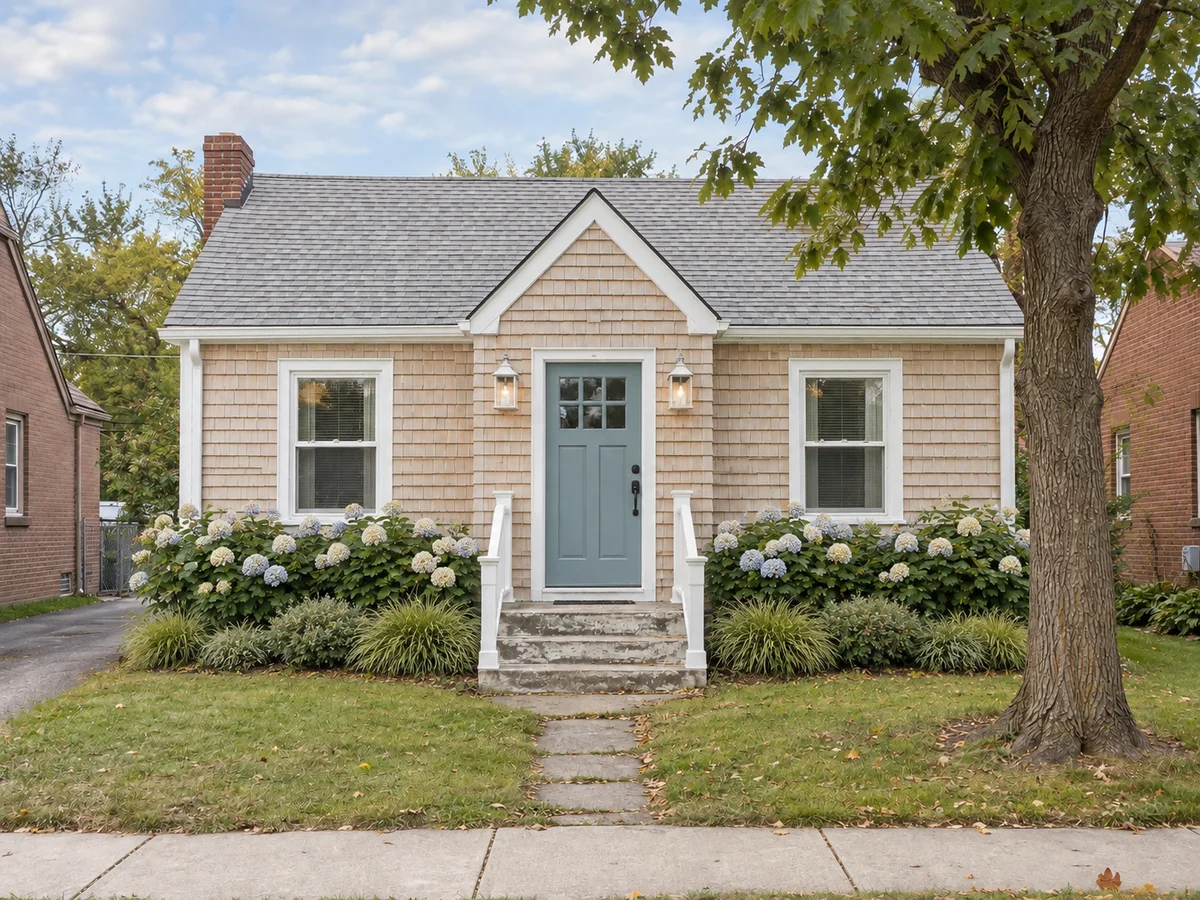
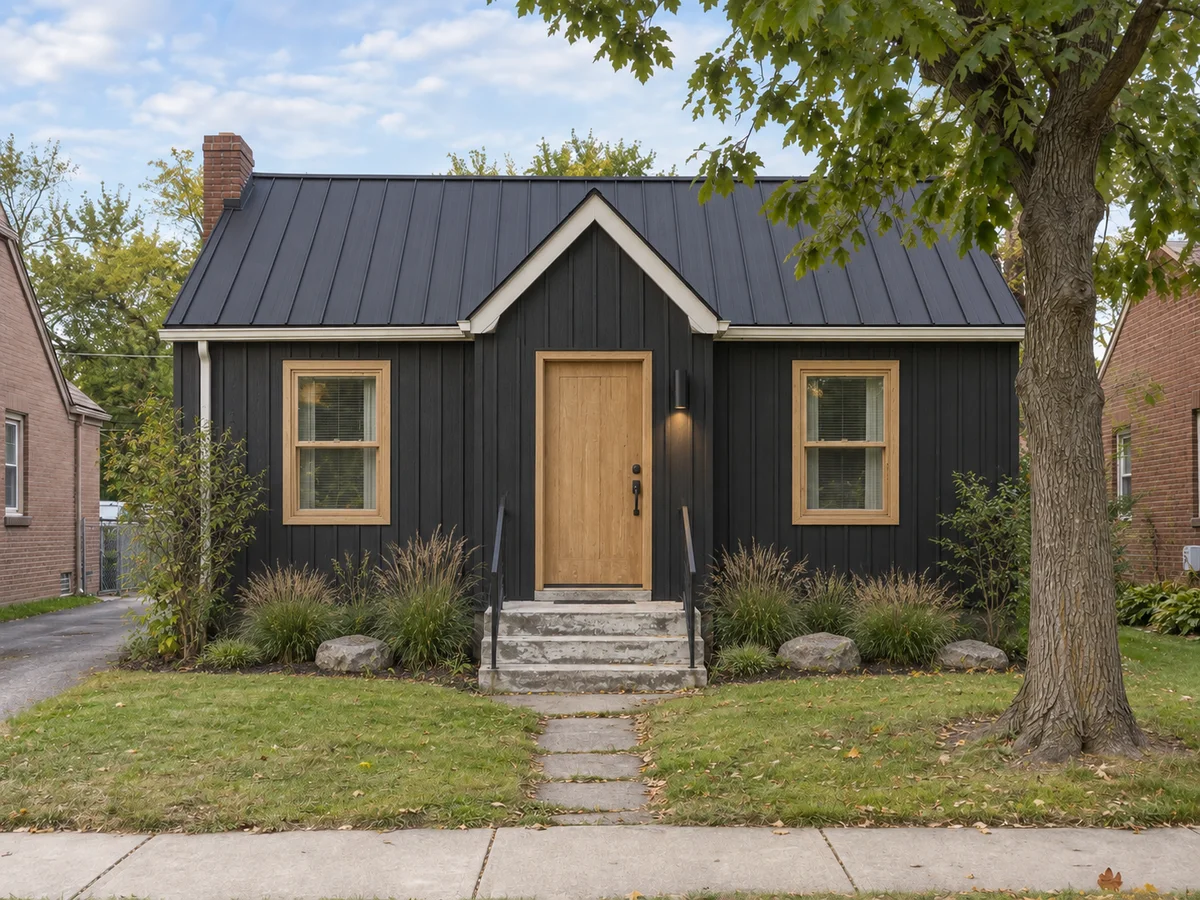
Coastal Refresh for a Brick Cottage
 AfterBefore
Scandinavian Cladding on a Brick Cottage
The basics
What Is AI Exterior Home Design?
AI exterior home design restyles a photo of your own house. Upload a street view, choose a style or describe your own, and the AI redraws the facade: cladding, roofing material, window frames, doors, porch details, lighting and the planting right against the house.
It is instructed to keep the house itself: the footprint, number of stories, roofline, window and door positions, driveway and lot. Treat each result as a concept; AI edits can shift small details, and nothing here checks structure, cost or local codes.
- Works on your own house photo, not a stock model
- 8 exterior styles, or your own description
- Changes materials and details, not just color
- Designed to keep the footprint, roofline and openings
Why Use This Exterior House Design App?
1. Your house, not a showroom
Every style is judged on your own facade, street and setting, not on a stock house.
2. Shape and openings kept
The AI is instructed to keep the footprint, number of stories, roofline and window and door positions. It restyles the surface, not the structure.
3. Materials, not only color
Cladding, roofing material, window frames, front door, garage door, porch details and lighting can all change in one design.
4. Template or custom style
Pick one of 8 template styles, describe your own, or upload a reference photo of a house you admire.
5. Runs in your browser
A web-based exterior design app: upload from a phone or laptop with nothing to install, and find past results in History.
6. Free credits to start
New accounts receive signup credits. Each design uses 10 credits; your balance is shown in the workspace.
Style options
Home Facade Styles You Can Try
Try 8 exterior styles on your own house, from Modern Farmhouse and Contemporary facades to Colonial and Craftsman.
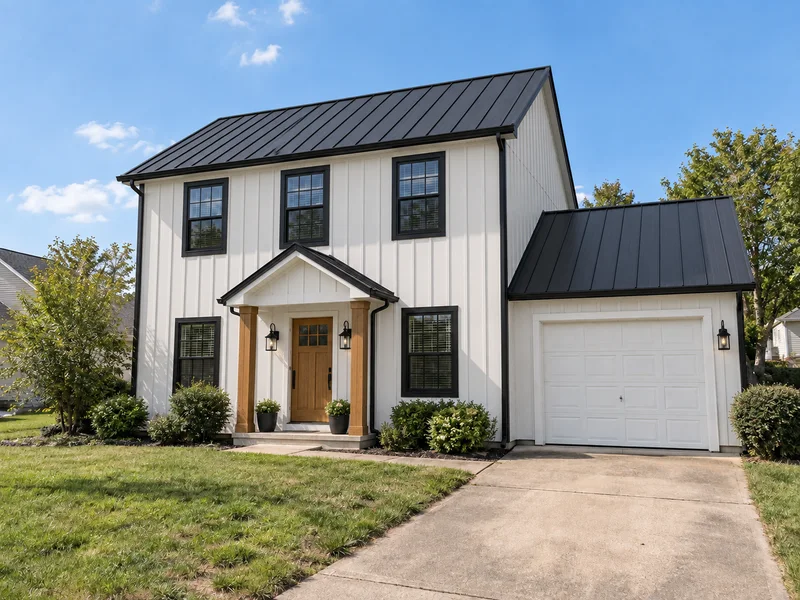
Modern Farmhouse
White board-and-batten, black frames, dark metal roofing.
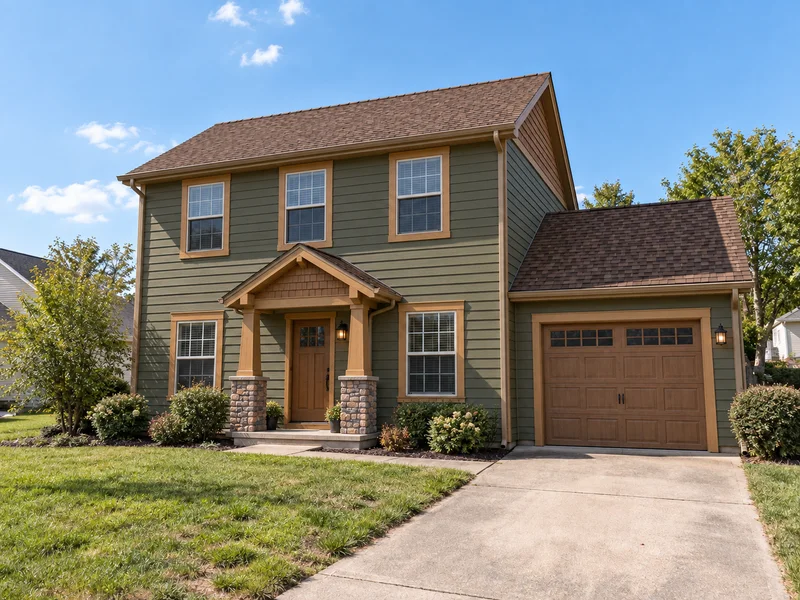
Craftsman
Earthy siding, shingle gables, stone-based porch columns.
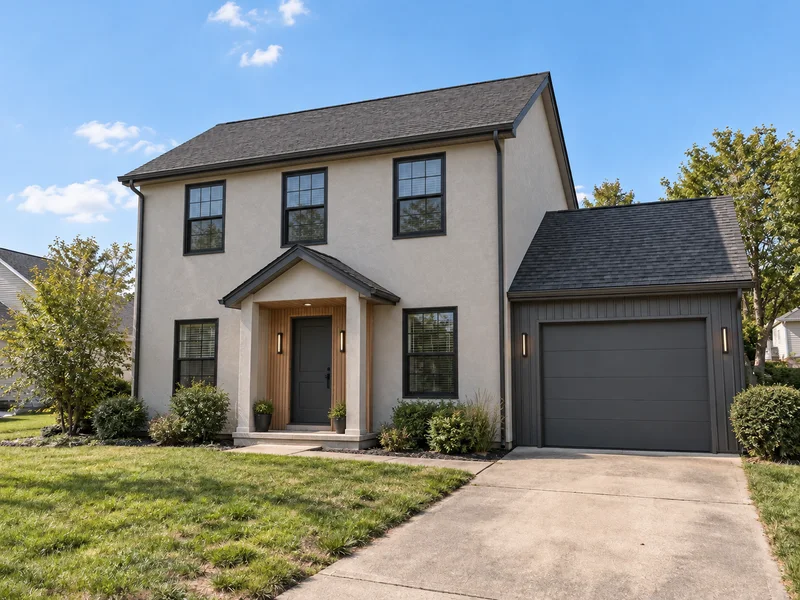
Contemporary
Stucco, warm wood and dark metal panels, black frames.
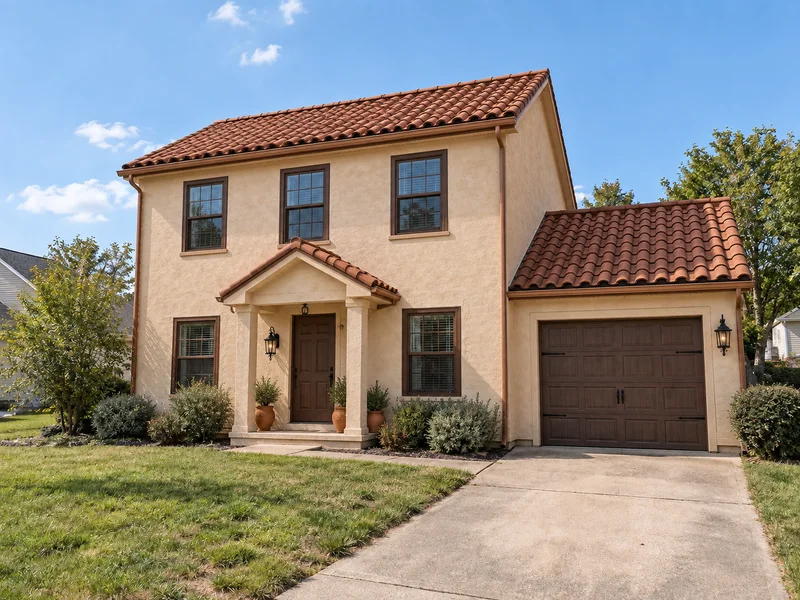
Mediterranean
Warm stucco walls with clay barrel-tile roofing.
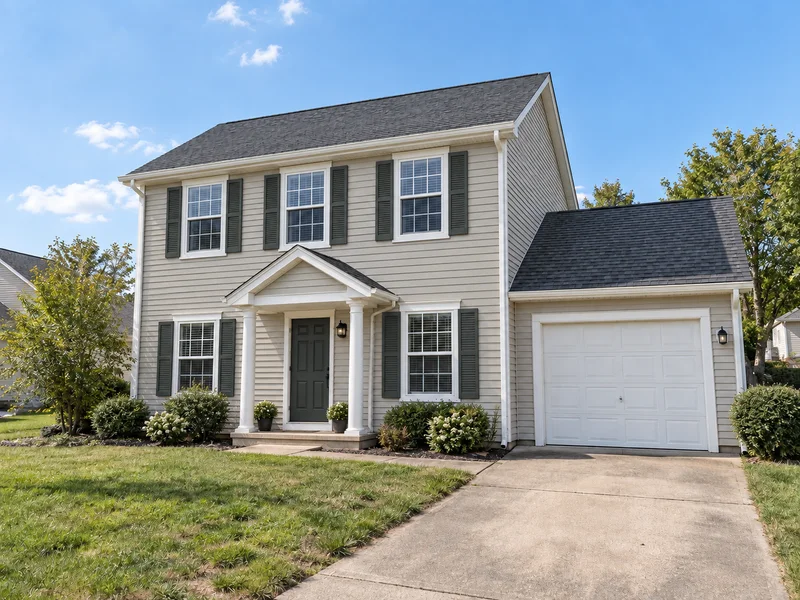
Colonial
Clapboard, crisp white trim, shutters and a classic door.
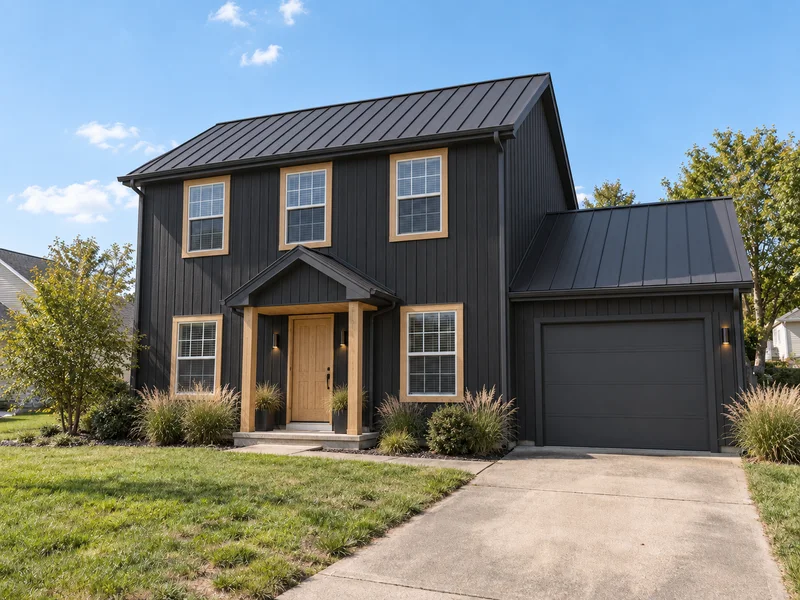
Scandinavian
Vertical boards in black, white or muted tones.
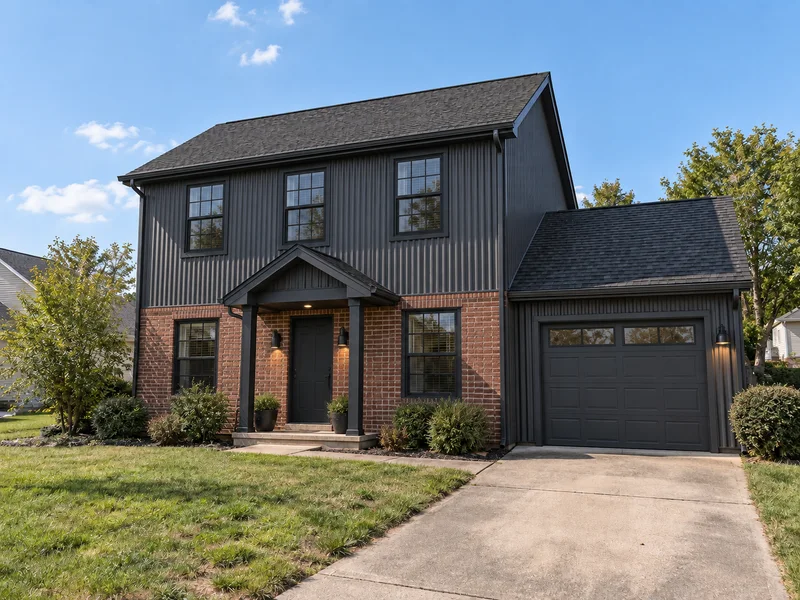
Industrial
Dark metal cladding, brick or concrete, steel frames.
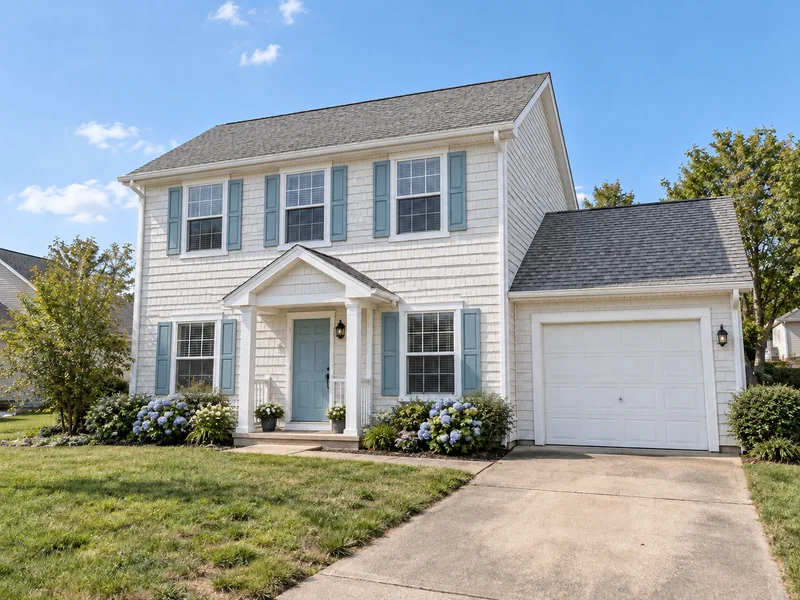
Coastal
Cedar shingles or white lap siding, soft blue accents.
Styles are applied through materials, colors and details on the shape your house already has; arched openings or a flat roof are not added where none exist.
How to Design Your House Exterior Online for Free
Upload a photo of your house
Stand across the street in daylight and fit the whole front in frame. Avoid cars in the driveway and deep shadow across the facade.
Pick a style and add notes
Choose one of 8 exterior styles or describe your own, then name the materials you want, such as board-and-batten siding or a stone base.
Compare, then share the concept
Run another style on the same photo, compare the results in History or download them, and take your favorite to a contractor or architect.
Test Home Exterior Design Ideas on Your Own House
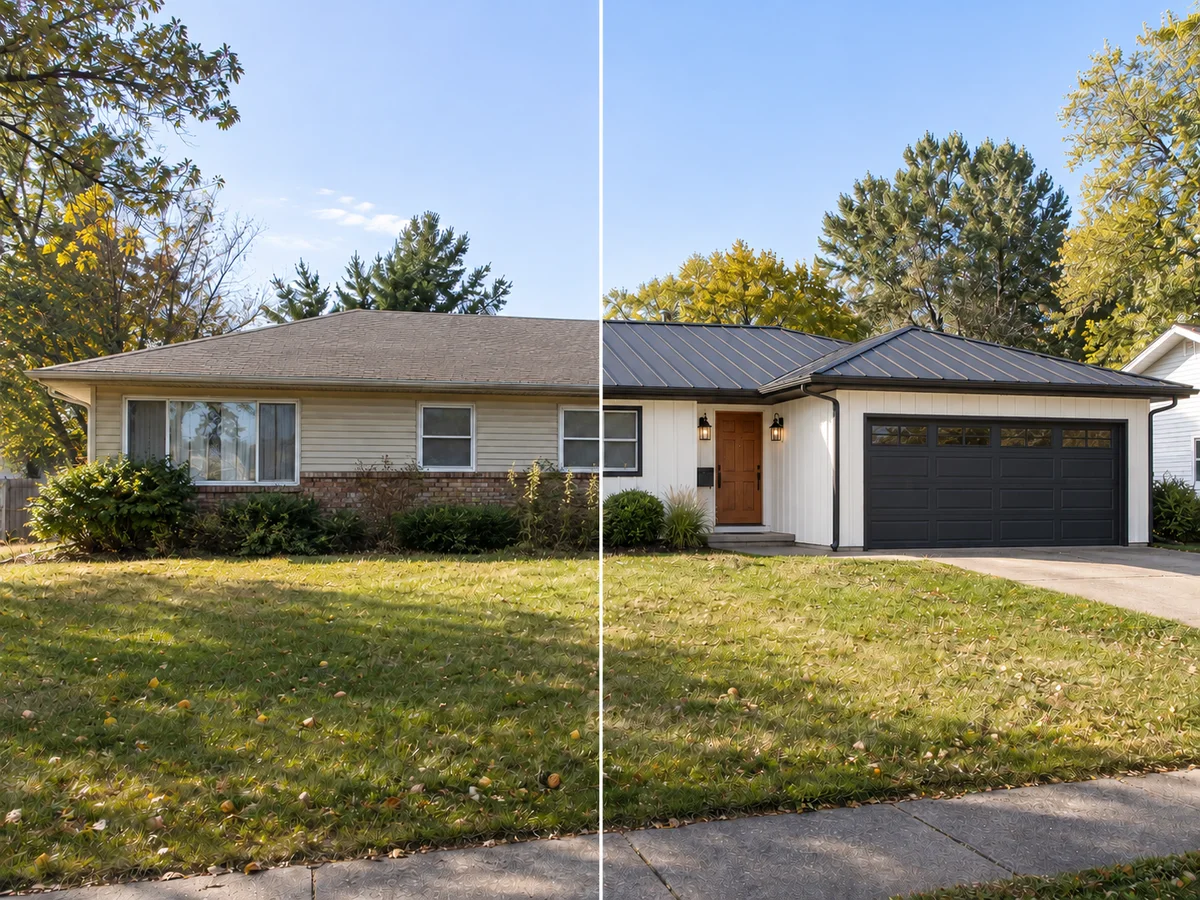
See a Style on Your Own House
Inspiration photos show someone else’s house. Here the style lands on yours: new cladding, roofing material, window frames and front door, while the AI is instructed to keep the footprint, stories, roofline and window positions. You judge the style against the house you actually live in, not a magazine one.
Try a Style on My House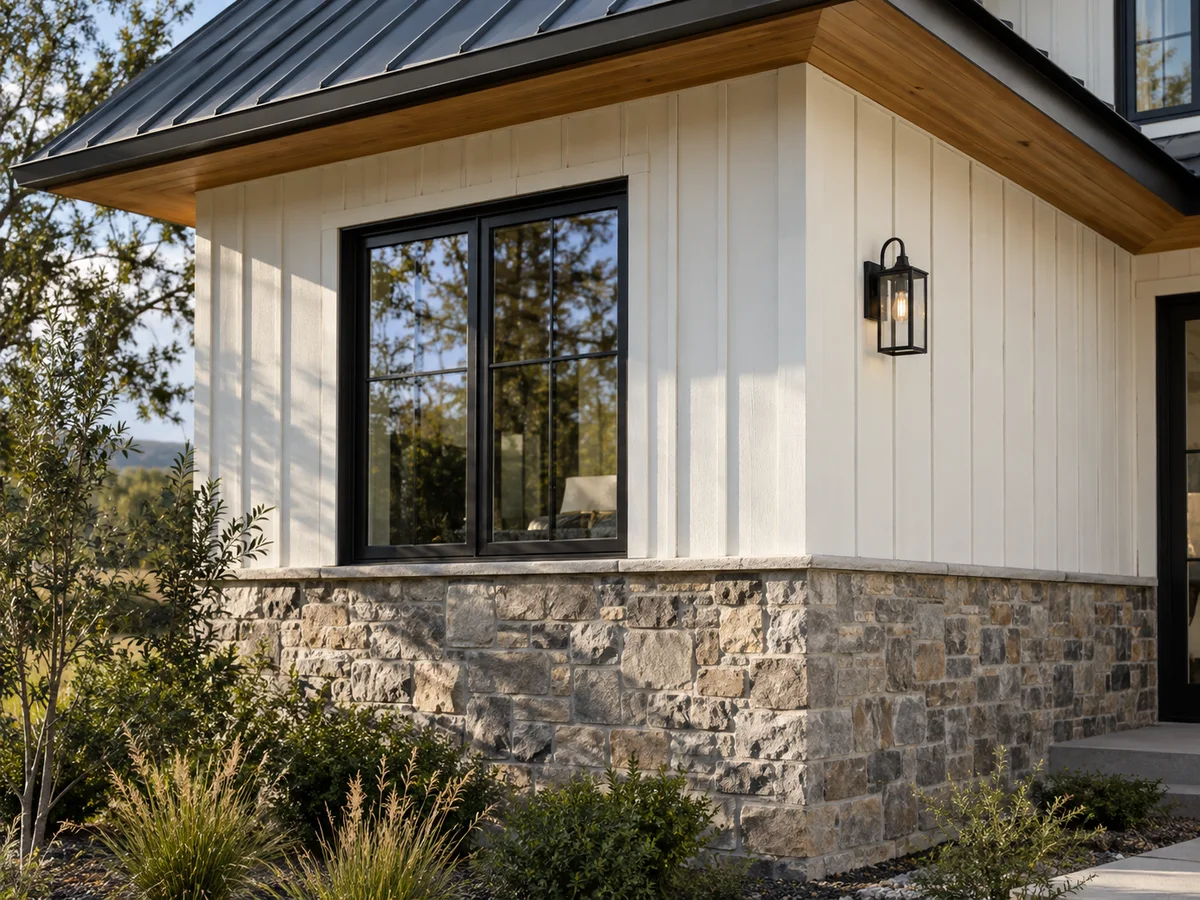
Preview Siding, Stone and Roofing Together
Materials are usually picked from separate samples: a siding chip here, a roof shingle there. Name the combination in the notes, such as white board-and-batten over a stone base with a dark metal roof, and see the pieces together on one facade before you order samples.
Preview My Materials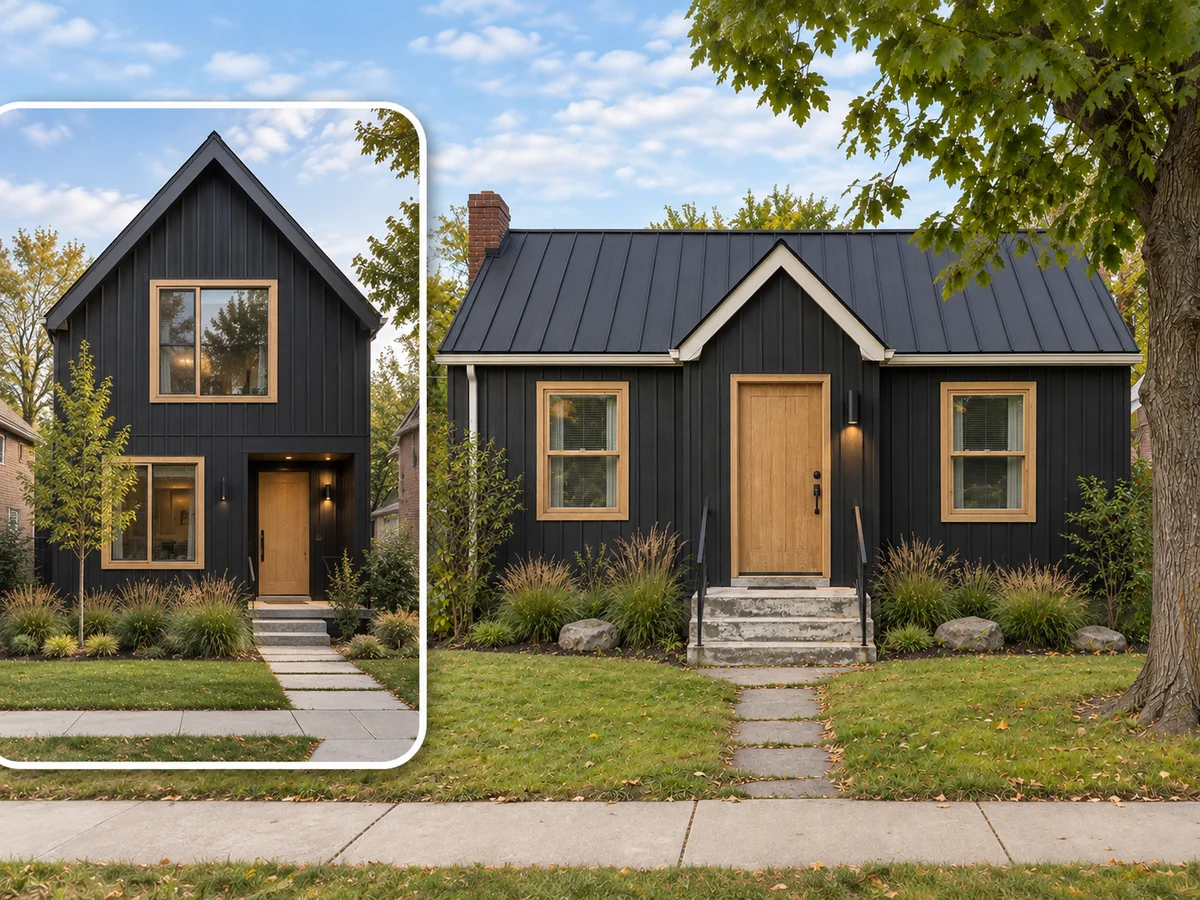
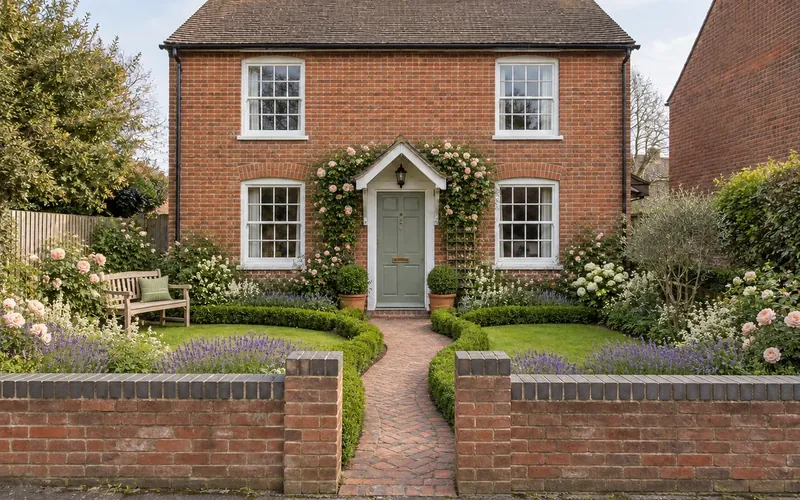
Borrow the Look of a House You Like
Upload a house photo in the Custom tab to guide materials, colors and mood. The AI is instructed to keep your roof shape, openings and porch footprint rather than copy reference architecture. Compare carefully with your original; a reference image does not authorize an extension.
Use a Reference Photo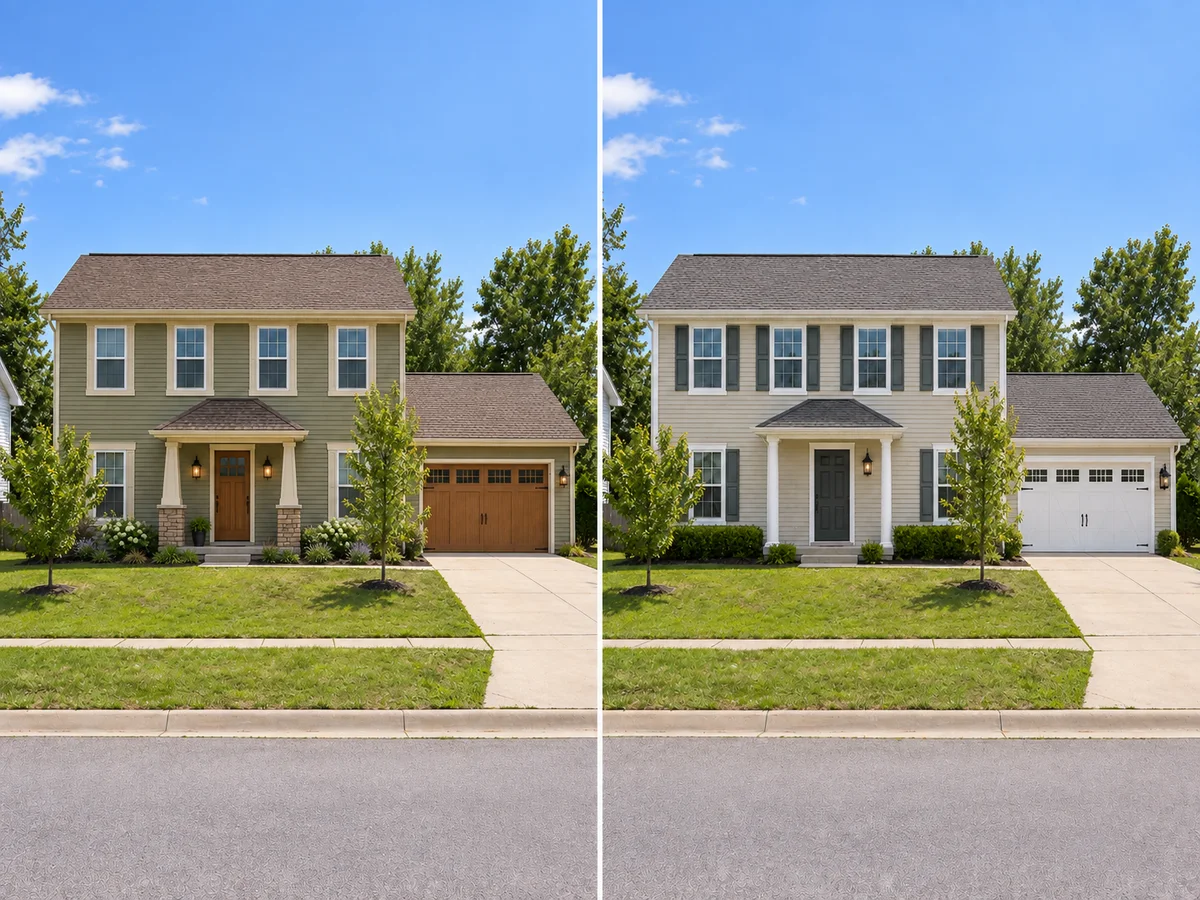
Compare Two Directions, Then Brief a Pro
Each generation applies one style. Run a second style on the same photo, then revisit both in History or download them to compare. Take the favorite to your contractor, architect or HOA as a visual brief. It is a concept image, not a construction drawing.
Compare Two Styles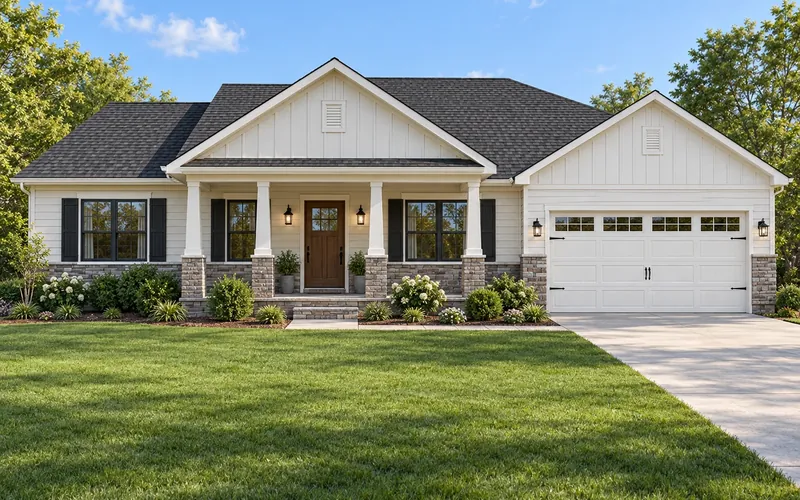
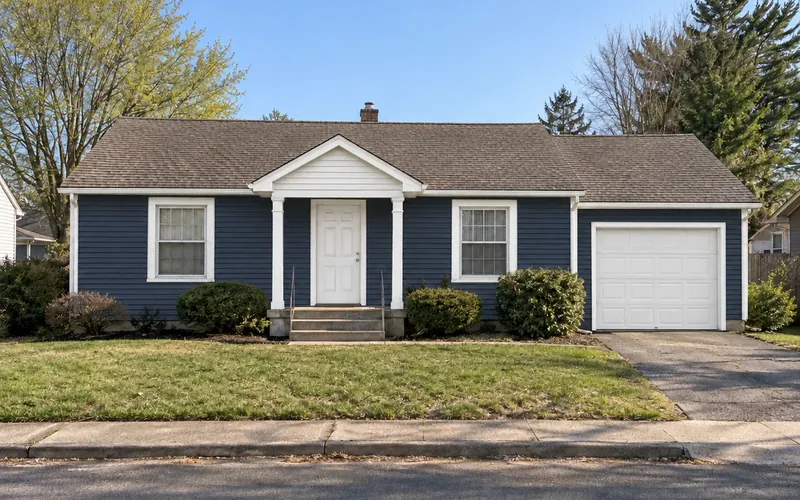
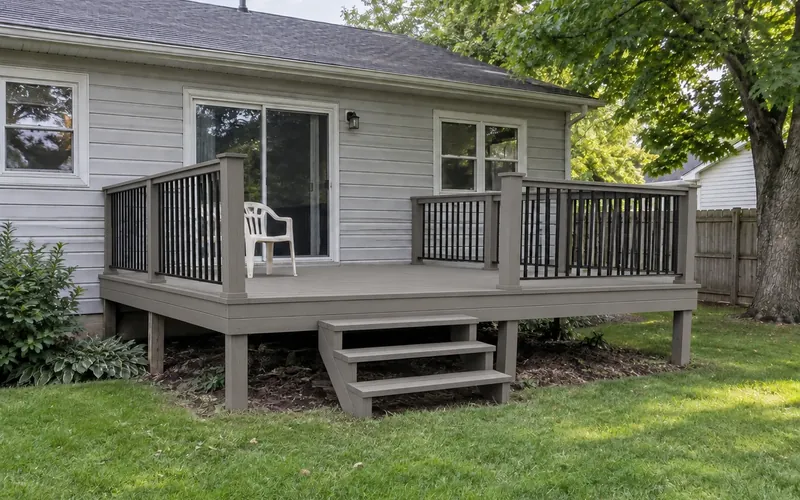
See a New Exterior on Your Own House
Upload one photo of your house and preview a new exterior style before you talk to a contractor. New accounts get free credits.
Design My Exterior Free- 10 credits per generation
- PNG, JPG or WebP up to 10MB
AI Exterior Design Questions
Yes. It works as a free home exterior visualizer with new accounts' signup credits. Each design costs 10 credits; your balance is shown in the workspace. Sign in to generate; free requests may queue.
Yes, that is the main way to use it. Upload a PNG, JPG or WebP up to 10MB; a daytime front view with the whole facade in frame works best.
No. The AI is instructed to keep the footprint, the number of stories, the roofline and the positions of windows and doors. It changes what covers the house, not its shape.
Yes. Pick a style whose cladding you like, or name the siding in the notes, such as gray lap siding or white board-and-batten. The whole facade is restyled in one run, so trim and roofing may change too.
Use the Exterior Paint Visualizer instead. It recolors siding, trim, shutters and doors and is designed to leave materials, brick and the roof as they are; this tool changes materials too.
Yes. Many styles re-clad the walls, so the brick may be covered in the result. To keep the brick and recolor only trim or doors, use the Exterior Paint Visualizer instead.
Yes. Leave the upload empty and describe the house in the notes; the AI creates a concept house in your chosen style. It will not be your house, so for remodel ideas use a photo.
Yes, one style per generation. Keep the same photo, pick another style and run it again, then compare the results in History or download them. Each run uses 10 credits.