
AI Kitchen Design from Your Photo
AI kitchen design from your own photo: pick a style, and see finishes, flooring and lighting change while the walls and windows stay put.
Redesign My Kitchen Free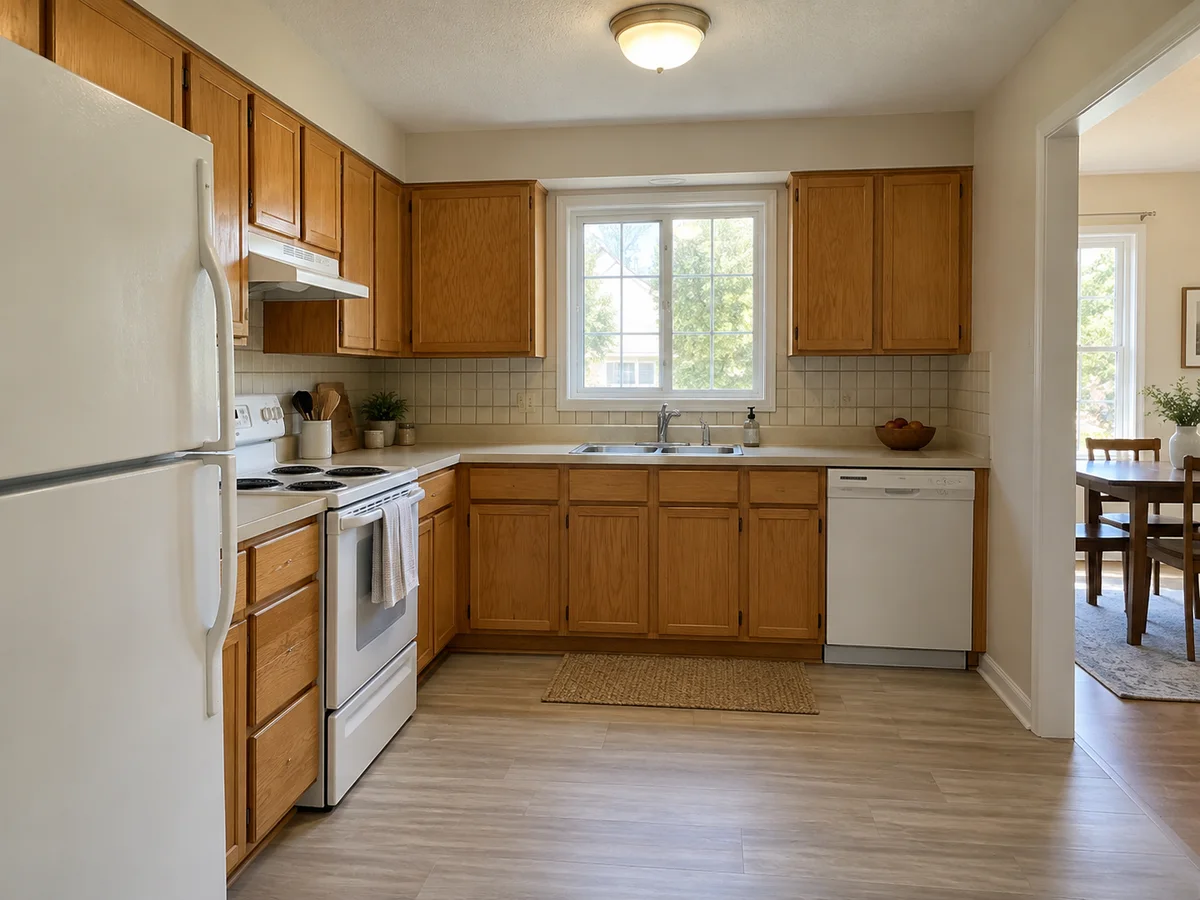
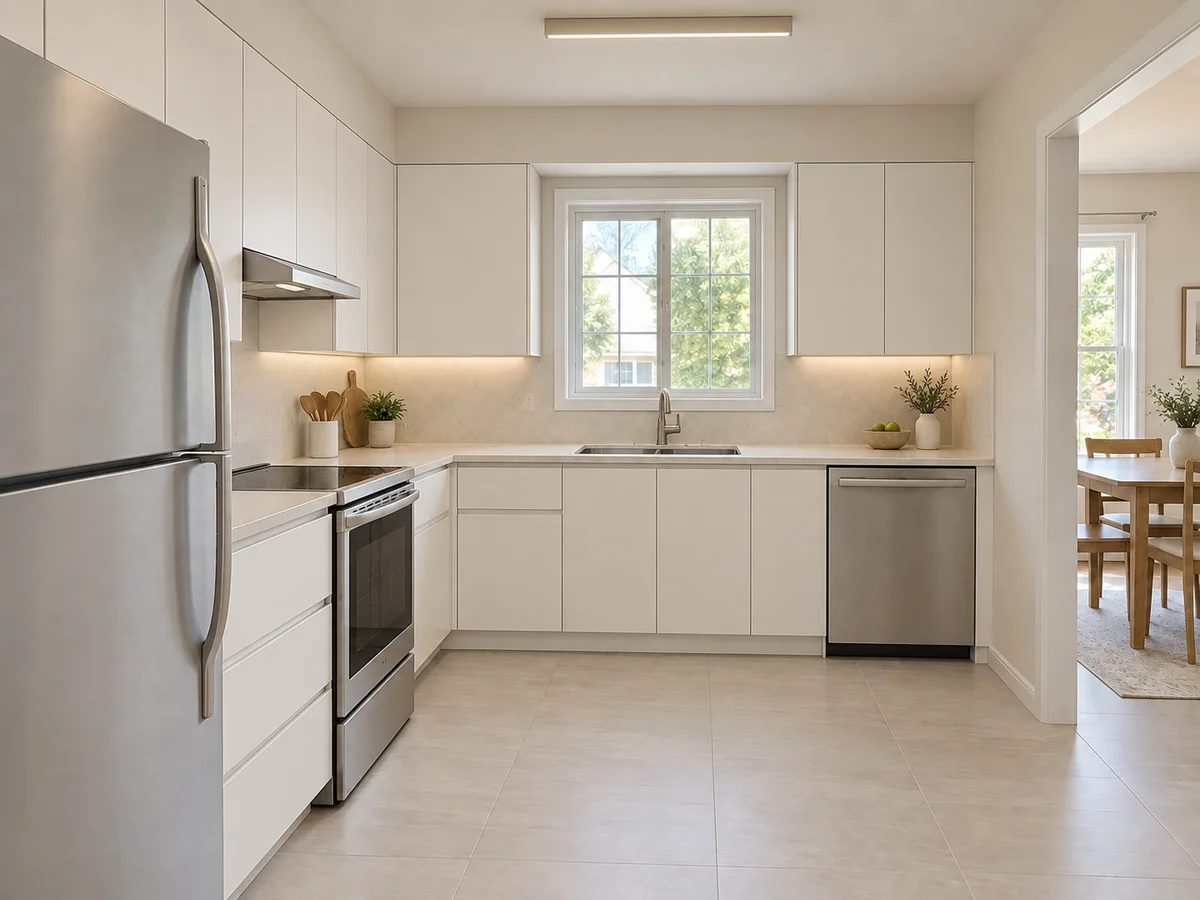 AfterBefore
Try Kitchen AI on Your Own Photo
Upload a kitchen photo, choose one style and generate a redesign of the same room.
AfterBeforeModern Minimalist Kitchen
Illustrative whole-kitchen redesign
AI Kitchen Ideas: Before & After
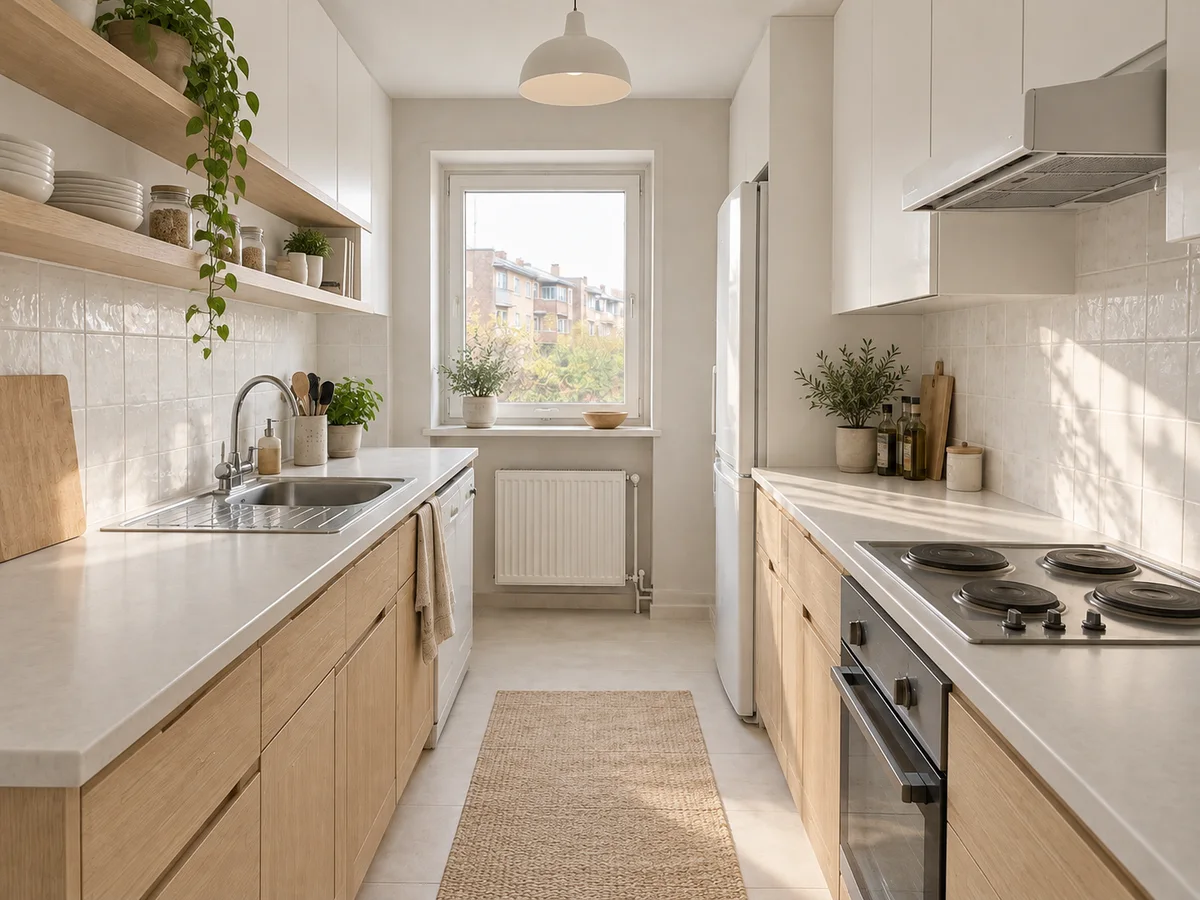
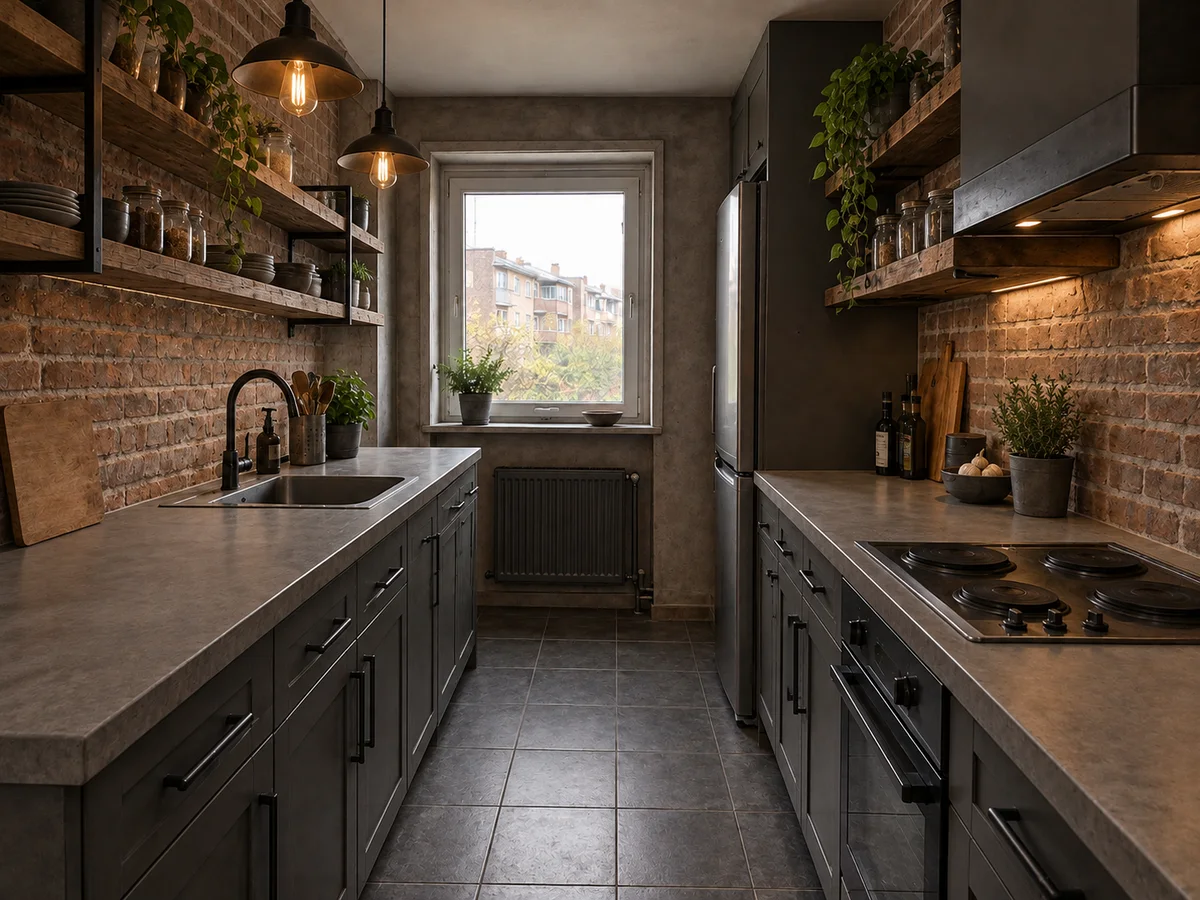
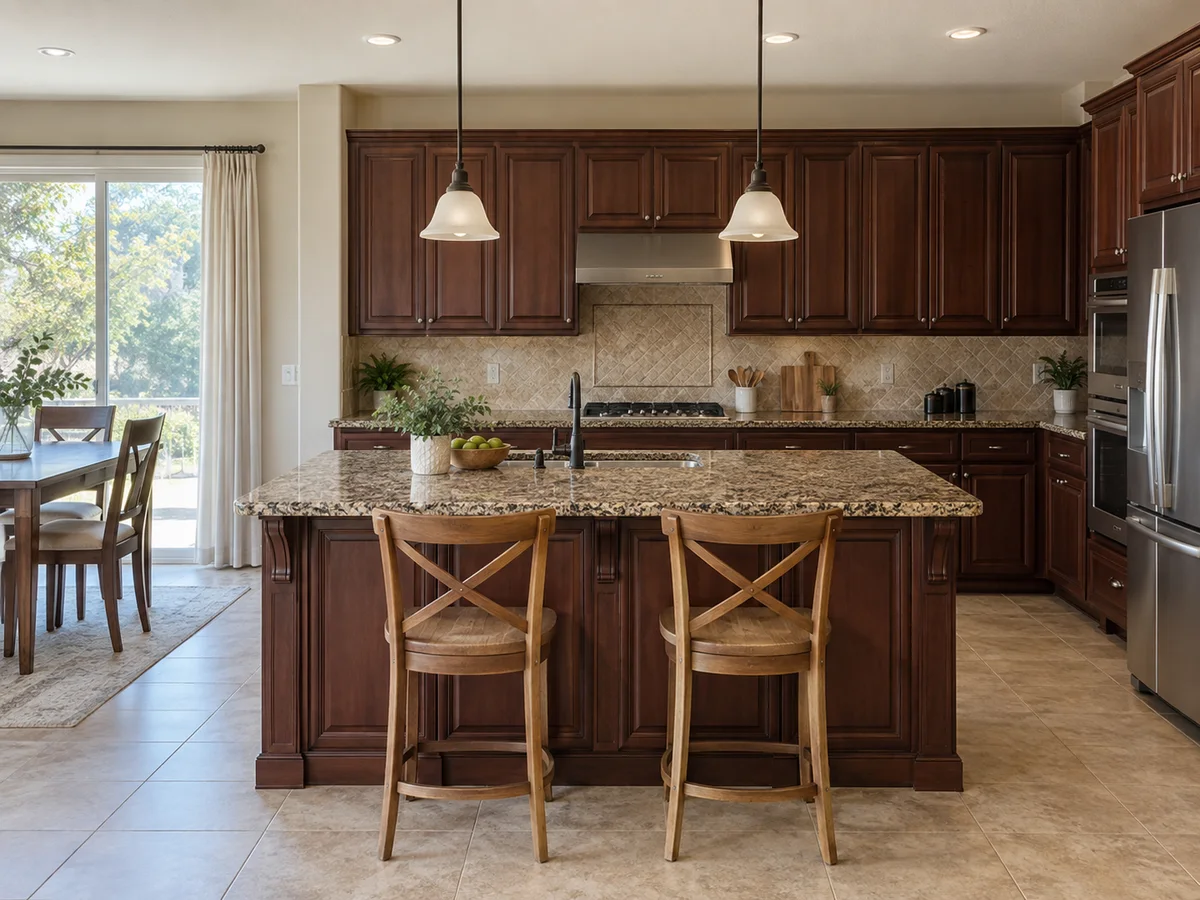
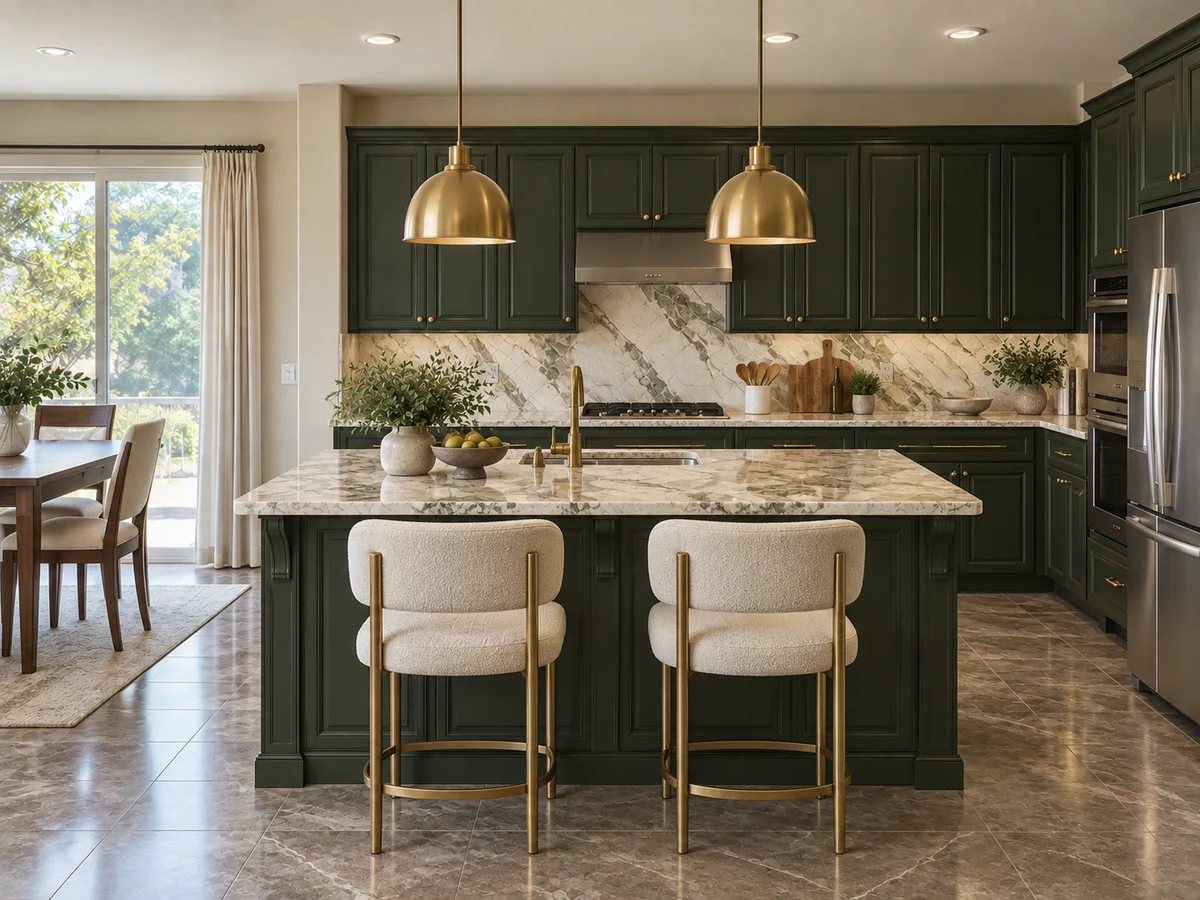
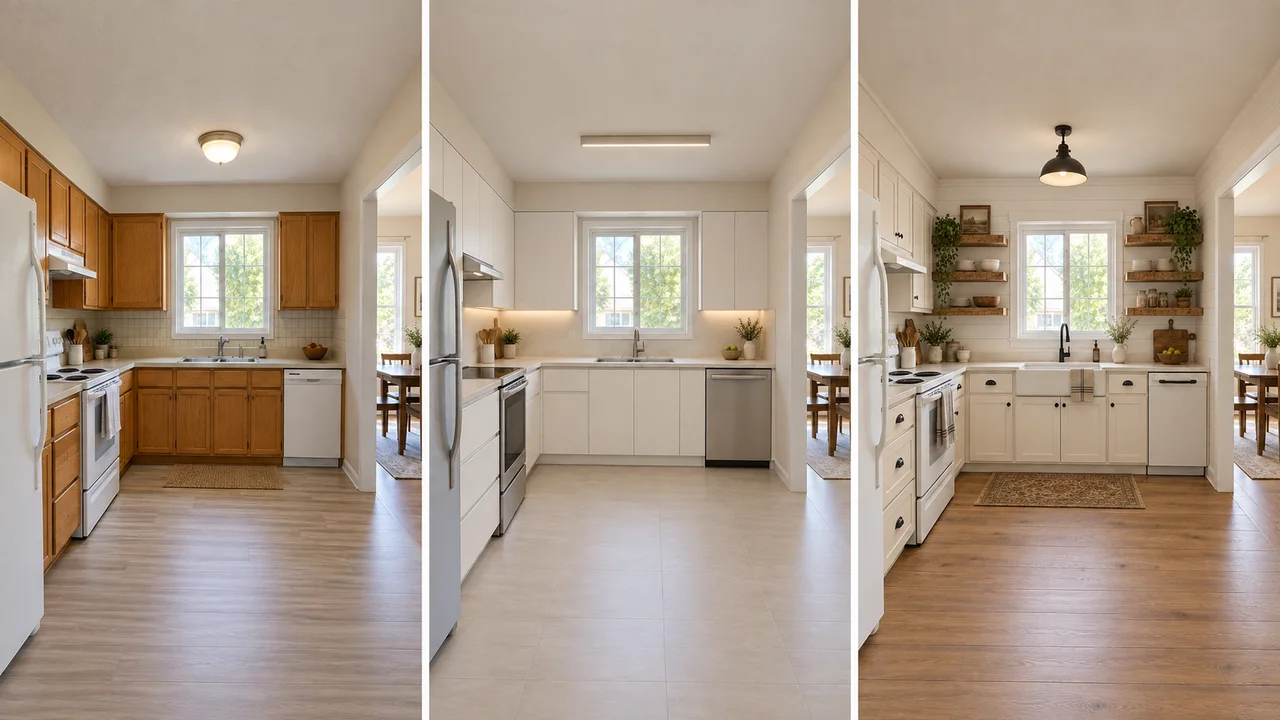
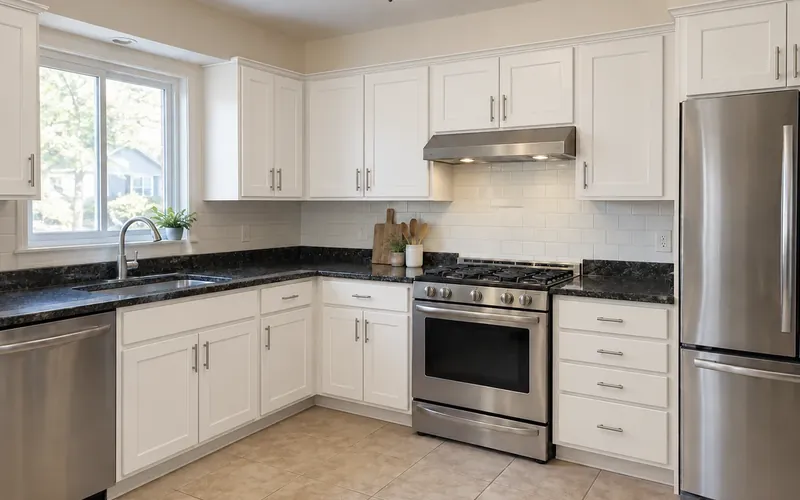
Three kitchens, two styles each. Both results in a pair start from the same photo. These are illustrative AI concepts, so small details can shift.
- AfterBefore
Modern Minimalist Kitchen Remodel
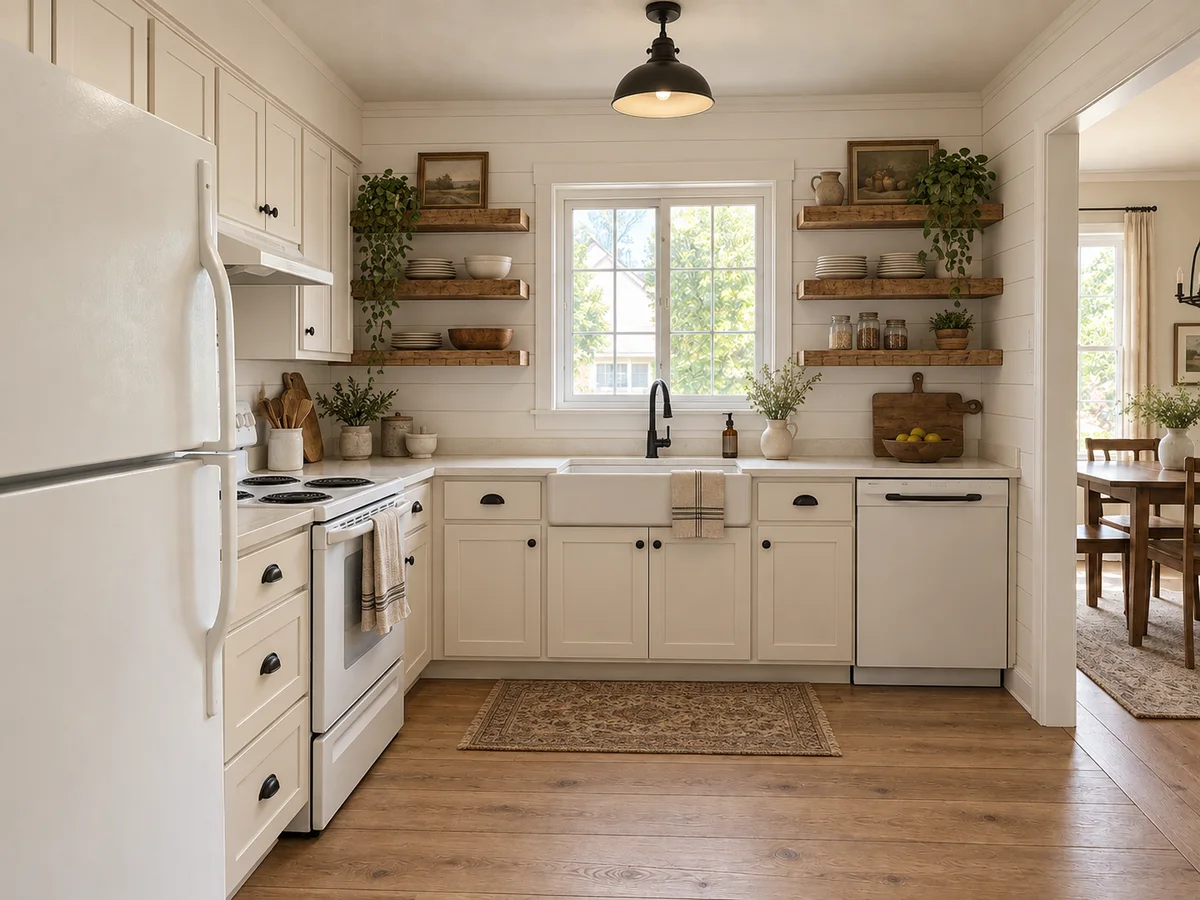 AfterBefore
Rustic Farmhouse Kitchen Makeover
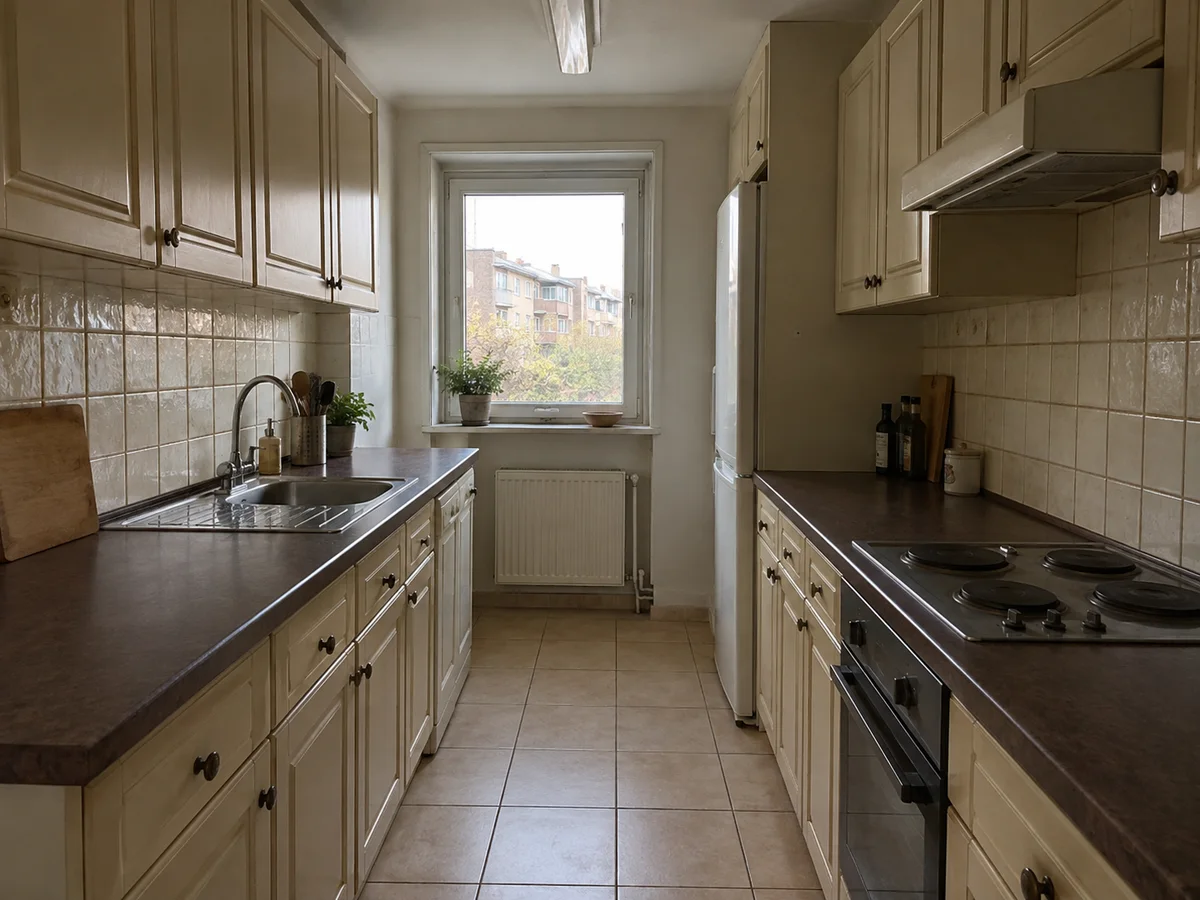
 AfterBefore
Scandinavian Small Kitchen Design
 AfterBefore
Industrial Galley Kitchen Ideas
 AfterBefore
Luxury Modern Kitchen with an Island
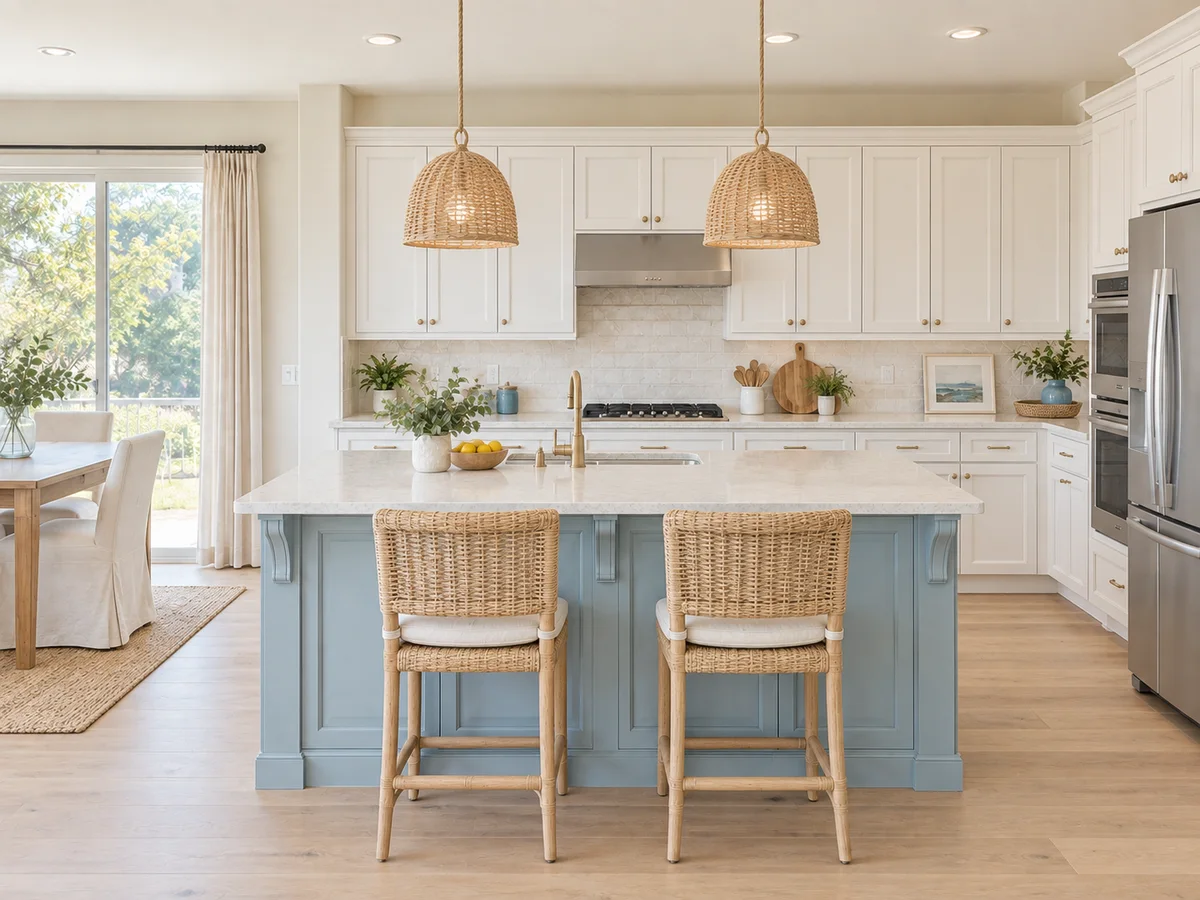 AfterBefore
Coastal Open-Plan Kitchen
The basics
What Is AI Kitchen Design?
AI kitchen design helps you explore a coordinated look for the kitchen in your photo. Choose a style and describe your priorities, such as oak fronts, a pale backsplash and warm task lighting. Finishes, flooring and fixtures may change together, making this useful when you want to compare whole-kitchen directions.
The AI is instructed to preserve walls, window and door openings, the ceiling and camera view. Add notes about fixtures you want to keep, then check the output against your photo. It does not measure clearances, verify plumbing or produce construction drawings. For cabinet finishes alone, use the Kitchen Cabinet Visualizer below.
- Starts from a photo of your own kitchen
- 10 styles, or describe your own look
- Walls, windows and doors are meant to stay in place
- No photo yet? A written brief creates a concept kitchen
Why Use This AI Kitchen Design Tool?
1. Your kitchen, not a stock photo
Ideas are applied to the room you cook in; its window, doorway and ceiling are meant to stay where they are.
2. One of 10 styles per run
From Modern Minimalist to Rustic Farmhouse, or use the Custom tab to describe a look or upload a reference image.
3. Finishes and lighting together
Wall finishes, light fixtures, flooring and colors change as one coordinated look.
4. Steer it with chips and notes
Add chips such as More Storage or Warm Lighting, and note the finishes you want or the things to keep.
5. A photo, or just a brief
No photo yet? Describe the kitchen you want and get a new concept to react to.
6. Free credits to start
New accounts receive signup credits. Each design uses 10 credits; your balance is shown in the workspace.
Style options
Kitchen Design Styles You Can Try
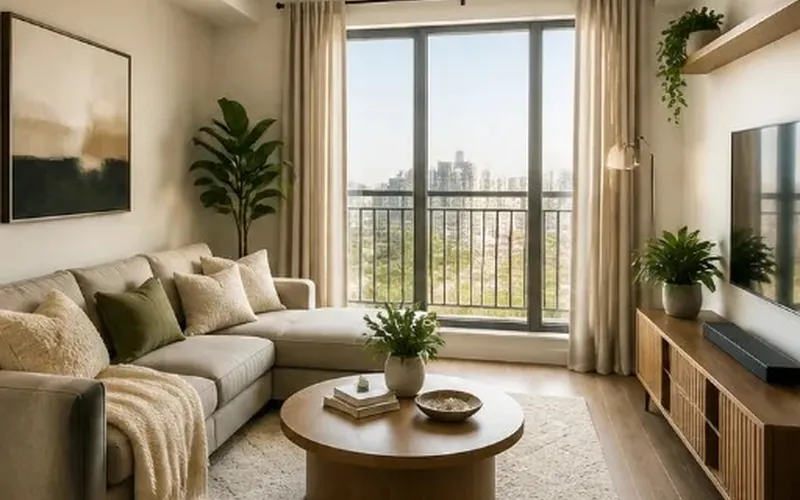
Pick one of 10 styles per generation. The thumbnails come from the style picker and show each look in a living room; the AI applies it to your kitchen.
Modern Minimalist
Clean lines, clear counters and hidden storage.
Scandinavian
Light oak, pale walls and bright, simple lines.
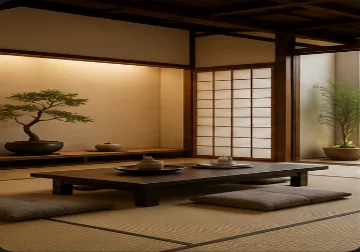
Japanese Zen
Natural wood, calm earthy tones, minimal decor.
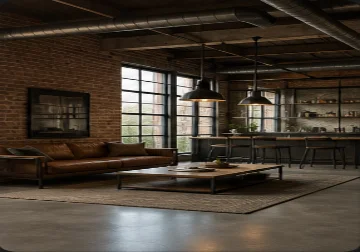
Industrial
Black metal, concrete and filament pendants.
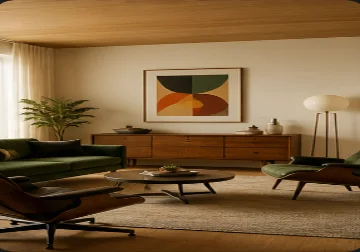
Mid-Century Modern
Walnut tones with teal or mustard accents.
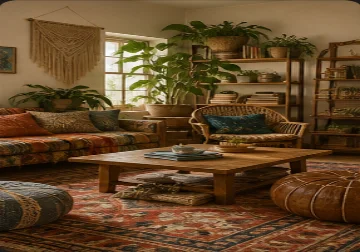
Bohemian
Terracotta warmth, plants and layered pattern.
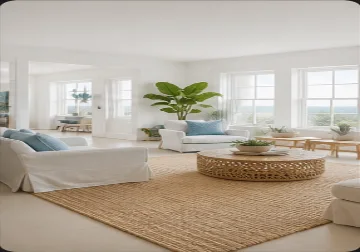
Coastal
White and sand tones with soft blue accents.
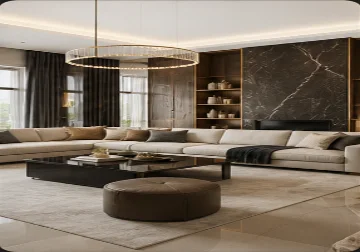
Luxury Modern
Marble, brushed brass and statement lighting.
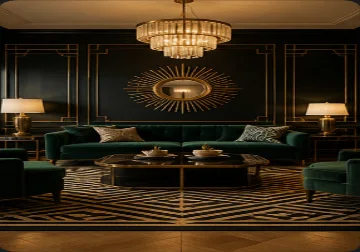
Art Deco
Geometric pattern, brass and jewel tones.
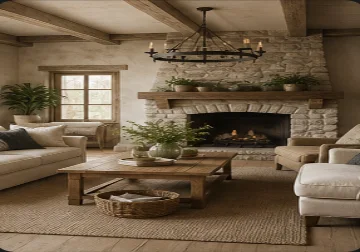
Rustic Farmhouse
Shiplap, reclaimed wood and black iron hardware.
Torn between two looks? Run both on the same photo, then compare them in History or download them.
How to Use AI Kitchen Design from a Photo
Upload a kitchen photo
Shoot from a corner or the doorway in daylight so cabinets, counters, window and appliances are in frame. PNG, JPG or WebP up to 10MB.
Pick a style and your must-haves
Choose one style, add detail or requirement chips if you like, and note anything to keep, such as the sink under the window.
Generate, compare, then plan
Check windows, doorways and requested fixture positions against your original. Compare another style in History, then share your preferred image as a visual brief for measured planning.
Plan an AI Kitchen Remodel Before You Get Quotes
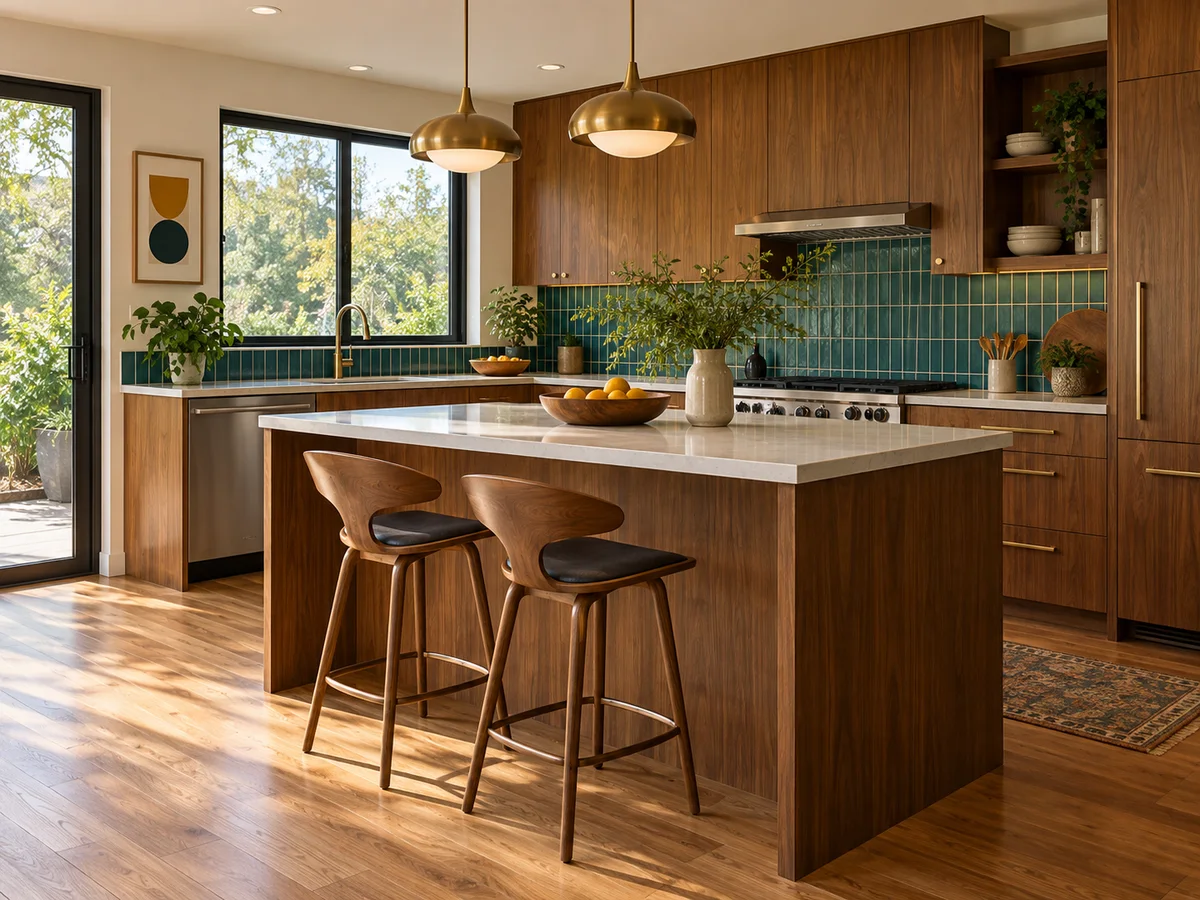
See the Whole Kitchen Change at Once
Choose one finish to anchor the kitchen, such as oak cabinet doors, then ask for a countertop and backsplash that work with it. Compare their visual contrast with the floor in one preview. Check real samples together; AI cannot confirm stain resistance, maintenance needs or exact material colors.
Try a Kitchen Style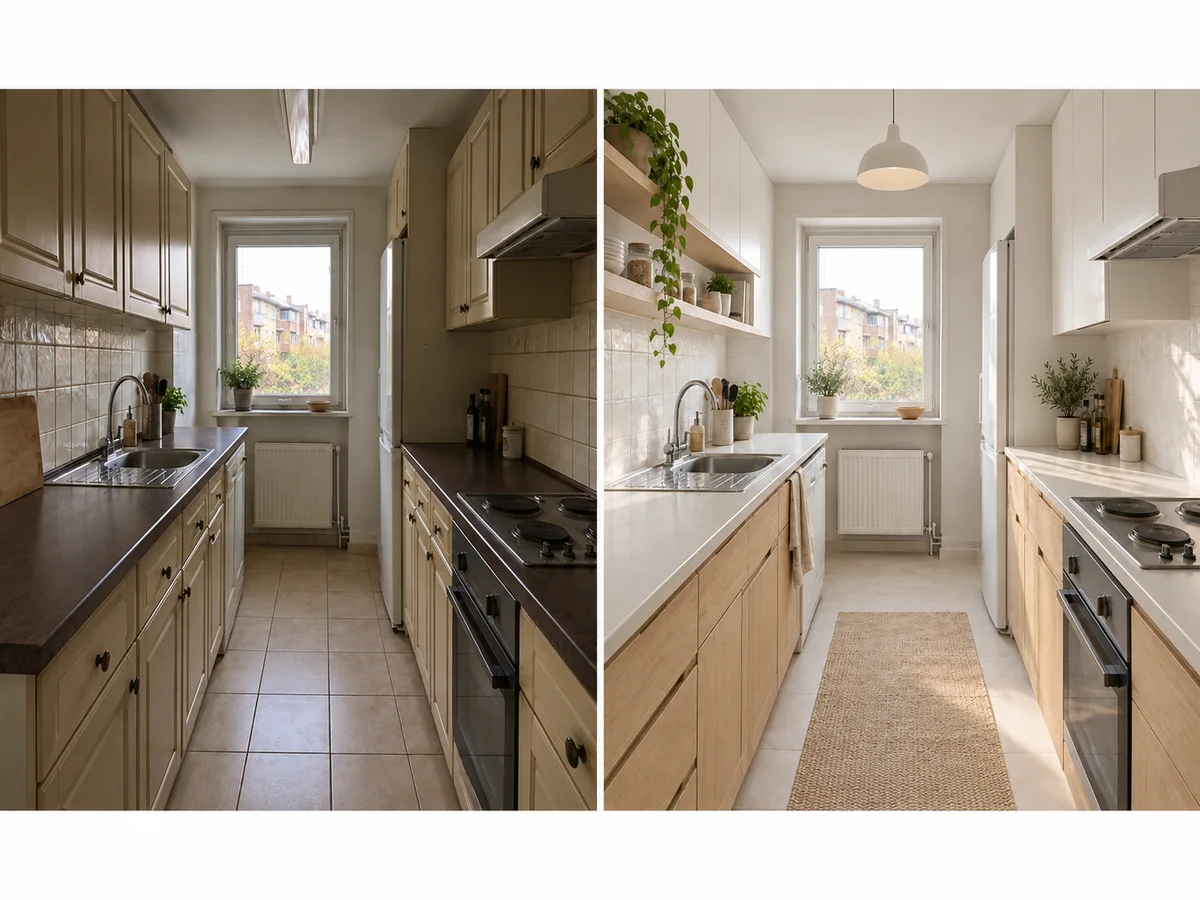
Keep the Room You Already Have
Inspiration photos show someone else's kitchen, often with a window where yours has a wall. This tool redesigns your photo and is instructed to keep wall positions, window and door openings, the ceiling and the camera view. Check each result against your original before you share it.
Upload My Kitchen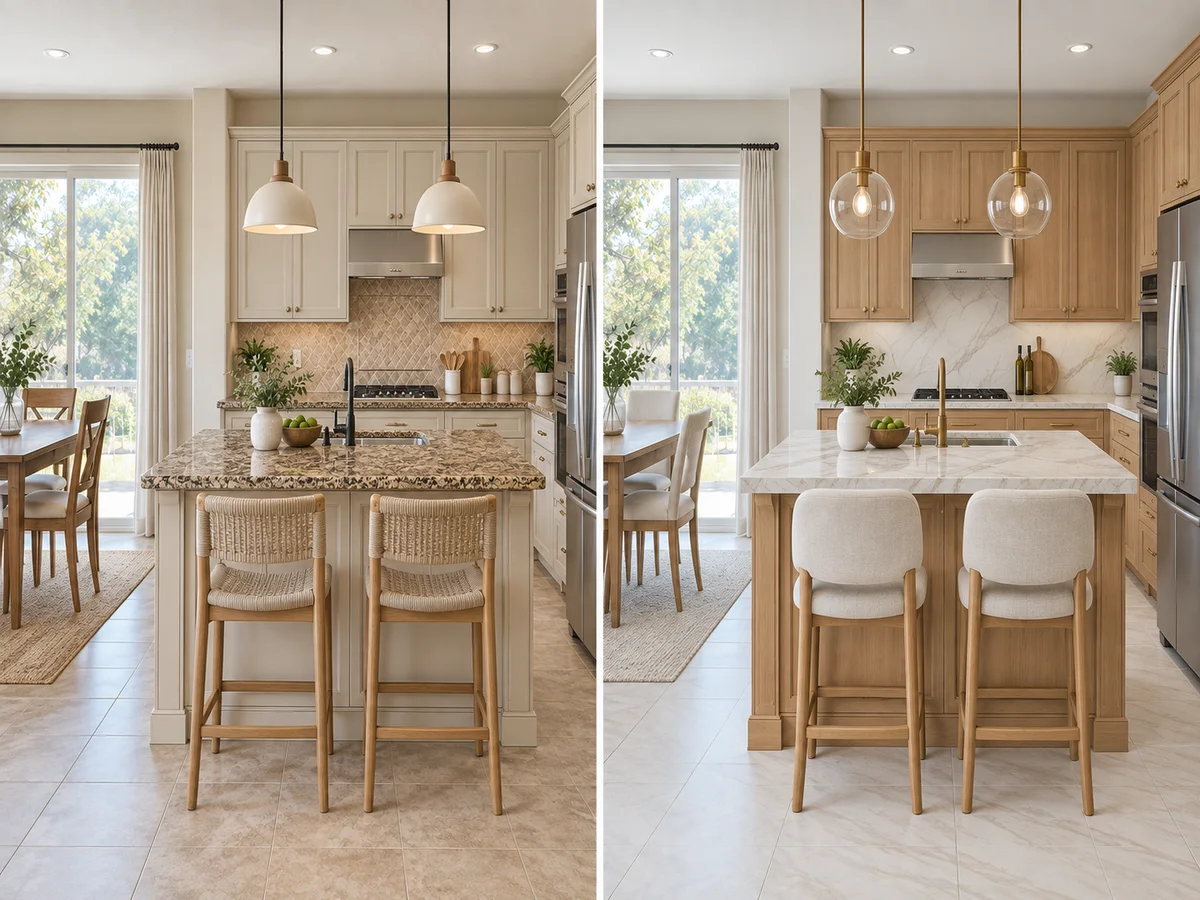
Set How Far the Remodel Goes
Add the Quick Refresh chip to focus on decor, lighting, textiles and color without heavy construction, or Full Renovation for bigger changes to finishes, fixtures and materials; the structure is meant to stay either way. Only need new cabinet doors? The Kitchen Cabinet Visualizer is asked to change only the fronts and hardware.
Change Only the Doors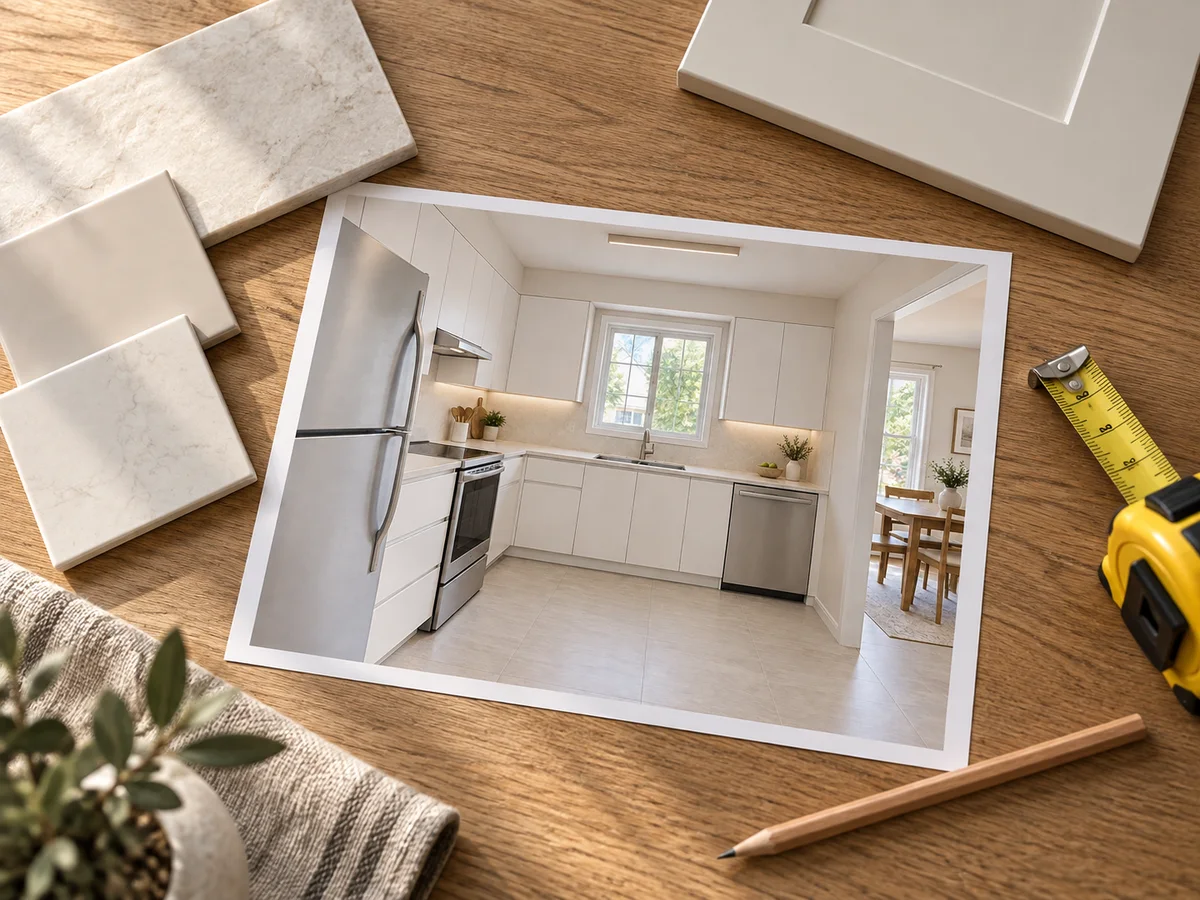
Compare Styles, Then Brief Your Builder
Ask for task lighting over work surfaces and a separate dining or island light, then compare styles in History. Take the chosen image and notes about appliance positions to your kitchen designer. They still need to verify counter space, door swings, plumbing and electrical requirements before pricing the work.
Compare Two Styles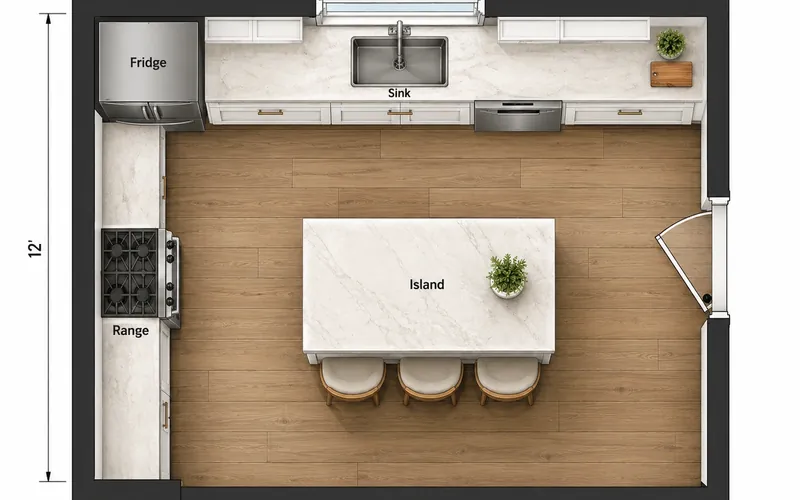
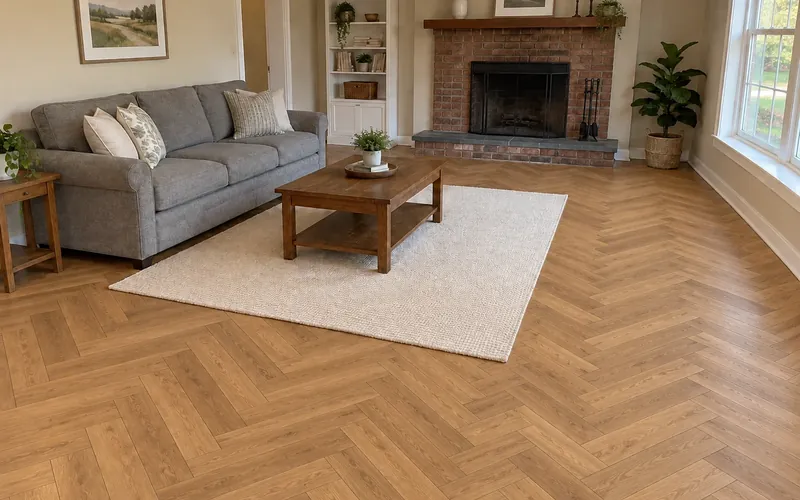
See Your Kitchen in a New Style
Upload one kitchen photo, pick a style and explore a remodel direction before you pay for drawings. New accounts get free credits to start.
Redesign My Kitchen Free- 10 credits per generation
- PNG, JPG or WebP up to 10MB
AI Kitchen Design Questions
New accounts receive free signup credits. Each design costs 10 credits, and how many you can run depends on your balance, which the workspace shows. Sign in to generate; free requests may enter a queue.
Yes. Upload a PNG, JPG or WebP up to 10MB, pick a style and generate. The AI redesigns that photo rather than inventing a room, and is asked to keep the walls, window and door openings, ceiling and camera angle.
It is instructed to keep the architecture, not every fixture. Walls, windows, doors and the ceiling should stay, while cabinets, counters and lighting can be restyled. Add a note such as "keep the sink under the window" and compare the result with your original photo.
Use it for the look, not the plan. It helps you pick a direction before paying for drawings, but it does not measure, check plumbing, gas or electrical work, or estimate cost. Share the image with your contractor as a visual brief.
This works as a kitchen remodel app in your browser — no download. New accounts get free credits, and each AI kitchen remodel preview uses the same credits as any other design. For the layout side of a remodel (moving the sink, adding an island), plan it with the Kitchen Layout Planner first.
This page redesigns the whole kitchen, so counters, flooring and lighting can change too. For new cabinet doors on your current layout, use the Kitchen Cabinet Visualizer, which is asked to keep the counters, backsplash, appliances and layout.
There are 10, including Scandinavian, Industrial, Coastal and Rustic Farmhouse. Each generation applies one style; run again on the same photo to compare. The Custom tab lets you describe your own look or upload a reference image.
Yes. Leave the upload empty and describe the kitchen you want in the notes, such as its size, layout and style. The AI then creates a new concept kitchen rather than editing yours, so a photo gives more useful remodel ideas.
Check three things: it works on your own photo, it says what it keeps and changes, and the cost is clear before you generate. Here the architecture is meant to stay and each design costs 10 credits. No AI image replaces a measured plan.