
2D Plan to Elevation AI
Turn a 2D floor plan into an elevation with AI: upload your plan, pick a view and a style, and get a photorealistic front elevation render.
Create My House ElevationCreate a House Elevation Design
Upload a floor plan or describe the house, then choose the elevation view and style.
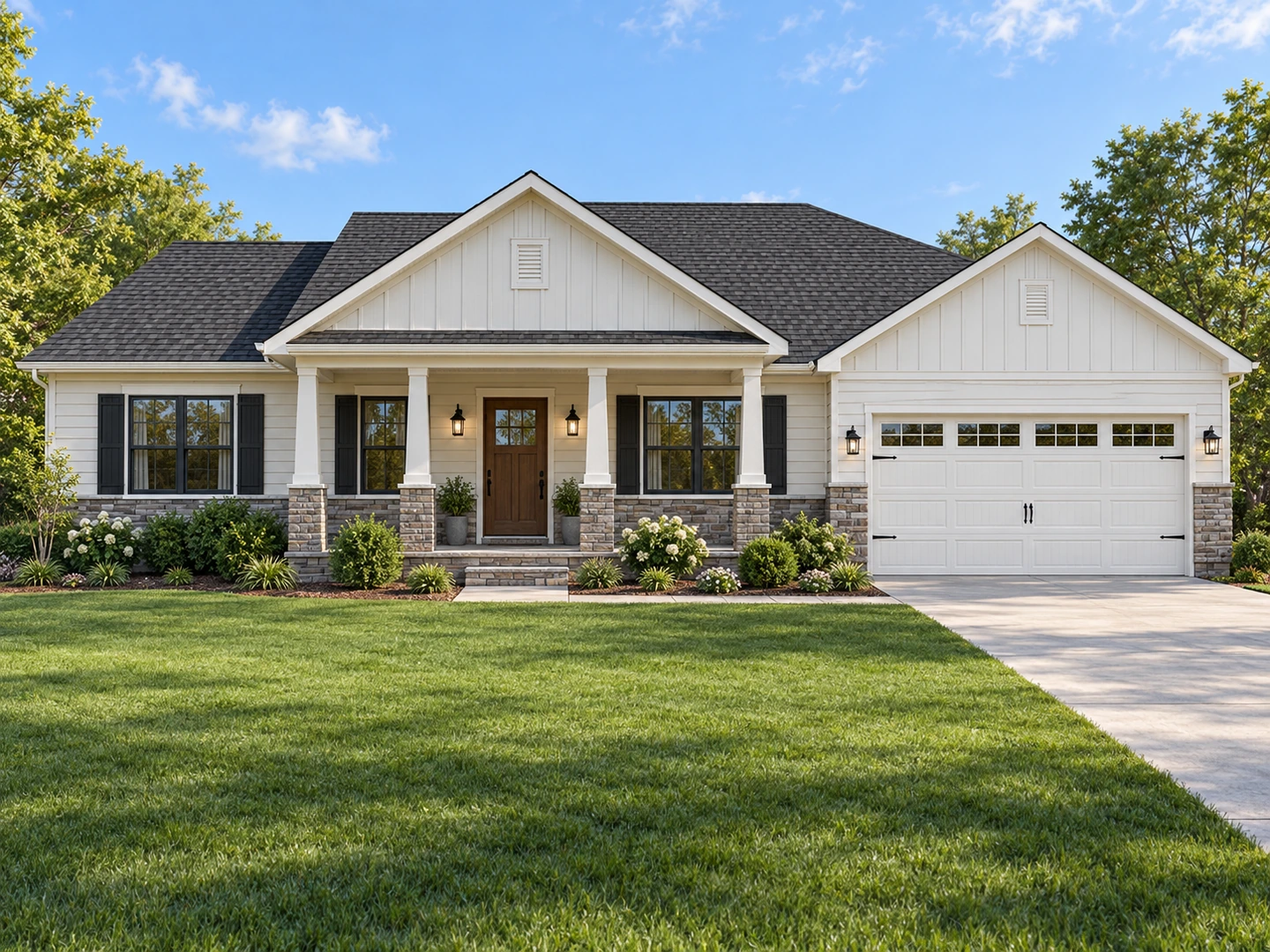
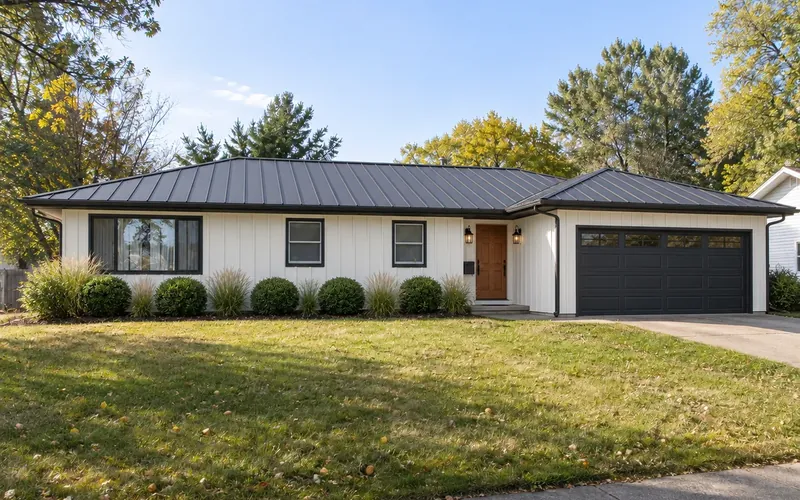
Ranch house
Front elevation · 3D render
House Elevation Examples
A plan or a short brief on the left, the generated elevation on the right.
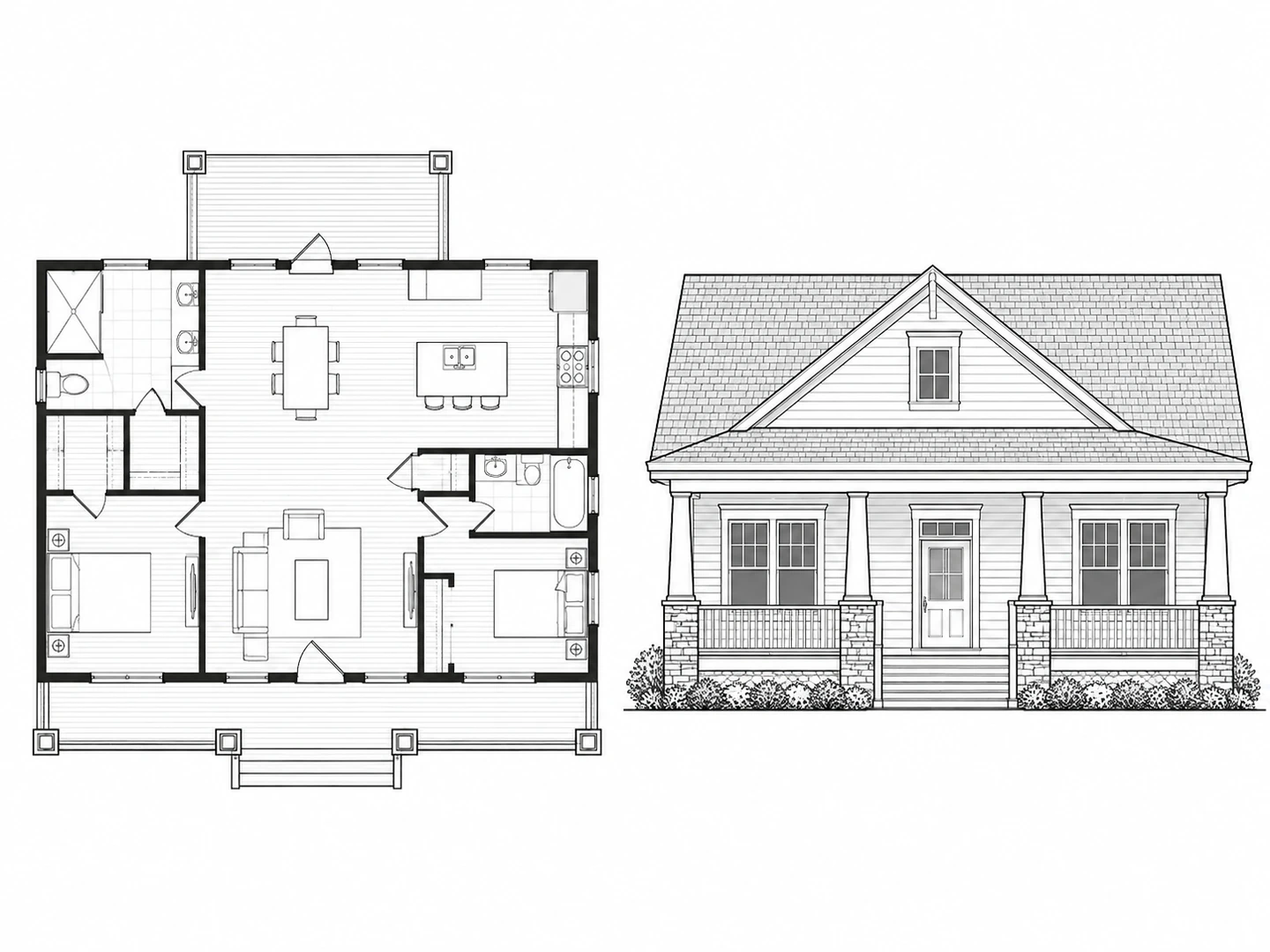
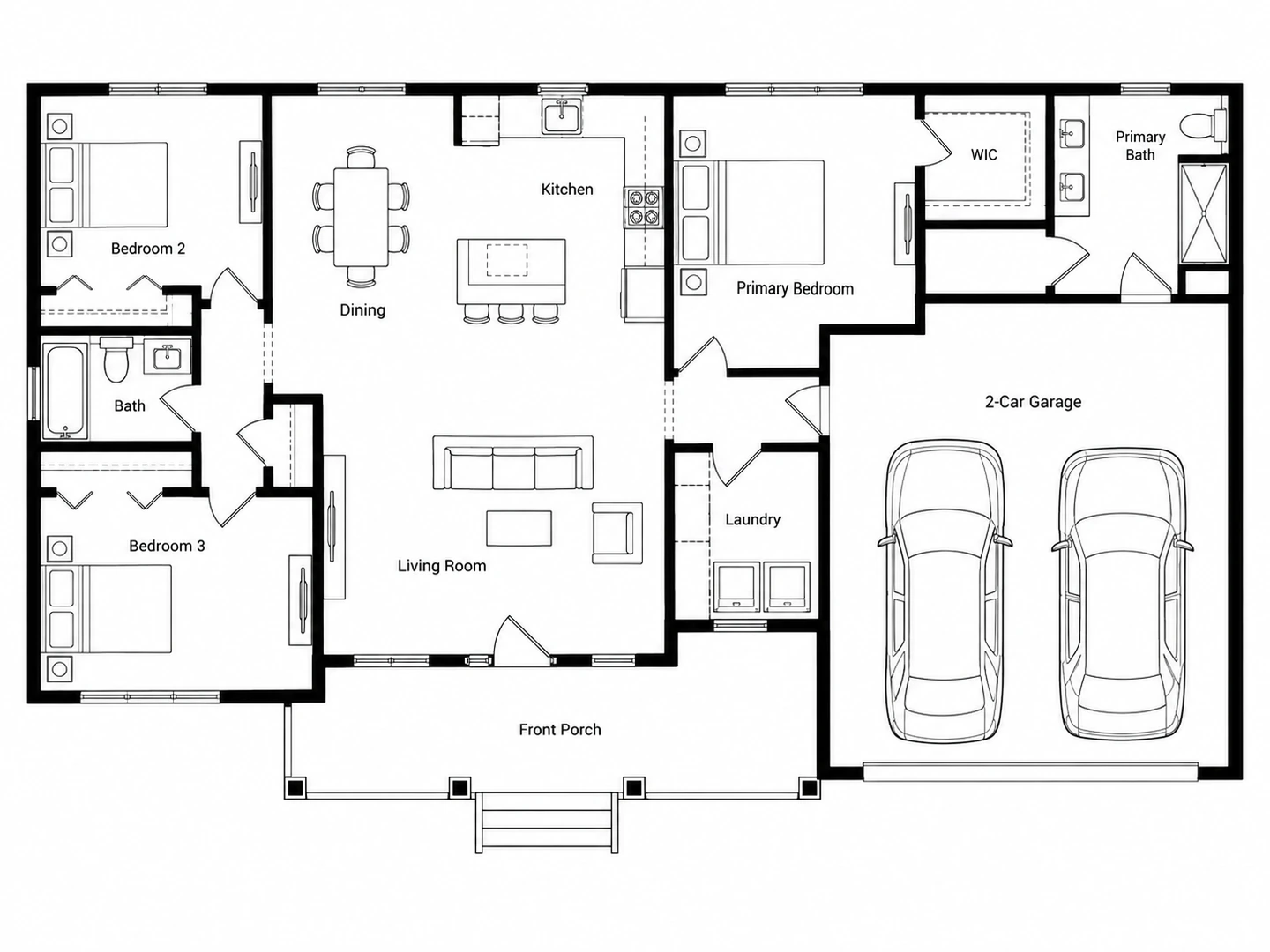
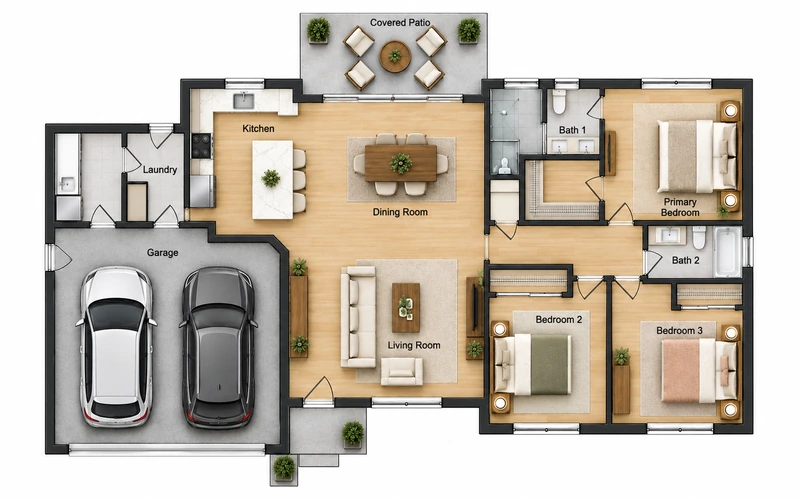
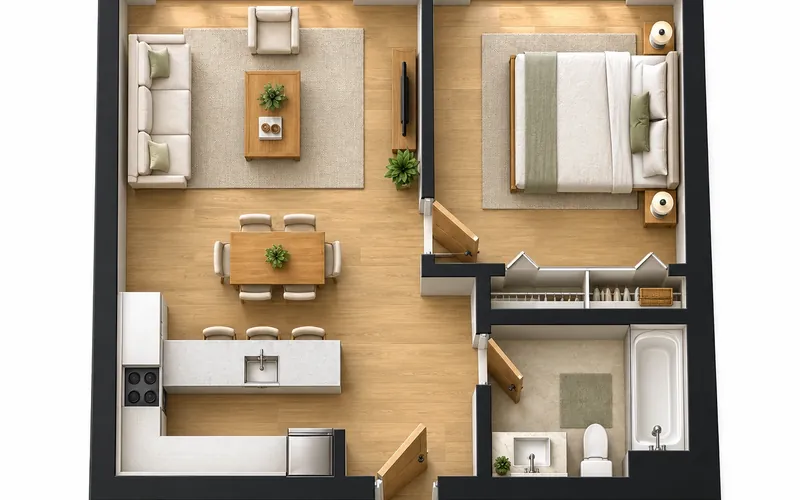
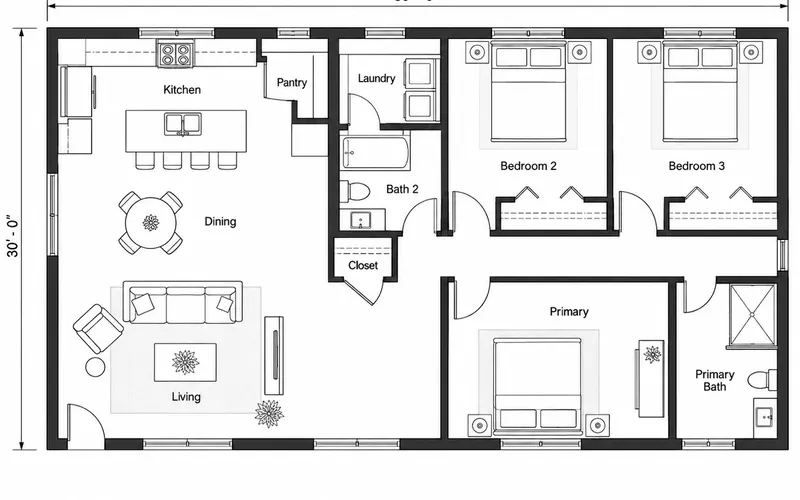
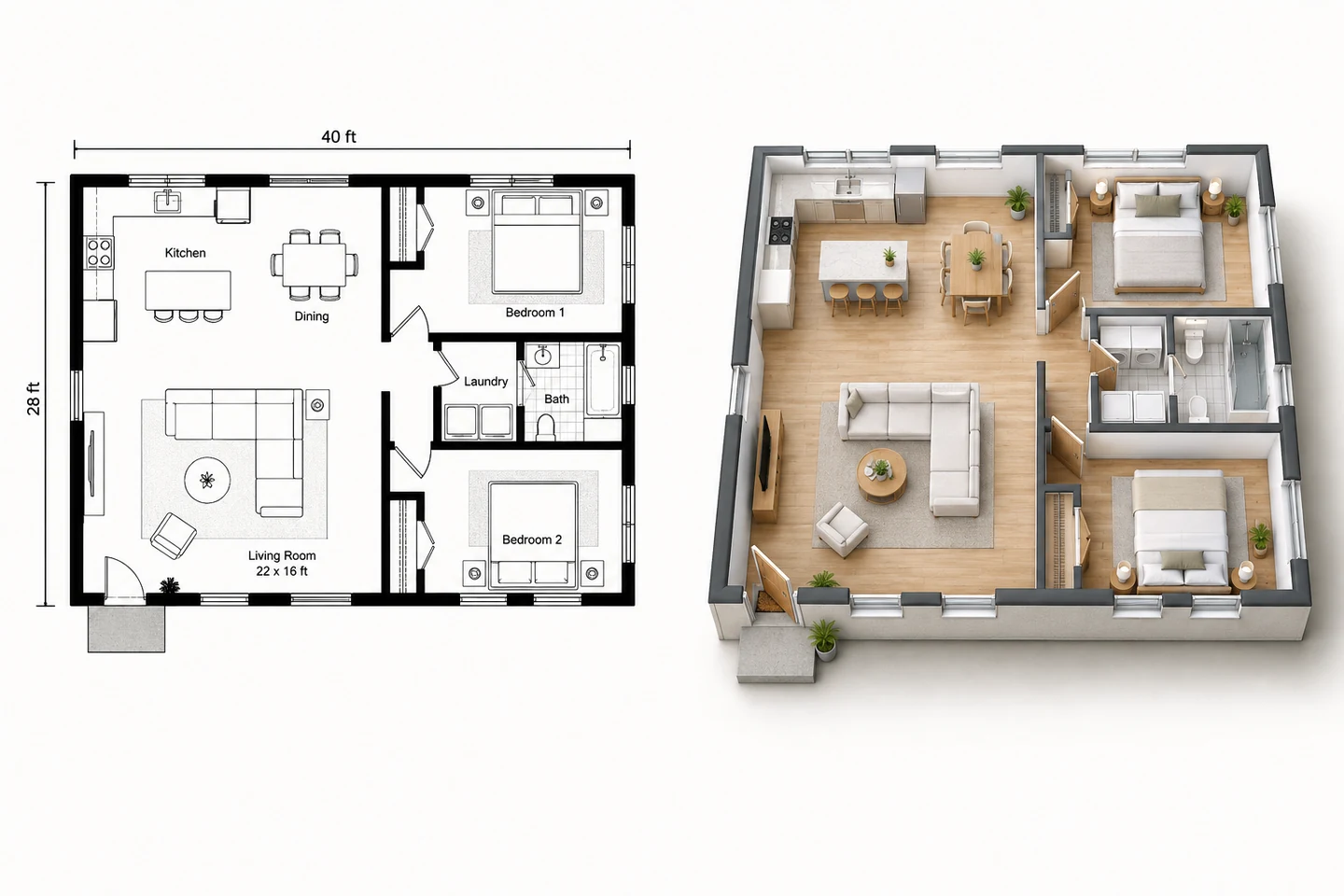
Before After Ranch floor plan to a photoreal front elevation
Before After Two-story plans to a 2D front elevation drawing
Before After Modern farmhouse elevation from a written brief
Plan → facade
What Is the Front Elevation of a House?
An elevation is a straight-on view of one side of a building, with no perspective: the front elevation shows the street-facing facade — its width, floor heights, roof line, windows, doors and materials. A floor plan tells you how a house works inside; the elevation tells you how it looks from outside.
This 2D plan to elevation AI reads your floor plan — overall width, number of floors, where the entrance and garage sit, where the windows are — and draws a matching house elevation in the style you choose. Use it to explore facade designs early; final elevations for permits come from your designer.
- 3D render or 2D elevation drawing
- Front, side or all four elevations on one sheet
- Eight architectural styles or your own reference
- Works from a plan or from a written brief
How to Convert a 2D Plan to Elevation with AI
Upload the floor plan
A clear plan of the main floor works best. No plan yet? Skip the upload and describe the house in the notes.
Choose view and style
Pick a front render, a 2D front elevation drawing, a side view or all four elevations, then choose an architectural style.
Generate and refine
Compare the elevation with your plan. Adjust the notes — roof type, materials, porch — and generate again.
Elevation Design Without Starting from Scratch
Front elevation renders that match the plan
The AI keeps the facade consistent with your floor plan: the same width, the entrance where the plan puts it, the garage on the right side, window openings where the exterior walls have them.
Render a front elevation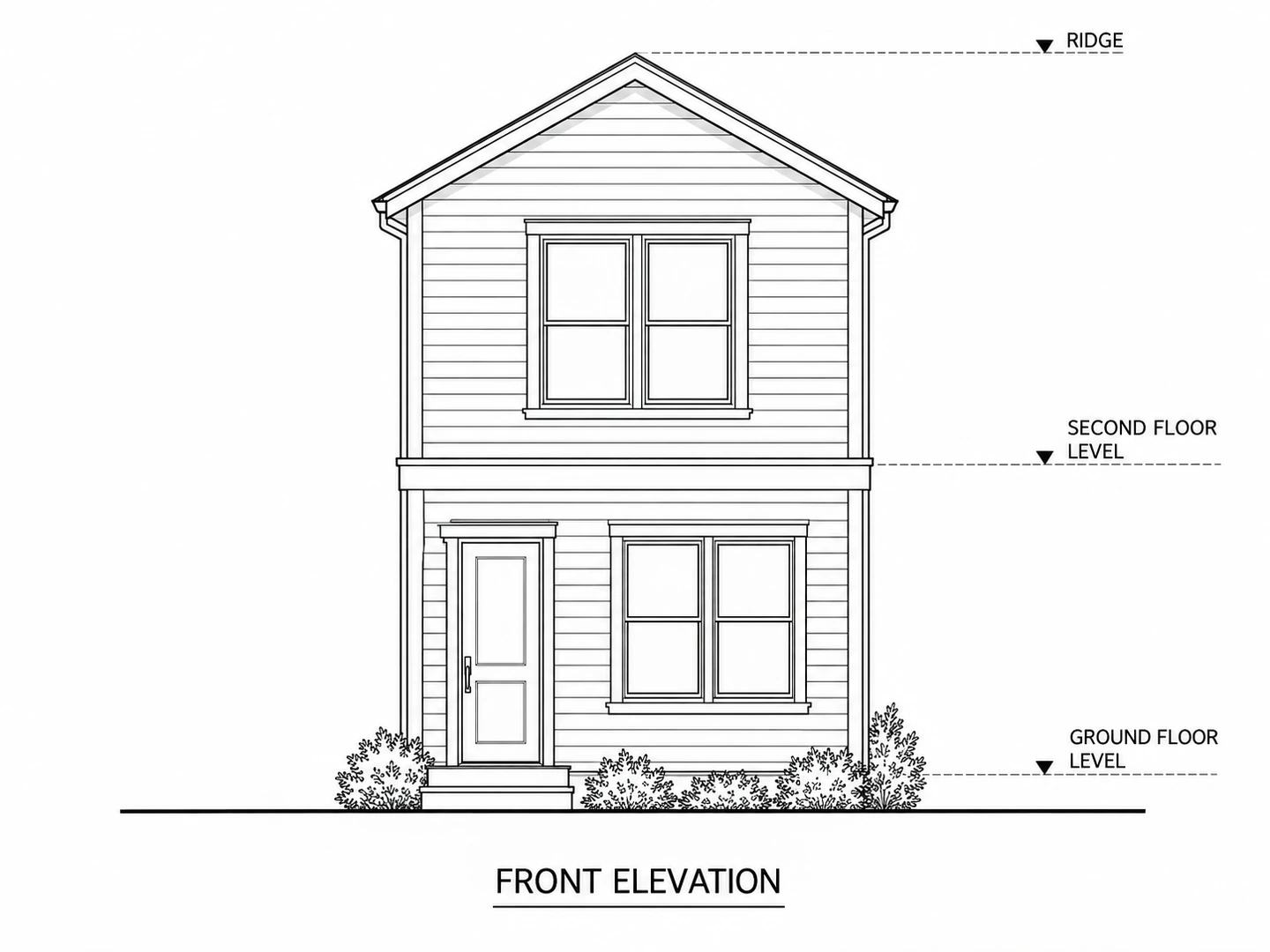
2D elevation drawings
Choose the drawing view for clean black-and-white elevations with a ground line and floor level marks — the format designers and builders expect.
Draw an elevation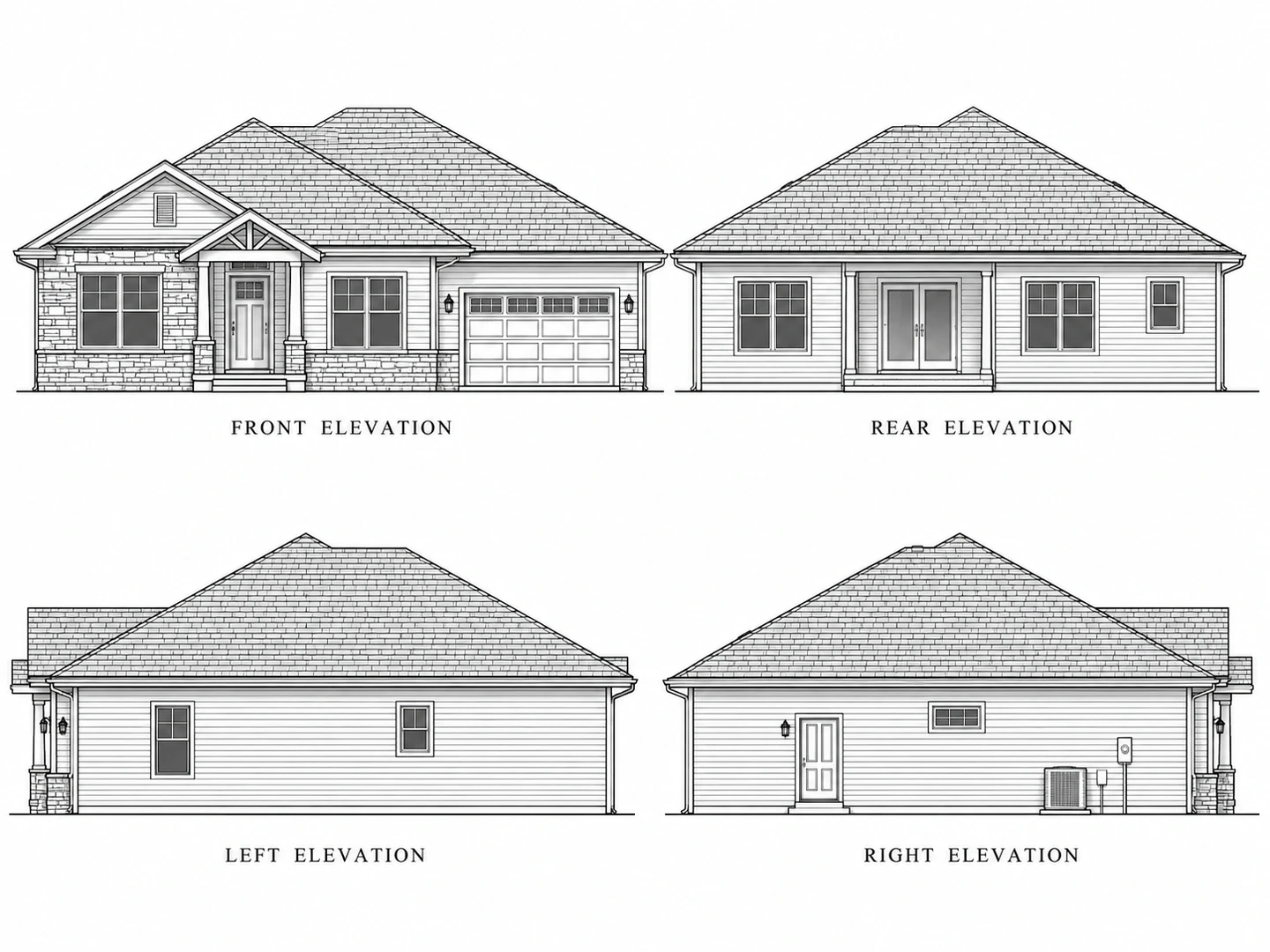
All four elevations on one sheet
Generate the front, rear, left and right elevations together, with consistent heights and roof lines across the views.
Blueprint maker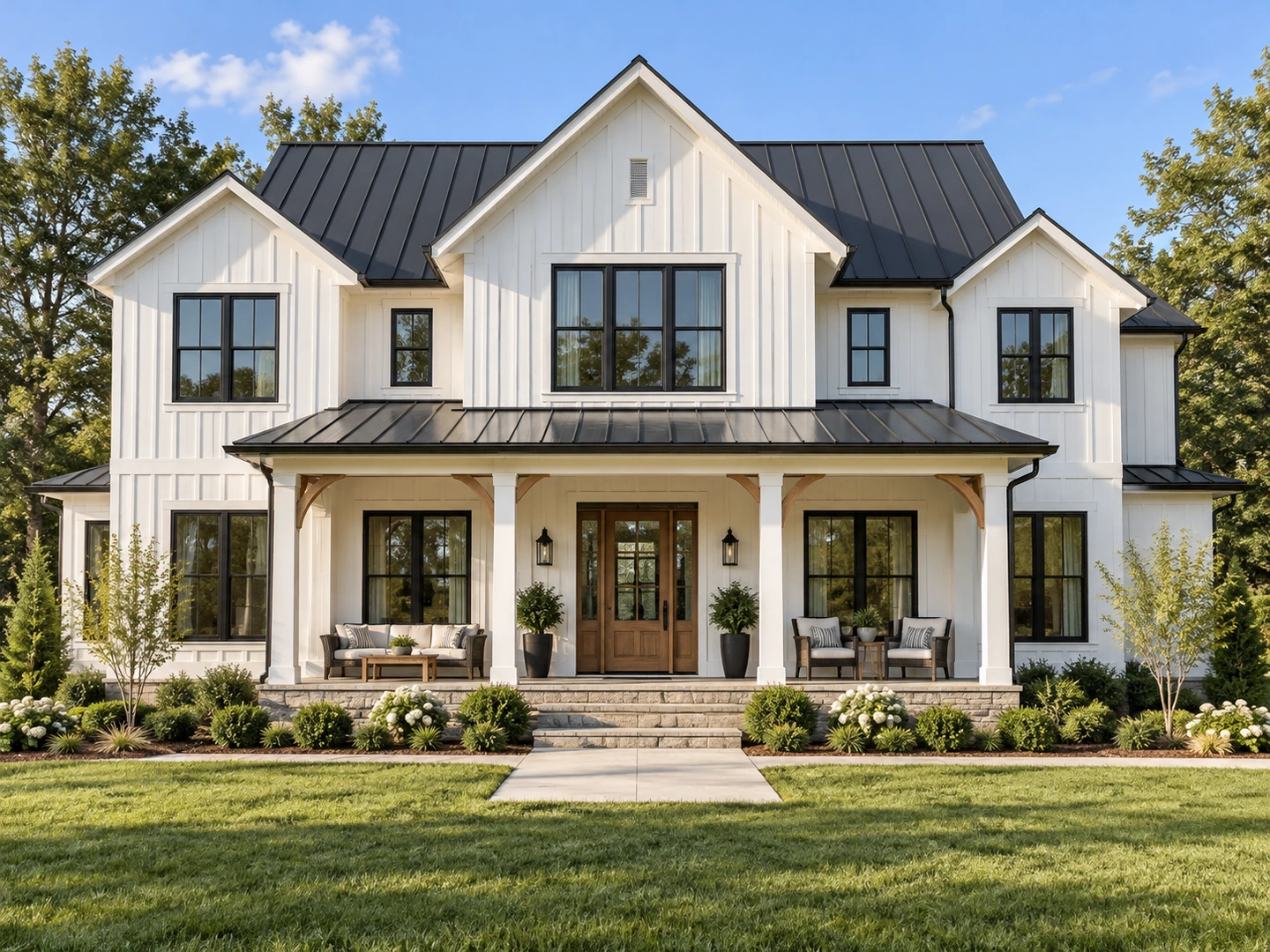
Try elevation styles on your own house
Compare a modern, farmhouse, craftsman or Mediterranean elevation for the same plan. Already built? Restyle a photo of the real house with AI exterior design.
AI exterior designReading elevations
Types of House Elevations
| Elevation | What it shows | Used for |
|---|---|---|
| Front elevation | The street-facing facade: entry, garage, porch, roof | Design approval, curb appeal, HOA review |
| Rear elevation | The back facade: patio doors, decks, large windows | Backyard planning, view and light |
| Side (left / right) elevation | The side walls, roof pitch, chimneys, side entries | Setbacks, neighbor relationship, roof design |
| Exterior elevation render | A photorealistic version of a facade | Presentations, marketing, choosing materials |
Who Uses a Plan to Elevation Generator
Home builders and self-builders
See the front elevation of the house before committing to a facade, and test two or three home elevation styles on the same plan.
Designers and drafters
Produce quick elevation concepts for a client meeting, then refine the chosen one in your CAD software.
Real estate and developers
Visualize the exterior elevation of a planned home or duplex for marketing, labeled as a concept.
2D Plan to Elevation AI FAQ
A straight-on, no-perspective drawing or render of the street-facing side of a house, showing its width, heights, roof, windows, doors and materials.
Yes. Upload the plan and the AI derives the facade from it — width, floors, entrance, garage and openings — then draws it in the style you pick. Treat the result as a concept and confirm heights and details with your designer.
New accounts get free credits and each elevation uses 10 credits, so your first elevations are free.
Yes. Skip the upload and describe the house: number of floors, width, garage, porch, roof and materials.
Modern farmhouse, contemporary, craftsman, colonial, Scandinavian modern, Spanish/Mediterranean, coastal cottage and industrial modern — or describe your own or upload a reference photo.
No. Permit elevations must be drawn to scale with real dimensions and code details by a qualified professional. Use these as design concepts.
See Your House from the Street
Upload a floor plan or describe the house and get a front elevation in seconds. New accounts get free credits.
Create My Elevation