
Floor Plan to 3D
Turn any 2D floor plan into a 3D floor plan: upload a plan image, choose a style, and the AI raises the walls and furnishes each room.
Convert My Floor Plan to 3DConvert a 2D Floor Plan to 3D
Upload a clear plan, choose an interior style and add notes about the view or finishes.
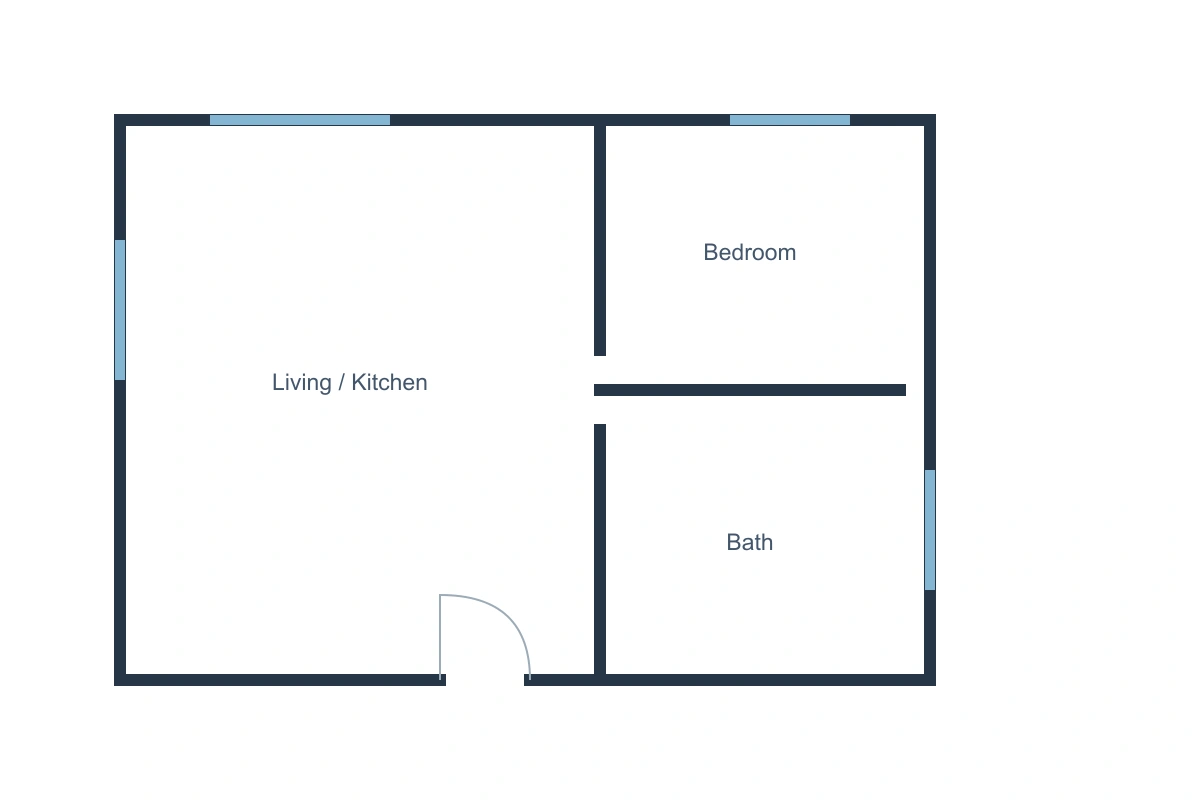
One-bedroom apartment
Modern minimalist 3D floor plan
2D to 3D Floor Plan Examples
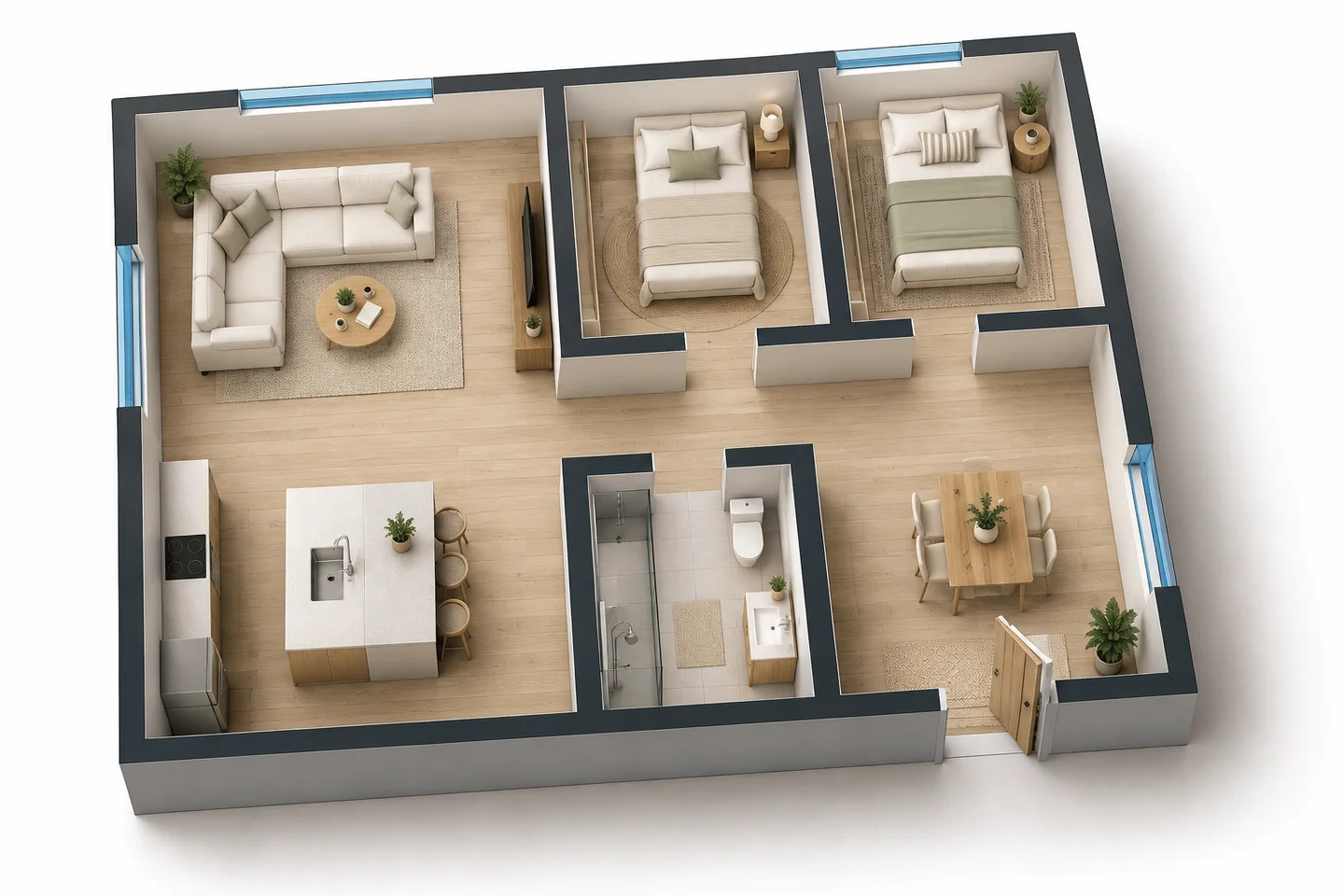
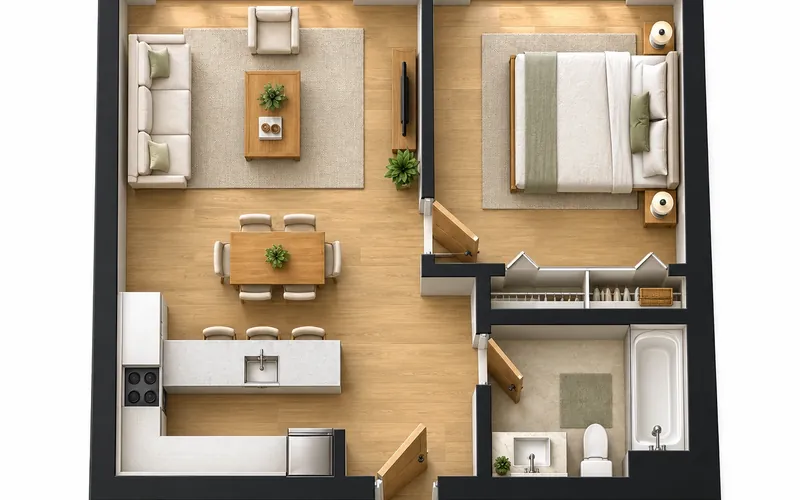
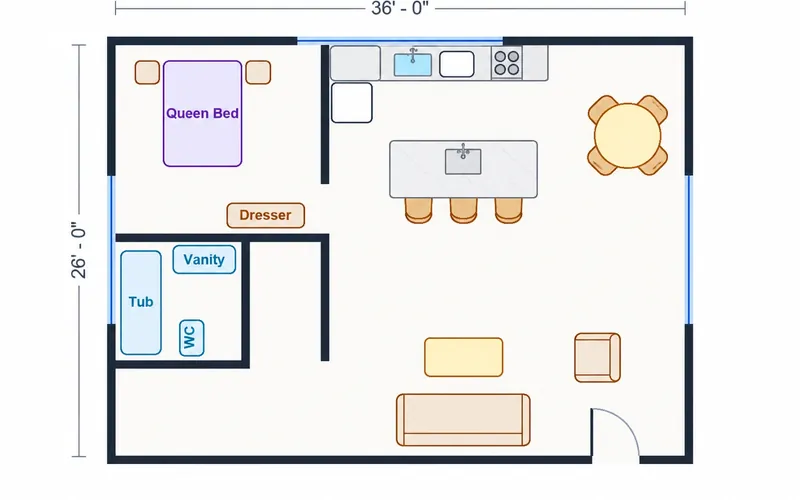
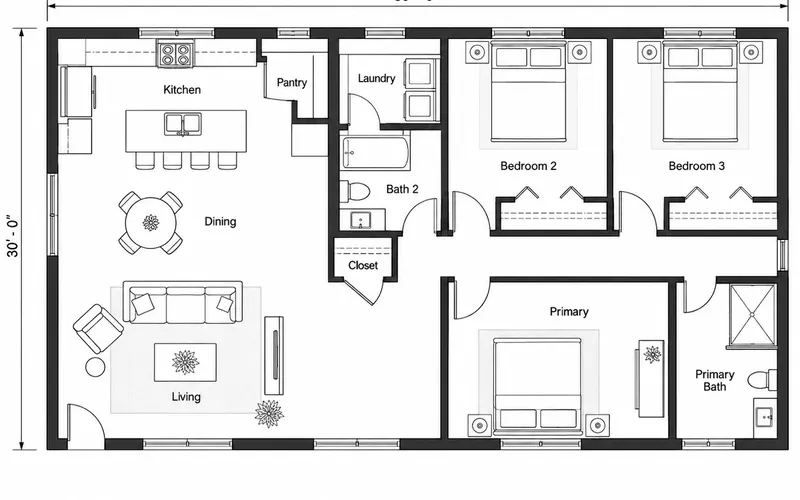
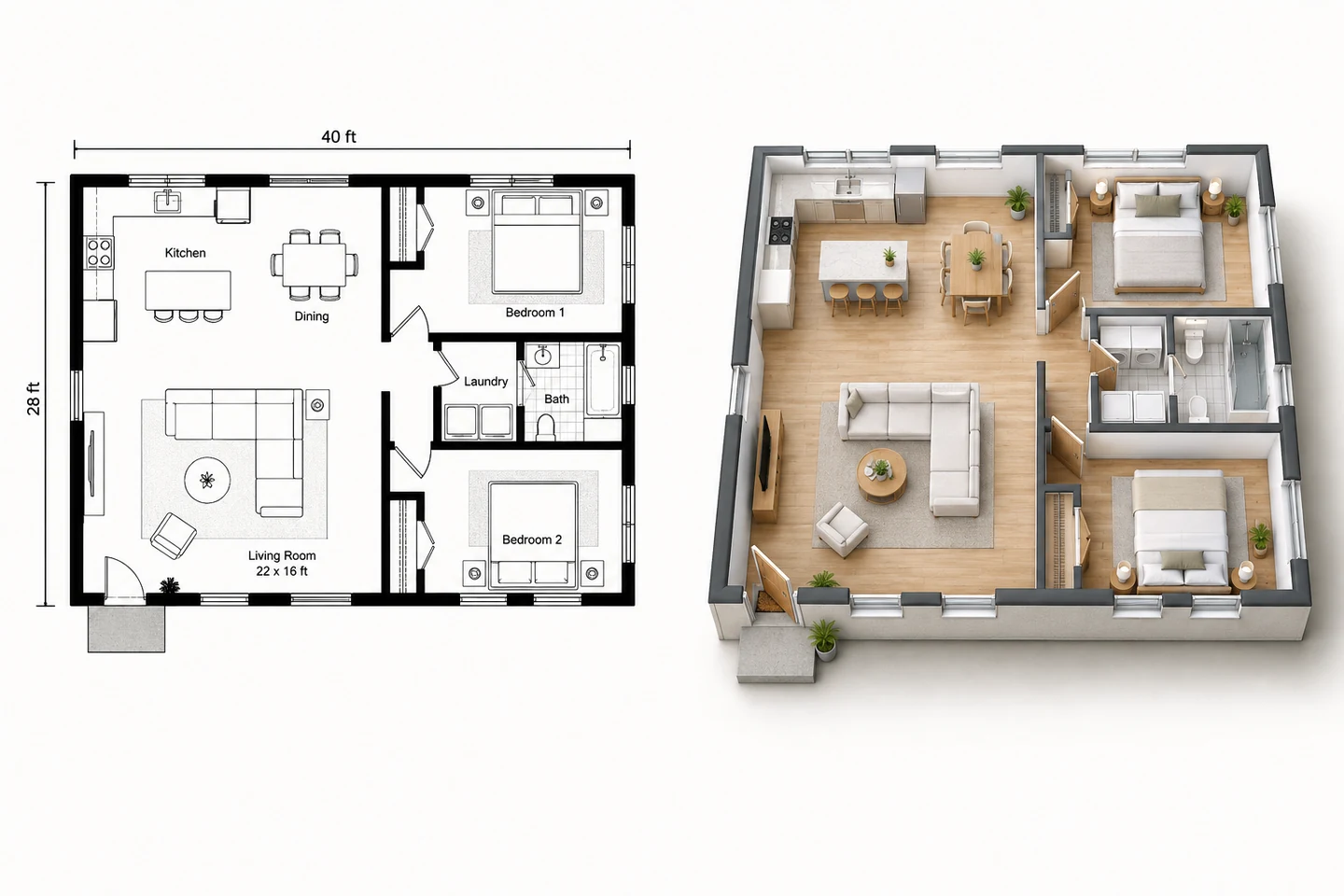
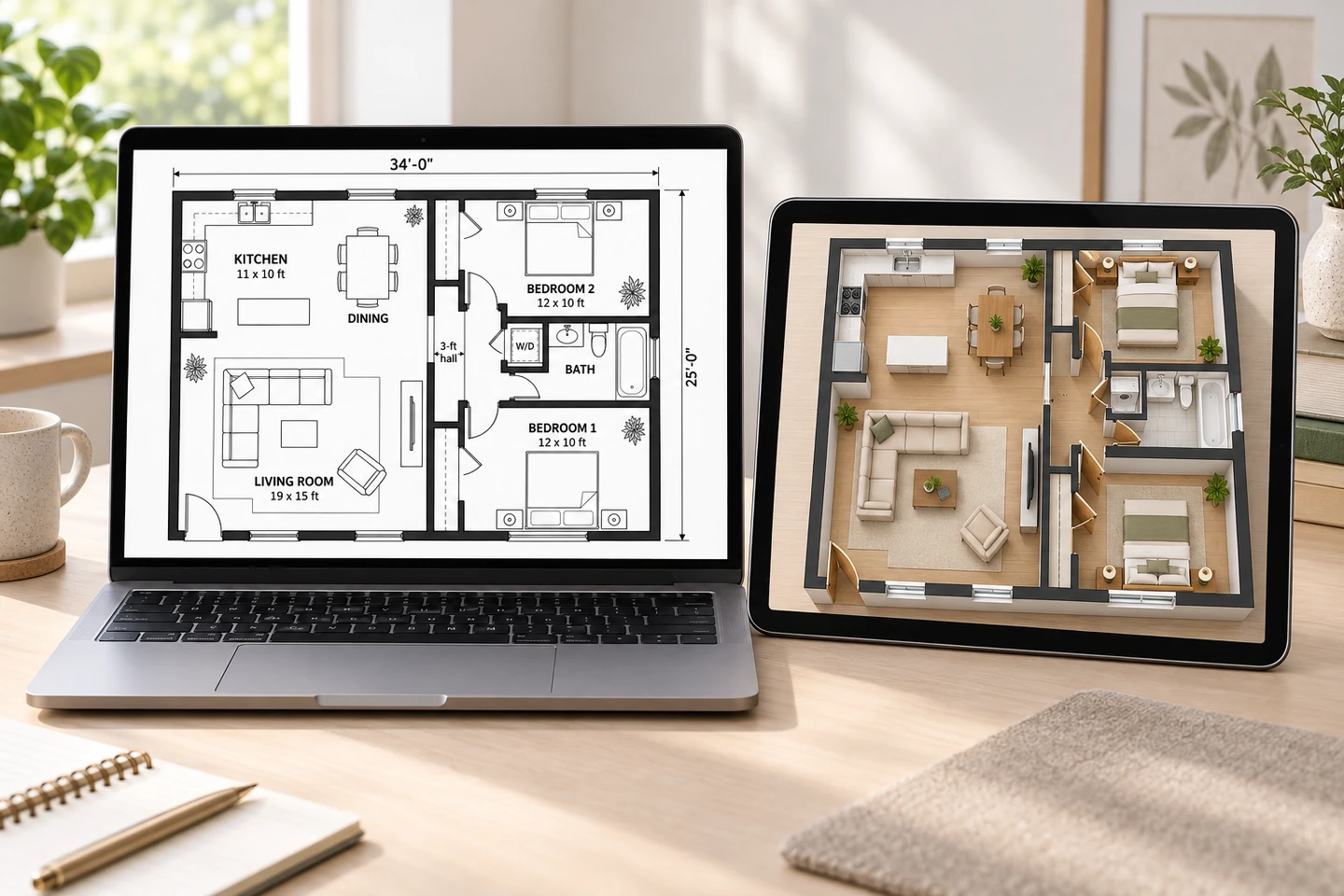
Simple 2D plans on the left, generated 3D floor plans on the right. Walls, rooms and openings stay where the plan puts them.
Before After One-bedroom apartment plan to 3D floor plan
Before After Two-bedroom home plan to furnished 3D view
Before After Open-plan kitchen, dining and living in 3D
From flat to furnished
What Is a 3D Floor Plan?
A 3D floor plan shows a building from above with the roof removed and the walls raised, so you can see every room furnished at once. It is far easier to read than a flat 2D plan: buyers see how rooms connect, clients see how the space will feel, and everyone sees where the furniture fits.
This floor plan to 3D converter does it with AI. Upload any clear 2D plan — a builder’s plan, a listing brochure or one you made here — and get a rendered 3D floor plan image. It is a visualization, not an editable 3D model, so keep the original plan as the source of truth for measurements.
- Works from images: PNG, JPG or WebP
- Keeps walls, rooms and openings in place
- Furnishes each room for its purpose
- Choose from ten interior styles
Why Turn Your Floor Plan into 3D
A 3D floor plan answers the questions a flat drawing leaves open.
1. Read the layout instantly
See how the entry, kitchen, living area and bedrooms connect without decoding wall lines.
2. Check furniture fit
Beds, sofas and tables are placed at a believable scale so you can judge each room.
3. Preview a style
Try modern, Scandinavian, Japandi and more on the same plan before choosing finishes.
4. Better listings
Give buyers a furnished overview next to the 2D plan, labeled as an illustration.
5. Plan stays the reference
Repeat key room names or sizes in the notes so the render keeps useful anchors.
6. Verify before building
Confirm dimensions and structure with the original drawing and a professional.
How to Convert a Floor Plan to 3D
Upload a clear 2D plan
Use a high-resolution image with walls, doors and room labels visible. Crop away unrelated brochure content.
Choose a style and view
Pick an interior style and, if you like, describe the view angle, flooring and which rooms to furnish.
Generate and compare
Check the 3D floor plan against the source plan, then refine the notes if a room or opening was misread.
A 3D Floor Plan Maker for Real Decisions
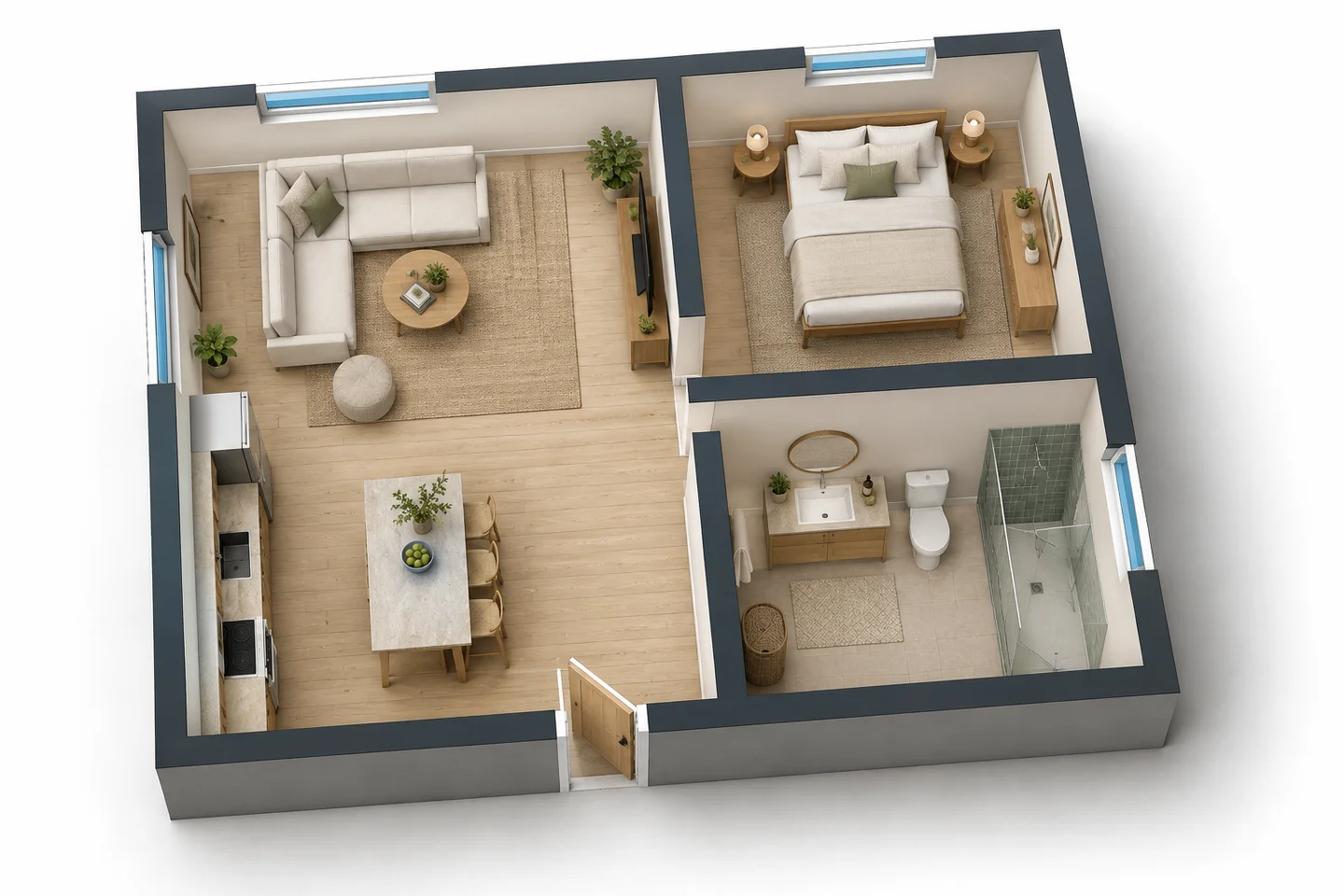
Room relationships at a glance
A furnished overhead view makes circulation obvious: how you walk from the door to the kitchen, which bedrooms share a wall, where the light comes in.
Upload a planFurniture at a believable scale
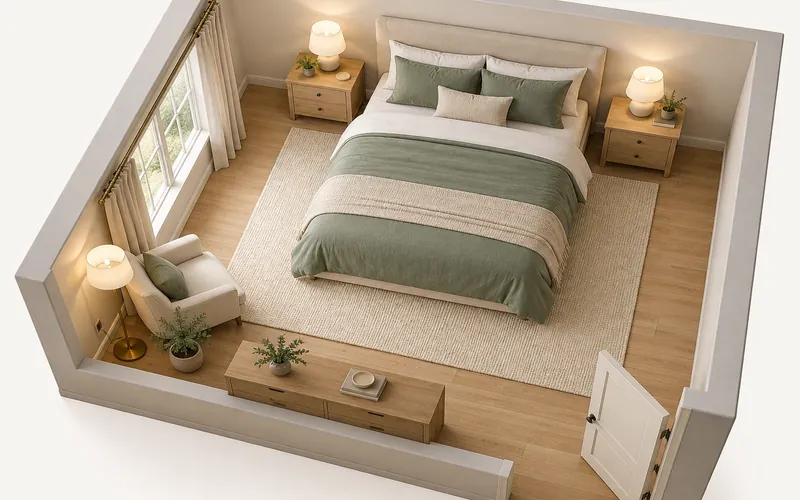
Each room is furnished for its apparent use — beds in bedrooms, a sofa and rug in the living room, cabinetry in the kitchen — so the space can be judged at a glance.
Preview furniture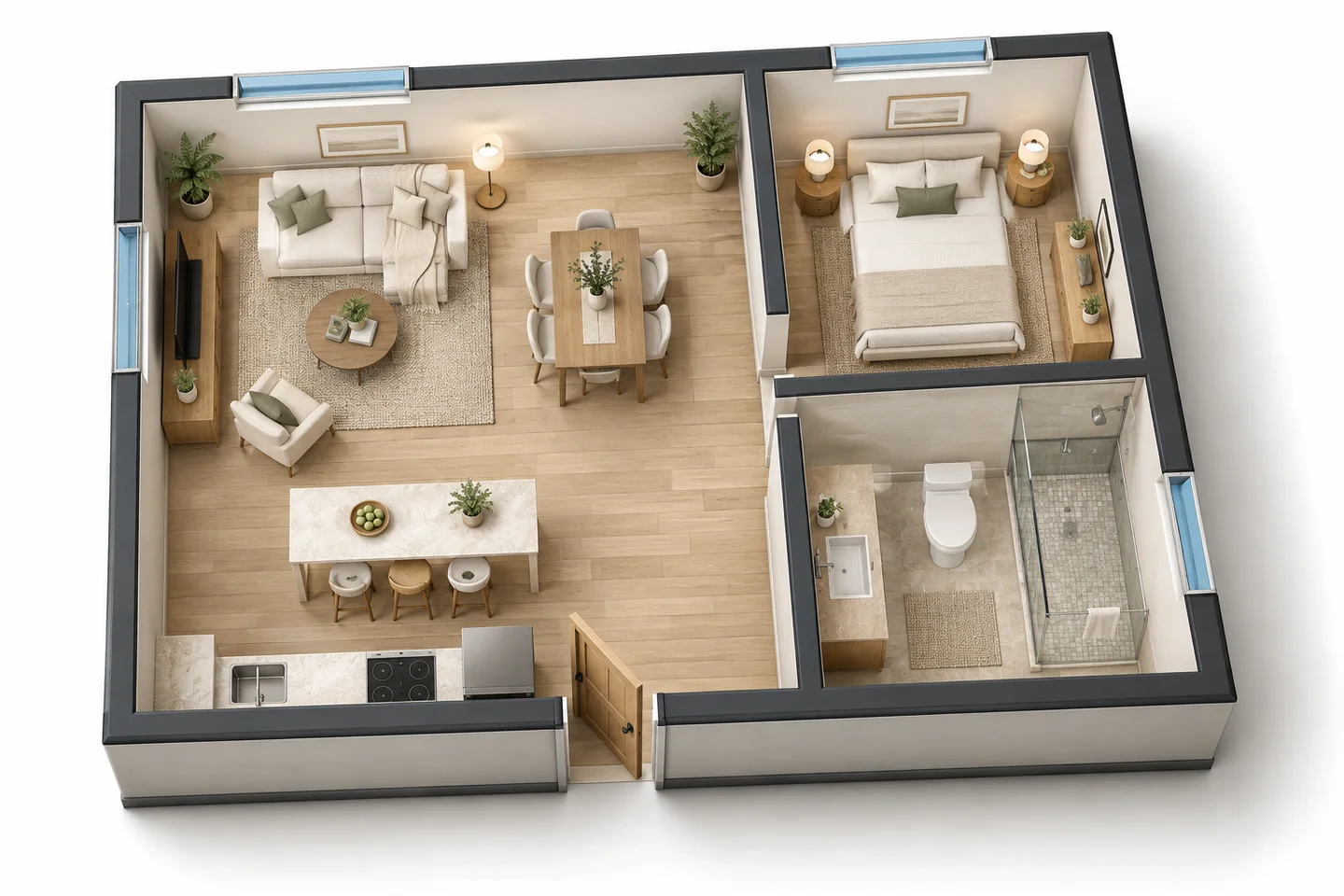
Compare interior directions
Run the same floor plan with a different style or material note to compare a few looks side by side.
Try another styleNo 2D plan yet? Make one first
Generate a 2D floor plan from a description on the homepage or the House Floor Plan page, then bring it here — or simply pick the 3D Isometric style there.
Make a 2D planWho Converts Floor Plans to 3D
Real estate agents and sellers
Make a flat listing plan easier to understand with a furnished 3D floor plan, labeled as a visualization.
Interior designers
Show furniture zones and a style direction in the first meeting, before detailed drawings.
Buyers and renovators
Understand an unfamiliar plan, or compare how a renovated layout could be furnished.
Related guides
How to Make a 3D Floor Plan, From a 2D Plan or From Scratch
How to make a 3D floor plan: convert a 2D plan with AI in seconds or build it in 3D software with real wall heights. Plus 3D renderings and elevations.
Best Free Floor Plan Software: 9 Options Compared
The best free floor plan software compared: Floorplanner, Planner 5D, RoomSketcher, SketchUp Free, Sweet Home 3D, Homestyler, SmartDraw, Canva and AI.
Floor Plan to 3D FAQ
Upload the plan image, choose an interior style and click Generate. New accounts get free credits and each conversion uses 10 credits, so your first 3D floor plans are free.
No. You get a rendered 3D floor plan image (PNG), not an editable CAD, BIM or GLB model.
The AI is instructed to keep every wall, room and opening where the plan puts them, but it can misread tiny rooms, labels or dimensions. Always compare with the original before relying on it.
A high-resolution, high-contrast plan with clear walls, door openings and room labels. A clean crop of just the plan beats a busy brochure page.
Yes. Pick one of ten interior styles, upload a reference photo, or describe flooring, colors and furniture in the notes.
Yes, as an illustration. Label it clearly and keep the original 2D plan alongside so buyers know what is conceptual.
See Your Floor Plan in 3D
Upload a 2D plan, choose a style and get a furnished 3D floor plan in seconds.
Convert Floor Plan to 3D- 10 credits per 3D floor plan
- PNG, JPG or WebP up to 10MB