
Free AI Bathroom Design from a Photo
Upload a photo of your bathroom and try AI bathroom design: pick one of 10 styles and preview new tile, vanity and lighting.
Design My Bathroom Free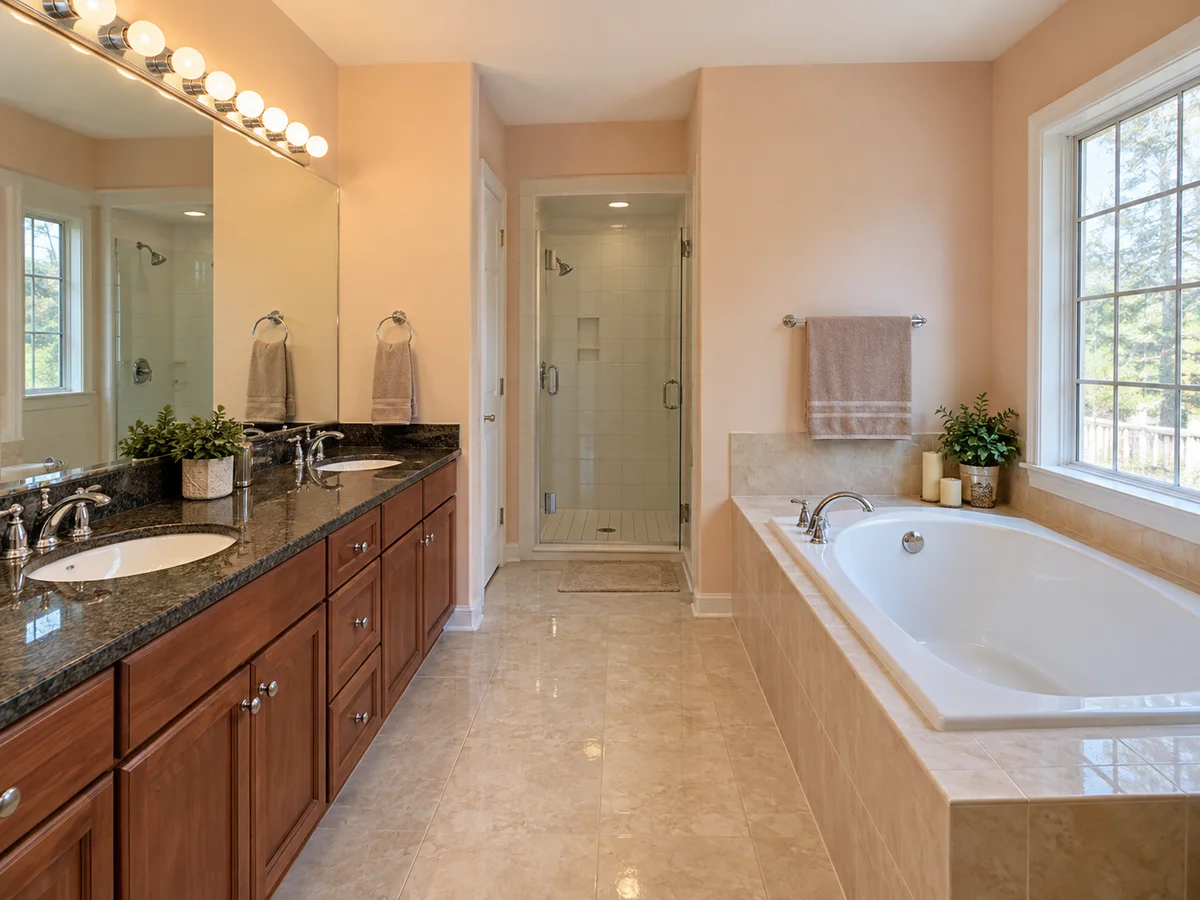
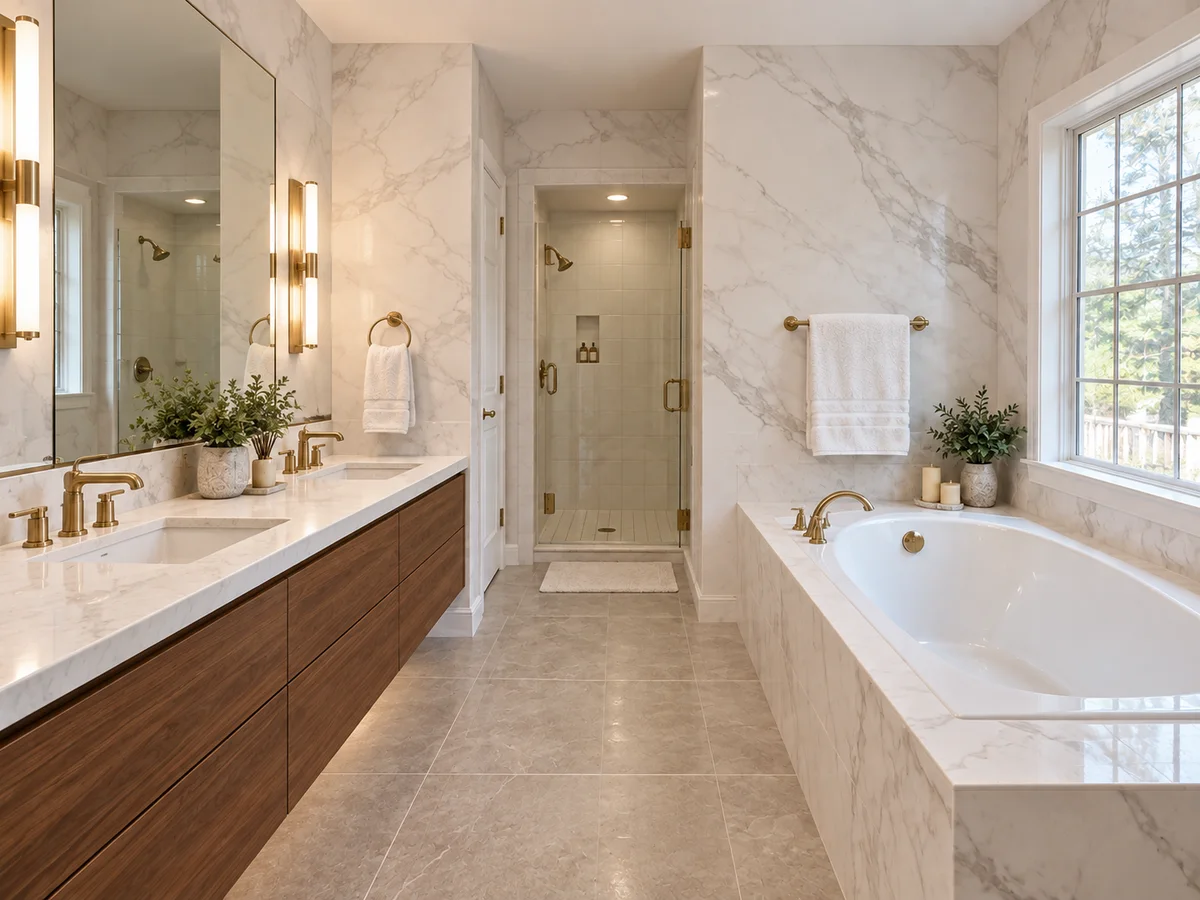 AfterBefore
AI Bathroom Designer for Your Own Photo
Upload a bathroom photo, choose a style and add notes on tile, vanity or lighting.
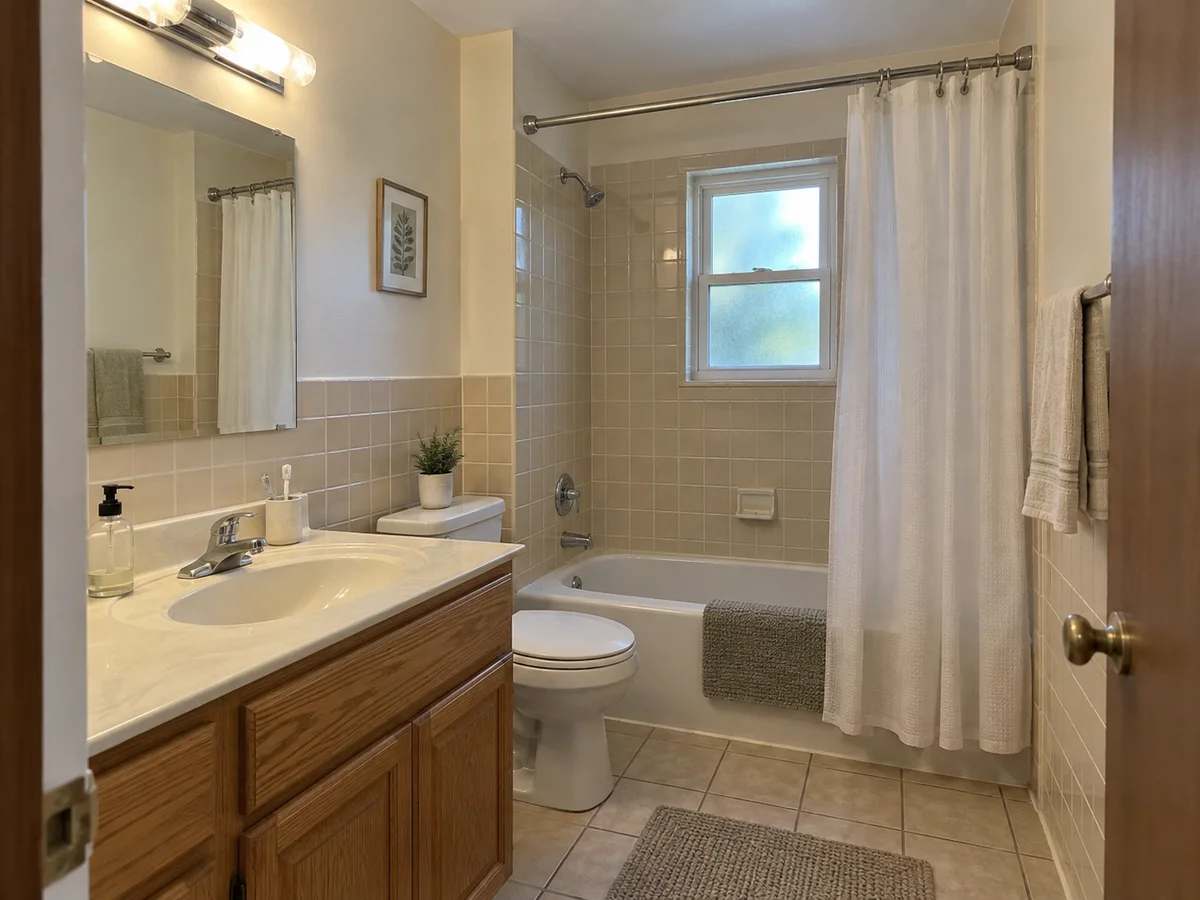
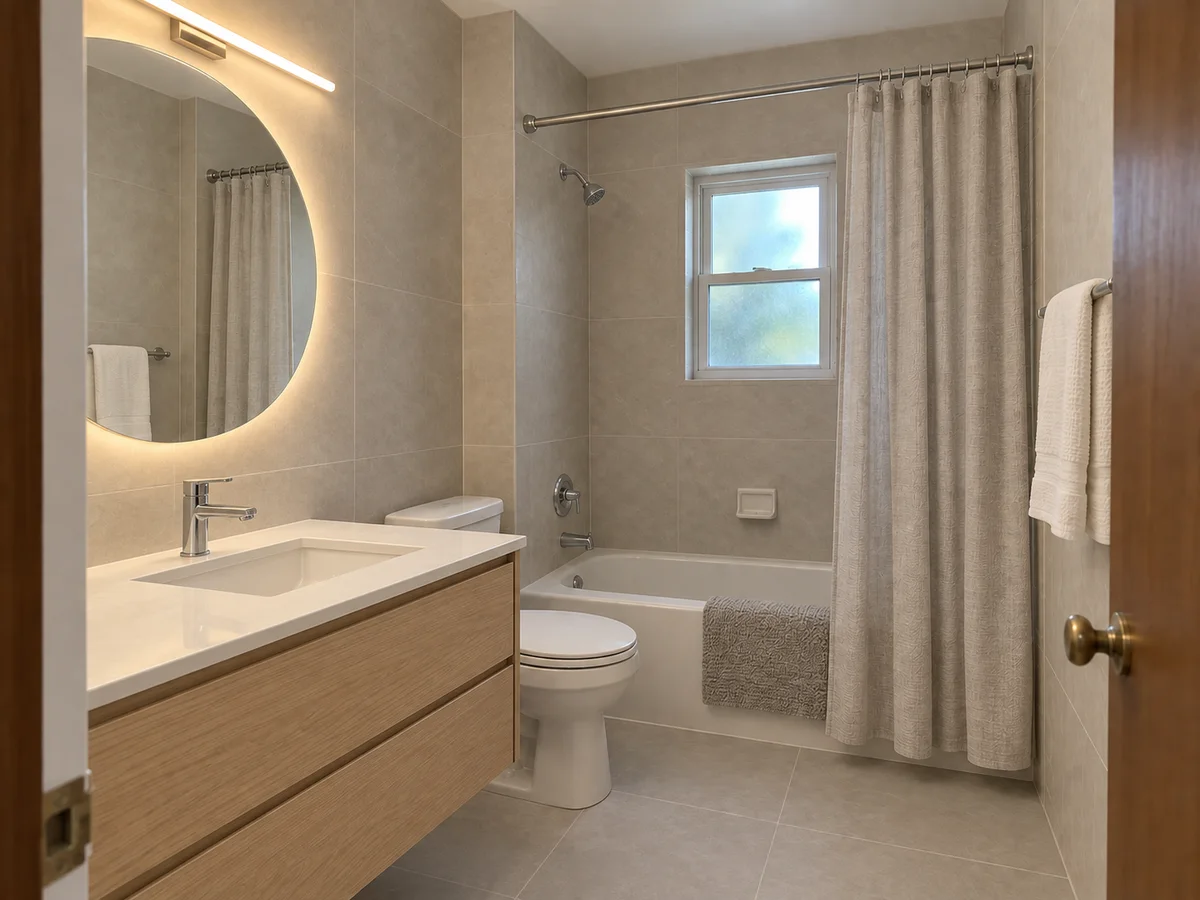 AfterBefore
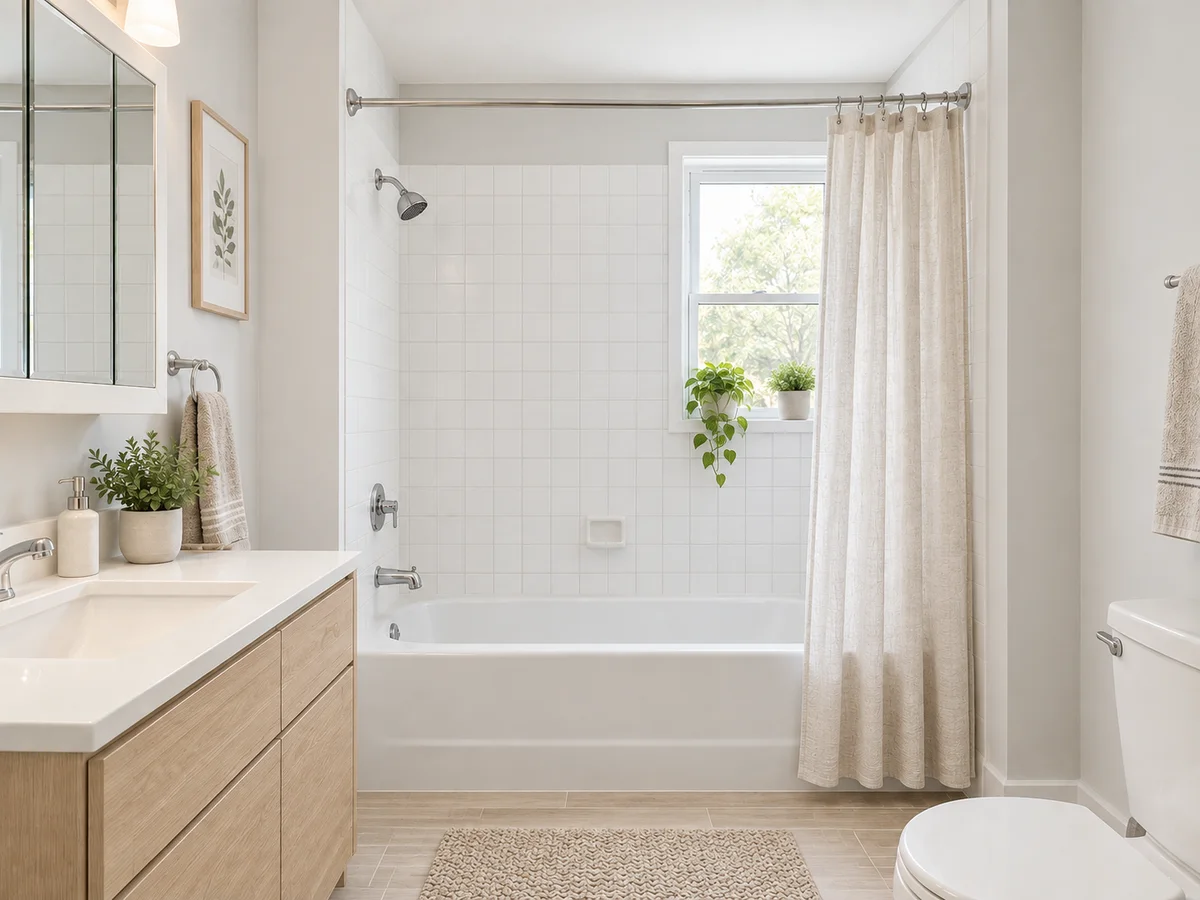
Modern Minimalist Small Bathroom
Illustrative bathroom concept
AI Bathroom Remodel Ideas: Before & After
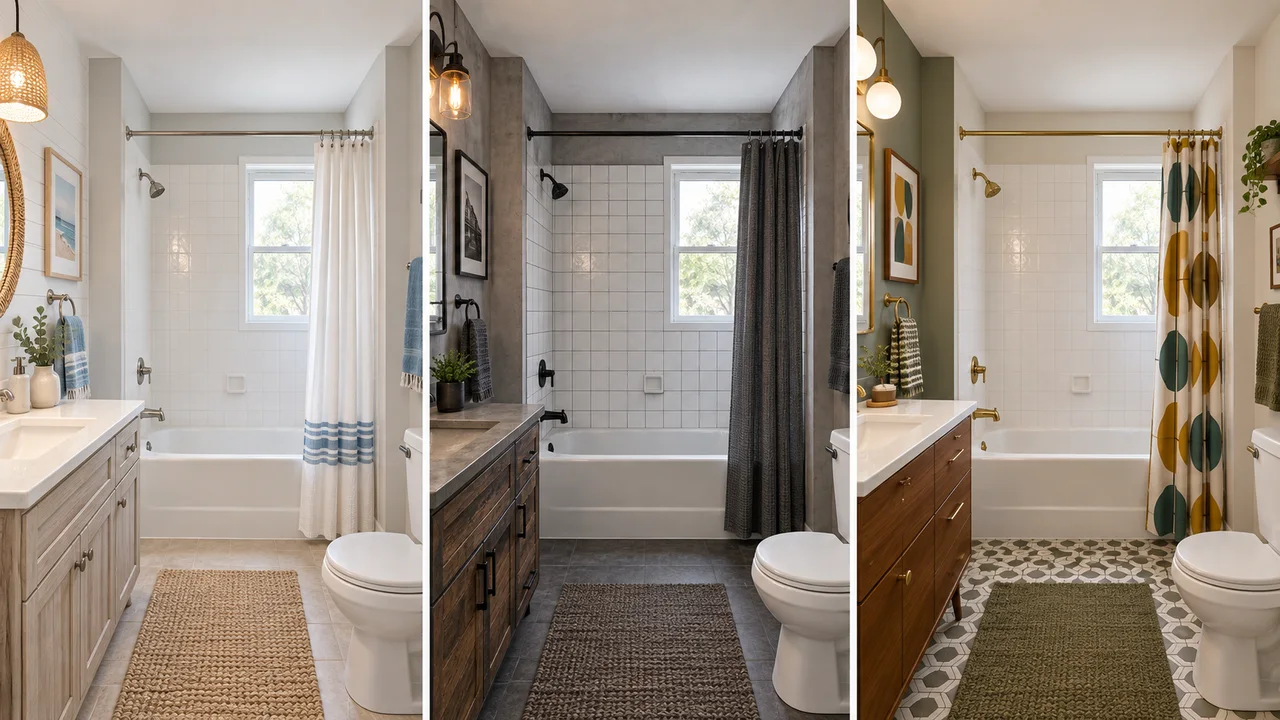
Three bathrooms, two styles each, both from the same photo. These are illustrative AI concepts, so small details can shift.
- AfterBefore
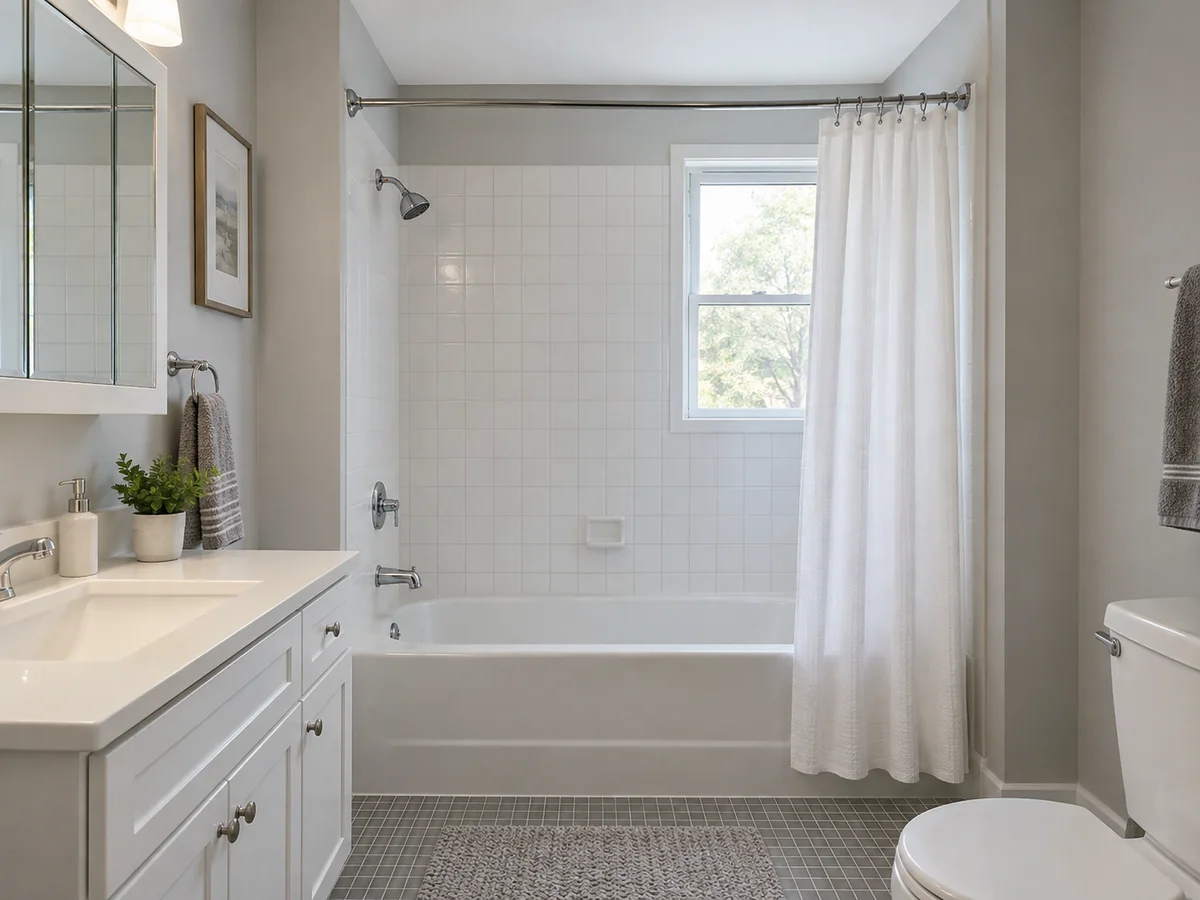
Modern Minimalist Small Bathroom Remodel
 AfterBefore
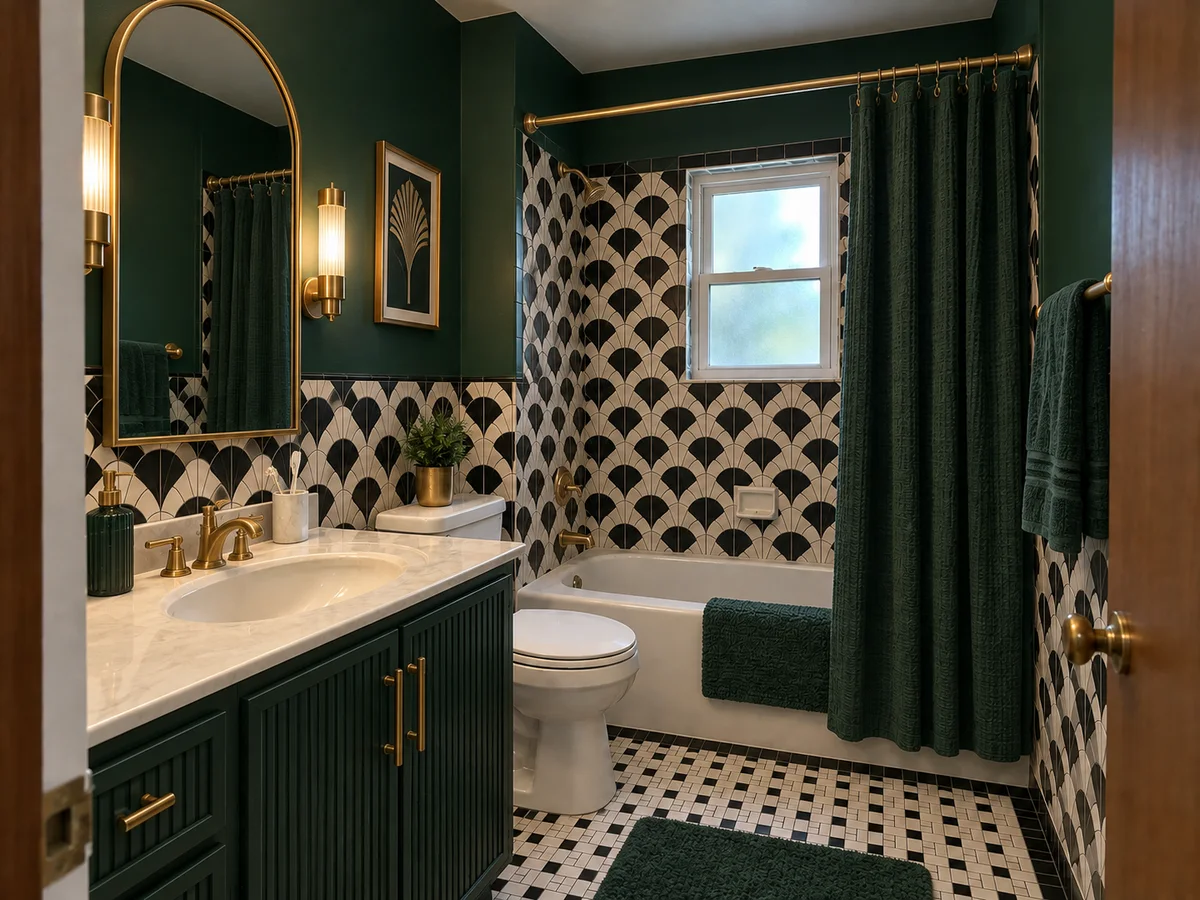
Art Deco Small Bathroom with Geometric Tile
- AfterBefore
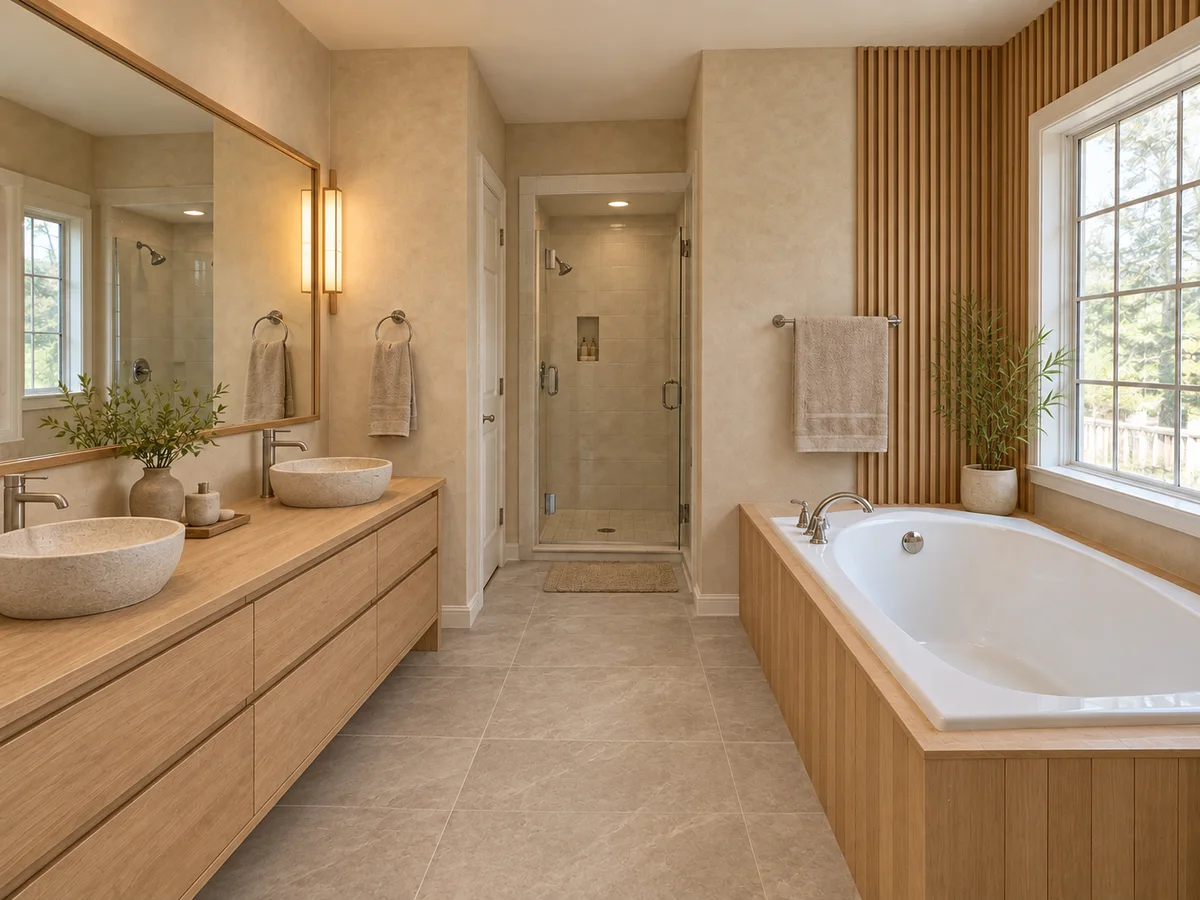
Luxury Modern Master Bathroom in Marble
 AfterBefore
Japanese Zen Spa Bathroom in Natural Wood
 AfterBefore
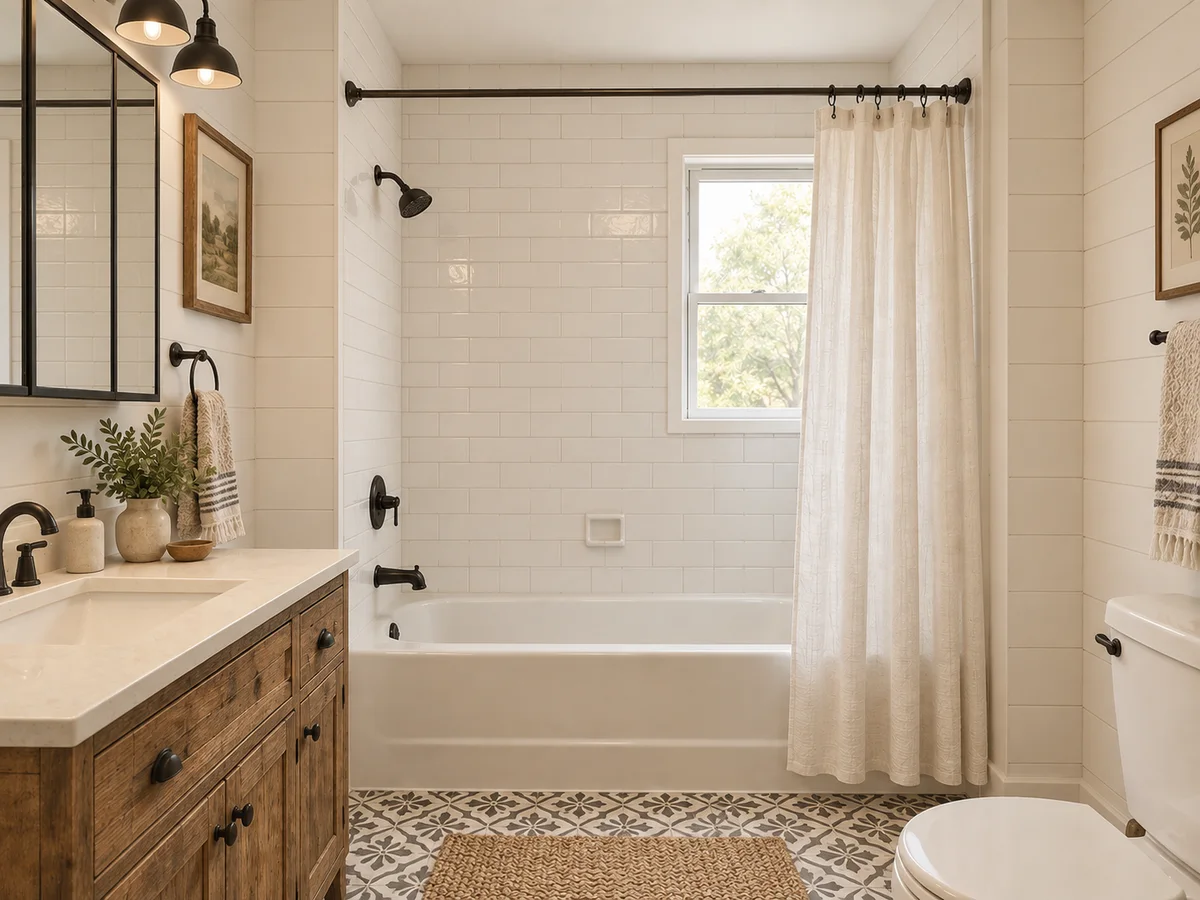
Rustic Farmhouse Bathroom with Shiplap Walls
 AfterBefore
Scandinavian Bathroom in Light Oak and White
The basics
What Is AI Bathroom Design?
AI bathroom design previews a remodel on a photo of your own bathroom. Choose a style and add notes, and the AI redraws the vanity, tile, flooring, lighting fixtures, textiles and colors in that style. No photo yet? A written description also works; you get a new bathroom image instead of an edit.
Use this free online bathroom design tool to shortlist tile, vanity and lighting combinations. The AI aims to retain walls, openings, the ceiling and camera angle, but fixture details can shift. Compare with your original; the image cannot verify plumbing or waterproofing. The illustration combines three styles, while each tool run generates one.
- Works on a photo of your own bathroom
- 10 styles, plus a Custom option for your own description or reference image
- Optional chips such as More Storage, Natural Light and Quick Refresh
- Walls, windows and doors are meant to stay where they are
Why Use This Virtual Bathroom Designer?
1. Your bathroom, not a showroom
Tile, vanities and lights look different in a showroom than in a small room with one window. Preview them in the bathroom they are going into.
2. Try any of 10 styles
From Modern Minimalist to Rustic Farmhouse, or describe your own look, with an optional reference image, in the Custom tab.
3. Tile, vanity and lighting together
Wall finishes, flooring, the vanity, lighting fixtures, textiles and the color palette change together, so you judge a whole room rather than one sample.
4. The layout is meant to stay
The AI is instructed to keep the footprint, walls, window and door openings, ceiling and camera angle. Compare the result with your original photo.
5. Nothing to download
It runs in your browser on desktop or phone, with nothing to install. Sign in to generate, and your designs are saved to History.
6. Free credits to start
New accounts receive signup credits. Each redesign uses 10 credits; your balance is shown in the workspace.
Style options
Bathroom Styles You Can Try
Pick one style per run; the result applies its materials, palette and lighting to your bathroom.
Modern Minimalist
Clean lines, clear counters, hidden storage, soft light.
Scandinavian
Light oak, pale gray walls, linen and a few plants.
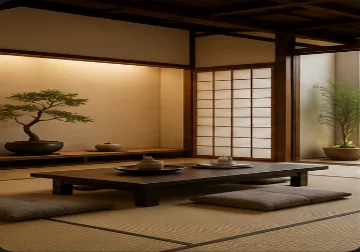
Japanese Zen
Natural wood, bamboo and a calm, earthy palette.
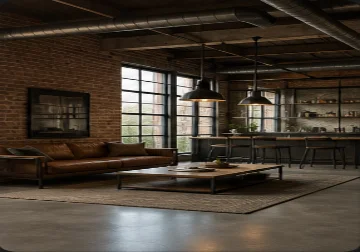
Industrial
Concrete or brick finishes with black metal fixtures.
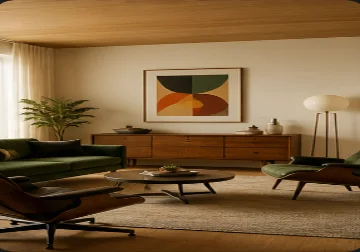
Mid-Century Modern
Walnut tones, organic curves, teal or mustard accents.
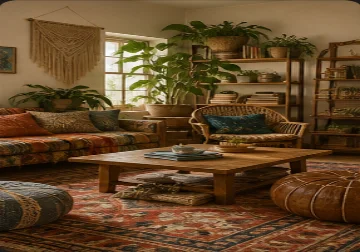
Bohemian
Patterned textiles, rattan, plants and terracotta tones.
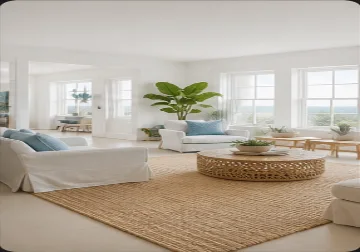
Coastal
White and sand tones, soft blue accents, washed wood.
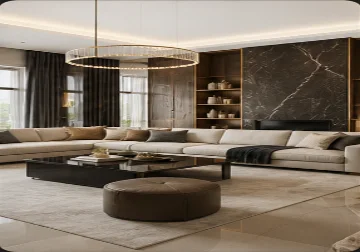
Luxury Modern
Marble, polished stone, brushed brass, statement lights.
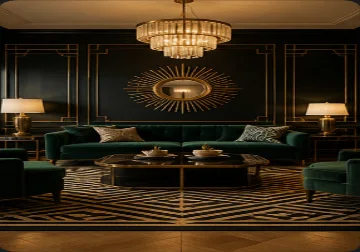
Art Deco
Geometric pattern, mirrored surfaces and brass accents.
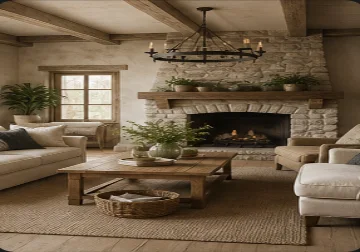
Rustic Farmhouse
Shiplap walls, reclaimed wood and black iron hardware.
Thumbnails show each style in a living space, as in the workspace picker; they are not bathroom results. Compare your own result with your photo before buying materials.
How to Redesign Your Bathroom Online
Upload a bathroom photo
Stand in the doorway in daylight with the lights on, and fit the vanity, floor and as much wall as you can. PNG, JPG or WebP up to 10MB.
Pick a style and add notes
Choose one of 10 styles, then describe the tile, vanity or lighting you have in mind, or tick chips under Details and Requirements.
Compare, then plan the remodel
Each run applies one style. Try another on the same photo, compare results in History or download them, and take your favorite to a contractor or showroom.
Plan a Bathroom Remodel Before You Buy Tile
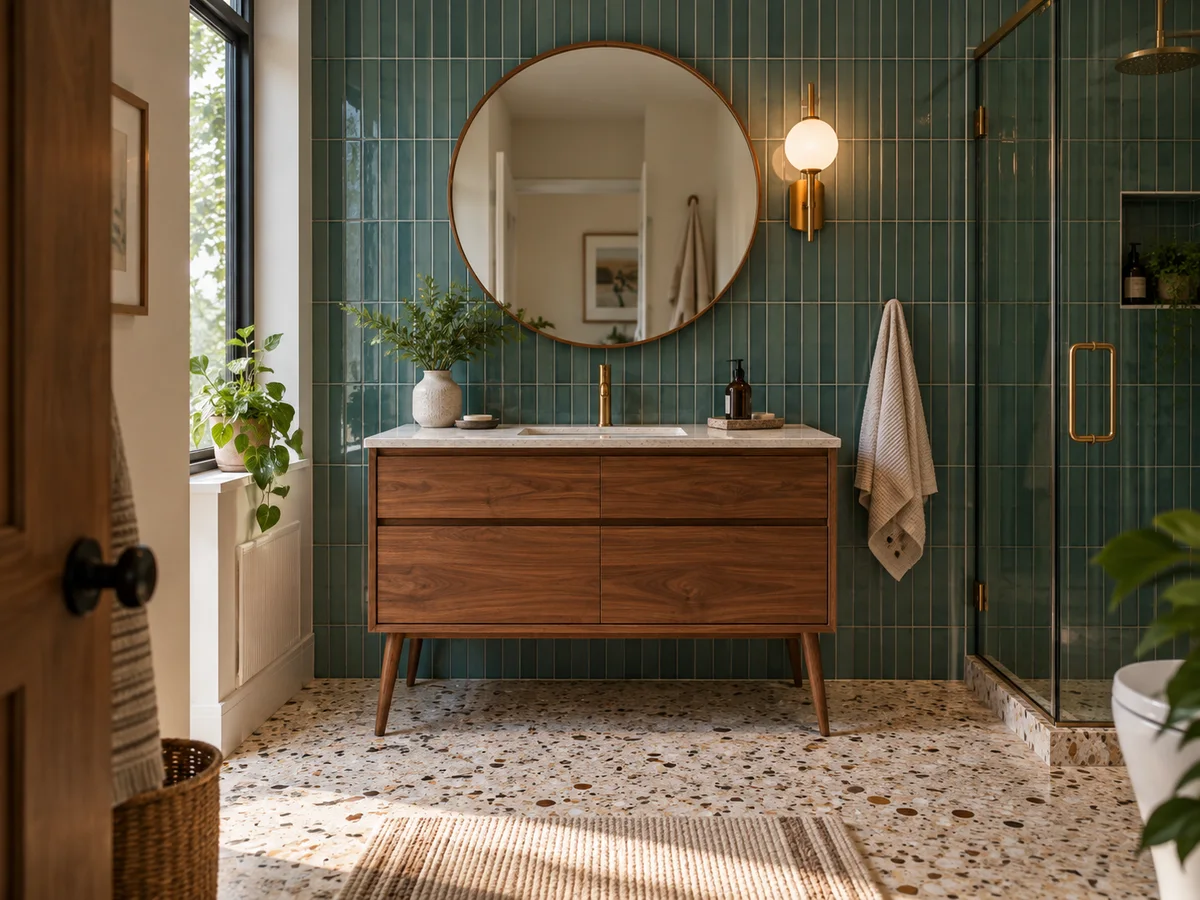
See Tile and Vanity in Your Room
Compare a quieter large-format tile look with smaller patterned tile, then coordinate the vanity finish and mirror lighting. Use your photo to judge the visual balance. The preview cannot verify slip resistance, waterproofing or wet-area suitability; confirm those specifications with the product supplier and installer.
Try a Bathroom Style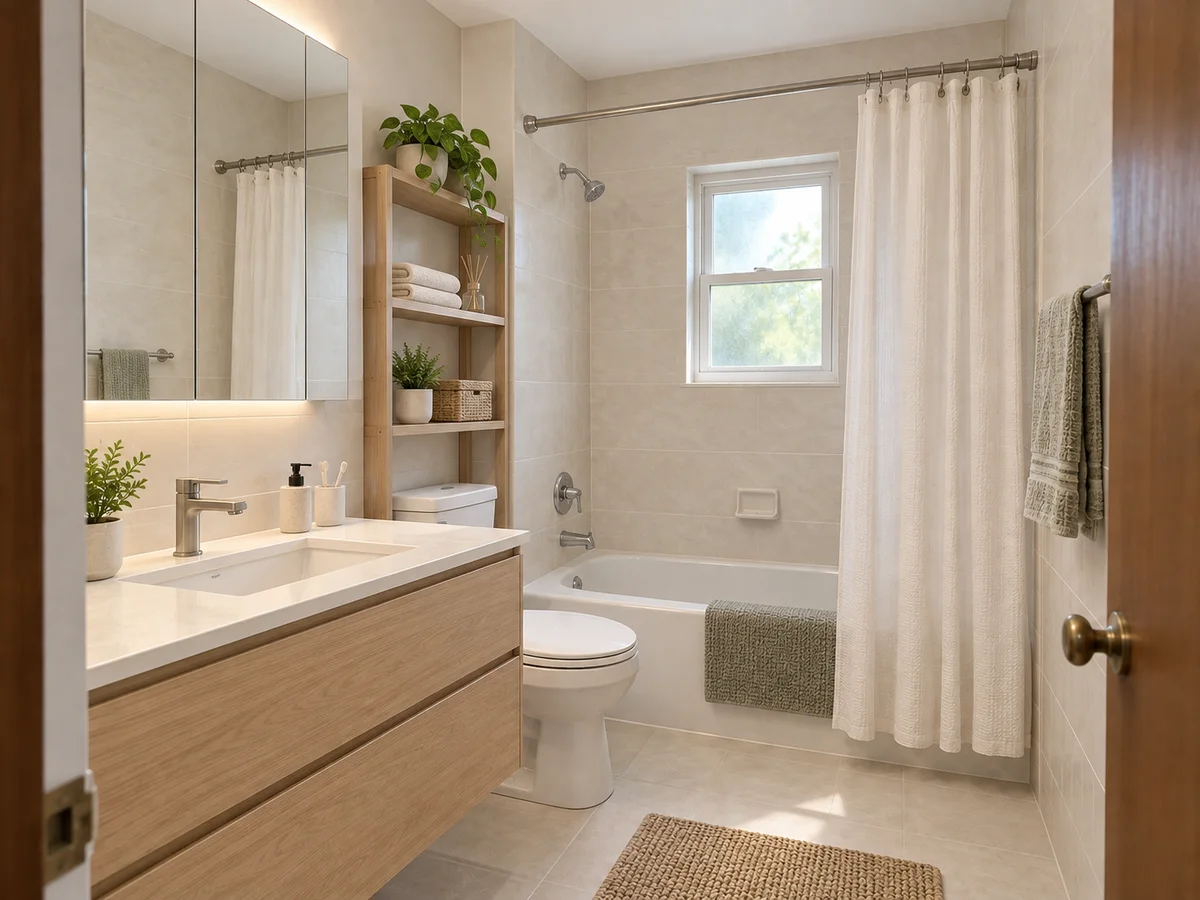
Work With a Small Bathroom
Small bathrooms leave little room for mistakes. Tick Maximize Space under Requirements, and More Storage or Natural Light under Details. The AI is instructed to keep the footprint, walls and openings, so ideas are drawn inside the room you have and aim to make it feel more open through finishes, lighting and storage.
Redesign a Small Bathroom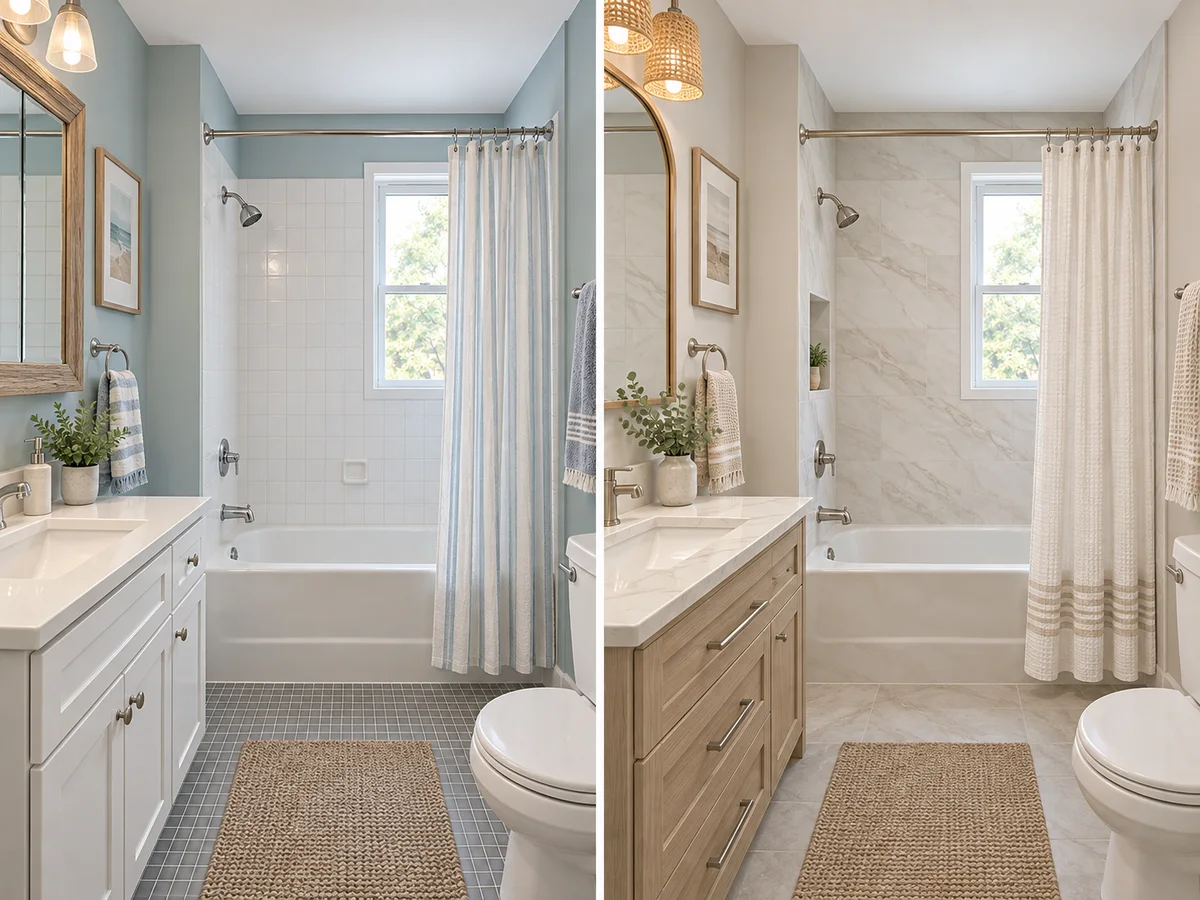
Choose a Refresh or a Full Remodel
Not every bathroom needs new tile. Tick Quick Refresh for decor, lighting, textiles and color, or Full Renovation for broader finish and fixture ideas. Compare both on the same photo to decide which changes matter to you. The image does not estimate renovation costs; price your shortlist with suppliers and an installer.
Compare Refresh and Remodel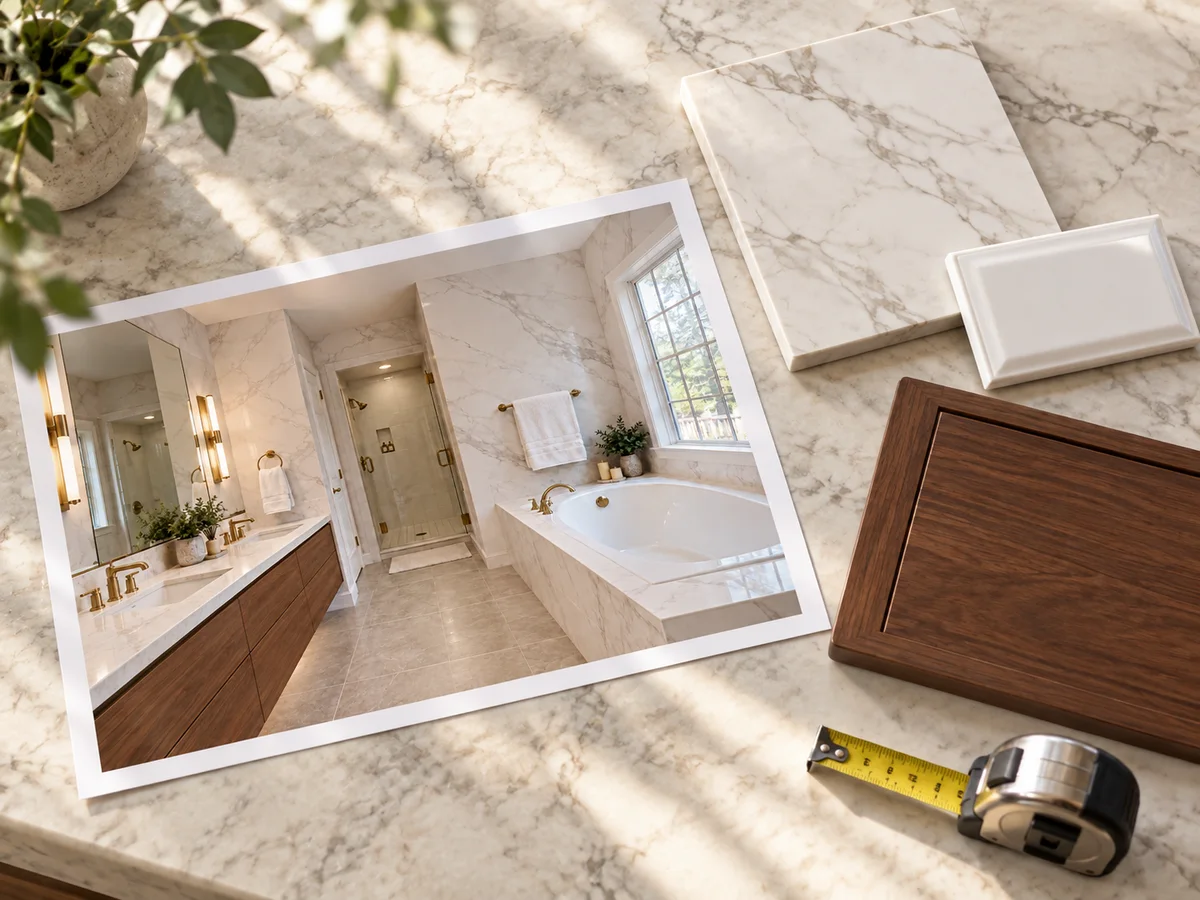
Take a Clear Brief to Your Contractor
Run a few styles on the same photo, then revisit them in History or download them to compare. Treat the favorite as a mood and materials brief, not a construction drawing: the AI does not know where your pipes, drains or joists are, so a plumber or contractor still needs to confirm what fits.
Start My Bathroom Brief
See Your Bathroom in a New Style
Upload one bathroom photo and preview a new look before you buy tile or book a contractor. New accounts get free credits to start.
Design My Bathroom Free- 10 credits per generation
- PNG, JPG or WebP up to 10MB
AI Bathroom Design Questions
New accounts receive free signup credits. Each generation costs 10 credits, so how many designs you get depends on your balance. Sign in to generate; free requests may enter a queue.
Yes, that is the main way it works. Upload a PNG, JPG or WebP up to 10MB and the AI redesigns that photo. It is instructed to keep the walls, window and door openings, ceiling and camera angle; small details can still shift.
The vanity and other furniture, wall finishes such as tile or paint, flooring, lighting fixtures, towels and other textiles, decor and the color palette. Walls, windows, doors and the ceiling are meant to stay where they are.
Yes. Tick Maximize Space or More Storage if space is the problem. The AI is instructed to keep the footprint, so it works on making the room feel more open through finishes, lighting and storage.
No. Unlike 3D bathroom design software, it restyles the bathroom in your photo rather than drawing a floor plan, and it knows nothing about your pipes or drains. If a result shows the toilet, shower or tub somewhere new, treat it as an idea for a plumber to check.
Yes — bathroom redesign with AI is what this tool does: upload a photo and see an AI bathroom remodel with new tile, vanity, fixtures and colors in the same room. Treat it as a bathroom remodel visualizer for choosing a direction; plumbing changes, waterproofing and permits are for your contractor.
You do not need one. This virtual bathroom designer runs in your browser on desktop or phone, and new accounts get free credits. Sign in to generate; every design is saved to History in your account.
Yes. Keep the same photo and generate again with another style. Each run applies one style and uses 10 credits; revisit results in History or download them to compare.
Shoot in daylight with the lights on, from the doorway or a corner, with the camera level. Include the vanity, floor and any window, and clear bottles off the counter, or tick Declutter.