
Office Floor Plan Maker
An AI office floor plan maker for a new lease or a fit-out: enter headcount and square footage, and get a labeled office layout.
Design an Office LayoutDesign an Office Online
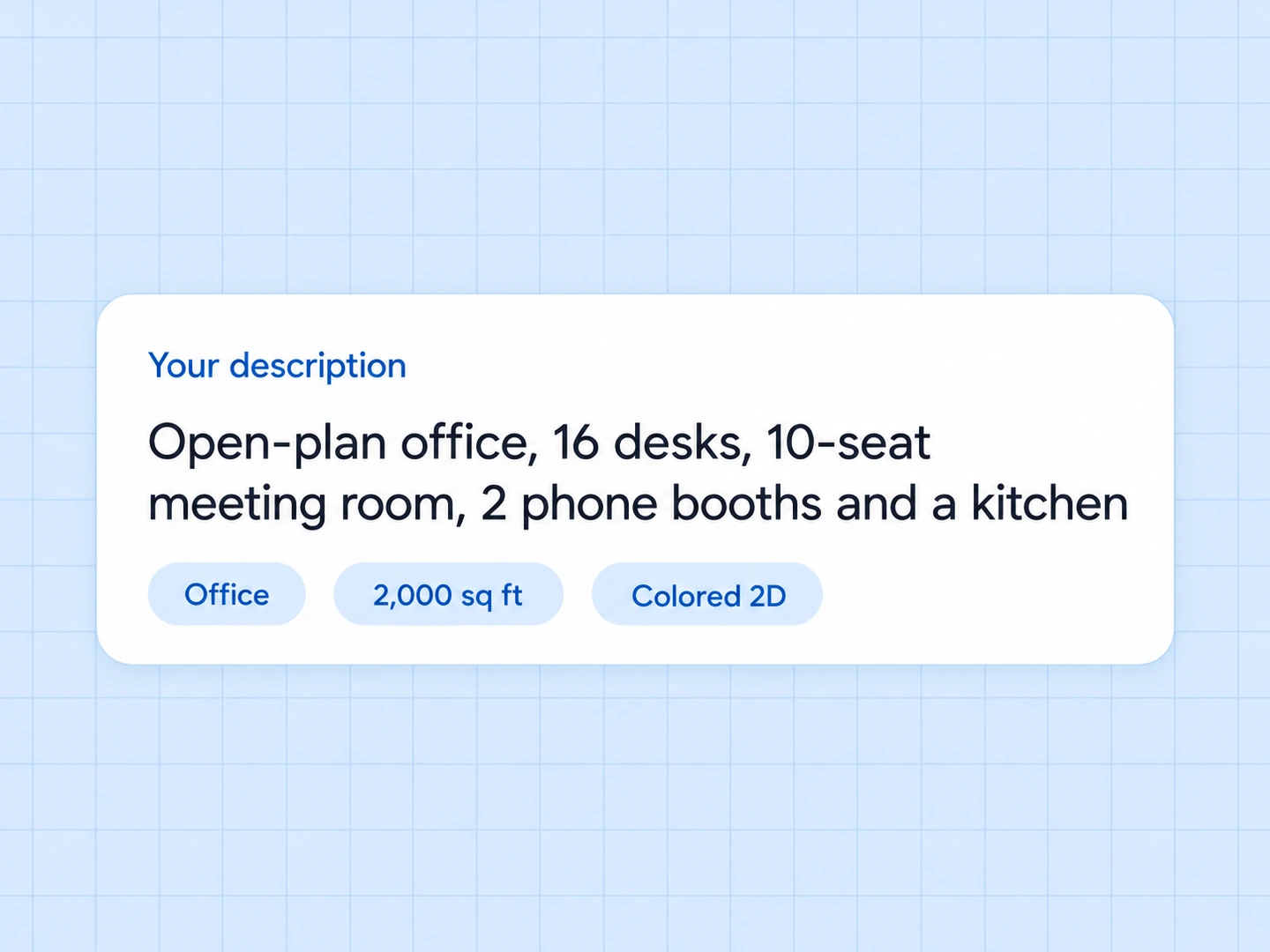
Online office design in four inputs: plan type, notes, floor area and drawing style.
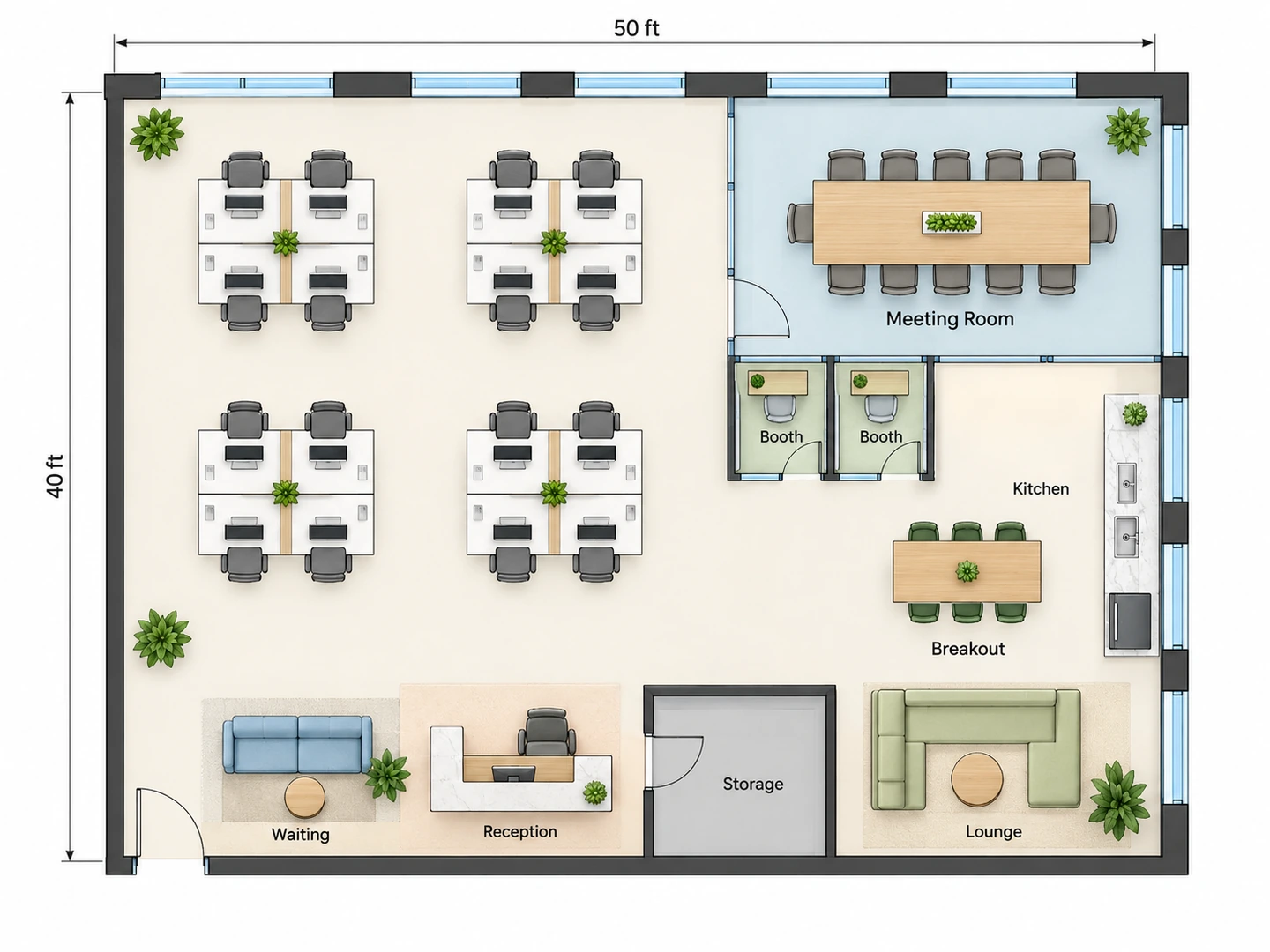
Open-plan office
2,000 sq ft · Colored 2D
Office Floor Plan Examples
Open plan, small team and private offices: three common workplace programs, each generated from a short brief or an empty unit.
Before After Modern open-plan office: 16 desks, meeting room, 2 phone booths
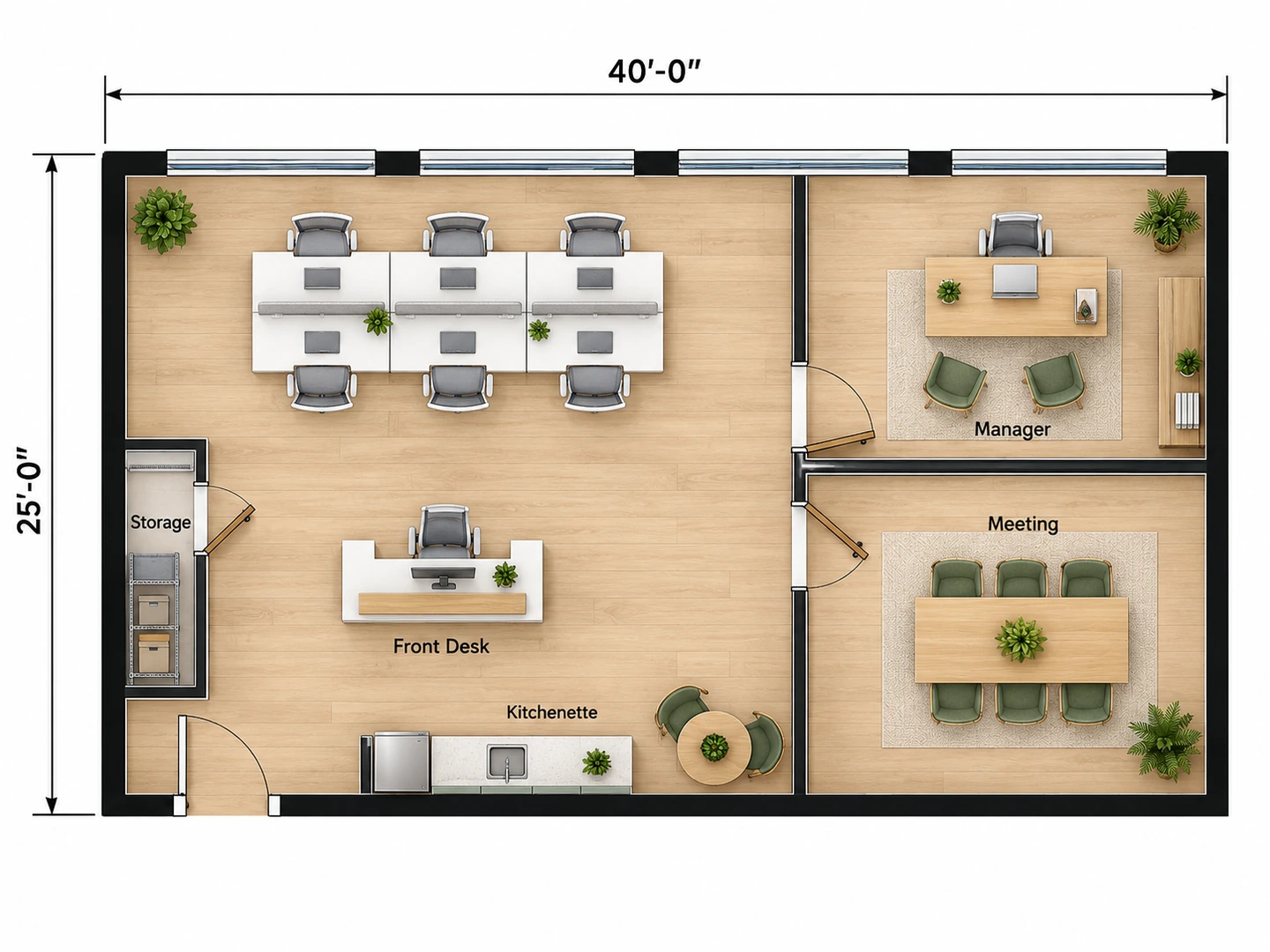
Before After Small office for 8 people in 1,000 sq ft
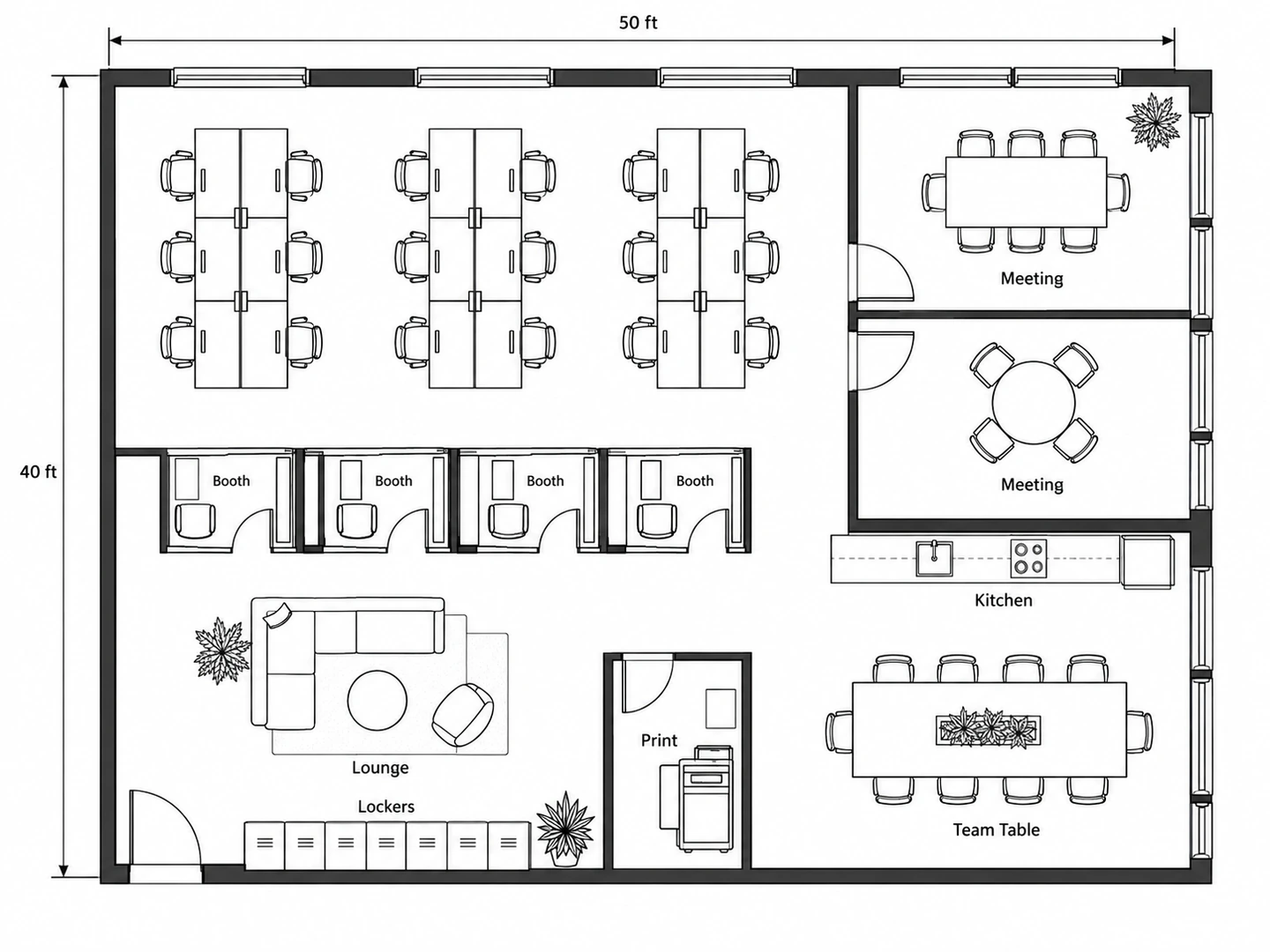
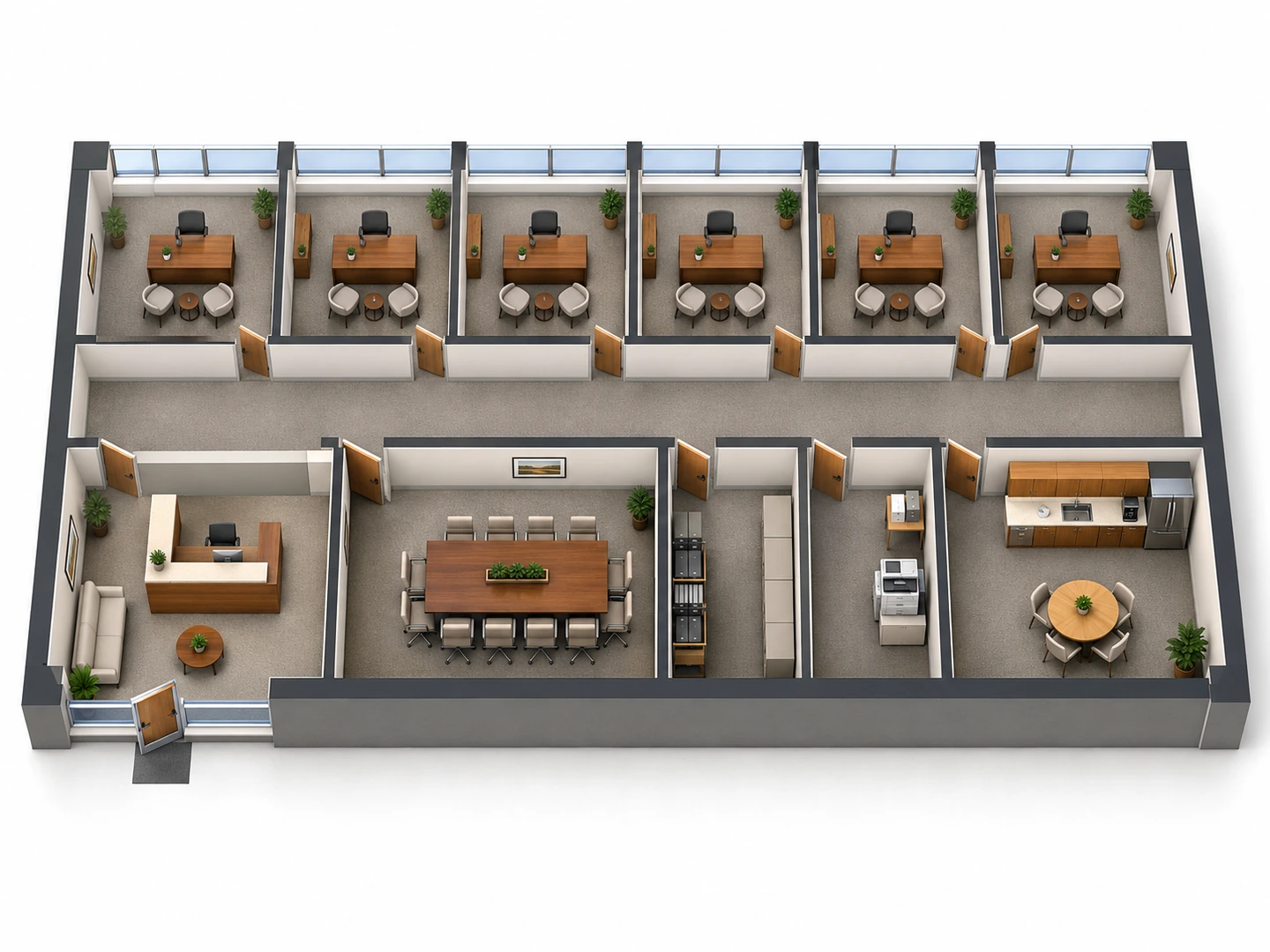
Before After Traditional office layout with six private offices, in 3D
Workplace planning, drafted
What Is an Office Floor Plan Creator?
An office floor plan creator works out how a team fits into a space: how many desks the floor can hold, where meeting rooms and private offices go, how people get from the entry to their seats, and which zones stay quiet. This one is an AI office design generator: you describe the team and the rooms, and it draws the whole layout, so you never place desks one at a time.
Use it as an office designer to test a lease, compare two ways of using your current space, or prepare a clear brief before you hire an office floor plan designer or fit-out contractor. The result is a planning image with approximate dimensions, not a CAD file or construction drawing. Exits, accessible routes and fire separations still need sign-off from someone who knows your local code.
- Open-plan, private-office, hybrid and coworking layouts
- Headcount, rooms and zones taken from your notes
- Floor area in square feet or square meters
- Seven styles, from Technical 2D to 3D Isometric
How to Design Office Space Online
Count people and rooms
Start with headcount, or for a hybrid team, the number of people in on the busiest day. Then list the rooms: private offices, meeting rooms by seat count, phone booths, kitchen, storage and reception.
Set the plan type and floor area
Choose Office, Home Office, Retail Store or Custom Space and enter the usable floor area. Say where the entry and windows are and which zones should stay quiet. For modern office space ideas, start from a preset chip.
Generate and compare
Generate the plan, then change one thing — benching instead of pods, two small meeting rooms instead of one large — and compare the versions in My Projects.
An Office Design Tool That Plans Around People
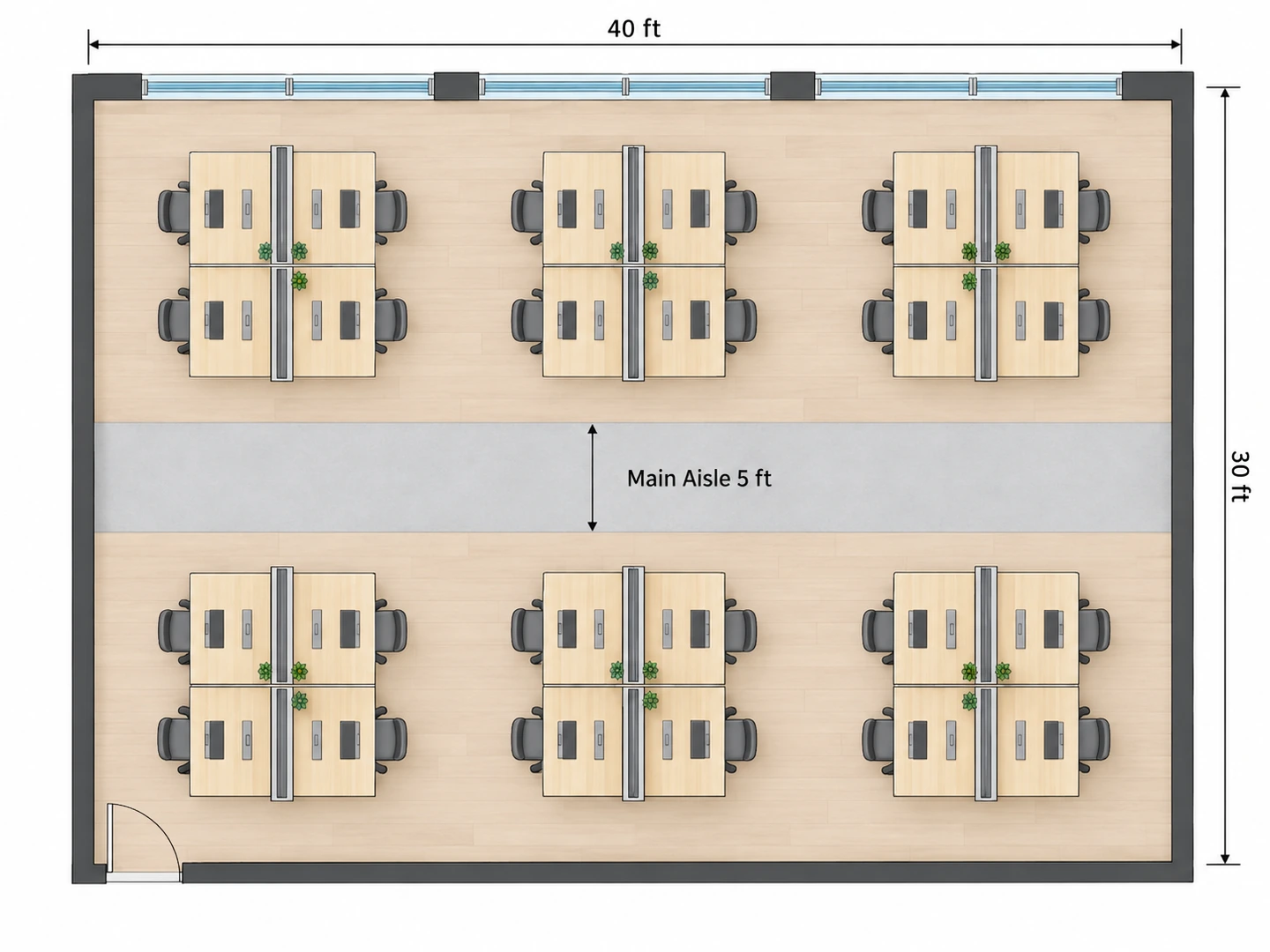
Desks, rooms and aisles that add up
Desks are scaled to the floor area you enter, so 2,000 sq ft gets a believable number of workstations, not forty. Main aisles stay about 5 ft wide, every desk keeps room for its chair, and meeting rooms get seat counts that match their size.
Plan an open office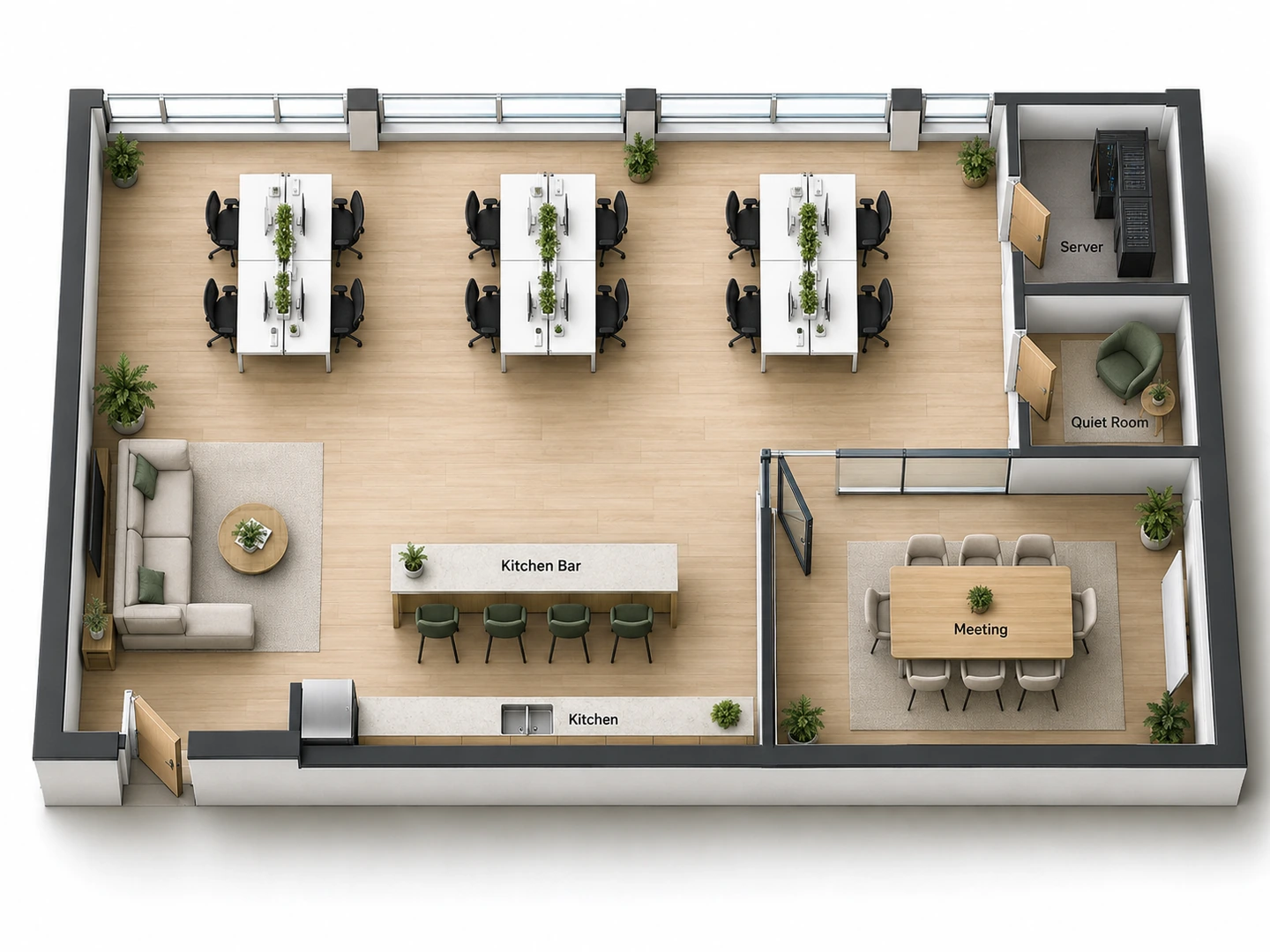
Modern office space design or a traditional layout
Ask for a modern office with bench desks, booths and a big kitchen, or a traditional office space with private offices off a corridor and a formal reception. Notes on the look, such as Scandinavian office design in pale oak and white, show in the Furnished 2D, 2.5D and 3D Isometric styles. Generate two or three modern office designs and compare.
Try a modern layout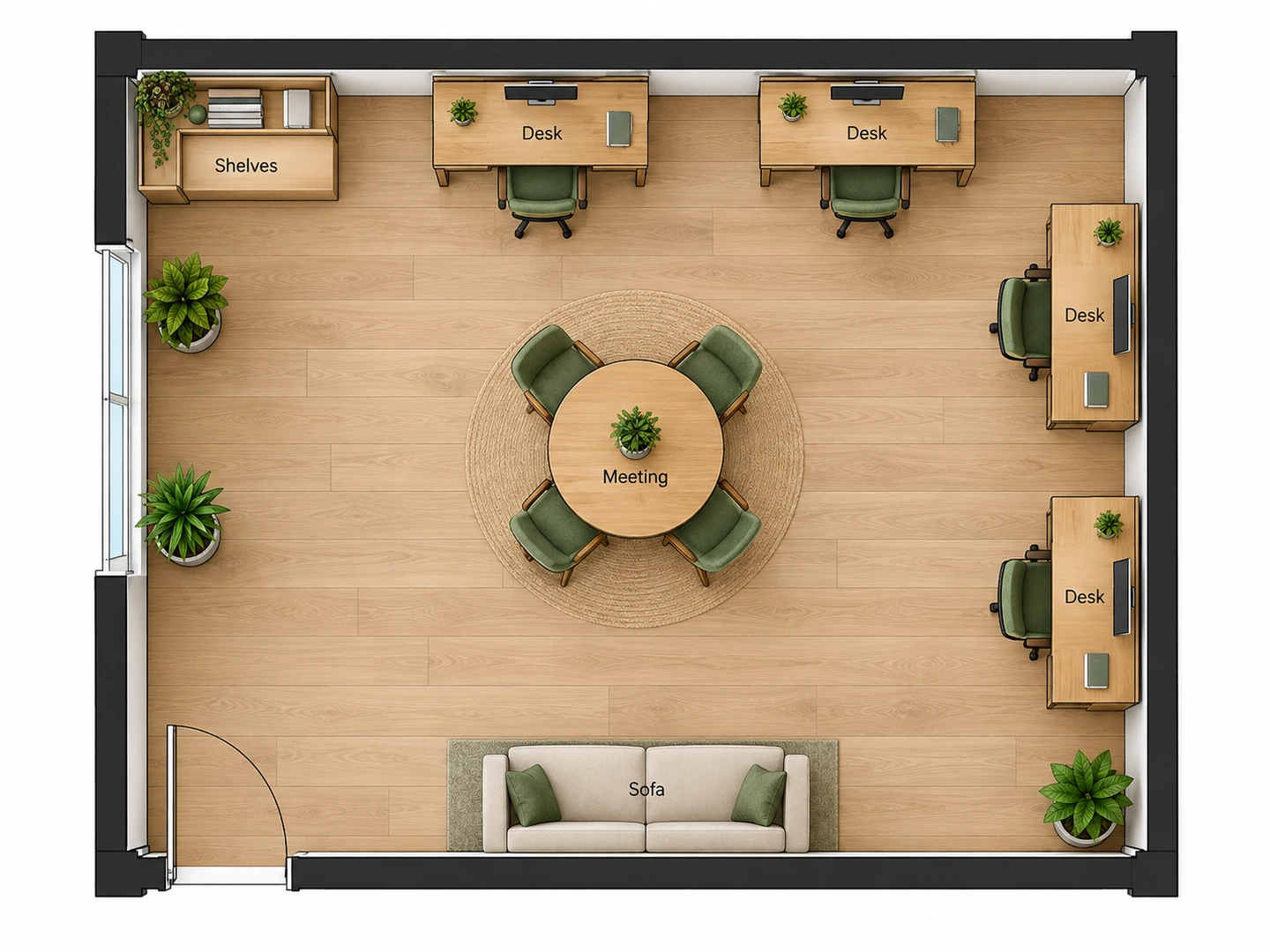
Feng shui office layouts on request
Looking for a feng shui office layout generator? Say so in the notes. Desks go in the commanding position, with a solid wall behind and a clear view of the door without sitting directly in line with it, plants near the windows and walkways kept open.
Plan a feng shui office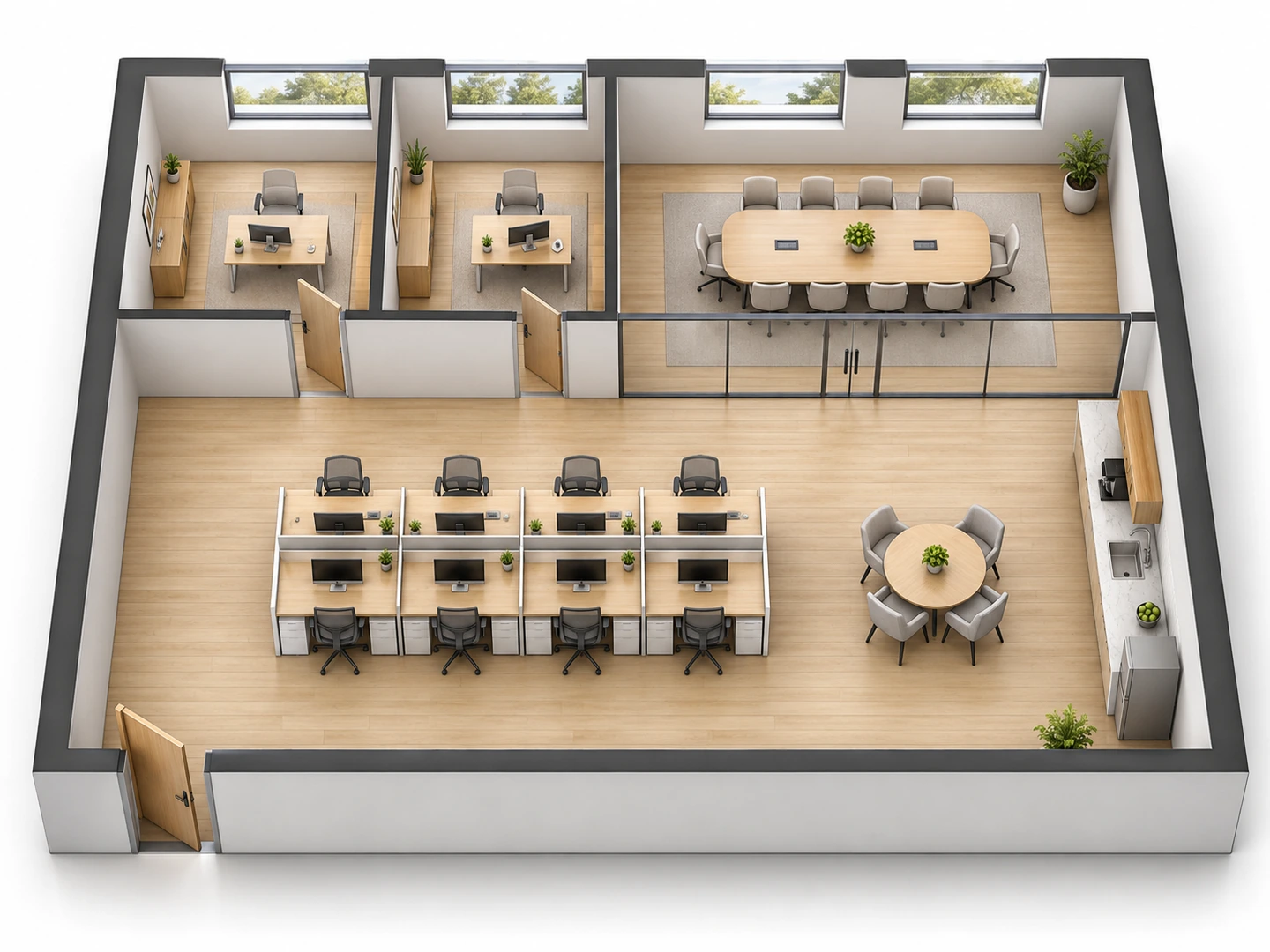
Redesign office space with AI, then see it in 3D
Upload your current plan or a sketch of the shell and describe the change, for example two private offices merged into a meeting room. The new layout follows the uploaded outline. Switch to 3D Isometric, or open Floor Plan to 3D for a fuller walls-up view.
Floor Plan to 3DPlanning guide
Office Space per Person: Planning Guidelines
Typical allowances used in early space planning. Use them to check the floor area before you generate.
| Space | Typical allowance | Metric | Notes |
|---|---|---|---|
| Open-plan desk | 60–110 sq ft per person | 5.5–10 m² | Includes its share of aisles; benching sits at the low end |
| Private office | 100–150 sq ft each | 9–14 m² | Desk, chair and one or two guest chairs |
| Meeting room | 20–25 sq ft per seat | 1.9–2.3 m² per seat | A 10-seat room is roughly 200–250 sq ft |
| Phone booth or focus room | 25–50 sq ft | 2.3–4.6 m² | One or two people |
| Main corridor or aisle | About 5 ft wide | 1.5 m | Secondary aisles about 3–4 ft (0.9–1.2 m) |
Guidelines only. Exits, accessible routes and occupant load are set by your local building code, so have a designer confirm the final plan.
Rule of thumb
Office Layout Size by Team Size
Total floor area including shared rooms and circulation, at roughly 125–200 sq ft per person.
| People | Typical area (sq ft) | Typical area (m²) | Usually includes |
|---|---|---|---|
| 5 | 600 – 1,000 | 55 – 95 | 5 desks, a meeting room or manager’s office, kitchenette |
| 10 | 1,250 – 2,000 | 115 – 185 | Open desks, 1–2 private offices, meeting room, phone booth |
| 20 | 2,500 – 4,000 | 230 – 370 | Two meeting rooms, 2–3 booths, kitchen, reception |
| 50 | 6,250 – 10,000 | 580 – 930 | Several meeting and focus rooms, kitchen and lounge, IT room |
Hybrid teams that share desks can size for peak attendance instead of total headcount. Dense benching runs lower; offices with many private rooms run higher.
Who Uses the Office Floor Planner
Founders and small teams
Use it as an office space design tool before you sign: check whether a 1,000 sq ft unit really fits a small office of 5–10 people, and see how a second meeting room changes the desk count.
Agencies, brokers and coworking operators
One of the faster office design tools for agencies pitching a fit-out. Brokers use it as an office space designer to show what a vacant floor could hold, and coworking spaces mix hot desks, dedicated desks and private suites. Add a photoreal render for the listing.
Home offices and small shops
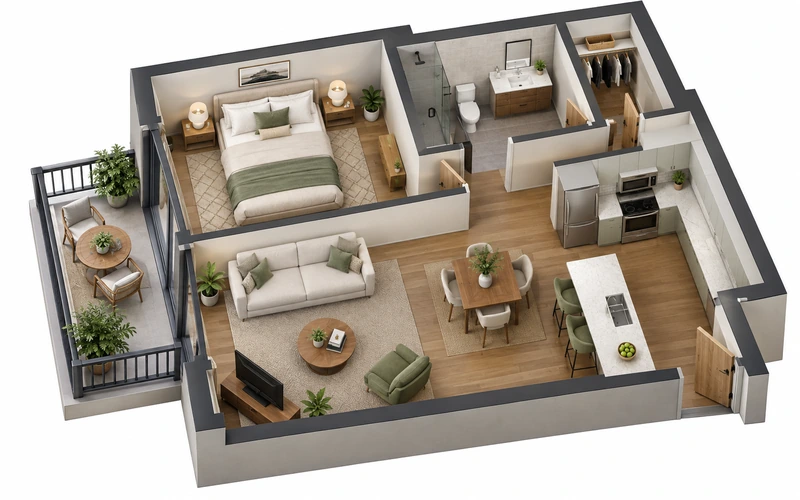
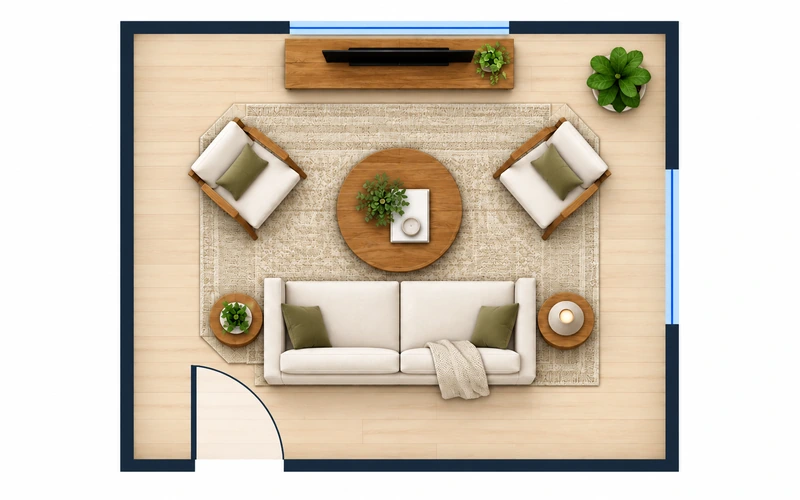
Working from home? The Home Office type plans a single room, whether you want a Scandinavian home office design or a book-lined study, and the Room Layout Planner arranges the furniture. Retail Store covers a shop front, and cafés have their own planner.
Office Floor Plan Maker FAQ
Yes. New accounts get free credits and each office plan uses 10 credits, so you can try a free office layout design before buying anything. For more plans, get a credit pack or subscribe.
It can draft it. Describe the team, the rooms and where the entry and windows are, and the AI office layout generator proposes a plan with desks, doors and aisles. Treat it as a concept: dimensions are approximate and you get a PNG image, not a CAD file.
For early planning, many teams allow about 125–200 sq ft (12–19 m²) per person in total, including meeting rooms, kitchen and circulation. The open-plan desk itself takes roughly 60–110 sq ft. Dense benching needs less; layouts with many private offices need more.
Yes. Ask for feng shui in the notes and desks are placed in the commanding position: a solid wall behind and a view of the door without sitting directly in line with it. You can also ask for plants, a round meeting table and uncluttered paths.
A modern office space is mostly open, with shared desks, phone booths, meeting rooms of several sizes and a generous kitchen or lounge. A traditional office layout gives most people a private office off a corridor, with a formal reception and conference room. Many offices mix the two, so generate both and compare.
Allow roughly 600–2,000 sq ft, depending on how many private rooms you need. A typical small office has open desks, one meeting room that doubles as a client room, a phone booth, a kitchenette and a storage closet. List those in the notes and set the floor area to your unit.
Upload the current floor plan or a photo of a sketch and describe the change: more desks, fewer private offices, a bigger kitchen. The new layout follows the uploaded outline. To change only marked areas of an existing plan, use the Floor Plan Editor.
No. You download a PNG image, and every plan stays in My Projects. For permits, build-out pricing or construction, have an architect or interior designer redraw your chosen layout to scale.
Map Out the Office Your Team Needs
Describe the team and the rooms and see an office floor plan in seconds. New accounts get free credits to try it.
Create an Office Floor Plan