
2D Floor Plan Maker
Describe a house, apartment or room and this 2D floor plan maker returns a flat, top-down plan of the walls, doors and windows.
Make a 2D Floor PlanFree 2D Floor Plan Creator
Pick the plan type, describe the rooms, set the floor area and choose one of five flat 2D styles.
3 bed house
1,500 sq ft · Technical 2D
2D Floor Plan Examples
Three homes in three flat styles: technical linework, soft color and a hand-drawn sketch.
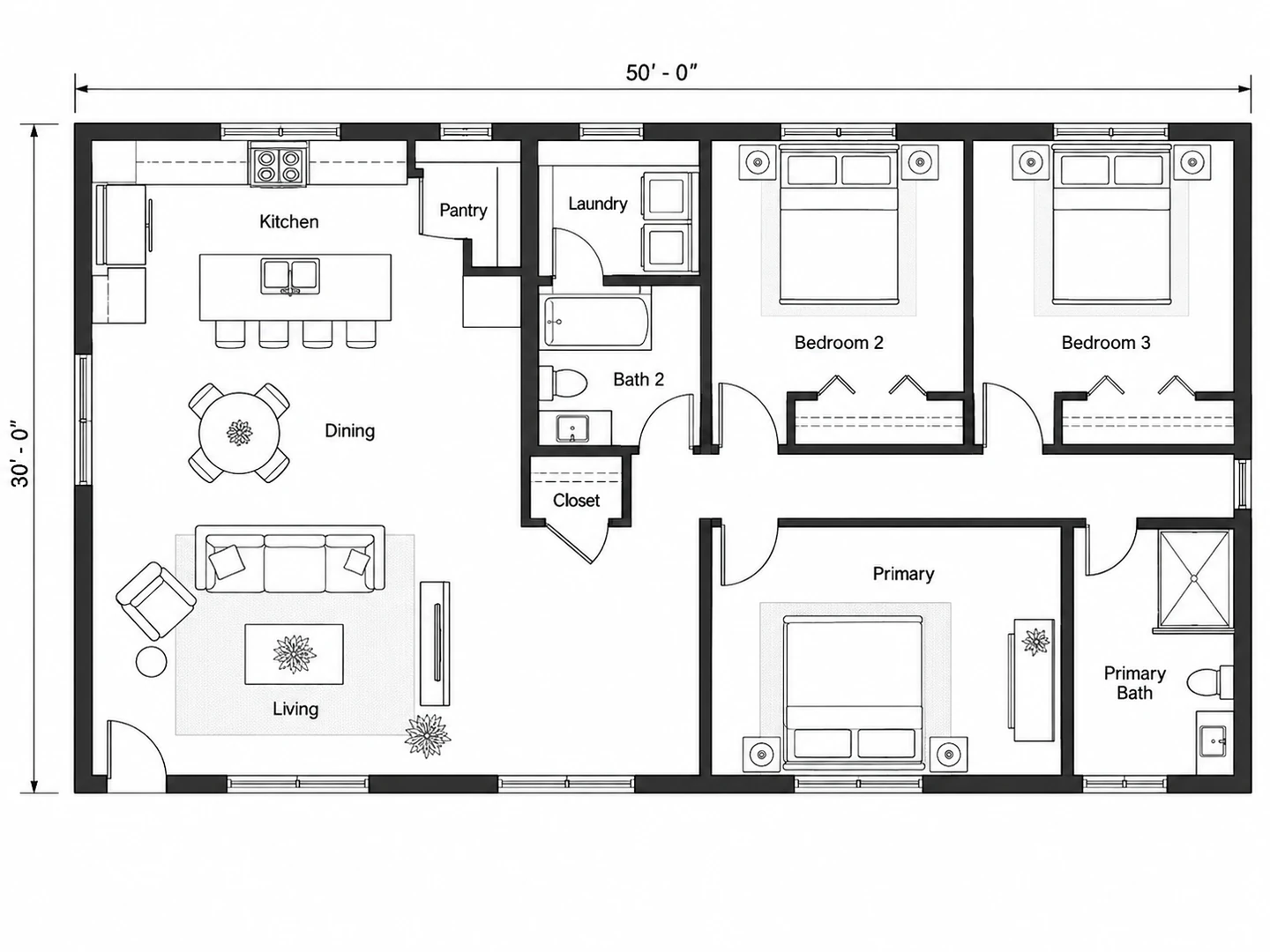
Before After 1,500 sq ft, 3-bedroom house in Technical 2D with door swings and room labels
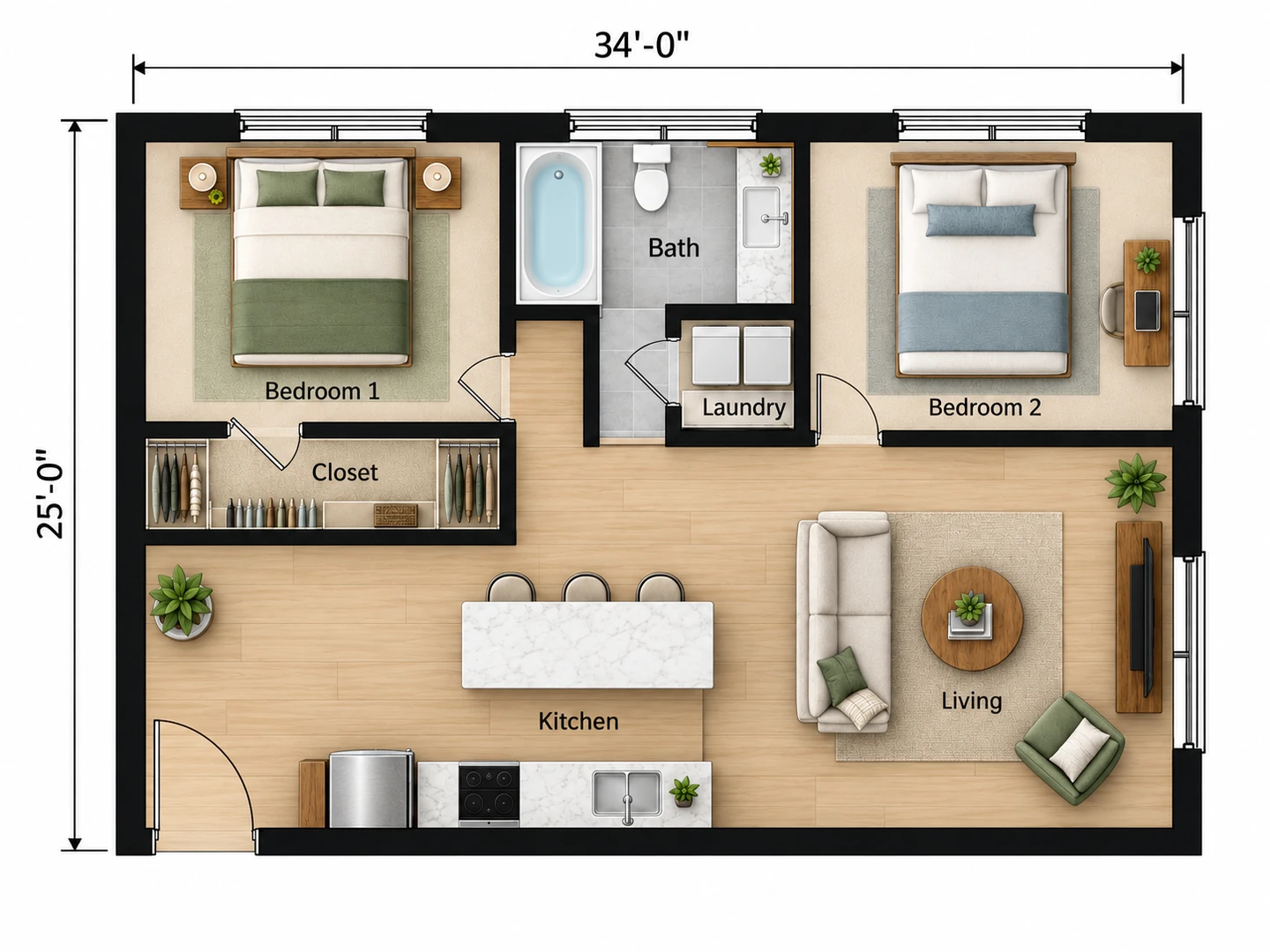
Before After 850 sq ft two-bedroom apartment in Colored 2D, from an empty outline
Before After 800 sq ft cabin with a wood stove, as a hand-drawn sketch
Flat, top-down, to the point
What Is a 2D Floor Planner?
A 2D floor plan is the view straight down on a home with the roof lifted off. Walls are thick lines, doors are arcs that show their swing, windows are breaks in the wall, and every room is labeled. A 2D floor planner is the tool that draws it. Classic 2D floorplanner software hands you a wall tool and a furniture library; this one works from a brief, so you describe the rooms and the AI drafts the whole plan.
A flat plan is the fastest way to judge a layout: you see at once whether the bedrooms are private, how far the kitchen sits from the entry and where a sofa fits. Treat the result as a planning image. You download a PNG with approximate dimensions, not a CAD file or a drawing to build from, and every plan stays in My Projects.
- Houses, apartments, studios, cabins, single rooms and offices
- Five 2D styles: Technical, Colored, Furnished, Blueprint, Hand-Drawn
- Floor area in square feet or square meters
- Upload a hand sketch to follow its shape
How to Create a 2D Floor Plan Online
Choose the plan type and size
Pick House, Apartment, Studio, Cabin or a single room such as Kitchen or Bedroom, and enter the floor area in sq ft or m². For one room, add the wall lengths to the notes, for example "14 x 12 ft".
Describe the rooms
List the rooms and what belongs together: kitchen open to the living room, bedrooms off a hall, laundry near the baths. Have a hand sketch? Upload it and the plan follows its outline and room order.
Pick a 2D style and generate
Technical 2D is selected by default. Generate, then run the same brief in Colored or Furnished 2D and compare the versions in My Projects before you download the PNG.
A 2D Floor Plan Creator for Homes and Rooms
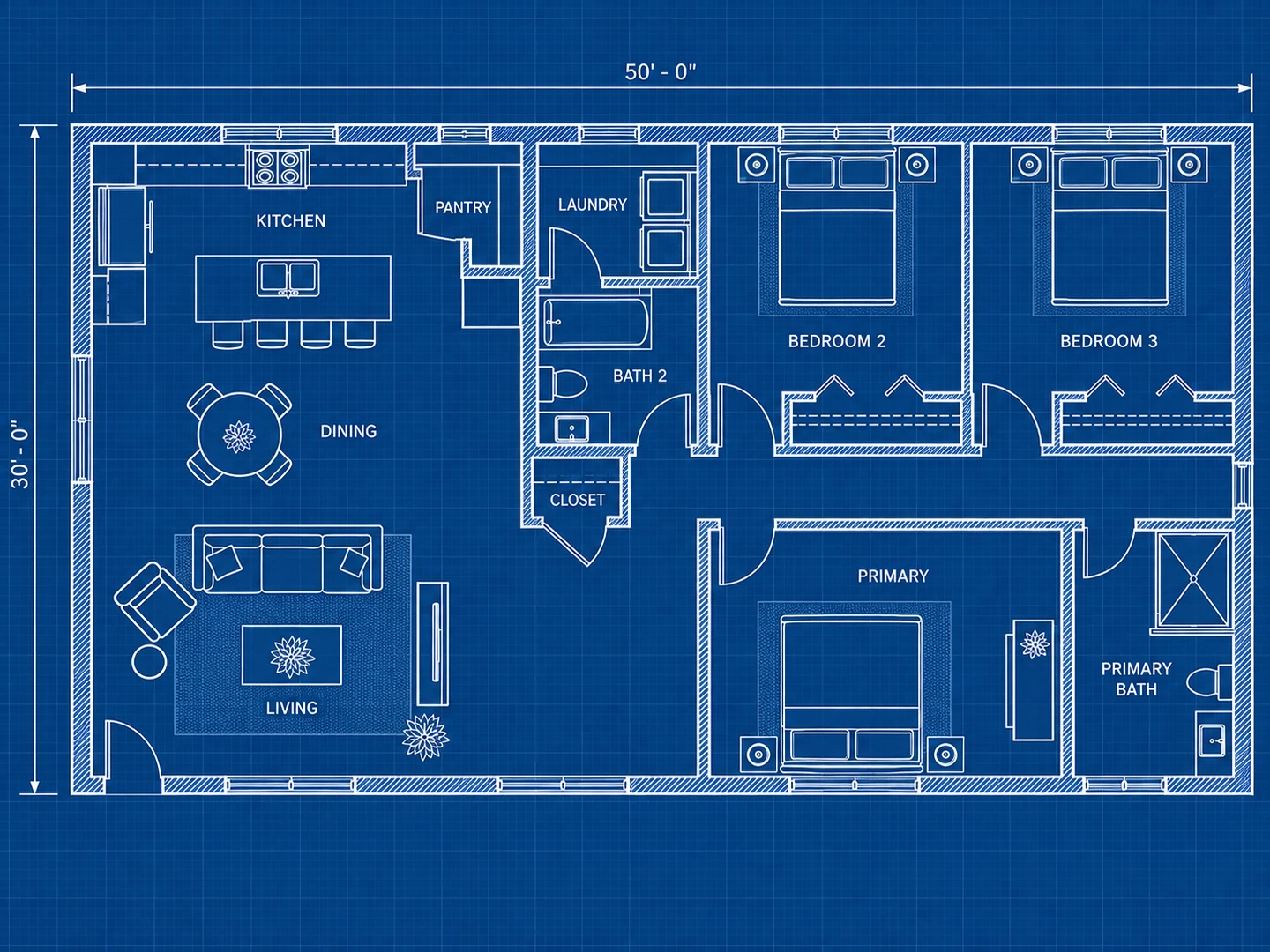
Five 2D styles from one brief
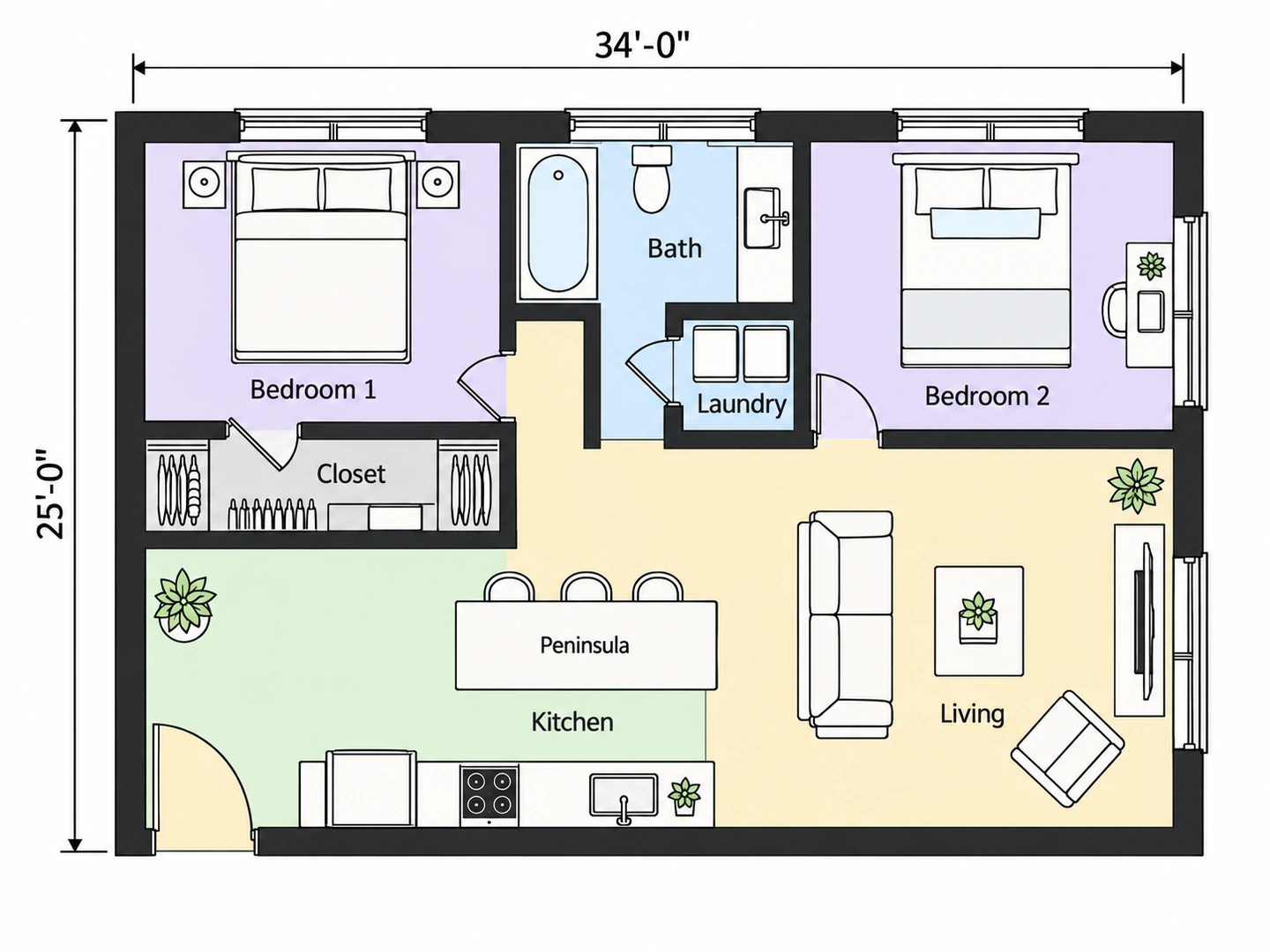
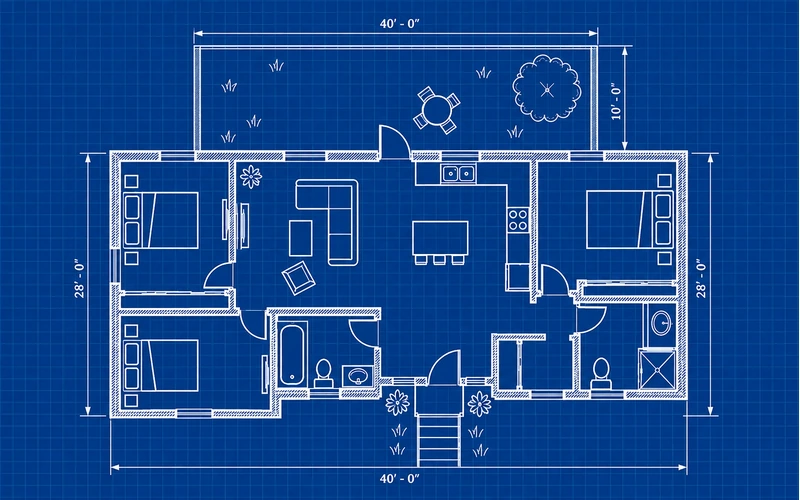
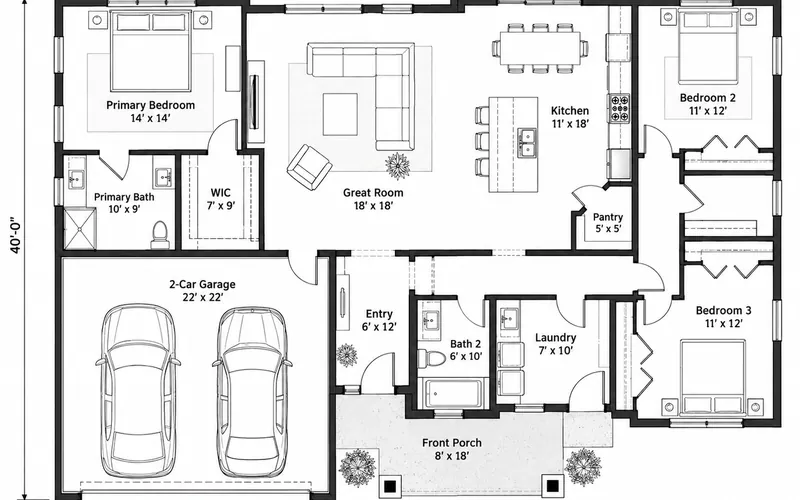
Technical 2D draws black linework with door swings and dimension lines, the look contractors are used to. Colored 2D fills each room with a soft color for listings and client decks. Furnished 2D shows real furniture from above. Blueprint draws white lines on blue, so the page doubles as a 2D blueprint maker, and Hand-Drawn Sketch suits ideas you are not ready to commit to.
Try the 2D styles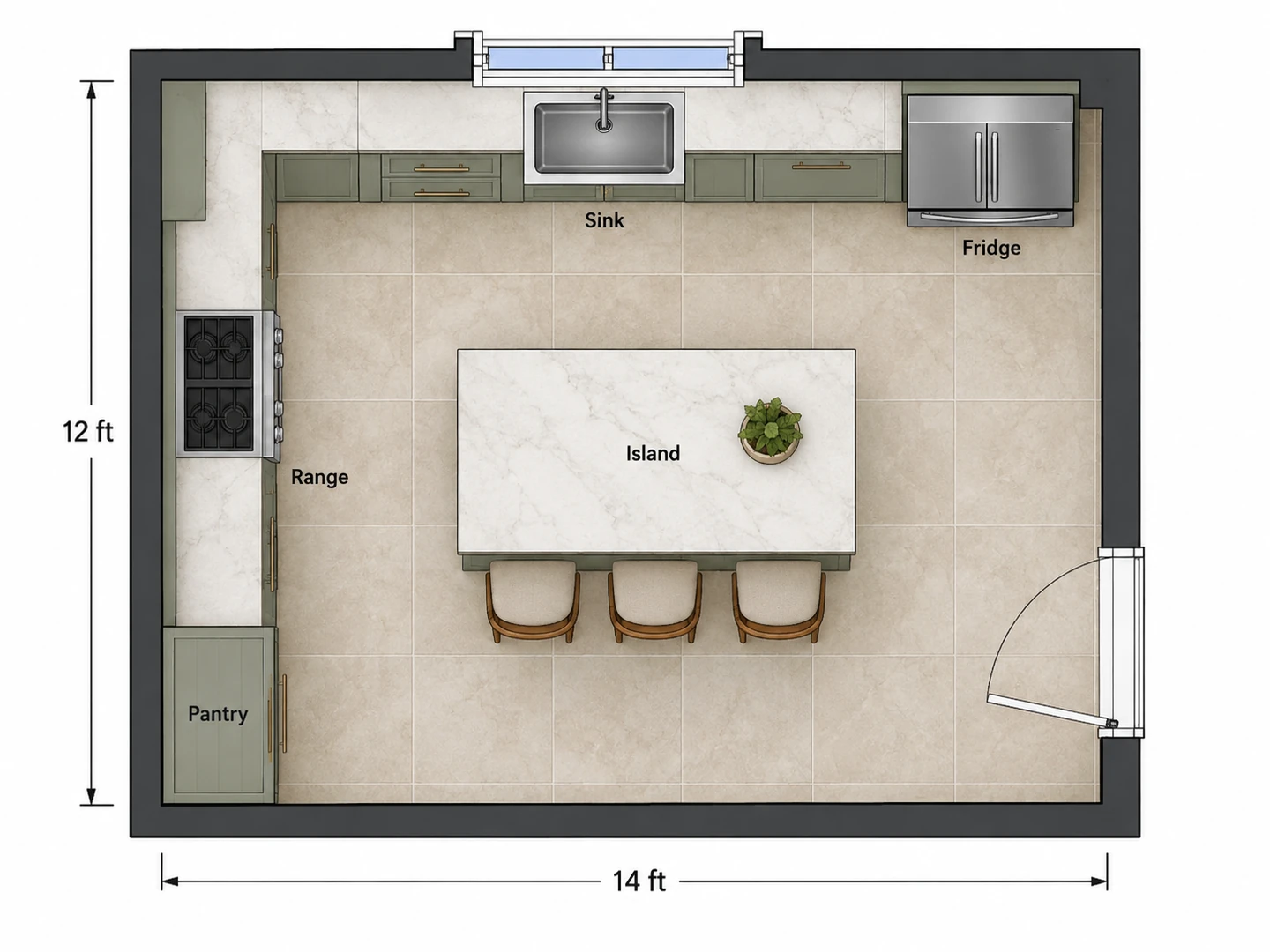
A 2D room planner for one room at a time
Choose Kitchen, Bedroom, Living Room, Bathroom or Home Office to plan a single room in 2D, with fixtures and furniture at believable sizes. A 2D kitchen plan shows the counters, sink, range, fridge and island with walking space between them, so you can check the work aisles before you order cabinets.
Room Layout Planner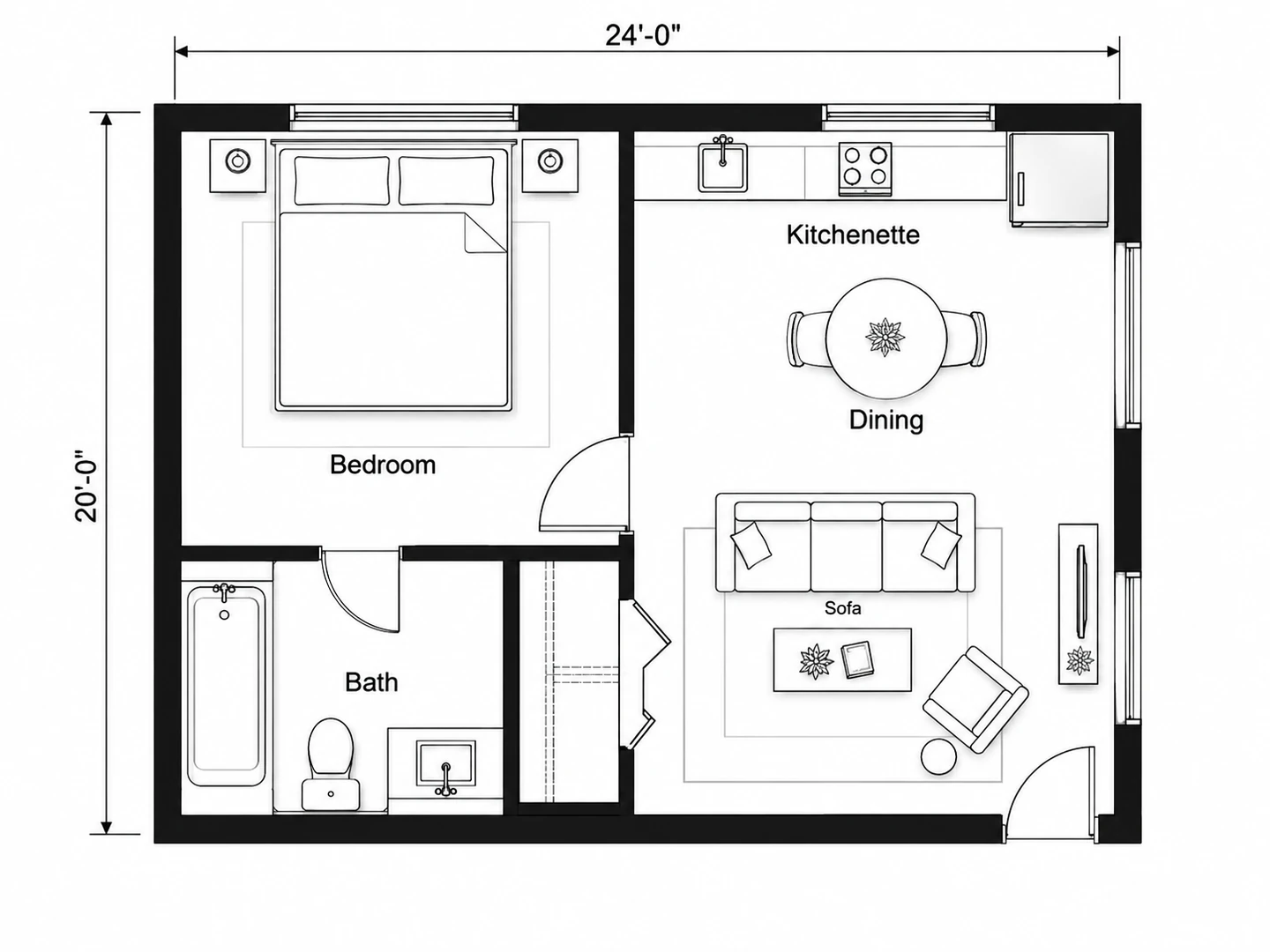
From hand sketch to clean 2D house plan
Upload a photo of a pencil sketch or an old plan, and the 2D house plan maker redraws it with straight walls, standard door and window symbols and labeled rooms, keeping your room order. A backyard ADU sketched on graph paper comes back as a clean technical plan.
Floor plan symbols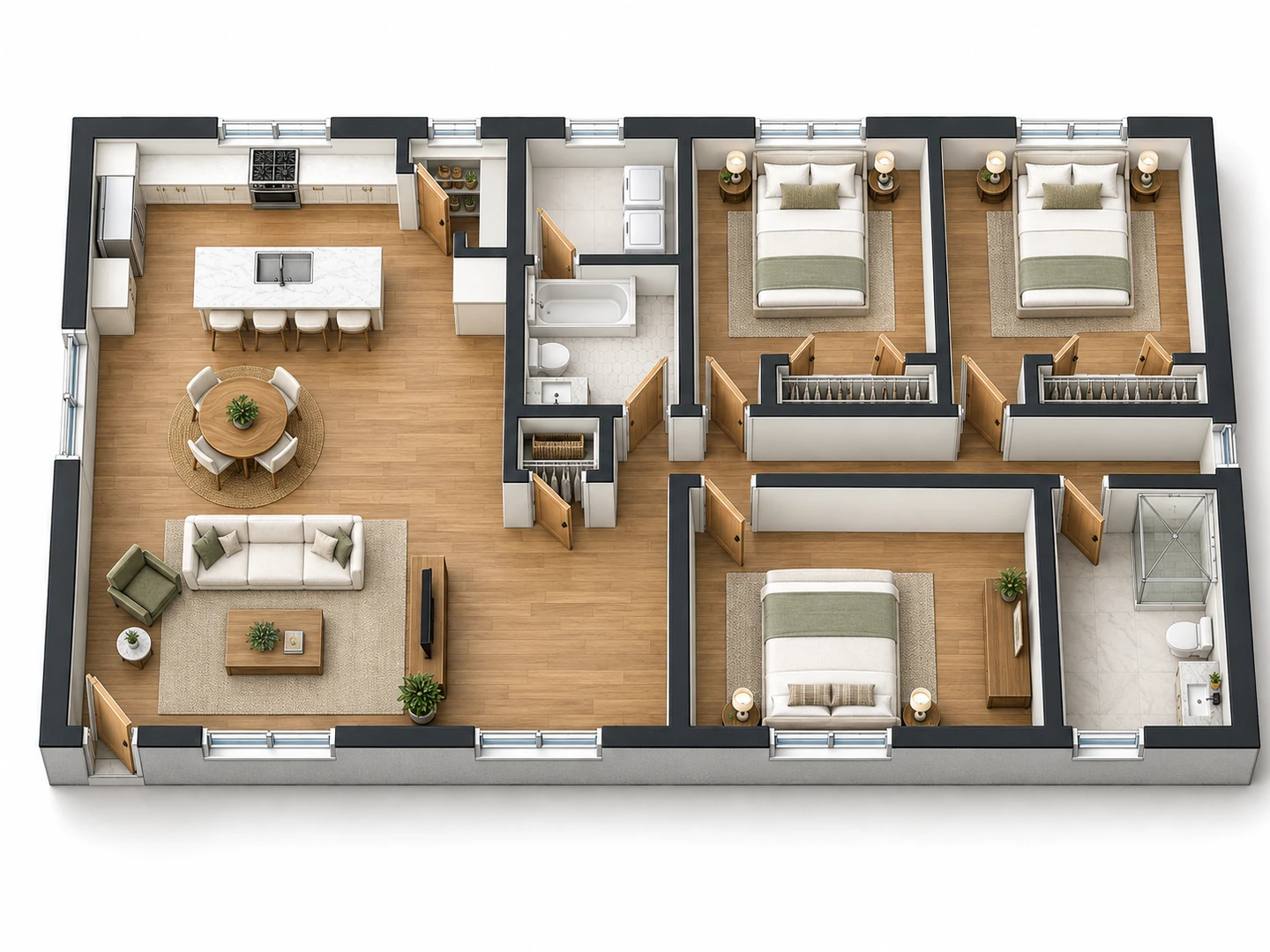
2D and 3D floor plans from one design
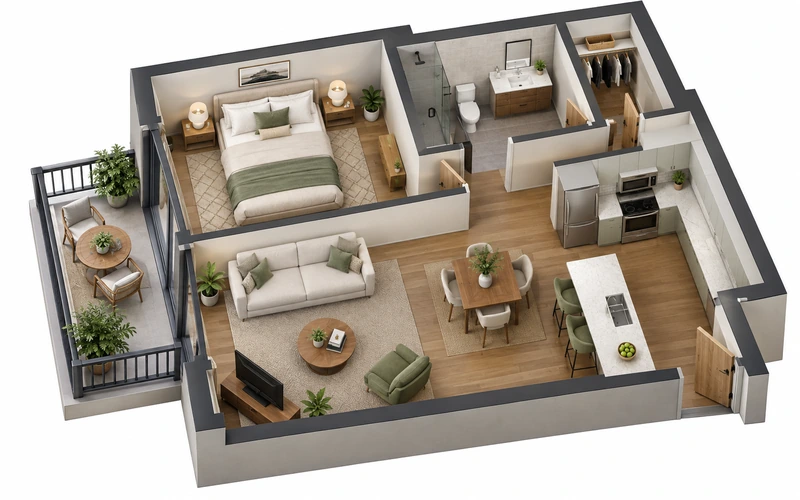
Settle the layout in 2D, where walls and sizes are easy to judge. Then download the plan and convert the 2D floor plan to 3D with Floor Plan to 3D for a furnished, walls-up view, or create a front elevation with 2D Plan to Elevation, without redrawing anything yourself.
Floor Plan to 3DCompare
2D and 3D Floor Plans Compared
What each view is good at, and when to use it.
| Aspect | 2D floor plan | 3D floor plan |
|---|---|---|
| View | Straight down, flat (orthographic) | From above at an angle, walls raised |
| Best at showing | Wall positions, door swings, room sizes, dimensions | Furniture, materials and how rooms connect |
| Typical use | Planning, measuring, remodel briefs, contractor talks | Presentations, listings, client approval |
| Easiest to read for | Builders, designers, anyone checking sizes | Buyers, clients and family |
| Made on this site with | This 2D floor plan maker (five flat styles) | Floor Plan to 3D, or the 3D Isometric style in the AI Floor Plan Generator |
Both are images for planning. If you need an editable 3D model for CAD or BIM software, 2D to 3D floor plan conversion services can build one from your chosen plan.
Rule of thumb
Typical Room Sizes for a 2D House Plan
Common sizes in US homes. Use them in the notes box when you describe the rooms.
| Room | Typical dimensions | Area (sq ft) | Area (m²) |
|---|---|---|---|
| Secondary bedroom | 10 × 10 to 11 × 12 ft | 100 – 132 | 9.3 – 12.3 |
| Primary bedroom | 12 × 14 to 14 × 16 ft | 168 – 224 | 15.6 – 20.8 |
| Living room | 12 × 18 to 16 × 20 ft | 216 – 320 | 20 – 30 |
| Kitchen | 10 × 12 to 12 × 15 ft | 120 – 180 | 11 – 17 |
| Dining room | 10 × 12 to 12 × 14 ft | 120 – 168 | 11 – 15.6 |
| Full bathroom | 5 × 8 to 8 × 10 ft | 40 – 80 | 3.7 – 7.4 |
| Half bath | 4 × 5 to 5 × 6 ft | 20 – 30 | 1.9 – 2.8 |
| Laundry room | 6 × 8 to 8 × 10 ft | 48 – 80 | 4.5 – 7.4 |
Typical figures for newer US homes; apartments and older houses often run smaller. Many US codes set about 70 sq ft (6.5 m²) as the minimum for a bedroom.
Who Uses the 2D Floor Planner
Homeowners planning a remodel
Redraw the current layout from a sketch, then try the change you have in mind, such as a wall removed or a bigger bath, as a second 2D plan. Two flat plans side by side make the first talk with a contractor much shorter.
Renters, buyers and agents
No plan in the listing? Sketch the rooms and get a clean Colored 2D plan to share, marked as approximate. Check the total area against your own measurements first.
Anyone who needs 3D or elevations next
Start in 2D, then take the finished plan to a 3D view or a front elevation. It stands in for 2D 3D floor plan software when what you need is clear pictures of one design rather than an editable model.
Related guides
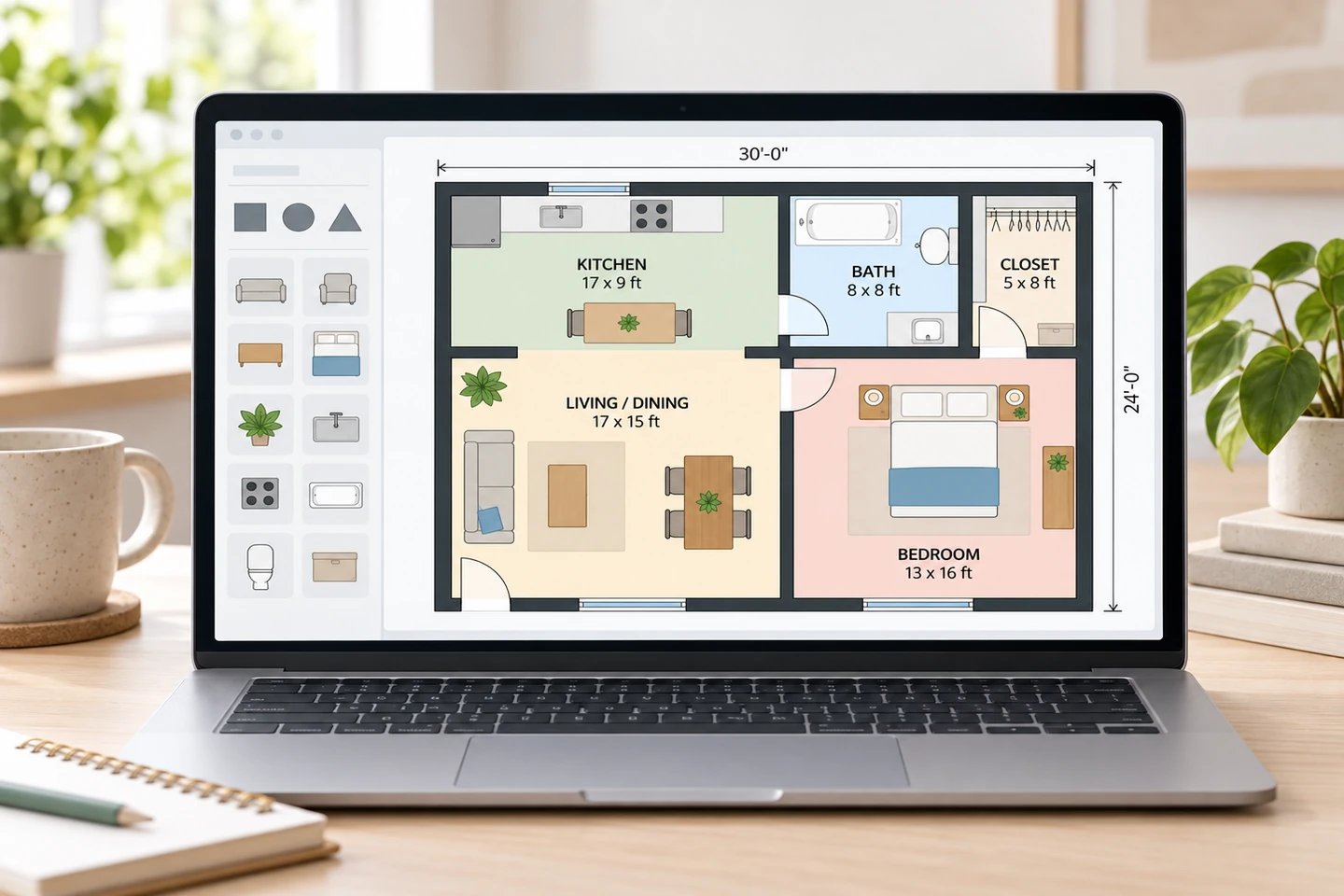
Canva Floor Plan: How to Make One, and Where Canva Falls Short
How to make a Canva floor plan: templates, a pixel scale, walls and furniture icons, what the Canva floor plan creator cannot do, and faster options.
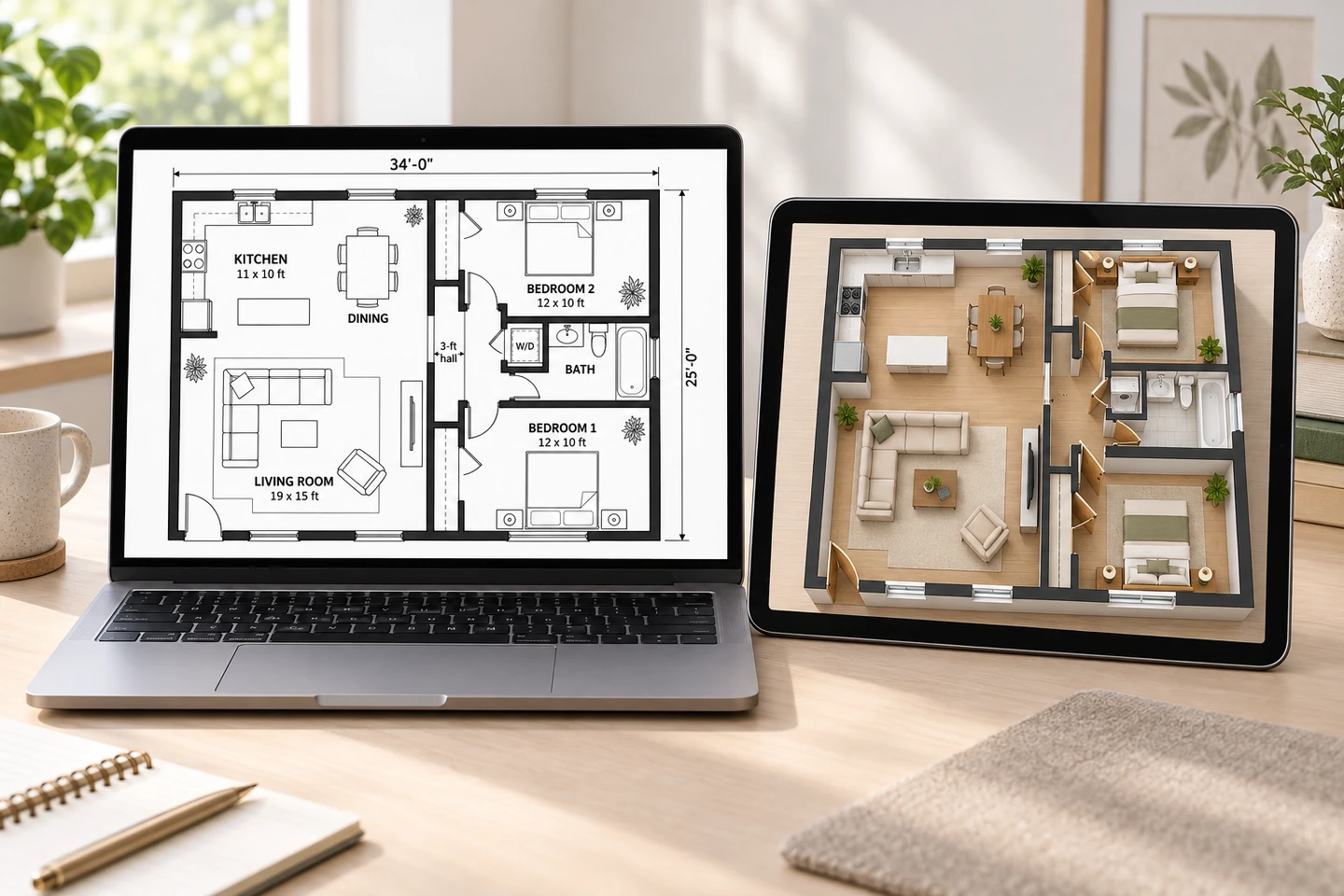
Best Free Floor Plan Software: 9 Options Compared
The best free floor plan software compared: Floorplanner, Planner 5D, RoomSketcher, SketchUp Free, Sweet Home 3D, Homestyler, SmartDraw, Canva and AI.
2D Floor Plan Maker FAQ
It is free to try: new accounts get free credits and each 2D plan uses 10 credits, so you can test it as a free 2D floor plan creator before buying anything. Credit packs and subscriptions cover more plans.
It is a flat drawing of a building or a room seen from directly above, as if the roof and ceiling were removed. It shows walls, doors, windows, fixtures and room names, often with dimensions, but no heights; elevations and 3D views add those.
A 2D plan is flat and best for layout and sizes. A 3D plan is seen at an angle with walls raised and furniture in place, so it shows how the space will feel. Most projects use both: 2D to decide the layout and 3D to present it.
Yes. Download your 2D plan and upload it to Floor Plan to 3D, which raises the walls and furnishes each room in a 3D image. If you need an editable 2D floor plan to 3D model for CAD or BIM software, a 2D to 3D floor plan conversion service is the better route.
Yes. Choose Kitchen, Bedroom, Living Room, Bathroom or Home Office, enter the size and list the furniture. Each room plan uses 10 credits, which the free starter credits cover. For arranging furniture in one room, the Room Layout Planner has presets built for it.
Technical 2D for contractors and remodel briefs, Colored 2D for listings and presentations, Furnished 2D to show how rooms are used, Blueprint for a classic drafted look, and Hand-Drawn Sketch for early ideas. A different style is one more generation, not a redraw.
Close, but not exact. Enter the floor area and add wall lengths to the notes, and the plan follows them, but dimensions on the image are approximate. For construction or permits, have the chosen layout drawn to scale in CAD by a designer or architect.
No. Everything runs in the browser on a computer or phone, and you download each plan as a PNG. There is no drag-and-drop editor and no CAD export; to change one part of an existing plan, use the AI Floor Plan Editor.
See Your Layout in 2D
Describe the rooms, pick a 2D style and get a clean floor plan in seconds. New accounts get free credits.
Create a 2D Floor Plan