
AI Garden Design from Photos
Preview AI garden design on a photo of your yard: new planting, paths and seating, with buildings and boundaries meant to stay.
Generate Garden Design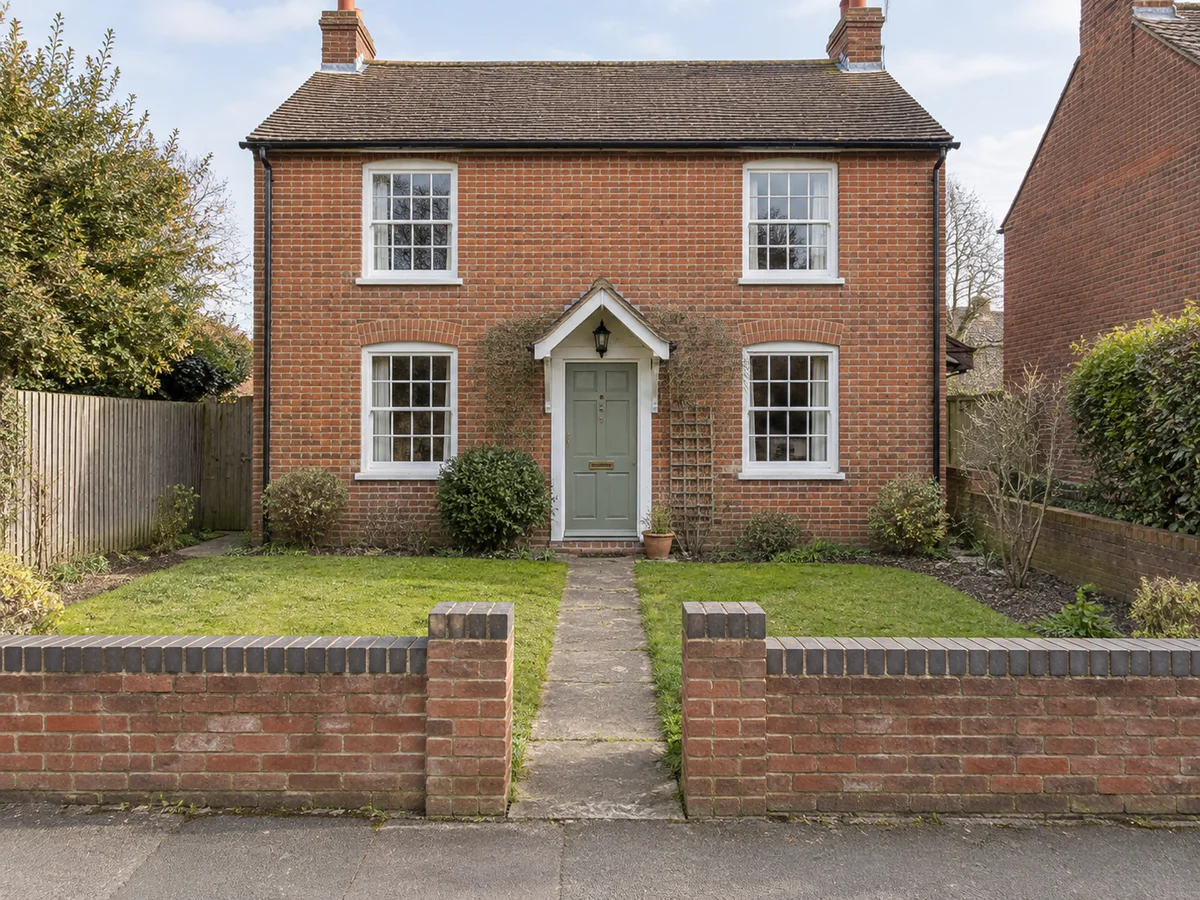 Before
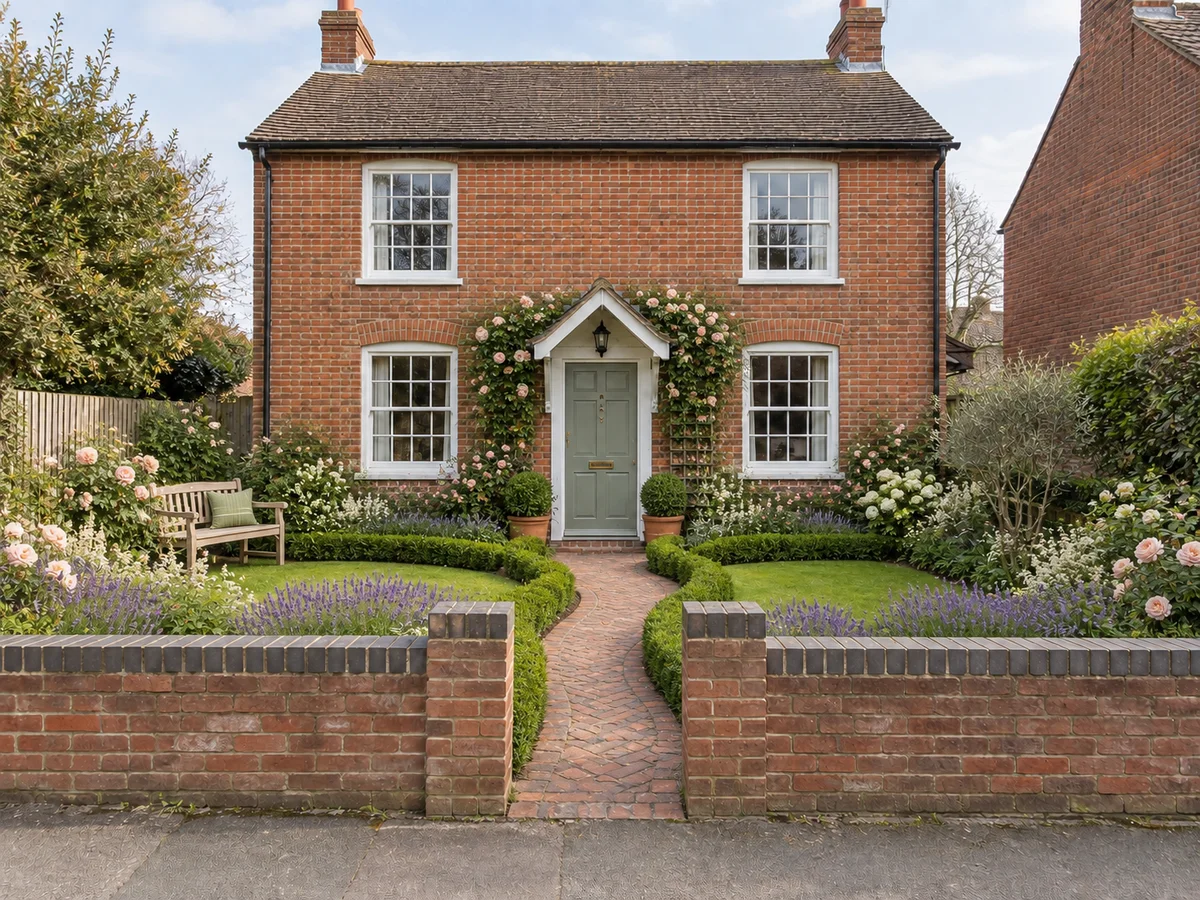 Design preview
Turn Your Garden Photos into New Design Ideas
Choose your space and style, then add any details you want to explore.
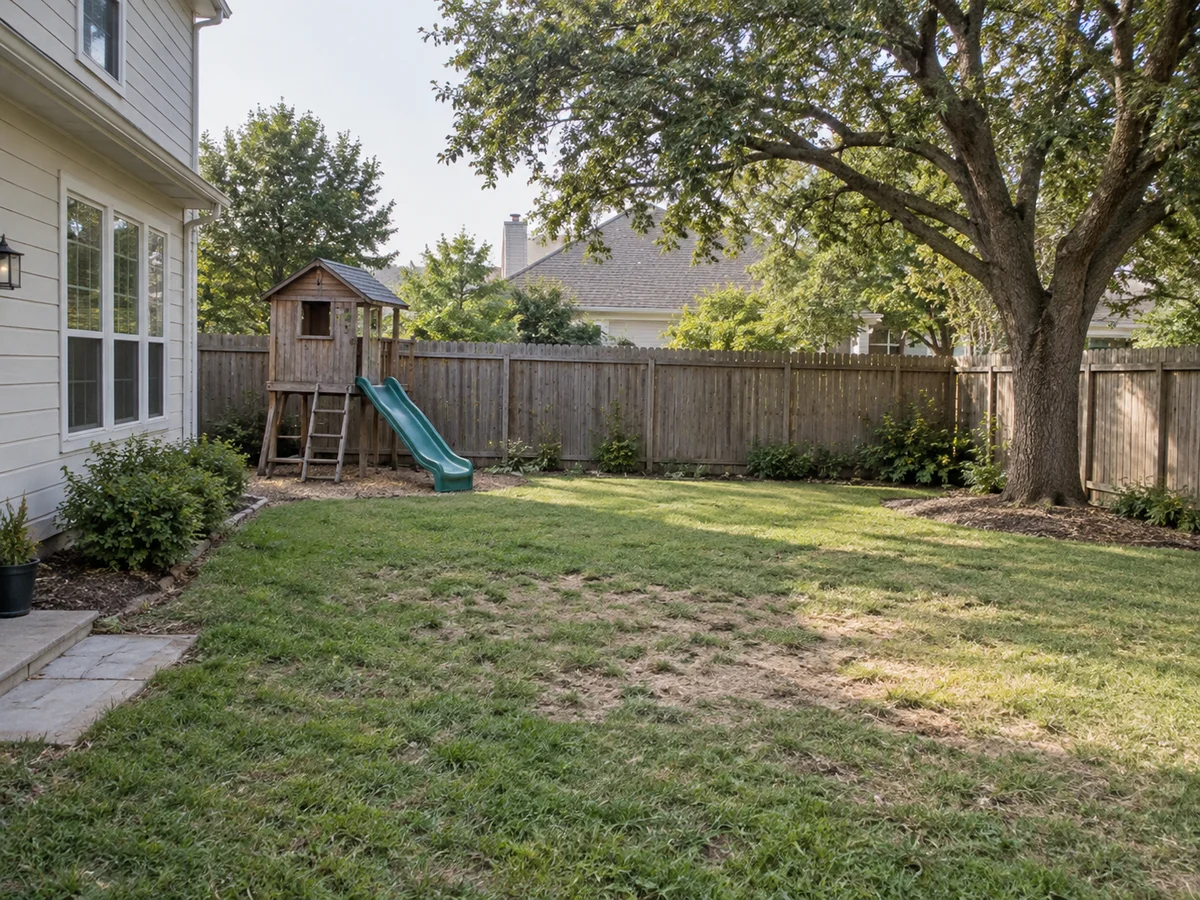
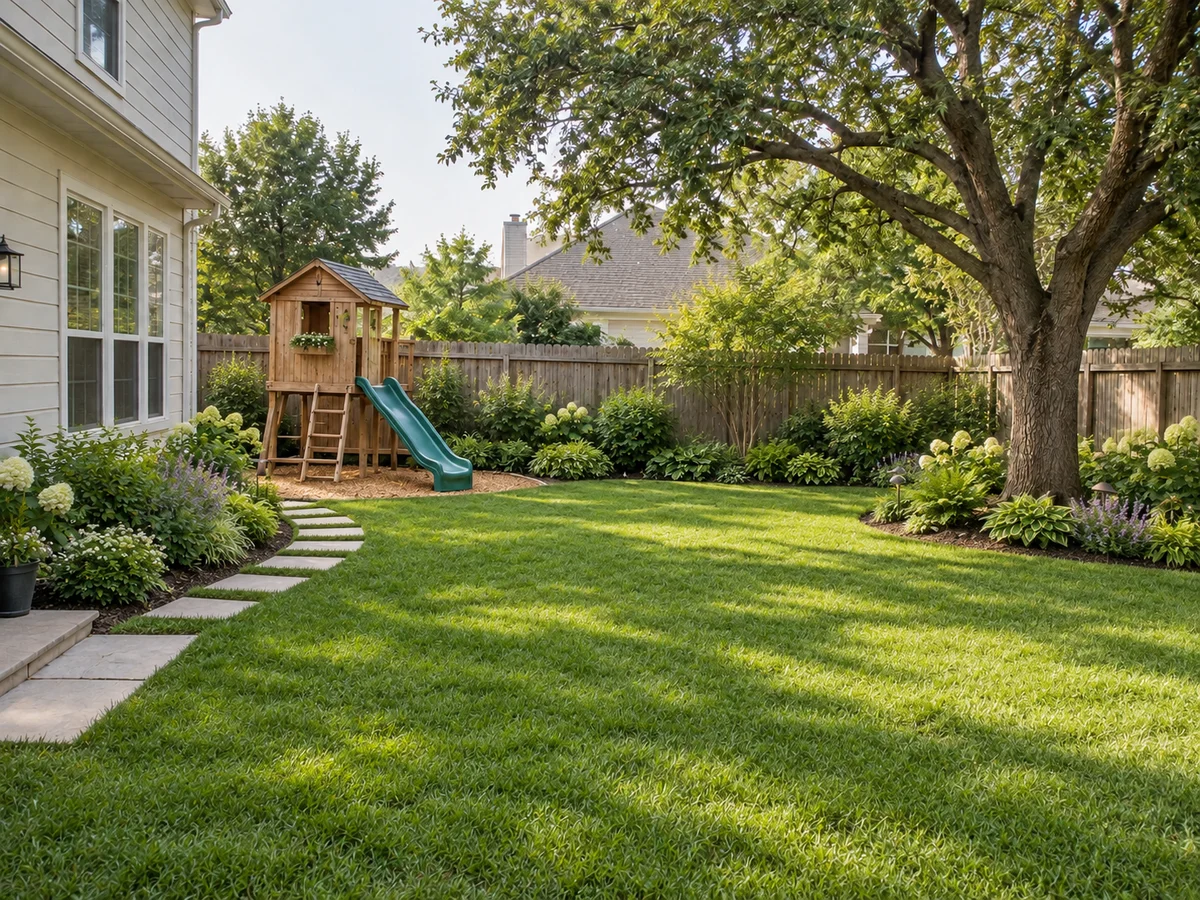 AfterBefore
Nature Adventure
An outdoor play and planting concept
Explore Garden Makeover Ideas with AI
Illustrative before-and-after concepts for three garden styles. Find a direction to try on your own outdoor photo.
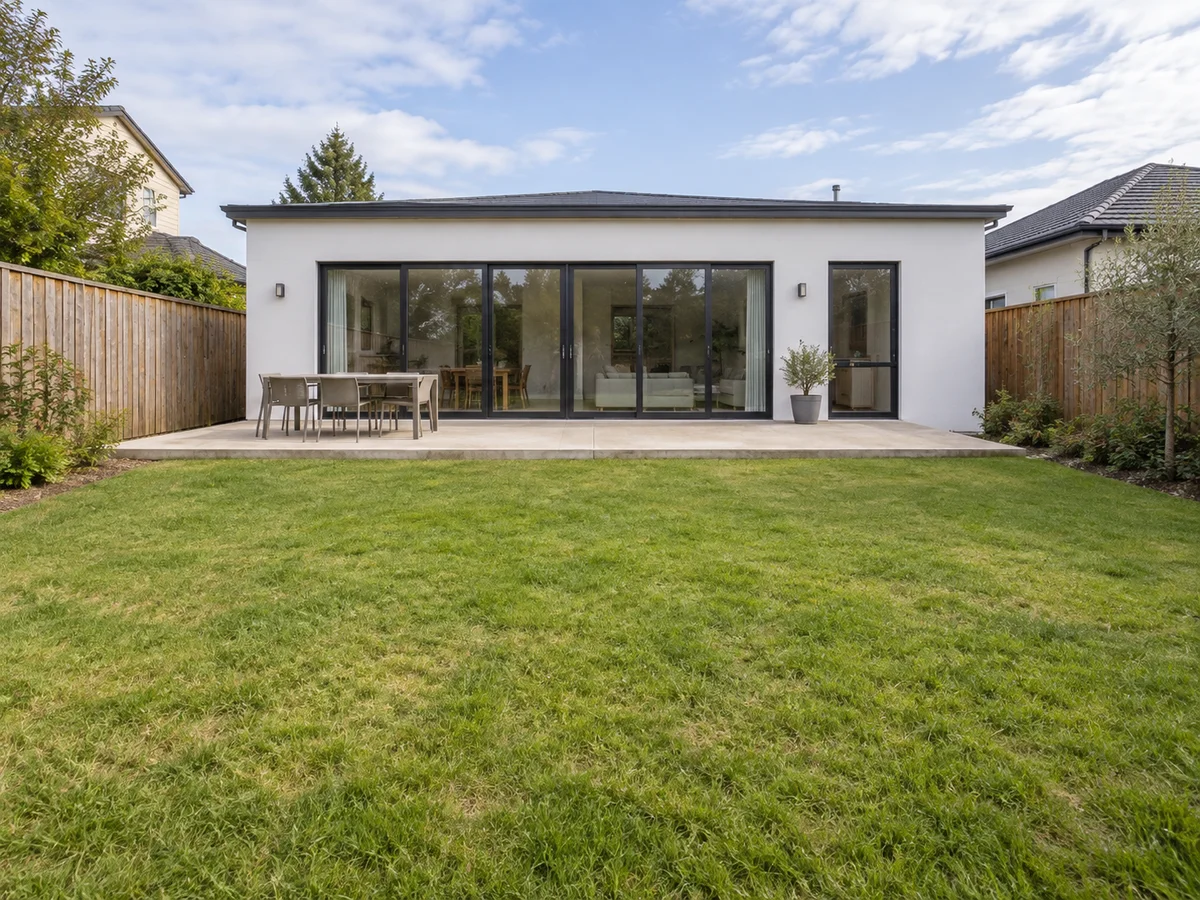
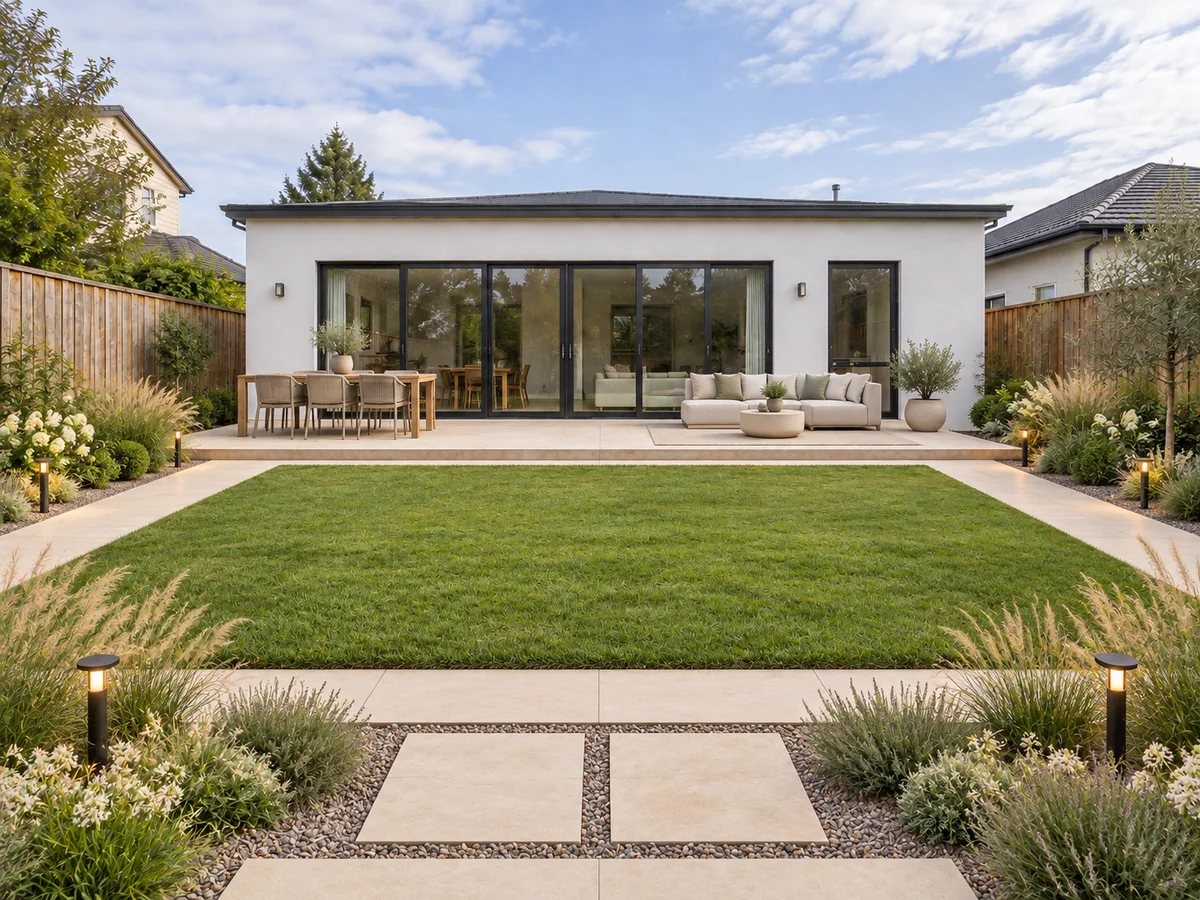 AfterBefore
Modern Backyard
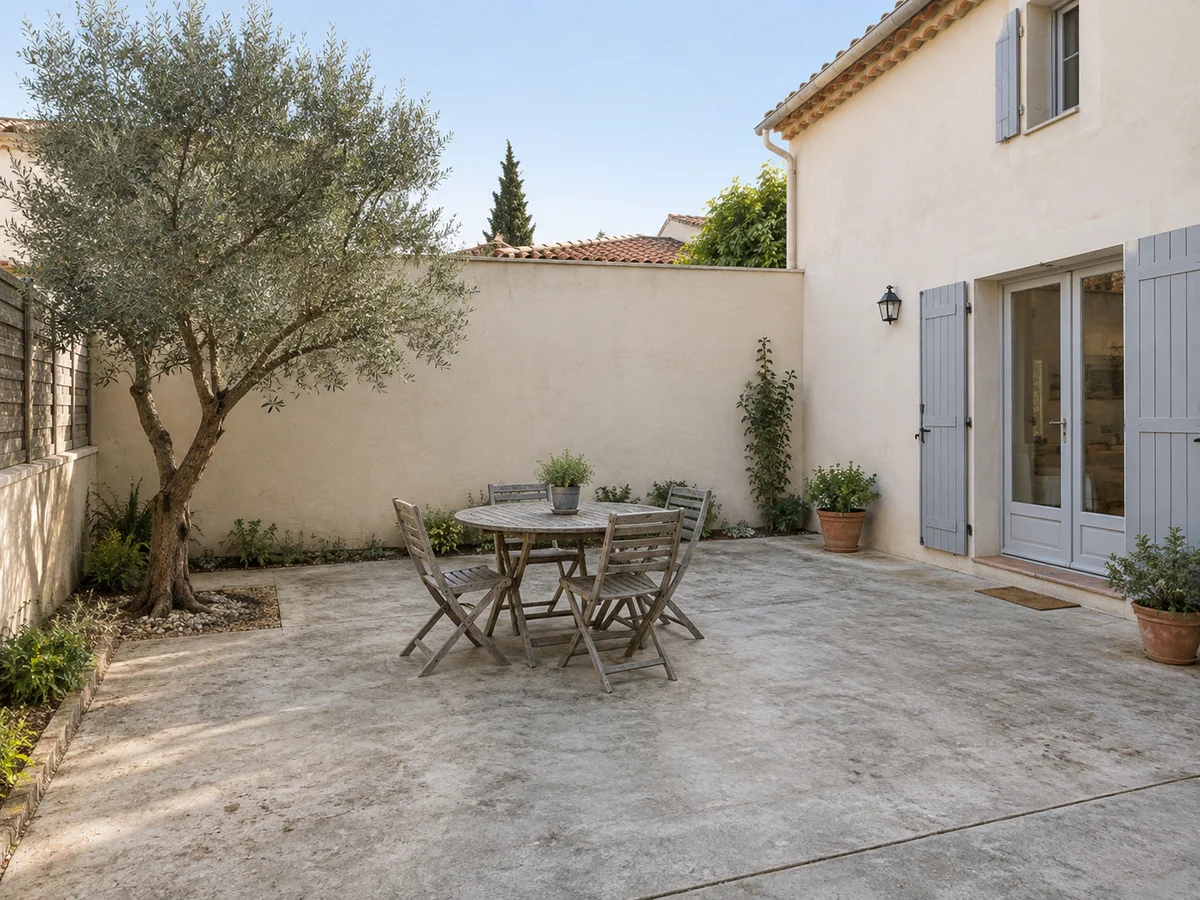
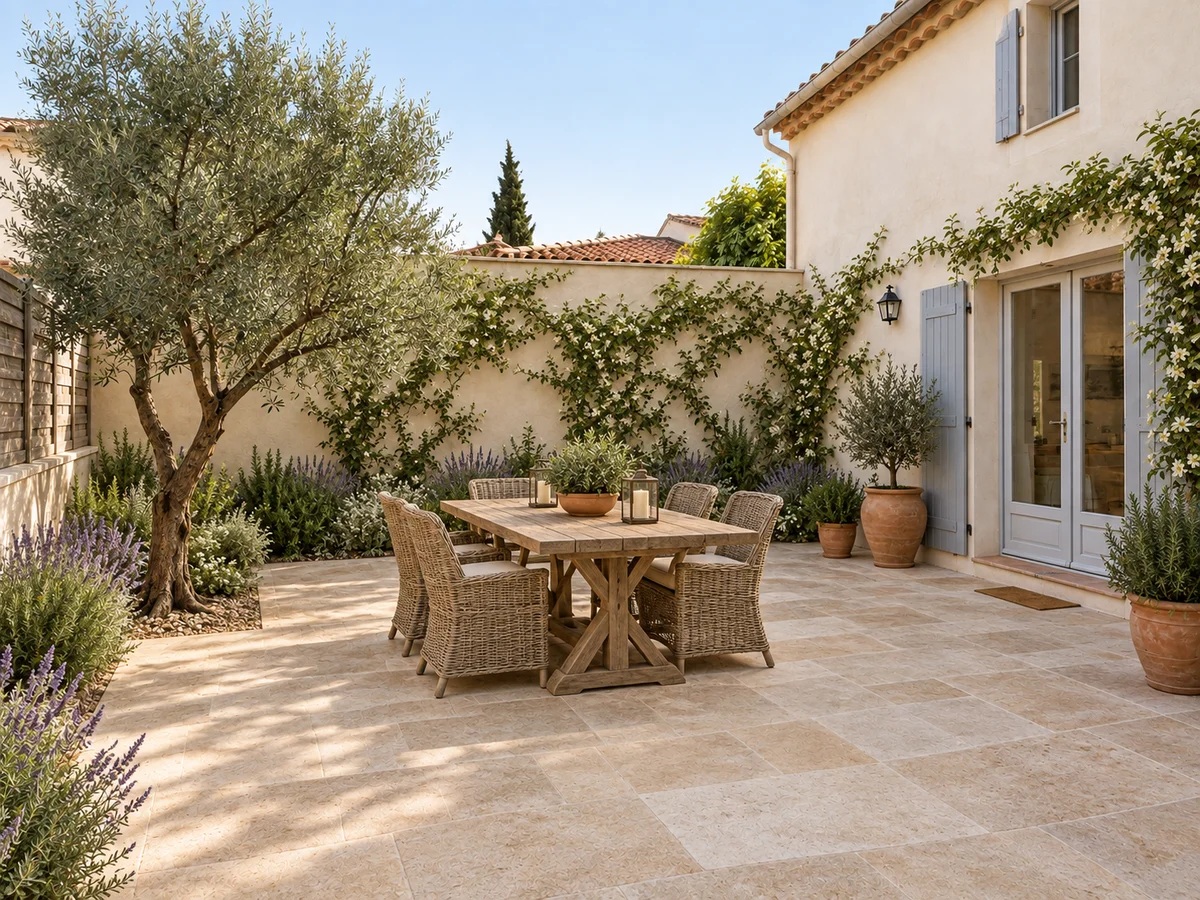 AfterBefore
Mediterranean Courtyard
- AfterBefore
English Garden
How AI Helps You Create a Beautiful Garden
Turn a starting idea into a visual direction. Explore garden styles, planting arrangements and places to unwind.
Find a Garden Style That Feels Like You
Start with your own photo and explore the mood you want outside. Choose from 20 garden styles, from modern to English or Mediterranean, then describe the details that matter to you. Try a flowering border, a shady reading corner or a welcoming courtyard before deciding which direction to take.
Start Exploring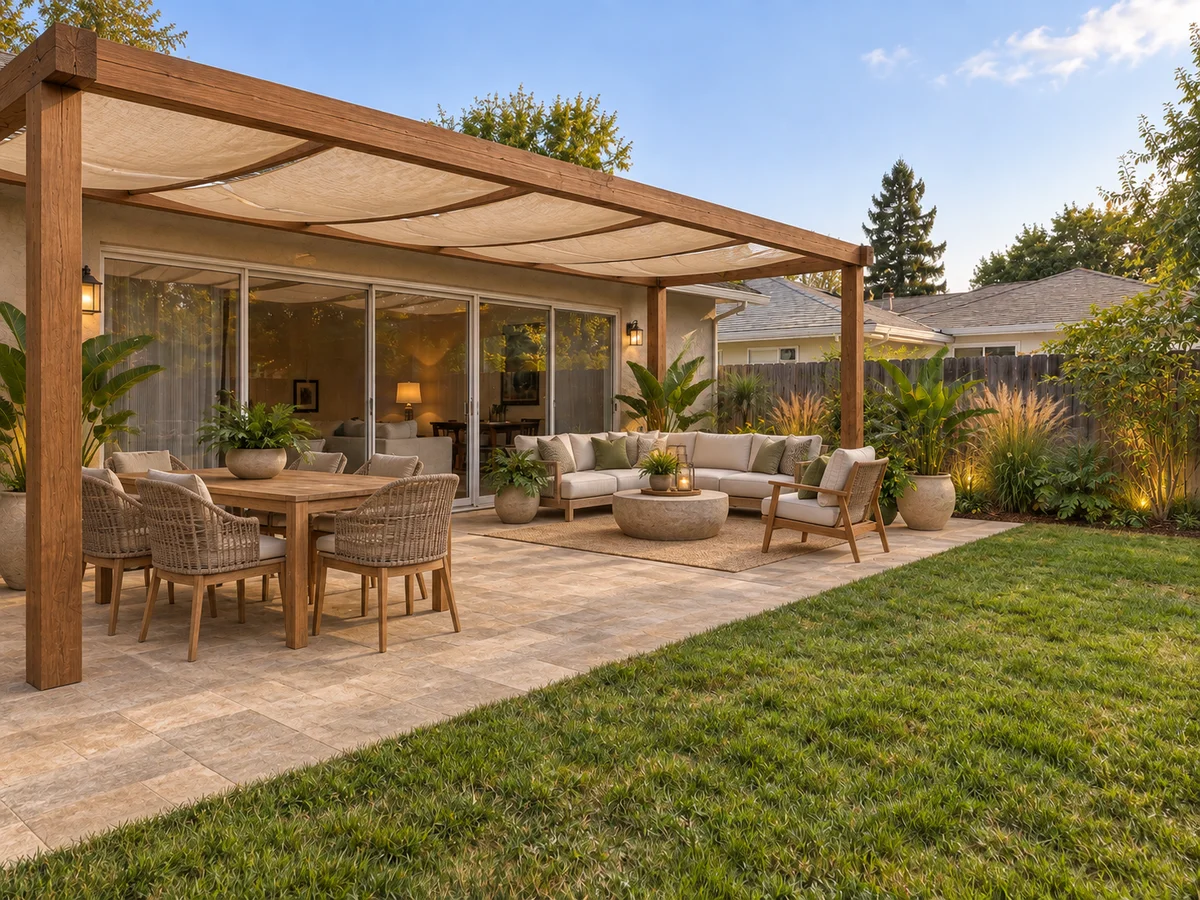
Picture Your Future Garden
It can be hard to imagine a new garden from a list of ideas. Use a photo-based preview to see how planting, materials and seating might work together. Explore the atmosphere you want for morning coffee, family time or a quiet evening, then save a favorite to share with your household or designer.
See the PossibilitiesTurn a Real Photo into a Garden Concept
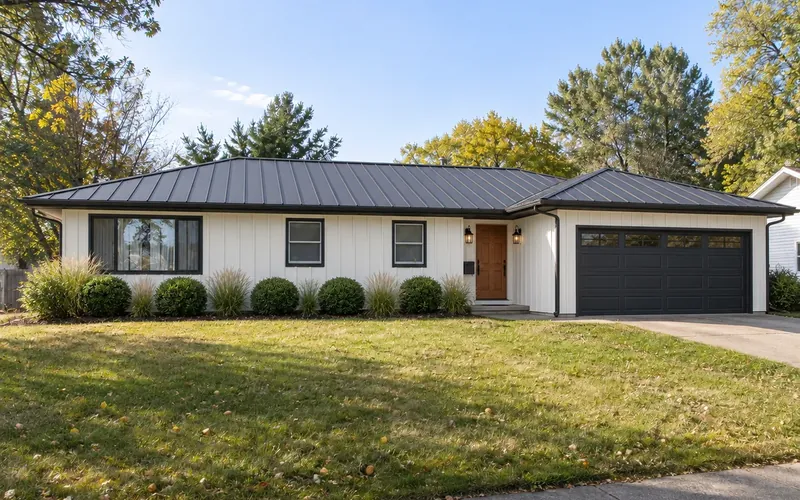
Include entrances, steps and existing trees in your photo, then describe planting beds, containers or a small seating corner. The AI aims to keep the site footprint, buildings, slope and pool shape. Check those details and walking routes against the original before discussing plants and materials with a garden professional.
Upload Your Photo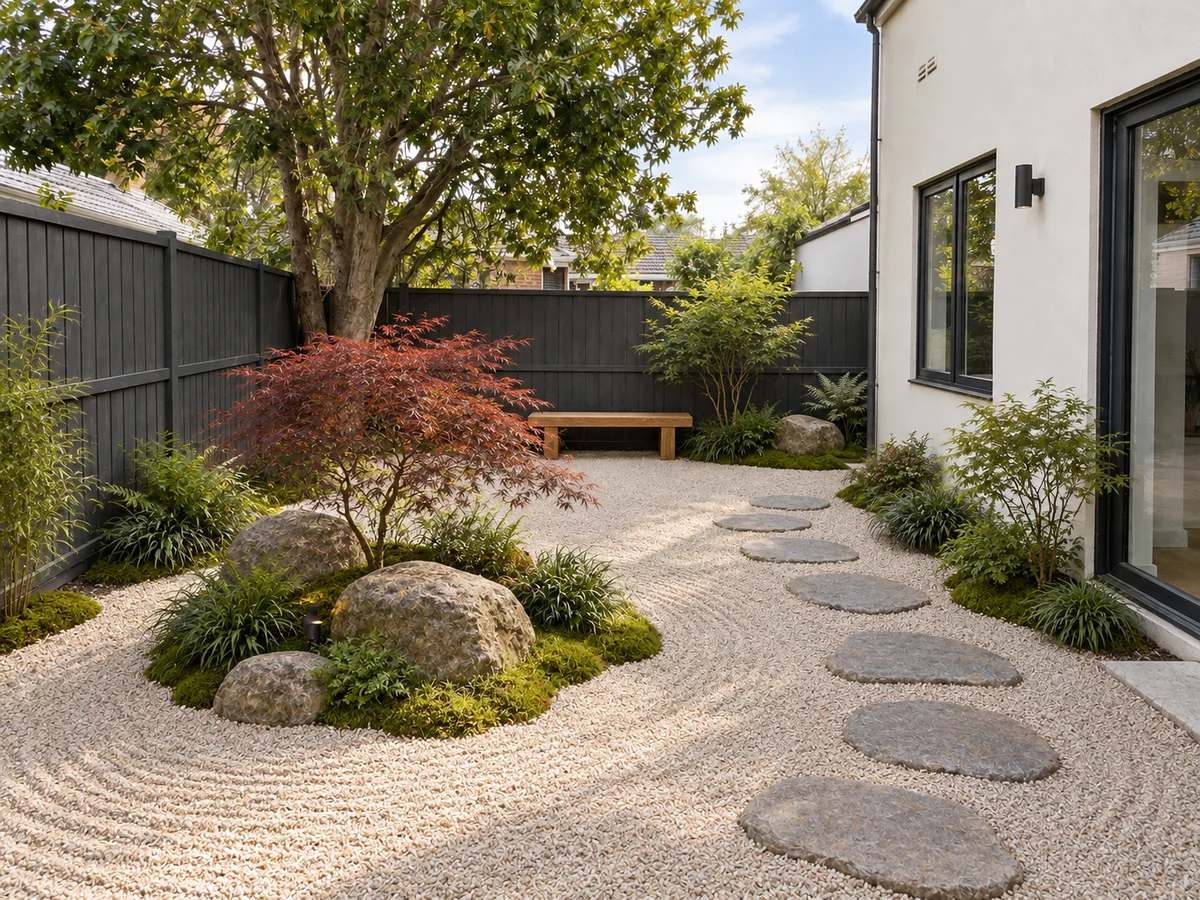
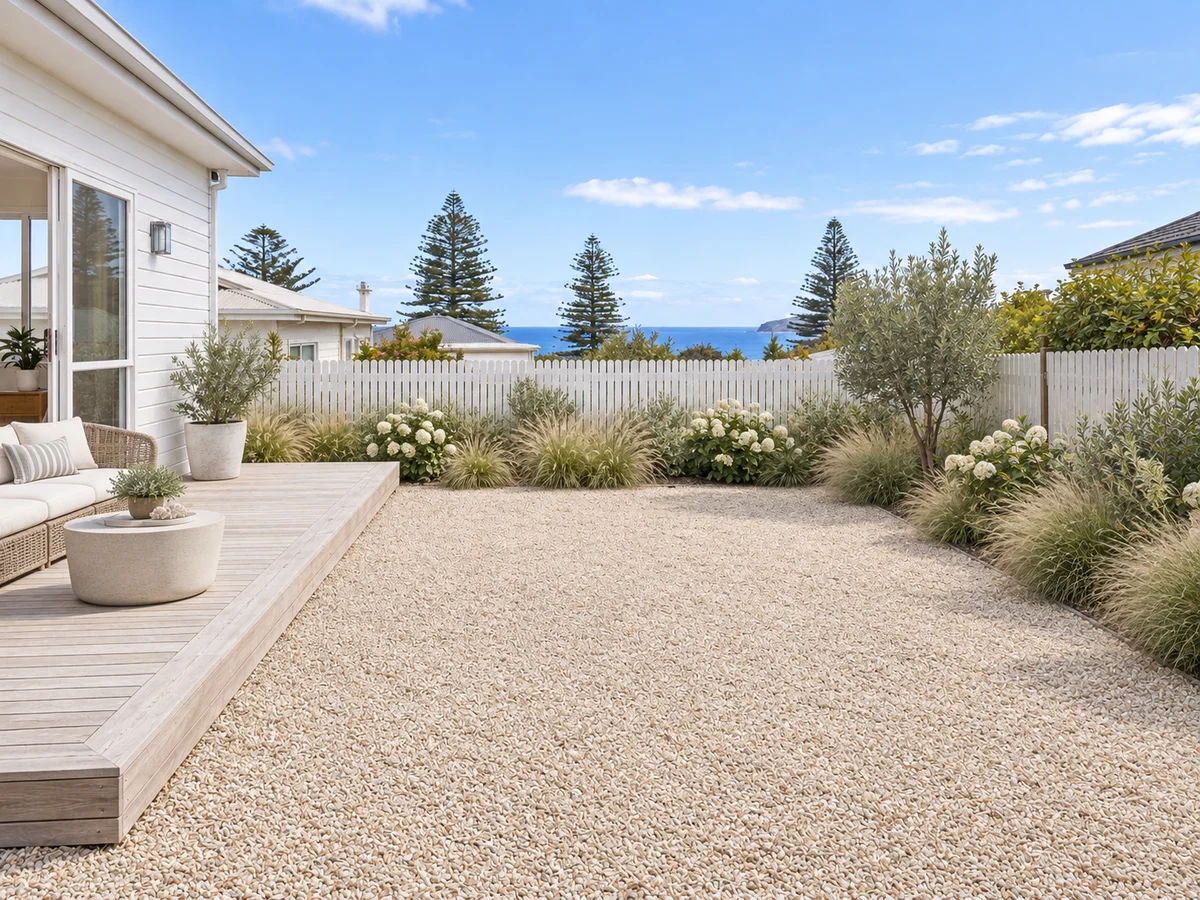
Explore and Compare Different Garden Ideas
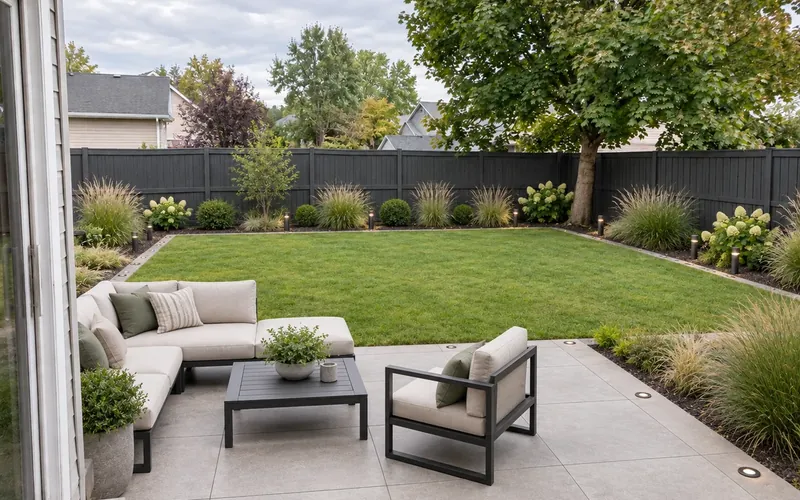
Compare a flowering border with a quieter container scheme on the same photo. Describe the sun exposure and maintenance you want as preferences, then review color, density and seating in History. The plants are illustrative; confirm species and care locally. For a broader patio-and-path layout, explore AI Landscape Design.
Compare Garden IdeasWhy Preview Your Garden with AI?
Bring a visual starting point to your planning. Explore the look first, then work out the practical details.
Planning from Inspiration Alone
- Limitation: Saved photos show someone else’s space
- Limitation: Materials can be hard to picture together
- Limitation: A written brief leaves room for interpretation
- Limitation: Different style ideas can be difficult to compare
- Limitation: Your preferred direction may still feel unclear
Starting with an AI Garden Preview
- Benefit: Use a photo of your own garden as the starting point
- Benefit: Explore planting, paths and seating together
- Benefit: Turn your notes into a visual concept
- Benefit: Save previews and revisit different ideas
- Benefit: Share a clearer brief with a garden professional
How to Design a Garden with AI
Take a Photo of Your Garden
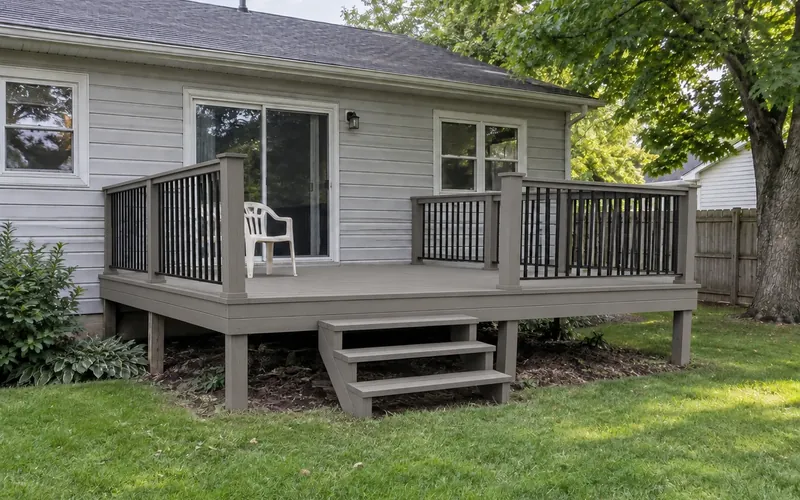
Use a clear, well-lit photo showing the space, boundaries and existing features. Upload it and select your garden type.
Choose a Style and Add Your Ideas
Pick a garden style, then describe the planting, paths or seating you would like. Mention features you want to keep.
Generate and Refine Your Preview
Sign in to generate. Compare the preview with your photo, download a favorite or adjust your notes and try another idea.
FAQ About AI Garden Design
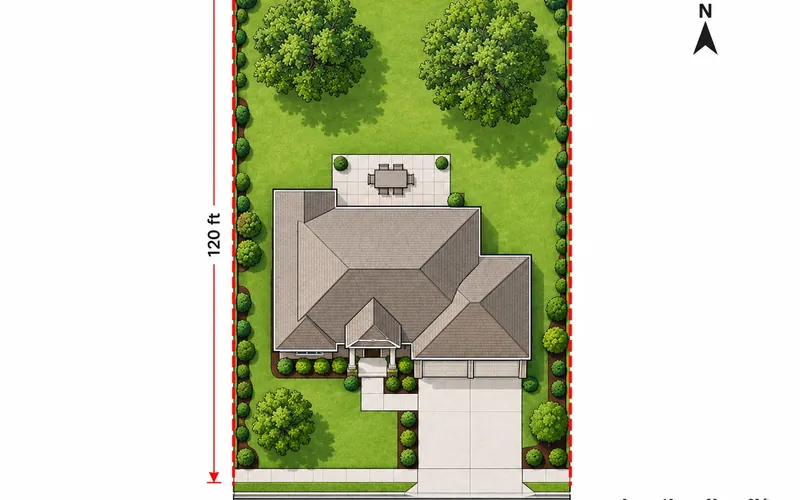
AI garden design uses a photo and your style choices to create a visual garden concept. Upload your space, choose the garden type and style, and add optional notes. The result helps you explore planting, paths, seating and atmosphere; it is not a measured garden plan.
Yes. Choose from 9 types: backyard, patio, terrace, front yard, garden, courtyard, pool area, porch or playground. Use a photo that shows as much of the space as possible and describe the features you want to explore.
There are 20 style options, including Modern, Mediterranean, English, Coastal and Tropical. Add notes about colors or planting you like. Plant appearances in a preview are illustrative: confirm species, climate suitability, water needs and maintenance with a local nursery or garden professional.
Use the image as a visual brief to discuss with a gardener or designer. AI may change proportions or existing details, and it does not assess drainage, soil, access, plant safety or local rules. Check measurements and practical requirements before purchasing materials or beginning work.
New accounts receive free credits to start. Sign in to generate; each design uses 10 credits. Free generations may wait in a queue. Once your credits run out, you can buy a credit pack or choose a subscription. No credit card is needed for the free signup credits.
Start Designing Your Garden Today
Upload your photo and explore a fresh garden idea. Find a style you love before taking the next step outside.
Try Garden Design Free- Free signup credits
- Photo-based previews
- Download your designs