
AI Floor Plan Editor
An online floor plan editor that works the way you think: drag a box over the part to change, describe it, and get the edited plan back.
Edit My Floor Plan FreeEdit a Floor Plan Online
Upload your plan, mark up to 6 areas and describe the change. No mark? The AI decides where the change belongs.
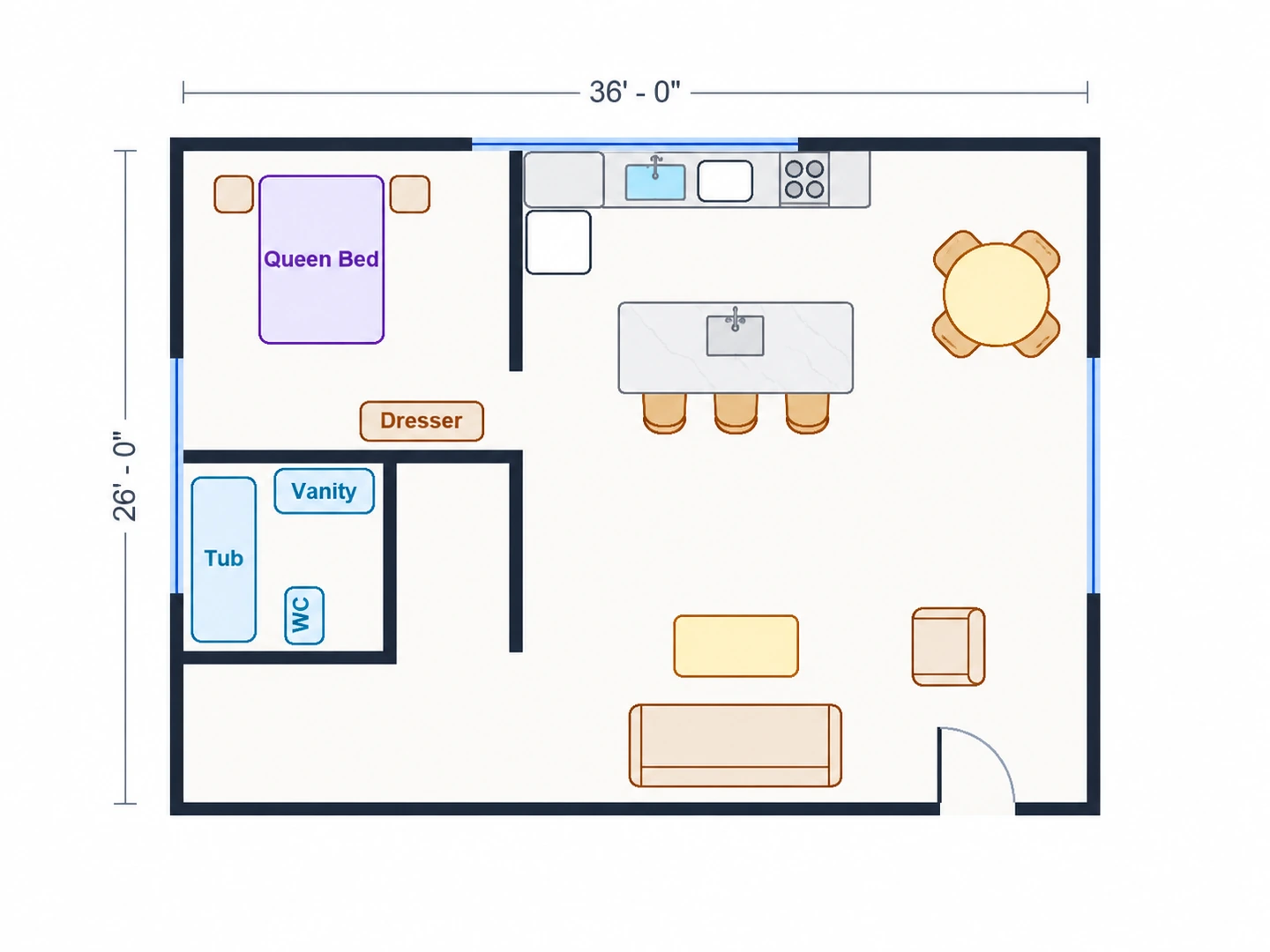
Open the kitchen
Wall removed, island added
Floor Plan Editor Examples
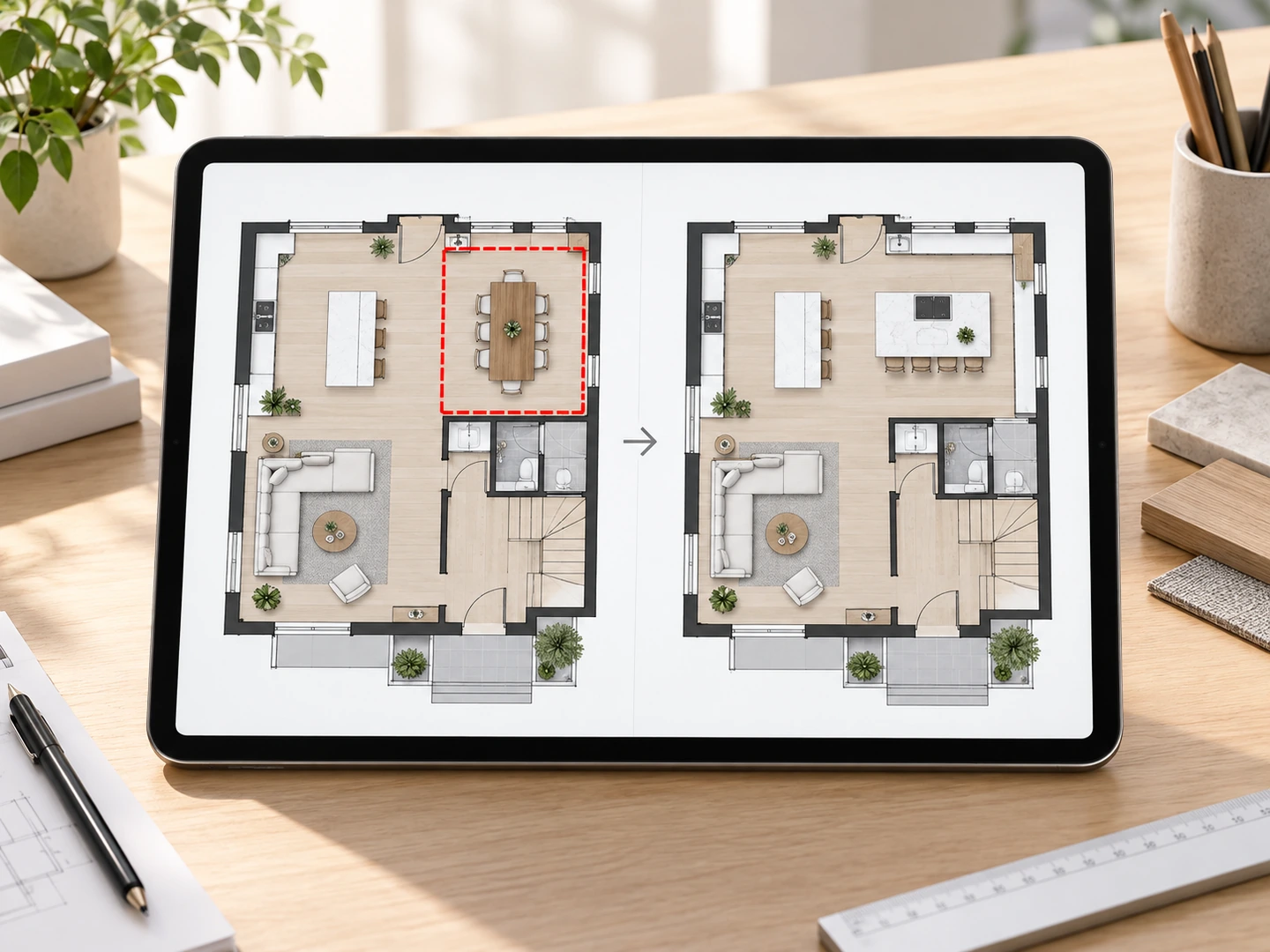
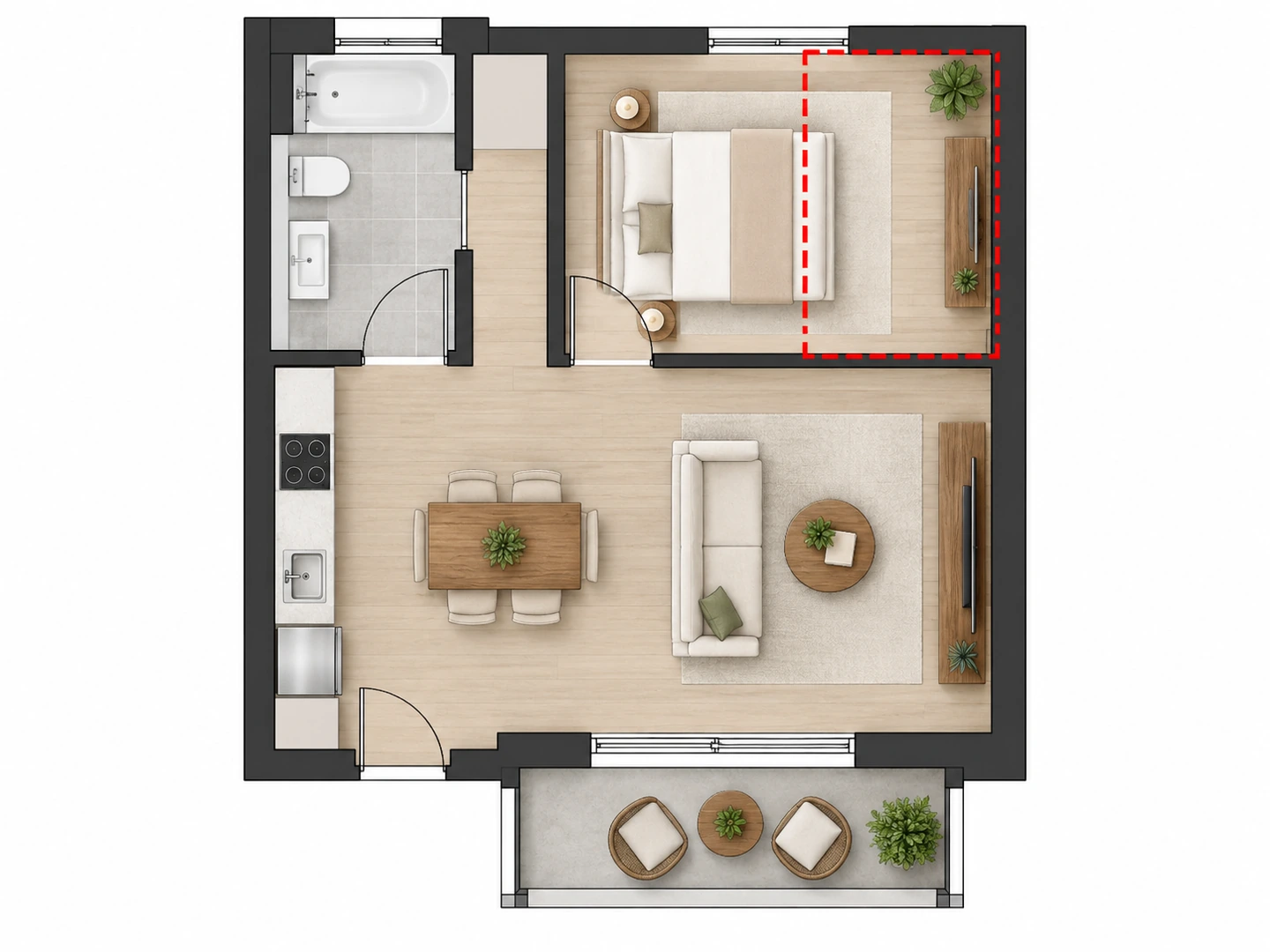
The red box shows the area marked before editing. Outside it, the plan is left alone.
Before After Kitchen wall removed and an island added
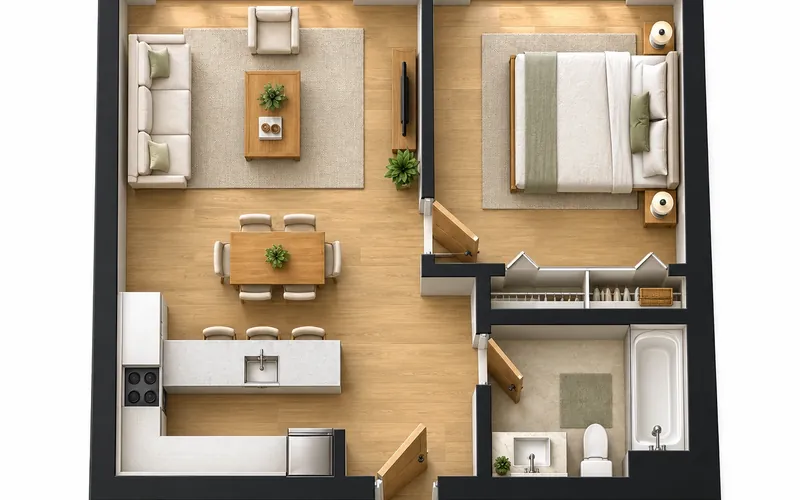
Before After Walk-in closet carved out of the bedroom
Before After Bedroom turned into a home office
Edit, don’t redraw
What Is an AI Floor Plan Editor?
A floor plan editor lets you change an existing plan instead of starting over. Traditional editors make you select walls and drag them in CAD. This one is an AI floor plan editor: you point at the area — by drawing a box on the plan — and describe the change in plain English. The AI redraws that part and keeps the rest of the drawing, its style and its labels.
Use it to test remodel ideas on a builder’s plan, adjust a plan you generated here, or clean up a layout before you show it to someone. The result is an edited image for planning: check dimensions and structure with a professional before any wall comes down.
- Mark up to 6 areas with a box
- Describe the change in one sentence
- Keeps the original drawing style and labels
- Works on scans, photos and generated plans
How to Edit a Floor Plan with AI
Upload your floor plan
A clear image works best: a builder’s plan, a listing plan, a scan or a plan you made here (PNG, JPG or WebP up to 10MB).
Mark the area to change
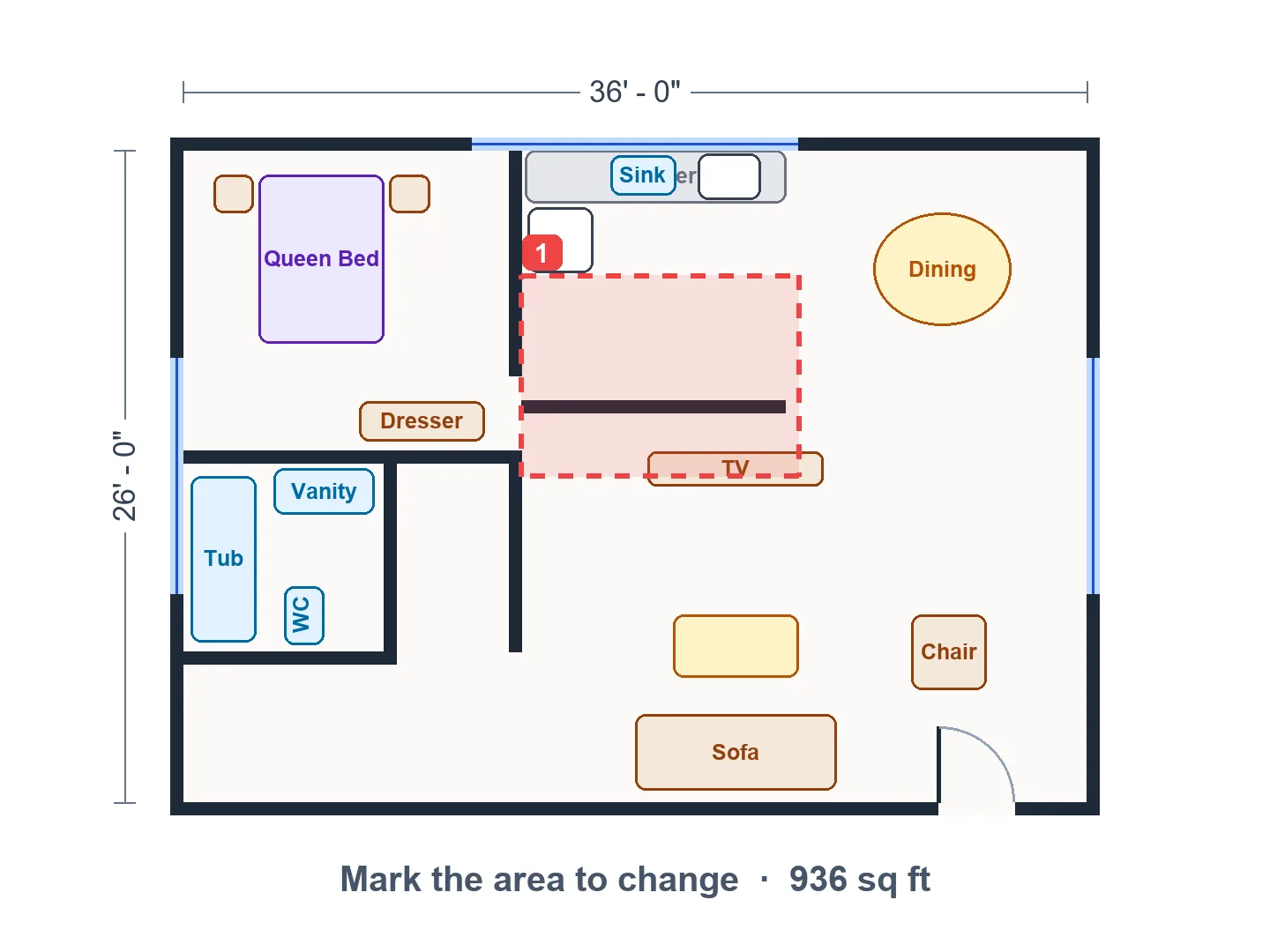
Drag a box over the walls or rooms that should change. Mark more than one area if the change touches several places.
Describe the change and apply
Write what should happen there — "add a pantry", "move the door to the hallway" — and apply the edit. Not right? Adjust the box or the sentence and try again.
A Floor Plan Editor Without the Learning Curve
Point at the change
Drag a box with your mouse or finger to mark exactly where the change belongs. The AI sees your marks on a copy of the plan and the coordinates in its instructions, so edits land in the right place.
Mark an area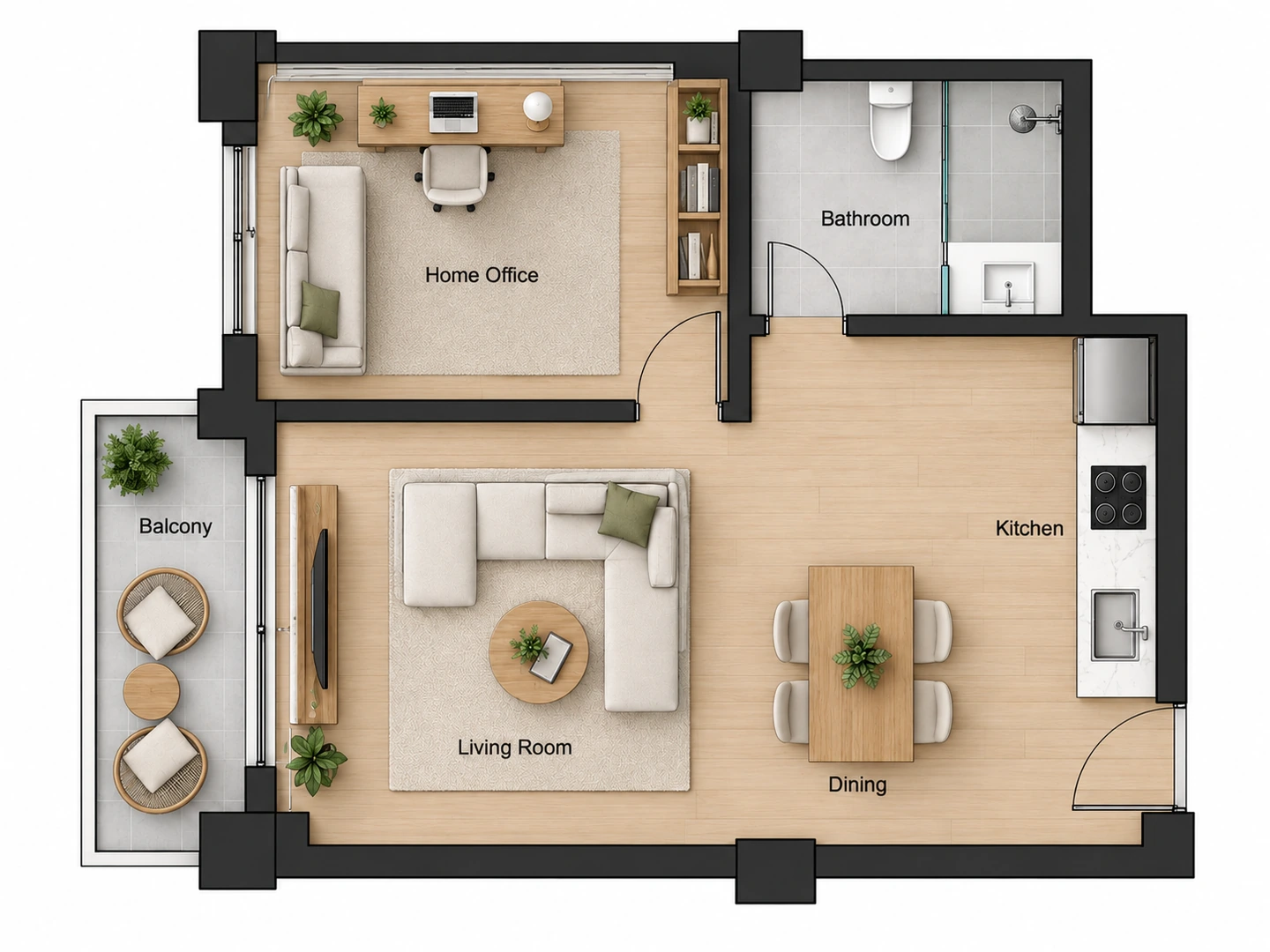
Everything else stays put
Outside the marked area the plan keeps its walls, doors, labels, colors and line weights. That makes it easy to compare before and after — and to stack several small edits.
Try an editRemodel ideas in minutes
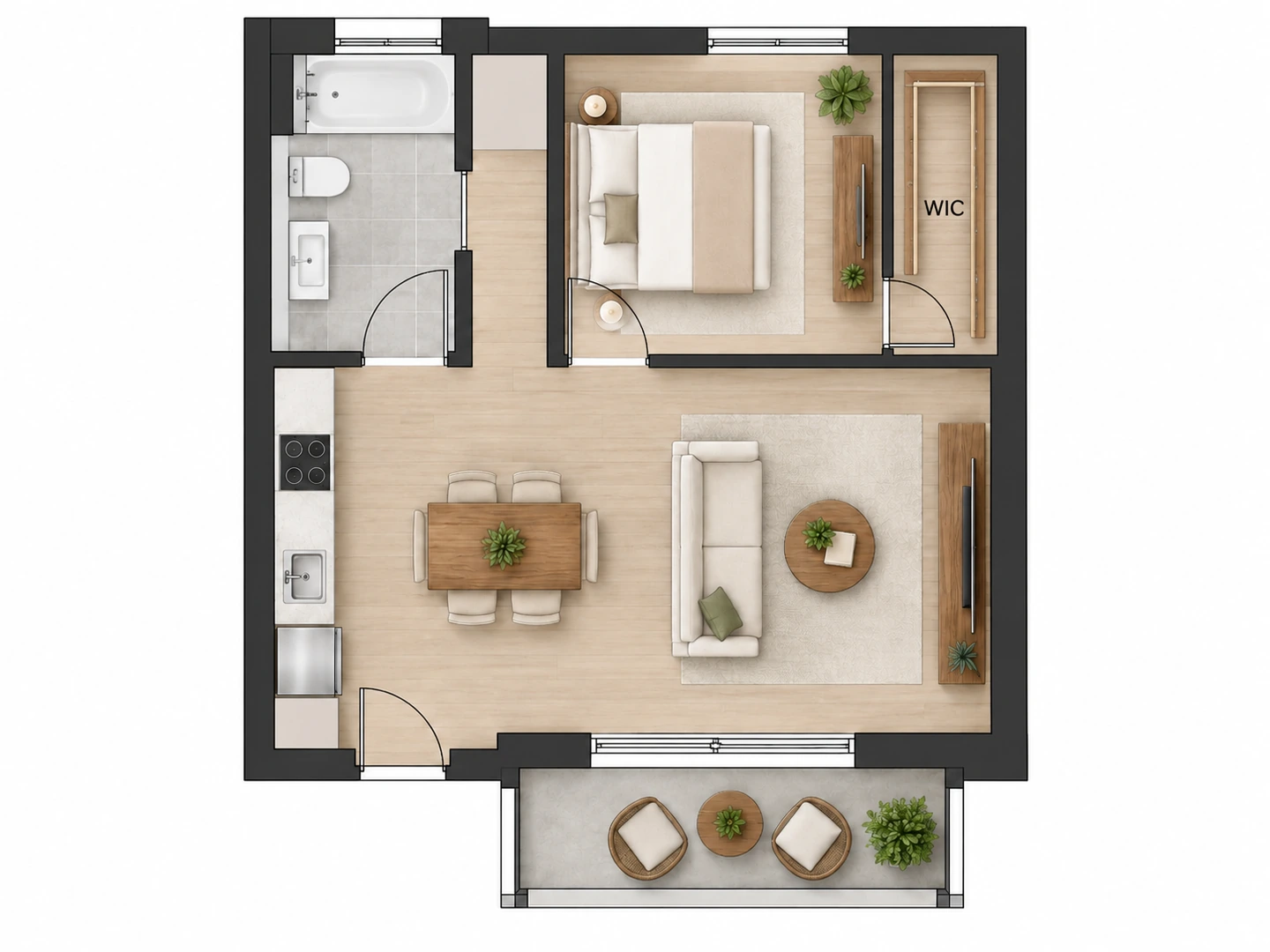
Open a kitchen, add a closet, swap a window for a patio door, enlarge a bathroom. Test the ideas you would otherwise sketch over a printout, then bring the version you like to a contractor.
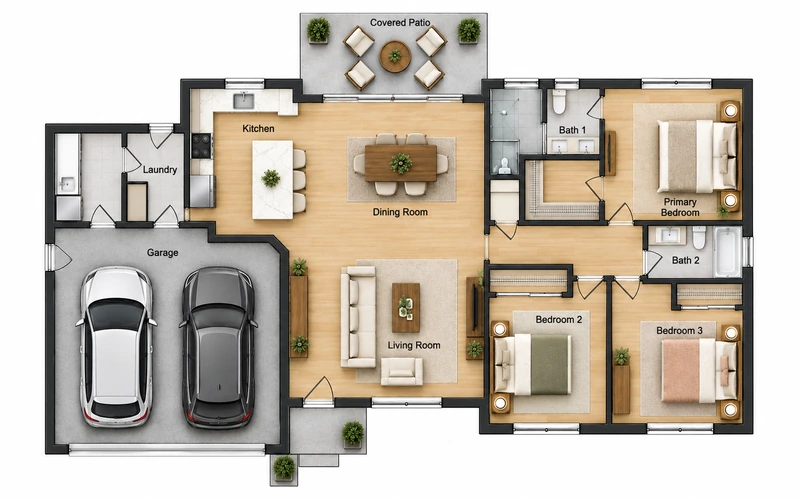
House floor plans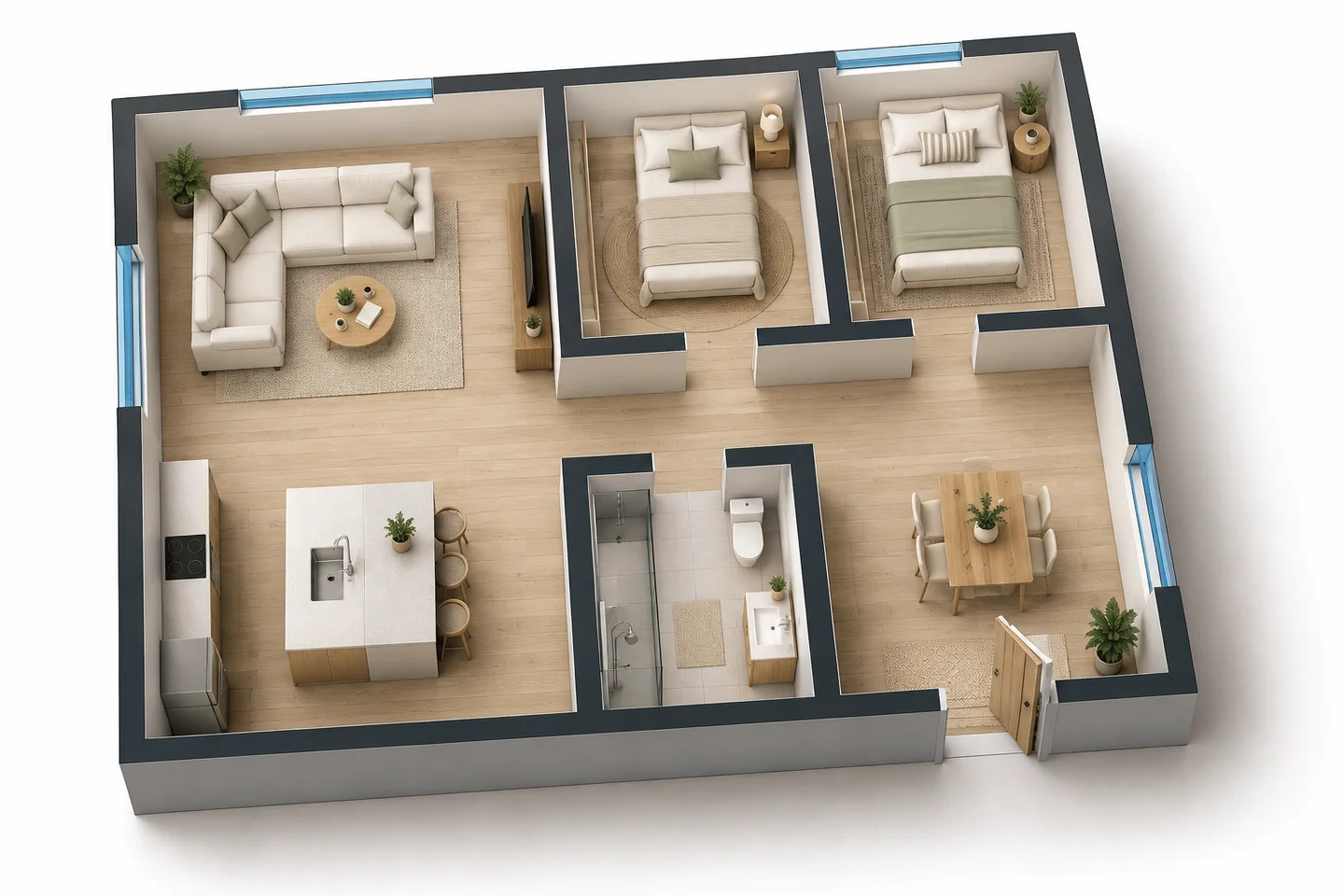
Then render it or see it in 3D
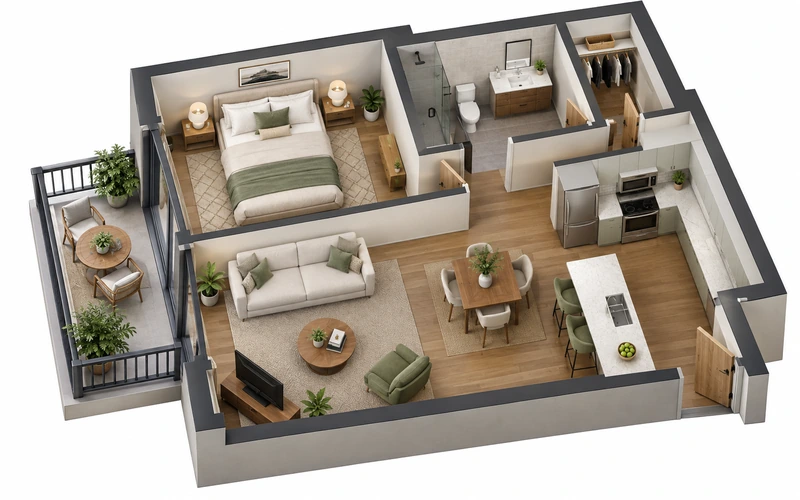
Happy with the edit? Turn the new layout into a photorealistic rendering or a furnished 3D floor plan to see how the change will feel.
Floor Plan to 3DWhat You Can Change on a Floor Plan
Common edits people make with the floor plan editor.
1. Walls and openings
Remove or add a wall, widen an opening, move a door or add a window.
2. Closets and storage
Add a walk-in closet, pantry, linen closet or mudroom bench.
3. Bathrooms
Add a powder room, enlarge a primary bath, swap a tub for a shower.
4. Kitchens
Open to the living room, add an island, rearrange the work triangle.
5. Room uses
Turn a bedroom into an office, a garage bay into a gym.
6. Check before you build
Structural walls, plumbing and permits need a professional.
Who Uses the Floor Plan Editor
Homeowners planning a remodel
Try three versions of the kitchen or primary suite on your real plan before you pay for design time.
Buyers comparing homes
Edit the listing plan to see whether the house could work for you with a few changes — an office, an open kitchen, a bigger closet.
Designers and agents
Show a client a quick "what if" on their own plan during the first conversation, then refine it properly.
Floor Plan Editor FAQ
You can try it free: new accounts get free credits and each edit uses 10 credits. Buy a credit pack or subscribe for more edits.
Upload an image of the plan, drag a box over the part to change, describe the change and apply it. You can repeat with the edited result to make several changes in a row.
No, but it helps. Without a mark the AI decides where the change belongs; with a mark it limits the change to that area and leaves the rest of the plan alone.
It is instructed to keep the drawing style, line weights, colors, labels and everything outside the change. Small text can still shift, so compare the result with your original.
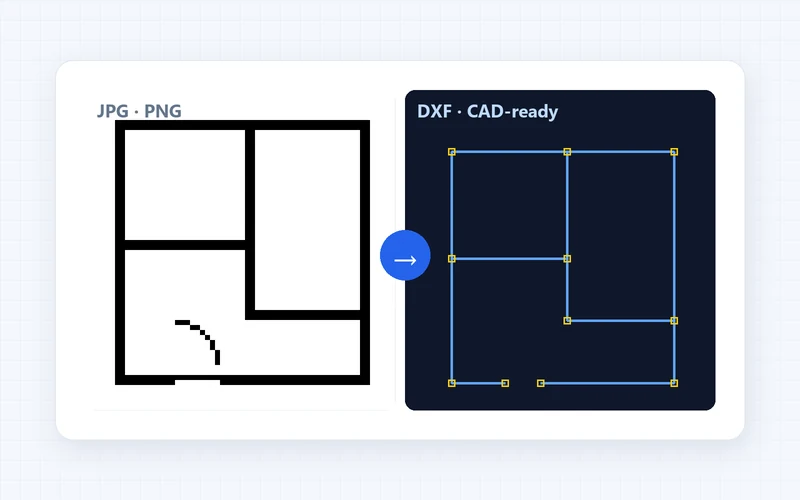
Export or screenshot the plan as a PNG or JPG first. The editor works on images and returns an edited image, not a CAD or DXF file.
You can visualize it, but whether a wall can come out is a structural question. Ask an engineer or contractor before changing any wall in a real house.
Change Your Floor Plan in One Sentence
Upload a plan, mark the area and describe the change. New accounts get free credits.
Edit My Floor Plan- 10 credits per edit
- PNG, JPG or WebP up to 10MB