
Site Plan Maker
Enter the lot size and describe the house, driveway and trees: this site plan maker draws the property lines and a north arrow.
Make a Site PlanAI Site Plan Generator
Choose Site Plan, enter the lot area (not the house area), describe what sits on the lot and pick a drawing style.
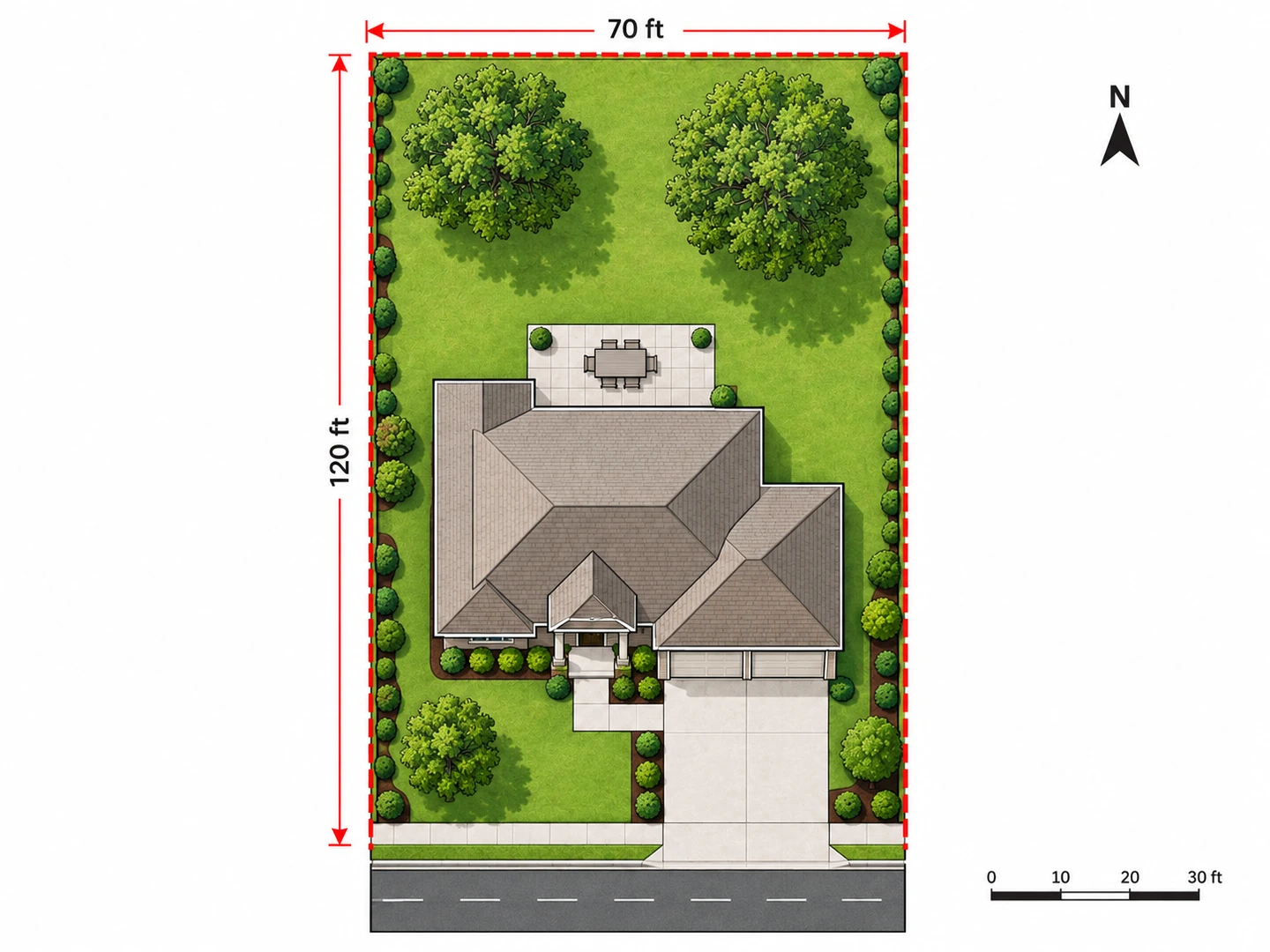
Suburban lot
8,400 sq ft lot · Colored 2D
Site Plan Drawing Examples
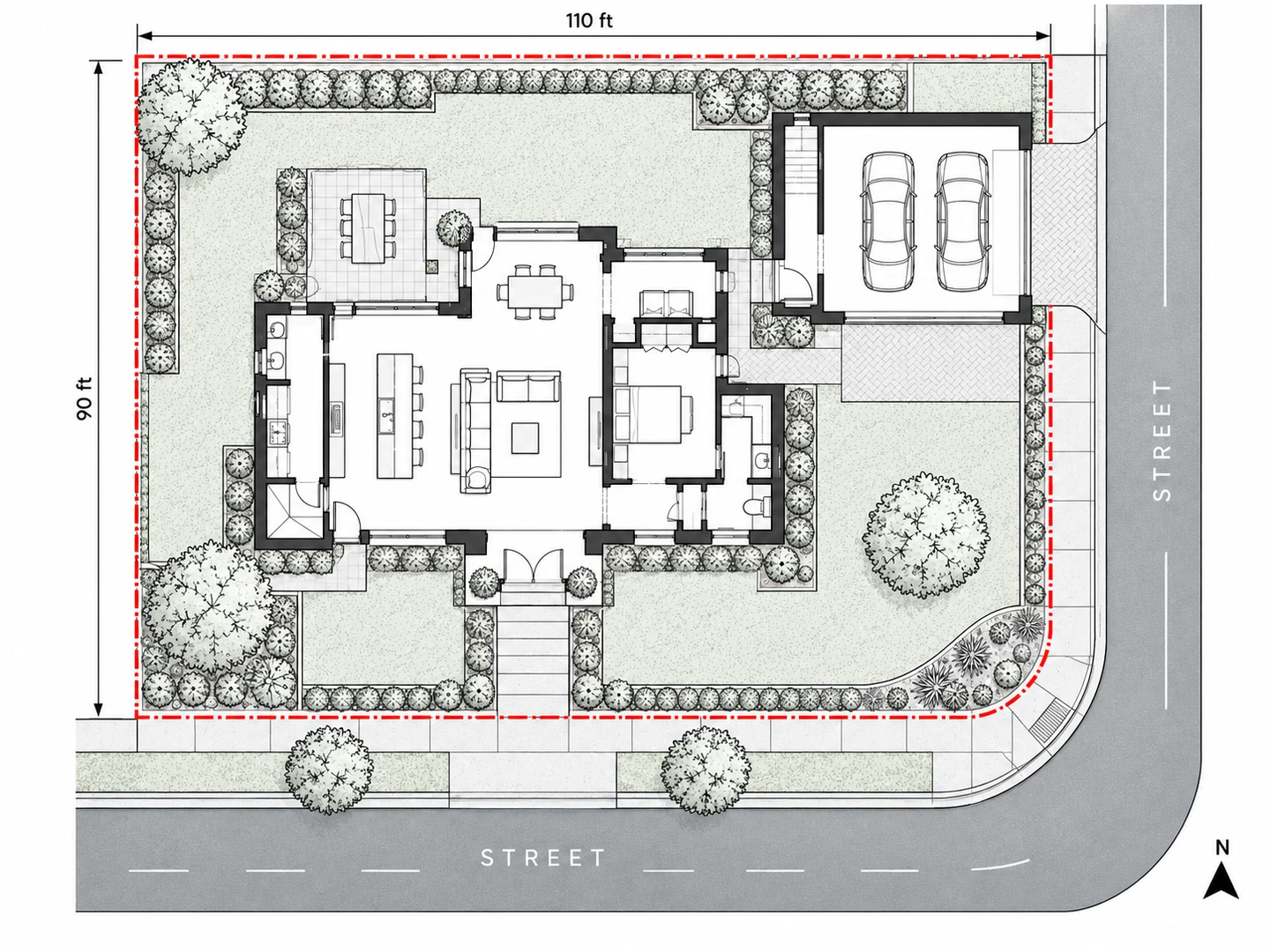
Three typical residential site plans from the AI site plan generator: a backyard ADU, a pool yard and a corner lot.
Before After Existing 60×130 ft lot, then a 600 sq ft backyard ADU added
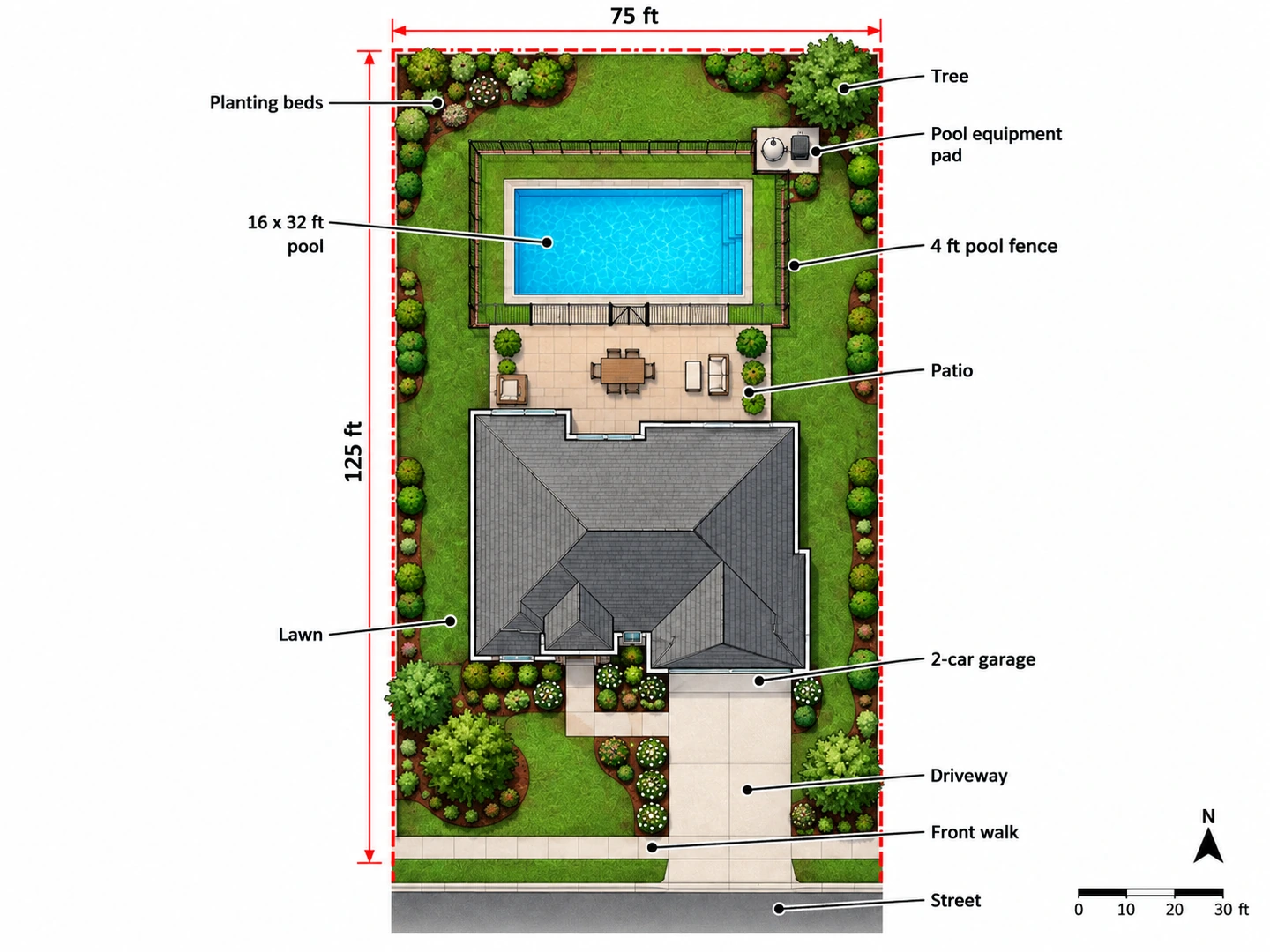
Before After Pool yard on a 75×125 ft lot with patio and fence
Before After Corner lot: garage off the side street, corner kept low
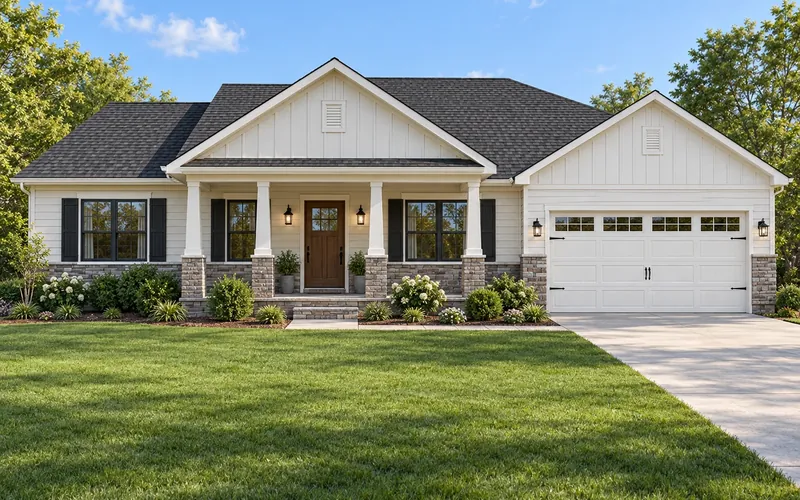
The lot from above
What Is a Site Plan Drawing?
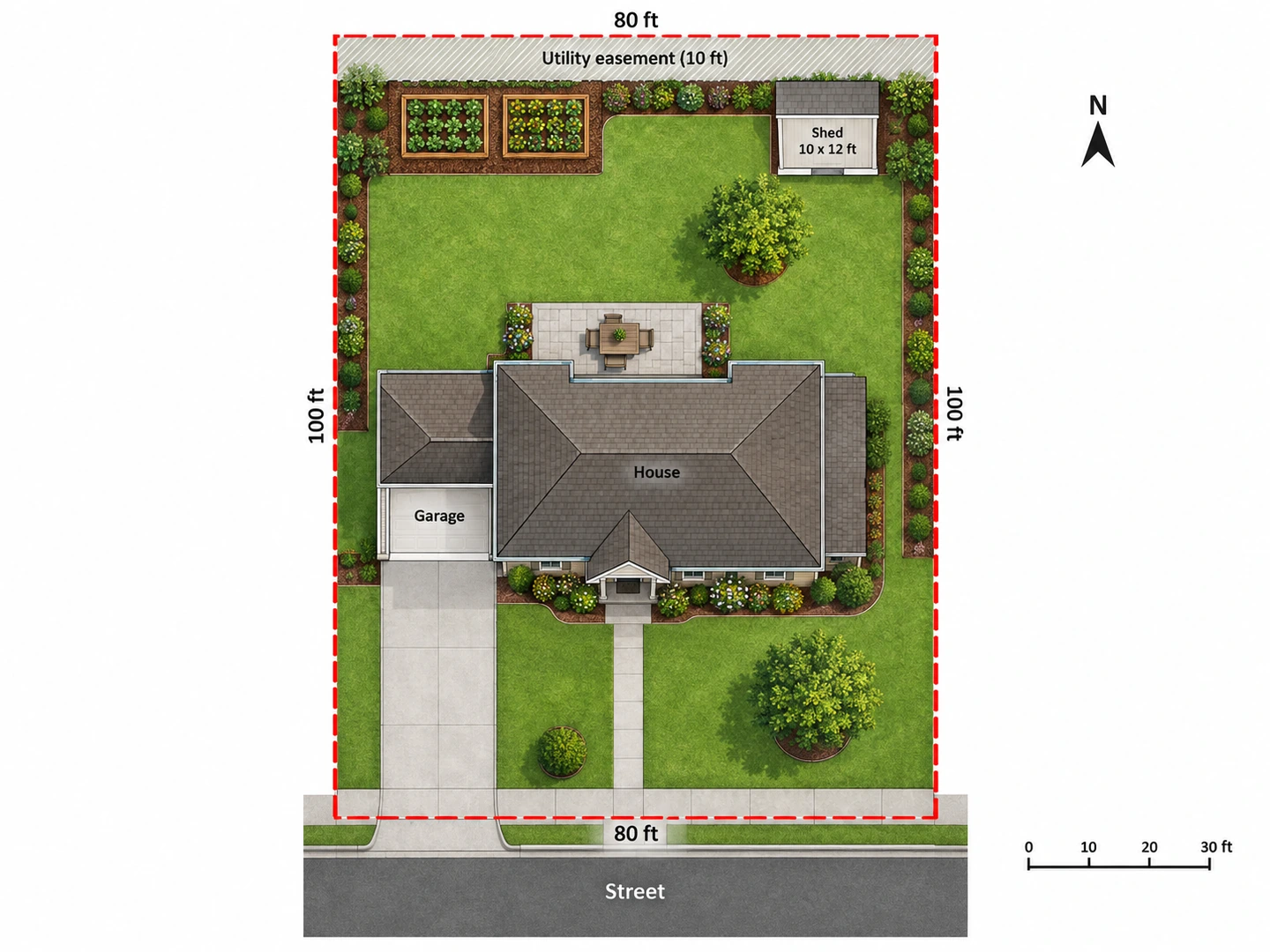
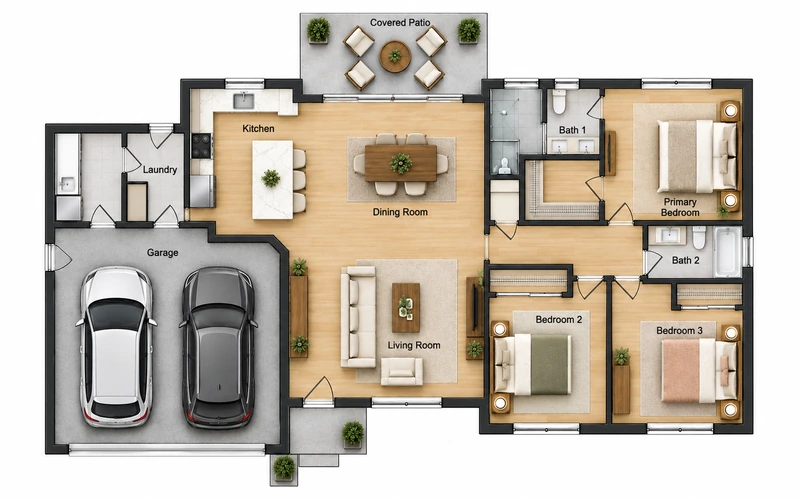
A site plan drawing shows a whole property from directly above: the property lines, the house footprint and any other buildings, the driveway and walks, patios, decks, pools, fences, trees and utilities, with a north arrow and a scale. A floor plan shows the rooms inside a building; a site plan shows where that building sits on its land and how far it is from each lot line.
This site plan maker is an AI tool for concept drawings. On this page the area field is the lot area, so enter the size of the land (a 70 x 120 ft lot is 8,400 sq ft), not the size of the house. You get an image for planning with approximate dimensions; it is not a survey, a CAD file or a permit-ready plot plan.
- Property lines, setbacks and the house footprint
- Driveways, walks, patios, pools, sheds and ADUs
- Lawn, planting beds, gardens and trees
- Colored, technical, hand-drawn and 3D styles
How to Draw a Site Plan with AI
Find the lot dimensions
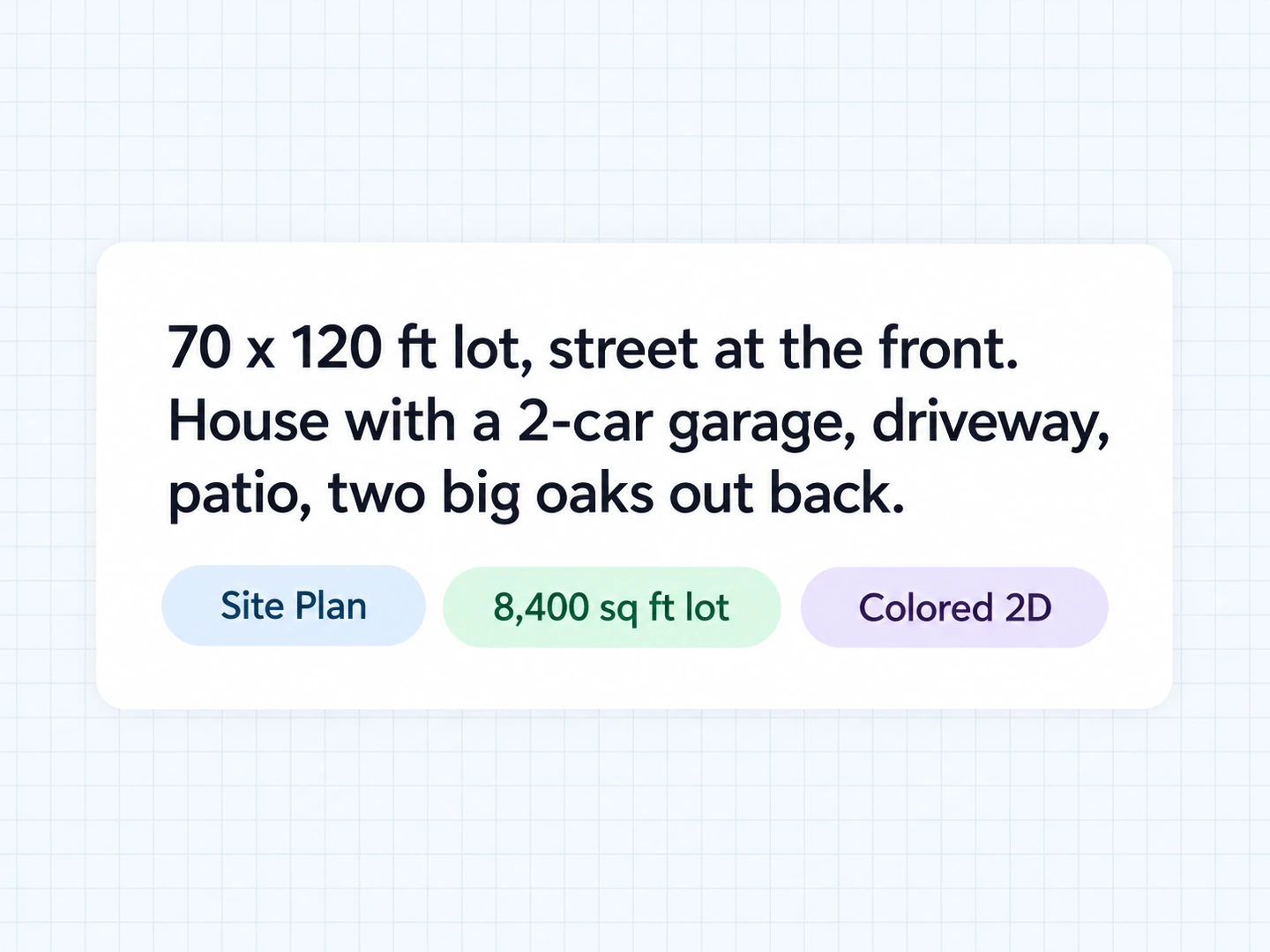
Take the lot size from your survey, deed, plat map or county parcel viewer and enter it as the lot area. Add the frontage and depth to the notes, e.g. "70 x 120 ft, street at the bottom".
Describe what is on the lot
List the house and garage with their distance from the street, then the driveway, walks, patio, pool, shed, fences and large trees. Add what you want to test: an ADU, an addition or a pool.
Generate and check the setbacks
Generate the plan and check that new structures stay inside your zoning setbacks. Change one thing — move the shed, flip the driveway — and compare the versions in My Projects.
An AI Site Plan Creator for Real Lots
Site plan AI that starts from the lot size
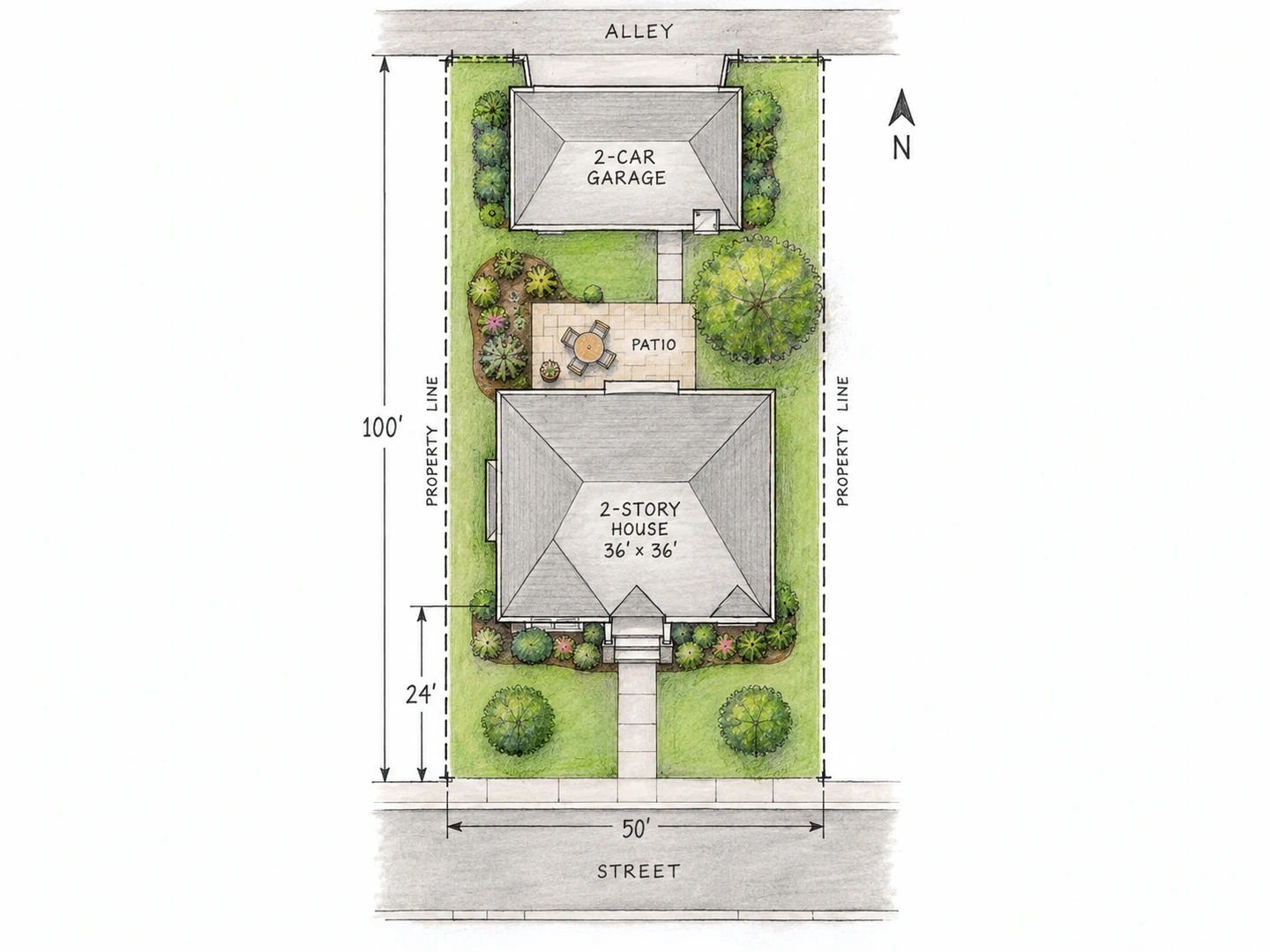
Enter the lot area and give its frontage and depth, and the house, driveway and yard are drawn to fit that piece of land. A 50 x 100 ft city lot gets a narrow footprint and a garage on the alley, not a sprawling ranch with a three-car garage.
Draw your lot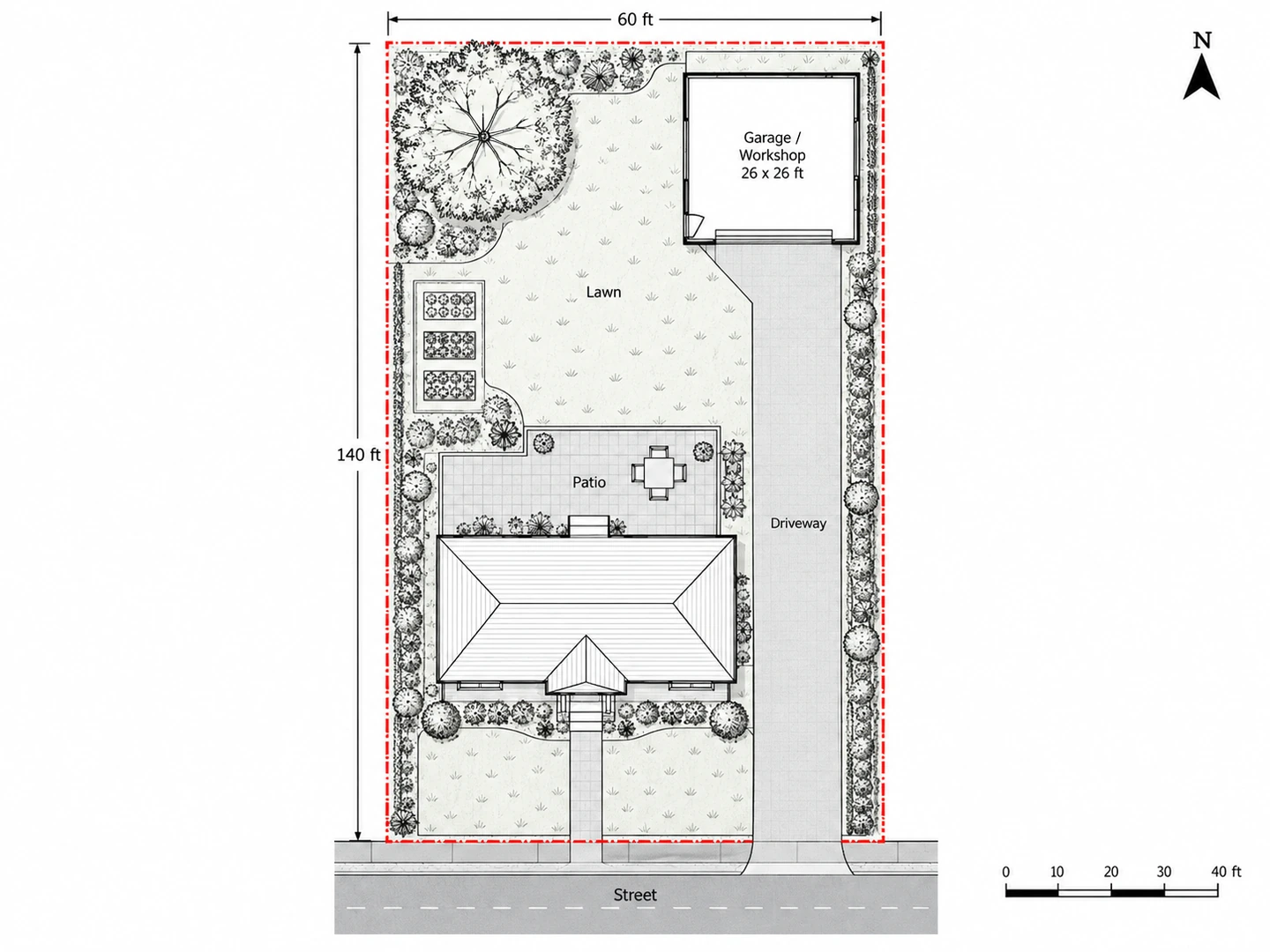
Test an ADU, garage, shed or pool first
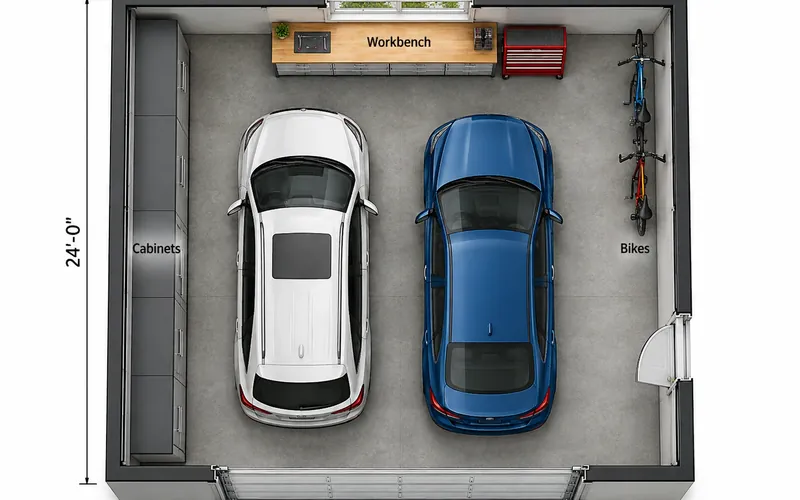
Upload your current site plan or survey and describe the addition. You see whether a detached garage, a backyard cottage or a pool fits behind the house, how the driveway reaches it and how much yard is left — the questions to settle before you hire a designer.
Garage Floor Plan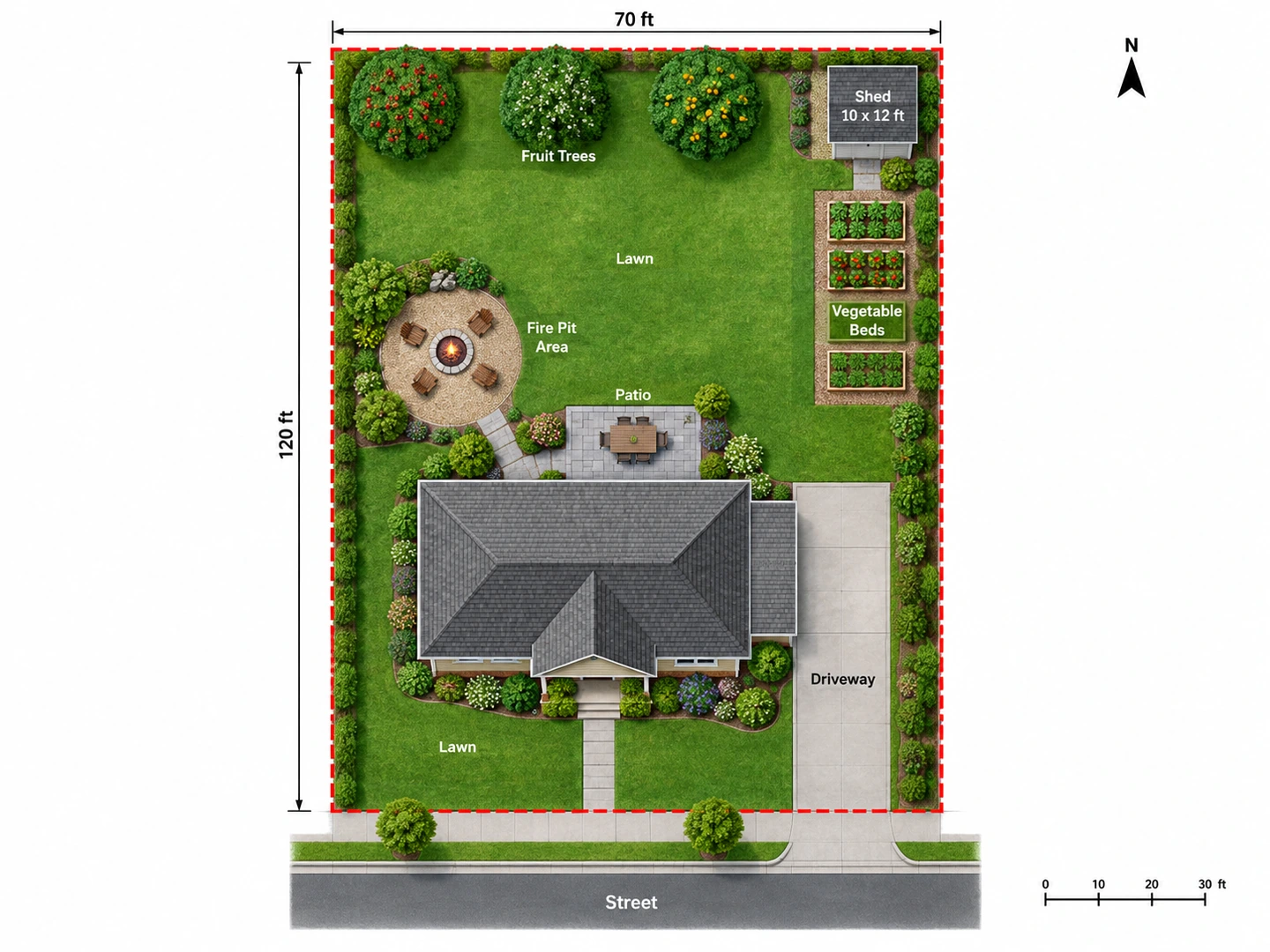
Landscaping on the same drawing
Patios, lawn, planting beds, vegetable gardens, fire pits and trees belong on a site plan, so you can lay out the hardscape and the yard together. For planting ideas on a photo of your actual garden, use AI Garden Design.
AI Garden Design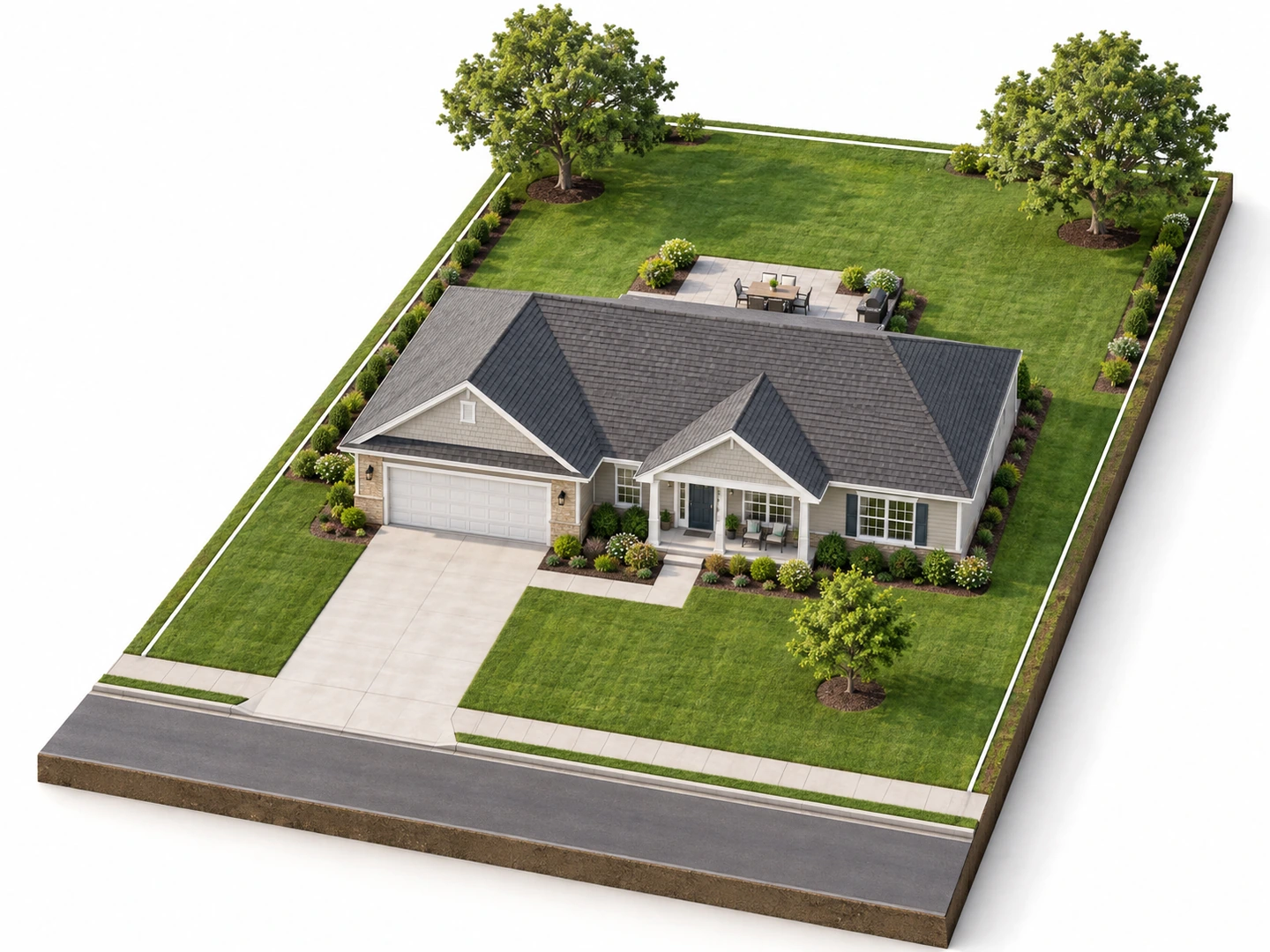
Site plan drawing in 2D or 3D
Choose Colored 2D for a clean presentation plan, Technical 2D for black linework, Hand-Drawn Sketch for an early concept, or 3D Isometric to show a neighbor or an HOA board the house, garage and trees in volume.
Try 3D IsometricChecklist
What to Include on a Residential Site Plan
The items permit offices and contractors look for. Use the list to write your brief and to check the result.
| Item | What to show | Why it matters |
|---|---|---|
| Property lines | Each lot line with its length; street frontage labeled | Every other distance on the plan is measured from them |
| Setbacks | Required front, side and rear distances from your zoning code | They mark where you are allowed to build |
| Buildings | House, garage, ADU and sheds, existing and proposed, with distances to lot lines | Shows that each structure meets setbacks and spacing rules |
| Driveway, walks and parking | Width, surface and the curb cut at the street | Access, parking count and paved-surface limits |
| Easements and rights-of-way | Utility, drainage or access strips across the lot | You usually cannot put permanent structures on them |
| Utilities | Water, sewer or septic, gas, electric and meters | Keeps digging away from buried lines; in the US, call 811 first |
| Trees and landscaping | Large trees with their canopy, beds and lawn | Some cities protect large trees, and roots limit digging |
| Pools, decks, patios and fences | Outline, size and fence height | They often have their own setbacks and count toward lot coverage |
| Drainage | Arrows showing how water leaves the lot | Water should run away from the house and not onto neighbors |
| North arrow, scale and address | Orientation, drawing scale and street name | Lets anyone read the plan; most permit offices require them |
Requirements vary by city and county. Ask your permit office for its site plan checklist before you submit anything.
Know the difference
Site Plan vs Plot Plan vs Floor Plan
Four property drawings that people often mix up, and what each one is for.
| Drawing | What it shows | Typical scale | Usually used for |
|---|---|---|---|
| Site plan | The whole property: lot lines, buildings, driveway, landscaping, utilities, grading | 1 in = 10–30 ft | Permits, additions, landscaping, development review |
| Plot plan | Lot lines, structures and setback distances; usually simpler | 1 in = 10–30 ft | Permits for sheds, fences, decks and additions |
| Floor plan | Rooms, walls, doors and windows inside one building | 1/4 in = 1 ft | Designing and building the interior |
| Boundary survey | Measured lot lines, corner markers and recorded easements, by a licensed land surveyor | Varies | Establishing where the property lines are |
Many offices use "site plan" and "plot plan" for the same drawing. What counts for a permit is the content your jurisdiction asks for, drawn to scale.
What People Use a Site Plan Maker For
Planning an ADU, shed, pool or addition
Homeowners sketch where the new structure could go, how it is reached and what it does to the yard, then take that concept to a designer, a builder or a pre-application meeting at the planning counter.
Landscaping and outdoor living
Lay out a patio, lawn, beds and trees on the real lot shape before asking for quotes, so every landscaper prices the same plan.
Real estate agents and builders
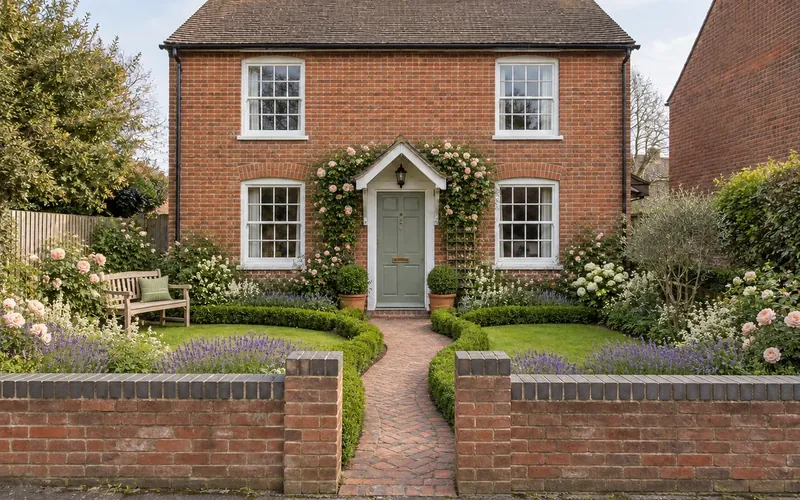
Show what a lot can hold, or give buyers a clear picture of where a new house sits and how big the backyard is. Label these residential site plans as illustrative, and pair them with a front elevation of the house.
Site Plan Maker FAQ
You can try the AI site plan generator free: new accounts get free credits, and each site plan uses 10 credits. A credit pack or a subscription covers more plans.
Not as it is. A permit plot plan has to be drawn to scale with accurate, measured distances, and it is often prepared from a survey by a surveyor, designer or architect. Plans from this site plan maker are concept drawings with approximate dimensions, so use them to decide what you want, then have the permit drawing made. For small projects such as a shed or fence, some offices accept an owner-drawn scaled plan; ask yours.
The terms are often used interchangeably. When they differ, a plot plan is the simpler drawing (lot lines, structures and setback distances), while a site plan can add driveways, utilities, grading, drainage and landscaping. Both show the property from above, unlike a floor plan, which shows the rooms inside a building.
At minimum: property lines with dimensions, every structure with its distance to the lot lines, the driveway and walks, easements, a north arrow and the scale. Permit plans often also need setbacks, utilities, drainage and lot coverage, as listed in the checklist above.
On this page the area is the size of the land, not the house. Multiply frontage by depth: a 70 x 120 ft lot is 8,400 sq ft (about 780 m²). The field accepts up to 20,000 sq ft (about 0.46 acre); for a larger parcel, leave it blank and give the dimensions in the notes.
Start with the lot dimensions from your survey, deed or county parcel map, then measure from the lot lines to the corners of the house and other structures. Note the driveway, walks, fences, trees and utilities. Draw it on graph paper at a scale such as 1 in = 20 ft, or enter the same facts here and let the AI draw it.
Yes. Upload a photo or scan of a survey, plat or hand sketch, and the plan follows its lot shape and building positions while redrawing it cleanly. Check every distance against the original survey, because the redraw is approximate.
Your property survey or the recorded plat is the best source, and you may have received one at closing. Many counties have an online parcel viewer, but its lines are approximate. For a fence or an addition near the line, hire a licensed land surveyor to locate and mark the corners.
See Your Whole Lot Before You Build
Describe the property and what you want to add, and get a site plan drawing in seconds. New accounts get free credits to start.
Make a Site Plan