
Paint Color Visualizer for Your Own Walls
This paint color visualizer repaints your own room from a photo, so you judge a shade beside your floor, furniture and daylight.
Paint My Room Free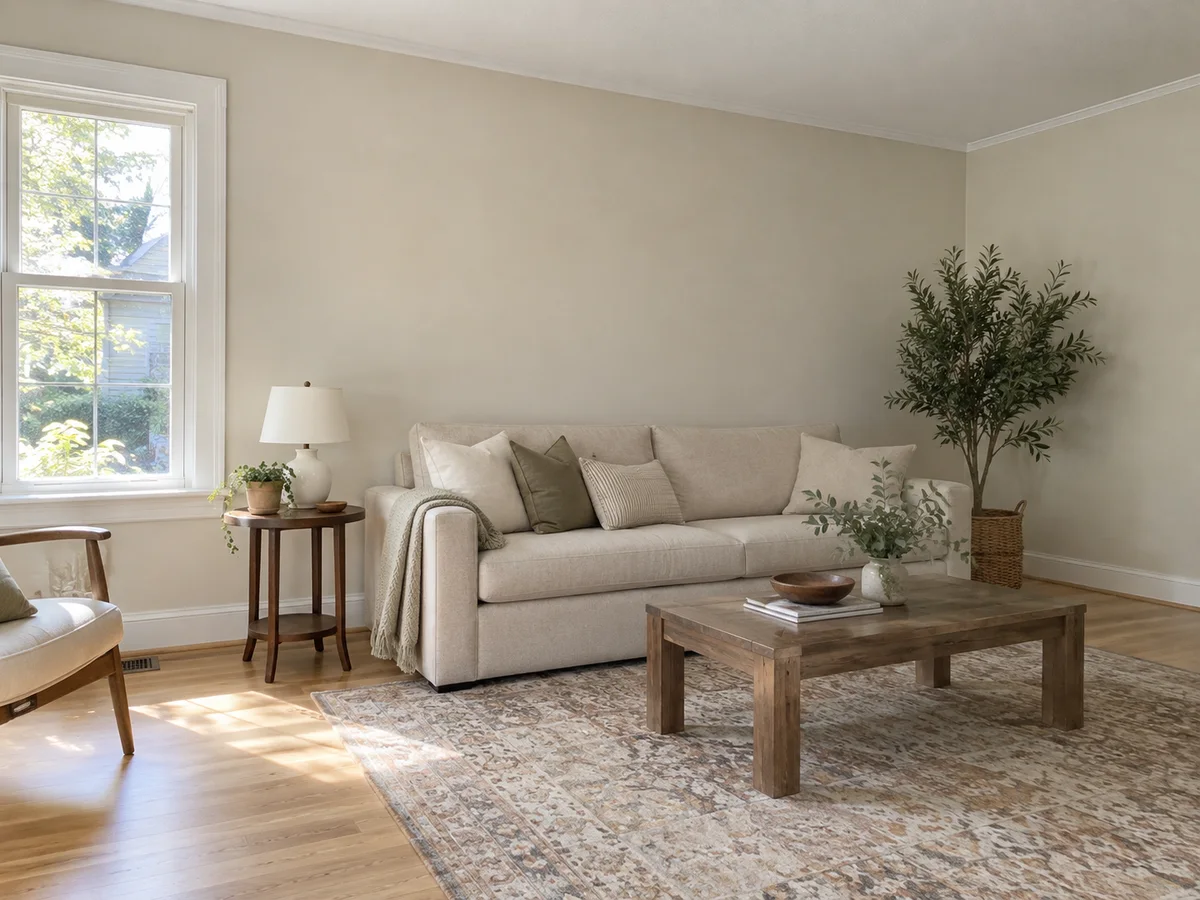
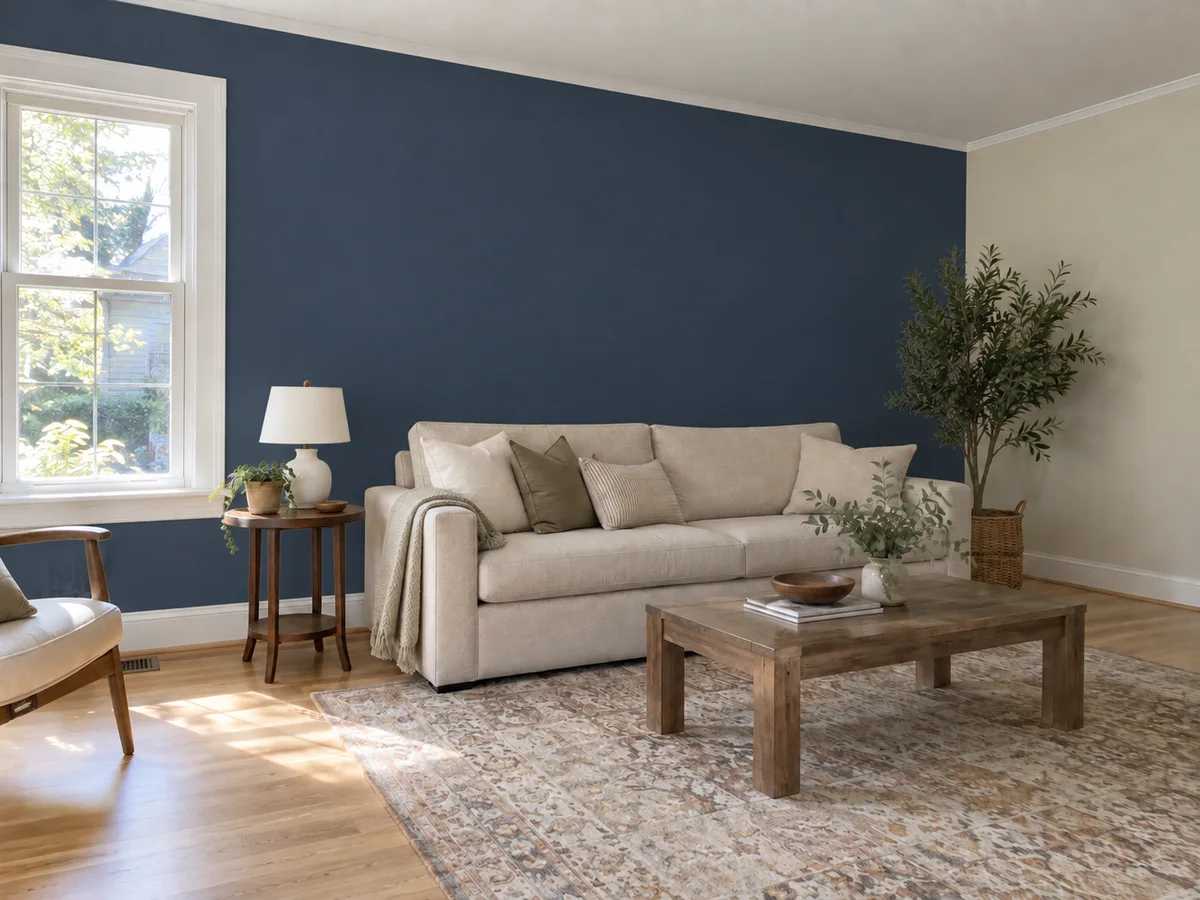 AfterBefore
Paint Visualizer: Upload a Photo of Your Room
Tick walls, accent wall, ceiling or trim & doors, pick one color, and if you use the accent wall, say which wall it is in the notes.
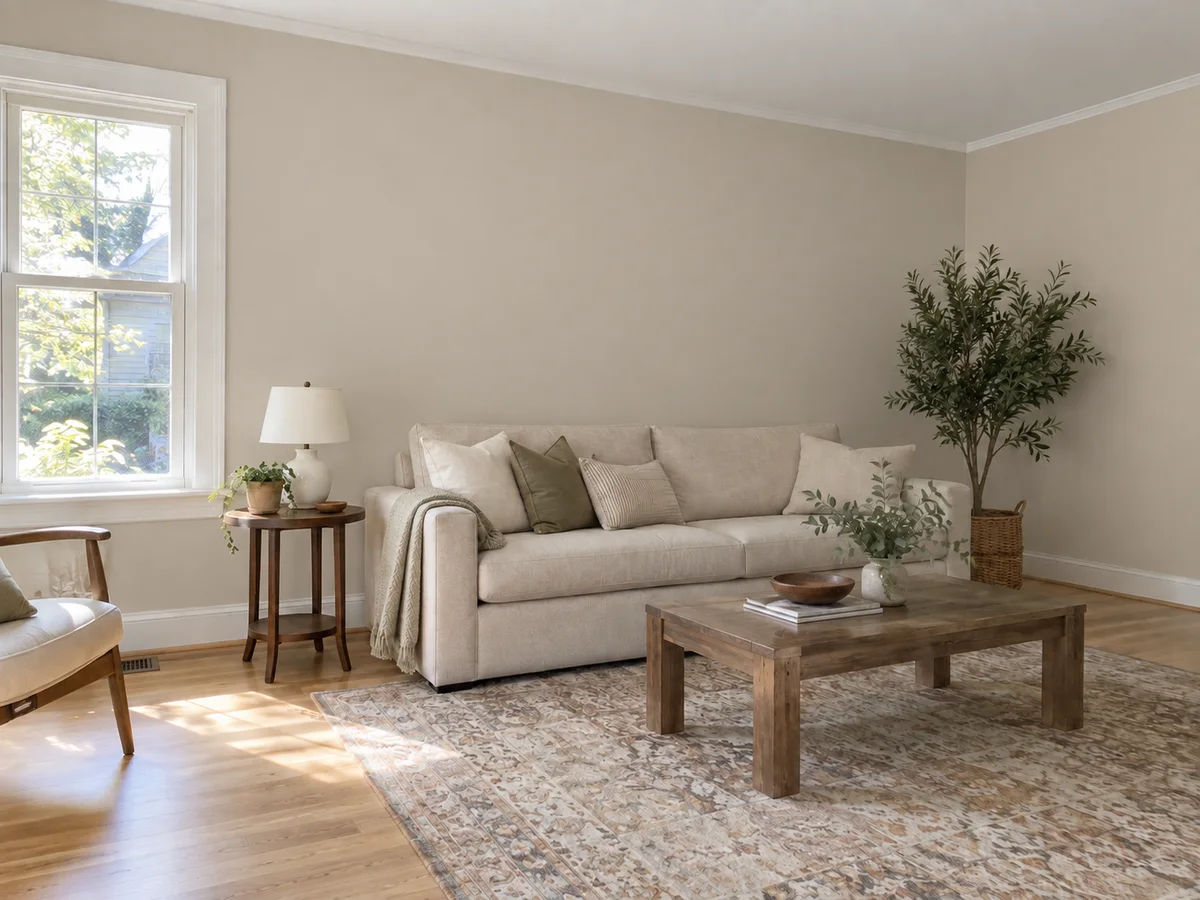 AfterBefore
Warm Greige Living Room
Illustrative wall color preview
Room Paint Visualizer Examples: Before & After
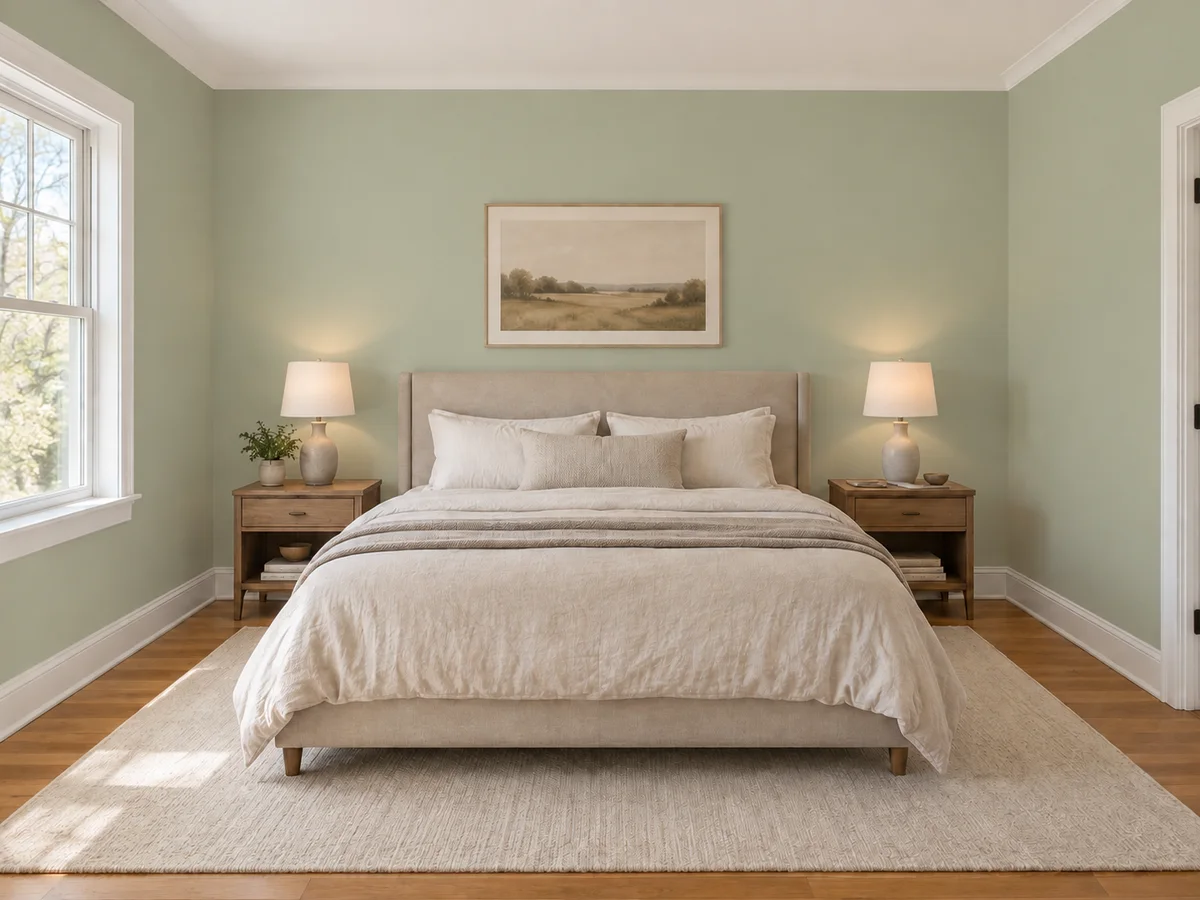
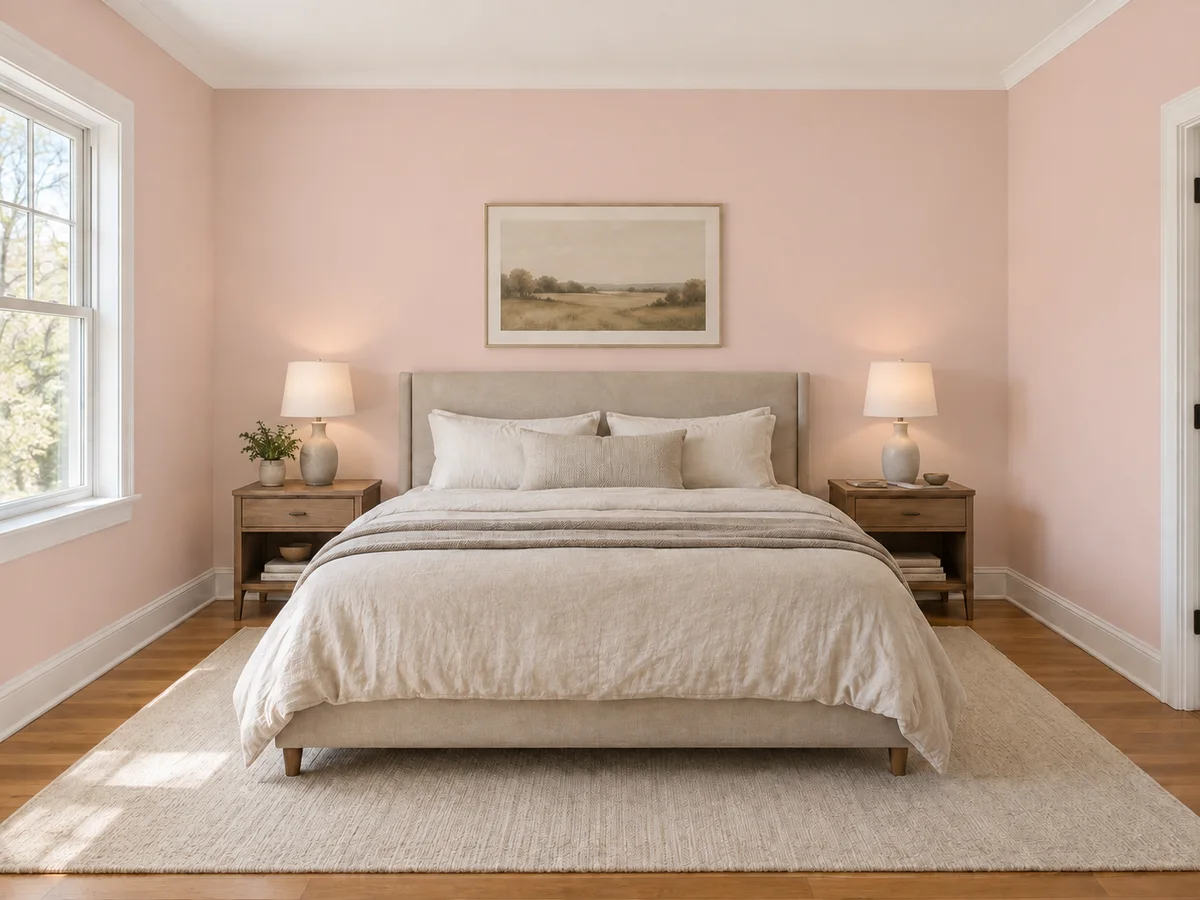
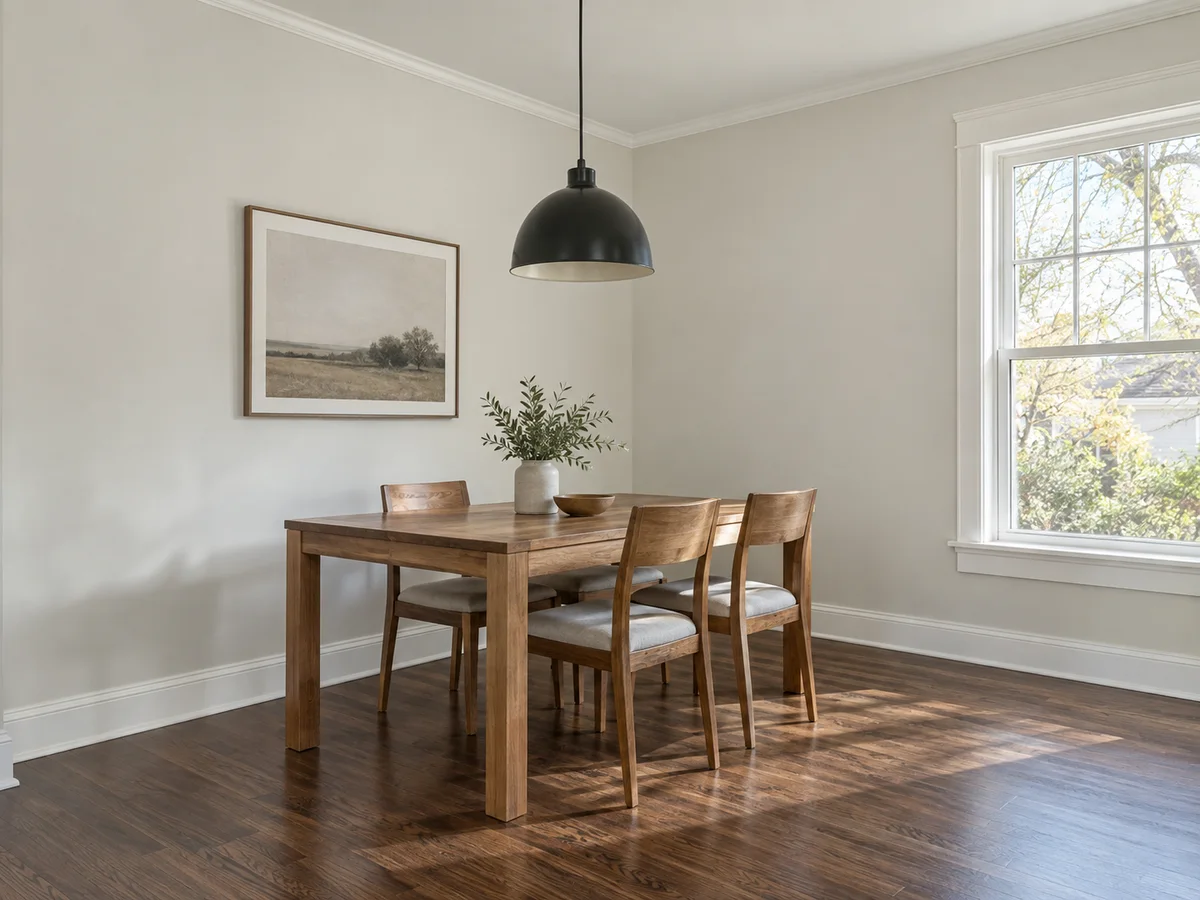
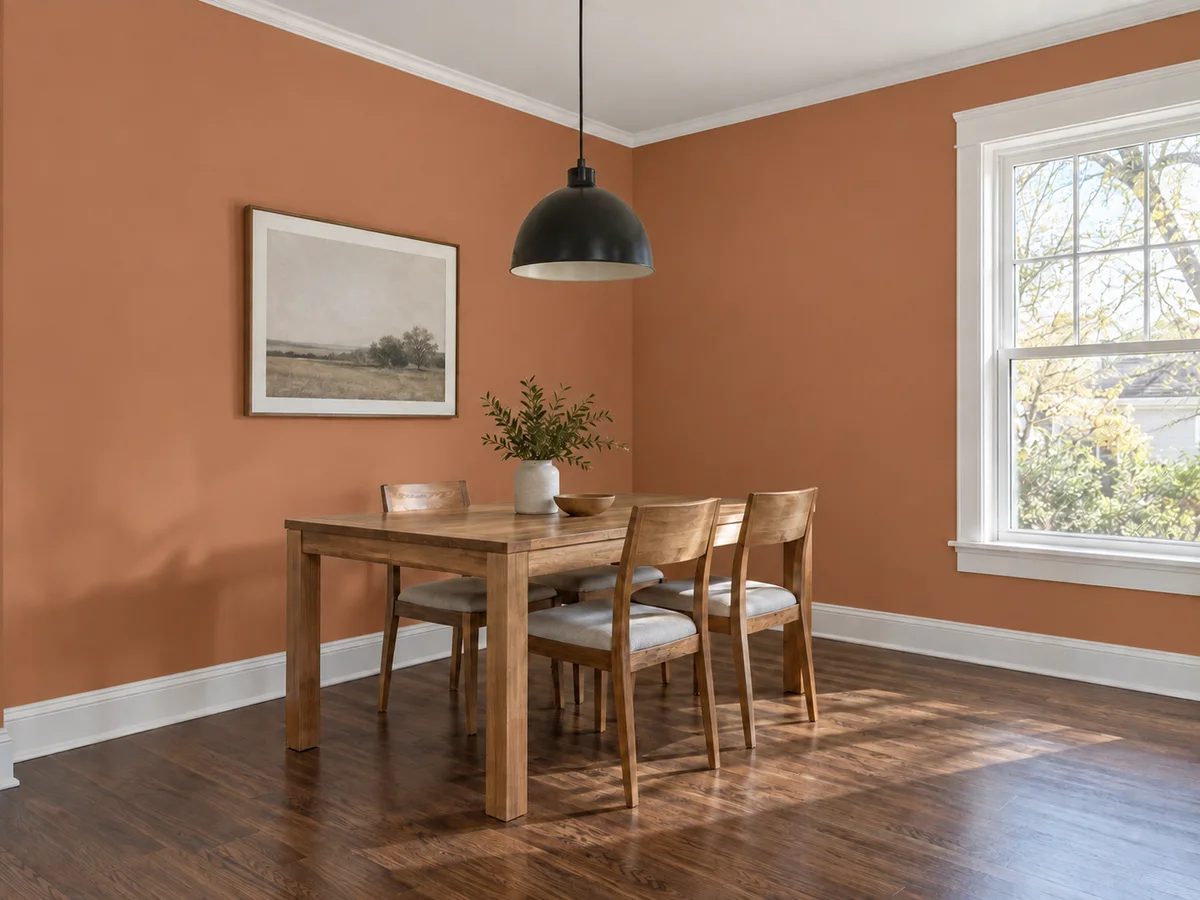
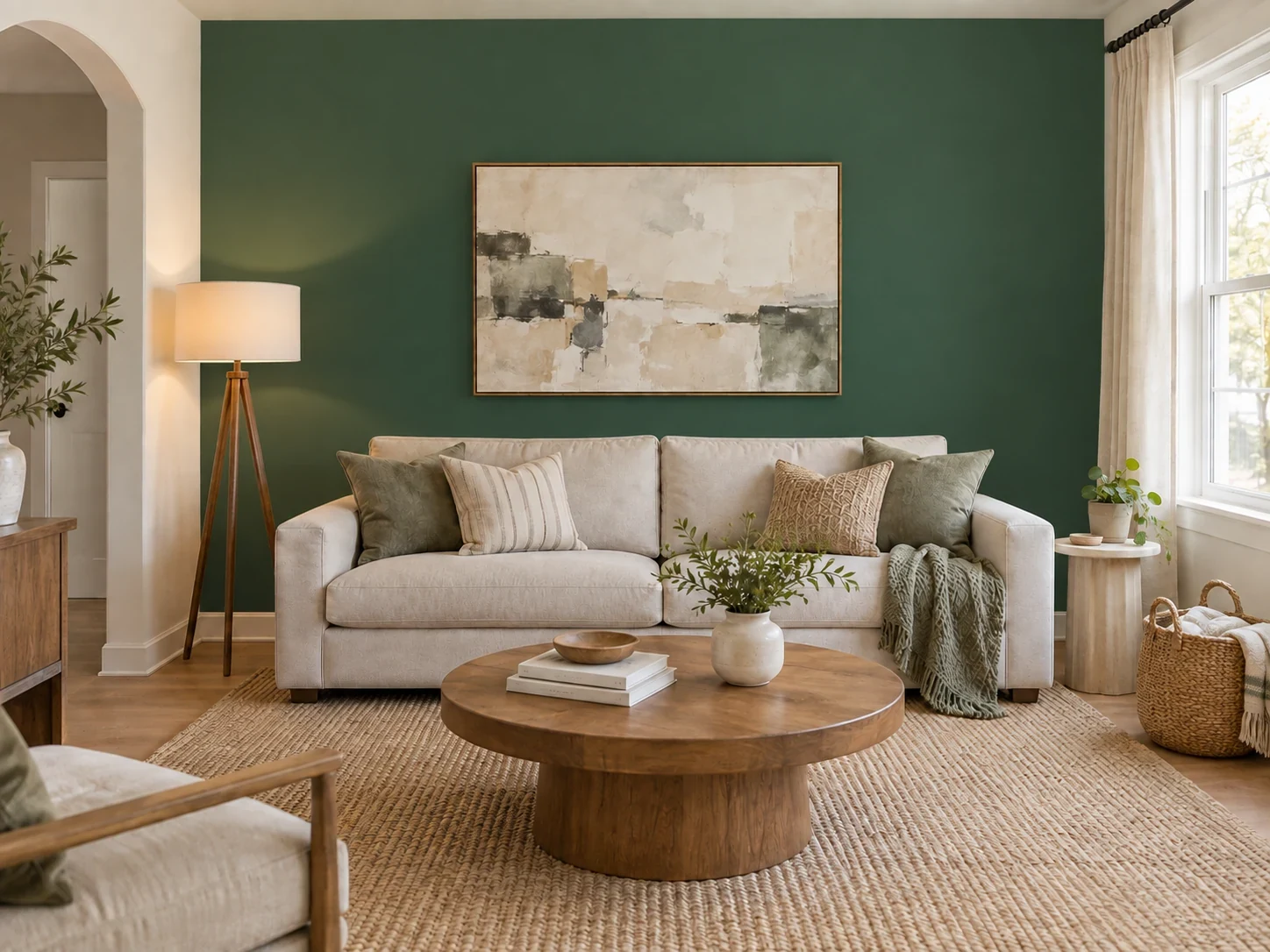
Six rooms, nine colors: whole-room repaints and single accent walls. Each pair starts from the same photo. These are illustrative AI previews, so small details can shift.
- AfterBefore
Warm Greige Living Room Walls
- AfterBefore
Navy Blue Accent Wall Behind the Sofa
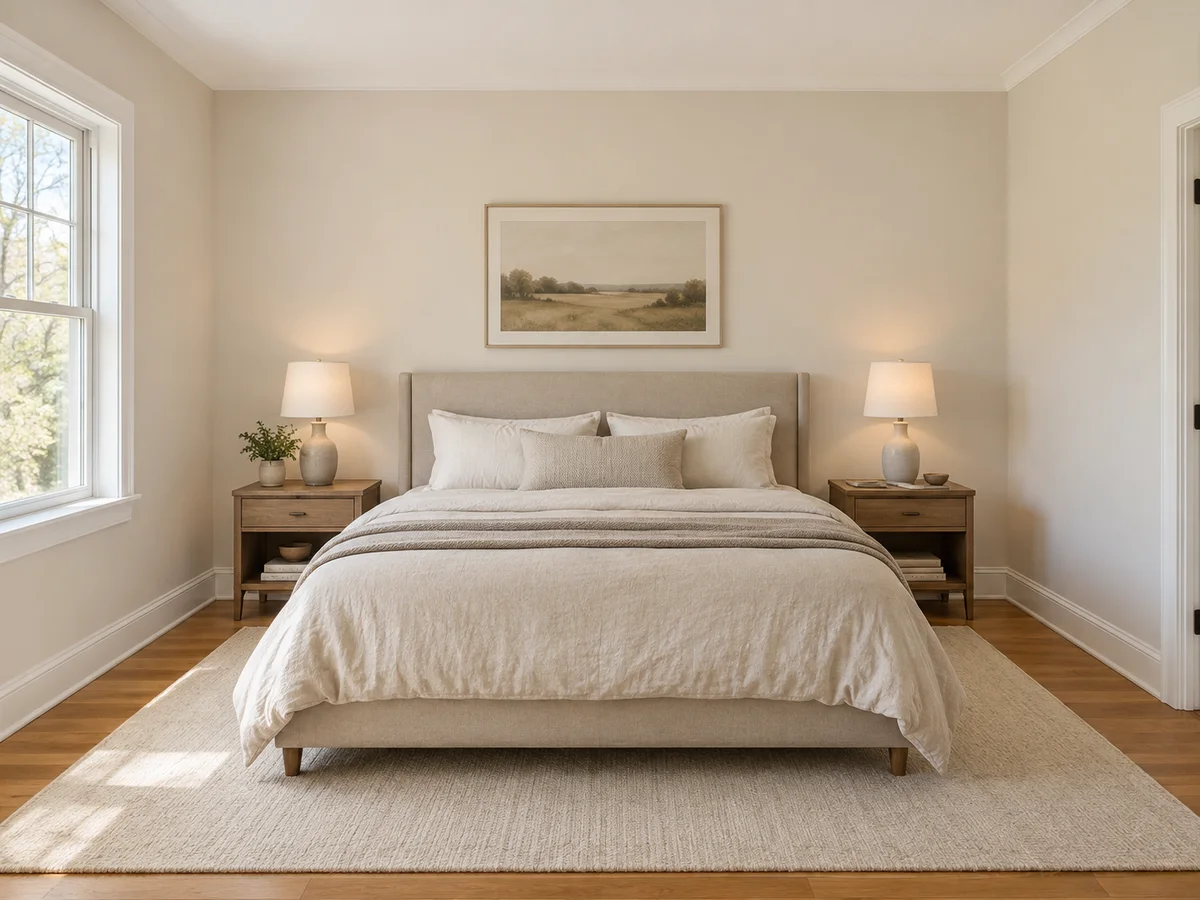
 AfterBefore
Sage Green Bedroom Walls
 AfterBefore
Blush Pink Bedroom Walls
 AfterBefore
Terracotta Dining Room Walls
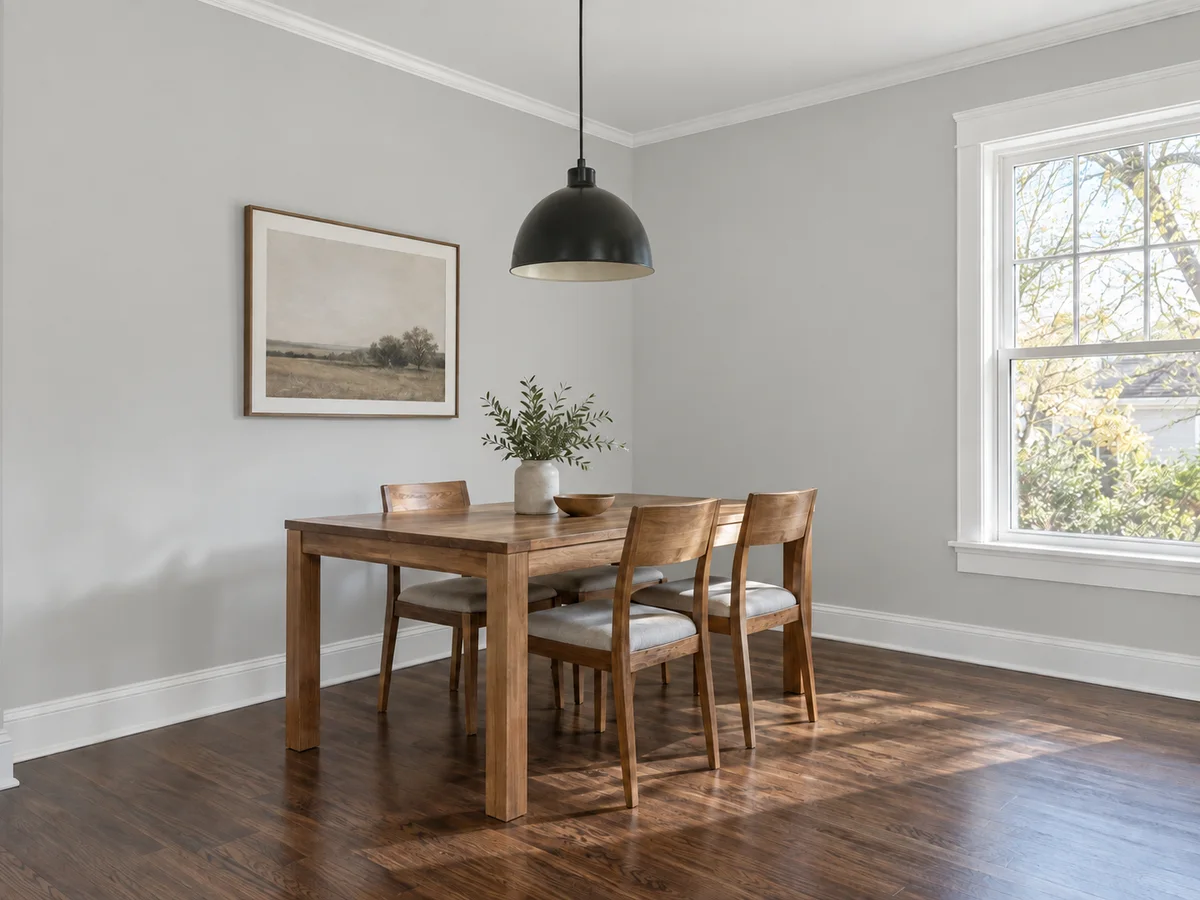 AfterBefore
Soft Gray Dining Room Walls
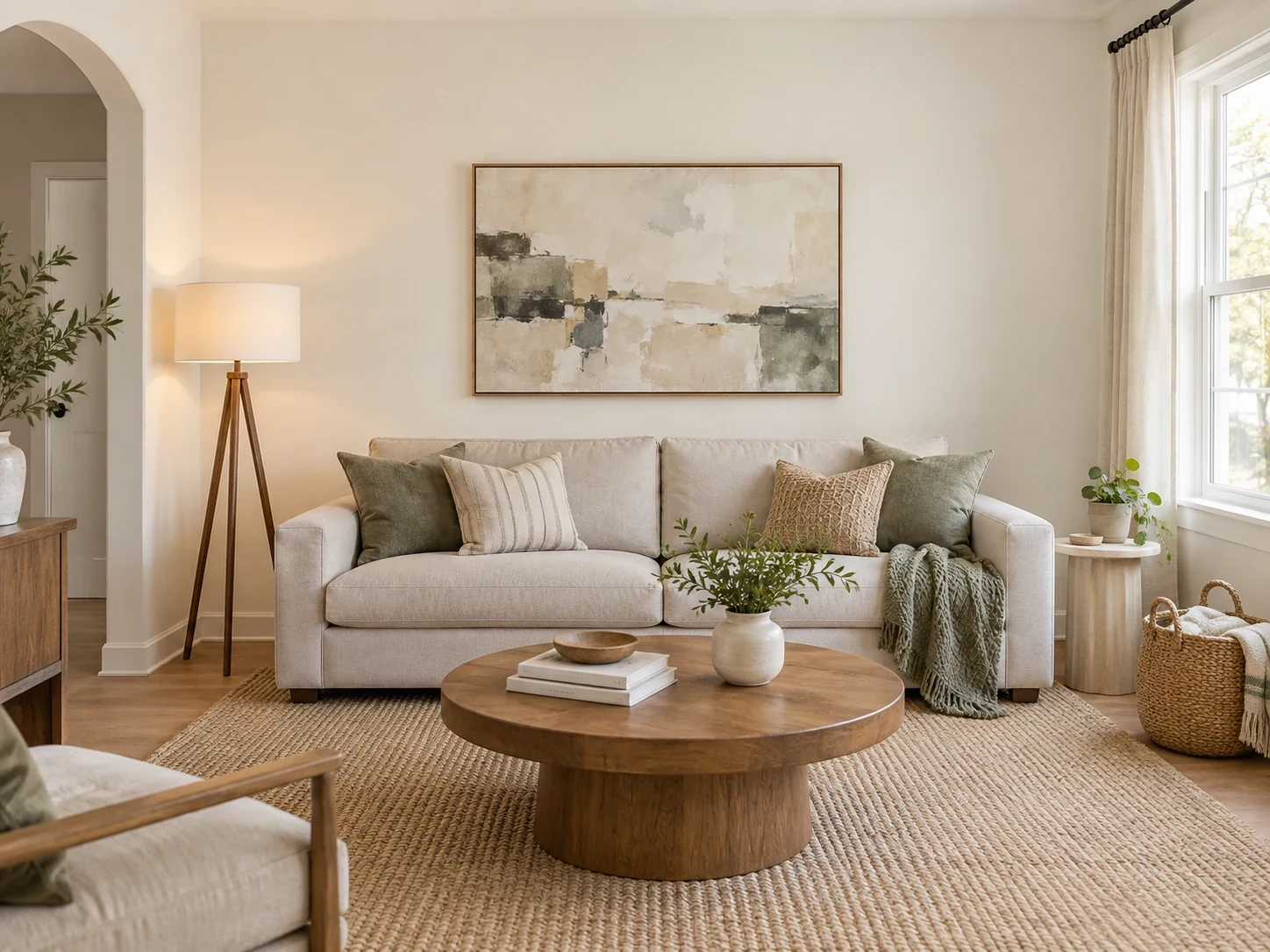
 AfterBefore
Forest Green Accent Wall Behind Framed Art
 AfterBefore
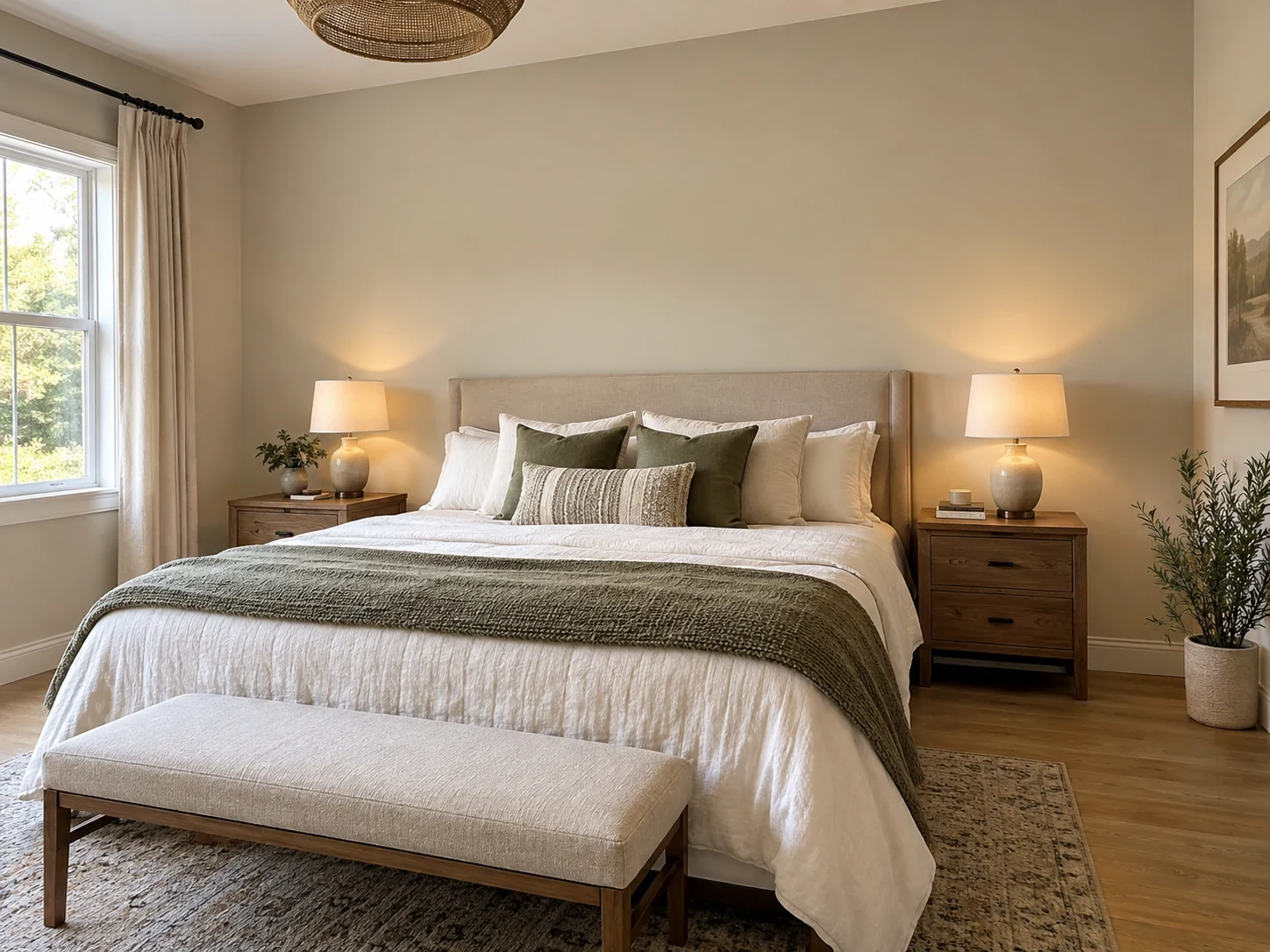
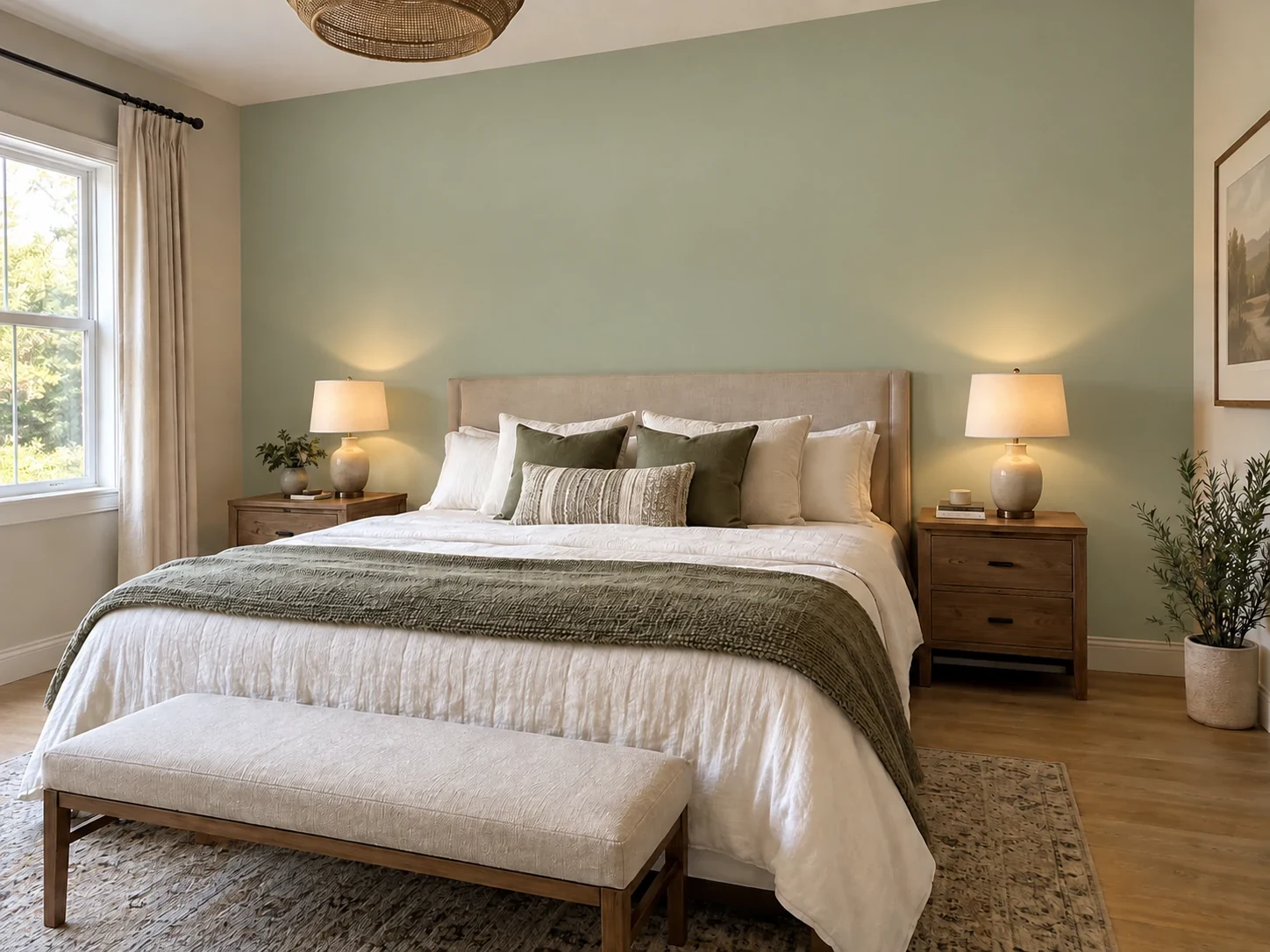
Sage Green Accent Wall Behind the Bed
 AfterBefore
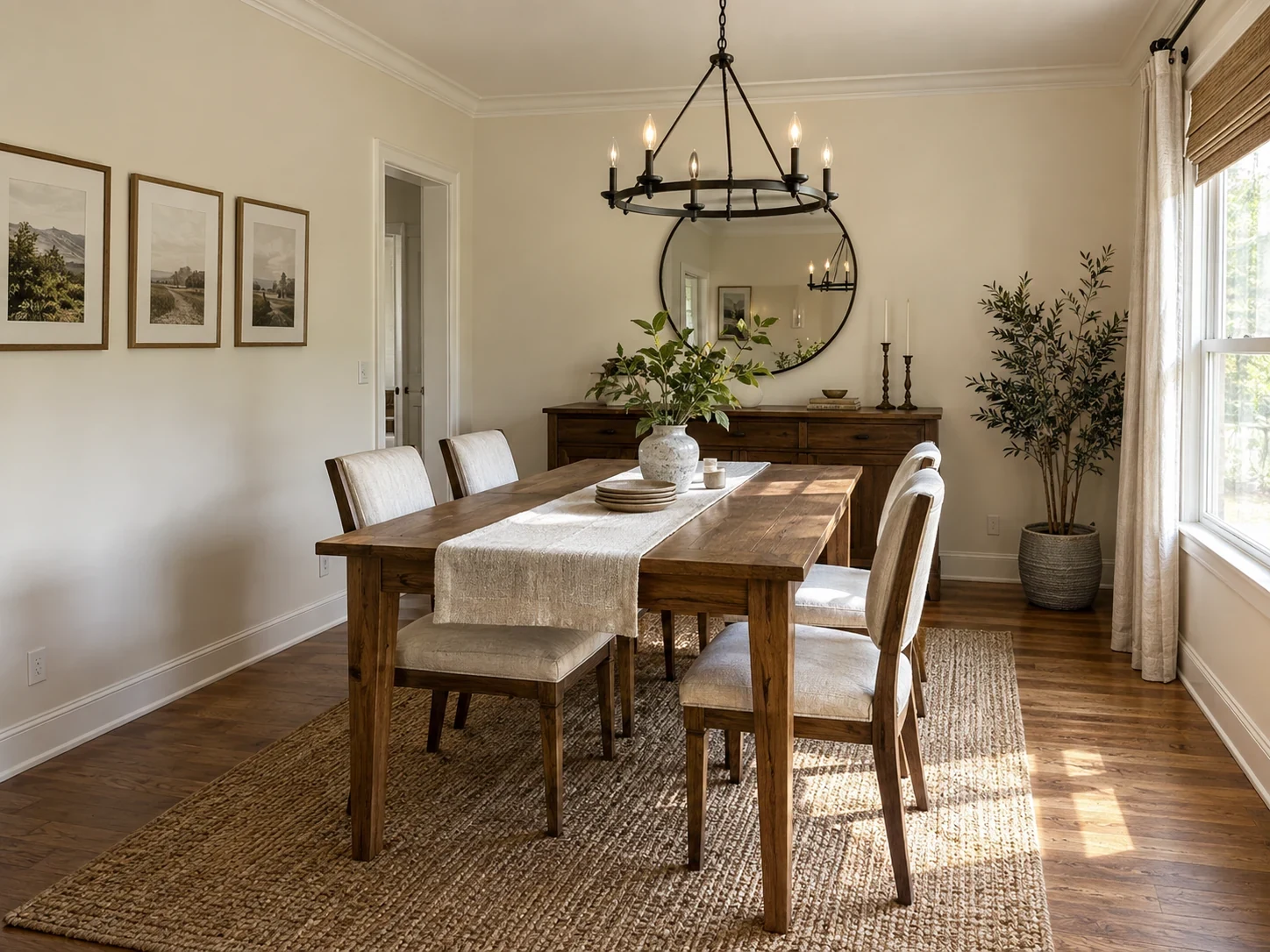
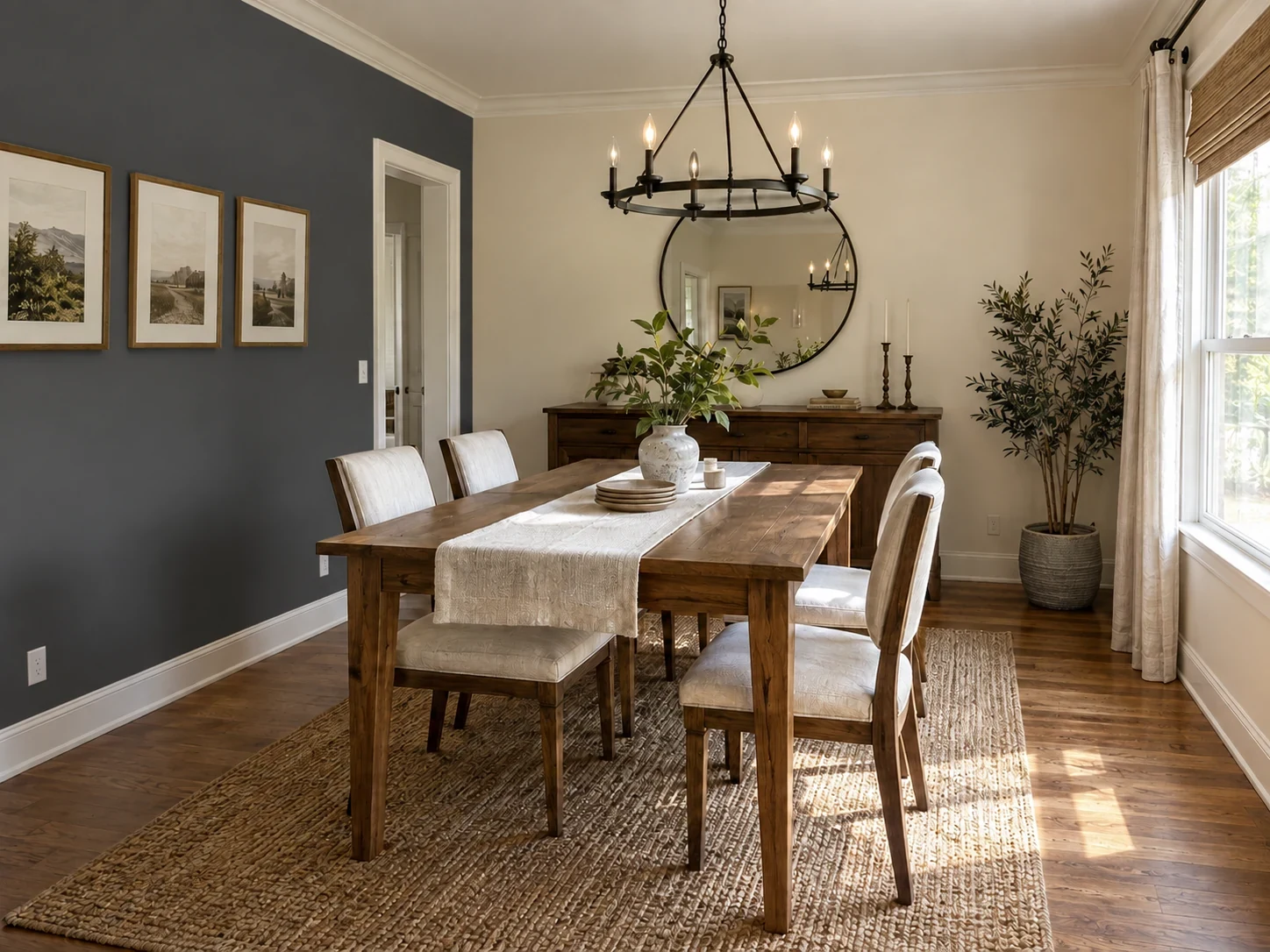
Charcoal Accent Wall in a Dining Room
The basics
What Is an Interior Paint Visualizer?
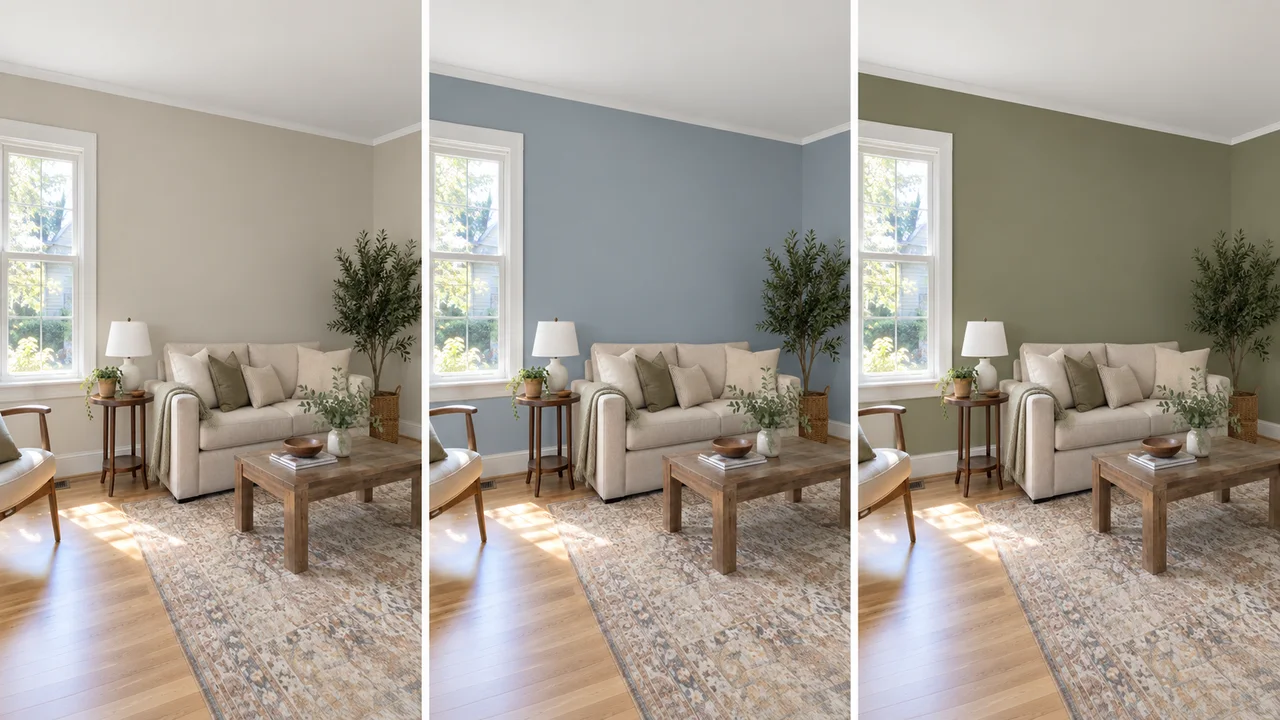
An interior paint visualizer, also called a paint color visualizer tool, repaints the walls in a photo of your own room. You choose the surfaces (walls, one accent wall, the ceiling, or trim and doors) and one color, and the AI applies it like matte or eggshell paint: lighter near windows, darker in shadow, with outlets, switches and wall texture left in place. Furniture, artwork, flooring and anything you leave unticked are meant to stay as photographed.
It works as a room paint simulator for living rooms, bedrooms, kitchens, dining rooms and home offices. Treat it as a virtual painting tool for shortlisting: the output is an AI-edited image, screens shift color, and no on-screen swatch is a guaranteed match for a can of paint. Compare previews against your original photo, then test a physical sample on the wall.
- Works on your own room photo, not a sample card
- 4 surfaces: walls, accent wall, ceiling and trim & doors
- 16 interior shades, plus any custom hex value
- Unticked surfaces are meant to keep their current color
Why Use This Wall Paint Visualizer?
Six things to look for in the best paint visualizer, and how this one does each.
1. Your room, not a swatch card
A color on a chip and the same color across a whole wall rarely read alike. Preview it in the room it is going into, next to your floor and sofa.
2. Pick from 4 surfaces
Choose walls, accent wall, ceiling or trim & doors, or several at once. One color goes on every surface you tick; the rest keep their current color.
3. Choose from 16 shades
Curated interior shades from warm whites to charcoal, or paste the hex code of a paint chip you already own.
4. One accent wall, on its own
Tick Accent wall and name the wall in the notes; otherwise the AI paints the most prominent wall facing the camera.
5. Paint that follows the light
Applied like matte or eggshell paint, lighter near windows and darker in shadow, so what this wall color simulator shows reads as paint rather than a flat fill.
6. Free credits to start
New accounts receive signup credits. Each preview uses 10 credits; your balance is shown in the workspace.
Color options
Interior Wall Colors You Can Try
The wall color visualizer offers 16 interior shades for the walls, an accent wall, the ceiling or the trim, and accepts any custom hex code.
Pure White
Gallery white; crisp beside bright trim.
Warm White
Reads white without going cold in north light.
Cream
Soft warmth for hallways and period rooms.
Greige
The safe mid neutral beside warm wood floors.
Soft Gray
Cool neutral; calm with gray curtains.
Taupe
Grounds a room with pale floors.
Sage Green
Calm bedroom green that flatters oak.
Olive Green
Deeper green for a study or fireplace wall.
Forest Green
Rich accent wall; keep the trim pale.
Dusty Blue
Quiet blue for bedrooms and bathrooms.
Navy Blue
Strong accent wall behind a bed or sofa.
Muted Lavender
Gentle cool tone for a bedroom.
Blush Pink
Warm pink that reads as a neutral.
Butter Yellow
Lifts a room with little daylight.
Terracotta
Earthy warmth for a dining room.
Charcoal
Dramatic feature wall with white trim.
Screen color is a starting point, not a match. Once a shade looks right here, roll a large sample board and move it around the room over a full day before buying paint.
How to See a Paint Color in Your Room
Upload a room photo
Shoot in daylight from a corner so two walls are in view; the color then has a corner to turn. PNG, JPG or WebP up to 10MB.
Pick surfaces and a color
Tick the walls, the accent wall, the ceiling or the trim, then choose a shade in the wall color picker or paste a hex code. For an accent wall, write which wall you mean.
Compare, then buy samples
Run a few shades on the same photo, shortlist two, and test those as sample pots on the wall in morning and evening light.
See Paint Colors in Your Room Before You Commit
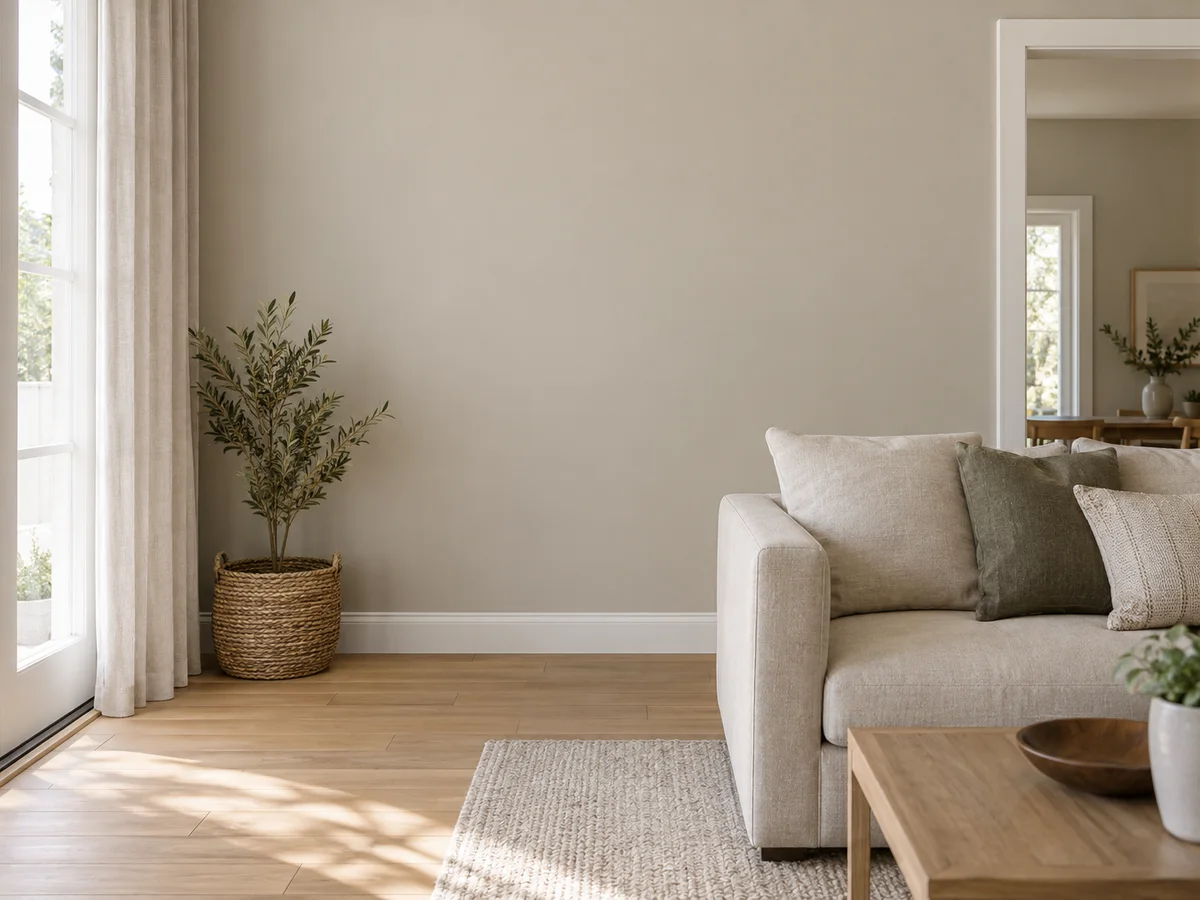
See the Color on the Wall You Have
A sample card is lit by the store, surrounded by white and about the size of a postcard. The same shade across a whole wall, beside your floor and sofa, can land somewhere else entirely. Previewing it on your own photo puts the color next to everything it has to work with.
Try a Wall Color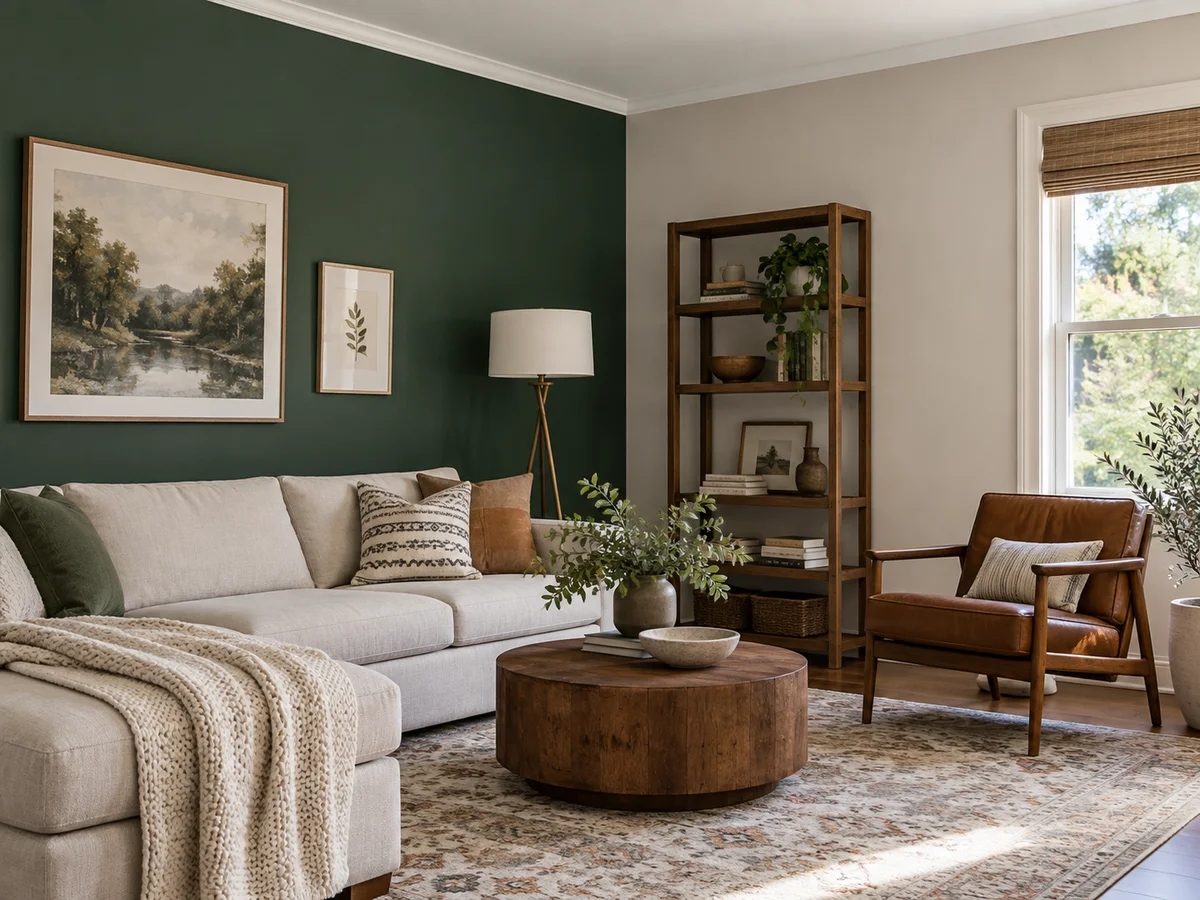
Test Accent Wall Ideas on One Wall
Try a deep shade such as Forest Green, Navy Blue or Charcoal on one wall before you commit a whole room to it. Tick Accent wall and name the wall in the notes, for example the one behind the sofa; the other walls are meant to stay as they are.
Try an Accent Wall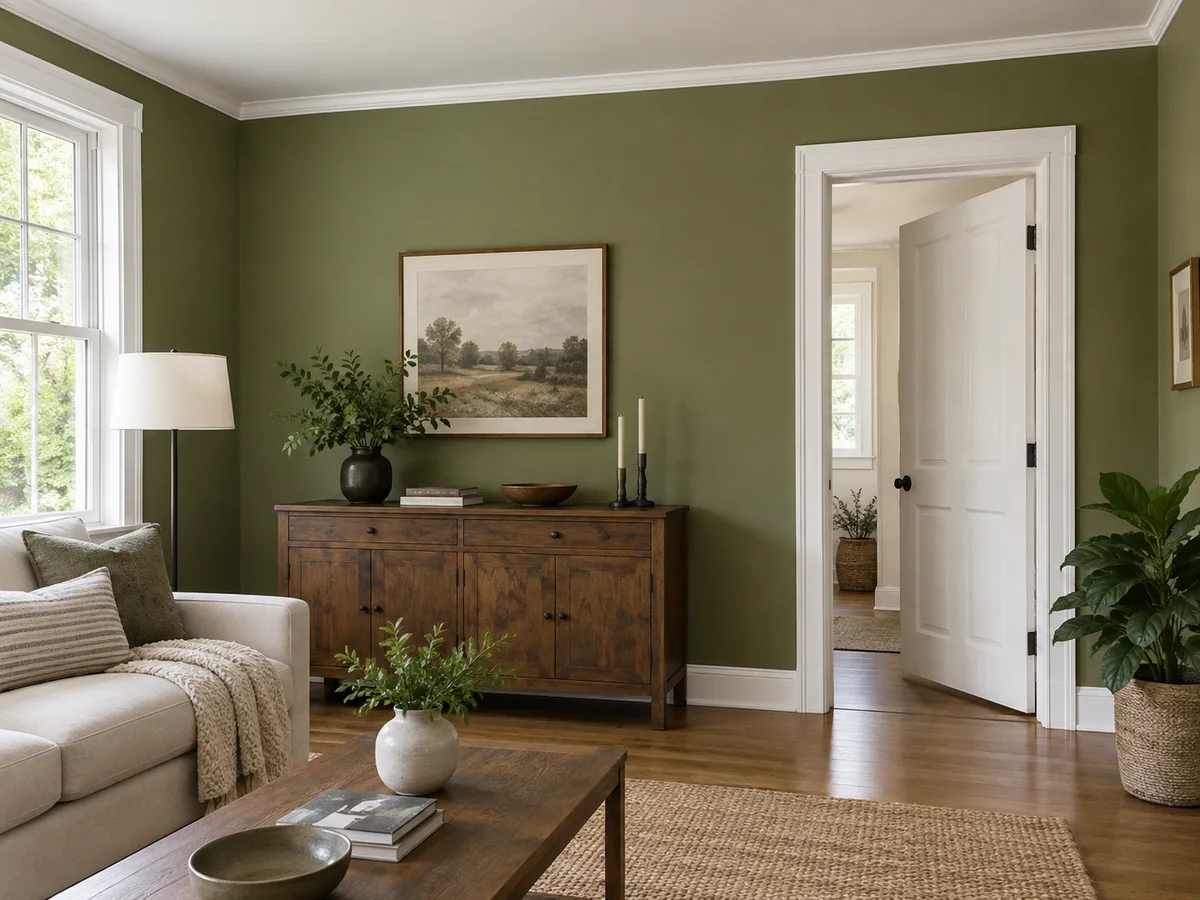
Keep the Ceiling and Trim Out of It
Surfaces are picked separately, and anything you leave unticked is meant to keep its current color. That matters when white trim is what makes a color work: change the walls, keep the trim, and judge the contrast on your own photo.
Pick Your Surfaces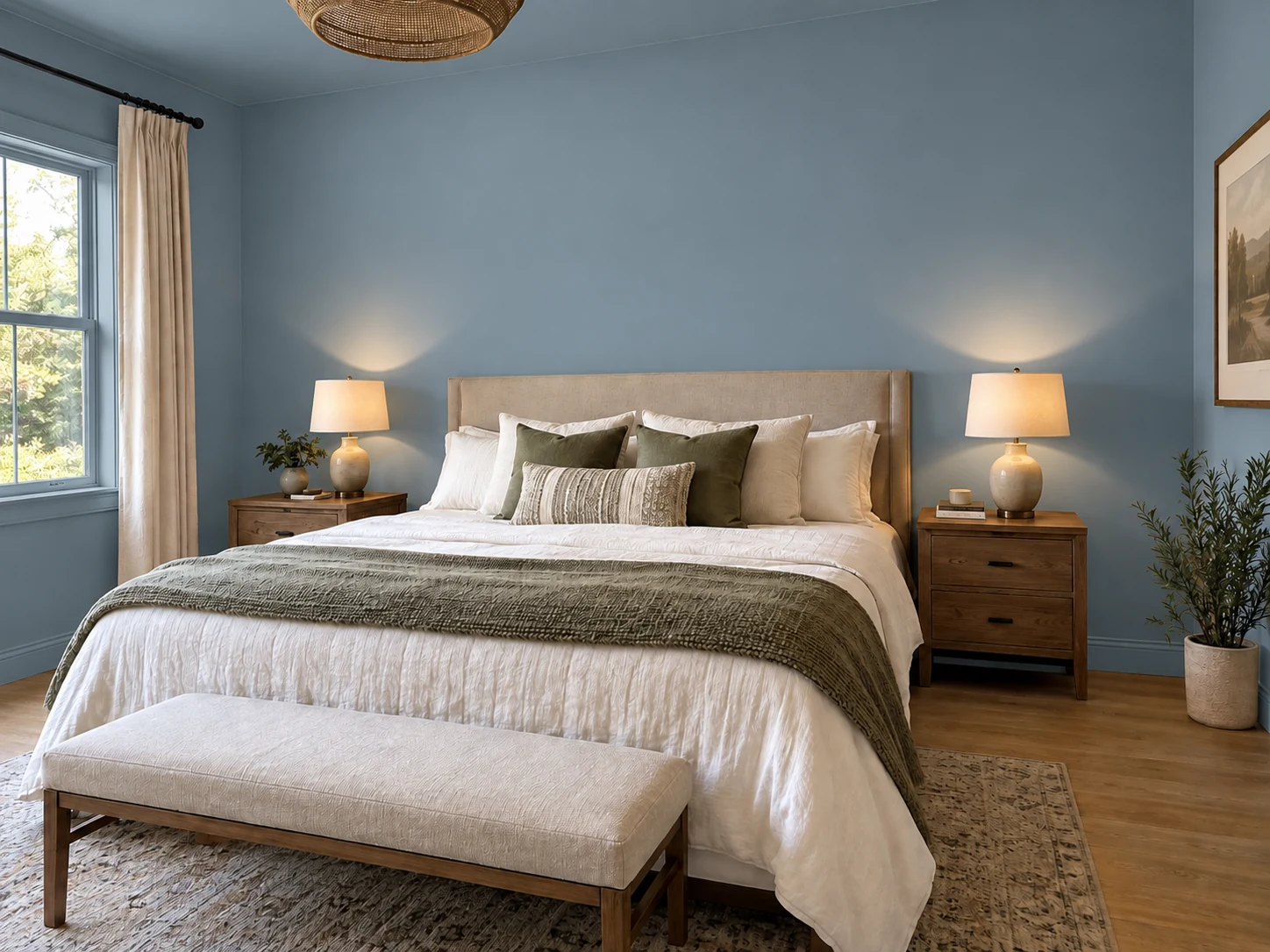
Preview a Color Drench Instead
Color drenching puts one shade on the walls, ceiling and trim, and many designers now suggest it in place of a lone accent wall. Tick Walls, Ceiling and Trim & doors, choose one color, and the whole room changes in a single run.
Try a Color Drench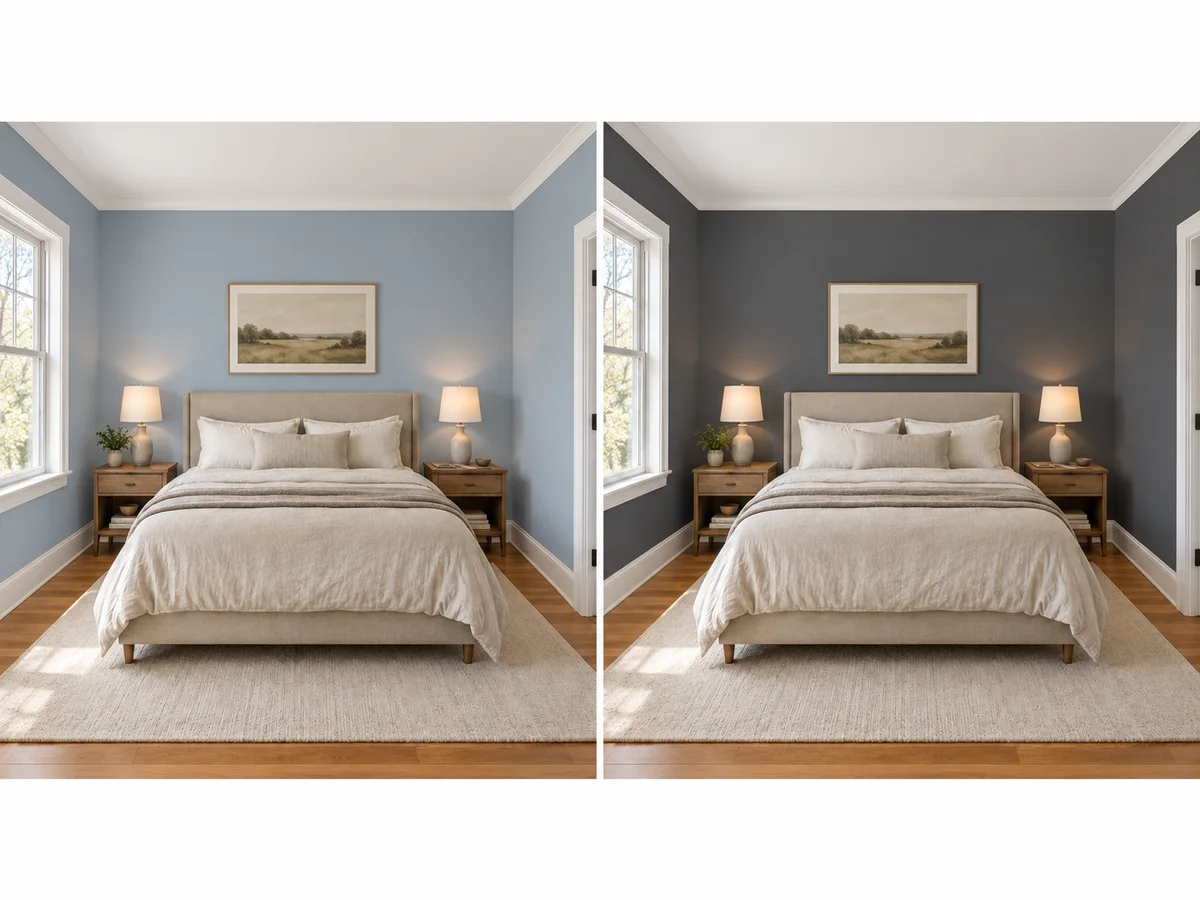
Shortlist Two Colors, Then Work Out the Paint
Screens and photos shift color, and paint changes through the day. Use the previews to cut a long list to two, compare them in History or download them, then buy sample pots. Before you order, measure the wall area so you buy the right amount; the table below shows typical quantities.
Measure My Wall AreaAccent wall design ideas 2026
Are Accent Walls Out of Style in 2026?
Are accent walls outdated? Not out, but more deliberate. Many designers now call the random bright wall dated and favor deeper, earthier shades or color drenching instead. An accent wall with a clear job still works.
What Makes an Accent Wall Look Dated
- Limitation: A bright, saturated color on a wall with no focal point
- Limitation: The wall picked because it was easiest, not because it frames anything
- Limitation: High contrast that chops a small room into pieces
- Limitation: The same accent trick repeated in every room
- Limitation: A loud wall competing with busy curtains or crowded art
Accent Walls That Still Work
- Benefit: A wall with a job: behind the bed or sofa, or around a fireplace
- Benefit: Deep, earthy shades such as Forest Green, Charcoal or Terracotta
- Benefit: A tonal accent one or two steps deeper than the other walls
- Benefit: A nook, alcove or end wall that gives the eye somewhere to land
- Benefit: Or skip the single wall and color-drench the whole room
Paint quantity
How Much Paint Do You Need to Paint a Room?
Typical amounts for two coats. To calculate the paint required for a room of your own, take the wall area from the Room Size Calculator, multiply by the number of coats and divide by the coverage printed on the can.
| Space | Paintable area | Two coats need about |
|---|---|---|
| Accent wall, 12 × 8 ft (3.7 × 2.4 m) | 96 sq ft (8.9 m²) | ½ gal (1.9 L) |
| Bedroom walls, 10 × 10 ft (3 × 3 m), 1 door, 1 window | 285 sq ft (26.5 m²) | 1½ gal (5.7 L) |
| Bedroom walls, 12 × 12 ft (3.7 × 3.7 m), 1 door, 2 windows | 334 sq ft (31 m²) | 1¾–2 gal (6.6–7.6 L) |
| Living room walls, 14 × 16 ft (4.3 × 4.9 m), 1 door, 3 windows | 415 sq ft (38.6 m²) | 2–2½ gal (7.6–9.5 L) |
| Ceiling of a 12 × 12 ft room (3.7 × 3.7 m) | 144 sq ft (13.4 m²) | ¾ gal (2.8 L) |
Assumes 8 ft (2.4 m) ceilings, about 350–400 sq ft (33–37 m²) per gallon per coat, and roughly 20 sq ft for each door and 15 sq ft for each window left unpainted. Check your can; a big color change, bare drywall or a textured wall may need primer or a third coat.
What People Use the Paint Visualizer For
Choosing a bedroom color
Use it as a bedroom paint visualizer, where soft colors earn their keep: Sage Green, Dusty Blue, Muted Lavender or Blush Pink. Preview two on your own photo, look at them at the time of day you use the room, and add a headboard accent wall if it needs a focal point. Want the bed somewhere else first? Try a new arrangement on the same photo.
Kitchen and dining refresh
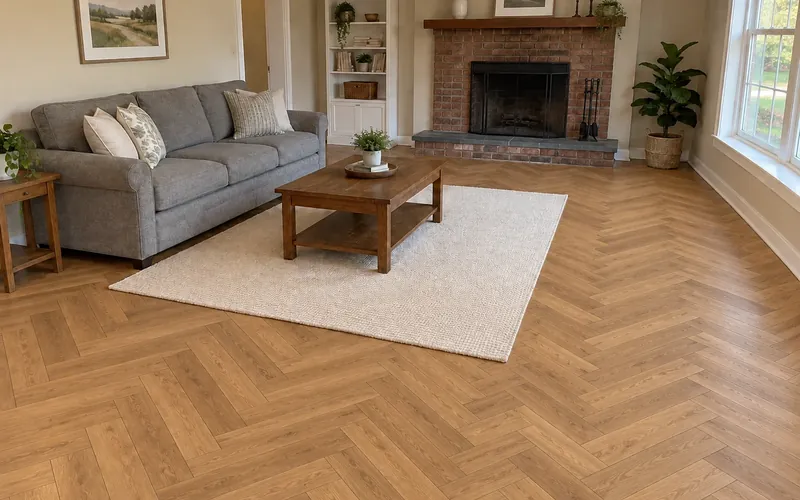
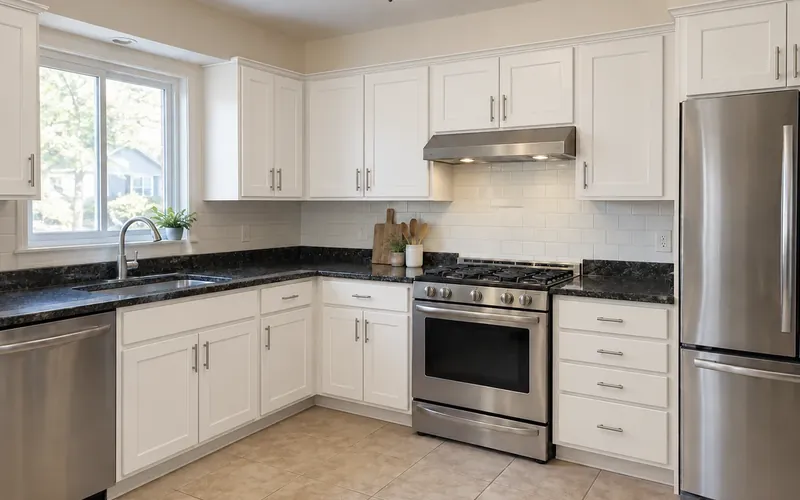
Wall color and cabinet color have to work together, and the floor sits under both. Settle the walls here, then try new cabinet fronts and a new floor on the same photo before you price anything.
Repainting before a sale or move-in
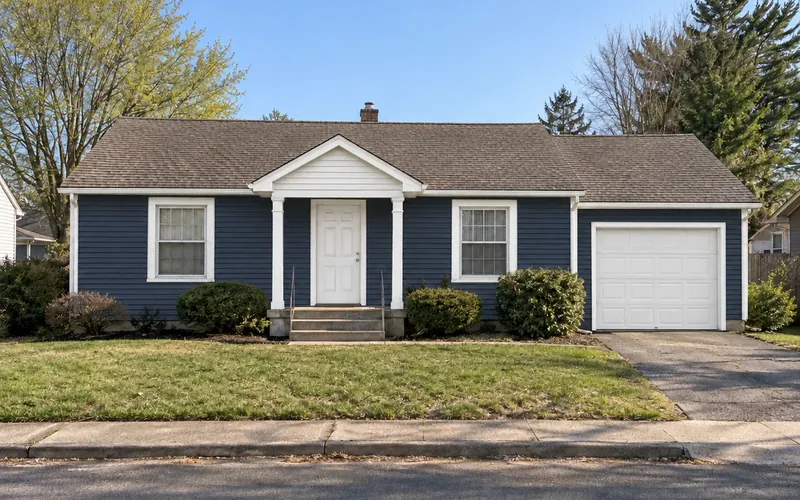
Neutral walls photograph well and suit most buyers’ furniture. A home paint visualizer makes it quick to shortlist a warm white or greige; then measure each room’s wall area to order paint. For a bigger change, from furniture to finishes, run the room through a full AI redesign.
Paint Color Visualizer Questions
It is a free paint color visualizer to start: new accounts receive signup credits. Each preview costs 10 credits, and how many you can run depends on your balance, which the workspace shows. Sign in to generate; free requests may wait in a short queue.
Yes, and the tool needs one: this online paint visualizer repaints the photo you give it rather than inventing a room, so you can virtually paint a room without installing an app. Upload a PNG, JPG or WebP up to 10MB. Furniture, flooring, artwork and windows are meant to stay as photographed, along with any surface you leave unticked.
With Accent wall ticked, it looks for the wall you name in the notes, such as "the wall behind the bed". If the notes do not name one, it paints the most prominent wall facing the camera, so frame your photo on that wall.
Deeper, earthier and more deliberate ones. Paint makers’ 2026 color picks lean toward browns, muted greens and warm neutrals, and designers favor accent walls with a purpose, tonal accents a shade deeper than the room, and full color drenches. Forest Green, Olive Green, Terracotta and Charcoal are good places to start.
Most neutrals do. Warm White or Cream keeps gray curtains crisp, Greige or Soft Gray makes a calm tonal room, and Dusty Blue or Sage Green adds color without fighting the fabric. Hang the curtains before you take the photo, then preview two or three options against them.
There is no quiz here, but three questions do the same job. Which way do the windows face (north light suits warmer shades; south light can take cooler ones)? What is staying, such as the floor, bedding and furniture? Do you want the room to feel calm or cozy? Then preview two or three answers on your own photo.
Yes. Paste any hex code into the custom color field, for example a deep burgundy for an accent wall with gray walls around it. The preview uses that hex as its target, but it is not a guaranteed match for a brand’s paint chip.
Close enough to compare directions, not to match a can. Your screen, the original photo’s exposure and the light in the room all change how a shade reads. Shortlist here, then paint a large sample on the wall and look at it morning and evening before you buy.
Try the AI Paint Visualizer Free
Upload one room photo to the AI paint color visualizer and see a wall color, or a single accent wall, before you buy a sample pot. New accounts get free credits to start.
Paint My Room Free- 10 credits per generation
- PNG, JPG or WebP up to 10MB