
Best Free Floor Plan Software: 9 Options Compared
The best free floor plan software compared: Floorplanner, Planner 5D, RoomSketcher, SketchUp Free, Sweet Home 3D, Homestyler, SmartDraw, Canva and AI.
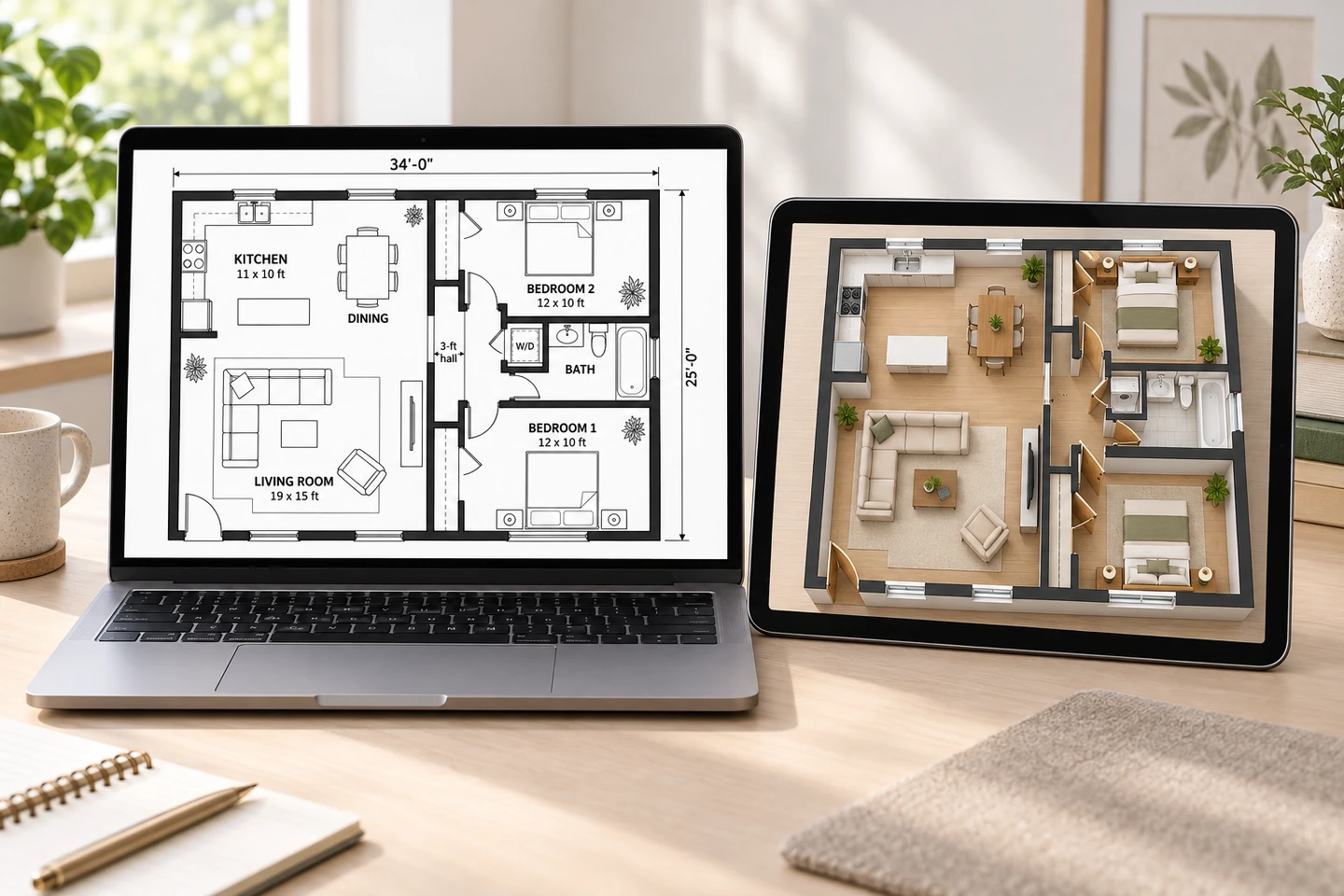
The best free floor plan software depends on what you are making. Sweet Home 3D is the strongest completely free option: open source, no account, and it runs on Windows, macOS and Linux. Floorplanner, Planner 5D and RoomSketcher are the easiest drag-and-drop floor plan apps, each free to start with paid upgrades. SketchUp Free is the pick for custom 3D modeling, and an AI generator such as our Floor Plan Maker is fastest when you want a finished-looking plan from a description or sketch without drawing anything. Below: the nine options side by side, what free versions usually hold back, and which to choose for a room, a whole house or a 3D view.
Floor Plan Maker is our product. We describe the others by their long-standing, widely known features rather than prices or exact limits, because free plans change often. Check each site before you put hours into a project.
Best Free Floor Plan Software at a Glance
Swipe left or right to see the full table →
| Software | Type | Platform | Free option | Best for |
|---|---|---|---|---|
| Floor Plan Maker (this site) | AI generator | Browser: desktop, tablet, phone | Free credits on signup | Fast concept plans from a brief or sketch |
| Floorplanner | Drag-and-drop 2D/3D | Browser | Free basic account | Quick room and home plans |
| Planner 5D | Drag-and-drop 2D/3D | Browser, iOS, Android | Free version; paid catalog and upgrades | Planning on a phone or tablet |
| RoomSketcher | Drag-and-drop 2D/3D | Apps for computers and tablets | Free version with limits | Polished 2D and 3D plans |
| SketchUp Free | 3D modeler | Browser | Free for personal use | Custom 3D models |
| Sweet Home 3D | Desktop 2D + 3D planner | Windows, macOS, Linux | Free, open source | Precise plans offline, no account |
| Homestyler | 3D design and rendering | Browser, mobile app | Free tier | Decorated 3D rooms and renders |
| SmartDraw | Diagramming | Browser | Free trial | Office and facility diagrams |
| Canva | Graphic design | Browser, desktop and mobile apps | Free plan | Simple diagrams and presentations |
What to Look for in Free Floor Plan Software
Most floor plan programs can draw a rectangle with a bed in it. The differences show up when you draw a whole home, or try to get your work out of the app:
- Real dimensions. Can you type a wall length, or only drag? Does it work in feet and inches as well as meters?
- A wall tool. Walls that join at corners, keep their thickness and stretch together save hours compared with drawing lines.
- Doors and windows that cut into walls and show their swings.
- A furniture catalog at real sizes, and whether the pieces you need are free.
- A 3D view, for checking the space and showing it to others.
- Export. Image resolution, PDF, watermarks, and whether you can get a CAD or 3D file out.
- Platform. Browser, desktop or phone, and whether it works offline.
- What the free tier holds back. Typically export quality, the number of projects, catalog items, renders or commercial use.
The 9 Options, Reviewed
Floorplanner
Floorplanner is one of the longest-running browser floor planners. You draw rooms and walls in 2D, add doors, windows and furniture from a library and switch to a 3D view, all without installing anything. A free basic account covers drawing a home; paid plans add higher-quality exports and features for professionals.
Best for: quick home and room plans in a browser. Check first: what the free account lets you export, before you invest hours.
Planner 5D
Planner 5D works in the browser and as iOS and Android apps, with 2D drawing, a 3D view and a large catalog of furniture and finishes. The free version lets you start a project; many catalog items and some features need a paid subscription.
Best for: casual home design on a phone or tablet. Check first: whether the catalog items you need are free.
RoomSketcher
RoomSketcher is known for clean 2D and 3D floor plans in a polished real estate style, with apps for computers and tablets. A free version lets you try it with limits; most professional exports need a subscription.
Best for: homeowners and agents who want presentation-quality plans. Check first: the export options on the free version.
SketchUp Free
SketchUp Free is the browser version of SketchUp, a general 3D modeler. You draw lines and faces and pull them into 3D, with access to a large library of shared models. It is free for personal, non-commercial use. It is not a floor plan app, so walls, doors and furniture are all things you model, which takes longer to learn but gives complete control.
Best for: custom 3D models of interiors, additions and exteriors. Check first: the license if your project is commercial.
Sweet Home 3D
Sweet Home 3D is a free, open-source desktop program for Windows, macOS and Linux. You draw walls on a 2D plan while a 3D view updates beneath it, place furniture from a catalog (and import more), print to PDF, create photos and videos, and export the model to OBJ. It works offline and needs no account. The interface looks dated, but it is precise and has no paywall.
Best for: a completely free, precise plan of an existing home. Check first: that the built-in furniture catalog covers what you need.
Homestyler
Homestyler is a browser-based 3D home design platform, also available as a mobile app, with a large model library and realistic renders. Its strength is decorating and visualizing rooms rather than technical 2D plans. It is free to start, with paid upgrades for more and better renders.
Best for: decorated 3D rooms and render images. Check first: the render limits on the free tier.
SmartDraw
SmartDraw is diagramming software with floor plan templates and architectural symbols alongside flowcharts and org charts. It is sold as a subscription; at the time of writing it offers a free trial rather than a free plan.
Best for: office layouts, facility plans and evacuation maps at work. Check first: whether a trial is enough for your project.
Canva
Canva is a graphic design tool with floor plan templates, shapes and furniture icons on its free plan. There is no wall tool or built-in scale, so it suits diagrams, event layouts and flyers better than measured plans. Our Canva floor plan guide covers how to do it and where it runs out.
Best for: simple diagrams and presentations. Check first: that you do not need true scale.
Floor Plan Maker (This Site)
Our floor plan maker takes a different approach: you do not draw at all. Choose a plan type, describe the rooms or upload a photo of a sketch, enter the total area and pick one of seven styles: Technical 2D, Colored 2D, Furnished 2D, 2.5D, 3D Isometric, Blueprint or Hand-Drawn Sketch. The plan arrives in seconds as a PNG and stays in My Projects. New accounts get free credits with no credit card needed, and each plan uses 10 credits.
It is a fast way to compare layouts and show an idea, not a drafting program: there is no drag-and-drop editor, dimensions are approximate and there is no CAD export. To change one area of a result, the floor plan editor lets you mark it and describe the change, and floor plan to 3D turns a 2D plan image into a furnished 3D view.
 AfterBefore
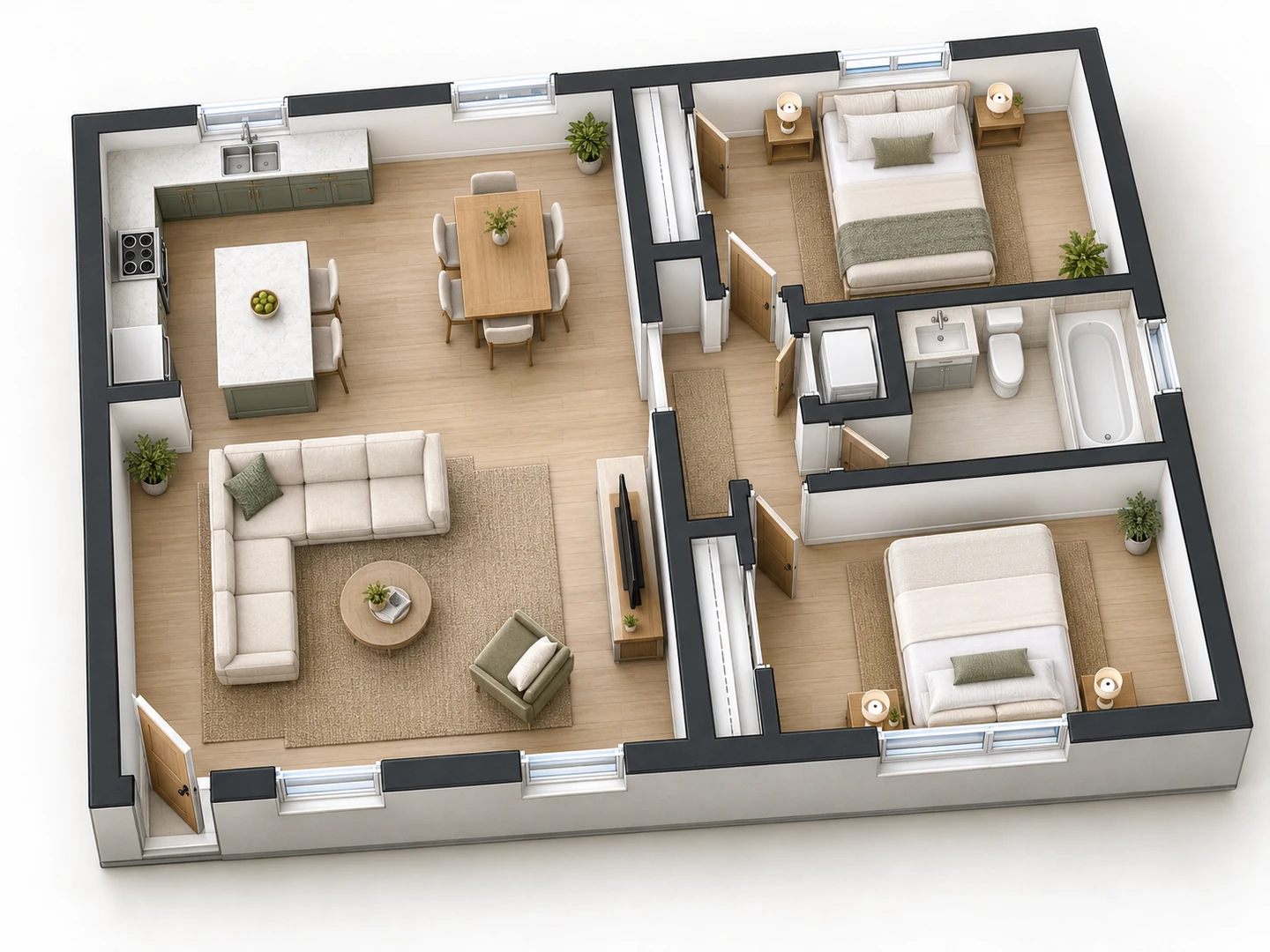
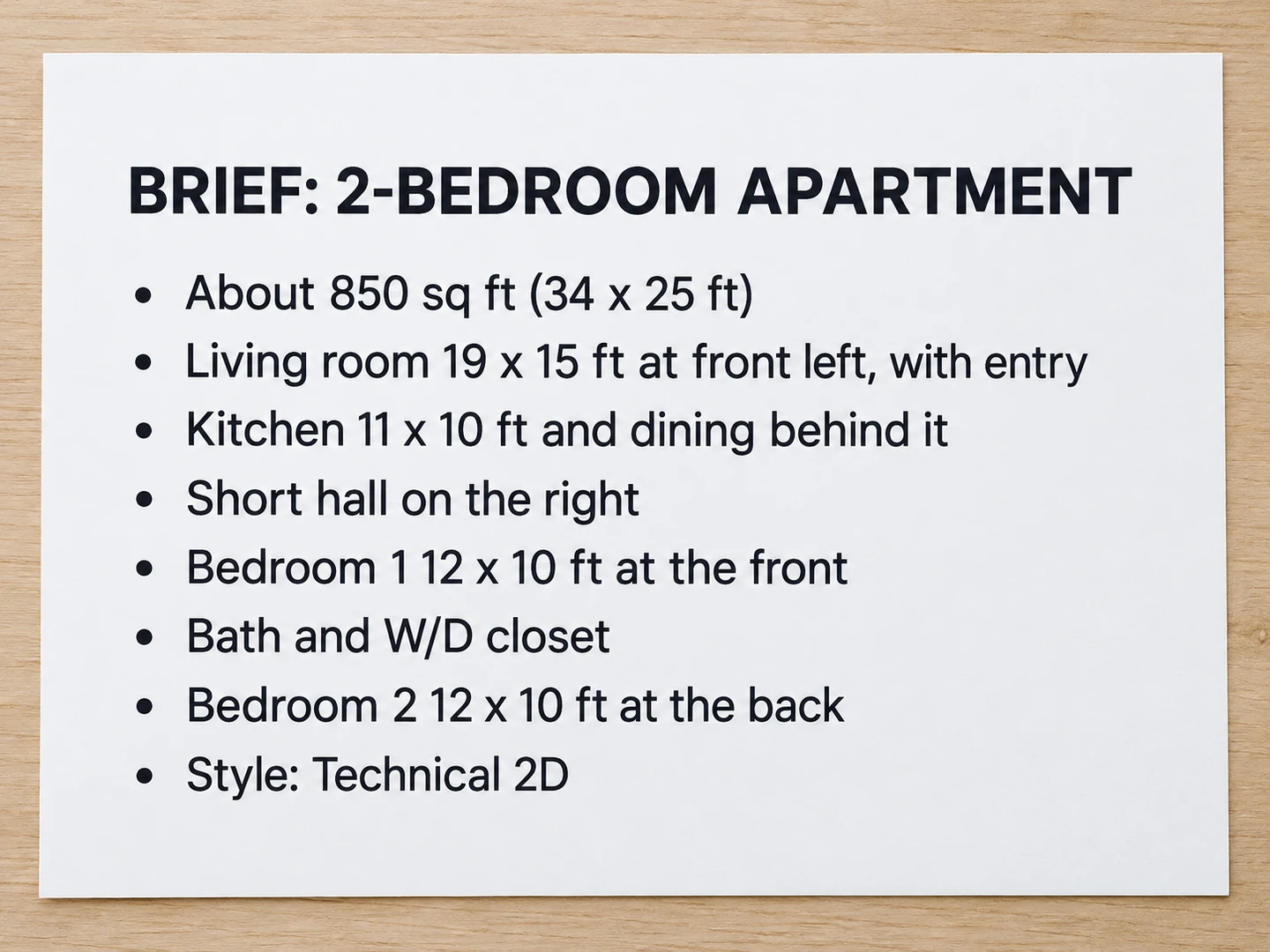
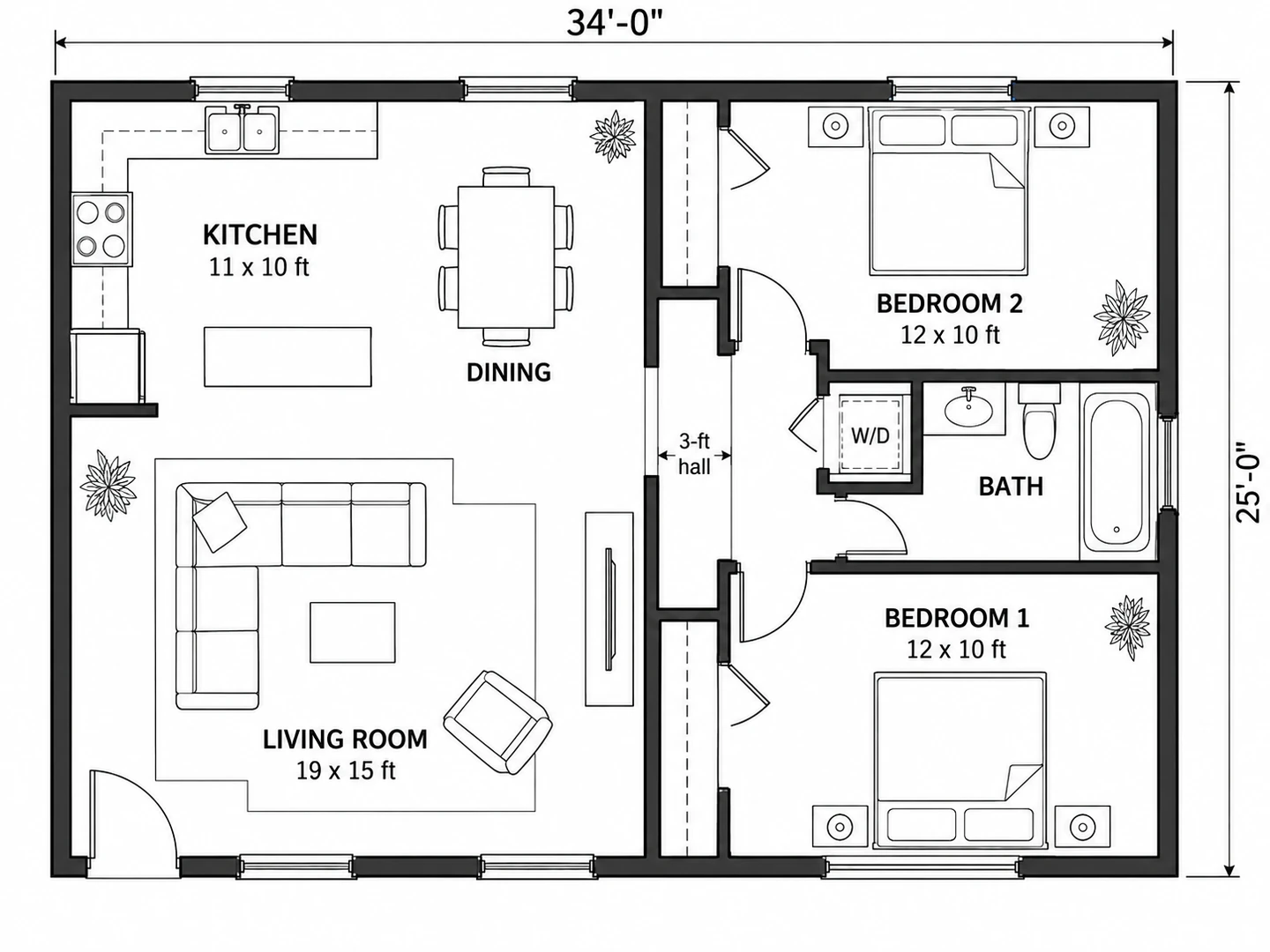
Two-bedroom, one-bath apartment, about 850 sq ft (34 x 25 ft). Entry at the front left into a 19 x 15 ft living room, with an 11 x 10 ft kitchen and a dining area behind it. A short hall on the right leads to bedroom 1 (12 x 10 ft) at the front, a bathroom with a washer-dryer closet in the middle, and bedroom 2 (12 x 10 ft) at the back.
Floorplanner Free and Floorplanner Alternatives
Floorplanner's free account is enough to draw a home and see it in 3D; you pay when you need better exports, more projects or professional features, so check the current plans. If it is not the right fit, the best alternative depends on why:
| If you want | Try |
|---|---|
| Everything free, offline, with no account | Sweet Home 3D |
| To plan on a phone or tablet | Planner 5D or the RoomSketcher apps |
| Presentation-quality 2D and 3D plans | RoomSketcher |
| Realistic decorated renders | Homestyler |
| Full control in 3D | SketchUp Free |
| A plan without drawing it | An AI floor plan generator |
Planner 5D Alternatives
Three common reasons to look beyond Planner 5D: you want a tool that is free without catalog limits, you want more precise 2D drawings, or you want a plan without placing every wall yourself. Sweet Home 3D answers the first two, since it is free and lets you type exact wall lengths. Floorplanner is the closest browser-based equivalent. For the third, an AI generator turns a description or a photo of a sketch into a plan; our 2D floor plan maker focuses on flat plans in technical, colored, furnished, blueprint and hand-drawn styles.
Best Free Floor Plan App for Phone and Tablet
On a phone, the right floor plan app depends on the job:
- Drawing and decorating: Planner 5D, RoomSketcher and Homestyler all have mobile apps you can start using for free.
- Measuring: some apps can scan a room with a LiDAR-equipped phone or tablet and draw the walls for you. Check a few dimensions with a tape measure.
- Generating: Floor Plan Maker runs in a phone browser, so you can photograph a paper sketch and upload it straight from your phone.
Drawing a whole house on a small screen is slow. Many people measure and sketch on a phone, then finish the plan on a computer.
Free House Plan Software for a Whole Home
Designing a new house or an addition asks more of the software: several levels, stairs, a roof and exterior views.
- Sweet Home 3D handles multiple levels and is free.
- SketchUp Free is best for the roof, the exterior and the overall massing in 3D.
- Floorplanner, Planner 5D and RoomSketcher also support multiple floors, in a simpler way.
- Free CAD programs such as LibreCAD (2D) and FreeCAD (2D and 3D) give exact, editable drawings if you are willing to learn them.
- An AI house plan generator is the fastest way to compare layouts: the house floor plan maker turns a room list and a total area into a first layout in seconds.
For the drawings a building department wants, see how to create a blueprint. Permit sets often need a licensed designer, architect or engineer.
Which Free Floor Plan Software Should You Use?
| Your goal | Start with |
|---|---|
| Furniture layout for one room | Floorplanner, Planner 5D or an AI room layout planner |
| A precise plan of your home, free | Sweet Home 3D |
| Compare layout ideas for a new house | An AI house plan generator |
| A 3D model you can orbit and edit | Sweet Home 3D or SketchUp Free |
| Polished plans for a listing | RoomSketcher |
| A decorated, realistic room render | Homestyler |
| An office or facility diagram | SmartDraw |
| A flyer, seating chart or slide | Canva |
| A 3D view of an existing 2D plan | An AI floor plan to 3D tool |
| Permit drawings | CAD software and a licensed professional |
For a single room, the room layout planner generates a furnished layout from the room size and the furniture you list. For 3D, how to make a 3D floor plan compares converting a 2D plan with AI against modeling it in software.
Frequently asked questions
For a completely free, full-featured program, Sweet Home 3D. For the easiest browser experience, Floorplanner, Planner 5D or RoomSketcher, each free to start with paid upgrades. For a plan without drawing, an AI floor plan generator.
Floorplanner has a free basic account for drawing plans and viewing them in 3D. Higher-quality exports and professional features are on paid plans, which change from time to time, so check the current options on its site.
Sweet Home 3D if you want everything free and offline, Planner 5D or RoomSketcher for mobile apps, SketchUp Free for full 3D control, and an AI floor plan generator if you would rather describe the layout than draw it.
Sweet Home 3D is free and open source with no paid tier. Most other floor plan apps are freemium: free to start, with paid exports, catalog items or features.
A drag-and-drop planner such as Floorplanner or Planner 5D is the easiest way to draw, and an AI generator is easier still because you only describe the space. SketchUp and CAD programs take the longest to learn.
Our Floor Plan Maker gives new accounts free credits and each plan uses 10 credits, so you can generate your first plans without paying. The result is an image with approximate dimensions, not an editable CAD drawing.
SketchUp Free runs in the browser and is free for personal, non-commercial use. It is a general 3D modeler rather than a floor plan app, so you model walls and furniture yourself.
Usually not on its own. Building departments want complete, code-compliant construction drawings, and many require a licensed professional to prepare them. Free tools are best for planning and for explaining ideas.
Try these tools
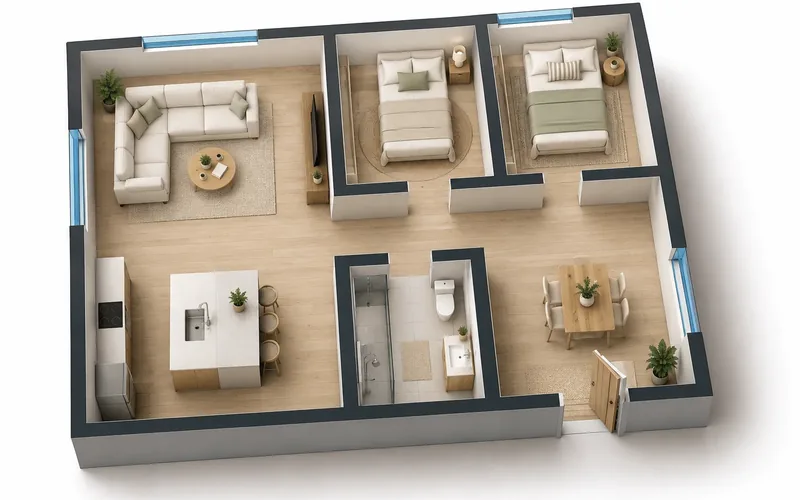 Free Floor Plan MakerGenerate 2D, 2.5D and 3D floor plans for any space with AI.
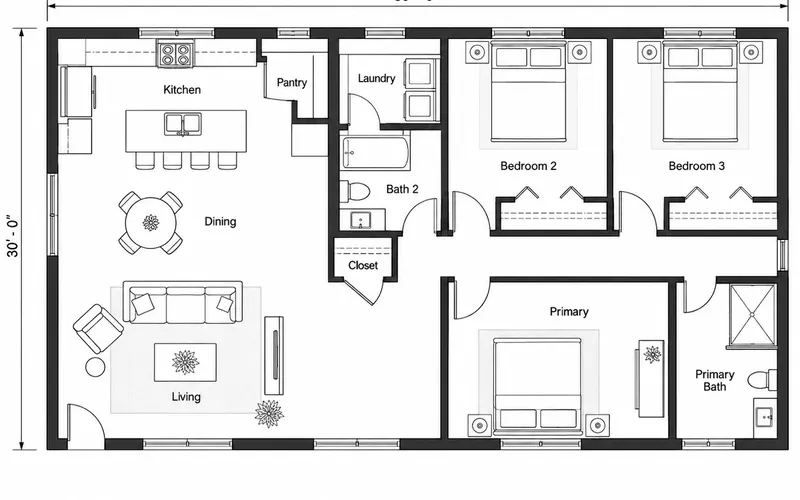 2D Floor Plan MakerFlat 2D floor plans: technical, colored, furnished or hand-drawn.
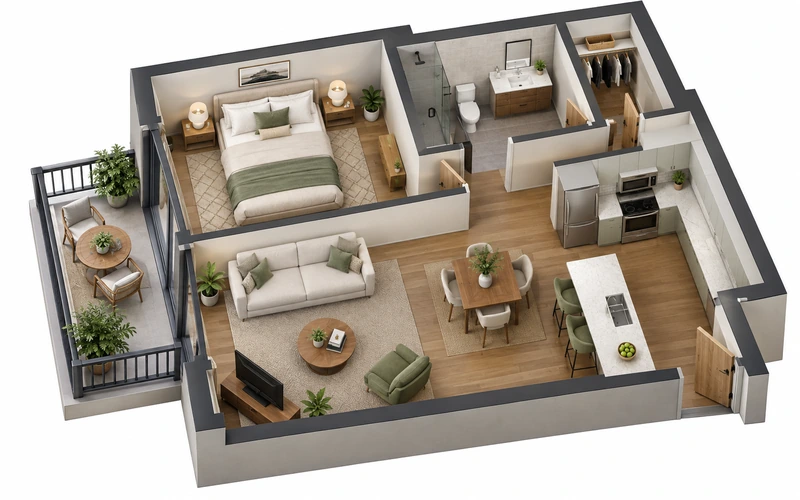 Floor Plan to 3DConvert a 2D floor plan into a furnished 3D floor plan.
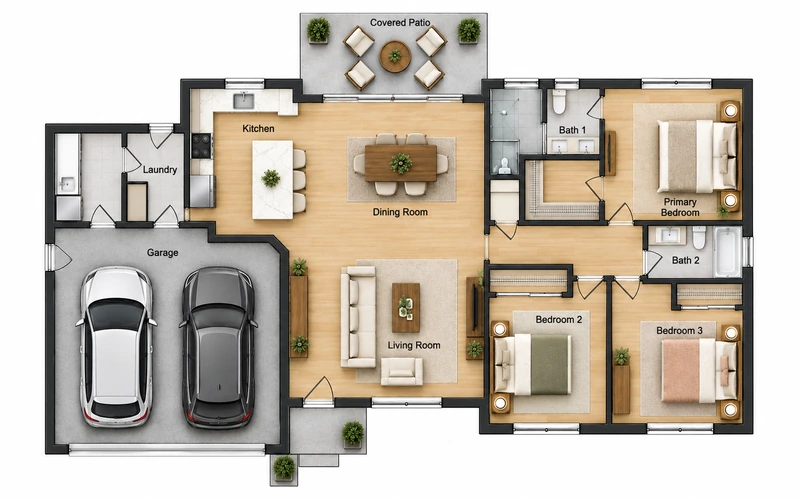 House Floor Plan MakerDesign a house plan by bedrooms, baths and square footage.