
Free AI Room Decorator
Upload a photo of your furnished room and restyle the rugs, cushions, curtains, art and lamps around the furniture you own.
Decorate My Room Free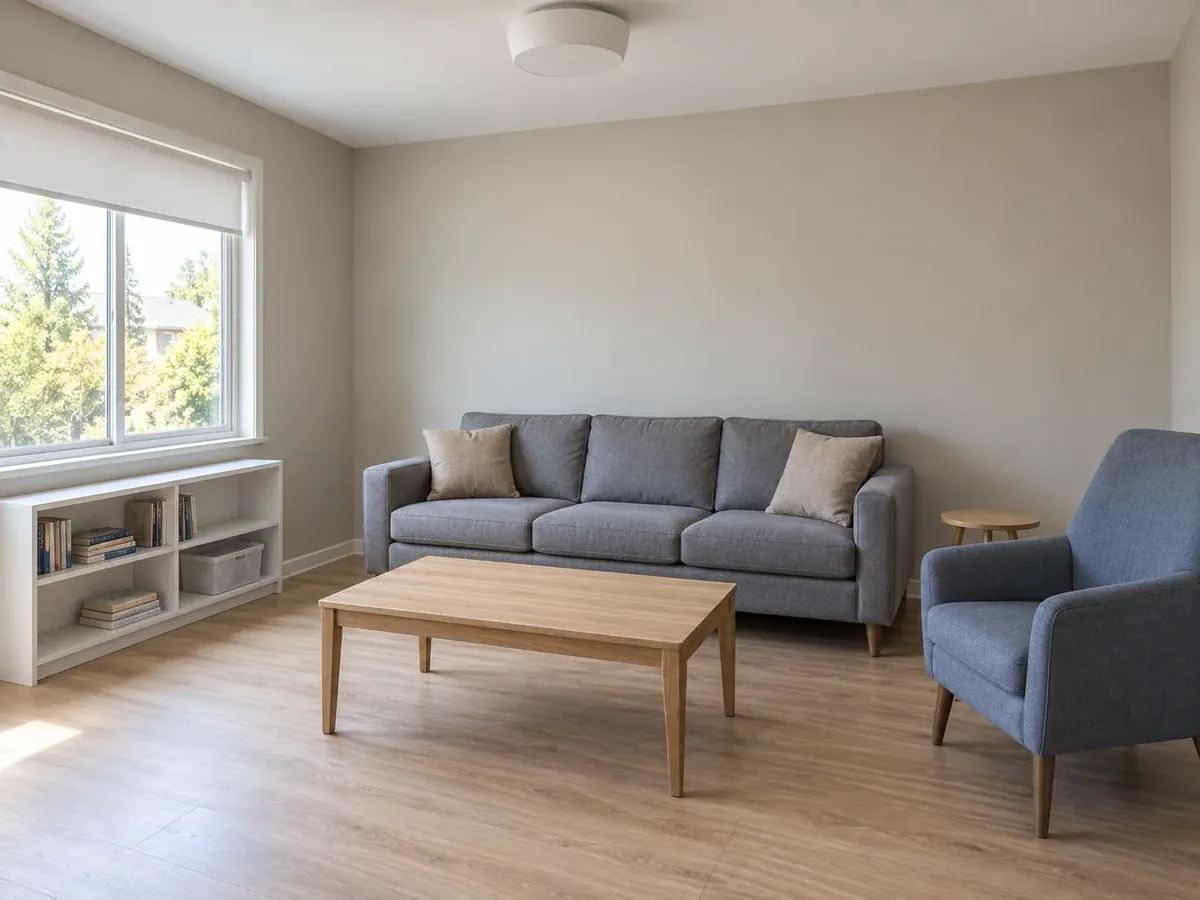
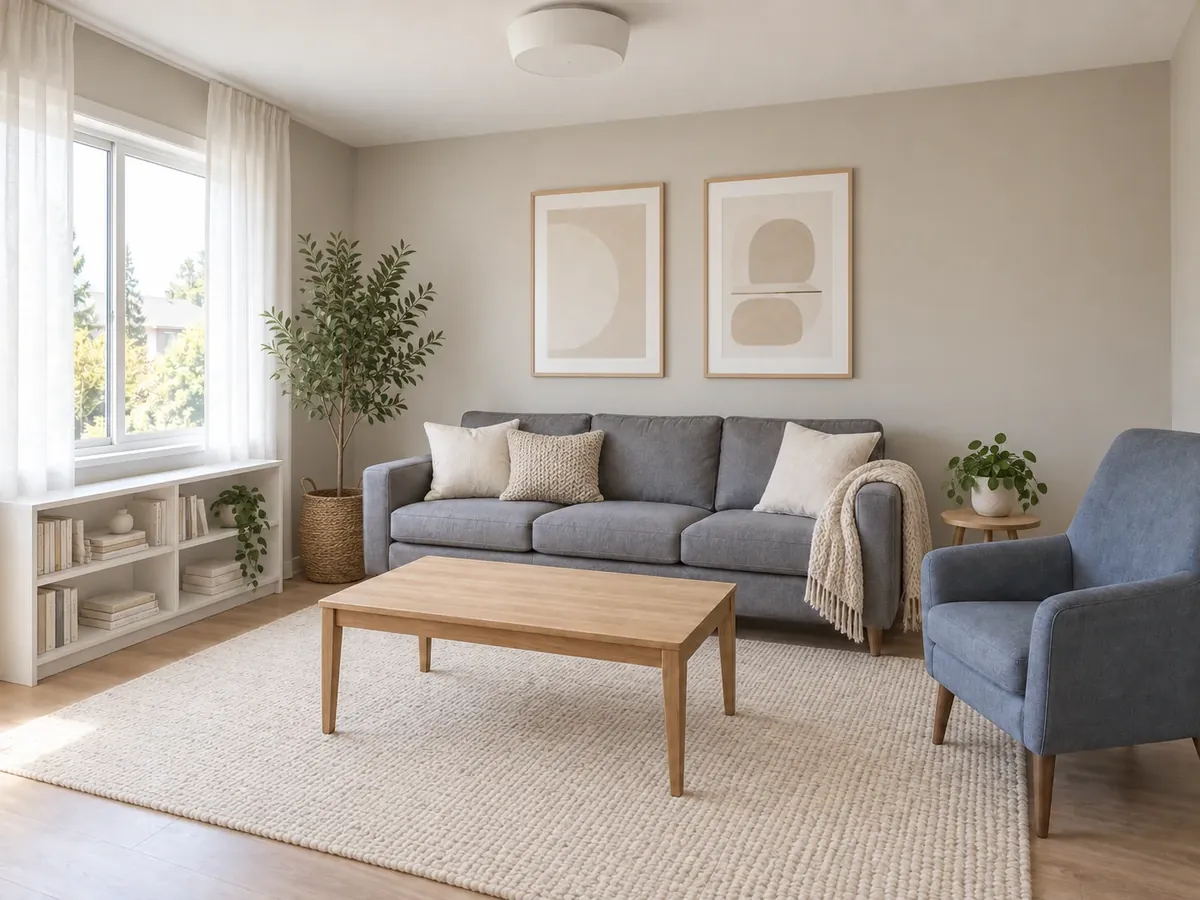 AfterBefore
Decorate My Room with AI
Upload a room photo, choose the room type and one style, and restyle the decor around your furniture.
AfterBeforeScandinavian Living Room Decor
Illustrative decor-only AI concept
AI Decorating Ideas: Before and After
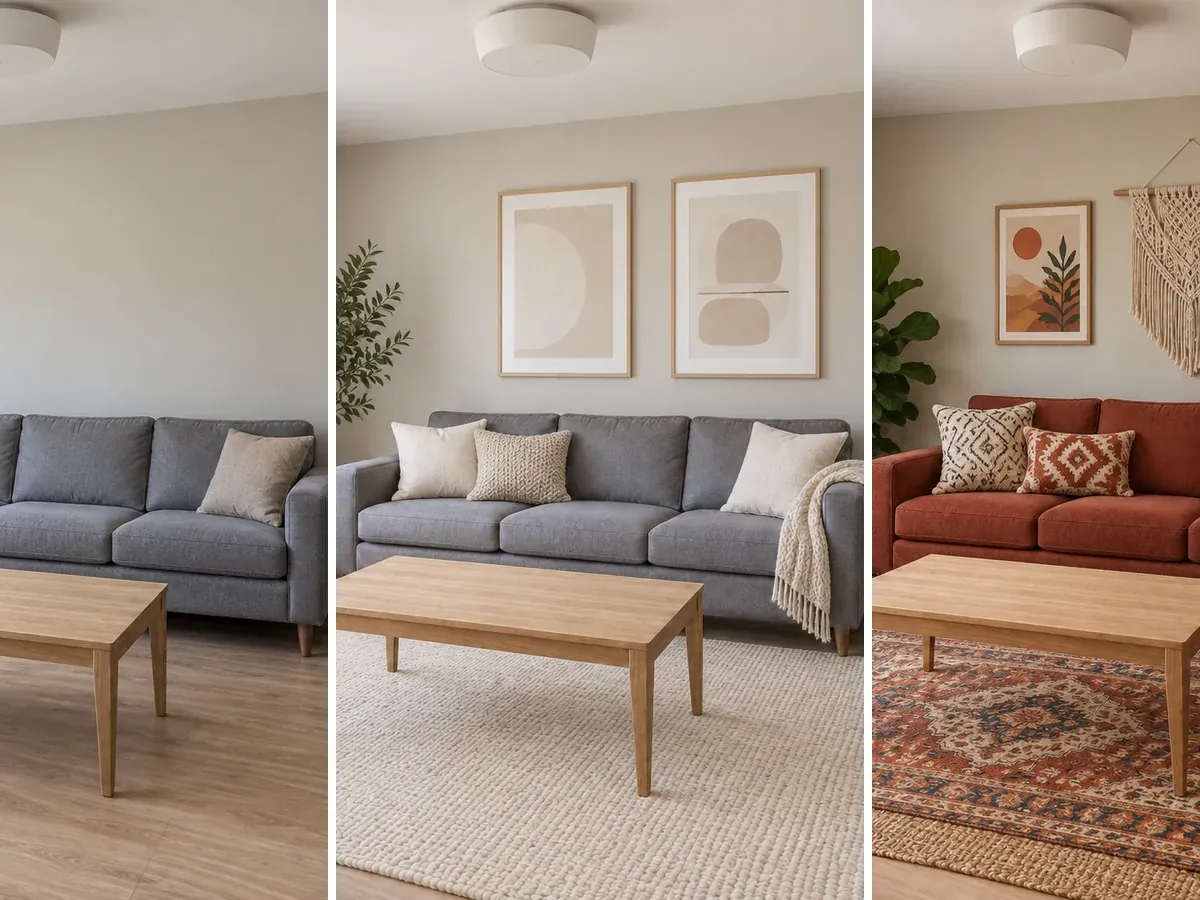
Three furnished rooms, two decorating styles each, both from the same photo with the furniture left in place. These are illustrative AI-generated concepts, so small details can shift.
- AfterBefore
Scandinavian Living Room Decor Around a Grey Sofa
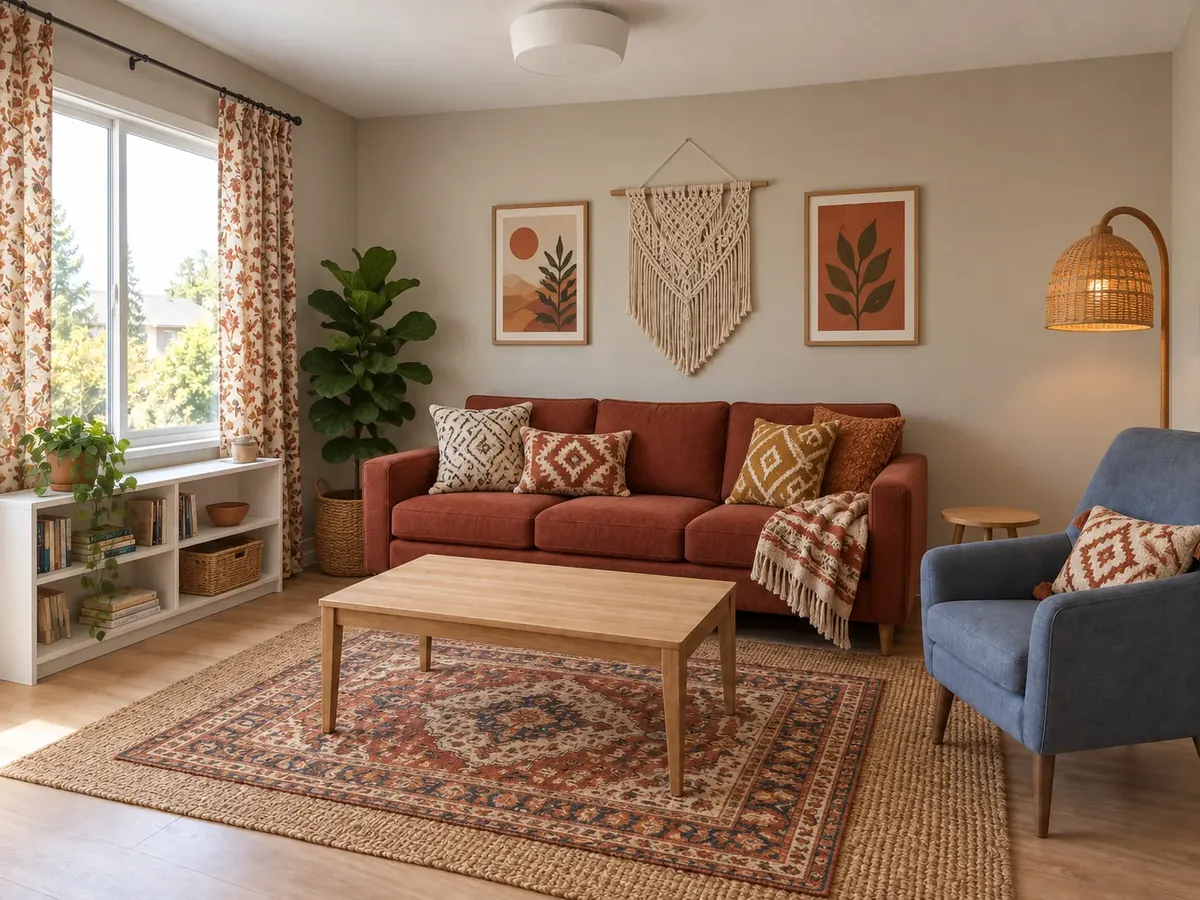 AfterBefore
Bohemian Living Room Decorating Ideas
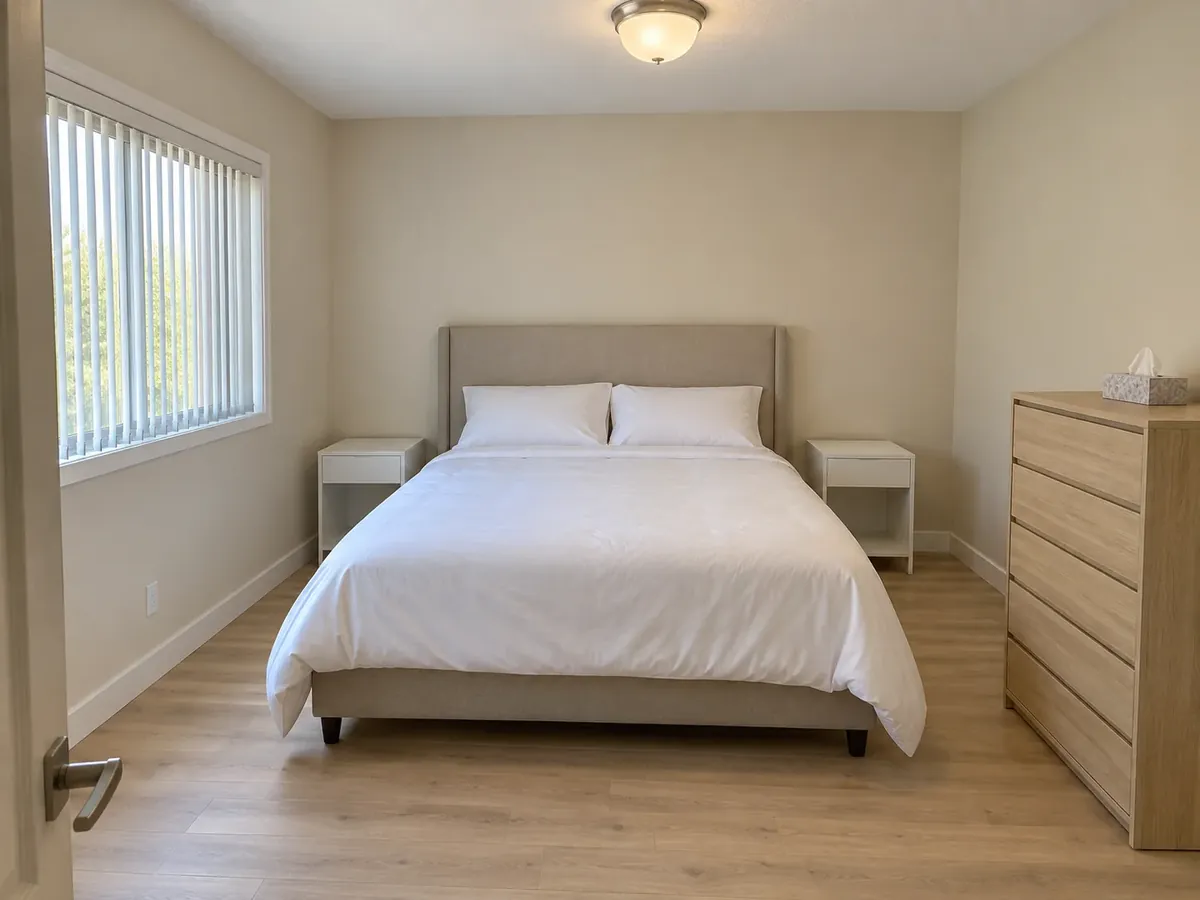
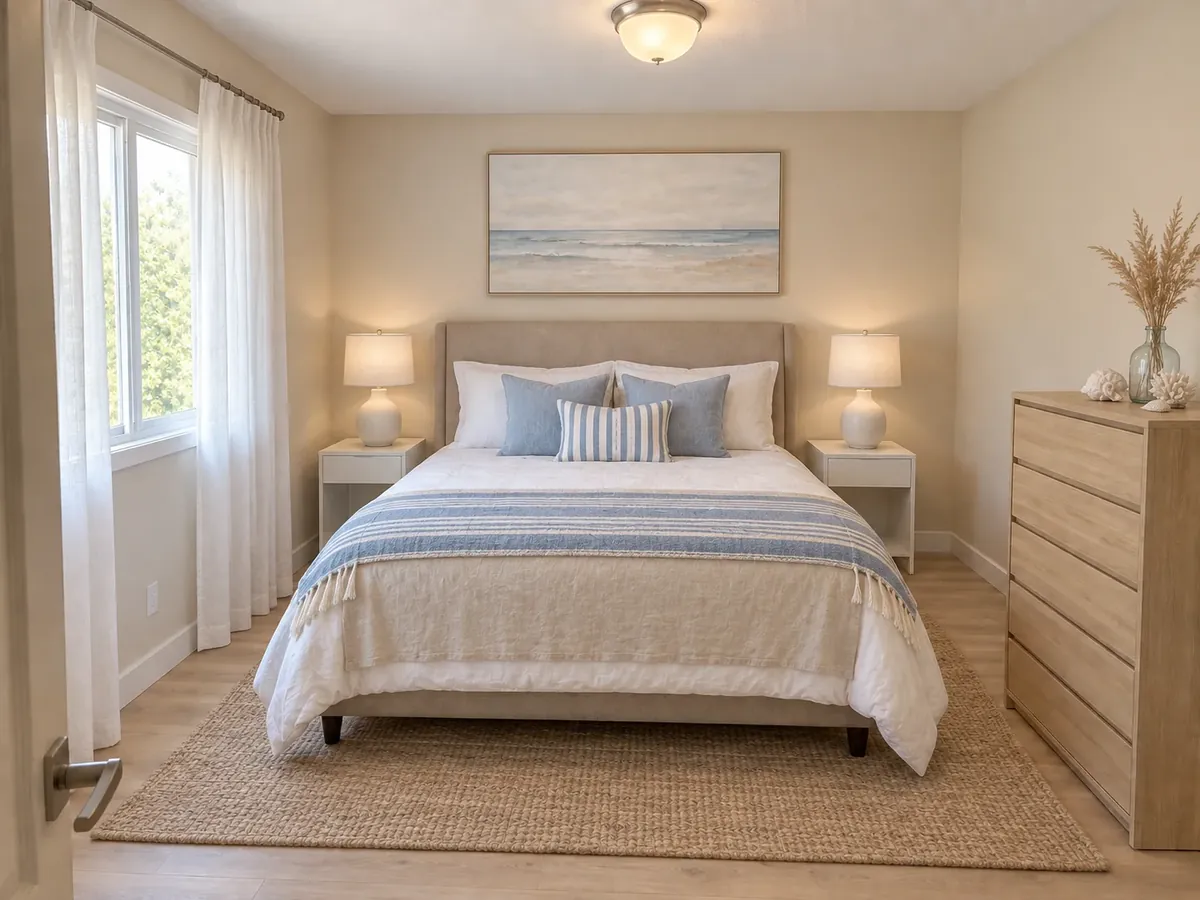 AfterBefore
Coastal Bedroom Decor with Jute and Linen
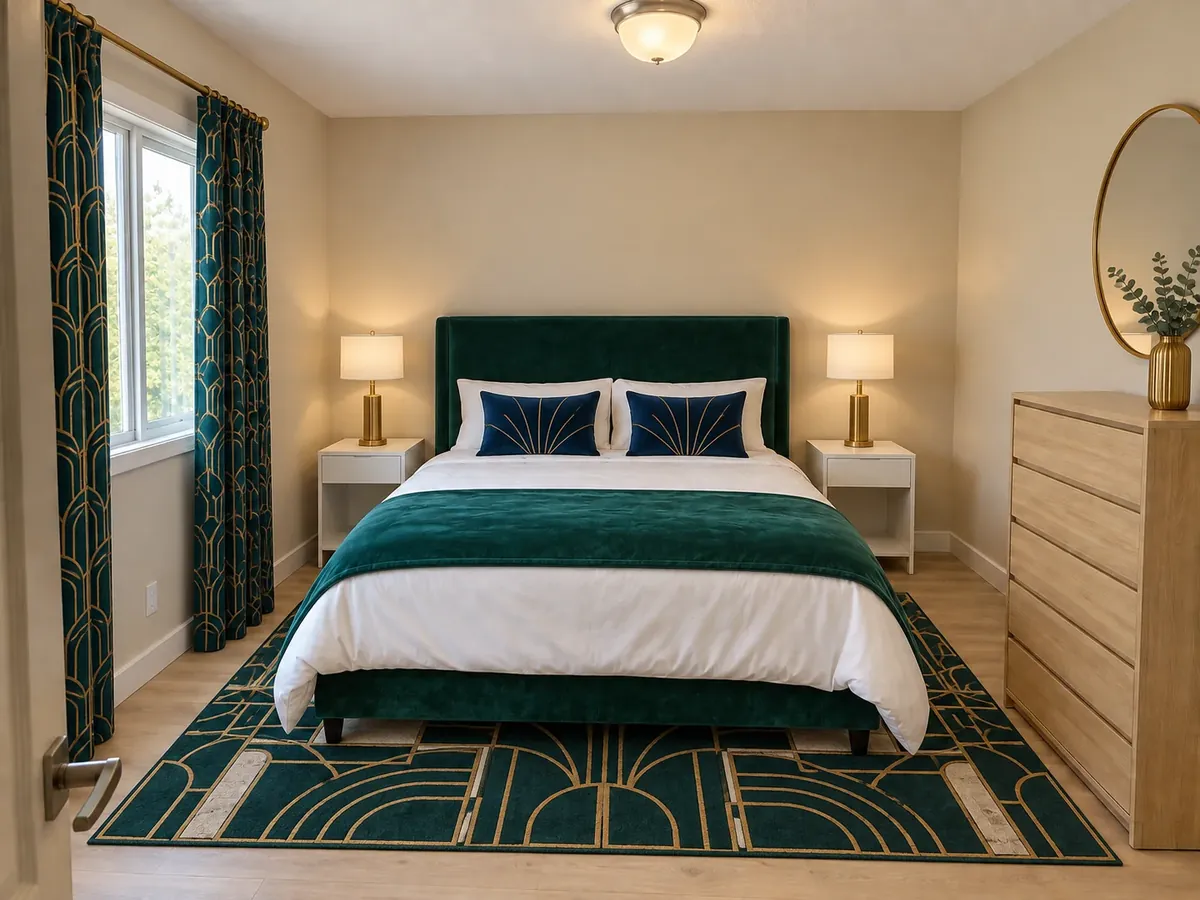 AfterBefore
Art Deco Bedroom in Emerald and Gold
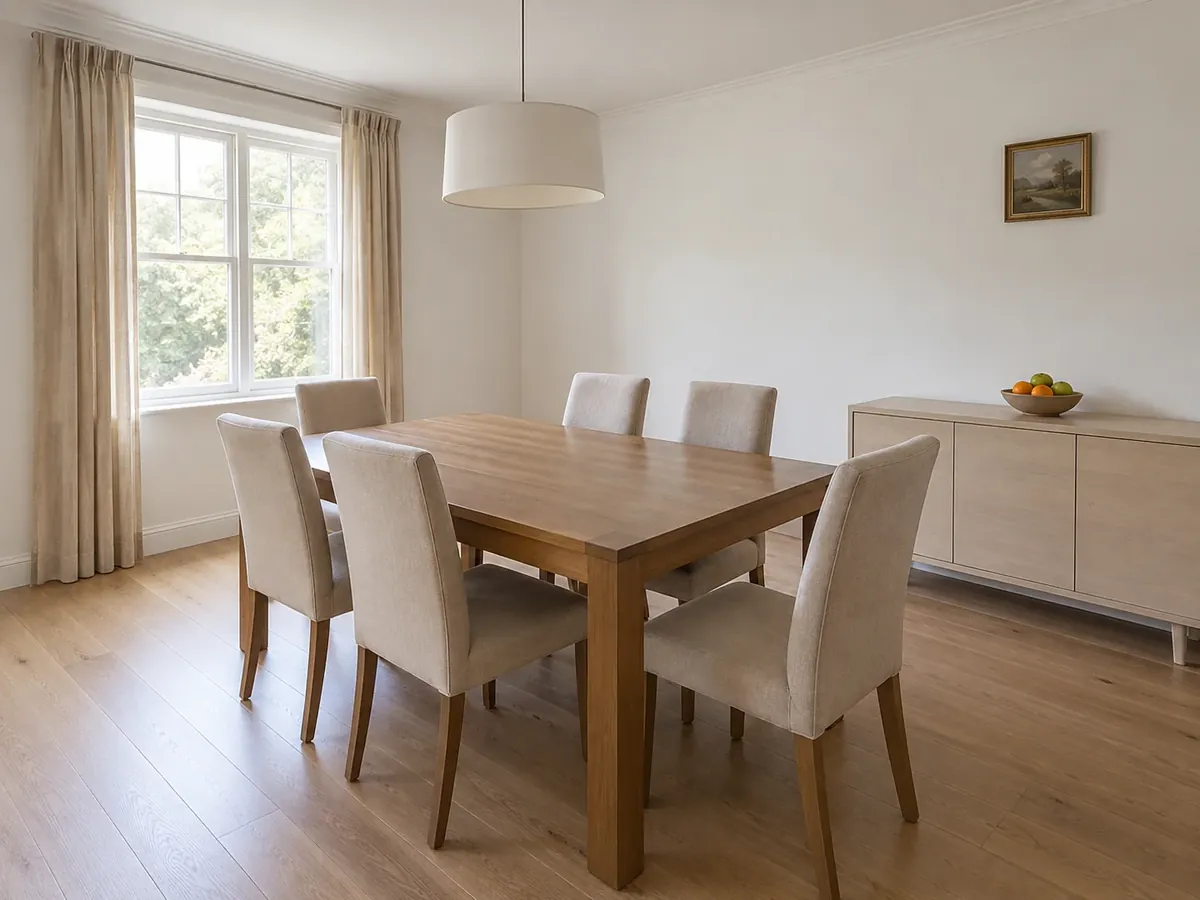
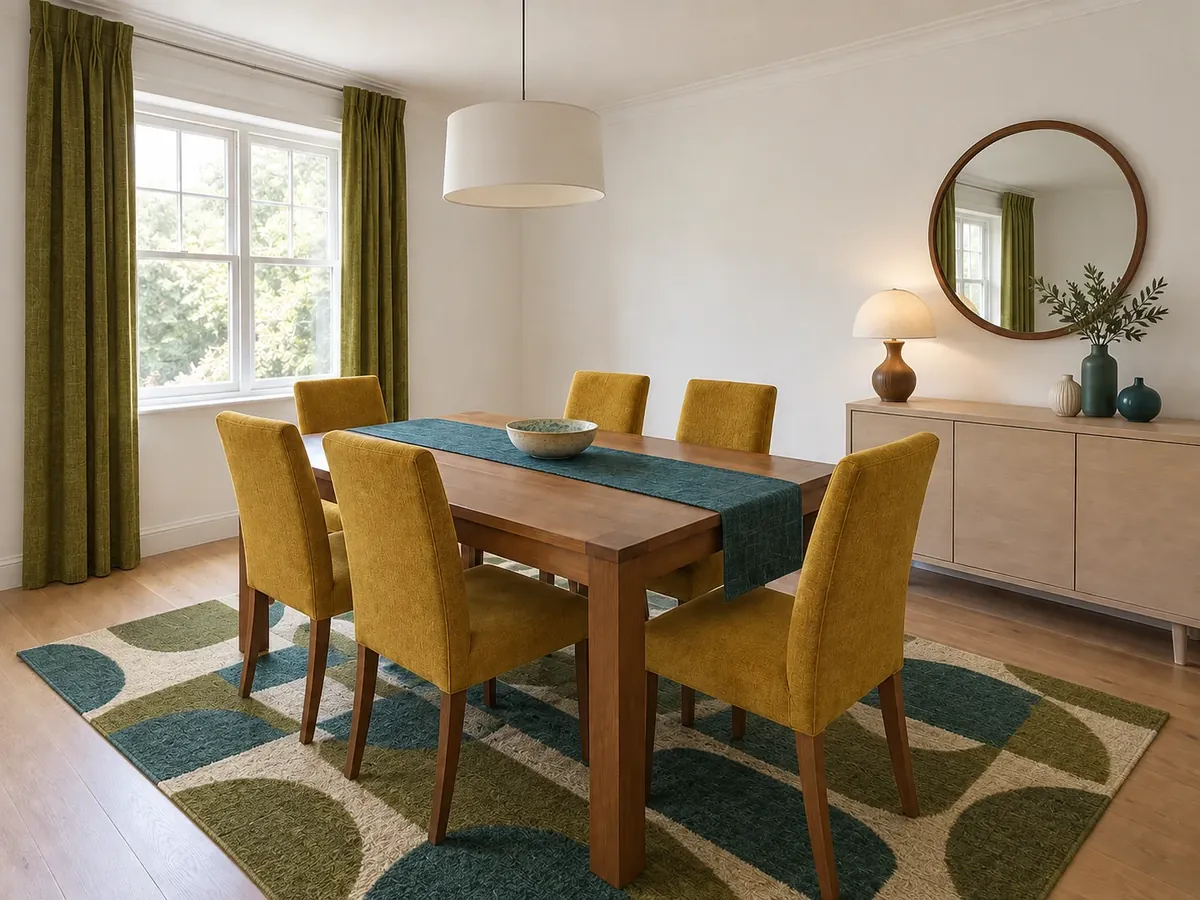 AfterBefore
Mid-Century Modern Dining Room Decor
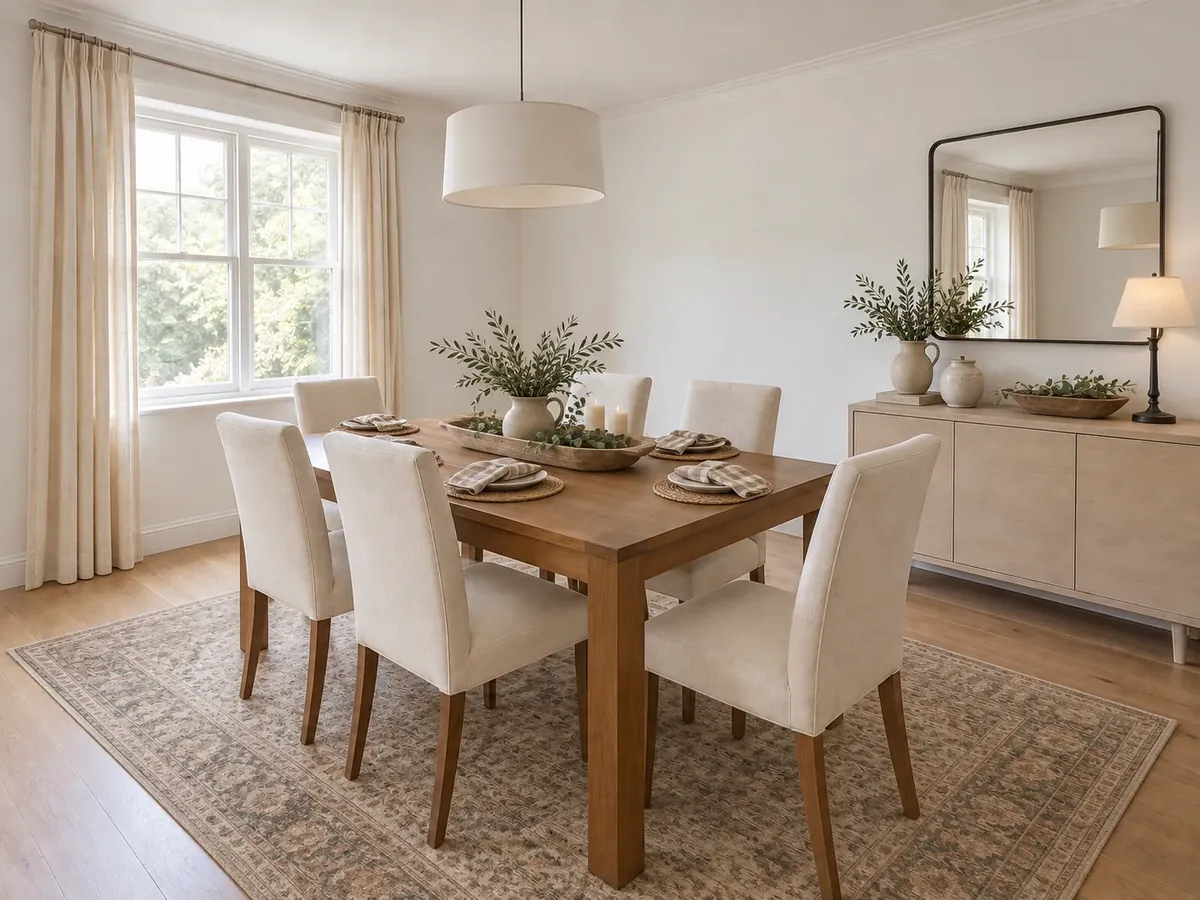 AfterBefore
Rustic Farmhouse Dining Room Table Decor
The basics
What Is an AI Room Decorator?
An AI room decorator restyles the decor in a photo of your own room. Pick the room type and one style, and the AI swaps or adds cushions, throws, bedding, rugs, curtains, art, mirrors, table and floor lamps, plants and small accessories to match. Think of it as decorating AI, not a remodel.
It is instructed to keep the walls and wall color, windows, doors, flooring, ceiling lights, built-ins and every piece of furniture in its position, size and shape. Sofas, chairs and beds may be re-covered in new upholstery, so add a note if a fabric should stay. Small details can shift; compare the result with your photo.
- Works on a photo of a furnished room; a photo is required
- 20 decorating styles, plus a Custom tab for your own description or a reference image
- 8 preset notes, from Spring Refresh to Rental-Friendly
- Furniture, walls, flooring and ceiling lights are meant to stay
ChatGPT for decorating
ChatGPT Decorating vs an AI Room Decorator
Wondering how to use ChatGPT to decorate a room? It is good at decorating ideas in words, and some versions can edit a photo you upload. Here is how that compares with a tool built only to redecorate your photo.
ChatGPT as Your Decorator
- Limitation: Strong at brainstorming in words, but you still have to picture the ideas in your room
- Limitation: Photo edits, where offered, follow your prompt alone: you spell out what must stay every time
- Limitation: Without that, an edit may restyle the sofa, repaint the walls or change the floor
- Limitation: No decorating style presets: every look starts from a blank prompt
- Limitation: Comparing looks means scrolling back through a chat thread
A Dedicated AI Room Decorator
- Benefit: Starts from a photo of your own room every time
- Benefit: Decor-only rules built in: furniture, walls, floor and ceiling lights are instructed to stay
- Benefit: 20 decorating styles plus a Custom tab, one style per run
- Benefit: Preset notes such as Spring Refresh, Cozy Fall and Rental-Friendly
- Benefit: Paste a chatbot's decor ideas into the notes to see them on your photo
- Benefit: Results saved to History to compare or download
Style options
Decorating Styles You Can Try on Your Room
Click a style to load it into the decorator above, then add your photo. Looking for earthy decorating ideas? Start with Organic Modern, Japanese Zen or Modern Boho, or tap the Earthy Tones preset.
Thumbnails show each style as a whole room, as in the style picker. On your photo the AI applies only its decor; paint, brick, beams, floors or new furniture from a style are left out. One style per run: torn between two, run both and compare them in History.
How to Use AI to Decorate a Room
Upload a photo of your furnished room
Shoot from a corner or the doorway in daylight so the sofa or bed, windows and floor are in frame. PNG, JPG or WebP up to 10MB.
Pick the room type and one style
Choose one of 20 decorating styles or describe your own in the Custom tab. Add notes, tap a preset such as Spring Refresh, or ask to keep a fabric.
Generate, compare, then shop
Each run applies one style and uses 10 credits. Try another on the same photo, compare in History or download, and shop from your favorite.
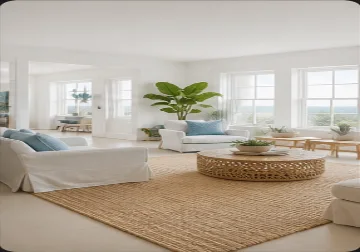
Interior Decorating Tools That Work Around Your Furniture
The interior decorator tools that matter when the furniture is staying: textiles, color, light and accessories.
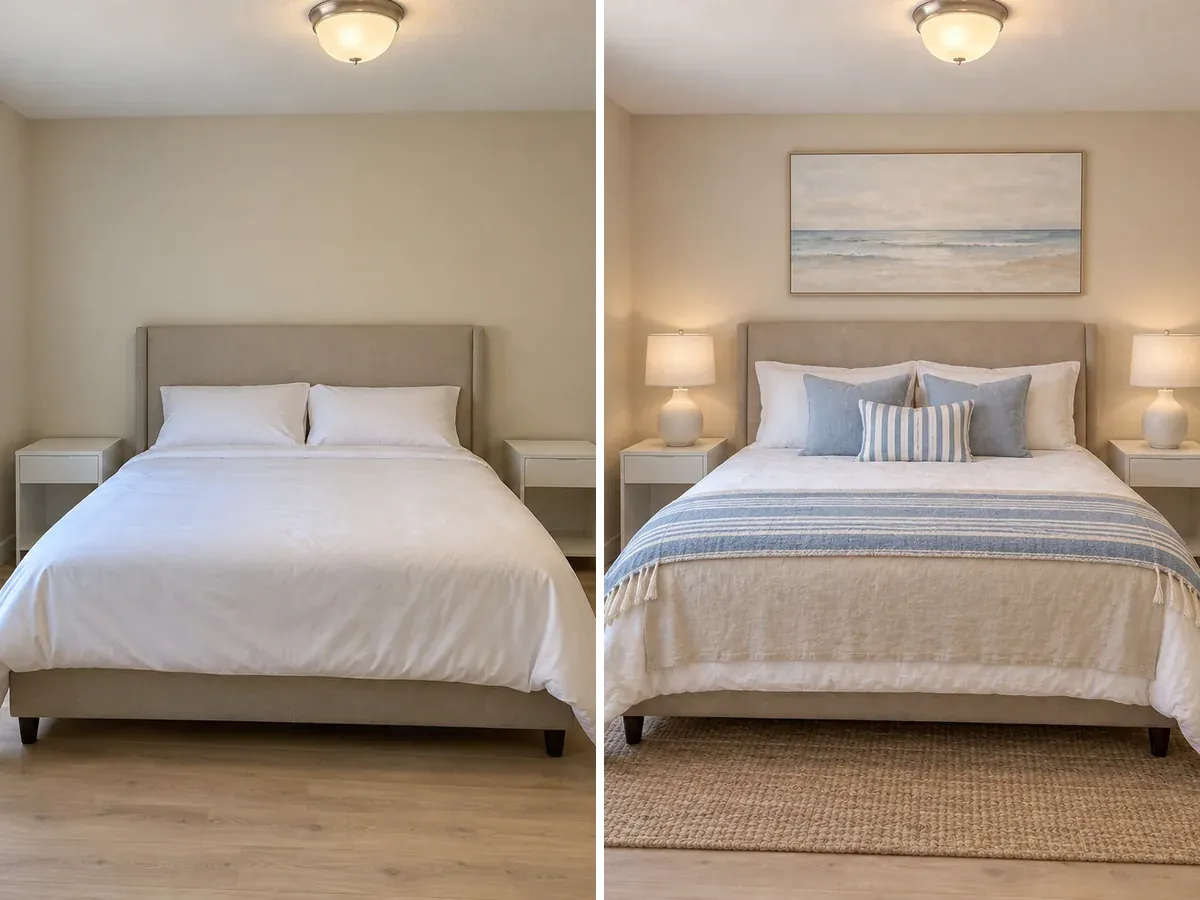
Redecorating Your Room Around the Furniture You Own
Build a new look around your existing sofa or bed with cushions, throws, rugs, curtains and art. The AI is instructed to keep every piece in its position, size and shape, plus the walls and floor. Upholstery colors may change, so name any fabric you want to keep and compare the result with your photo.
Restyle My Room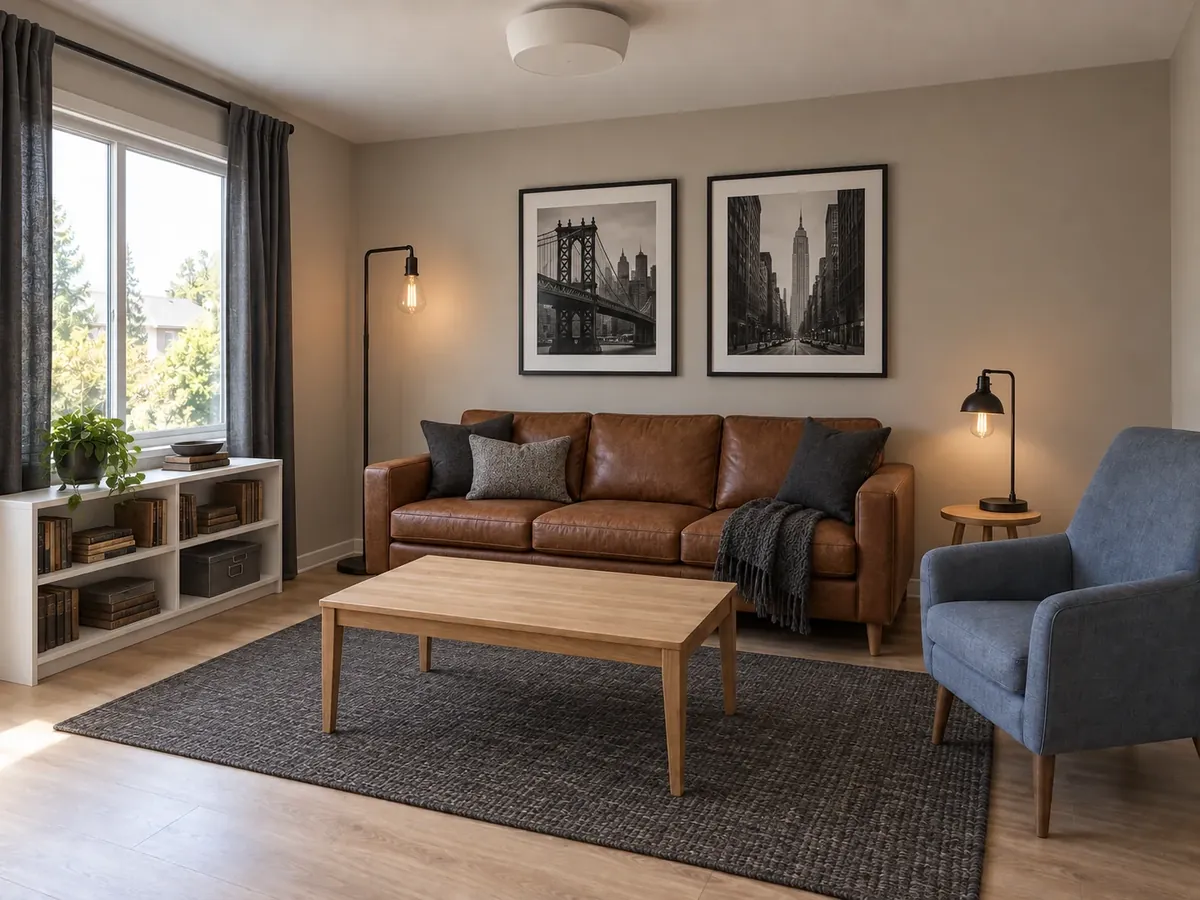
Apply a Decorating Style Through Decor Alone
Bring a style into the room you have through color, texture and accessories: Industrial with black metal lamps, leather and warm grays, or Rustic Farmhouse with cream linens and iron accents. Brick, beams, shiplap or new floors in a style description are ignored, so the room stays recognizably yours.
Try a Decorating Style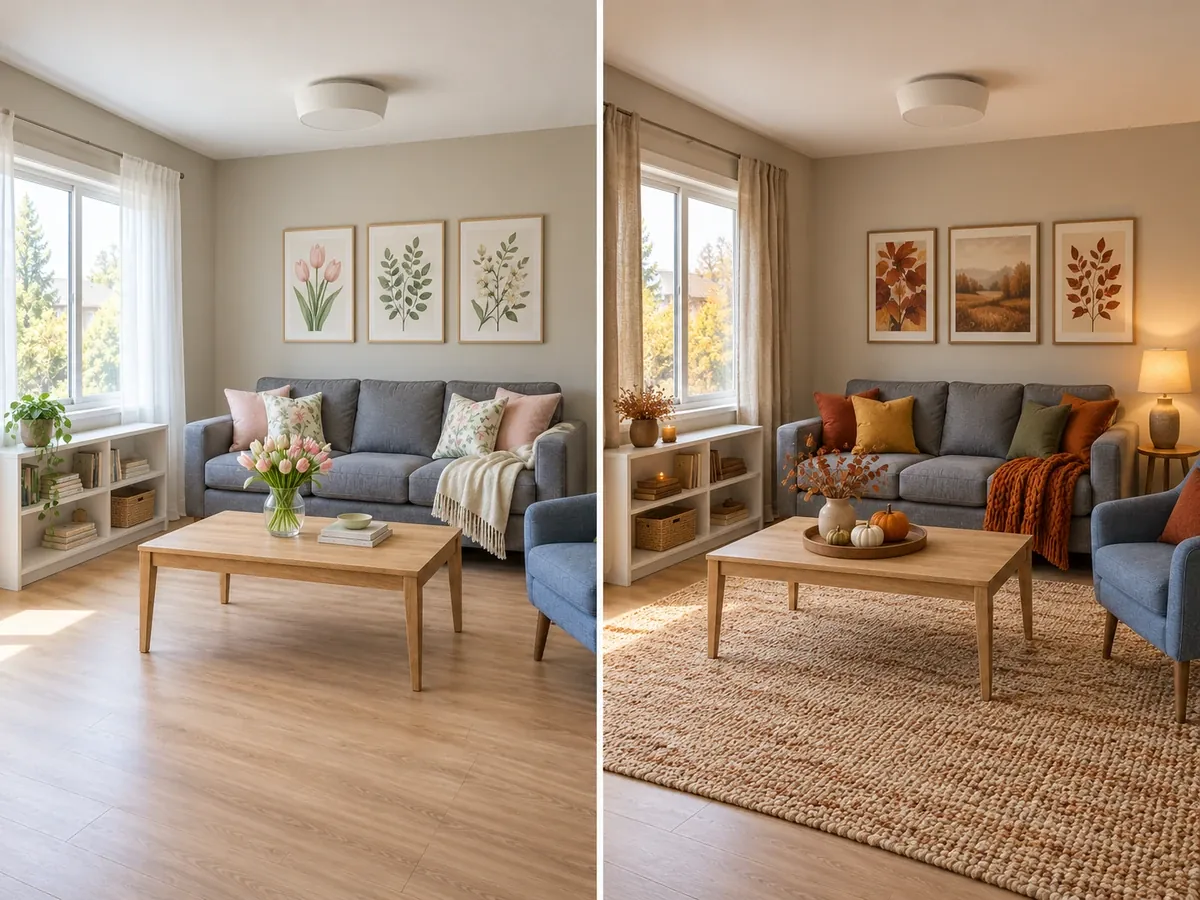
Spring, Fall and Holiday Decorating Ideas
Test seasonal decor before you buy any. Tap Spring Refresh for sheer linen, florals and fresh greenery, Cozy Fall for rust and mustard textiles and a chunky knit throw, or Holiday Decor for garlands, plaid and candles. One photo works all year, which makes it easy to compare spring living room decorating ideas or a winter bedroom look on the room you have.
Try a Seasonal Look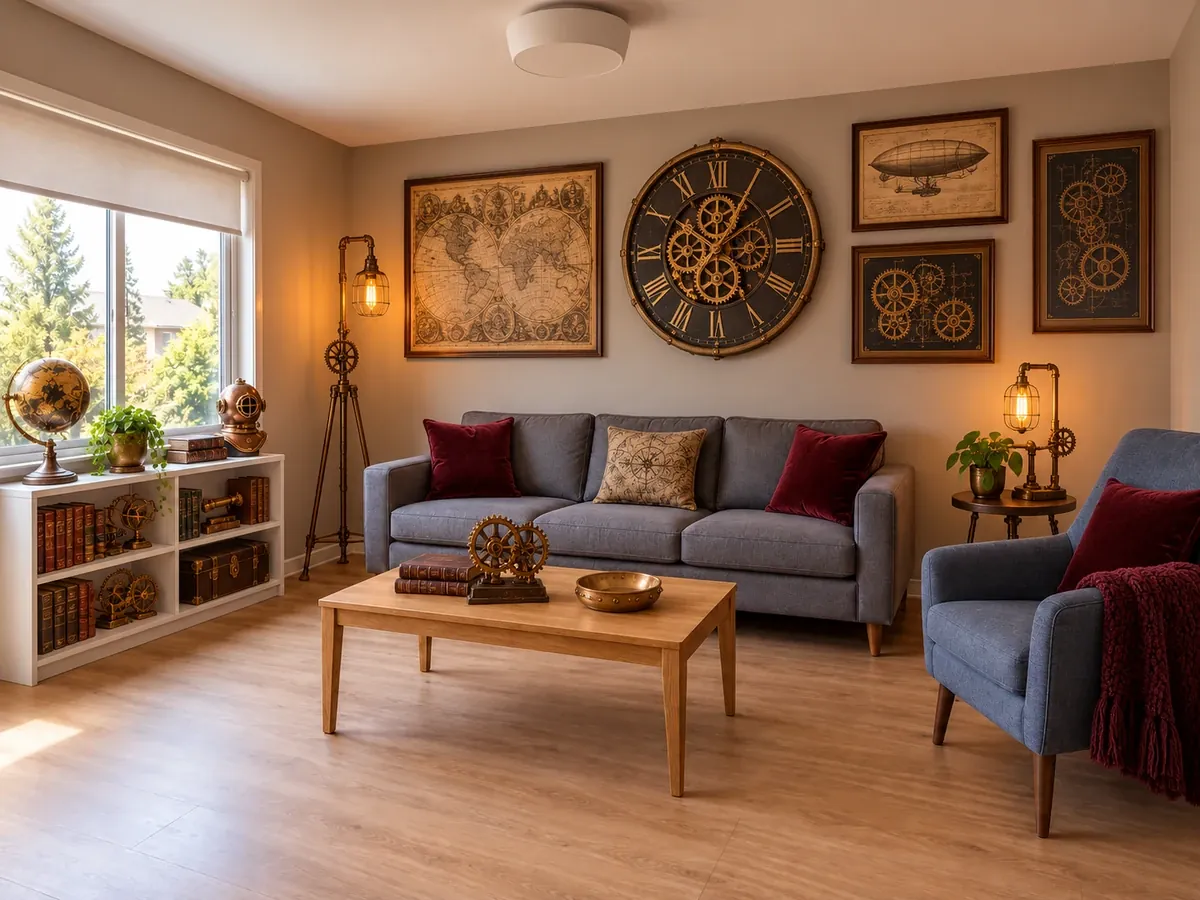
Steampunk Decorating with the Furniture You Have
Steampunk decorating lives in the accessories, which suits a decor-only tool. Tap Steampunk Accents for brass and copper pieces, a vintage clock, a globe, old maps, Edison-bulb table lamps and burgundy velvet cushions. Your sofa, shelves and walls are instructed to stay, so the theme reads as layered detail rather than a stage set.
Try Steampunk Accents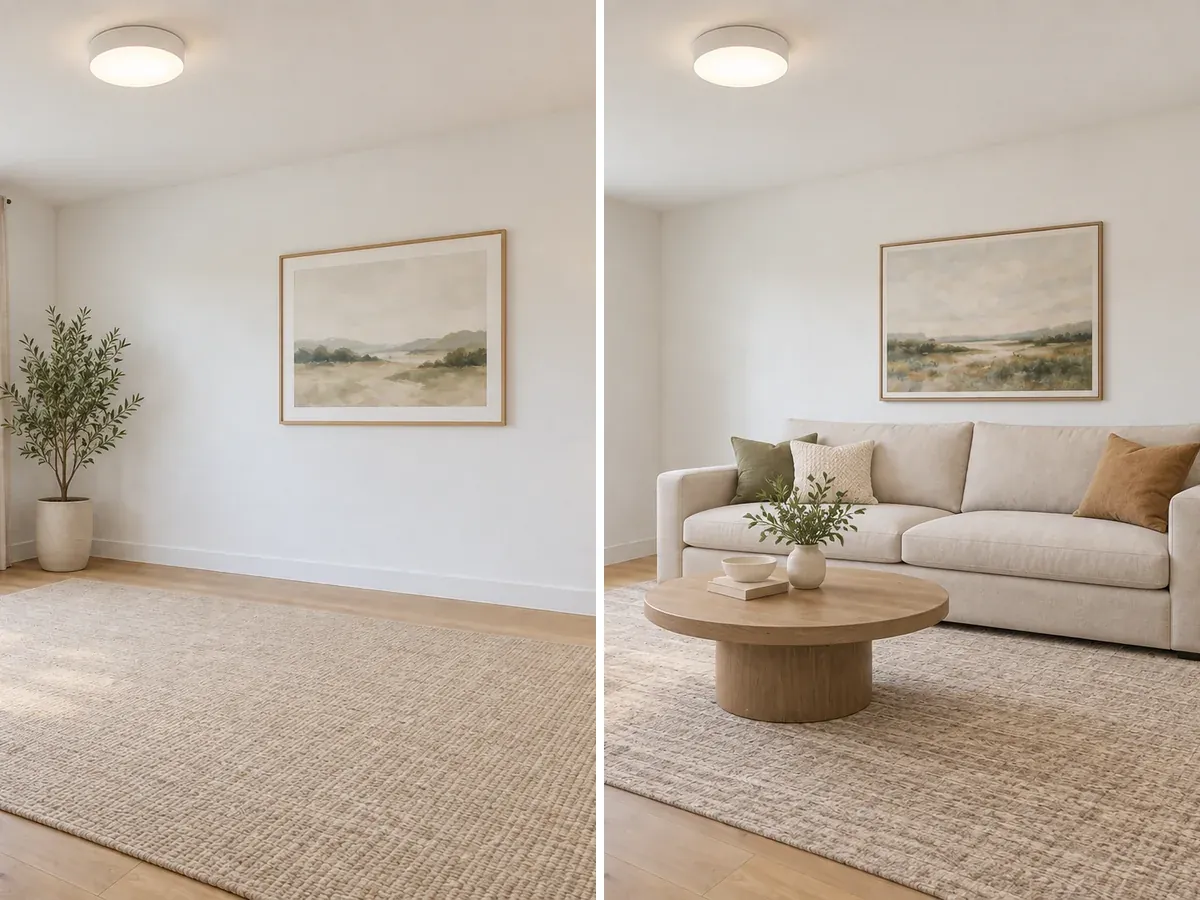
Empty Room? Use Virtual Staging Instead
This decorator works around furniture that is already there. In an empty room it may add curtains, a rug, art and plants, but not a sofa or bed. To furnish a bare room, use Virtual Staging AI; to see your own pieces in new places, Rearrange My Room; for new furniture, paint and flooring, AI Interior Design.
Try Virtual Staging AI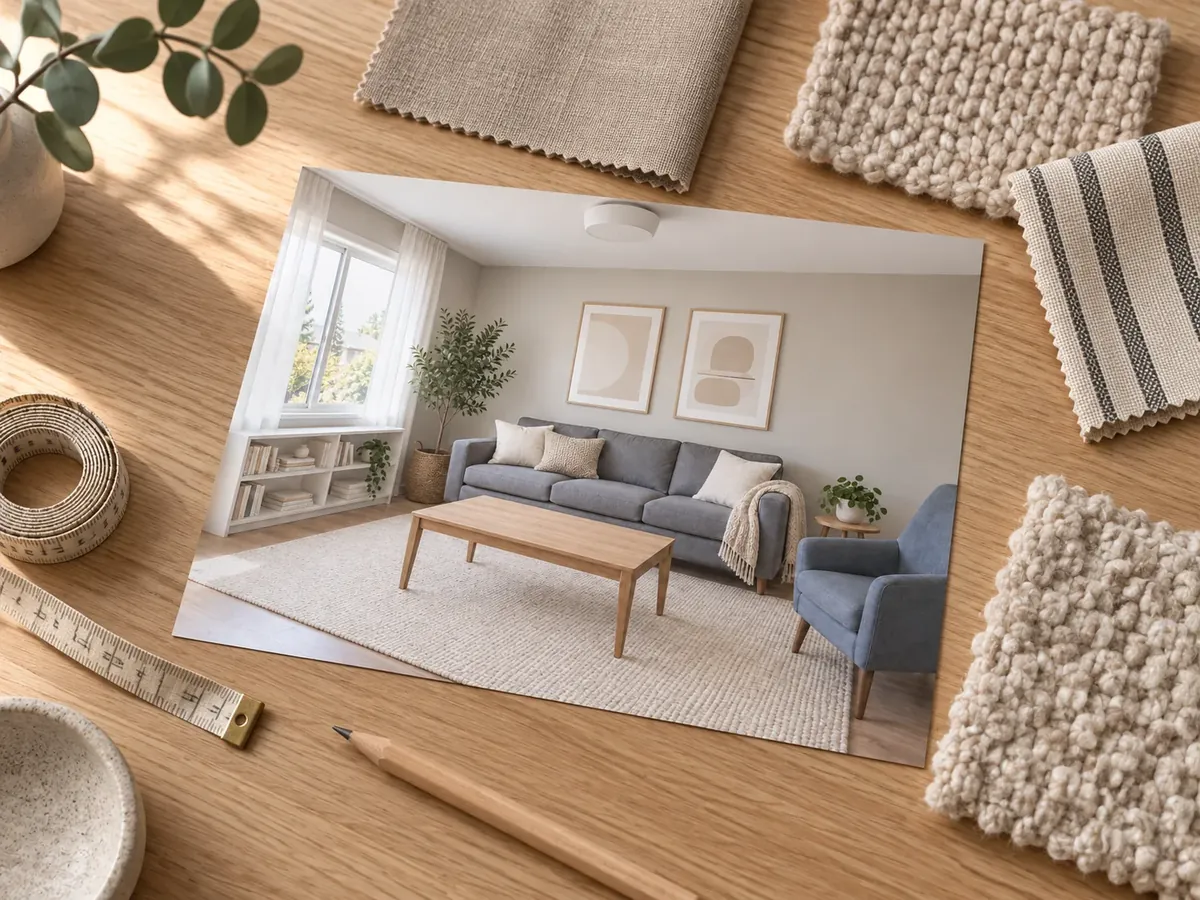
Turn Your Favorite Look into a Decorating Plan
Paper decorating planners and mood boards start from a blank page; here you start from your own room. Try a few styles on the same photo, compare them in History, then download a favorite as a shopping list. Check sizes, colors and patterns against real products: the images are AI concepts, not product listings or price quotes.
Try Another StyleWays to Use an AI Decorator
For anyone who needs help to decorate a room while the furniture stays put.
Living rooms with a grey or black sofa
Searching for decorating ideas for grey living room furniture? Keep the sofa and try rust, ochre or cream cushions, a textured rug and wood-framed art. A black couch takes brass lamps, jute and lighter curtains well. Ask the AI to decorate your living room in two styles and compare.
Bedrooms: bedding, curtains and spring updates
New bedding, a rug and curtains change a bedroom more than you might expect. Try spring bedroom decorating ideas such as pale linen, a floral quilt and fresh flowers, or go darker for winter. For a new bed, paint or flooring, use the full bedroom redesign instead.
Renters, dorms and small budgets
If you cannot paint or drill, decor is what you can change. Tap Rental-Friendly for removable pieces: rugs, leaning art and mirrors, plug-in lamps and plants. Want the furniture in a better spot as well? Try a new arrangement first, then decorate around it.
When you need more than decor
Walls, wall color, flooring and furniture are kept here on purpose. To see a new paint color, use the paint visualizer; for new floors, the flooring visualizer; for new furniture and finishes together, a full AI interior design.
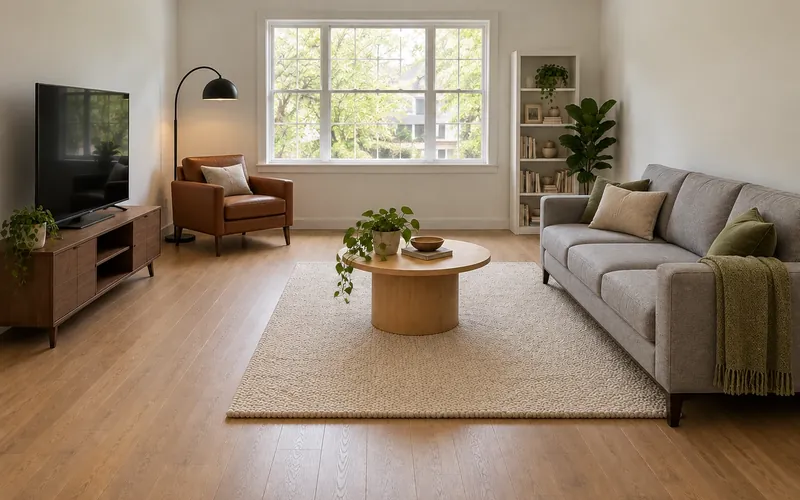
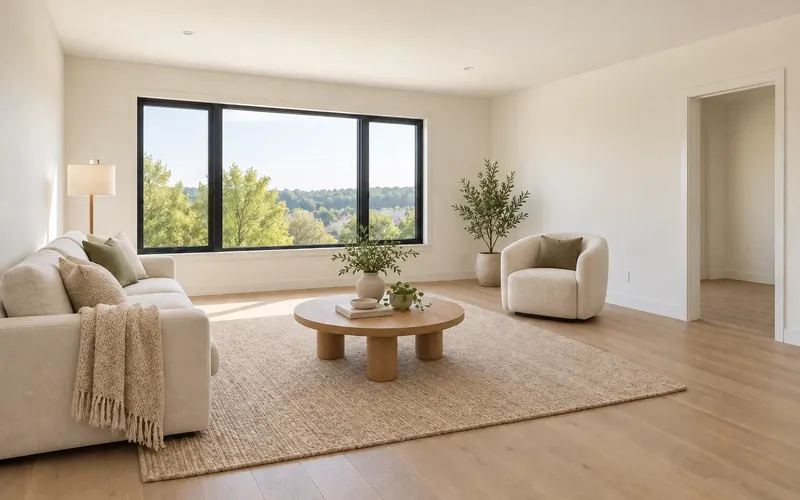
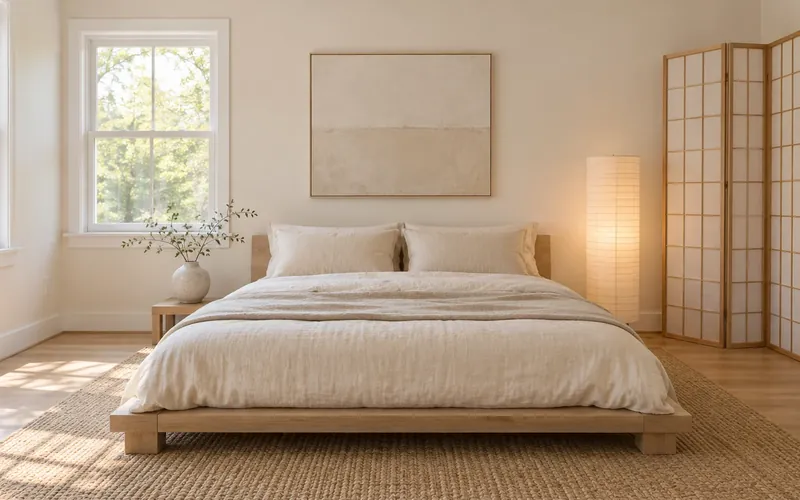
Redecorate Your Room Around the Furniture You Own
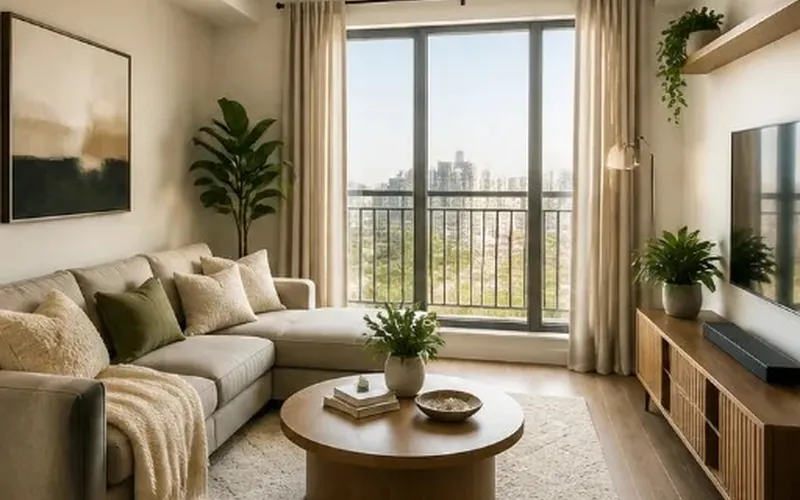
Upload one photo of a furnished room, pick a style and see new rugs, textiles, art and lamps before you shop. New accounts get free credits to start.
Decorate My Room Free- 10 credits per generation
- PNG, JPG or WebP up to 10MB
AI Room Decorator Questions
New accounts receive free signup credits. Each generation costs 10 credits, so how many looks you can try depends on your balance, which the workspace shows. Sign in to generate; free requests may wait in a queue.
There is nothing to download or install. This AI decorating app runs in your browser on a phone, tablet or computer, so you get what people want from a room decorator app or an interior decorating program without an app store. New accounts receive free credits; each design uses 10 credits.
Yes, and a photo is required. Upload a PNG, JPG or WebP up to 10MB, choose the room type and one style, and generate. The AI redecorates that photo and is instructed to keep the walls, floor and furniture where they are.
Yes. The sofa is instructed to keep its place, size and shape while the cushions, throws, rug, curtains, art and lamps change around it. It may be re-covered in a new color or fabric; to keep the current one, add "keep the sofa fabric as it is" to your notes.
It is instructed not to: every piece keeps its position, size, shape and finish, except that sofas, chairs and beds may get new upholstery. AI edits can still drift, so compare the result with your original photo and generate again if something shifts. To move furniture on purpose, use Rearrange My Room.
It can help. ChatGPT is good at decorating ideas in words: color palettes, shopping lists, how to style a shelf. Some versions can also edit a photo you upload, but you have to say what must stay each time, because there is no built-in rule to keep your furniture, walls and floor. A dedicated AI room decorator has those rules built in.
Give it what it cannot see: the room type and size, what stays (for example "keep the grey sofa, walls and floor"), the style and colors you like, and your budget, then ask for a list of decor items. To see those ideas on your own photo, paste the list into the notes box here and generate.
A room decorator changes only decor: textiles, rugs, curtains, art, lamps, plants and accessories. Walls, wall color, flooring, ceiling lights and furniture are kept. AI Interior Design can also change furniture, wall finishes and flooring; for wall color alone, use the Paint Color Visualizer, and for floors, the Flooring Visualizer.
Only lightly. It works around furniture that is already there, so in an empty room it may add curtains, a rug, art and plants but not a sofa or bed. To furnish an empty room, use Virtual Staging AI, which adds movable furniture as well as decor.
Work on your own photo, say plainly what it keeps and what it changes, offer styles you like, and show the cost before you generate. If you want the best free AI decorating app, also check what "free" covers: here new accounts get signup credits, then each image costs 10 credits.
Yes. Tap Spring Refresh, Cozy Fall or Holiday Decor under the notes box to load a seasonal brief, or write your own. Only the decor changes, so your furniture stays put and the same room is easy to compare from one season to the next.
In a sense: it simulates new decor on a photo of your real room, a quick way to try virtual home decorating before you buy. It is not a 3D model you can walk through or a measured plan; for that, try the 3D Room Planner.