
AI Real Estate Photo Editor
Turn a gray-day exterior into virtual twilight, swap in a blue sky, brighten a dark room or clear the clutter on your listing photo.
Edit My Listing Photo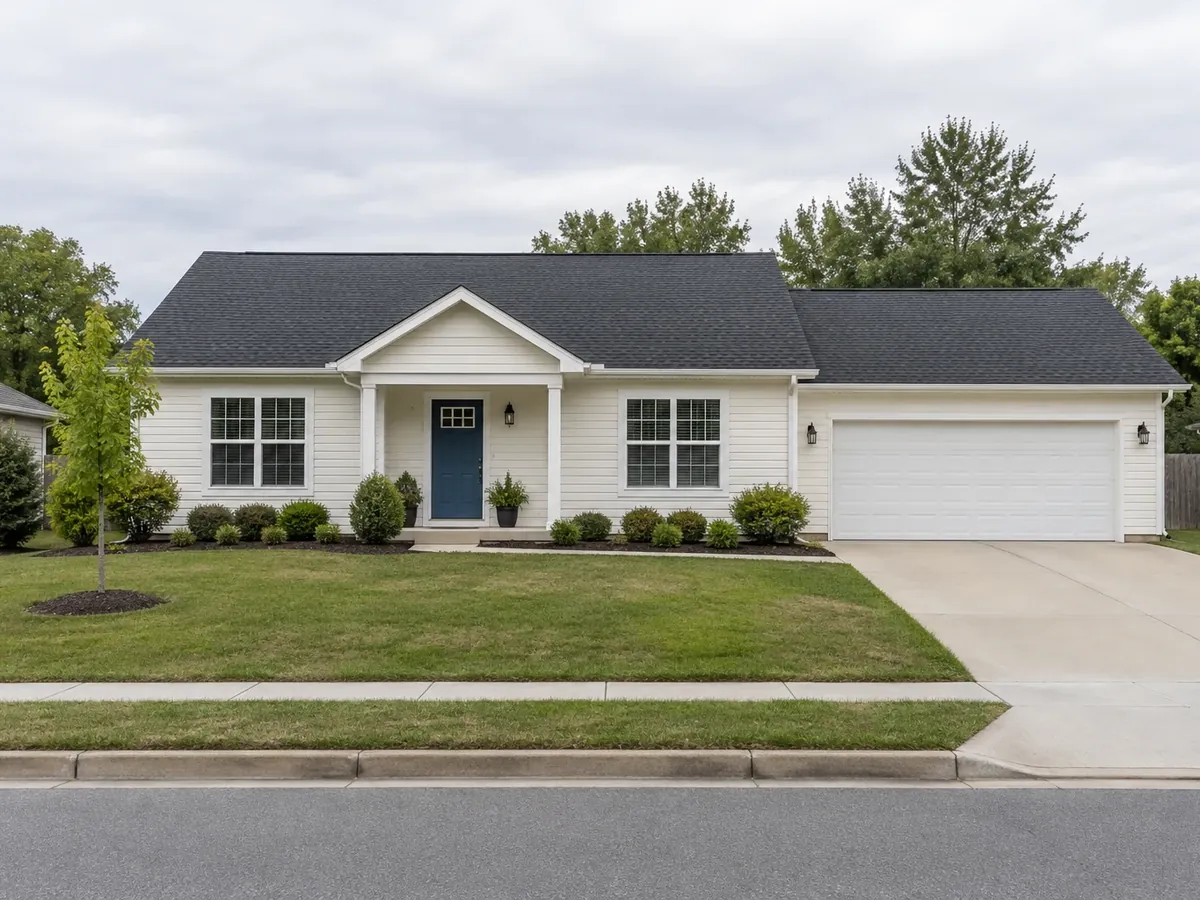
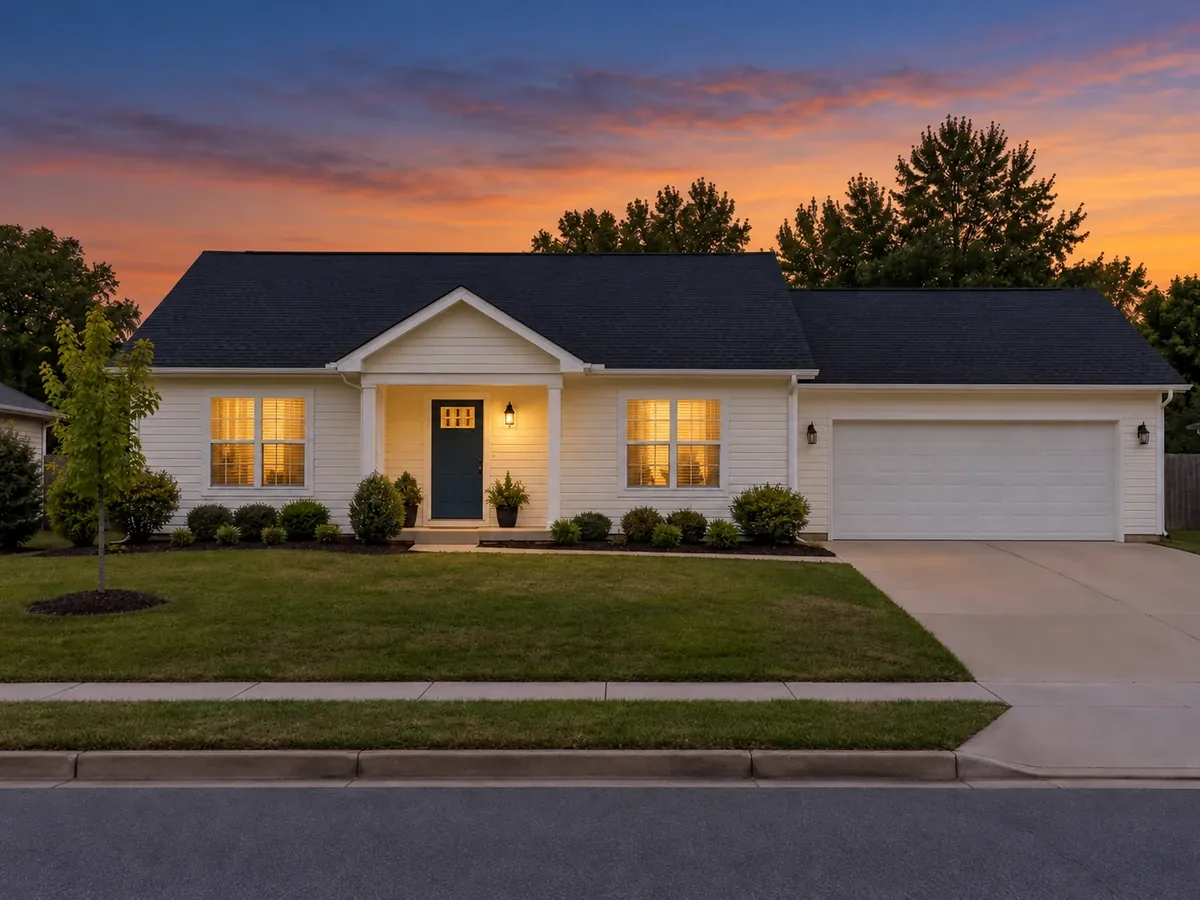 AfterBefore
Edit Real Estate Photos Online
Upload one listing photo, choose an edit and add a short note if you like. One edit per run.
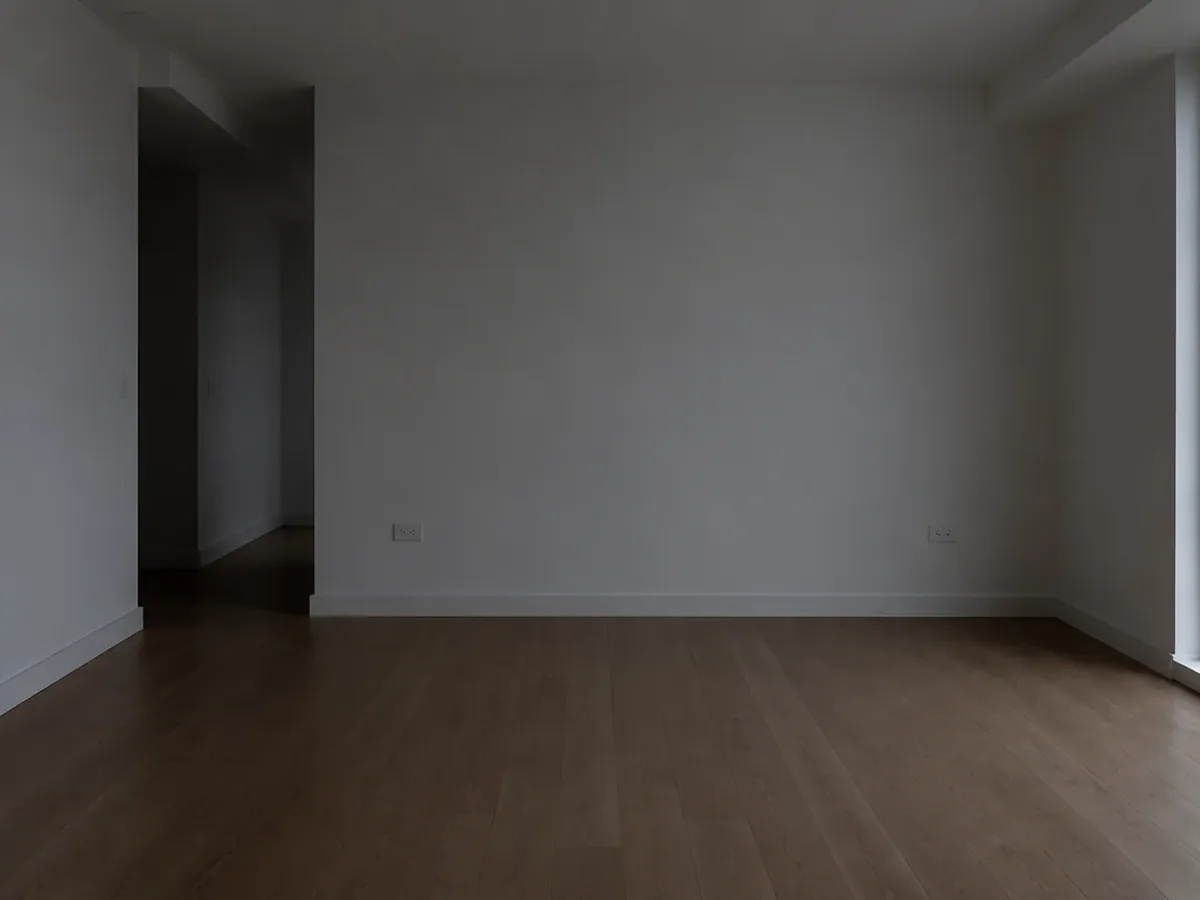
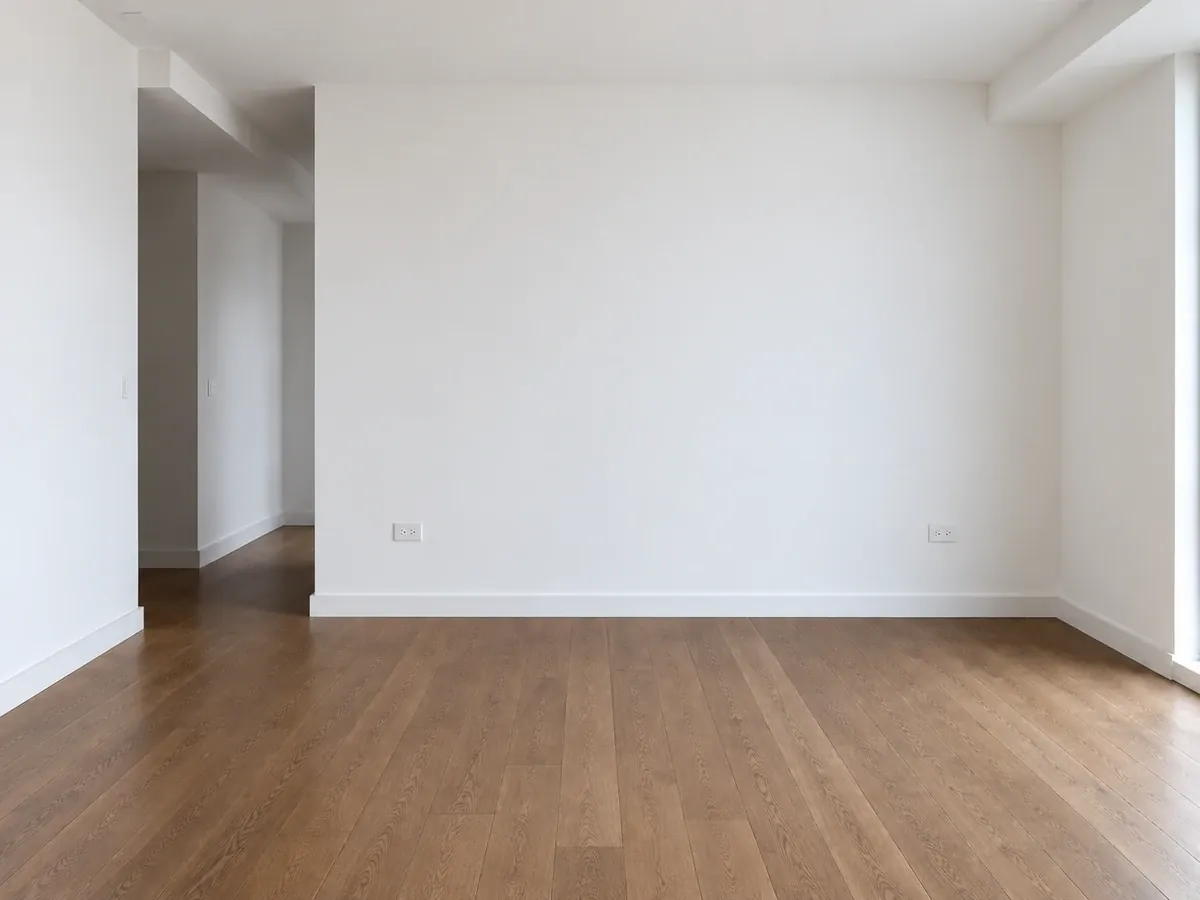 AfterBefore
Brighten a Dark Room
Brighten & HDR · illustrative listing edit
AI Real Estate Photo Editing: Before and After
One listing photo per edit, before and after. All images are AI-generated illustrations; small details can shift, so always compare a result with its original.
- AfterBefore
Brighten & HDR: Dim, Empty Room Brightened
- AfterBefore
Day to Dusk: Ranch House to Virtual Twilight
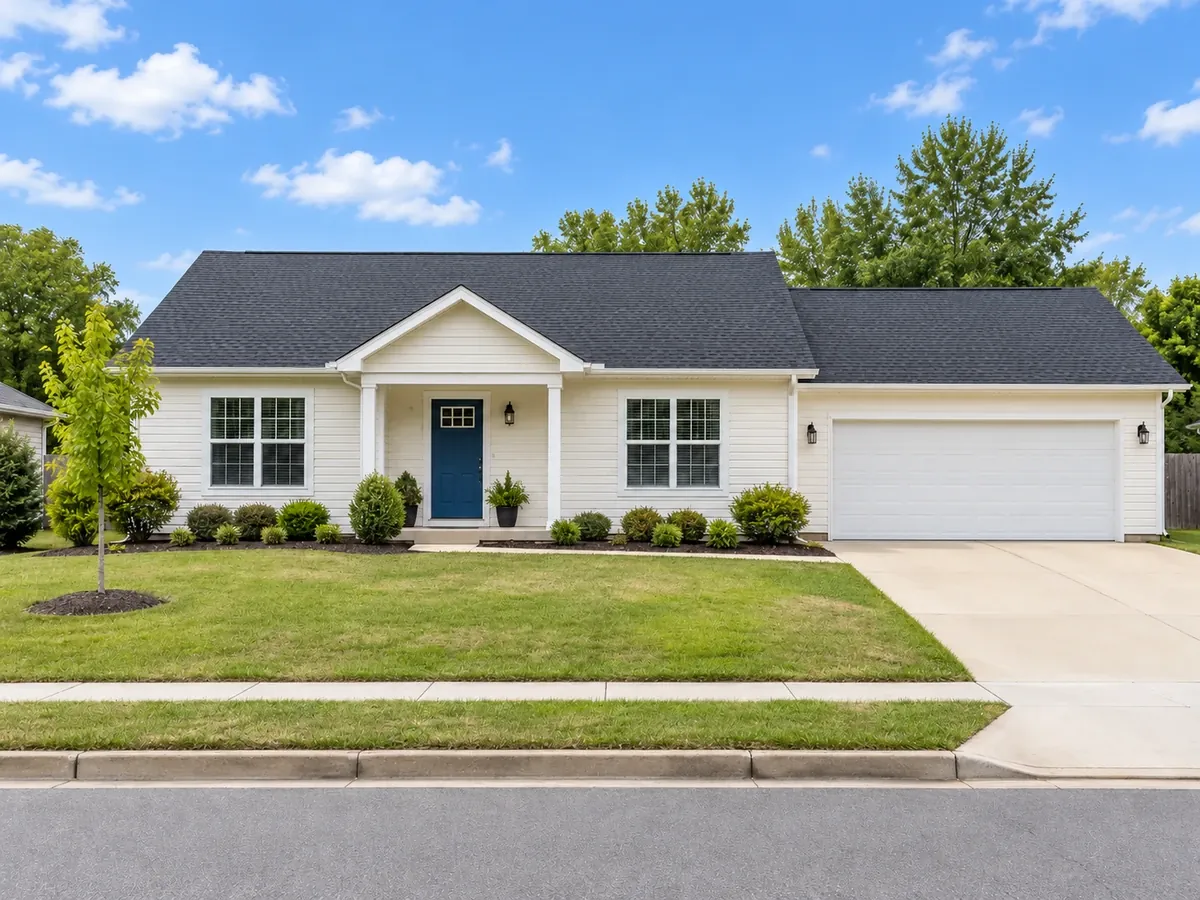 AfterBefore
Blue Sky: Gray Sky Replaced on the Same House
 AfterBefore
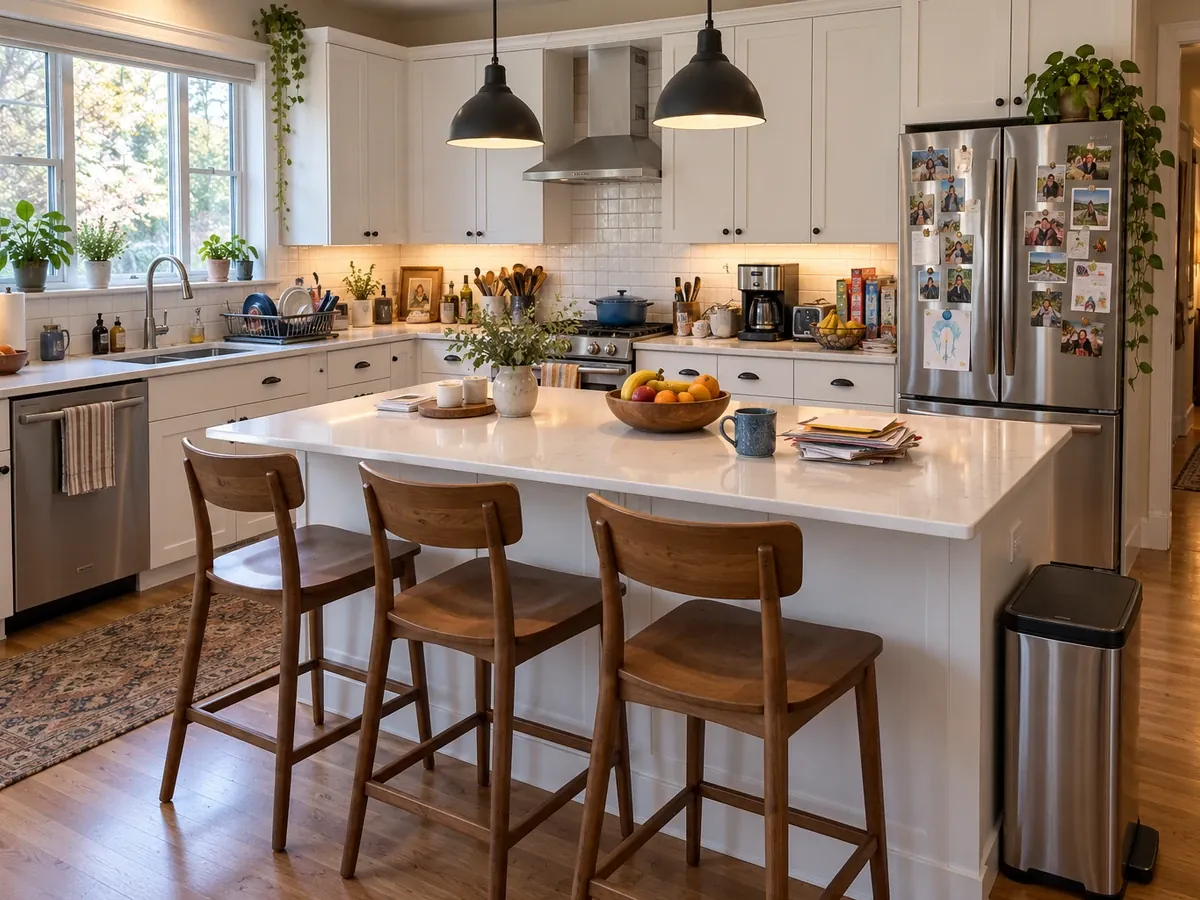
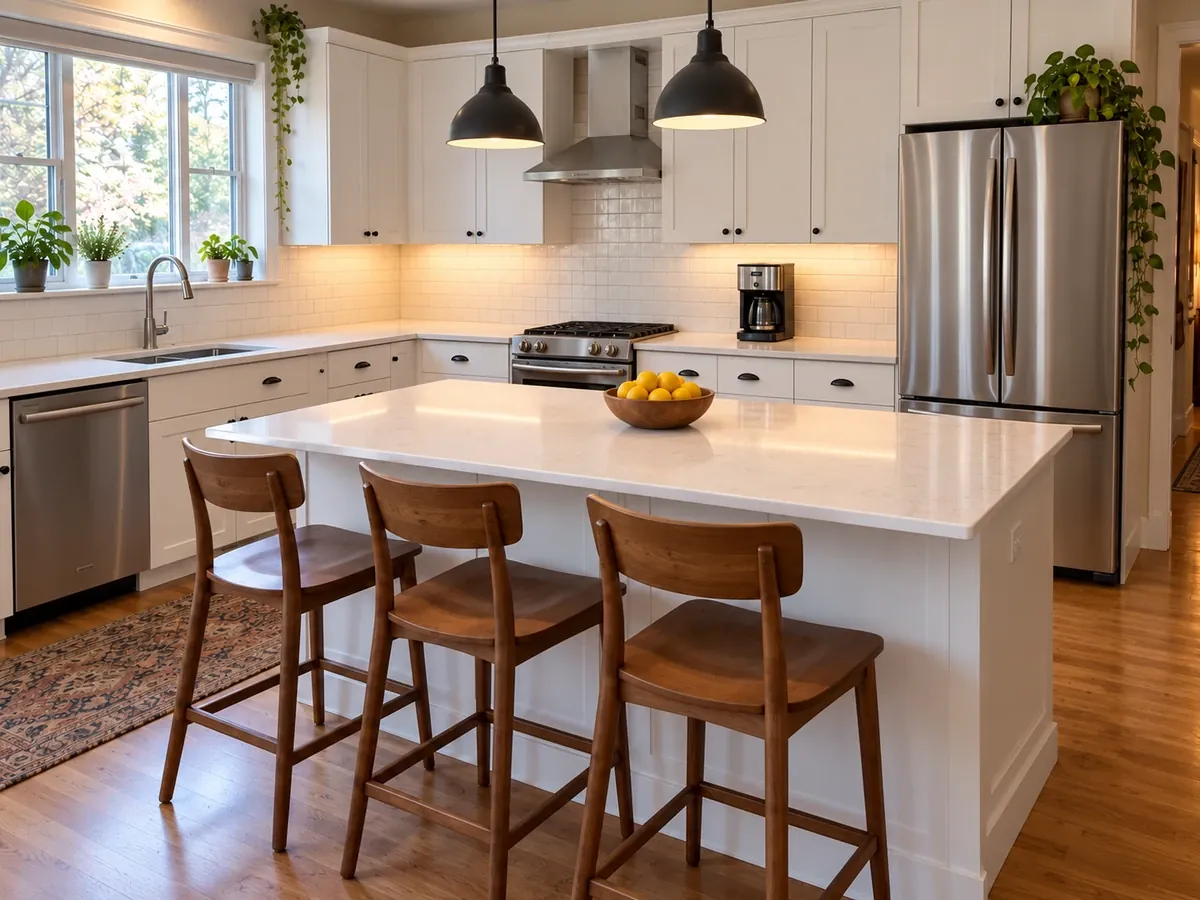
Declutter: Kitchen Counters Cleared, Stools Kept
 AfterBefore
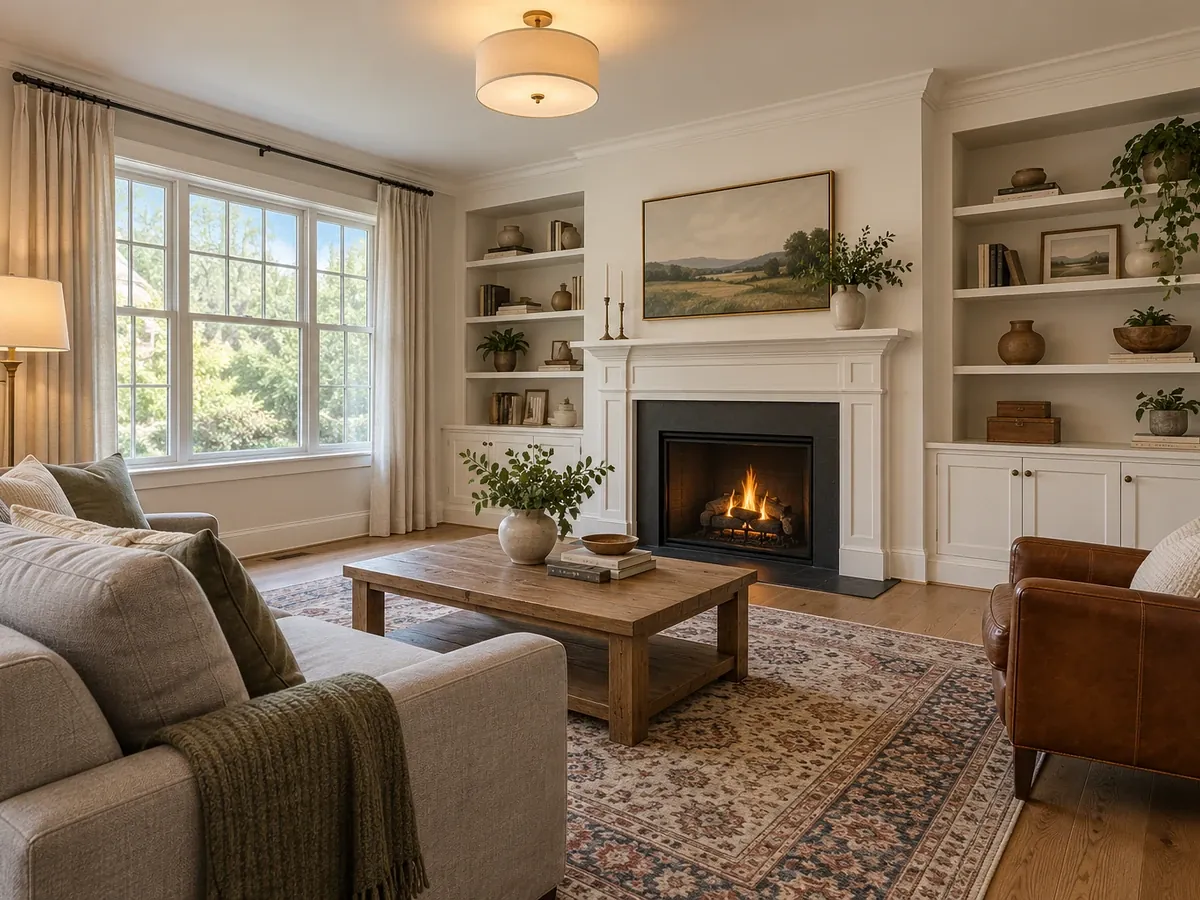
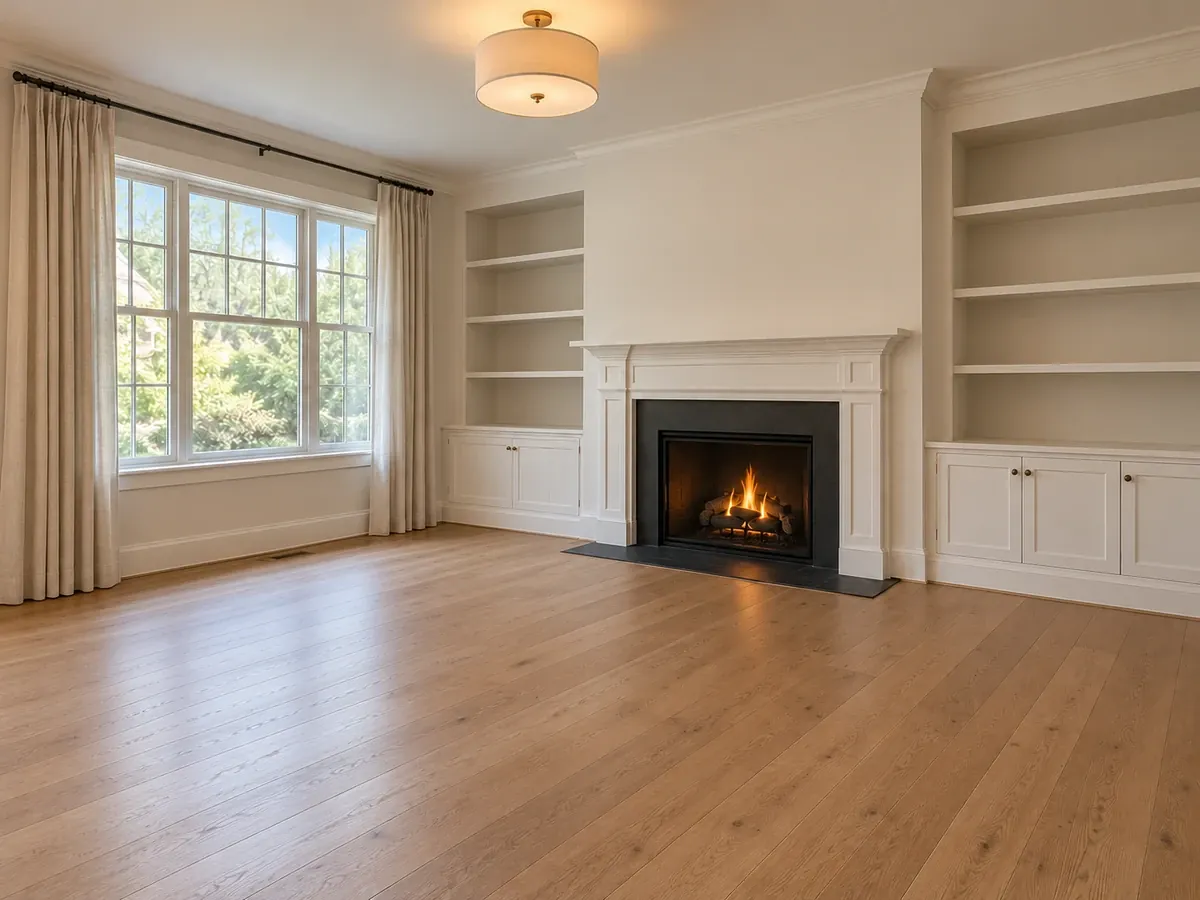
Empty the Room: Living Room Emptied for Staging
 AfterBefore
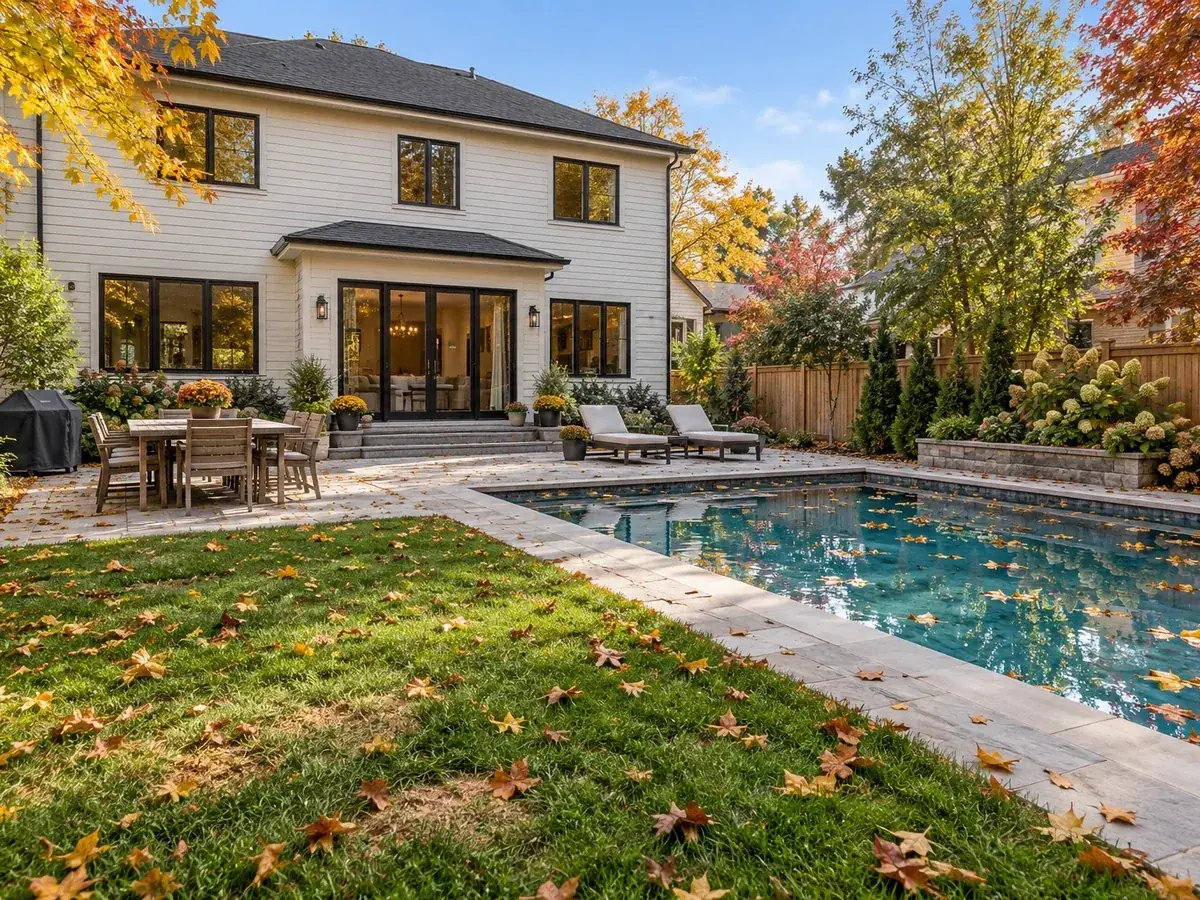
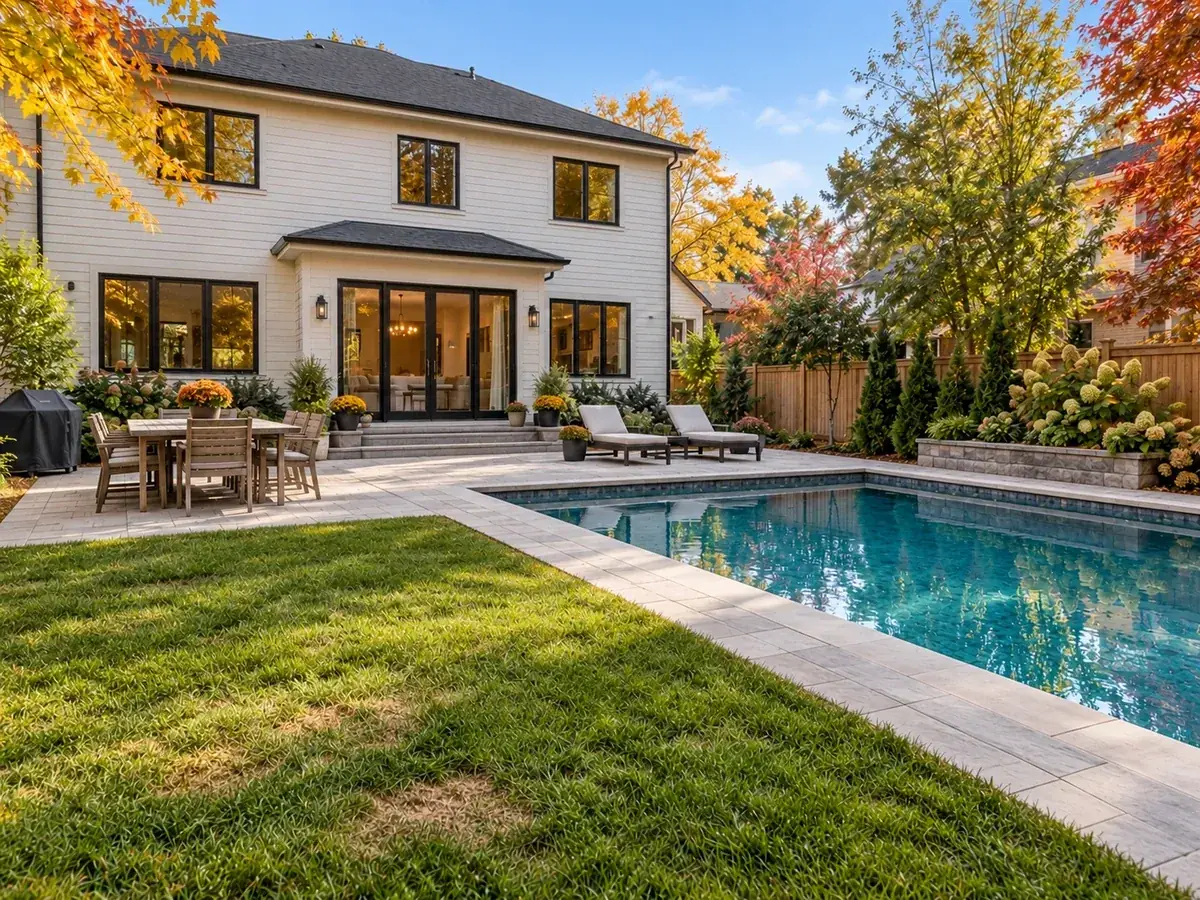
Lawn & Pool Touch-Up: Leaves Cleared from Lawn and Pool
The basics
What Is Real Estate Image Editing?
Real estate image editing, or retouching real estate photos, is the step between the shoot and the listing: balancing exposure so dark rooms and bright windows both read, correcting color casts, straightening walls, cleaning up a dull sky and removing stray clutter. It is usually done by the photographer or a real estate photography editor in desktop software. This AI real estate photo editor handles one of those jobs per run, on your own listing photo.
Choose one of 6 edits and the AI applies only that change. It is instructed to keep the building, room geometry, windows, doors, permanent fixtures and camera angle, and never to add features or invent a view. Only Empty the Room takes furniture out, and only Declutter removes loose items. Small details can still shift, so compare every result with your original and keep the unedited file.
- Exteriors: Day to Dusk, Blue Sky and Lawn & Pool Touch-Up
- Interiors: Brighten & HDR, Declutter and Empty the Room
- One photo and one edit per run, with an optional short note
- Disclose edited photos as your MLS or local rules require
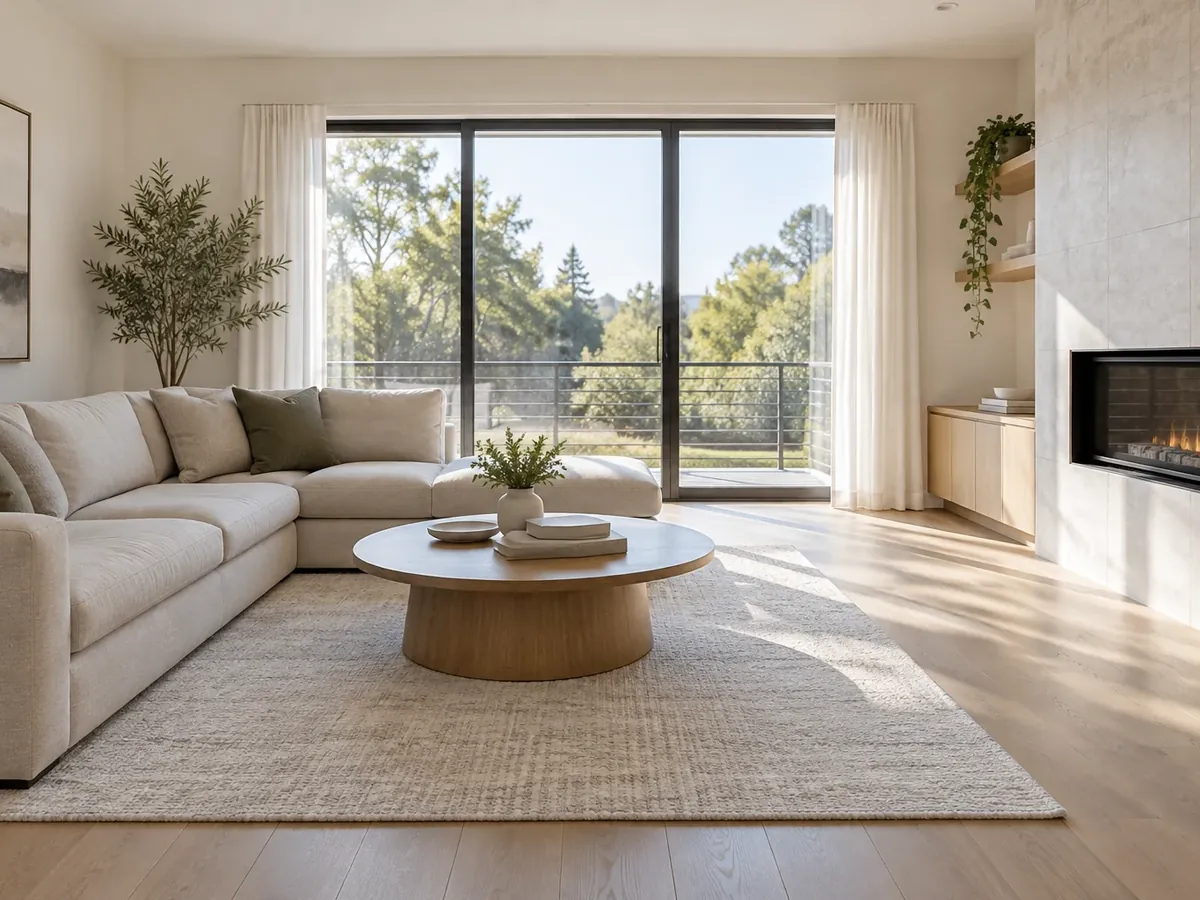
Choose an edit
Real Estate Photo Enhancement, One Edit at a Time
Click an edit to load it into the editor above, then add your photo. Each run applies one edit and uses 10 credits.
Tile images are AI-generated illustrations of what each edit aims for, not results from a real listing. The AI is instructed to keep the property itself; compare every result with your original before you publish.
How to Edit Real Estate Photos with AI
Upload your listing photo
Pick the straightest, best-exposed frame from the shoot, taken level with the lights on and the blinds open. PNG, JPG or WebP up to 10MB.
Choose one edit and add a note
Use Day to Dusk or Blue Sky for front exteriors, Brighten & HDR for dark rooms, Declutter or Empty the Room for interiors and Lawn & Pool Touch-Up for yards. A short note such as "warm window glow" steers the look.
Compare, disclose and download
Check windows, fixtures and finishes against the original, then download. Label the image as edited where your MLS or local rules require it, and keep the unedited original.
Shot list
Real Estate Photography Checklist
The usual listing shots, how to frame each one and which edit can help afterwards. Editing works best on a level, well-exposed frame, so get the shot right first.
| Shot | How to frame it | Edit that helps |
|---|---|---|
| Front exterior | From across the street or a front corner, camera at chest height, the whole house and driveway in frame | Blue Sky on a gray day; Day to Dusk for a twilight version |
| Exterior at an angle | From a corner of the lot so two sides of the house show, with some sky above the roof | Blue Sky |
| Backyard, patio and pool | From the far corner of the yard toward the house, after putting away hoses, toys and pool covers | Lawn & Pool Touch-Up; Blue Sky |
| Living room | From a corner or doorway, all lights on, blinds open, two walls and the main window in view | Brighten & HDR |
| Kitchen | From the end of the counter run or the doorway, counters cleared and small appliances put away | Declutter for what was missed; Brighten & HDR |
| Dining area | From a corner at chest height, chairs pushed in, the table bare or simply set, the light fixture in frame | Brighten & HDR |
| Primary bedroom | From the doorway corner, bed made, nightstands cleared, closet doors shut | Declutter; Brighten & HDR |
| Bathrooms | From the doorway, toilet lid down, towels straight, toiletries off the counter, and you out of the mirror | Declutter |
| Vacant or half-furnished rooms | From the corner that shows the most floor; keep the same angle for any staged version | Empty the Room, then virtual staging |
| Twilight exterior | If you cannot return at dusk, shoot the daytime front exterior with curtains open and outdoor lights working | Day to Dusk |
A wide-angle lens, or a phone’s 0.5x camera, fits more of a small room, but very wide settings stretch the corners; keep the camera level so the walls stay vertical. Rules on edited listing photos differ by MLS and market.
Real Estate Photography Editing, Inside and Out
What each edit is for, and what the AI is instructed to leave alone.
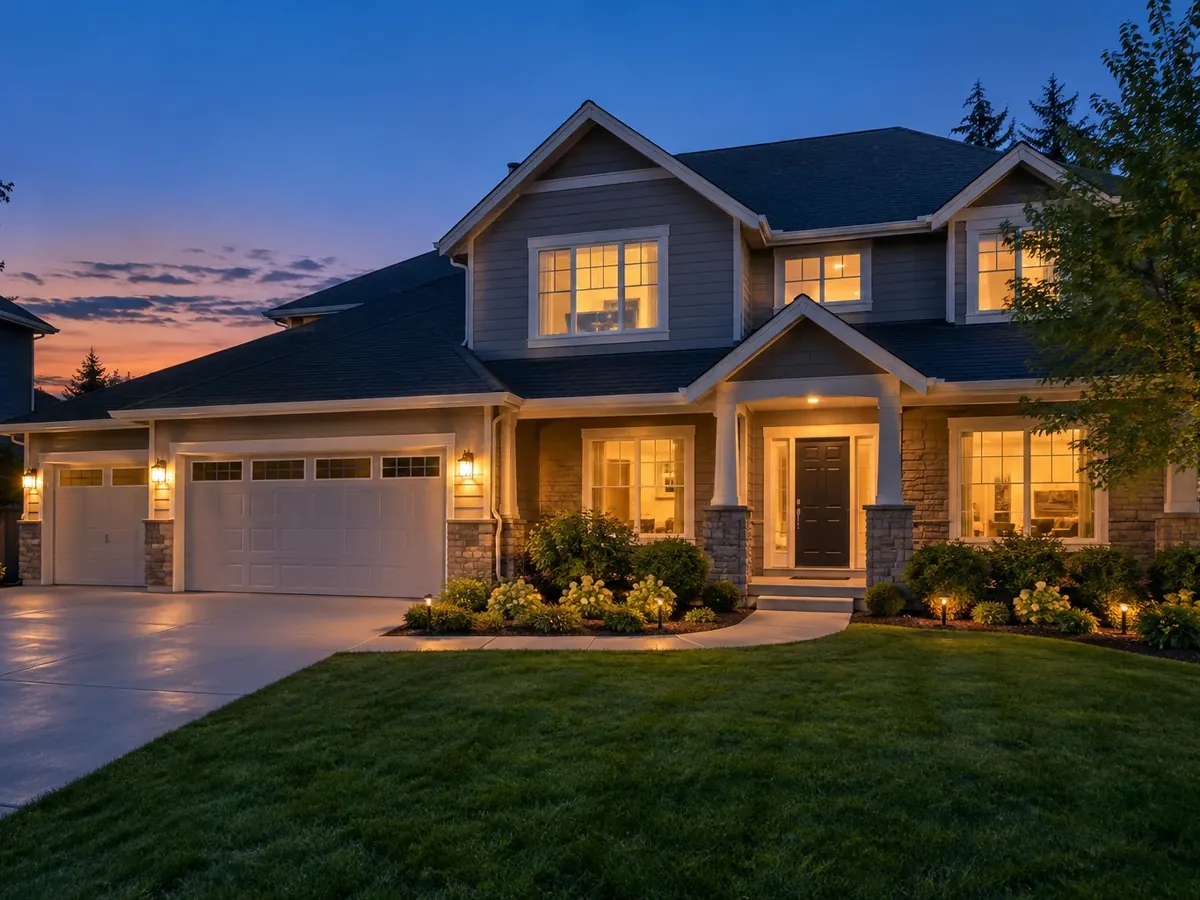
Virtual Twilight Photos Without a Dusk Shoot
A twilight exterior often leads the gallery, but dusk real estate photography means a second visit timed to a short window after sunset. Day to Dusk is day to dusk photo editing on the daytime front exterior you already have: a blue-to-amber dusk sky, warm light in the existing windows and existing outdoor fixtures, and a slightly darker foreground. It is instructed not to add lights, landscaping or anything else the house does not have.
Try Day to Dusk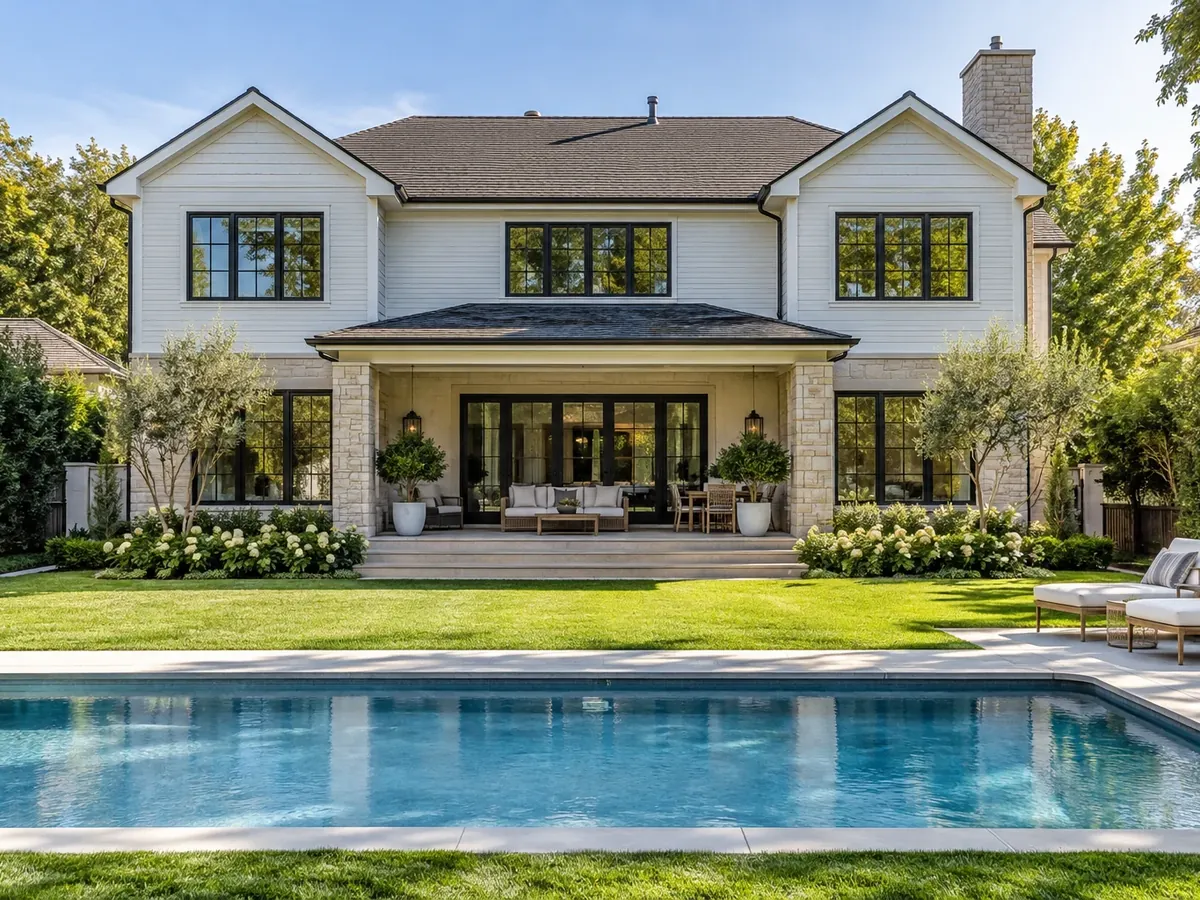
Sky Replacement for Gray Days
An overcast sky flattens an exterior, and a blown-out white one looks like a mistake. Blue Sky replaces a dull, gray or overexposed sky with a natural blue one and a few soft clouds, matched to the light direction already in the photo, and adjusts the exposure to suit. For backyards, Lawn & Pool Touch-Up clears leaves and debris from the lawn, paving and pool and evens out small patchy spots; plants, paving and structures stay. Keep it a tidy-up: a lawn that is mostly bare should be shown as it is.
Replace a Gray Sky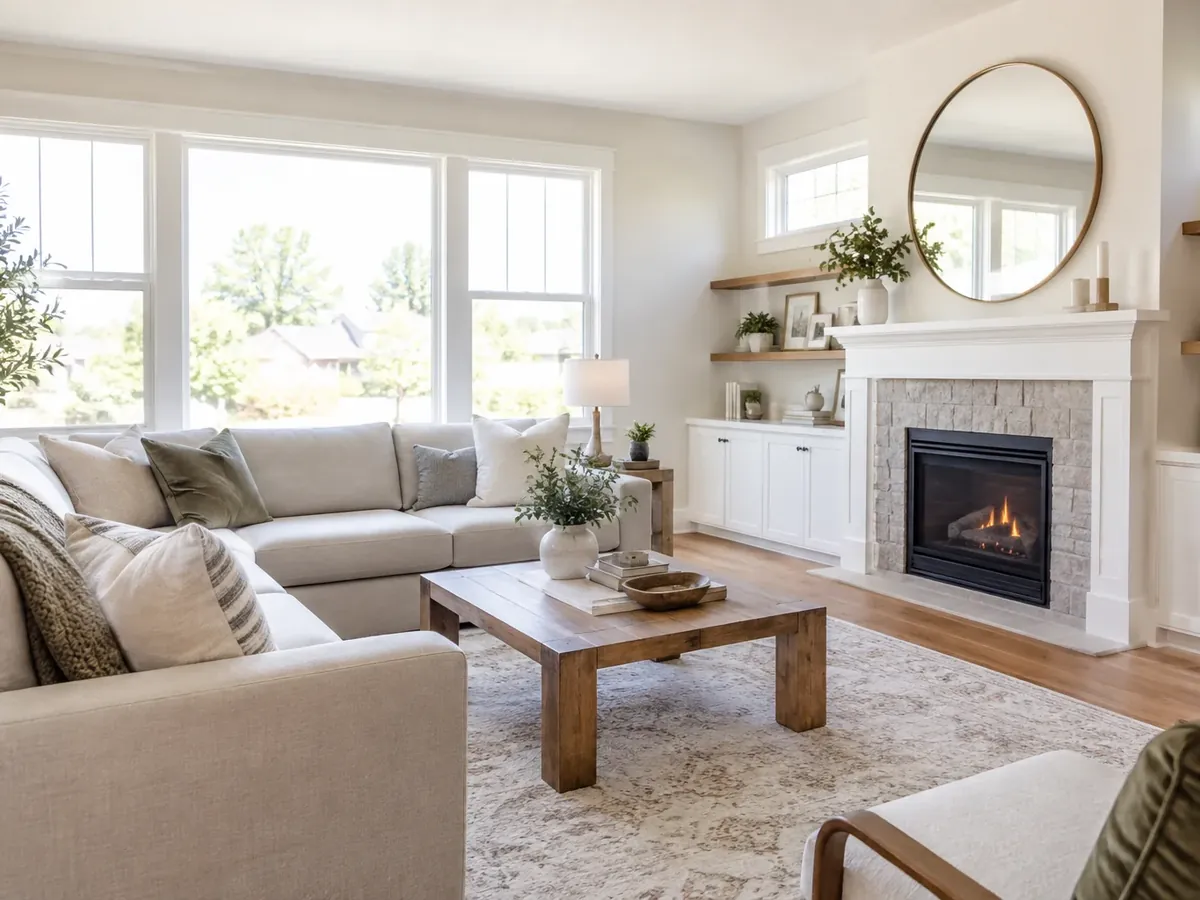
Real Estate Photo Enhancement for Dark Interiors
Rooms shot on a dull day or with small windows come out dim, with blown-out windows and a color cast from mixed lighting. Brighten & HDR works like an HDR edit: it lifts dark areas, tames bright windows, neutralizes the white balance, straightens converging verticals and keeps colors natural. Treat it as a real estate photo enhancer, not a renovation: check that floors and walls keep their real color and that the view through the windows matches the real one.
Brighten a Dark Room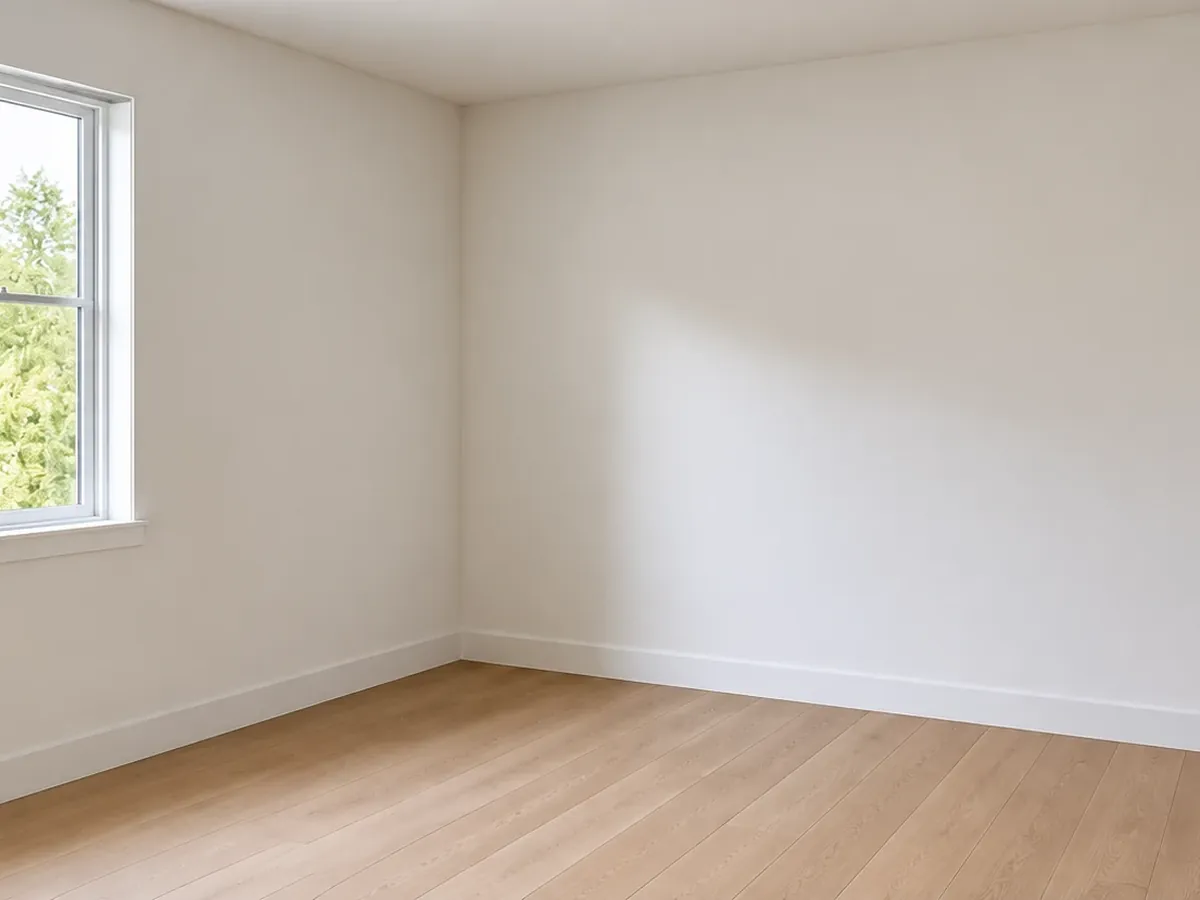
Declutter or Empty a Room Before Virtual Staging
Declutter AI suits occupied homes: Declutter removes papers, toiletries, cables, bins, laundry, family photos and other loose items, and keeps every piece of furniture and decor. Empty the Room goes further, taking out movable furniture, rugs and decor while built-ins, window coverings and ceiling lights stay. The floor and walls it fills in are the AI's best guess, so check them; an emptied room is a clean starting point for virtual staging.
Virtual Staging AI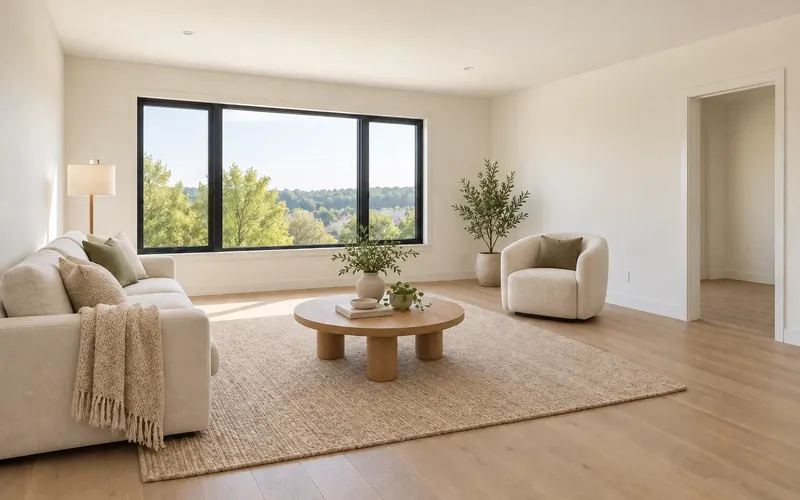
Enhance Real Estate Photos for Your Next Listing
Upload one listing photo, choose an edit and compare the result with your original. New accounts get free credits to start.
Edit My Listing Photo- 10 credits per edit
- PNG, JPG or WebP up to 10MB
- Keep the unedited original
Real Estate Photo Editing Questions
New accounts get free signup credits, so you can try AI real estate photo editing free on a few photos. Each edit costs 10 credits. Sign in to generate; free requests may wait in a queue.
Virtual twilight is a daytime exterior edited to look as if it was shot at dusk: a deep blue-to-amber sky, warm light in the windows and the outdoor fixtures lit. Virtual twilight photo editing is usually done by hand in desktop software; here the Day to Dusk edit does it on your own photo in one run. Good virtual twilights only light windows and fixtures the house really has.
A real twilight shoot captures true light and reflections, but it needs a return visit timed to a short window after sunset. Day to dusk editing works from the daytime photo you already have, so it suits listings where a second visit is not worth it; for a flagship listing a real dusk shoot still looks most natural. Either way, twilight editing produces a styled image of the home, so check that no light or feature appears that the house does not have.
Rules differ by MLS, brokerage and country, so check yours before you publish. Disclose virtually edited or staged images as your MLS or local rules require, keep an unedited original of every photo, and never use an edit to hide damage, a neighboring building or anything a buyer would see in person. This tool does not check listings for MLS compliance.
Shoot in landscape with the 1x camera, or the 0.5x ultra-wide if your iPhone has one, held level at about chest height. Turn on the grid in Camera settings to keep walls vertical, switch on every light, open the blinds and tap the room rather than the window to set exposure. Clean the lens, skip digital zoom and shoot from corners and doorways. Then run Brighten & HDR on rooms that still look dark.
It depends on how you work. Desktop editors give a photographer full manual control over a whole shoot; AI tools are quicker for single jobs such as a sky, a twilight or decluttering. When you compare the best AI tools for real estate photo editing in 2026, check that the tool keeps the property unchanged, lets you compare with the original and offers the edits you need. This one makes one edit per photo per run, so it is not built for editing a full shoot in one batch.
Yes, with Empty the Room: it removes movable furniture, rugs, decor and personal items, and keeps walls, flooring, windows, built-in cabinetry, window coverings and ceiling lights. To keep the furniture and clear only loose items, use Declutter. The floor and walls it reveals are the AI's reconstruction, so check them, and label the photo as virtually staged if you then add new furniture.
Brighten & HDR asks the AI to straighten converging verticals, and every edit keeps the original framing. It is not a precise lens-correction tool: a strongly tilted shot may only improve partly, and edges can shift slightly. Holding the camera level when you shoot is still the most reliable fix.
Yes. Choose Blue Sky to replace a gray, white or blown-out sky with a natural blue one with soft clouds, matched to the existing light direction. For a dusk sky with lit windows, choose Day to Dusk instead. The edit is told not to invent a view or surroundings the photo did not show.
No. Each run edits one photo with one edit and returns a web-sized image (around 1K resolution) for listing sites, email and social posts, not a print file. To combine edits, such as Declutter and then Brighten & HDR, download the first result and run it again; each run uses 10 credits.