
AI Room Design for Every Room
AI room design lets you restyle a photo of your space or describe a new room in words. Choose a room type and one style to explore.
Design My Room with AI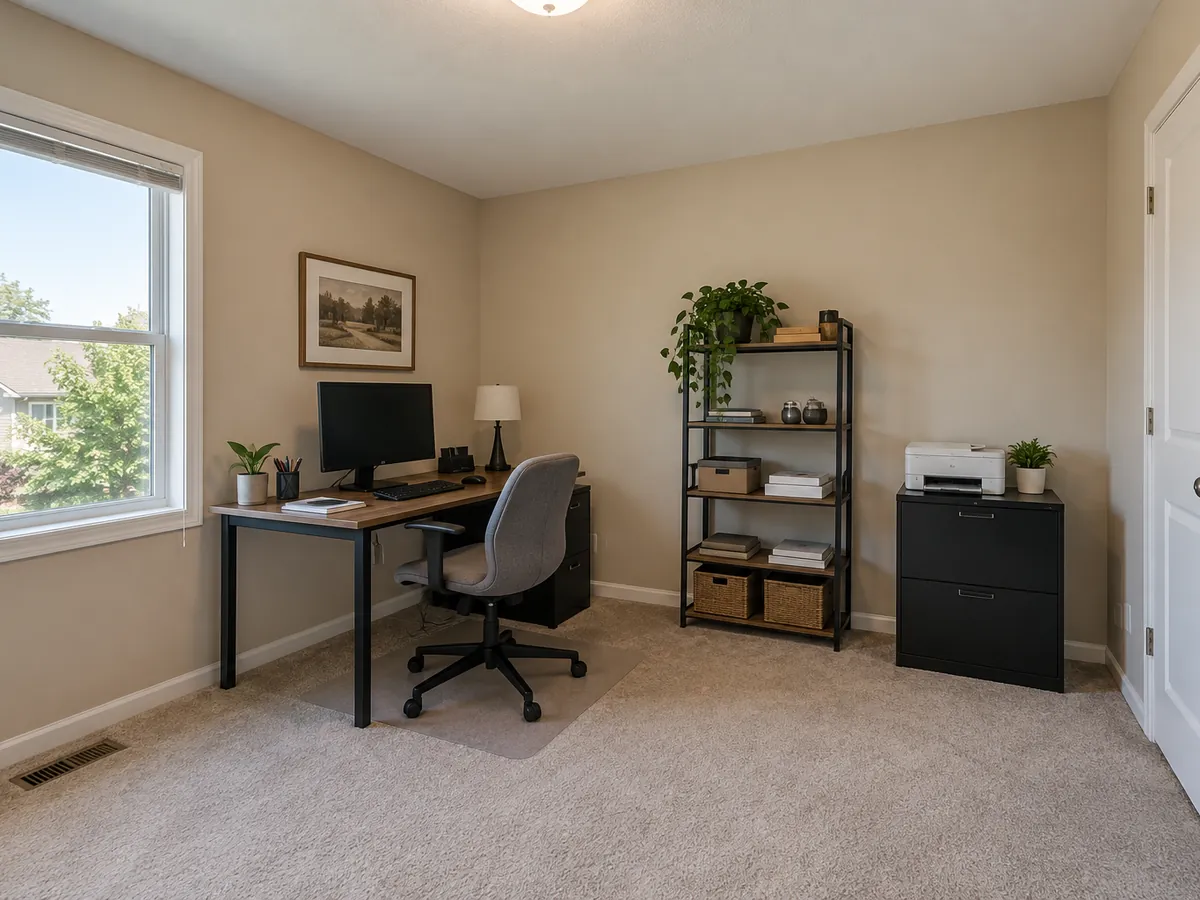
 AfterBefore
Design My Room with AI
Upload a room photo or describe a new room. Pick one room type, one style and optional details.
AfterBeforeShared Home Office
Illustrative AI concept
AI Room Design Examples: Before & After
Four ordinary rooms restyled from their own photos. Every before and after is an AI-generated illustration; compare details with your original.
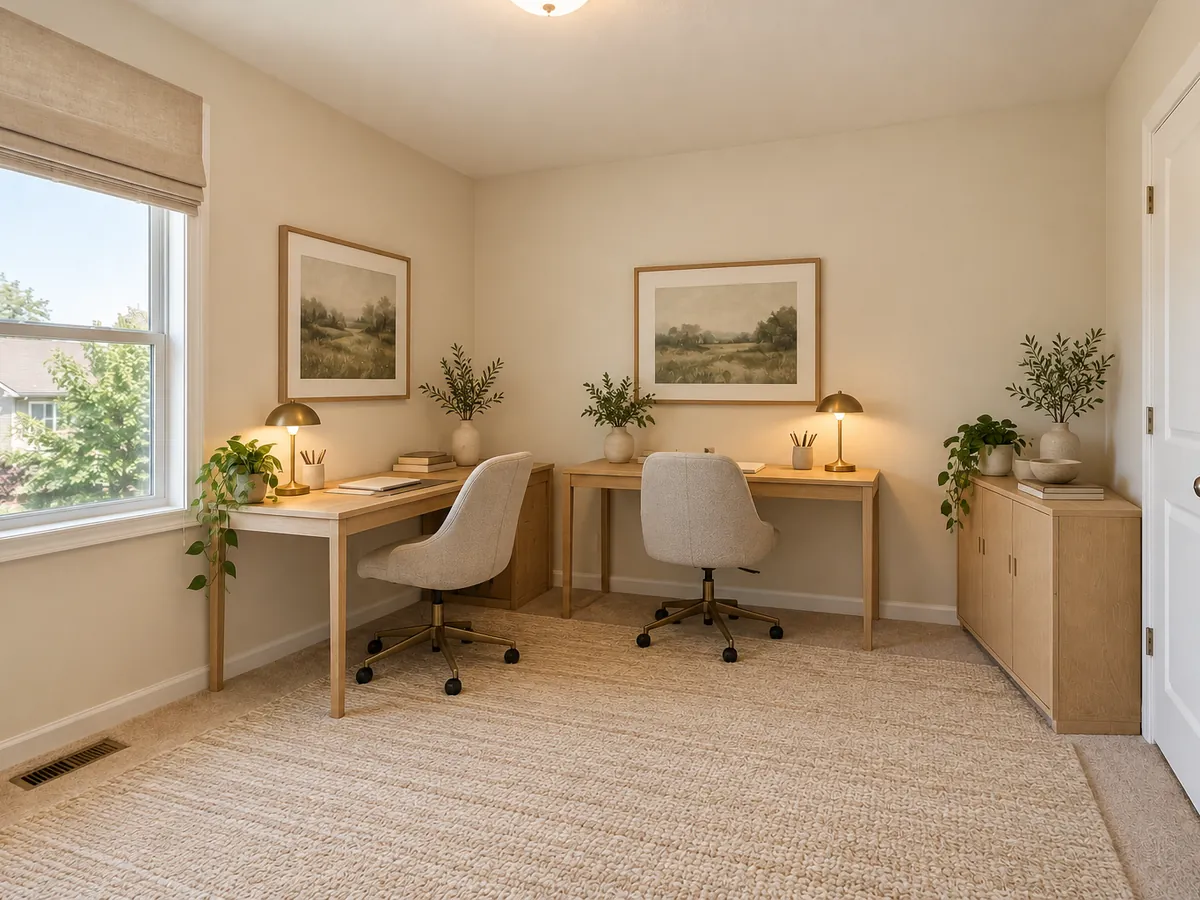
- AfterBefore
Illustrative AI concept: single-desk office to shared home office
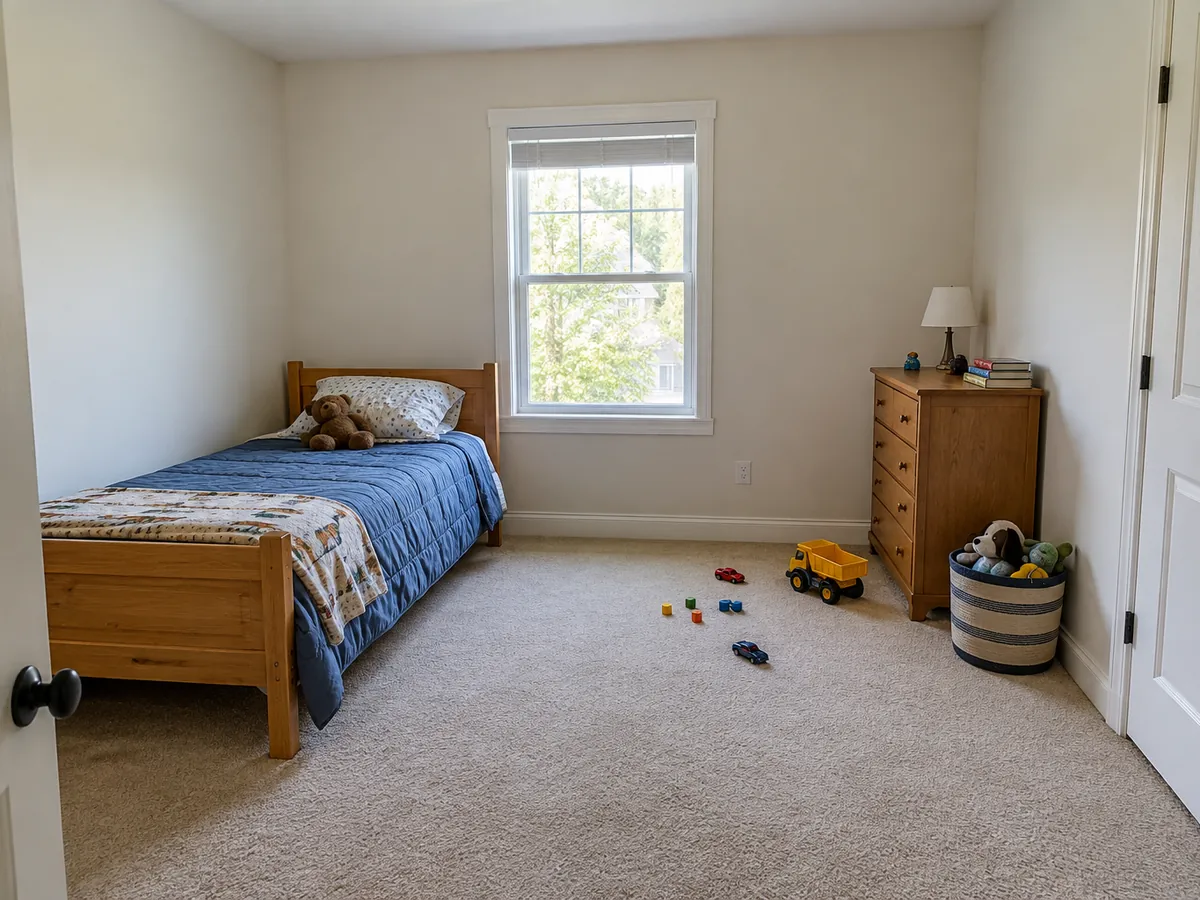
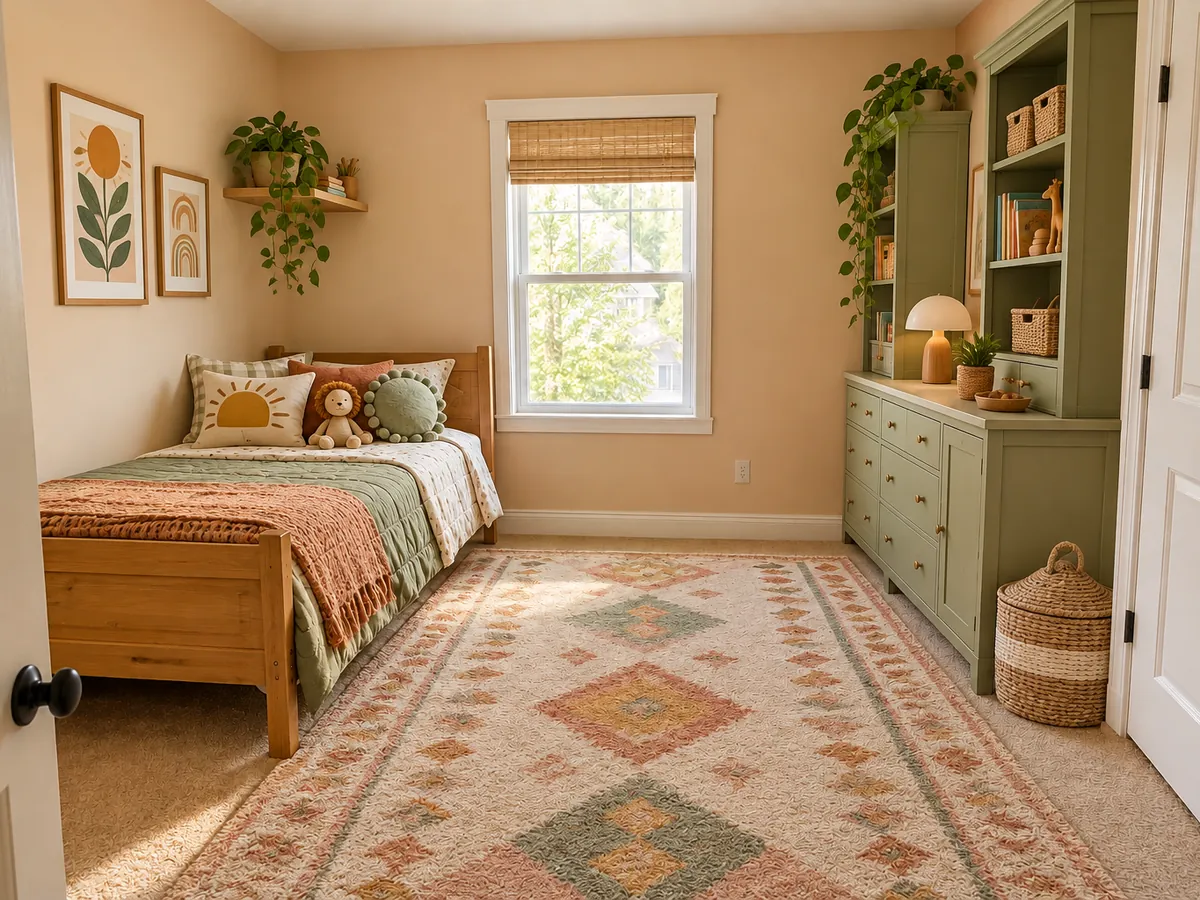 AfterBefore
Illustrative AI concept: bare kids room to colorful bedroom with storage
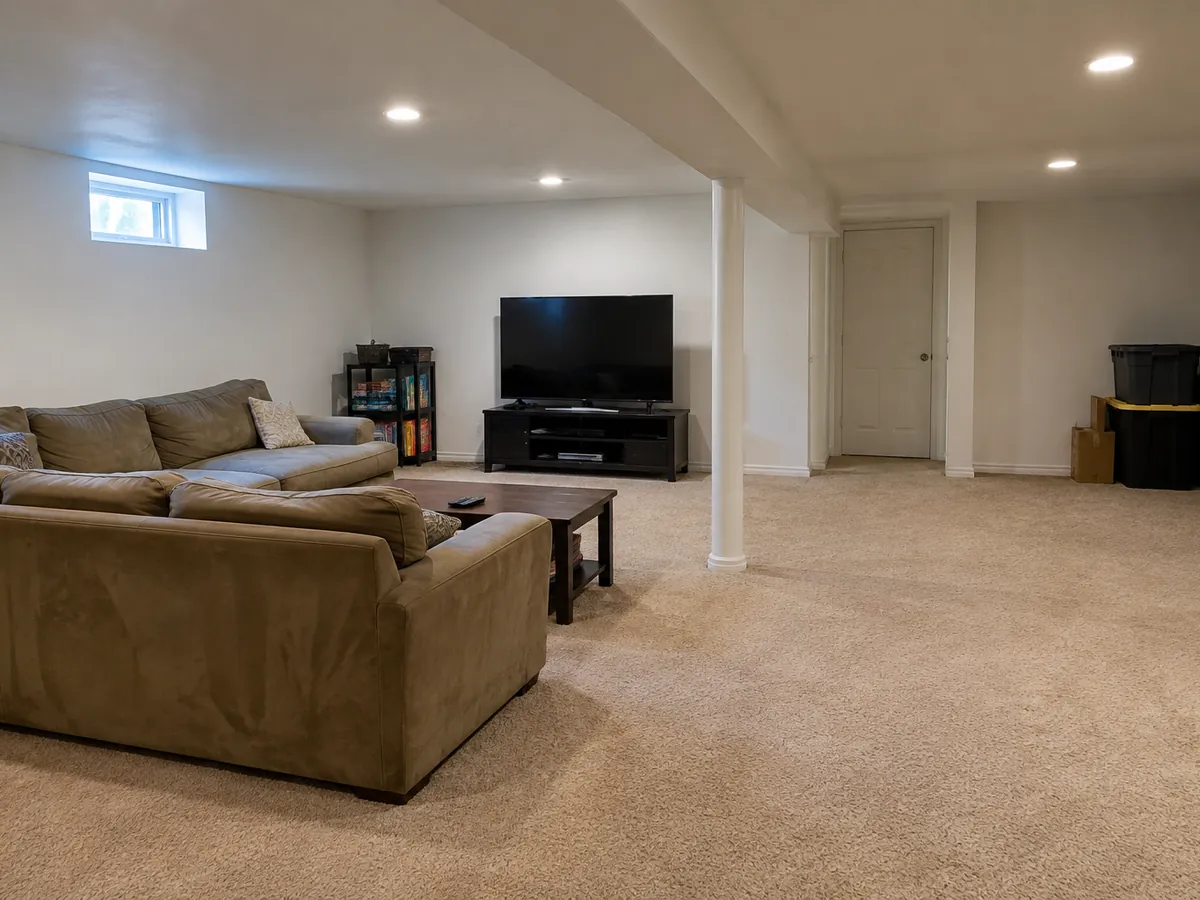
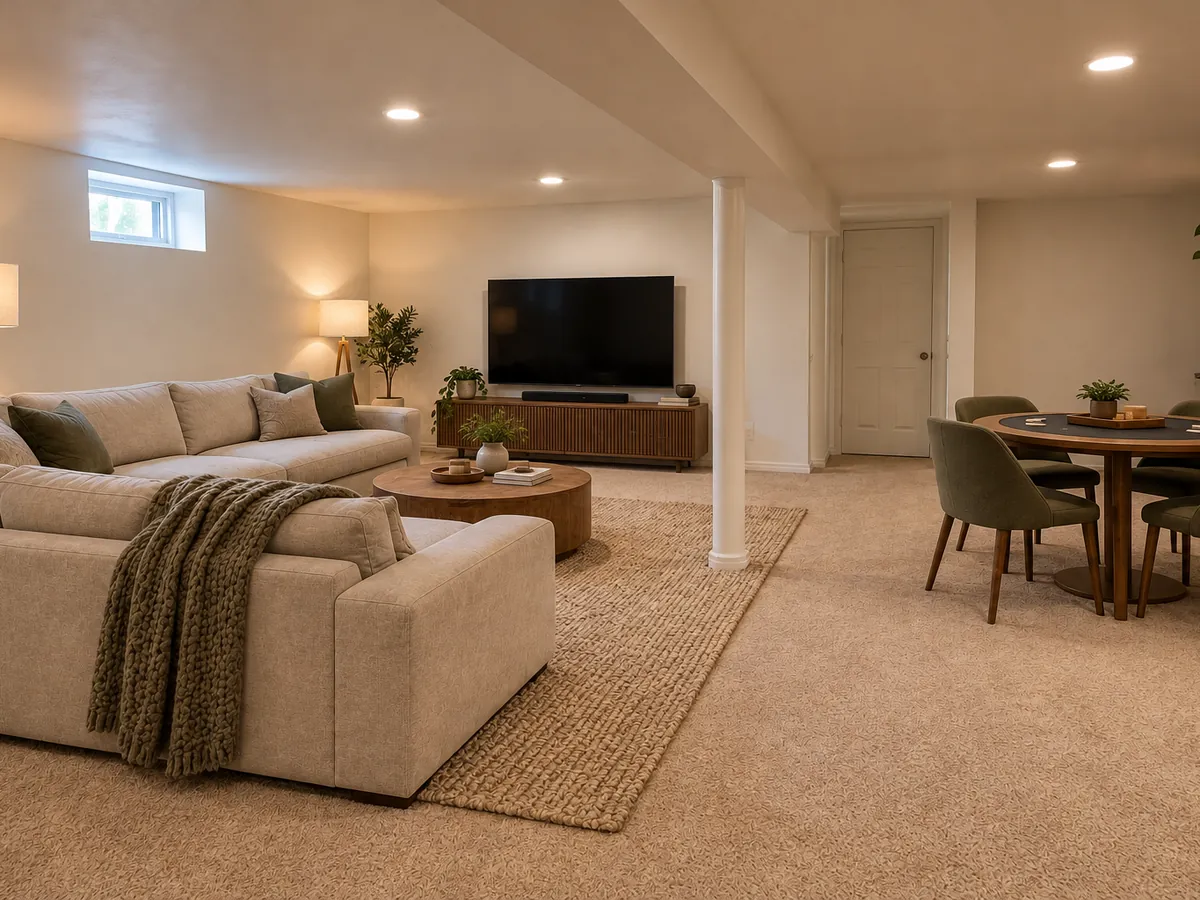 AfterBefore
Illustrative AI concept: plain basement to movie and game room
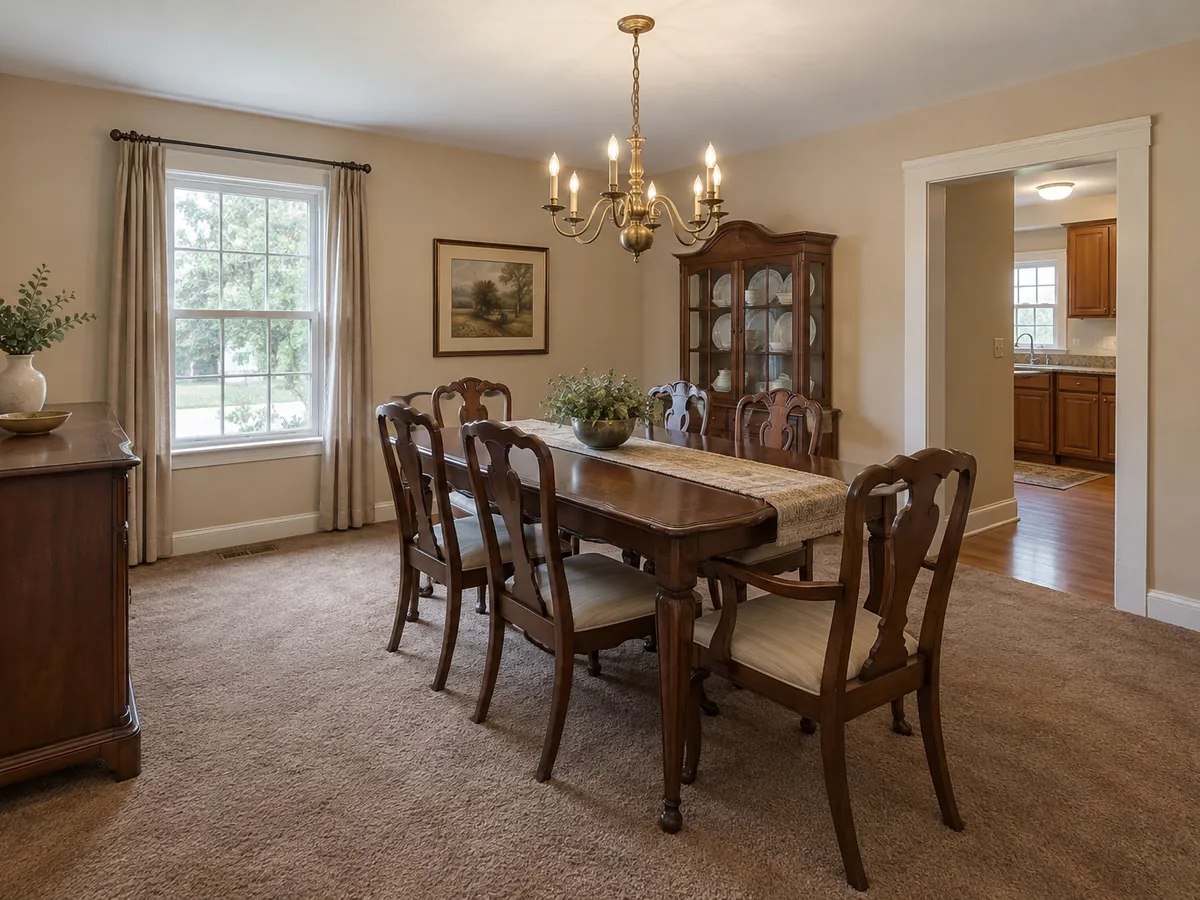
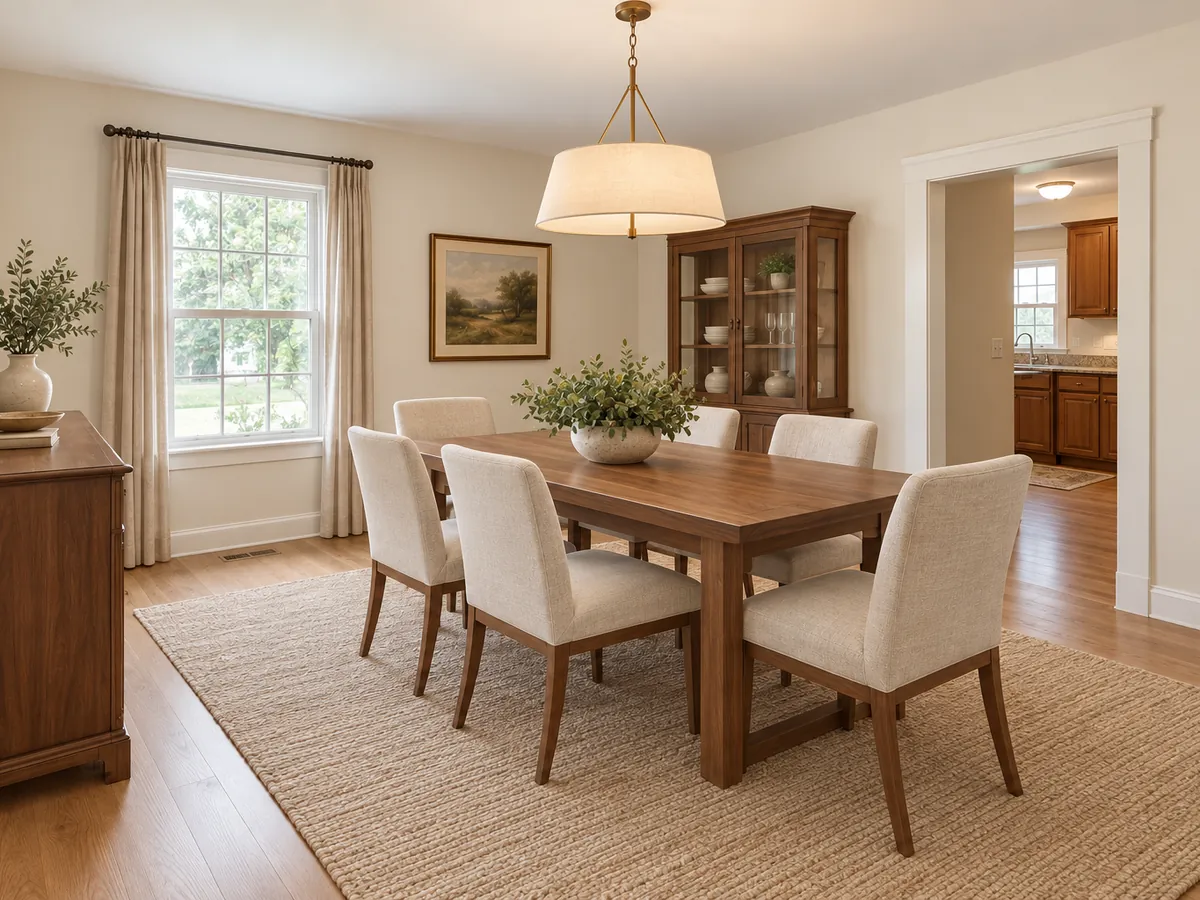 AfterBefore
Illustrative AI concept: dated dining room to warm transitional room
What Is AI Room Design?
AI room design makes a visual concept for a room. Upload a photo to try different furniture, decor, lighting, wall finishes, flooring, textiles and colors in your own space. You can also describe a room in text; that creates a new image rather than a view of your actual home.
In photo mode the AI is instructed to keep the architecture, footprint, wall positions, window and door openings, ceiling shape and camera view. Small details can still shift. Treat the result as an idea image, compare it with the original, and measure before buying or building anything.
- 18 room types, from living room and kitchen to craft room, sunroom and home bar
- 20 styles and a Custom tab for a written style or reference image
- One room type and one style per generation
- AI concepts are not CAD, measured plans, engineering or cost estimates
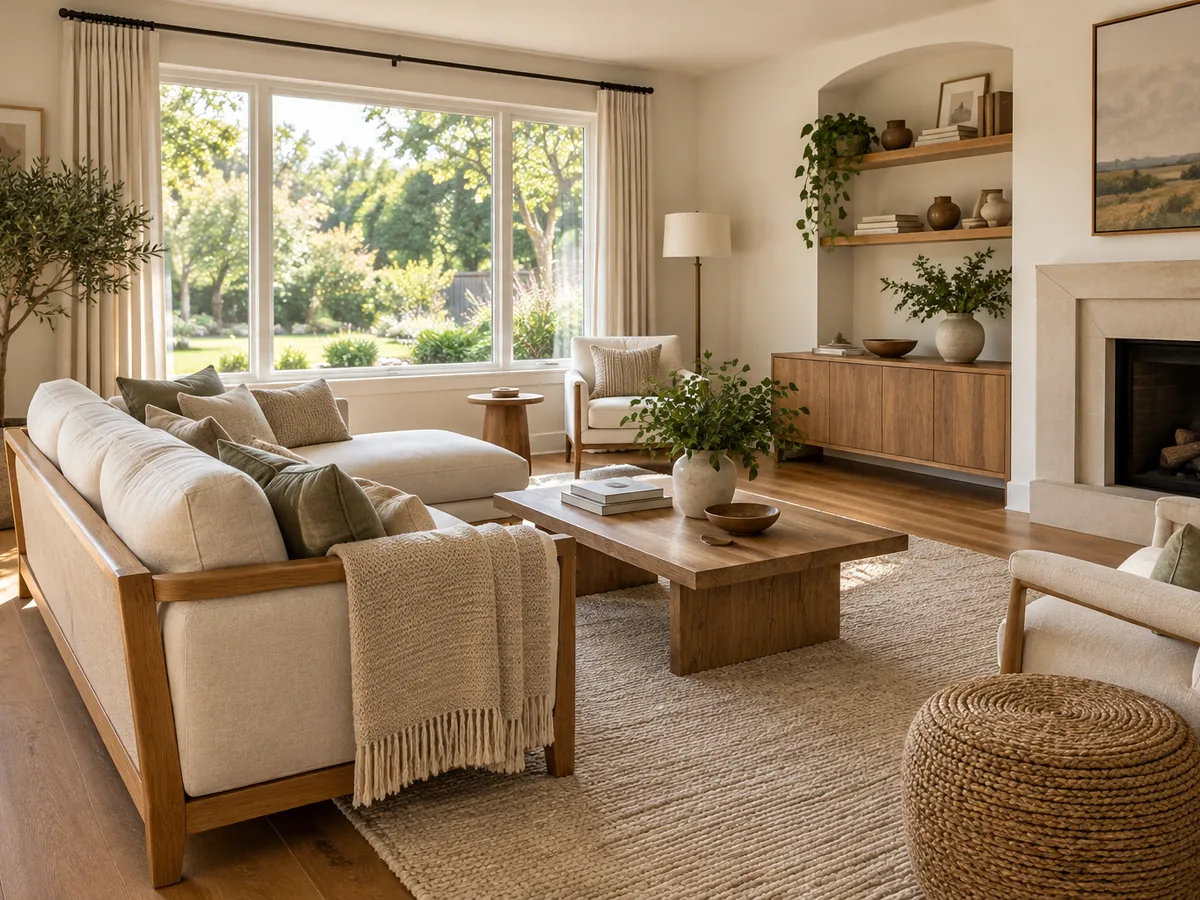
An AI Room Designer for Every Space
18 room types
Choose an office, kids room, basement, entryway, sunroom, home bar or familiar living space.
20 room styles
Choose one style per run, from Scandinavian to industrial or dark and moody.
Photo or text
A photo previews your space. Text alone generates a new room from your description.
Your own reference
The Custom style tab accepts a style description or reference image.
Architecture as the starting point
Photo mode instructs the AI to keep the footprint, openings, ceiling and camera. Compare with your original.
Free signup credits
New accounts receive free credits; each generation uses 10 credits. Free requests may wait in a queue.
Room Design Ideas You Can Load
Choose a card to load its room type, style and notes into the workspace. Your uploaded photo stays in place.
Home Office Room Design Ideas
Give work its own place with a desk, comfortable chair and storage that fits the room. Pale oak keeps a shared office light, while walnut and charcoal create a quieter library feel.
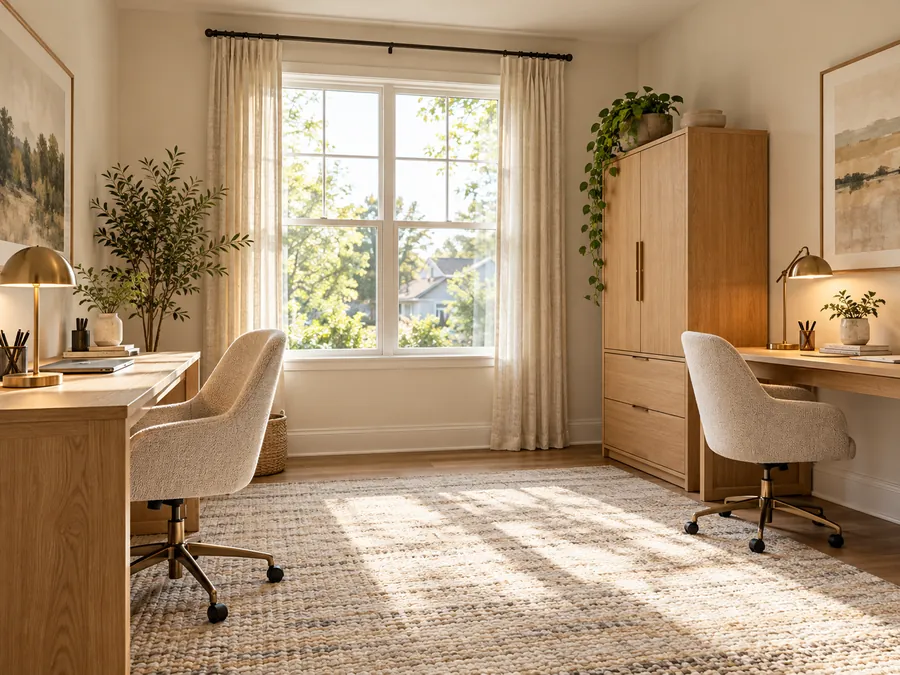 Organic Modern
Oak Office for Two
Two pale oak desks share the daylight without crowding each other. Closed storage keeps equipment out of sight, while warm task lamps make the room comfortable after sunset.
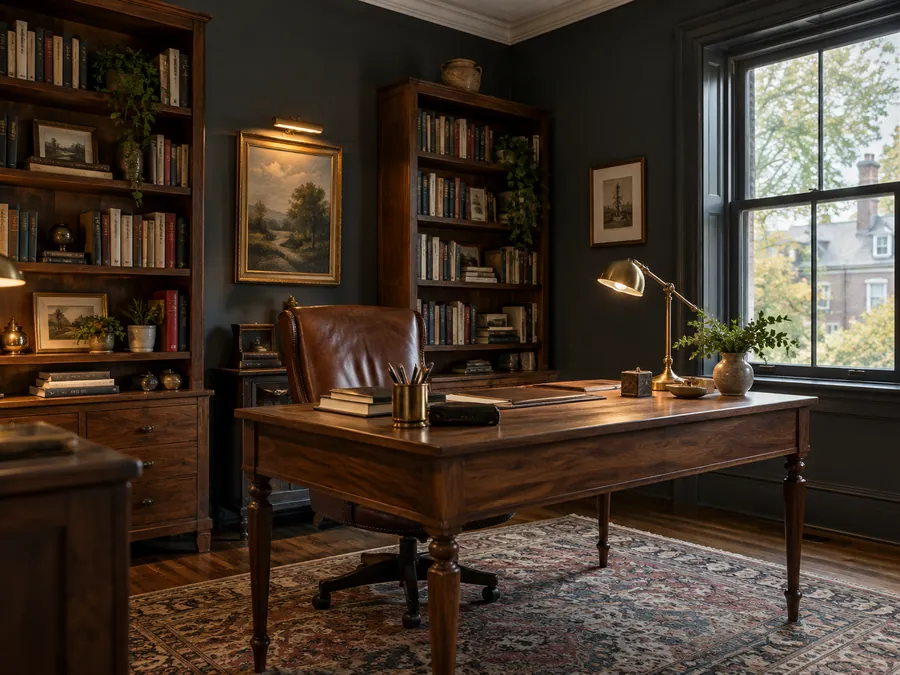 Dark & Moody
Moody Library Office
A walnut desk and leather chair give this charcoal study a grounded feel. Tall bookcases bring useful storage, and brass task lighting keeps the work surface inviting.
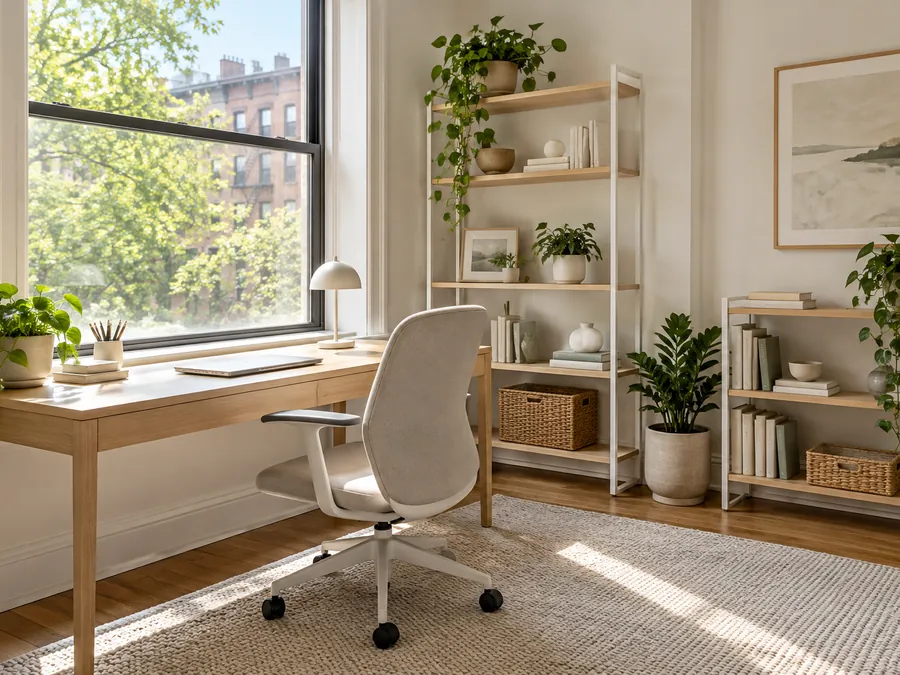 Scandinavian
Scandinavian Window Desk
A slim pale wood desk sits beside the window for a bright working spot. Open shelves, a wool rug and a neutral chair keep the compact room visually light.
Kids and Teen Room Design Ideas
Start with the daily routine: sleep, homework and a place to put things away. Low storage makes toys easier to reach, while a compact desk and quieter textiles can help the same room feel more grown up.
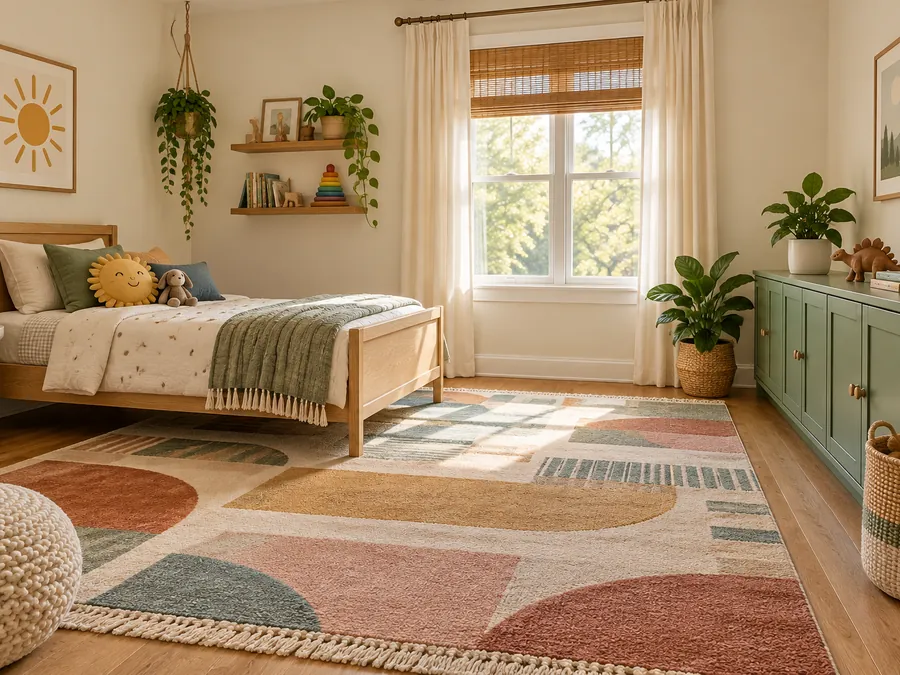 Modern Boho
Playful Storage Room
A low oak bed and sage storage leave a generous central play area. The colorful rug adds warmth, while baskets and closed cupboards help everyday toys disappear.
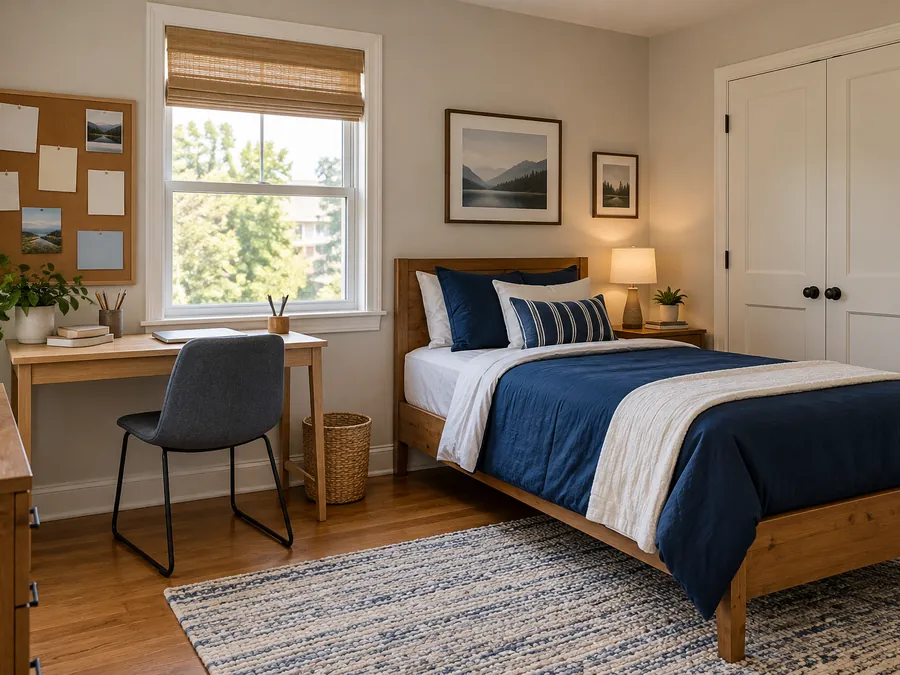 Transitional
Teen Study Retreat
Navy bedding gives this teen room a calm anchor, with a compact desk beside the window. A cork board and nearby storage keep homework essentials close at hand.
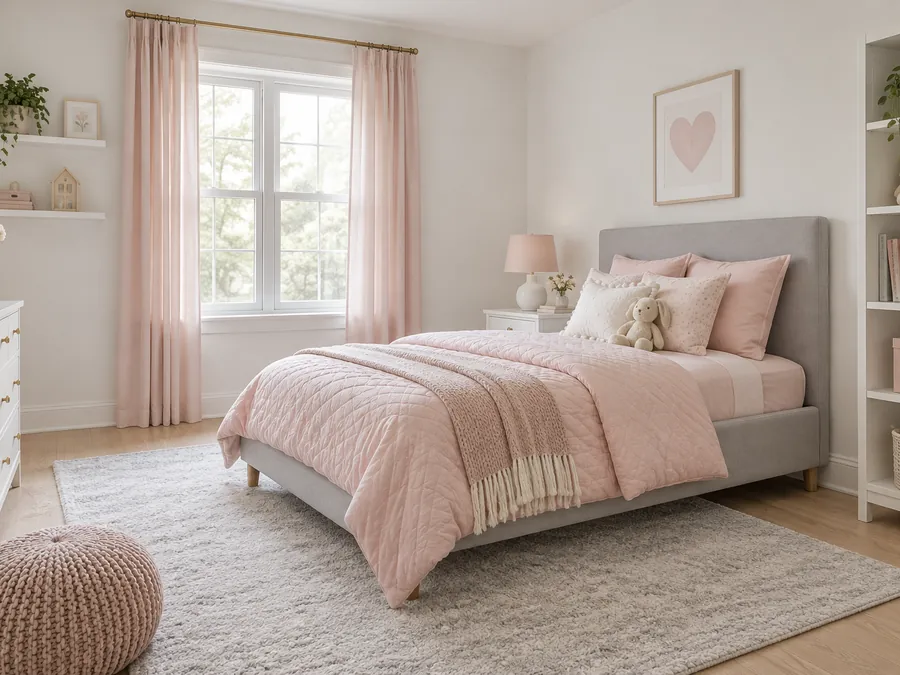 Scandinavian
Pink and Gray Room Designs
Pink and gray room designs feel gentle when blush bedding meets pale upholstery and warm white walls. Simple shelves and a soft rug keep this bedroom easy to update.
Basement and Bonus Room Design Ideas
Basements often need several pools of light rather than one bright ceiling fixture. Try a sectional for movie nights, flexible guest seating or a compact drinks corner, keeping routes through the room clear.
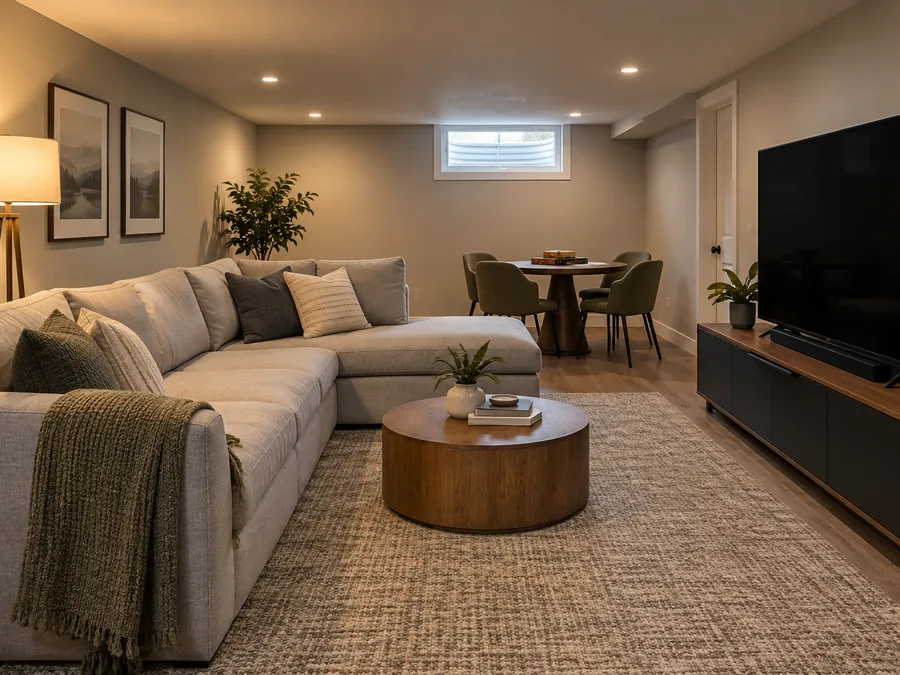 Modern Minimalist
Movie and Game Room
A generous sectional faces a low media console, with a separate table for games. Neutral upholstery and layered lamps soften the basement while preserving an open walking route.
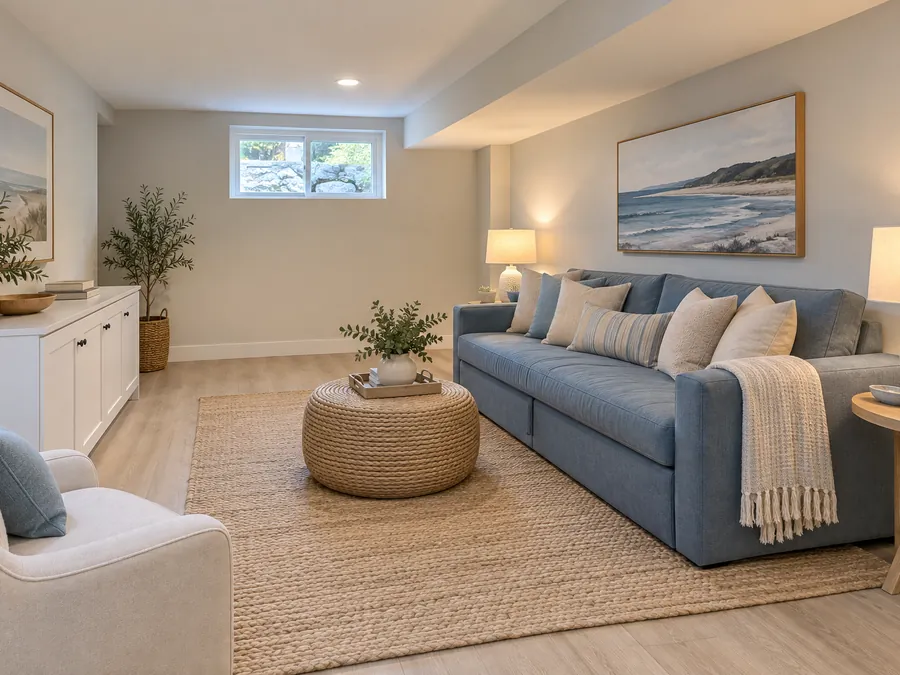 Coastal
Bright Guest Lounge
Pale flooring, blue upholstery and low storage brighten this guest lounge. A sofa bed offers flexible sleeping space without filling the whole basement with permanent bedroom furniture.
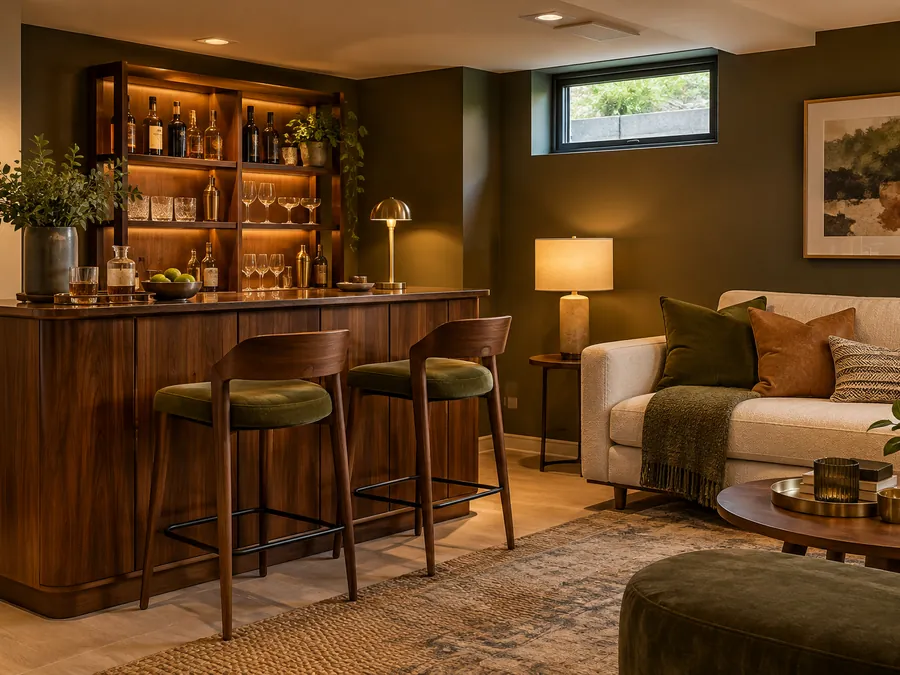 Mid-Century Modern
Home Bar Corner
Walnut storage and slim stools define a drinks corner beside the lounge seating. Warm cabinet lighting adds depth, making a compact basement feel inviting without relying on daylight.
Entryway and Mudroom Design Ideas
Make arrivals easier with a seat for taking off shoes and a clear place for bags. Keep storage shallow near doorways, then use a durable runner to soften the floor without obscuring the route inside.
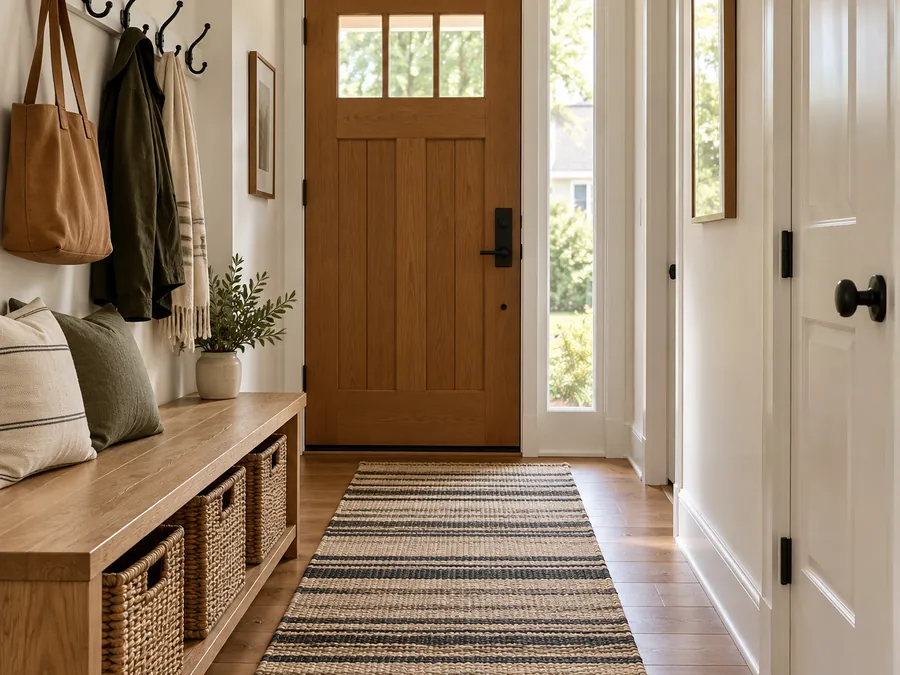 Modern Farmhouse
Bench and Hooks
An oak bench provides a landing spot beside the door, with hooks above and woven baskets below. A striped runner adds texture while keeping this narrow entry practical.
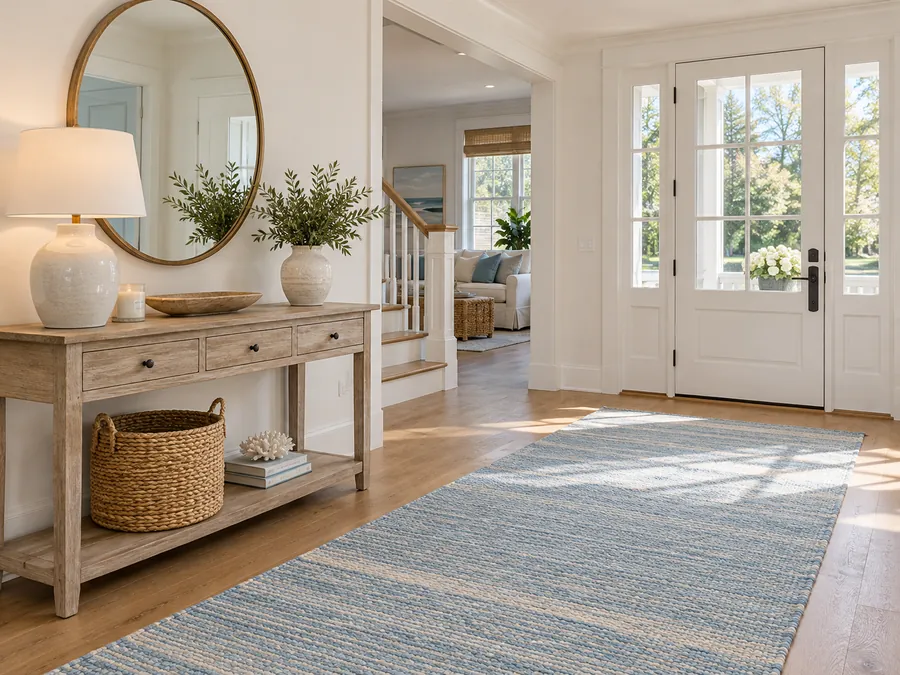 Coastal
Coastal Foyer
A washed wood console and round mirror bring lightness to this coastal foyer. The pale blue runner guides the eye inward, and a basket holds everyday clutter.
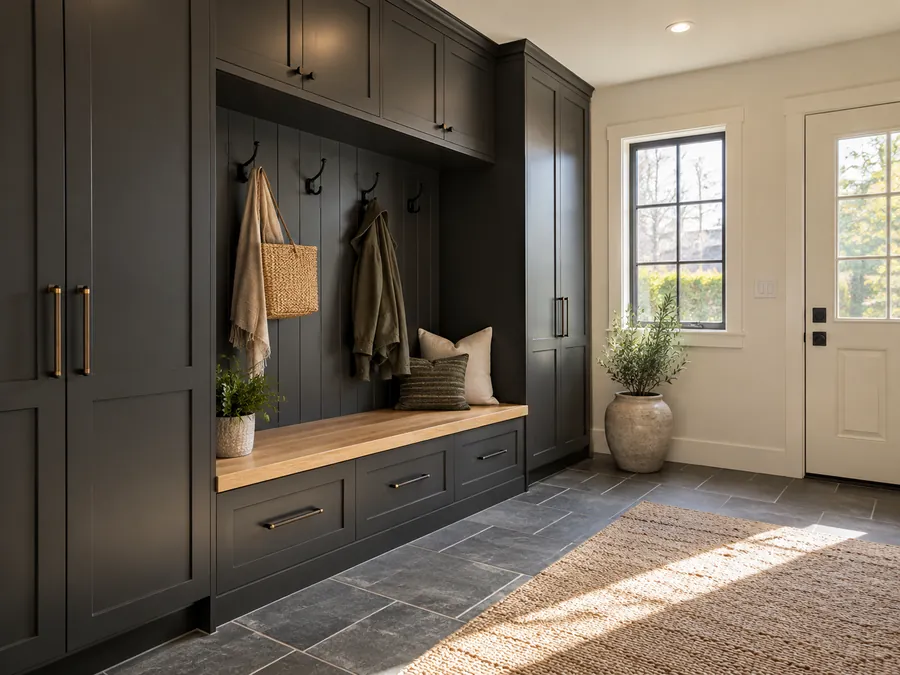 Dark & Moody
Dark Mudroom Storage
Charcoal cabinets give coats and shoes a tidy home around a warm oak bench. Slate-look flooring and simple hooks make this mudroom practical while daylight balances the dark finish.
Bold Color Room Designs
Give bold color one clear job: a sofa, rug or set of chairs can carry the strongest shade. In a black and red room design, pale walls and natural wood help the stronger tones feel balanced. Repeat a smaller accent to connect the room.
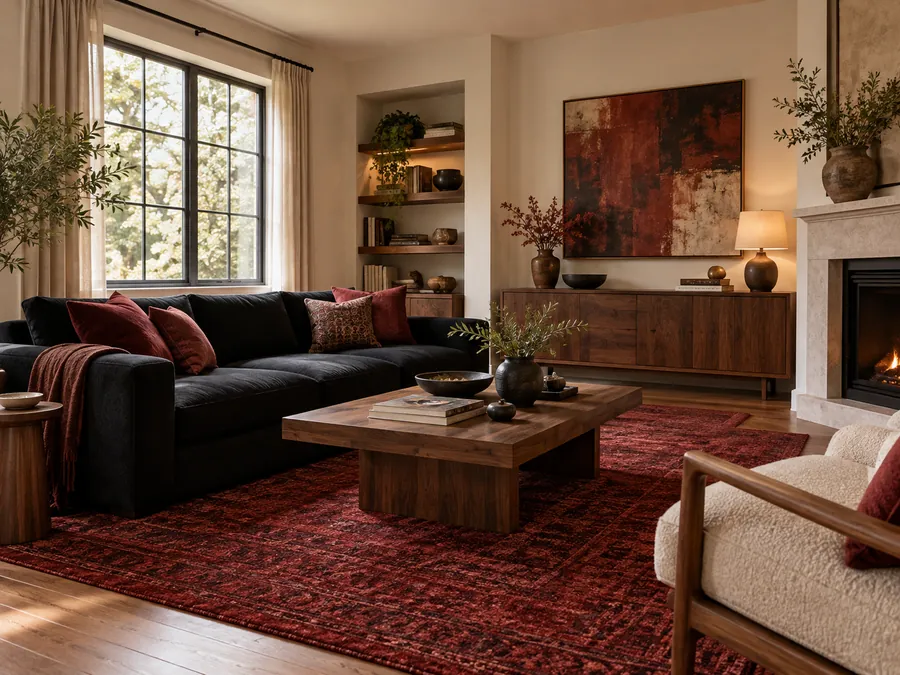 Dark & Moody
Red and Black Lounge
A black sofa anchors this red and black room design, with a deep red rug adding warmth. Pale walls and walnut furniture keep the palette from feeling heavy.
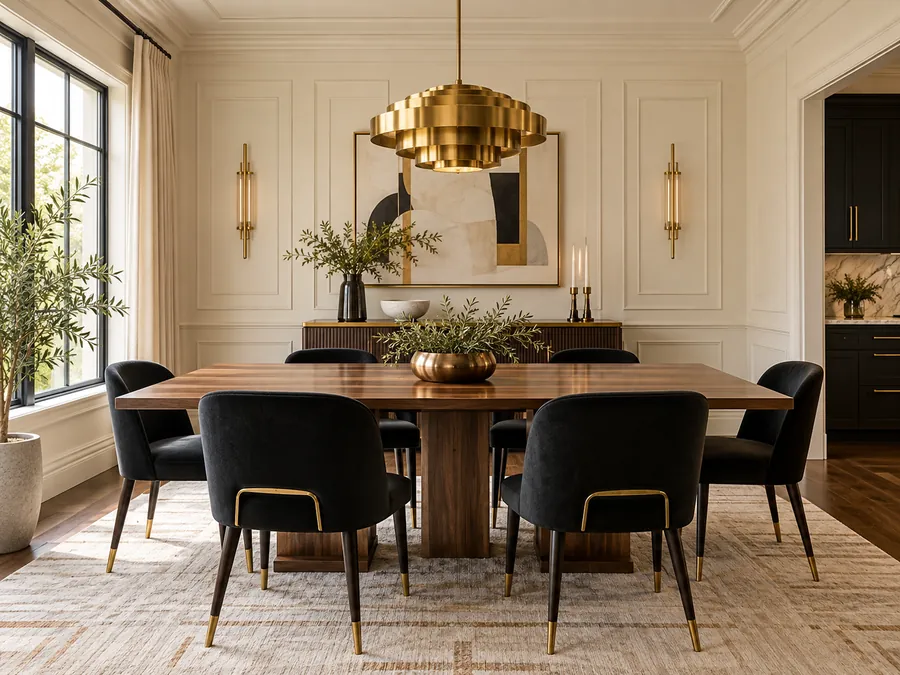 Art Deco
Gold and Black Dining
Gold and black room designs work well with a light backdrop. Here, black dining chairs and a brass pendant frame a warm wood table against cream walls.
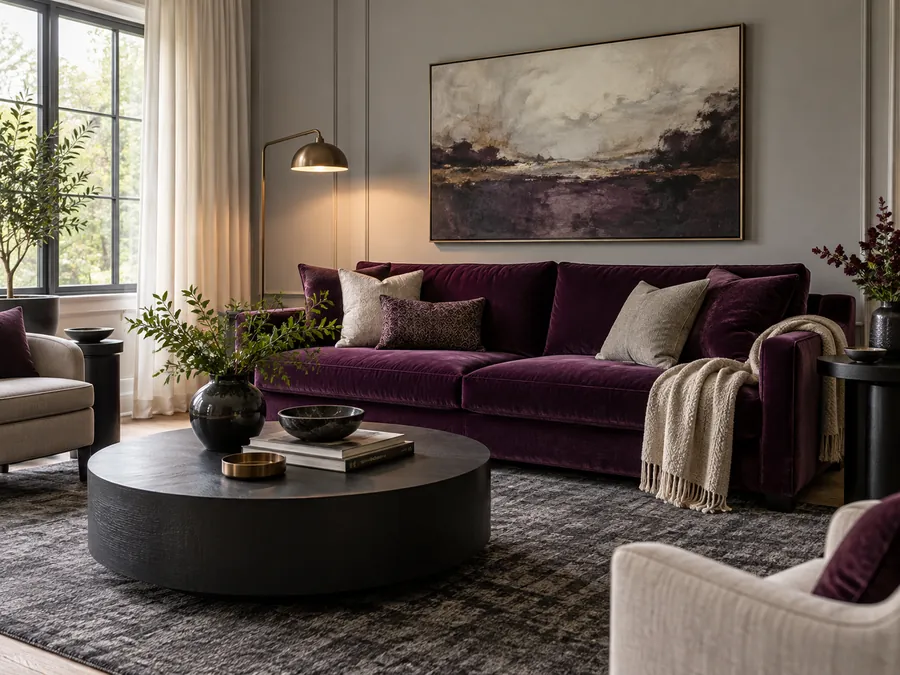 Luxury Modern
Black and Purple Lounge
Black and purple room designs feel balanced when plum upholstery is the focal point. Black side tables and a charcoal rug add definition while pale walls keep the lounge bright.
Every gallery image is an AI-generated illustration, not a photograph of a real project. Your result will differ.
20 Room Design Styles
Pick one style to load into the designer. Use Custom for your own look or reference photo.
Style thumbnails are illustrative. The result depends on your photo or text brief.
How to Design a Room with AI
Upload a room or describe one
Use a level, well-lit PNG, JPG or WebP up to 10MB to restyle your own room. With no photo, describe a new room in the notes.
Choose a room type and one style
Select a room and style, load an idea, or add a reference image in the Custom tab. Add concise notes for details you care about.
Generate and compare
Sign in to generate. A run costs 10 credits. Compare photo results with the original; generate another style separately.
AI Room Design Features for Any Space
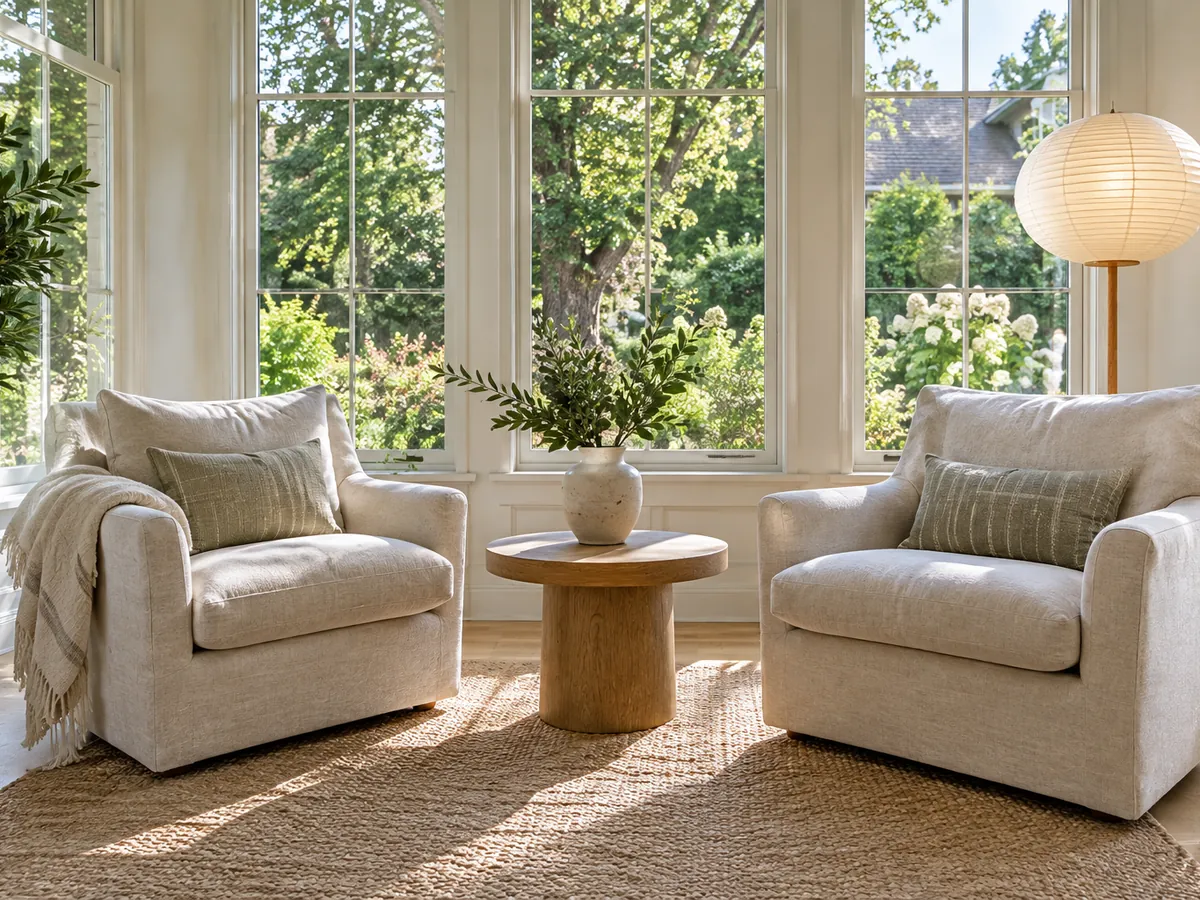
Design a Room Without a Photo
Describe the room, furniture, materials and mood to explore an idea before you have a photo. The AI room generator creates a new concept from that brief, so use it to compare a direction rather than judge how furniture fits your home. Include the window position and lighting you have in mind for a more specific result.
AI room generator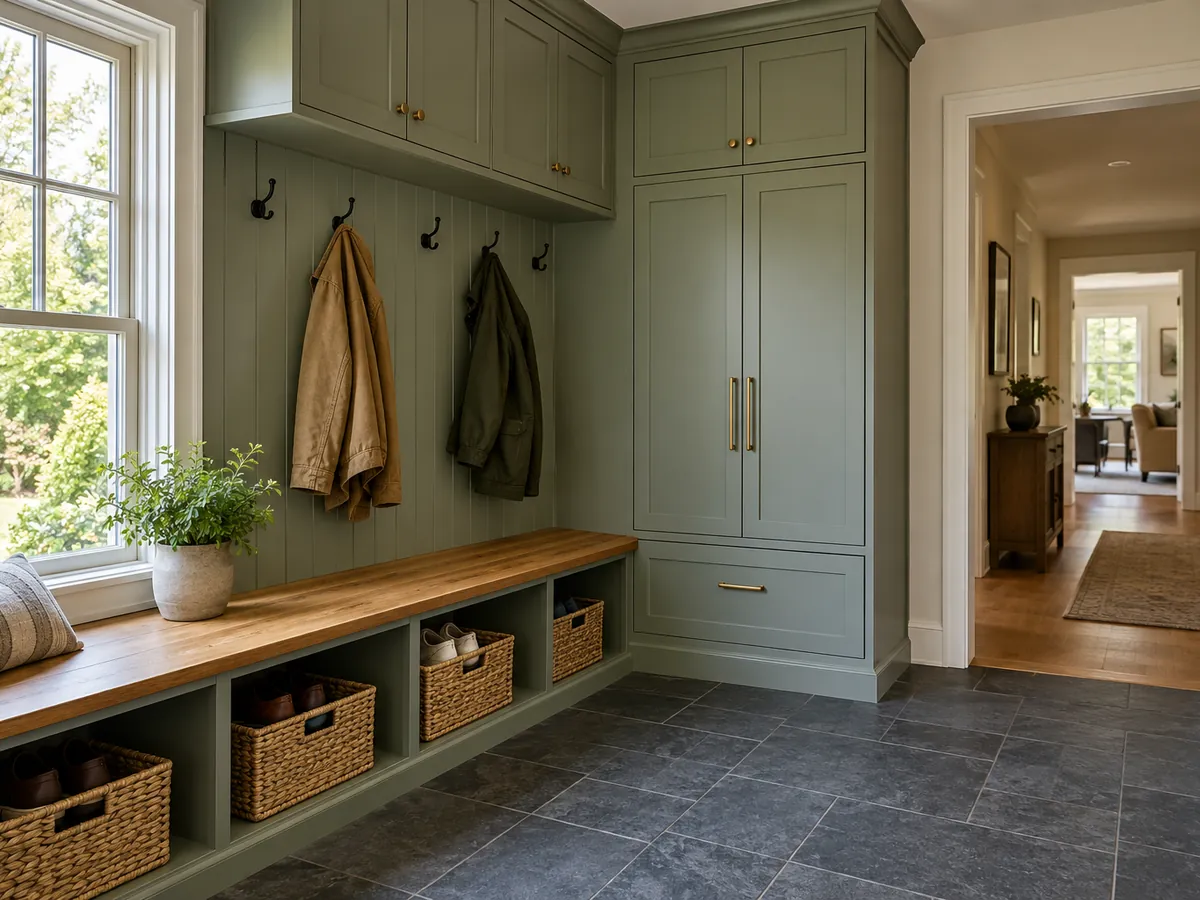
Any Room, Beyond the Big Four
An AI room makeover can help with the spaces that fall between the usual kitchen and living room examples. Choose the room type that matches your photo, then describe the storage, seating or work surface it needs. For a craft room, for example, specify a clear worktop and closed supply storage.
AI home renovation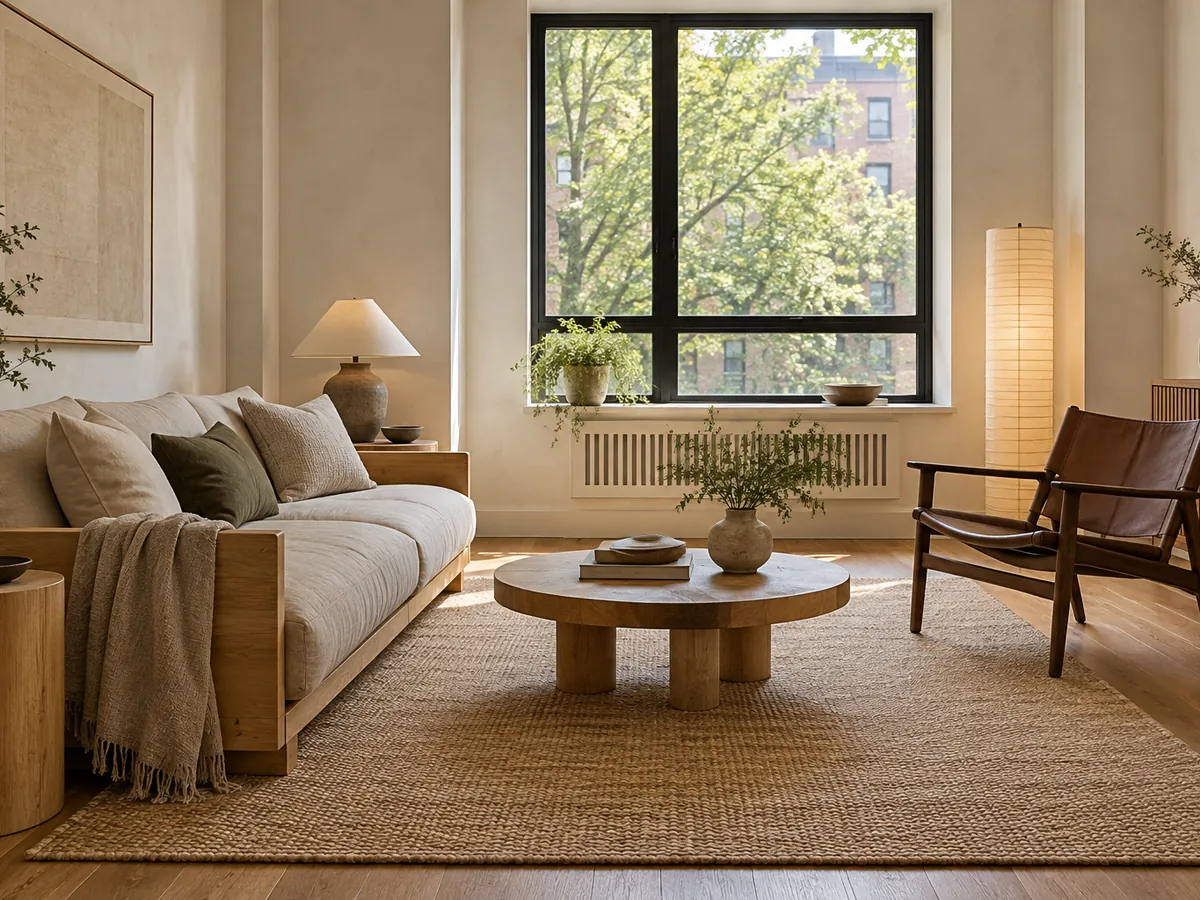
Pick a Style or Upload a Reference
Choose a preset style or use the Custom tab for a description or reference image. Name the elements you like, such as oak furniture, linen curtains or muted green upholstery, so the direction stays clear. The reference guides the look; your room photo remains the space being restyled.
Japandi interior design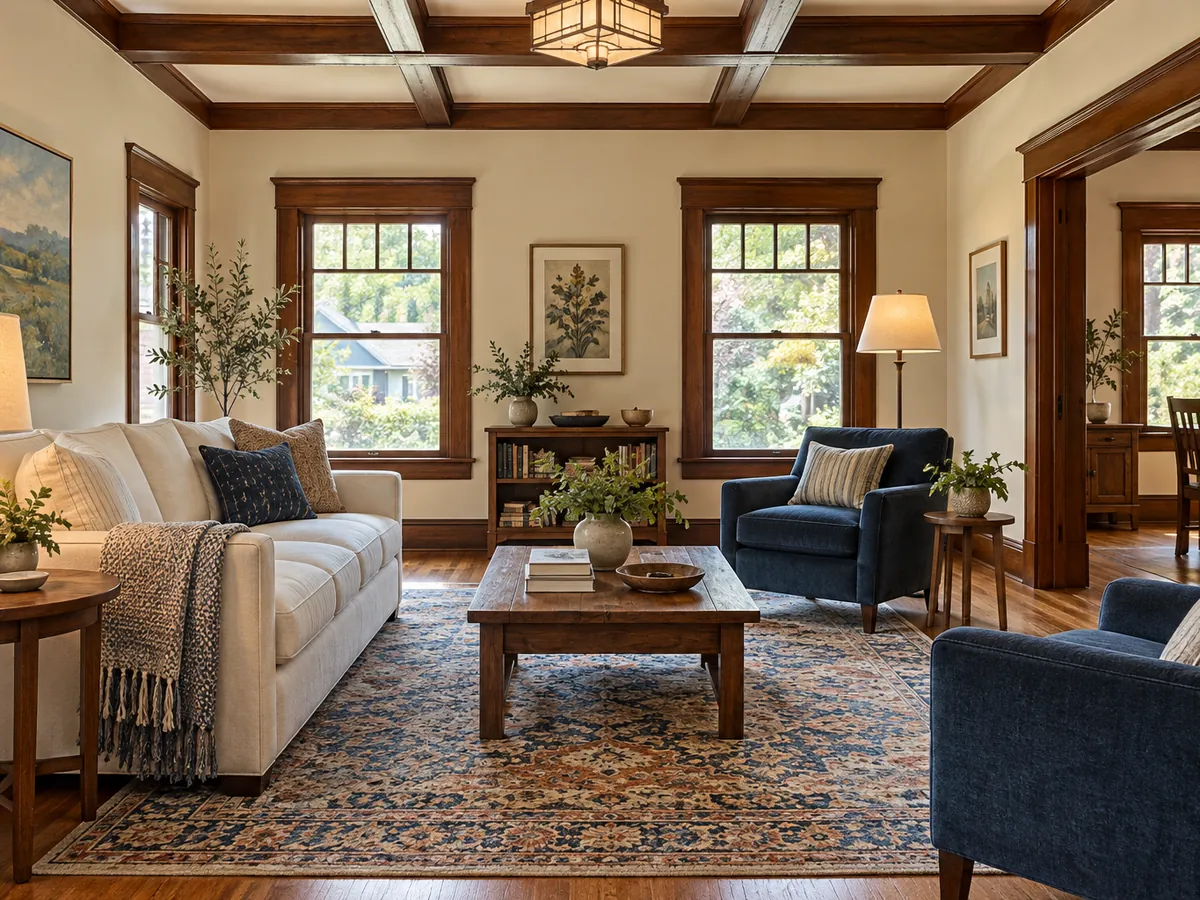
Keep the Walls, Windows and View
Photo mode instructs the AI to retain the footprint, wall positions, openings, ceiling and camera while restyling furniture and finishes. Compare window edges, doorways and furniture scale with the original before choosing a direction. The image helps communicate a look, but you still need measurements before ordering furniture or planning work.
Rearrange my roomChatGPT Room Design vs a Dedicated Room Designer
A conversation and a visual workspace offer different ways to develop a room brief. Choose the workflow that helps you compare ideas clearly.
ChatGPT for Room Design
- Limitation: A chat-based workflow starts with your written brief. Describe the room, the look you want and the details that should stay, then refine those instructions as the conversation develops.
- Limitation: When exploring ChatGPT room ideas, keep your original photo nearby and ask for one clear direction at a time. Image results still need checking against the real room.
This AI Room Design App
- Benefit: Room types, style tiles and ready-to-load ideas turn the brief into visible choices. The photo prompt includes instructions to retain the architecture, openings, ceiling and camera.
- Benefit: A before and after view puts the images together for comparison. You can try another style on the same photo in a separate run, with the credit cost shown before generation.
Design a Room for the Way You Live
Everyday living spaces
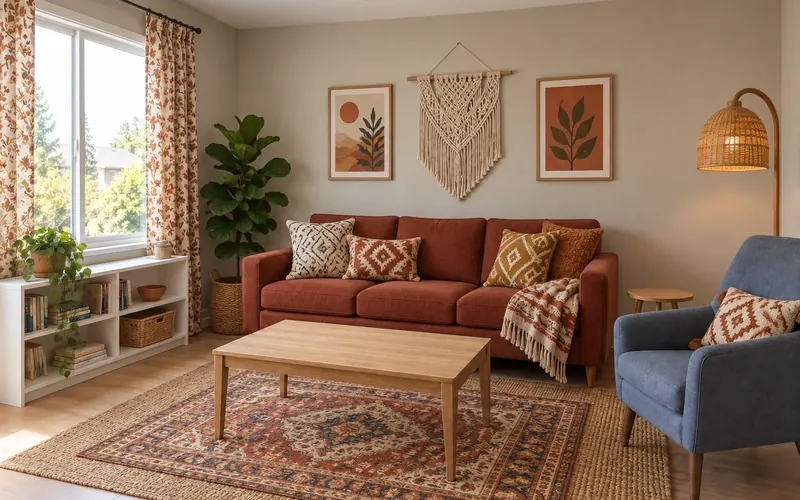
Preview a bedroom, living room, kitchen or bathroom, then explore the focused tool for more ideas.
Decor, layout and staging
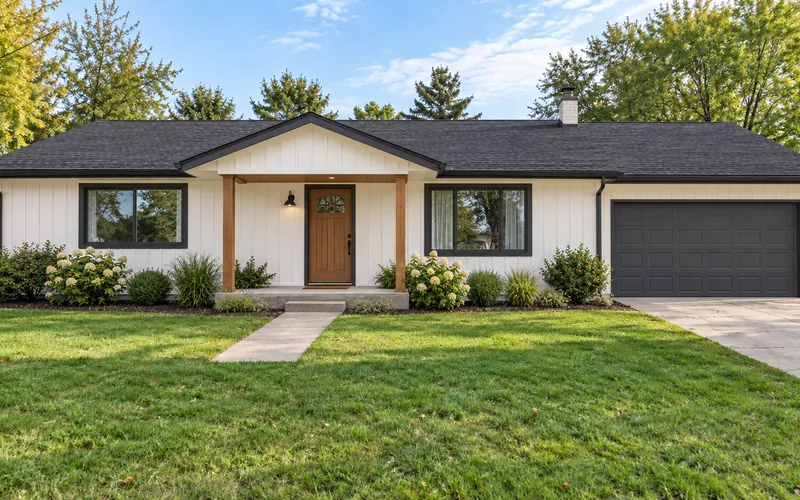
For decor changes, furniture placement or an empty listing room, use a more focused tool.
Distinctive styles and larger projects
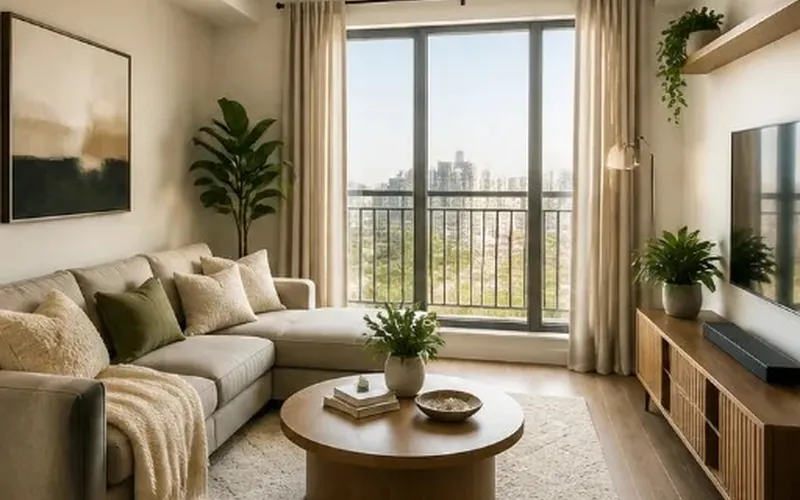
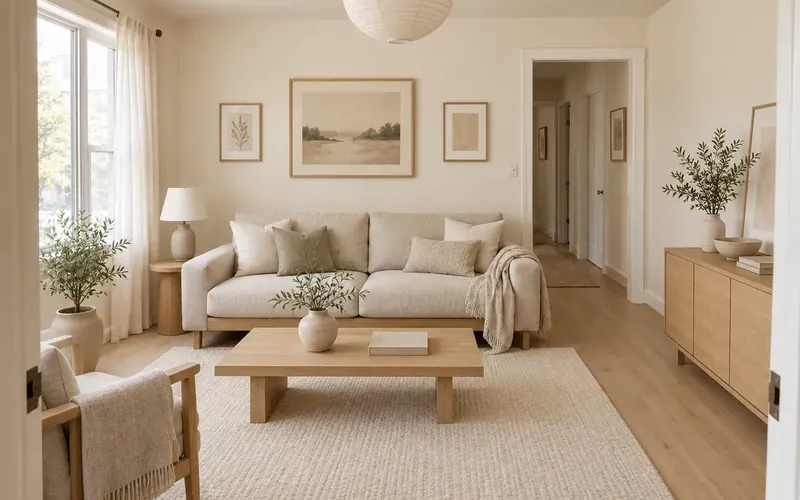
Try a calm Japandi look or explore broader renovation ideas.
AI Room Design Questions
Free AI room design starts with the signup credits included for new accounts. Each generation costs 10 credits, and free requests may wait in a queue. Sign in before generating and check your balance before trying another style.
Yes. Leave the upload empty and describe the room, furniture, materials and lighting you want. Text mode creates a new concept rather than a view of your actual home, so it is useful for exploring a mood before working from a photo.
Start by deciding whether you need visual concepts, a measured layout or construction documents. For photo concepts, compare how clearly each tool lets you choose a room, control the style and inspect the original alongside the result. Useful AI home design app reviews should show a real input photo, disclose credit costs and explain where the output differs.
Begin with a clear brief: name the room, preferred style, main furniture, materials and details that must stay. If you are working with pictures, use a level, well-lit photo and compare any visual result with it. Those same details are useful in this workspace, where the room and style selectors provide a structured starting point.
Photo mode asks the AI to keep the footprint, wall positions, window and door openings, ceiling and camera. Wall finishes, flooring, furnishings and lighting fixtures can change. Small architectural details may still drift, so check the result against your original before relying on it.
Choose among 18 room types, including home office, kids room, basement, mudroom, sunroom and home bar. In photo mode, select the type that matches the room you uploaded; the tool is intended to restyle that space. Use text mode when you want to imagine a completely new room.
Yes. Open the Custom tab in the style picker to add a reference image or write a style description. Explain which colors or materials you like; the reference guides the look while the main room photo provides the space and viewpoint.
Start with one dominant accent and repeat it in a smaller accessory. For a blue and pink room design, try a blue sofa with muted pink cushions against warm white walls; grey and black room designs benefit from wood or textured textiles to soften the contrast. Test each palette separately so the differences are easier to judge.
Choose Japanese Zen for natural wood, simple furniture and a restrained palette. Describe a few specific materials, such as linen curtains or a paper-look lamp, rather than combining many competing styles. For a warmer blend of Japanese and Scandinavian influences, explore the linked Japandi tool.
The result is an AI concept image, not a measured plan, CAD file, construction drawing or cost estimate. Use it to discuss a visual direction, then check dimensions and practical requirements separately. Furniture sizes, walking routes and any building work need verification in the real space.
See a New Design for Your Room
Upload a room photo or describe a new space, choose one style and make an AI concept. New accounts get free signup credits.
Design My Room with AI- 10 credits per generation
- PNG, JPG or WebP up to 10MB
- Compare photo results with your original room