
Best Free AI Interior Design Apps (2026): What’s Actually Free
Is there a free AI for interior design? We checked 11 apps on November 2, 2026: which are free, which give a few free designs, trials and paid prices.
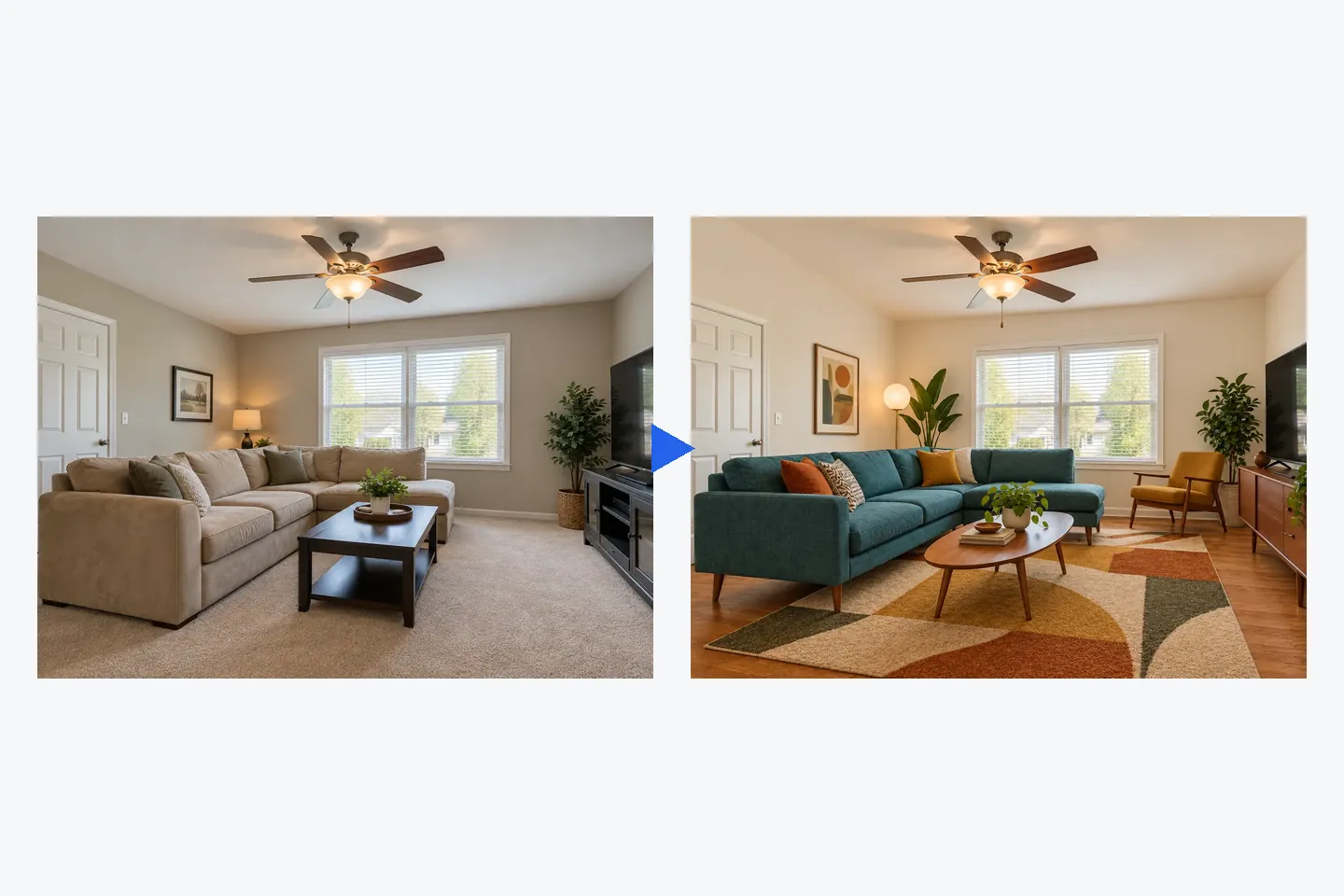
Yes, there are free AI interior design apps, but few stay free for long. On November 2, 2026, the most generous lasting free tier we found was RoomsGPT's daily credits (with a small watermark). Homestyler and Planner 5D are free 3D planners whose AI features are mostly paid. REimagineHome, Remodel AI and RoomGPT give a handful of free designs, HomeDesigns AI and Decor8 AI offer trials, and Interior AI has no free option. IKEA Kreativ is completely free, but it places IKEA products rather than restyling your room with AI.
We checked every free option and price below on each company's own site on November 2, 2026. Floor Plan Maker, where this guide is published, is included and described the same way. Plans change often, so check before you sign up.
Free AI Interior Design Apps at a Glance
Swipe left or right to see the full table →
| App | Free option | Free limits | Cheapest paid option |
|---|---|---|---|
| RoomsGPT | Free daily credits | 3 a day without an account, 4 a day plus 20 bonus with one; small watermark | $4.99/month or $39/year (by billing country) |
| Homestyler | Free basic plan | 3 AI Decor credits in total; 1K renders free, 4K extra | Pro+ from $6.80 first month, then $29/month |
| Planner 5D | Free plan | Half the catalog; no AI credits, uploads or renders | Premium $59.99/year or $19.99/month |
| Floor Plan Maker (this site) | Free credits on signup | Each design uses 10 credits; no watermark added | $9.90 for 150 credits, or $14.90/month for 500 |
| REimagineHome | 5 free designs | 5 designs in total, no card | Essential $19/month |
| Remodel AI | 3 free designs | 3 designs, standard quality; HD and no-watermark on Pro | Pro $349/year |
| RoomGPT | 1 free design | 1 generation after sign-in | Credit packs (price shown after sign-in) |
| HomeDesigns AI | 7-day trial | Turns into Expert at $37/month unless cancelled | Standard $22/month, or $9/month billed yearly (first year) |
| Decor8 AI | 3-day trial in the app | No free plan on the web | $14.99/month |
| Interior AI | None | Paid only, no refunds | $29/month billed yearly ($349/year) |
| IKEA Kreativ | Completely free | IKEA products only; scanning needs a LiDAR device | No paid plan |
What “Free” Means in AI Interior Design
“Free AI interior design” covers four very different offers. Knowing which one you are looking at saves a sign-up.
- A free plan with ongoing credits. You can keep using it, usually with a watermark, lower resolution or a daily limit. RoomsGPT is the clearest example.
- A few free designs. Enough to judge quality on one room, then you pay. REimagineHome, Remodel AI, RoomGPT and Floor Plan Maker work this way.
- A trial. Full features for a few days, then a subscription unless you cancel. Read the renewal price before you start.
- A free planner, with paid AI. Homestyler and Planner 5D let you plan and furnish in 3D for free, but most of their AI restyling needs a paid plan or credits.
Two details matter more than the headline price: whether free results carry a watermark, and whether the free tier allows commercial use, for example in a real estate listing.
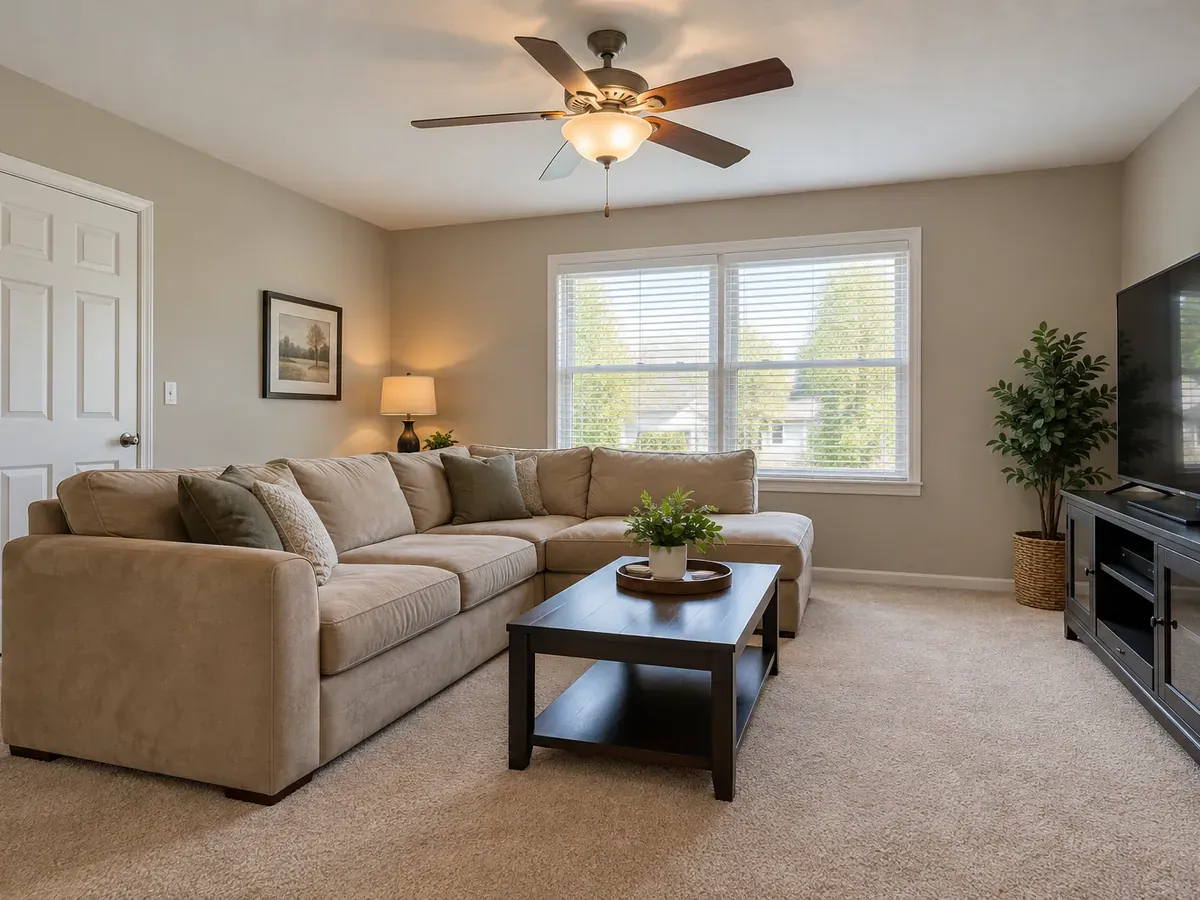
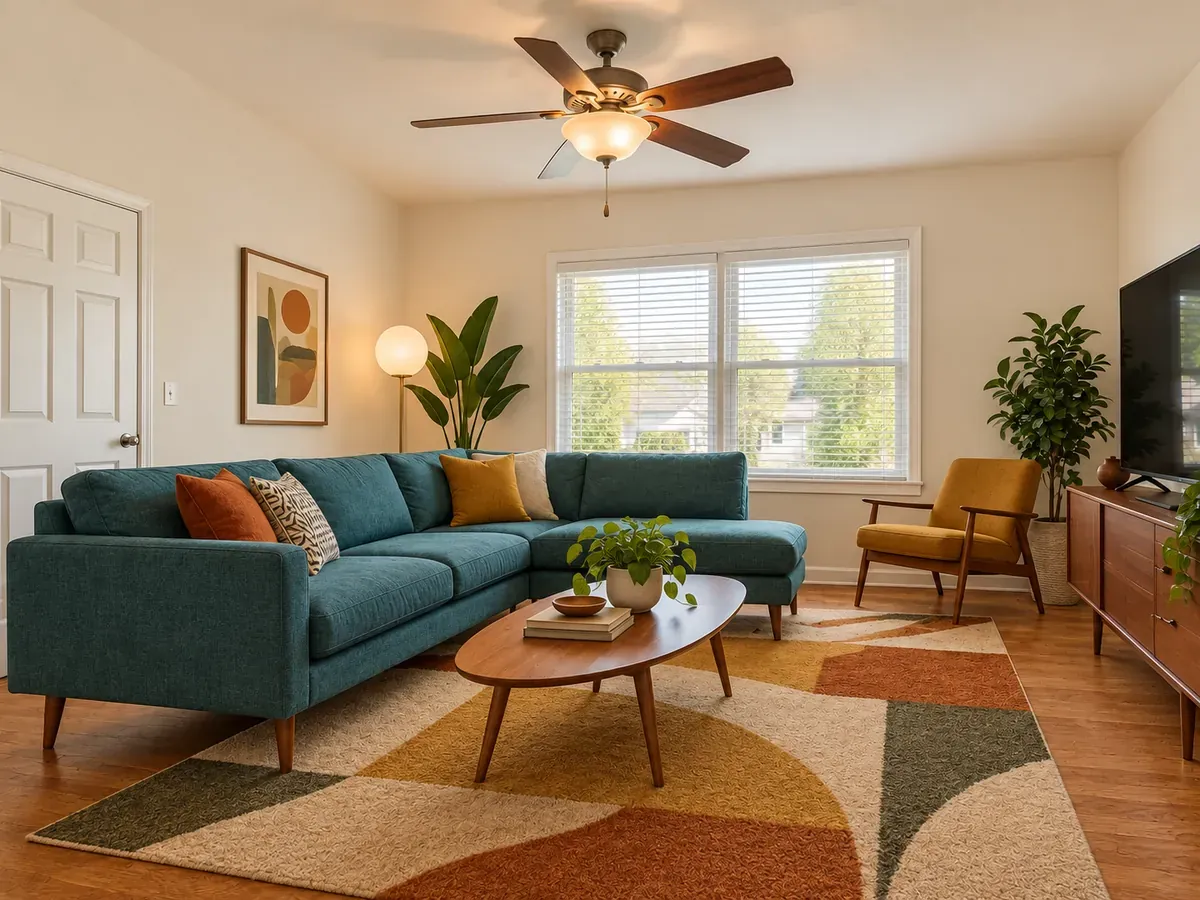 AfterBefore
The 11 Apps, Reviewed
RoomsGPT
Upload a photo and redesign a room, a house exterior or a garden, then edit it in plain words. Free credits refresh daily (3 without an account, 4 plus 20 bonus credits with one), and the site says free downloads carry a small watermark. Paid plans start at $4.99 a month. It is a separate product from RoomGPT.
Homestyler
A full 3D floor planner and renderer with an AI Studio that restyles room photos and stages empty rooms. The free basic plan has no time limit and unlimited 1K renders, but AI Decor gives 3 credits in total. Pro+ starts at $6.80 for the first month, then renews at $29 a month.
Planner 5D
A 2D and 3D home planner on the web, phone and desktop. The free plan covers about half the furniture catalog; AI Studio credits, floor plan upload and renders are on Premium ($59.99 a year, or $19.99 billed monthly).
Floor Plan Maker (this site)
Our AI interior design tool restyles a photo of your room in the style you pick, keeping the walls, windows, doors and camera; without a photo, it creates a new concept room from your description. Separate pages focus on bedrooms, living rooms, kitchens, bathrooms, exteriors, decor-only changes and virtual staging. New accounts get free credits, each design uses 10 credits, and no watermark is added. Paid credits start at $9.90 for 150. Results are AI concept images, so small details can shift; compare them with your photo.
REimagineHome
Upload a photo for a redesign, virtual staging, exterior or landscaping. You get 5 free designs without a card; Essential costs $19 a month. Watermark-free export is listed as a paid feature.
Remodel AI
Restyles interiors, exteriors and gardens on the web, iOS and Android. The free plan gives 3 designs at standard quality with no card; HD downloads without a watermark are on Pro ($349 a year).
RoomGPT
One of the first photo-restyling apps. It now gives 1 free generation after you sign in with Google; credit packs are priced after sign-in.
HomeDesigns AI
Covers interiors, exteriors and gardens, plus staging and 2D-to-3D floor plans. Its free plan has been switched off; a 7-day trial of the Expert plan renews at $37 a month unless you cancel. Standard costs $22 a month, or $9 a month billed yearly in the first year.
Decor8 AI
Redesigns rooms in more than 50 styles and handles staging, paint and cabinet colors. There is no free plan on the web; the app offers a 3-day trial. The Unlimited plan costs $14.99 a month.
Interior AI
Restyles room photos and offers virtual staging and sketch-to-image. There is no free option: Pro costs $29 a month billed yearly ($349), and the site states that refunds are not offered.
IKEA Kreativ
Free in the IKEA app and on IKEA.com: photograph your room, erase your furniture and place IKEA products, or build a room in 3D. It is useful for shopping, but it does not generate AI restyles.
Which Free AI Interior Design App Should You Use?
- To restyle one room for free: use the free designs from REimagineHome, Remodel AI or Floor Plan Maker, or RoomsGPT's daily credits if a watermark is fine.
- To plan furniture to scale: use a 3D planner such as Homestyler or Planner 5D; their free plans handle layout well.
- To shop real furniture: IKEA Kreativ shows real IKEA products in your room.
- For listings or client work: check the commercial license and the watermark before you rely on a free tier.
How to Get More From Free Credits
- Use a good photo. Shoot in daylight from a corner at chest height, with the whole room in frame and clutter cleared.
- Change one thing at a time. Pick one style per design and add one or two notes, such as “keep the sofa” or “warm oak floor”.
- Compare with the original. AI restyles can move small details; check that windows, doors and built-ins stayed put before you buy anything.
Questions About Free AI Interior Design
Yes. RoomsGPT gives free daily credits with a small watermark, and REimagineHome (5), Remodel AI (3), RoomGPT (1) and Floor Plan Maker give a few free designs or free signup credits. Most other apps offer a trial or a paid plan.
It depends on the job. For restyling a photo, REimagineHome, Remodel AI and Floor Plan Maker cover interiors and exteriors; for planning to scale, Homestyler and Planner 5D are full 3D planners; for real products, IKEA Kreativ. Try free designs on your own room before you subscribe.
Rarely for long. Most apps give a few free designs or a short trial, then charge. Lasting free tiers usually add a watermark, a lower resolution or a daily limit.
Yes, for ideas. Upload a photo and an AI app restyles the furniture, colors and finishes while keeping the room. The results are concept images, so measure and check real products before you buy.
Often. RoomsGPT says its free downloads have a small watermark, and Remodel AI lists no-watermark downloads as a Pro feature. Floor Plan Maker does not add a watermark.
Try these tools
 AI Interior DesignRedesign any room from a photo in the style you like.
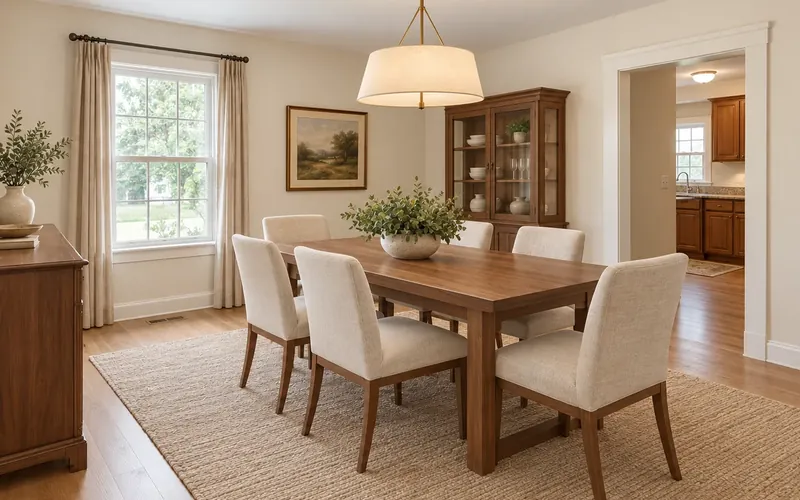 AI Room DesignRedesign any room from a photo, or describe one and let AI design it.
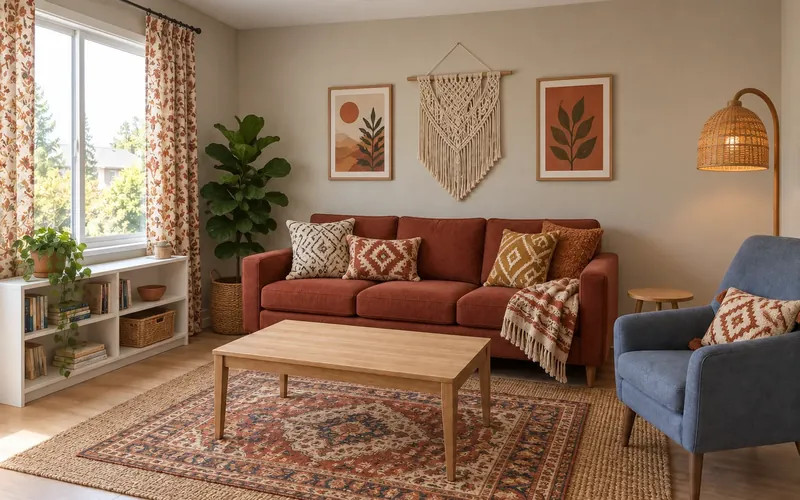 AI Room DecoratorRestyle rugs, cushions, curtains, art and lamps; your furniture stays.
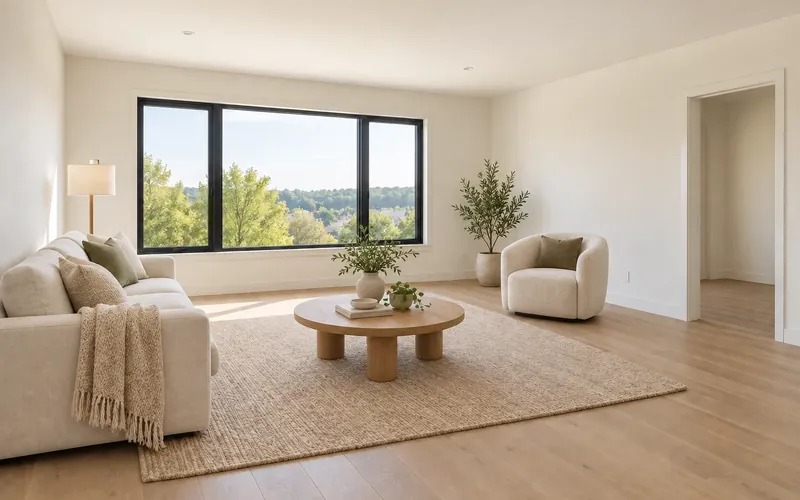 Virtual Staging AIFurnish an empty room photo for a listing in seconds.
Sources
- RoomsGPT pricing — RoomsGPT
- Homestyler pricing — Homestyler
- Planner 5D pricing — Planner 5D
- REimagineHome pricing — REimagineHome
- Remodel AI pricing — Remodel AI
- RoomGPT — RoomGPT
- HomeDesigns AI pricing — HomeDesigns AI
- Decor8 AI pricing — Decor8 AI
- Interior AI — Interior AI
- IKEA Kreativ — IKEA